
Cyber-Luxury Smartwatch Product Grid Prompt
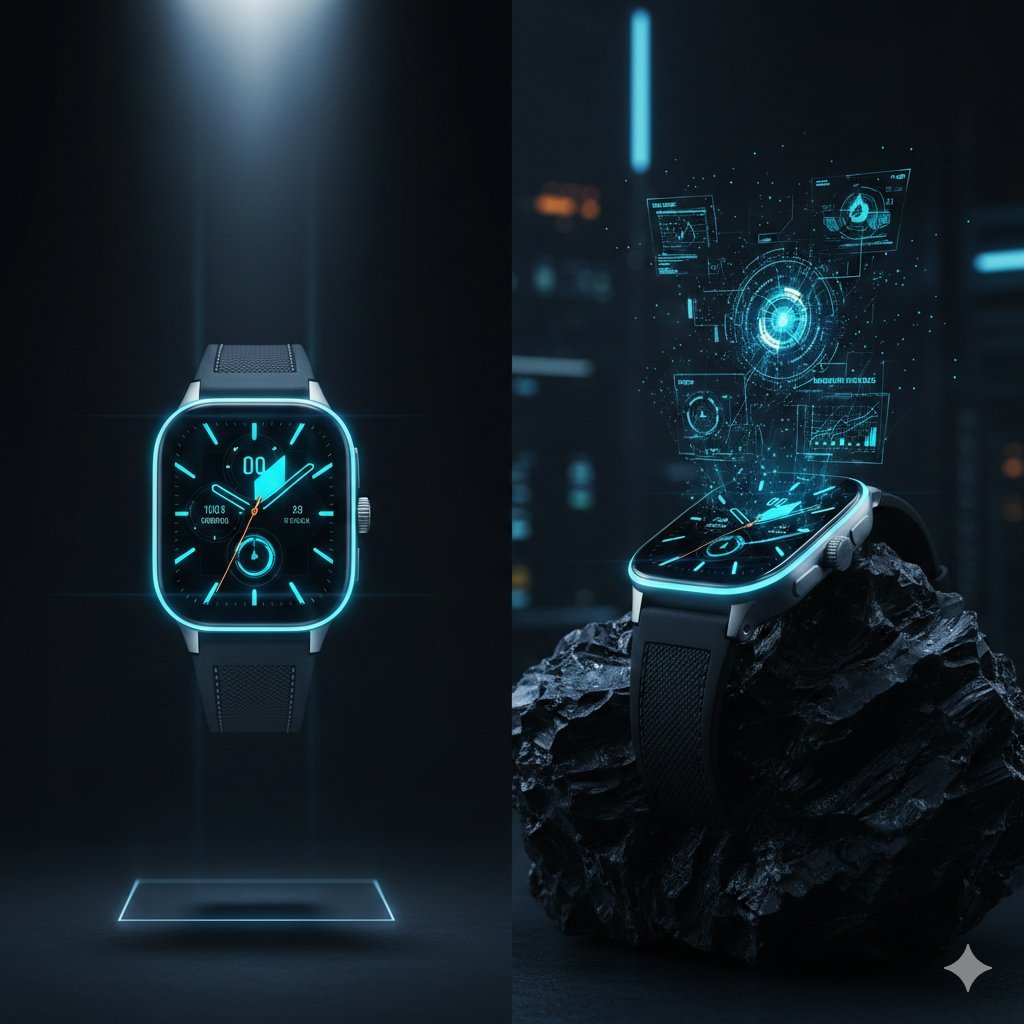
A highly structured JSON prompt for generating a three-row visual grid of a Titanium Luxury Smartwatch product campaign, detailing nine different visual concepts ranging from macro shots of texture to surreal abstract…
- Prompt included
- Model and format preset
- Premium template
The prompt behind this image
Copy the exact prompt behind Cyber-Luxury Smartwatch Product Grid Prompt, or open it in the studio and make it yours.
- Campaign Metadata › Brand Identity
- Quantum Horizon Tech
- Campaign Metadata › Product Focus
- Titanium Luxury Smartwatch
- Campaign Metadata › Aspect Ratio
- 3:4
- Campaign Metadata › Aesthetic
- Cyber-Luxury | Technical Minimalism
- Visual Dna › Materials
- Brushed Aerospace Titanium, Sapphire Crystal, Fluorocarbon Strap
- Visual Dna › Color Scheme
- Space Grey, Electric Cyan, Matte Black
- Visual Dna › Lighting
- Top-down Rim Lighting | Neon Accents | Cold Studio Tones
- Grid Layout Execution › Row 1 Precision › Cell 1 1
- Hero: Watch floating vertically, illuminated by a single beam of light.
- Grid Layout Execution › Row 1 Precision › Cell 1 2
- Macro: The digital crown's knurled texture and the red action button detail.
- Grid Layout Execution › Row 1 Precision › Cell 1 3
- Dynamic: Liquid metal ripples splashing against the titanium casing.
- Grid Layout Execution › Row 2 Lifestyle › Cell 2 1
- Minimal: Watch resting on a raw piece of jagged obsidian rock.
- Grid Layout Execution › Row 2 Lifestyle › Cell 2 2
- Innovation: Holographic UI elements projecting from the watch face into the air.
- Grid Layout Execution › Row 2 Lifestyle › Cell 2 3
- Sensory: Close-up of the strap clicking into the magnetic lug with precision.
- Grid Layout Execution › Row 3 Surreal › Cell 3 1
- Color: A gradient of deep blues and purples with light-trail long exposure.
- Grid Layout Execution › Row 3 Surreal › Cell 3 2
- Abstraction: Deconstructed internal gears and chips floating like a nebula.
- Grid Layout Execution › Row 3 Surreal › Cell 3 3
- Fusion: The watch submerged in a digital 'data' ocean with glowing currents.
Raw JSON
{
  "campaign_metadata": {
    "brand_identity": "Quantum Horizon Tech",
    "product_focus": "Titanium Luxury Smartwatch",
    "aspect_ratio": "3:4",
    "aesthetic": "Cyber-Luxury | Technical Minimalism"
  },
  "visual_dna": {
    "materials": ["Brushed Aerospace Titanium", "Sapphire Crystal", "Fluorocarbon Strap"],
    "color_scheme": ["Space Grey", "Electric Cyan", "Matte Black"],
    "lighting": "Top-down Rim Lighting | Neon Accents | Cold Studio Tones"
  },
  "grid_layout_execution": {
    "row_1_precision": {
      "cell_1_1": "Hero: Watch floating vertically, illuminated by a single beam of light.",
      "cell_1_2": "Macro: The digital crown's knurled texture and the red action button detail.",
      "cell_1_3": "Dynamic: Liquid metal ripples splashing against the titanium casing."
    },
    "row_2_lifestyle": {
      "cell_2_1": "Minimal: Watch resting on a raw piece of jagged obsidian rock.",
      "cell_2_2": "Innovation: Holographic UI elements projecting from the watch face into the air.",
      "cell_2_3": "Sensory: Close-up of the strap clicking into the magnetic lug with precision."
    },
    "row_3_surreal": {
      "cell_3_1": "Color: A gradient of deep blues and purples with light-trail long exposure.",
      "cell_3_2": "Abstraction: Deconstructed internal gears and chips floating like a nebula.",
      "cell_3_3": "Fusion: The watch submerged in a digital 'data' ocean with glowing currents."
    }
  }
}How to use Cyber-Luxury Smartwatch Product Grid Prompt in 3 steps
- 1
Open
The prompt is already in the box next to the preview, with the template's model and format selected.
- 2…a portrait of your subject in softgolden-hour light, 85mm…
Personalize
Edit the subject and creative details for your destination.
- 3Generate
Generate
Press Generate — your image is created in PicX Studio, so you can compare it with the original and refine one variable at a time.
More like this
Templates with the same subject, style or setup. Open one to see its prompt.

Minimalist Skincare Product Water Stone Still
Instagram Feed Grid
Minimalist Skincare Product Water Stone Still

Luxury Toothpaste Commercial Storyboard
Minimalist Luxury Brand Concept
Cyber-Kawaii Influencer Portrait Grid
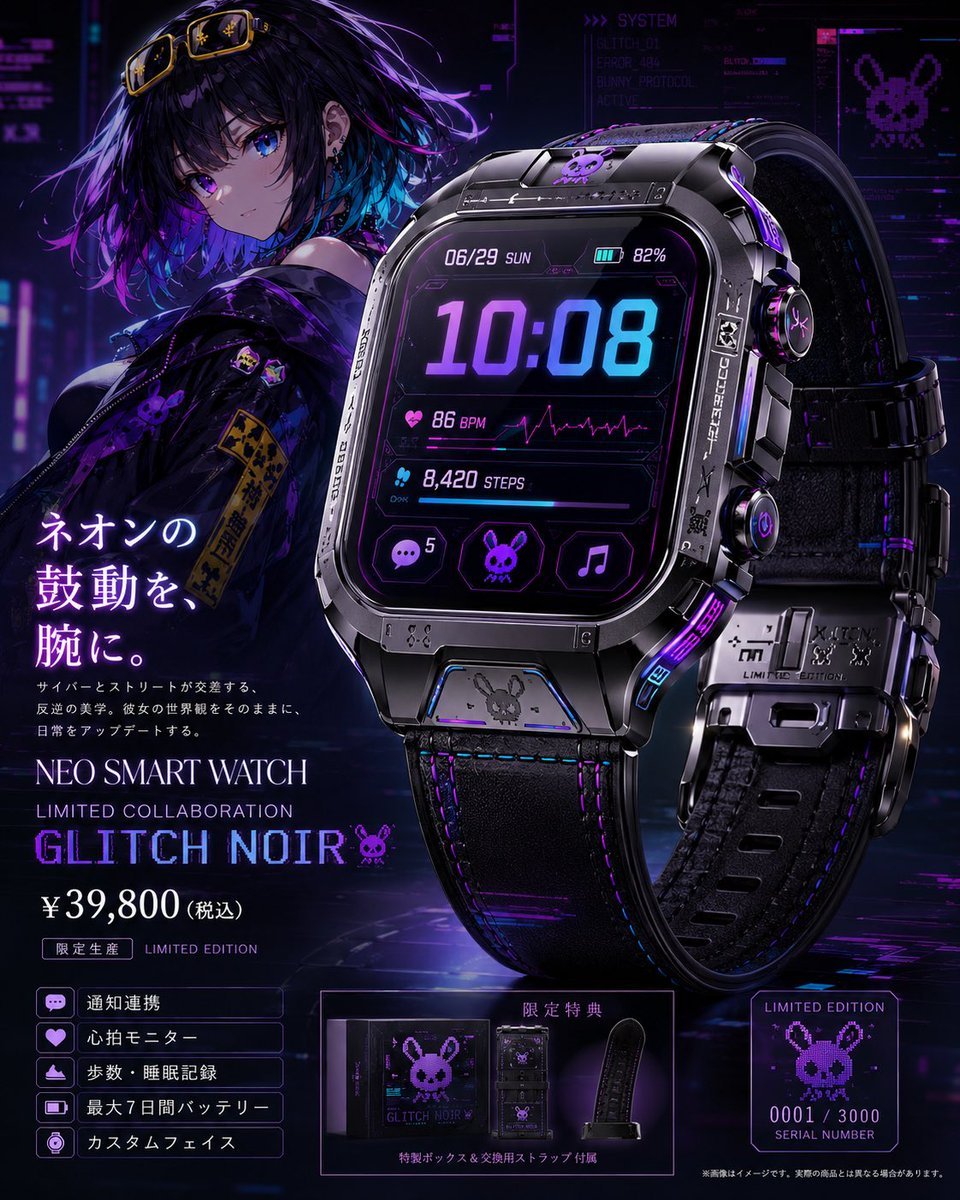
Cyberpunk Limited Smartwatch Poster

A k.pop idol on the stage with mic
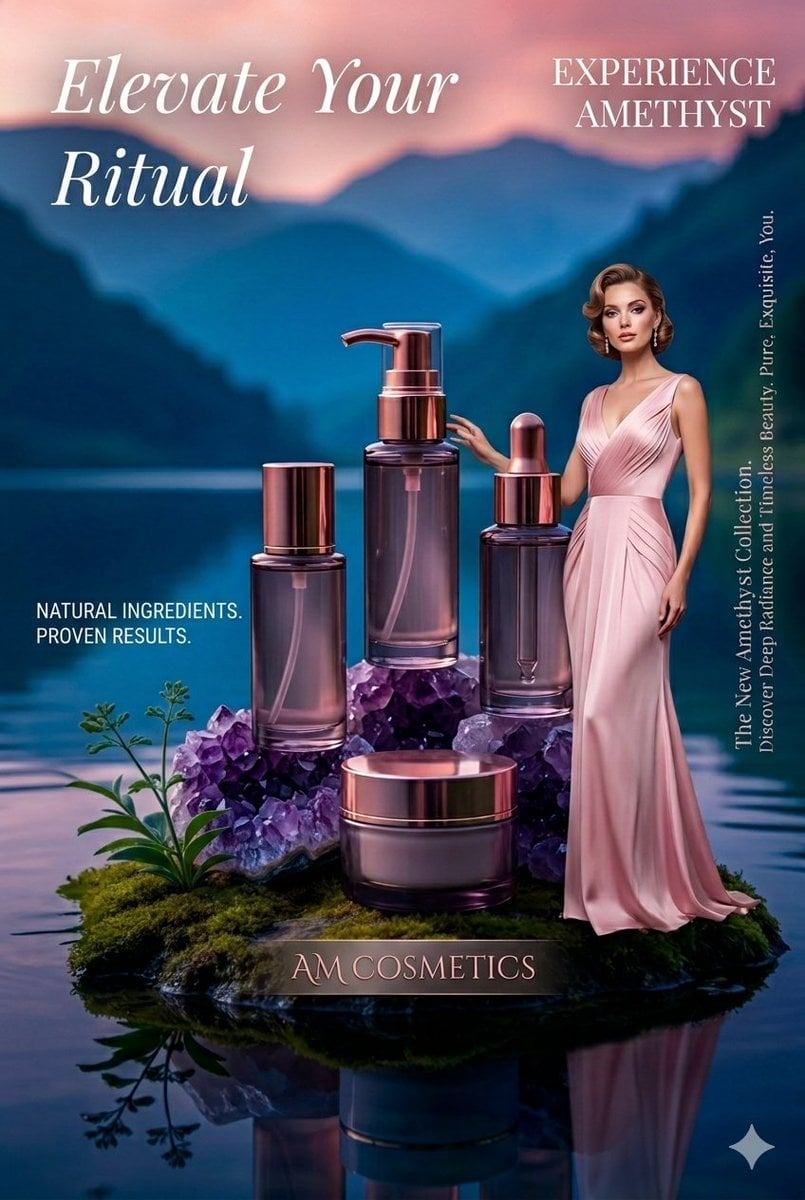
Luxury Skincare Product Photography

Sealing Wax Letter Desk

Ballroom Floor Reflections

Vintage Camera Leather Case
Make it yours
Cyber-Luxury Smartwatch Product Grid Prompt works as-is. These are the safest ways to change it without losing the look.
Swap the light
One lighting change is enough to compare takes. Current light: “Top-down Rim Lighting | Neon Accents | Cold Studio Tones”.
Change one field
Copy a single group, rewrite it, and generate again so you can see what that field is doing.
Keep the frame, change the subject
Hold the composition and light of Cyber-Luxury Smartwatch Product Grid Prompt, then swap wardrobe, props or the person for a new take.
| If the result… | Why | Fix |
|---|---|---|
| The result drifts from the preview | Too many fields changed at once. | Reuse Cyber-Luxury Smartwatch Product Grid Prompt as-is first, then change one group — subject, light, or setting. |
| Nano Banana 2 ignores part of the JSON | Some models flatten or skip nested keys. | Keep the same values and paste them as a short paragraph instead. |
More Nano Banana 2 templates
Other prompts made for Nano Banana 2.

Photorealistic Leaf Shaped Like a Dragon

K-Pop Idol Portrait Grid for Rapid Selection

Poetic Rain Forest Portrait During Golden Hour

Urban Street Portrait with Cartoon Inner Self Duo

Candid Nighttime Photo with Cat Prompt

High-Concept 3D Diorama Generation Prompt

Cinematic Futuristic Studio Portrait Template

Skincare Editorial Photography Collage Prompt

Hyper-Realistic Commercial Product Photography (Splash Effect)

Hyper-Realistic Nightclub Portrait Prompt
More image prompts
Fresh picks from across the catalog.
Minimal Abstract Vector Illustration Style
High-Fashion Tiered Ballgown Editorial
Microscopic View of a Pencil Tip
Hyper-Realistic Biker Wheelie Portrait
Augmented Reality Spotify Player Visual Prompt
Scouter Prompt (Combat Power Analysis) - Summary
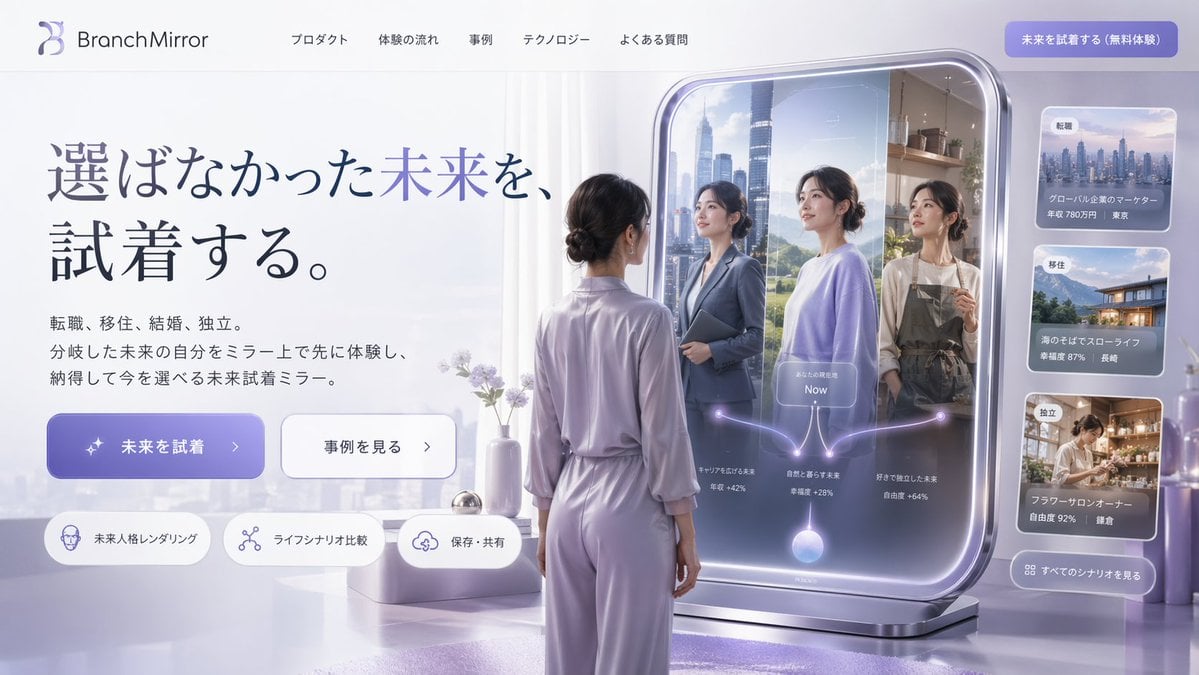
Futuristic Smart Mirror Website Mockup
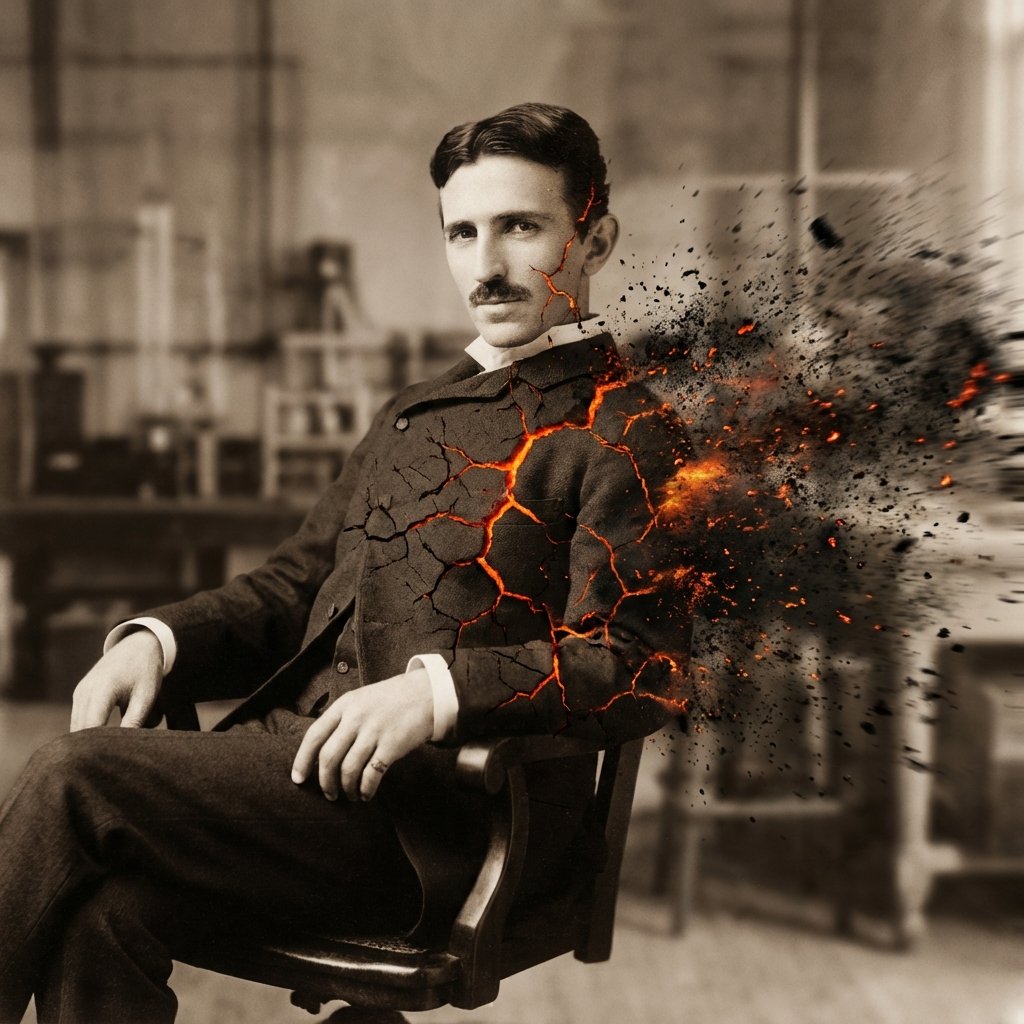
Disintegration Effect Function Prompt

untitled
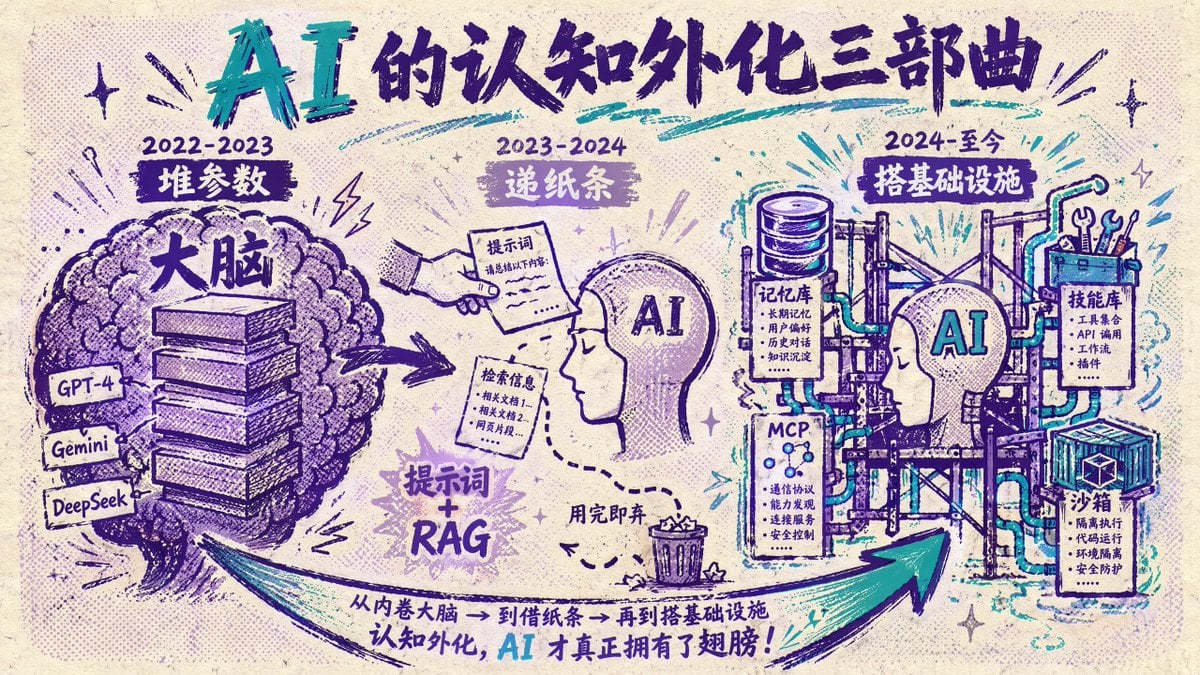
Chinese AI Evolution Infographic Poster
Browse template categories
Cyber-Luxury Smartwatch Product Grid Prompt questions
How do I use the Cyber-Luxury Smartwatch Product Grid Prompt template?
Add your photo if the template asks for one, edit the prompt if you like — the template's model and format are already selected — and press Generate. Your version opens in PicX Studio.
Can I customize the Cyber-Luxury Smartwatch Product Grid Prompt template?
Yes. You can change the subject, setting, lighting, mood, format, and available model controls before creating your image.
Is the Cyber-Luxury Smartwatch Product Grid Prompt template free?
Opening and editing this template is free. Generating uses credits, shown on the Generate button when you are signed in.
Which AI model should I use?
Start with Nano Banana 2, which is the model associated with this template. You can compare another compatible model for a different finish.
Looking for something else? Browse all templates.

Your photo, any look
Thousands of ready templates for every top image and video model, from one credit balance.