
Cyberpunk Limited Smartwatch Poster
Creates an official-style cyberpunk anime collaboration smartwatch product poster with Japanese sales copy, feature cards, and limited-edition packaging details.
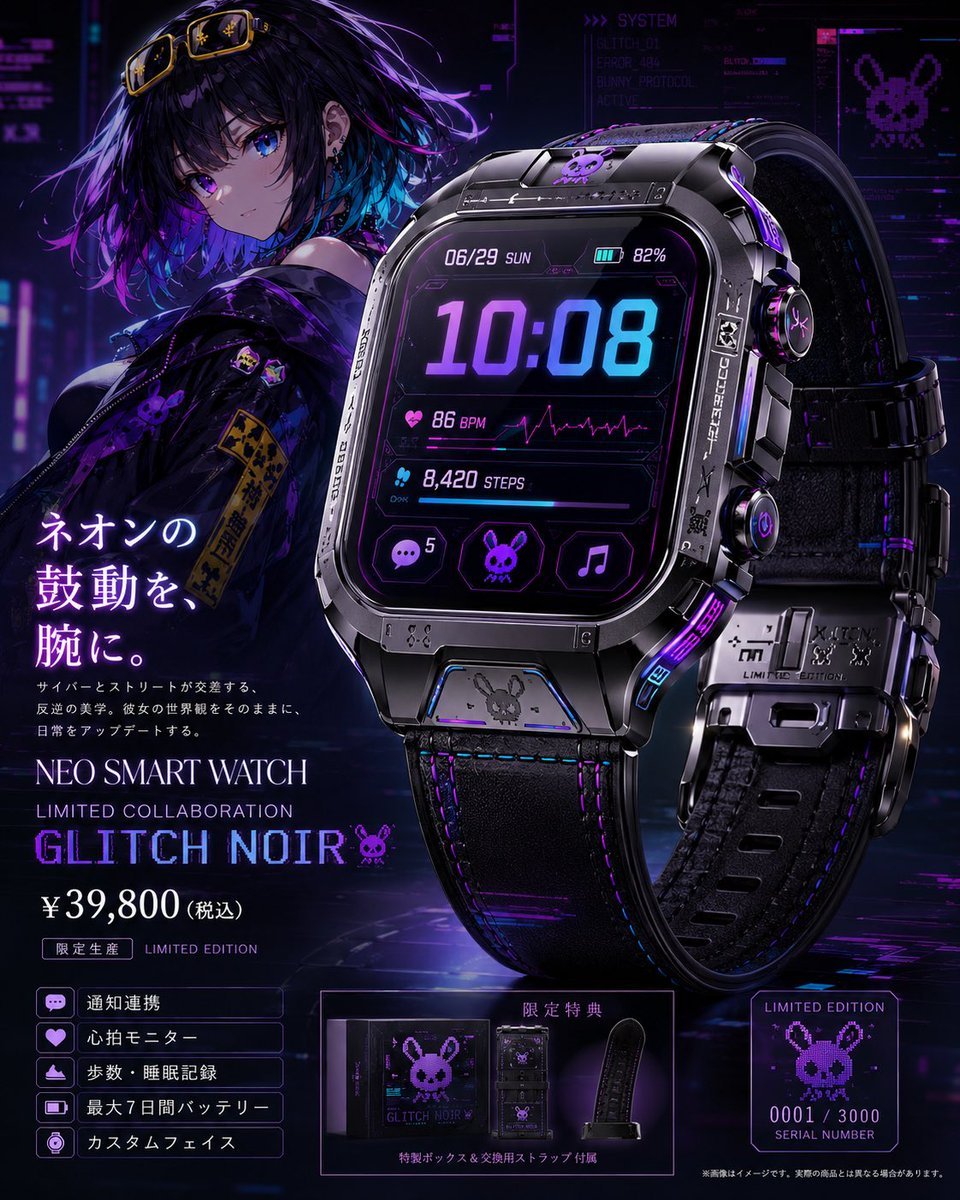
- Prompt included
- Model and format preset
- Premium template
The prompt behind this image
Copy the exact prompt behind Cyberpunk Limited Smartwatch Poster, or open it in the studio and make it yours.
Goal: Create a premium official-looking product page visual for a limited collaboration smartwatch themed around {argument name="character name" default="Glitch Noir"}, mixing cyberpunk anime fashion, black metal hardware, purple/blue neon lighting, and luxury gadget advertising. Canvas: Square 1:1 promotional poster, high-resolution, dark futuristic city background with holographic UI panels, magenta-purple-blue glow, glossy reflections, and a dramatic studio-product lighting setup. Main layout: Place a large hero smartwatch on the right side, occupying about half the image, angled slightly toward the viewer with a second rear/side strap view behind it. Place an anime girl mascot on the upper left behind the product, shoulder-up to half-body, looking toward the viewer. Use a left-column product headline and price block, a bottom-left feature list, a bottom-center bonus/package panel, and a bottom-right limited serial-number card. Subject details: The anime girl has short messy black hair with purple and cyan highlights, bright violet-blue eyes, small earrings, yellow goggles resting on her head, and a black streetwear jacket with purple glitch-bunny patches and yellow caution-style tags. She should feel cool, quiet, and cyberpunk, not overly cheerful. The smartwatch is bulky and premium, with a rounded-square black metal case, beveled industrial edges, screws, engraved markings, side buttons, a black leather or rubber strap with purple stitching, metallic clasp pieces, and tiny bunny/skull/glitch emblems. Add purple neon accents on the case, crown, strap, and edges. Watch face UI: Show a futuristic digital display with exactly these main elements: date “06/29 SUN”, battery “82%”, large time “10:08”, heart-rate row “86 BPM” with a magenta ECG line, steps row “8,420 STEPS”, and three bottom app icons: chat bubble with badge “5”, bunny/skull icon, and music note. Use cyan and violet glowing typography on a black glass screen. Text content: Use Japanese product-page copy on the left. Large vertical-style headline: “ネオンの鼓動を、腕に。” Small description underneath: “サイバーとストリートが交差する、反逆の美学。彼女の世界観をそのままに、日常をアップデートする。” Product title: “NEO SMART WATCH”. Subtitle: “LIMITED COLLABORATION”. Large model name: “GLITCH NOIR” followed by a small bunny icon. Price: “¥39,800(税込)”. Label: “限定生産 LIMITED EDITION”. Feature list: Include exactly 5 boxed feature rows with small icons: 1) “通知連携” with chat icon, 2) “心拍モニター” with heart icon, 3) “歩数・睡眠記録” with activity/sleep icon, 4) “最大7日間バッテリー” with battery icon, 5) “カスタムフェイス” with watch-face icon. Bottom panels: Bottom center panel shows a luxury black special box and an extra replacement strap, labeled “限定特典” and “特製ボックス&交換用ストラップ付属”. Bottom right card shows pixel-art bunny logo, “LIMITED EDITION”, “0001 / 3000”, and “SERIAL NUMBER”. Add a tiny disclaimer along the bottom edge in Japanese, like an official product mockup. Visual style: Ultra-detailed anime x photoreal product advertising, cinematic cyberpunk noir, sharp reflections, realistic metal and leather materials, clean commercial composition, neon purple and electric blue palette, subtle glitch effects, holographic tech overlays, premium limited-edition feel. Constraints: Keep the image as a single polished product-page poster. Make all visible text crisp and legible. Use exactly one main character, exactly two visible watch views, exactly three watch-face app icons, exactly five feature rows, exactly one bonus/package panel, and exactly one serial-number card. Do not add extra products, extra characters, watermarks, or random unreadable branding.
How to use Cyberpunk Limited Smartwatch Poster in 3 steps
- 1Upload ImagePNG, JPG or paste
Add your photo
Upload the photo the template builds on. The prompt, model and format are already set.
- 2…a portrait of your subject in softgolden-hour light, 85mm…
Personalize
Edit the subject and creative details for your destination.
- 3Generate
Generate
Press Generate — your image is created in PicX Studio, so you can compare it with the original and refine one variable at a time.
More like this
Templates with the same subject, style or setup. Open one to see its prompt.

Neon Glitch Cyber Symbiote Music Poster
Cinematic Side Profile Cyberpunk Hero Poster

Black Liquid Cyberpunk Portrait Poster

Japan Travel Brochure Poster

Cartoon TV Show Poster Pack

Trendy Cafe Drink Promo Poster

Urban Fashion Editorial Collage Streetwear Poster

Premium Fashion Editorial Cover Layout System

Polo Ralph Lauren Luxury American Heritage Fashion Campaign

Monochrome Halftone Editorial Fashion Poster

Retro Mirror Luxury Fashion Campaign Poster

Luxury Fashion Campaign Typography Poster System
Make it yours
Cyberpunk Limited Smartwatch Poster works as-is. These are the safest ways to change it without losing the look.
Change one field
Copy a single group, rewrite it, and generate again so you can see what that field is doing.
Keep the frame, change the subject
Hold the composition and light of Cyberpunk Limited Smartwatch Poster, then swap wardrobe, props or the person for a new take.
| If the result… | Why | Fix |
|---|---|---|
| The result drifts from the preview | Too many fields changed at once. | Reuse Cyberpunk Limited Smartwatch Poster as-is first, then change one group — subject, light, or setting. |
| The model over-stylizes the scene | The prose prompt leaves finish and camera underspecified. | Add one camera or lighting sentence and stay on GPT Image 2. |
More GPT Image 2 templates
Other prompts made for GPT Image 2.

Six VTuber Japanese Logo Sheet

Realistic Portrait of Woman and Deer

The Vista Modular Condo Poster

AI Model Routing Comparison Infographic

2.5D Anime Art Board

Isometric Productivity Desk Scene

New York Double Exposure Poster

Four-Panel AI Landscape Comparison

Japanese Tatami Lifestyle Magazine Cover

NESCAFÉ Coffee Map Poster
More image prompts
Fresh picks from across the catalog.
Consistent Character Multi-Angle Studio Shot
Nighttime Portrait with Luxury Car
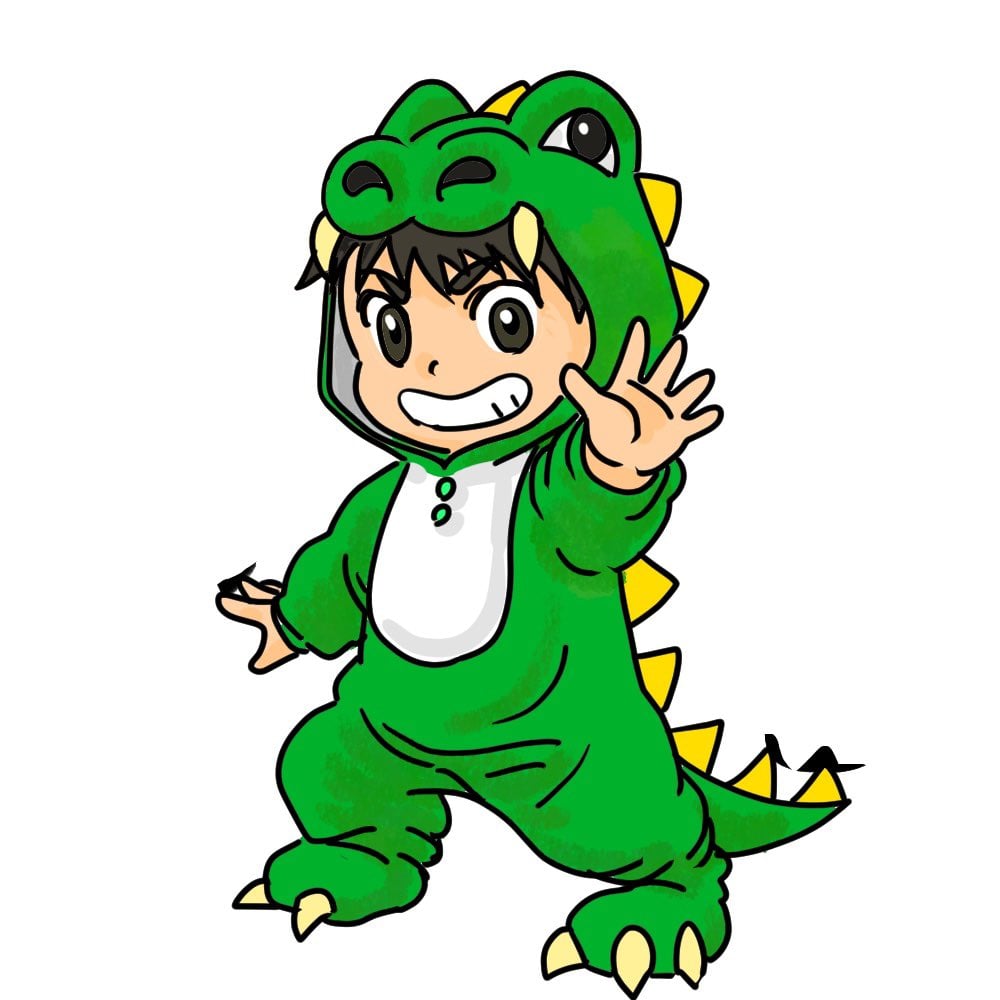
Chibi Godzilla Snowboarding
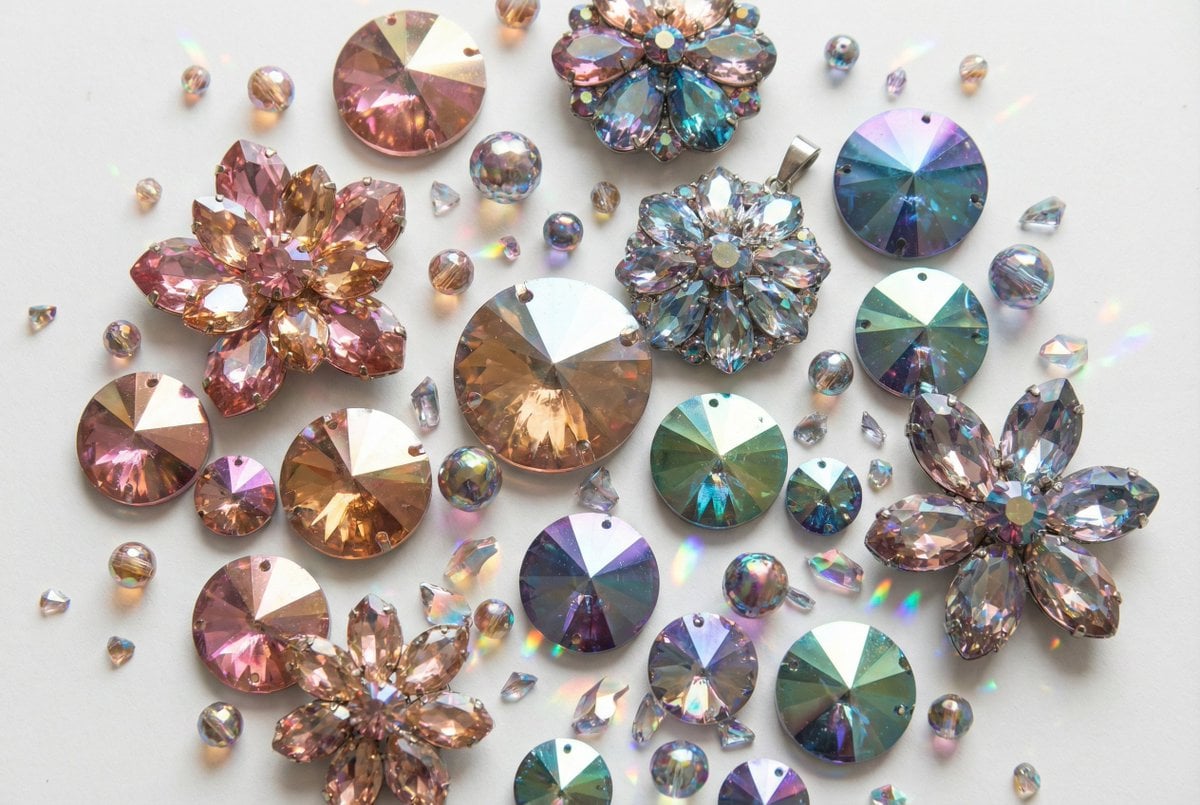
Iridescent Faceted Jewel Arrangement Product Shot
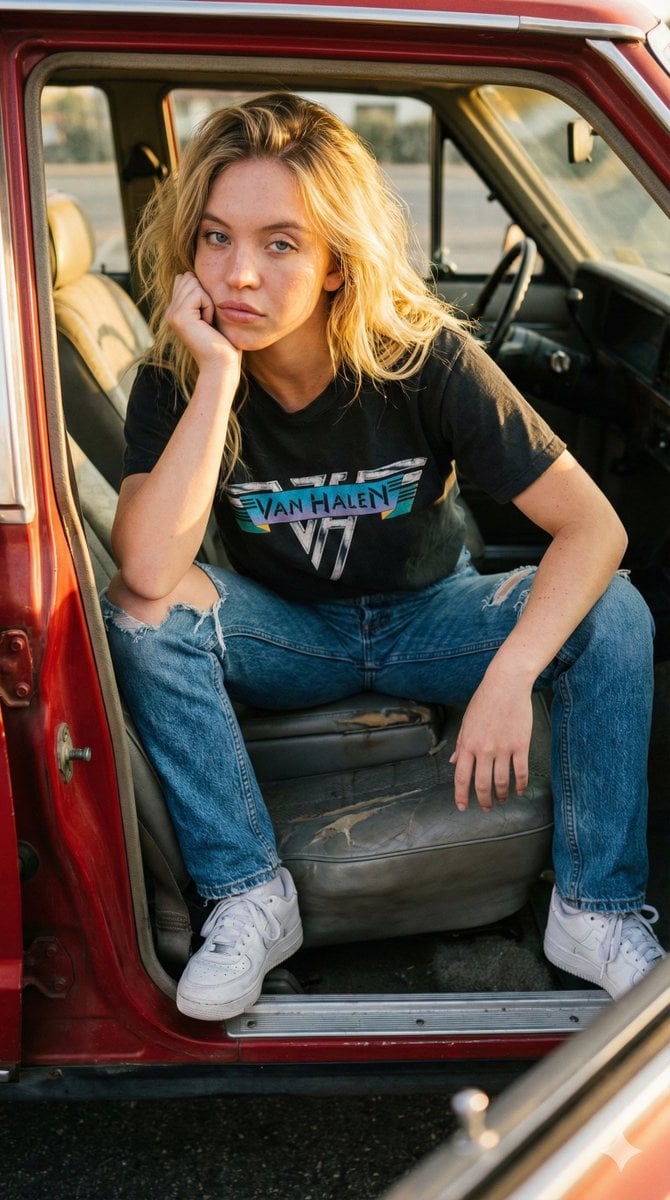
Raw Documentary Car Interior Portrait
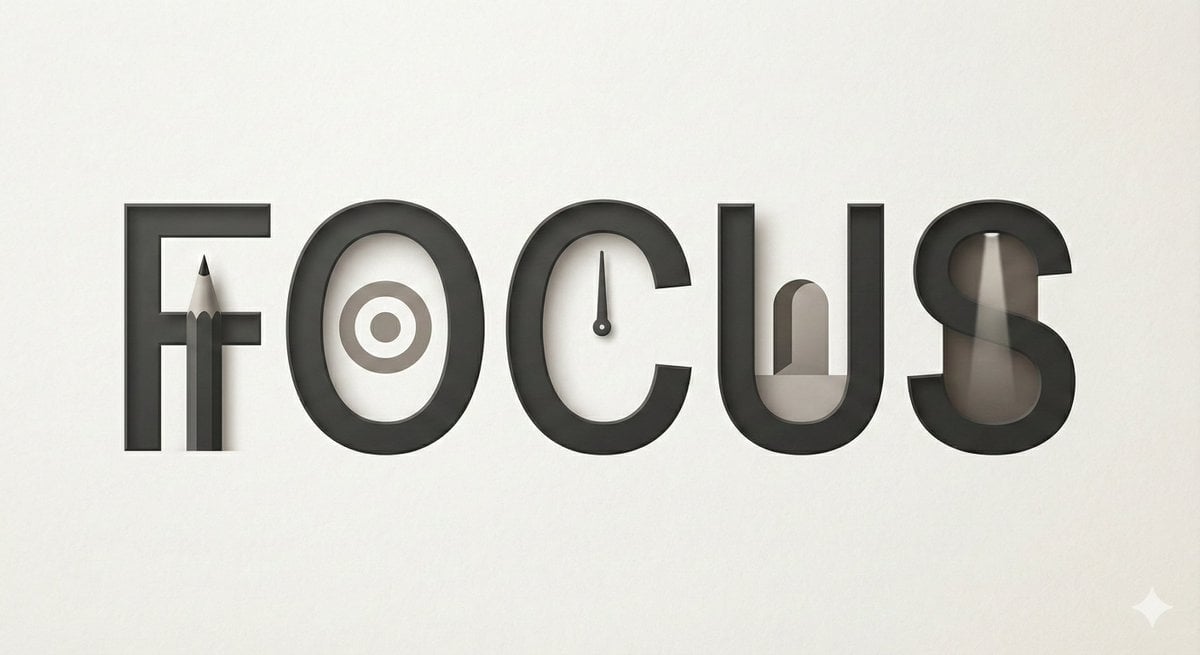
Minimalist Typographic Illustration Conveying Meaning
style and use case copy paste and generate instan... (IMAGE-NANO_BANANA)
Gemini Nano Banana 2
Ultra-Photorealistic Gymnastics Group Portrait
Cinematic Portrait with Static CRT Television
Browse template categories
Cyberpunk Limited Smartwatch Poster questions
How do I use the Cyberpunk Limited Smartwatch Poster template?
Add your photo if the template asks for one, edit the prompt if you like — the template's model and format are already selected — and press Generate. Your version opens in PicX Studio.
Can I customize the Cyberpunk Limited Smartwatch Poster template?
Yes. You can change the subject, setting, lighting, mood, format, and available model controls before creating your image.
Is the Cyberpunk Limited Smartwatch Poster template free?
Opening and editing this template is free. Generating uses credits, shown on the Generate button when you are signed in.
Which AI model should I use?
Start with GPT Image 2, which is the model associated with this template. You can compare another compatible model for a different finish.
Looking for something else? Browse all templates.

Your photo, any look
Thousands of ready templates for every top image and video model, from one credit balance.