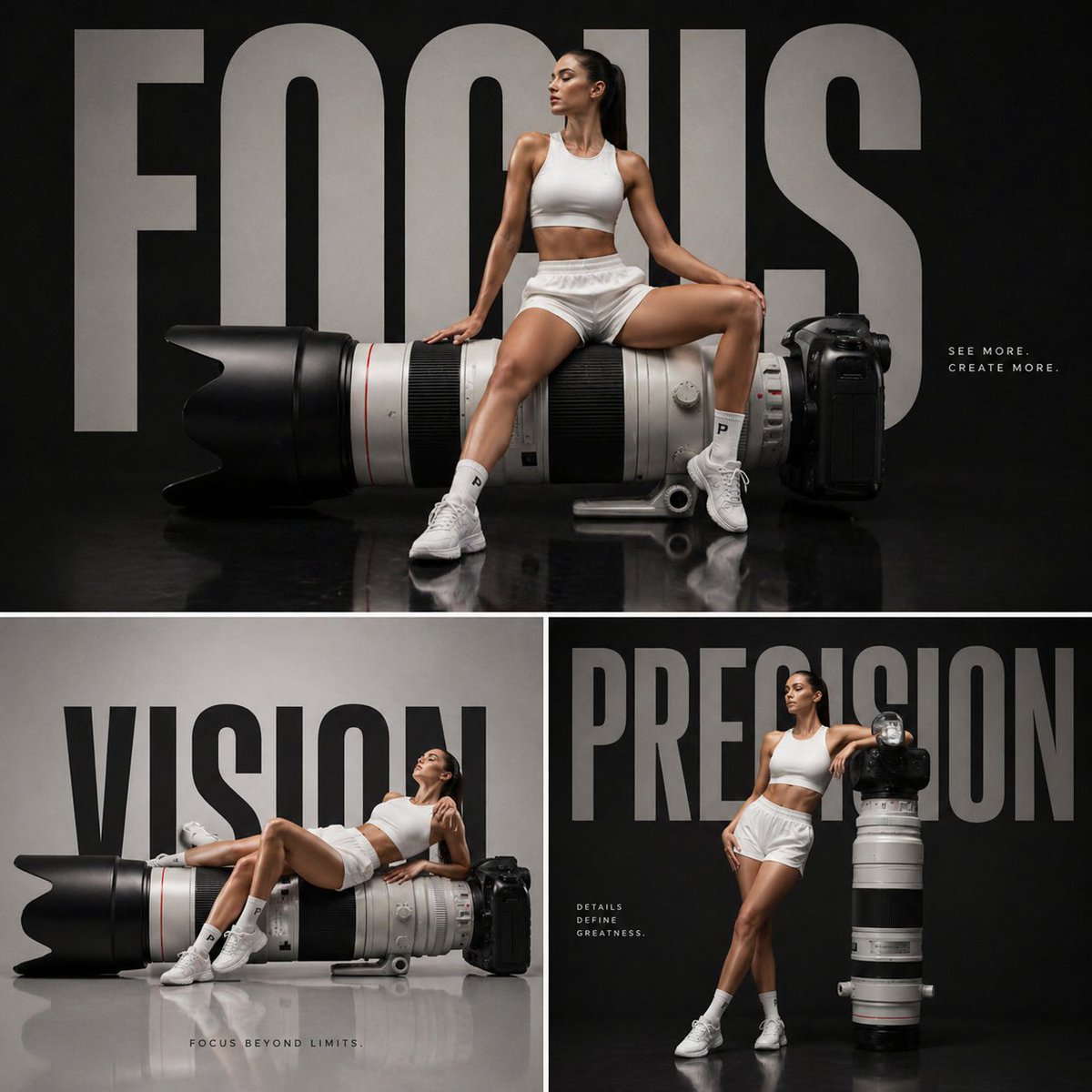
How do I use the Ultra-Photorealistic Gymnastics Group Portrait template?
Choose the primary action to open PicX Studio with the available template settings. Review the model and format, personalize the creative direction, and generate when ready.
A highly detailed, structured prompt for generating an ultra-photorealistic group portrait of three young female athletes in gymnastics leotards, standing with their backs mostly facing the camera in an indoor training facility. Change the subject, setting, or lighting one variable at a time.

{ "prompt_type": "ultra-photorealistic athletic group portrait", "subjects": [ { "gender": "female", "age_range": "18-20", "position": "left", "body_type": "athletic, muscular lower body, strong legs", "stance": "standing with back mostly facing camera, torso slightly turned left, arms crossed", "face": { "expression": "subtle confident smile", "face_shape": "rounded oval", "skin_tone": "light fair skin with warm undertone", "eyes": "light colored, partially visible due to angle", "nose": "small to medium, straight", "lips": "medium fullness, natural pink tone" }, "hair": { "color": "light blonde", "style": "shoulder-length loose waves", "part": "slight side part" }, "outfit": { "type": "gymnastics leotard", "color": "dark navy blue", "sleeves": "long mesh sleeves", "details": "small rhinestone embellishments along sleeves", "fit": "snug professional athletic fit" } }, { "gender": "female", "age_range": "18-20", "position": "center", "body_type": "athletic, toned, muscular legs and glutes", "stance": "back facing camera, torso turned slightly right, arms crossed", "face": { "expression": "bright friendly smile", "face_shape": "oval", "skin_tone": "light fair skin with neutral undertone", "eyes": "light colored, clearly visible", "nose": "straight bridge, softly rounded tip", "lips": "medium-full, natural pink" }, "hair": { "color": "golden blonde", "style": "long loose waves", "part": "center part" }, "outfit": { "type": "gymnastics leotard", "color": "{argument name="center leotard color" default="white"}", "sleeves": "long sheer mesh sleeves", "back_design": "open back with crisscross straps", "fit": "snug professional athletic fit" } }, { "gender": "female", "age_range": "18-20", "position": "right", "body_type": "athletic, strong legs, toned build", "stance": "back facing camera, torso turned left, arms crossed", "face": { "expression": "wide cheerful smile", "face_shape": "oval with soft jawline", "skin_tone": "light fair skin with cool-neutral undertone", "eyes": "light colored", "nose": "medium, straight", "lips": "medium fullness, natural tone" }, "hair": { "color": "light brown", "style": "long straight hair", "part": "side part" }, "outfit": { "type": "gymnastics leotard", "color": "dark navy blue", "sleeves": "long mesh sleeves", "details": "subtle rhinestone accents", "fit": "snug professional athletic fit" } } ], "environment": { "location": "indoor gymnastics training facility", "floor" }
Choose the primary action to open PicX Studio with the available template settings. Review the model and format, personalize the creative direction, and generate when ready.
Yes. You can change the subject, setting, lighting, mood, format, and available model controls before creating your image.
This template is free to open and customize. Generation usage is shown in PicX Studio before you create.
Start with Nano Banana 2, which is the model associated with this template. You can compare another compatible model for a different finish.
© 2026 PicX Studio. All rights reserved.

Follow a topic to a crawlable collection of related PicX Studio templates.
43,474 public templates available. Verified via the PicX Studio public templates API; refreshed hourly.



![118-google-nano-banana-pro-skincare-product- — A professional skincare shot of a [product container] with [cap/lid], labeled [brand, product, descriptor, volume](/_next/image?url=https%3A%2F%2Fcdn.picxstudio.com%2Fuploads%2Fpost118_img0_332898b8-29ea-42a9-87ab-9ed746a3f944.jpg&w=828&q=100)




![69-untitled — FORMAT: 15s / 145 BPM / 14 SHOTS
SUBJECT: @[image1]
WARDROBE: Clean modern outfit
ENVIRONMENT: Street / indoor transitions
MOOD: Discovery → contr](/_next/image?url=https%3A%2F%2Fcdn.picxstudio.com%2Fuploads%2Fpost69_img0_d45faecf-38c3-4bcb-81a4-f6eb1cf42bb2.jpg&w=828&q=100)













![Naive doodle-style subject illustration — A doodle-style {argument name="subject" default="[subject]"}, naive lines, humorous shape exaggeration](https://pbs.twimg.com/media/G6Wl2YxbsAARB2b.jpg)