
Vintage Cinematic Travel Poster
A breathtaking tropical travel poster of Raja Ampat featuring a traveler overlooking a turquoise lagoon in a vintage luxury aesthetic.
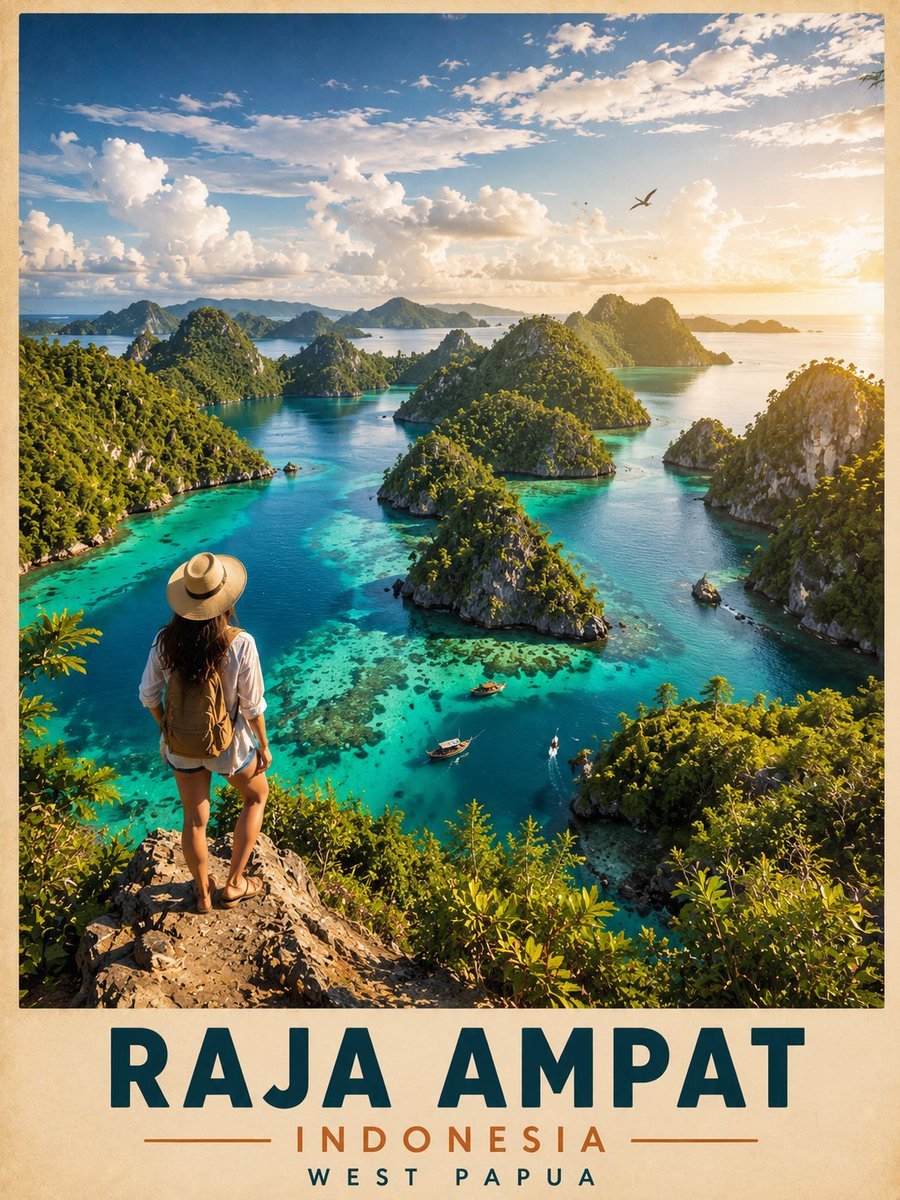
- Prompt included
- Model and format preset
- Free template
The prompt behind this image
Copy the exact prompt behind Vintage Cinematic Travel Poster, or open it in the studio and make it yours.
Ultra-detailed cinematic travel poster of {argument name="location" default="Raja Ampat, Indonesia"}, viewed from a high tropical cliff overlooking a breathtaking turquoise lagoon filled with lush limestone karst islands and crystal-clear shallow reefs. A {argument name="subject" default="female traveler wearing a straw hat, white shirt, shorts, sandals, and a small backpack"} stands on the rocky viewpoint with her back facing the camera, admiring the panoramic paradise scenery. Vibrant emerald-green islands rise dramatically from the ocean, surrounded by glowing aqua water, small wooden boats drifting through the lagoons, distant mountain silhouettes, and a tropical sunset casting warm golden light across the landscape. Massive fluffy clouds fill the bright blue sky with a bird soaring overhead, creating an epic adventurous atmosphere. Vintage luxury travel-poster aesthetic with soft paper texture border, ultra-realistic details, rich tropical colors, dramatic lighting, depth, atmospheric perspective, and bold typography at the bottom reading “RAJA AMPAT – INDONESIA – WEST PAPUA”. Vertical composition, highly cinematic, photorealistic, 8k quality.
How to use Vintage Cinematic Travel Poster in 3 steps
- 1
Open
The prompt is already in the box next to the preview, with the template's model and format selected.
- 2…a portrait of your subject in softgolden-hour light, 85mm…
Personalize
Edit the subject and creative details for your destination.
- 3Generate
Generate
Press Generate — your image is created in PicX Studio, so you can compare it with the original and refine one variable at a time.
More like this
Templates with the same subject, style or setup. Open one to see its prompt.

Japan Travel Brochure Poster

Premium Vintage Travel Poster Landscape
Vintage Patagonia Travel Poster

Paper Cut Vintage Travel Poster
Vintage Alexandria Travel Poster
Vintage Mumbai Travel Poster
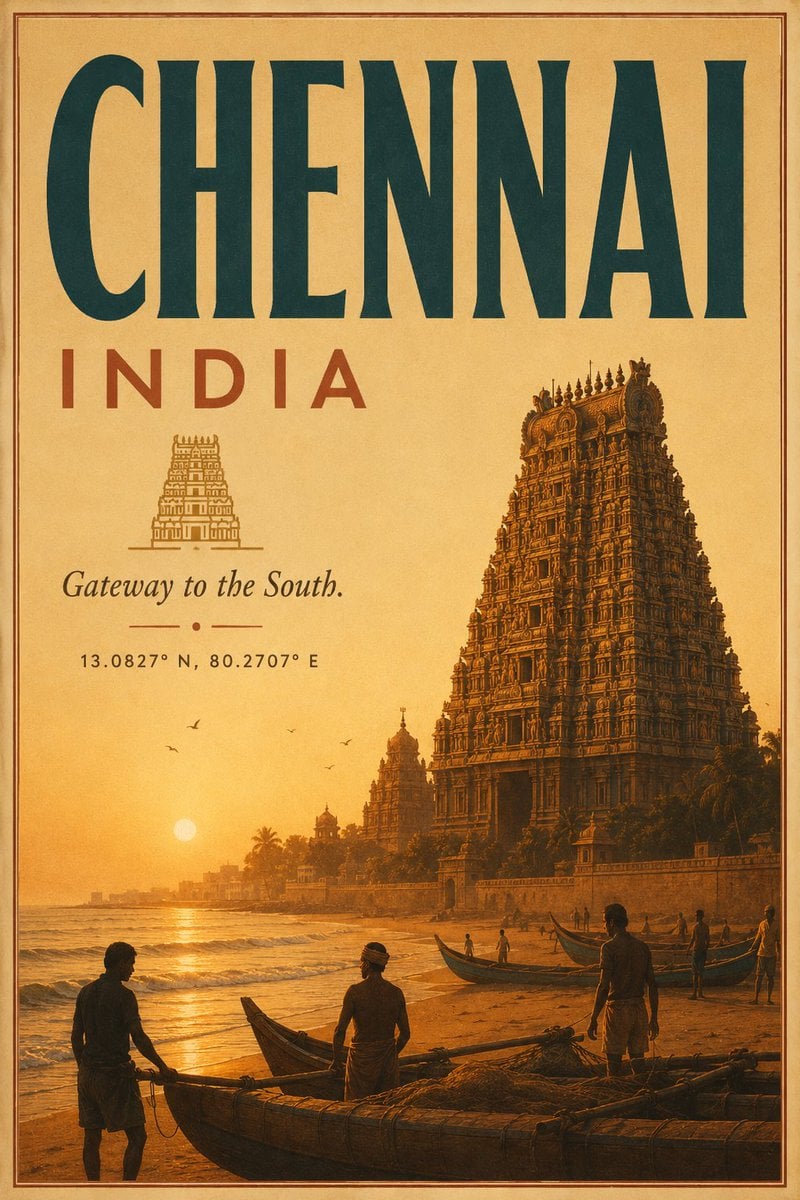
Vintage Chennai Travel Poster
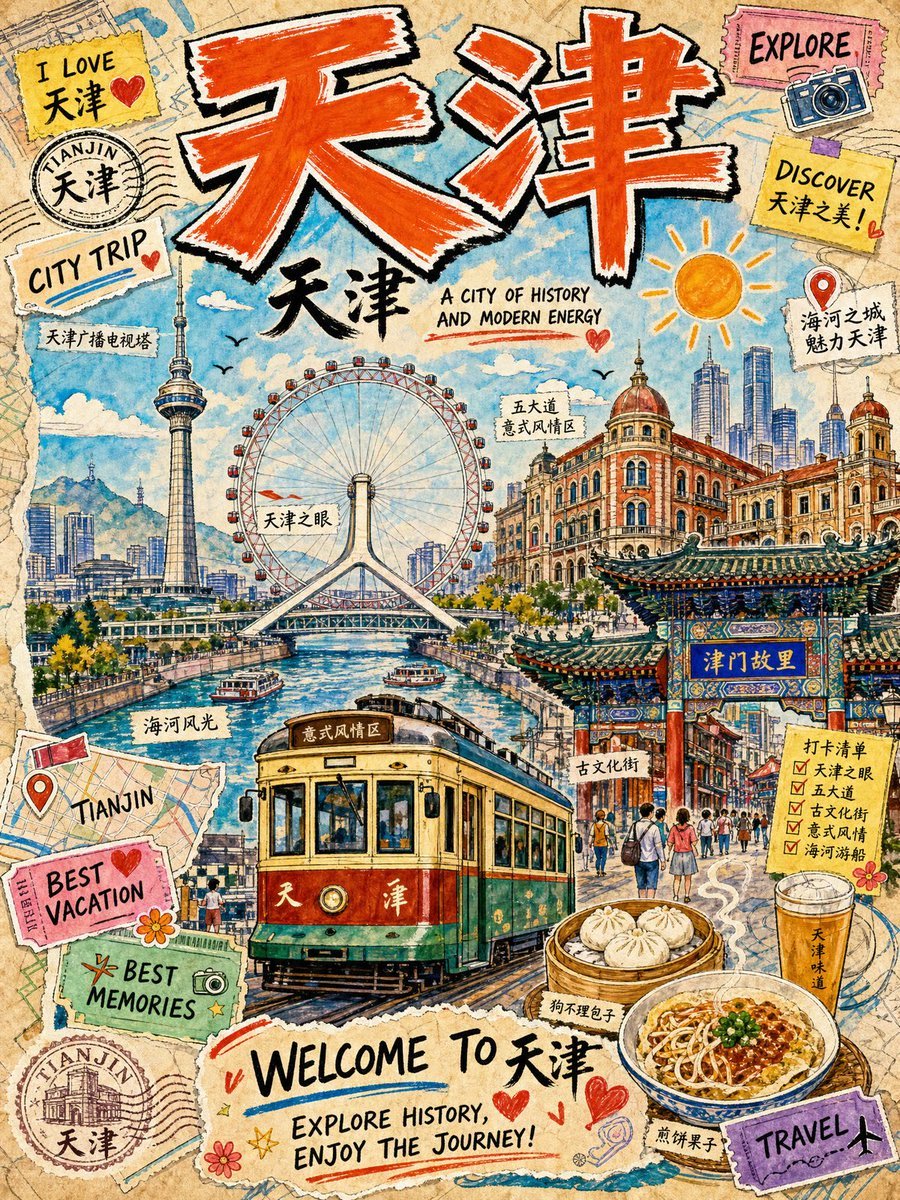
Vintage Tianjin Travel Poster

City Posters by Nano Banana Pro

Sunday Afternoon, 1988

Two Tickets, One Night

If We Met in 1985
Make it yours
Vintage Cinematic Travel Poster works as-is. These are the safest ways to change it without losing the look.
Change one field
Copy a single group, rewrite it, and generate again so you can see what that field is doing.
Keep the frame, change the subject
Hold the composition and light of Vintage Cinematic Travel Poster, then swap wardrobe, props or the person for a new take.
| If the result… | Why | Fix |
|---|---|---|
| The result drifts from the preview | Too many fields changed at once. | Reuse Vintage Cinematic Travel Poster as-is first, then change one group — subject, light, or setting. |
| The model over-stylizes the scene | The prose prompt leaves finish and camera underspecified. | Add one camera or lighting sentence and stay on GPT Image 2. |
More GPT Image 2 templates
Other prompts made for GPT Image 2.

Six VTuber Japanese Logo Sheet

Realistic Portrait of Woman and Deer

The Vista Modular Condo Poster

AI Model Routing Comparison Infographic

2.5D Anime Art Board

Isometric Productivity Desk Scene

New York Double Exposure Poster

Four-Panel AI Landscape Comparison

Japanese Tatami Lifestyle Magazine Cover

NESCAFÉ Coffee Map Poster
More image prompts
Fresh picks from across the catalog.

Disposable Camera Aesthetic Portrait with Intimate Pose
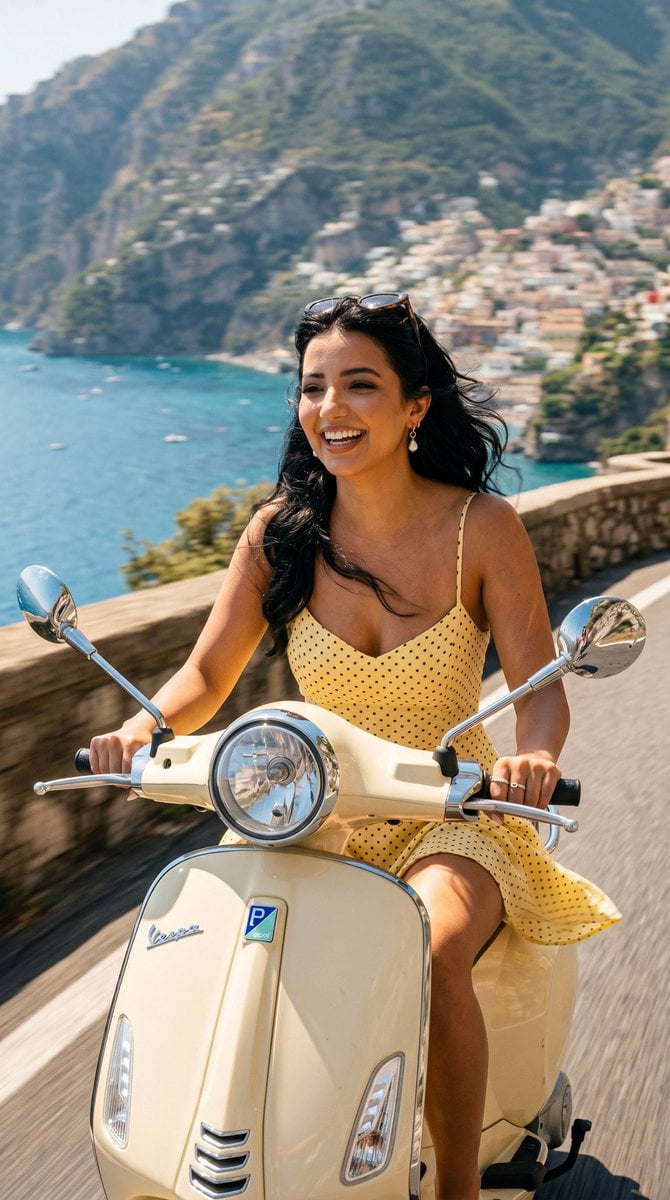
Amalfi Coast Vespa Cinematic Motion
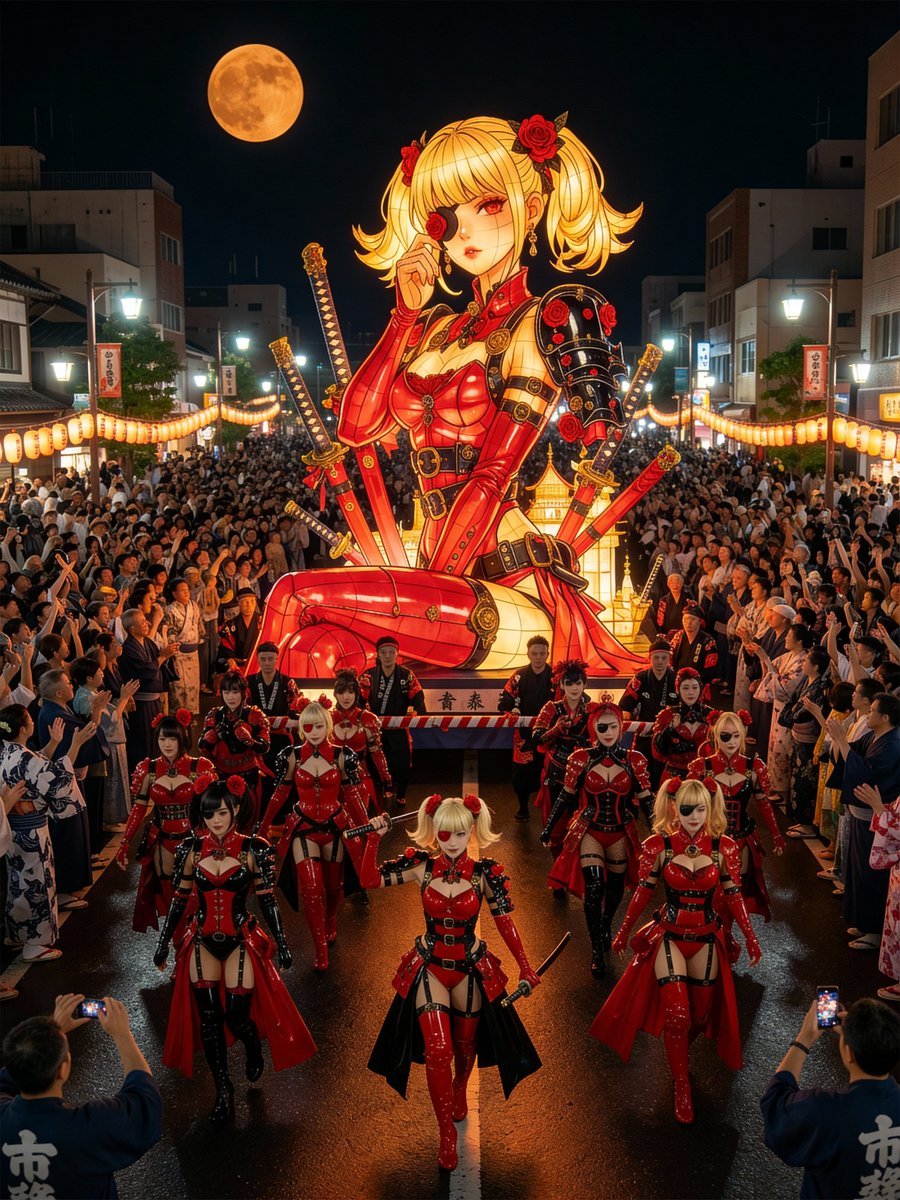
Japanese Festival Mikoshi Float Prompt Template

Futuristic Low-Poly Metallic Portrait
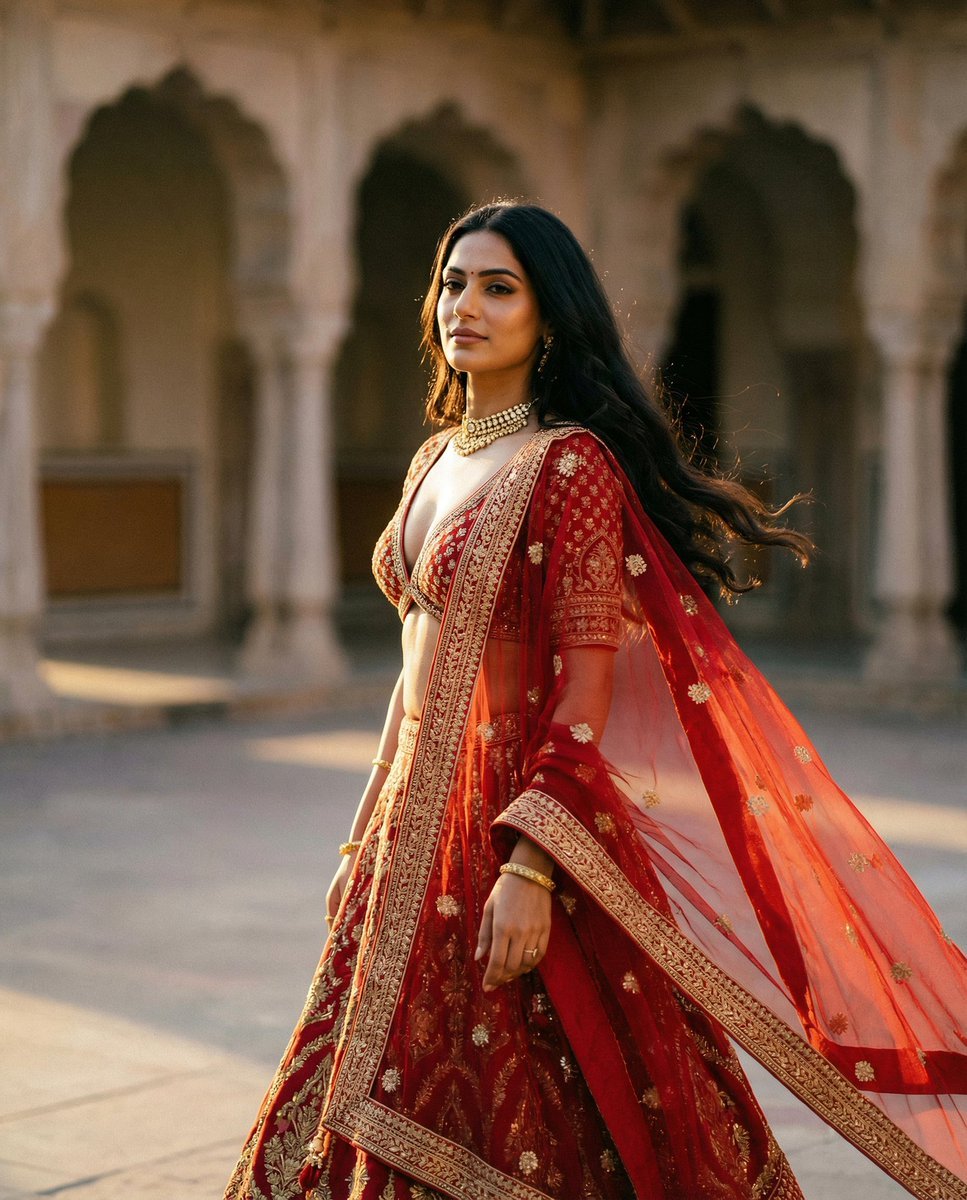
Cinematic Indian Royal Bridal Portrait

Ultra-Realistic Divine Goddess Fantasy Portrait

Kawaii Cat Sticker Sheet
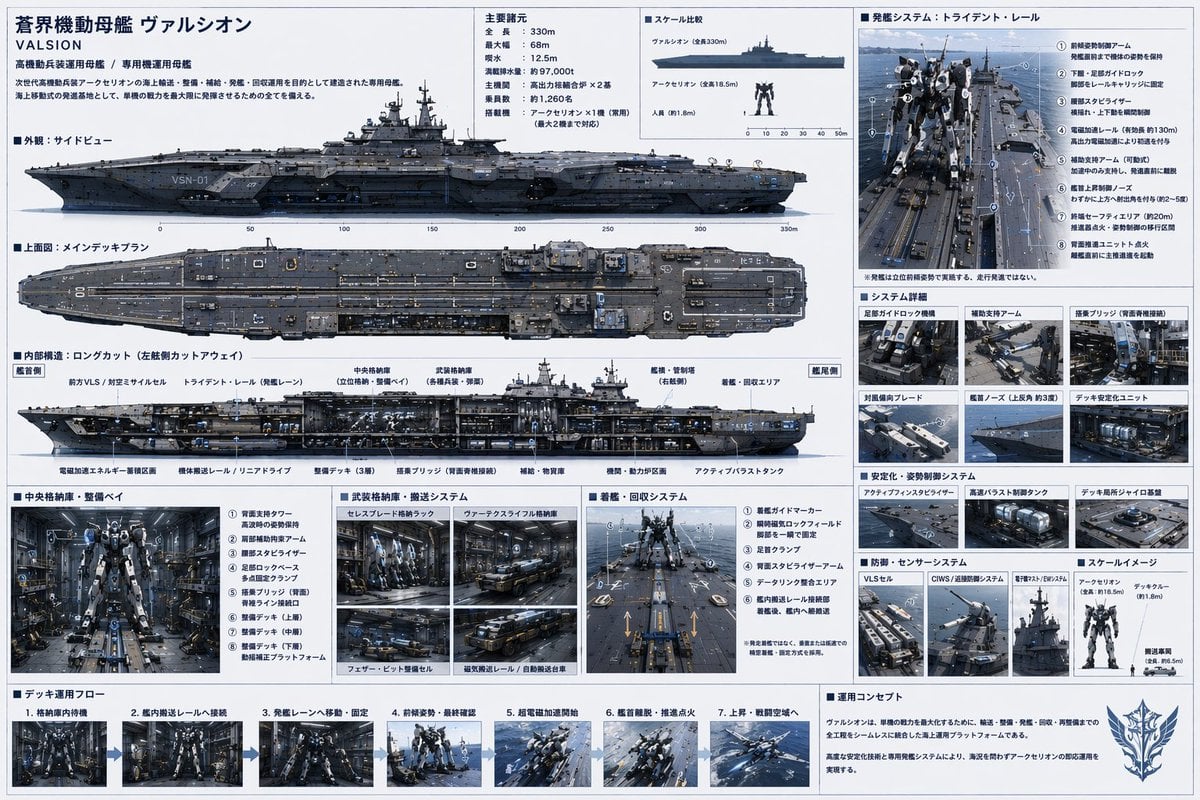
Sci-Fi Mecha Carrier Specification Sheet

Japanese Corridor Vocabulary Poster
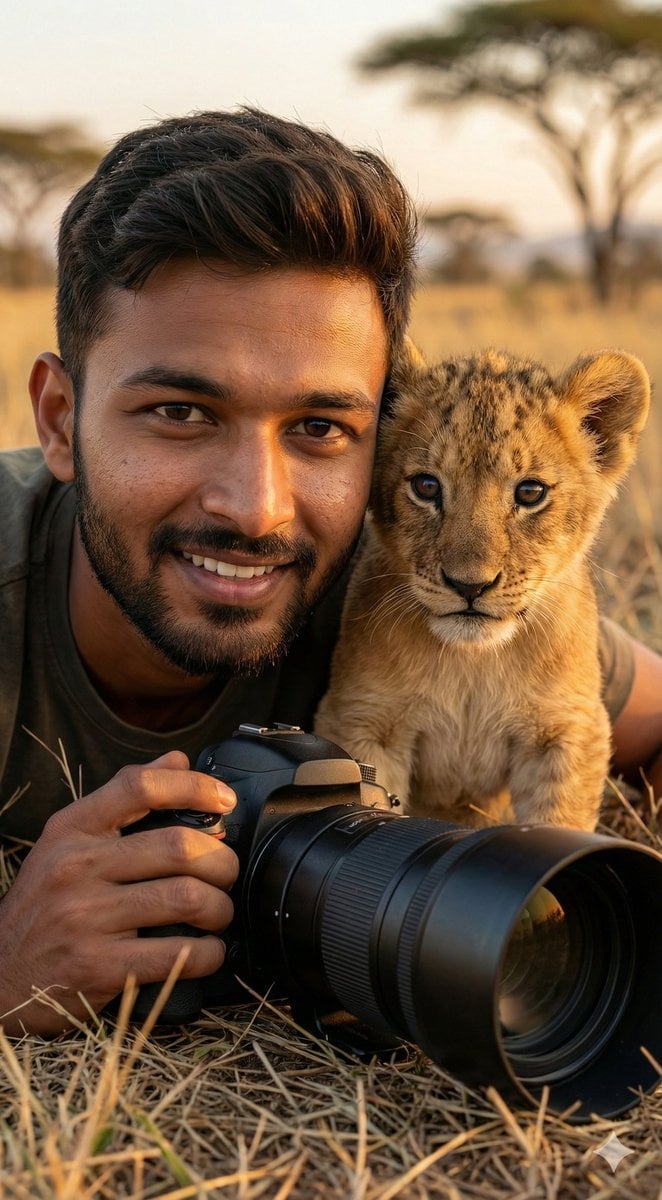
Hyper-Real Wildlife Photography Close-Up Prompt
Browse template categories
Vintage Cinematic Travel Poster questions
How do I use the Vintage Cinematic Travel Poster template?
Add your photo if the template asks for one, edit the prompt if you like — the template's model and format are already selected — and press Generate. Your version opens in PicX Studio.
Can I customize the Vintage Cinematic Travel Poster template?
Yes. You can change the subject, setting, lighting, mood, format, and available model controls before creating your image.
Is the Vintage Cinematic Travel Poster template free?
Opening and editing this template is free. Generating uses credits, shown on the Generate button when you are signed in.
Which AI model should I use?
Start with GPT Image 2, which is the model associated with this template. You can compare another compatible model for a different finish.
Looking for something else? Browse all templates.

Your photo, any look
Thousands of ready templates for every top image and video model, from one credit balance.