
Sci-Fi Mecha Carrier Specification Sheet
Generates a highly detailed, multi-panel technical infographic for a sci-fi mecha carrier, including cross-sections, operational flows, and system details.
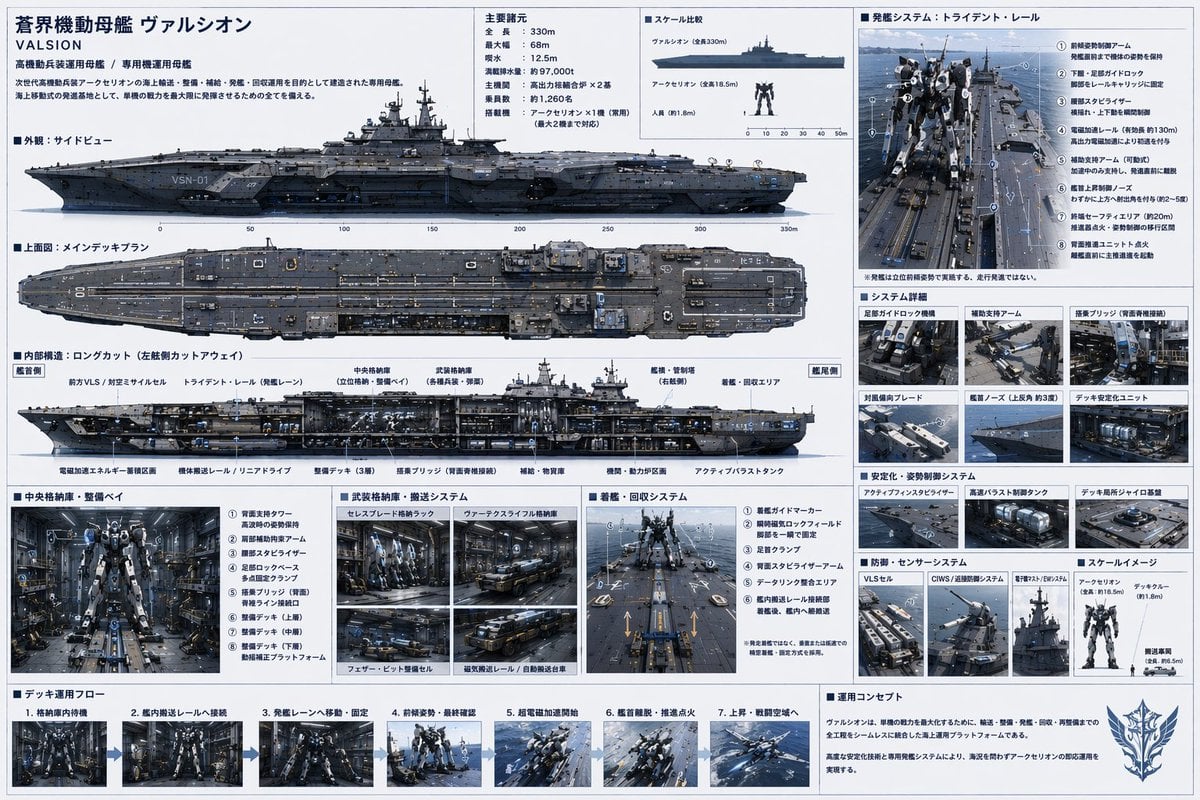
- Prompt included
- Model and format preset
- Free template
The prompt behind this image
Copy the exact prompt behind Sci-Fi Mecha Carrier Specification Sheet, or open it in the studio and make it yours.
- Type
- sci-fi military ship specification sheet
- Subject › Name
- {argument name="ship name" default="蒼界機動母艦 ヴァルシオン"}
- Subject › English Name
- {argument name="english name" default="VALSION"}
- Subject › Subtitle
- {argument name="ship type" default="高機動兵装運用母艦 / 専用機運用母艦"}
- Subject › Design
- massive futuristic aircraft carrier designed for mecha deployment, {argument name="primary color" default="dark naval gray"} hull, flat flight deck with catapult rails, bridge tower on the starboard side
- Layout › Style
- dense technical infographic, blueprint aesthetic with realistic renders, light blue grid background, dark blue headers
- Layout › Sections › 0 › Title
- 主要諸元
- Layout › Sections › 0 › Position
- top-center
- Layout › Sections › 0 › Content
- List of 6 technical specifications including length, width, draft, displacement, main engine, and crew capacity.
- Layout › Sections › 1 › Title
- スケール比較
- Layout › Sections › 1 › Position
- top-center right
- Layout › Sections › 1 › Count
- 3
- Layout › Sections › 1 › Labels
- ヴァルシオン (全長330m), {argument name="mecha name" default="アークセリオン"} (全高18.5m), 人員 (約1.8m)
- Layout › Sections › 2 › Title
- 外観:サイドビュー
- Layout › Sections › 2 › Position
- upper-left
- Layout › Sections › 2 › Content
- Detailed side profile render of the ship with a scale bar underneath.
- Layout › Sections › 3 › Title
- 上面図:メインデッキプラン
- Layout › Sections › 3 › Position
- mid-left
- Layout › Sections › 3 › Content
- Detailed top-down render of the ship's flight deck.
- Layout › Sections › 4 › Title
- 内部構造:ロングカット (左舷側カットアウェイ)
- Layout › Sections › 4 › Position
- center-left
- Layout › Sections › 4 › Content
- Cross-section render showing internal hangars, VLS, and launch rails with 10 text callouts.
- Layout › Sections › 5 › Title
- 発艦システム:トライデント・レール
- Layout › Sections › 5 › Position
- top-right
Raw JSON
{
  "type": "sci-fi military ship specification sheet",
  "subject": {
    "name": "{argument name=\"ship name\" default=\"蒼界機動母艦 ヴァルシオン\"}",
    "english_name": "{argument name=\"english name\" default=\"VALSION\"}",
    "subtitle": "{argument name=\"ship type\" default=\"高機動兵装運用母艦 / 専用機運用母艦\"}",
    "design": "massive futuristic aircraft carrier designed for mecha deployment, {argument name=\"primary color\" default=\"dark naval gray\"} hull, flat flight deck with catapult rails, bridge tower on the starboard side"
  },
  "layout": {
    "style": "dense technical infographic, blueprint aesthetic with realistic renders, light blue grid background, dark blue headers",
    "sections": [
      {
        "title": "主要諸元",
        "position": "top-center",
        "content": "List of 6 technical specifications including length, width, draft, displacement, main engine, and crew capacity."
      },
      {
        "title": "スケール比較",
        "position": "top-center right",
        "count": 3,
        "labels": ["ヴァルシオン (全長330m)", "{argument name=\"mecha name\" default=\"アークセリオン\"} (全高18.5m)", "人員 (約1.8m)"]
      },
      {
        "title": "外観:サイドビュー",
        "position": "upper-left",
        "content": "Detailed side profile render of the ship with a scale bar underneath."
      },
      {
        "title": "上面図:メインデッキプラン",
        "position": "mid-left",
        "content": "Detailed top-down render of the ship's flight deck."
      },
      {
        "title": "内部構造:ロングカット (左舷側カットアウェイ)",
        "position": "center-left",
        "content": "Cross-section render showing internal hangars, VLS, and launch rails with 10 text callouts."
      },
      {
        "title": "発艦システム:トライデント・レール",
        "position": "top-right",
        "count": 8,
        "labels": ["① 前傾姿勢制御アーム", "② 下腿・足部ガイドロック", "③ 腰部スタビライザー", "④ 電磁加速レール", "⑤ 補助支持アーム", "⑥ 艦首上昇制御ノーズ", "⑦ 終端セーフティエリア", "⑧ 背面推進ユニット点火"]
      },
      {
        "title": "システム詳細",
        "position": "mid-right",
        "count": 6,
        "labels": ["足部ガイドロック機構", "補助支持アーム", "搭乗ブリッジ", "対風偏向ブレード", "艦首ノーズ", "デッキ安定化ユニット"]
      },
      {
        "title": "安定化・姿勢制御システム",
        "position": "mid-lower-right",
        "count": 3,
        "labels": ["アクティブフィンスタビライザー", "高速バラスト制御タンク", "デッキ局所ジャイロ基盤"]
      },
      {
        "title": "防御・センサーシステム",
        "position": "lower-right",
        "count": 3,
        "labels": ["VLSセル", "CIWS/近接防御システム", "電子戦マスト/EWシステム"]
      },
      {
        "title": "中央格納庫・整備ベイ",
        "position": "bottom-left",
        "count": 8,
        "labels": ["① 背面支持タワー", "② 肩部補助拘束アーム", "③ 腰部スタビライザー", "④ 足部ロックベース", "⑤ 搭乗ブリッジ", "⑥ 整備デッキ(上層)", "⑦ 整備デッキ(中層)", "⑧ 整備デッキ(下層)"]
      },
      {
        "title": "武装格納庫・搬送システム",
        "position": "bottom-mid-left",
        "count": 4,
        "labels": ["セレスブレード格納ラック", "ヴァーテクスライフル格納庫", "フェザー・ビット整備セル", "磁気搬送レール/自動搬送台車"]
      },
      {
        "title": "着艦・回収システム",
        "position": "bottom-center",
        "count": 6,
        "labels": ["① 着艦ガイドマーカー", "② 瞬時磁気ロックフィールド", "③ 足首クランプ", "④ 背面スタビライザーアーム", "⑤ データリンク整合エリア", "⑥ 艦内搬送レール接続部"]
      },
      {
        "title": "デッキ運用フロー",
        "position": "bottom-strip",
        "count": 7,
        "labels": ["1. 格納庫内待機", "2. 艦内搬送レールへ接続", "3. 発艦レーンへ移動・固定", "4. 前傾姿勢・最終確認", "5. 超電磁加速開始", "6. 艦首離脱・推進点火", "7. 上昇・戦闘空域へ"]
      },
      {
        "title": "運用コンセプト",
        "position": "bottom-right corner",
        "content": "Text paragraph describing the operational concept, accompanied by a stylized wing-and-sword emblem."
      }
    ]
  }
}How to use Sci-Fi Mecha Carrier Specification Sheet in 3 steps
- 1Upload ImagePNG, JPG or paste
Add your photo
Upload the photo the template builds on. The prompt, model and format are already set.
- 2…a portrait of your subject in softgolden-hour light, 85mm…
Personalize
Edit the subject and creative details for your destination.
- 3Generate
Generate
Press Generate — your image is created in PicX Studio, so you can compare it with the original and refine one variable at a time.
More like this
Templates with the same subject, style or setup. Open one to see its prompt.
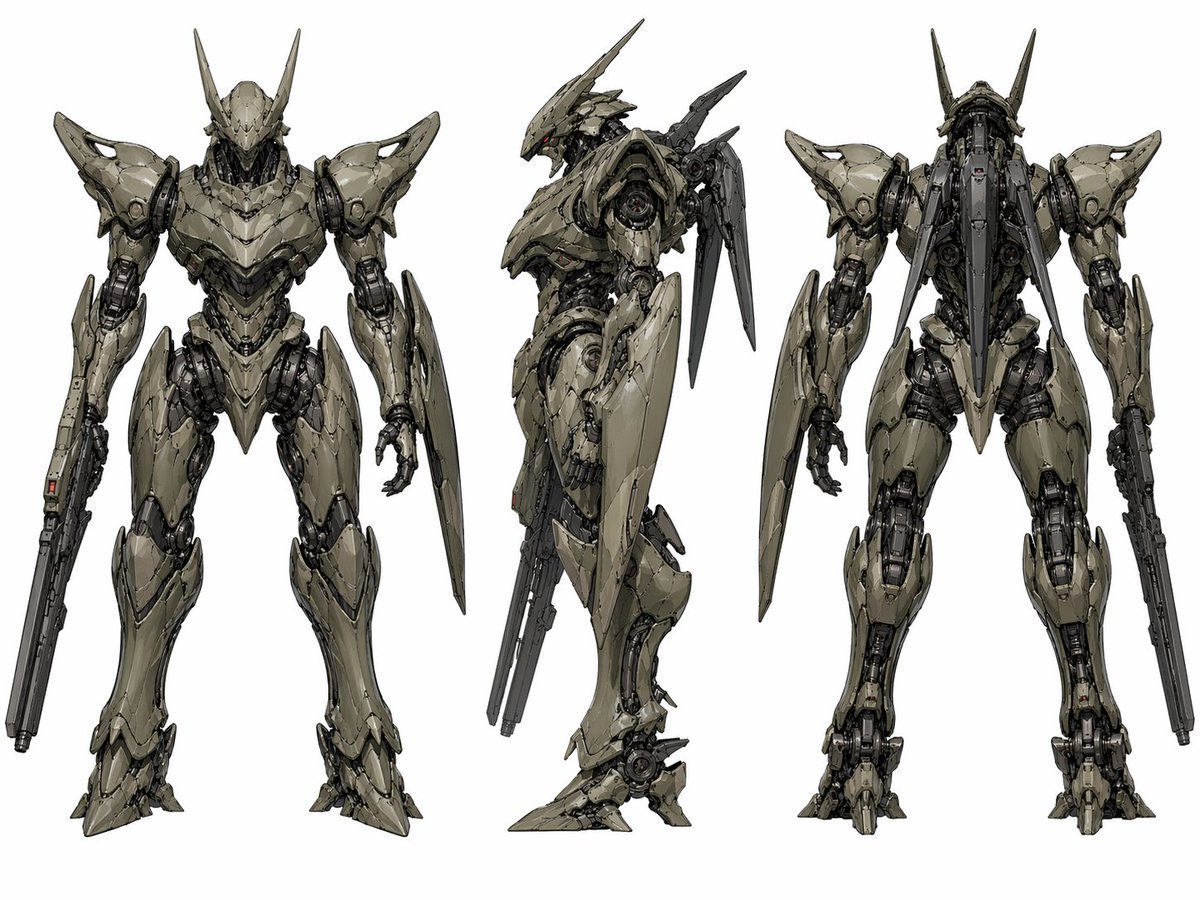
Sci-Fi Mecha Turnaround Sheet
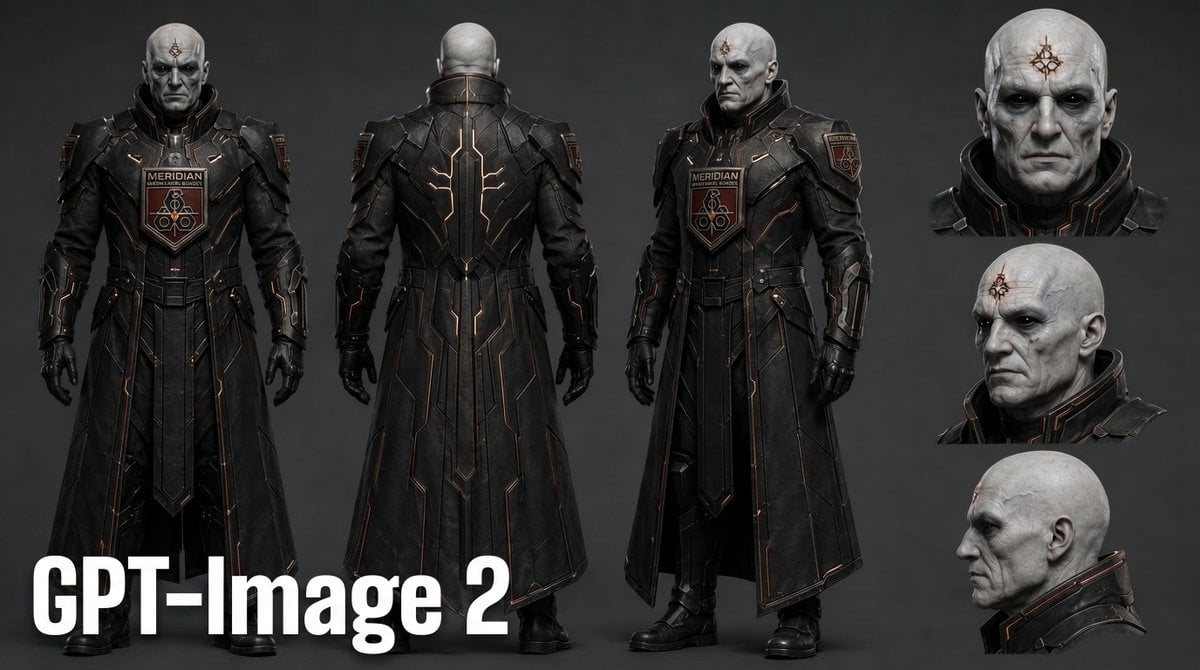
Dark Sci-Fi Commander Character Sheet
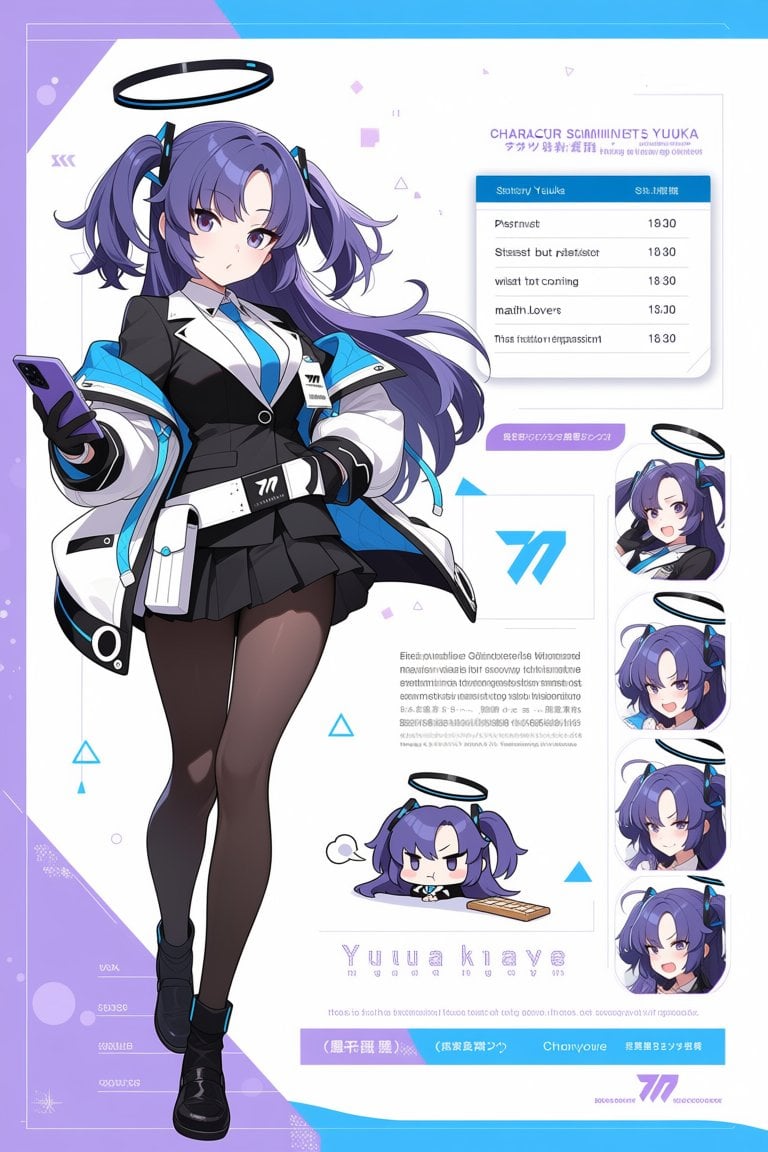
Anime Sci-Fi Character Sheet
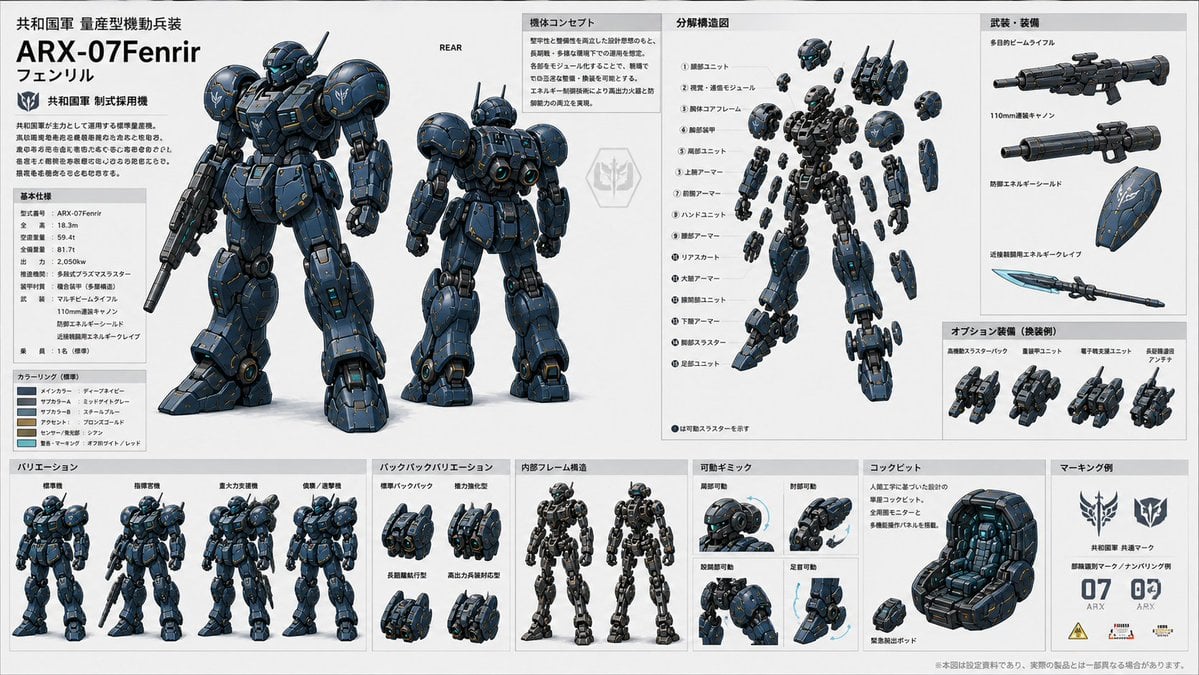
ARX-07 Fenrir Mecha Spec Sheet
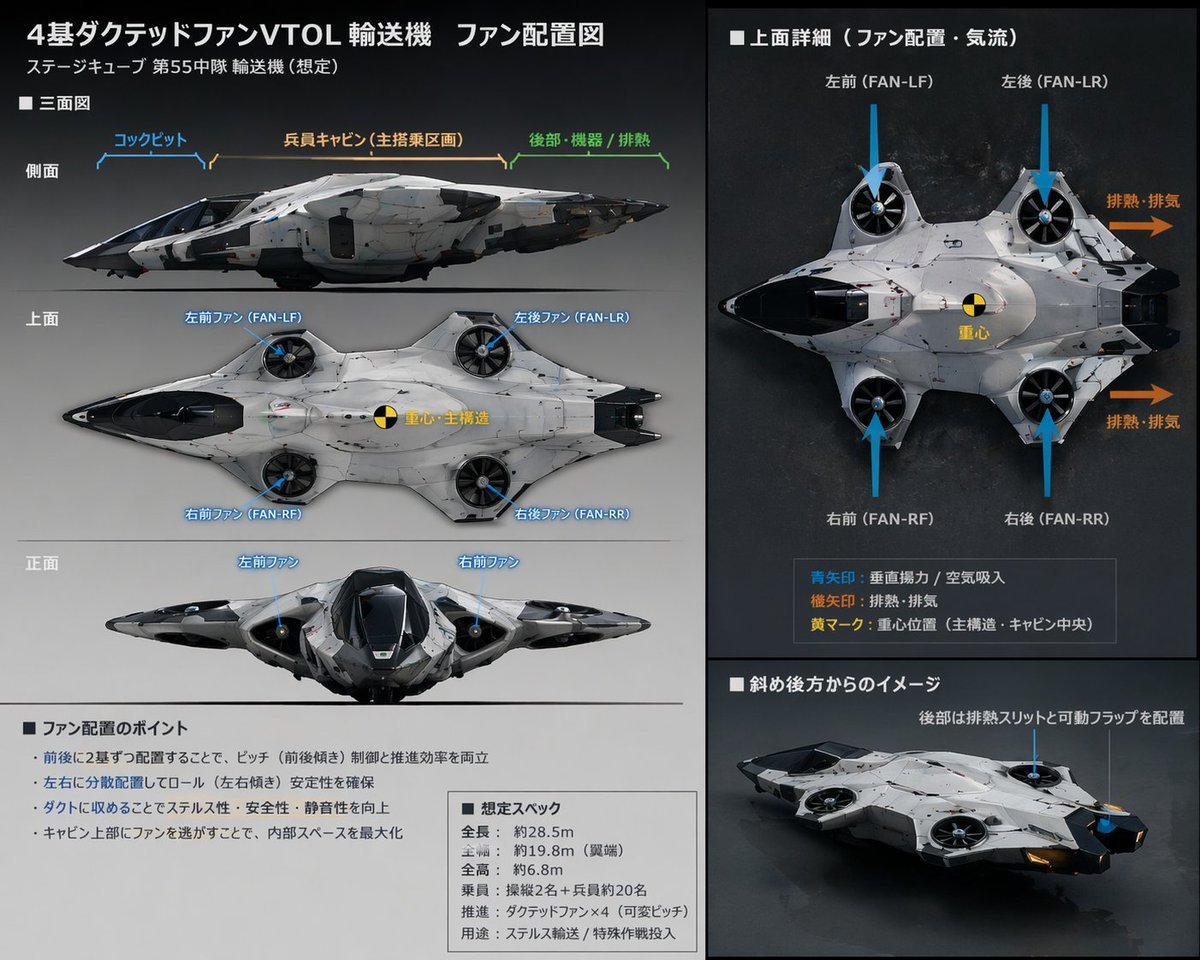
Sci-Fi VTOL Aircraft Technical Spec Sheet
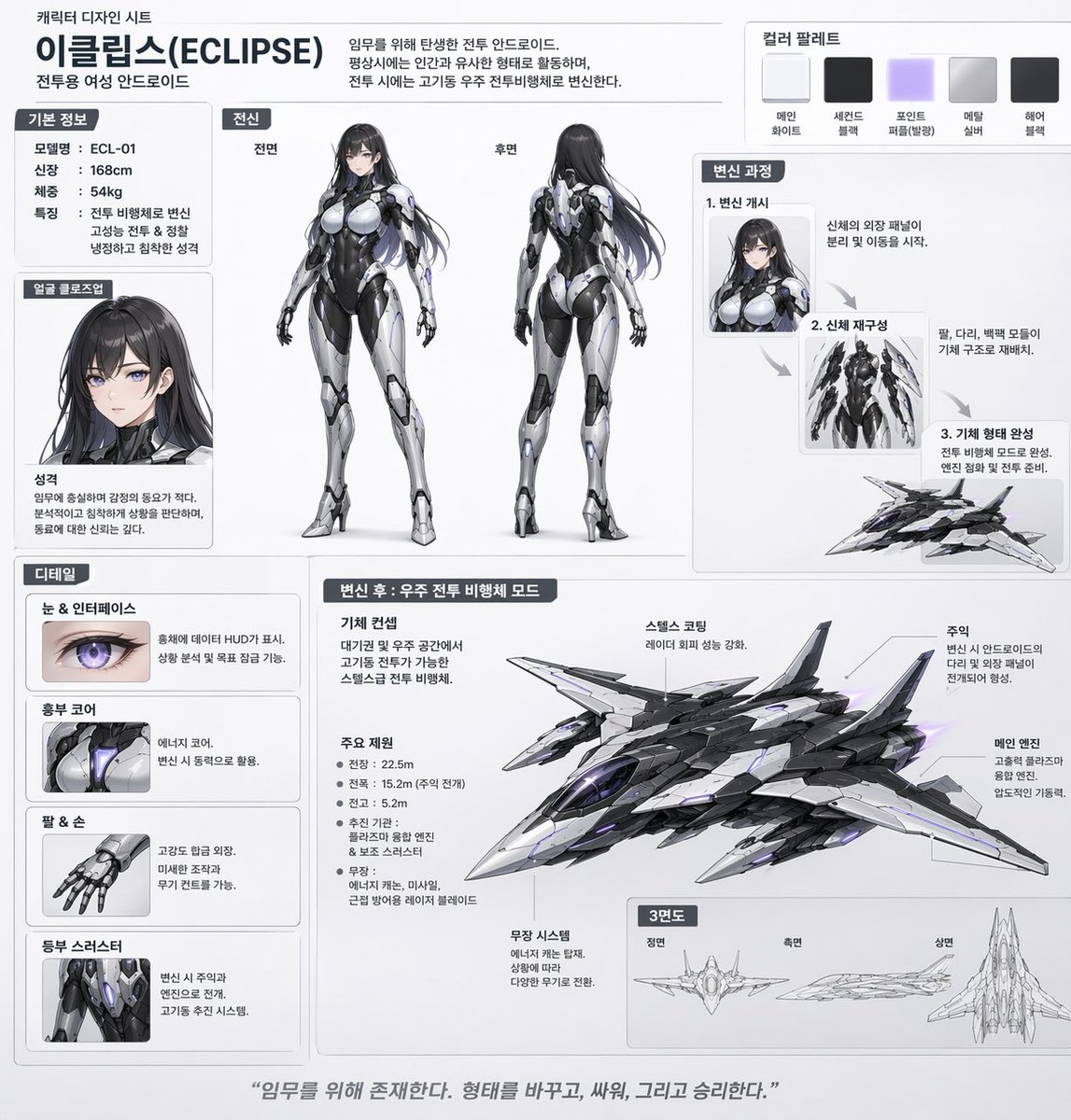
Mecha-Girl Character Design Sheet
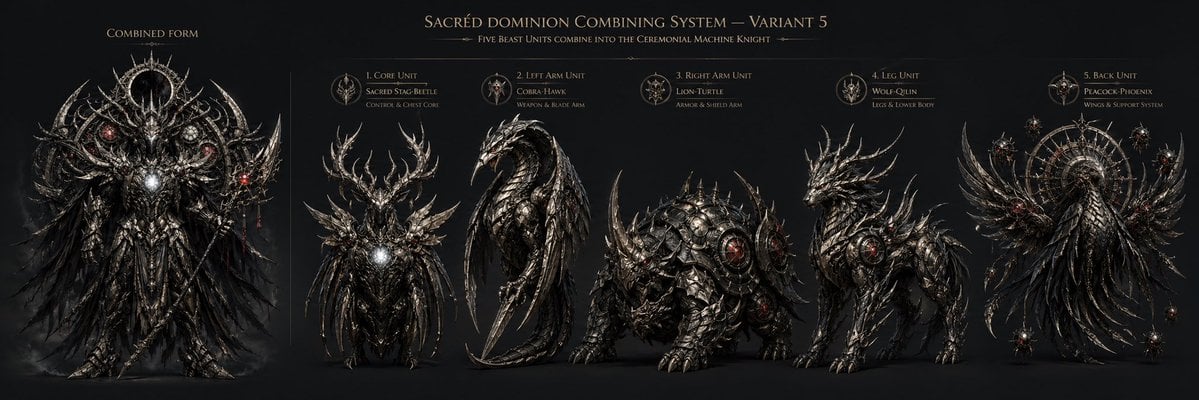
Gothic Five-Beast Combining Mecha Sheet
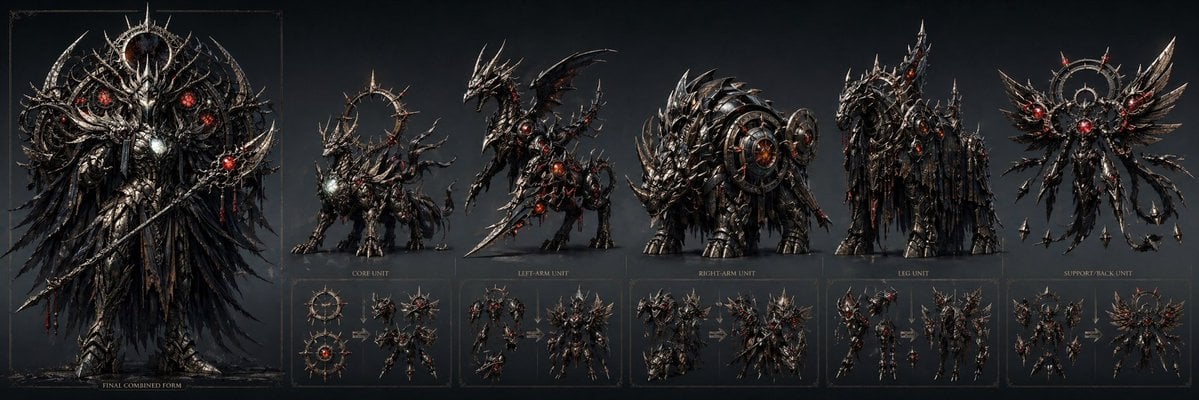
Gothic Combining Mecha Concept Sheet
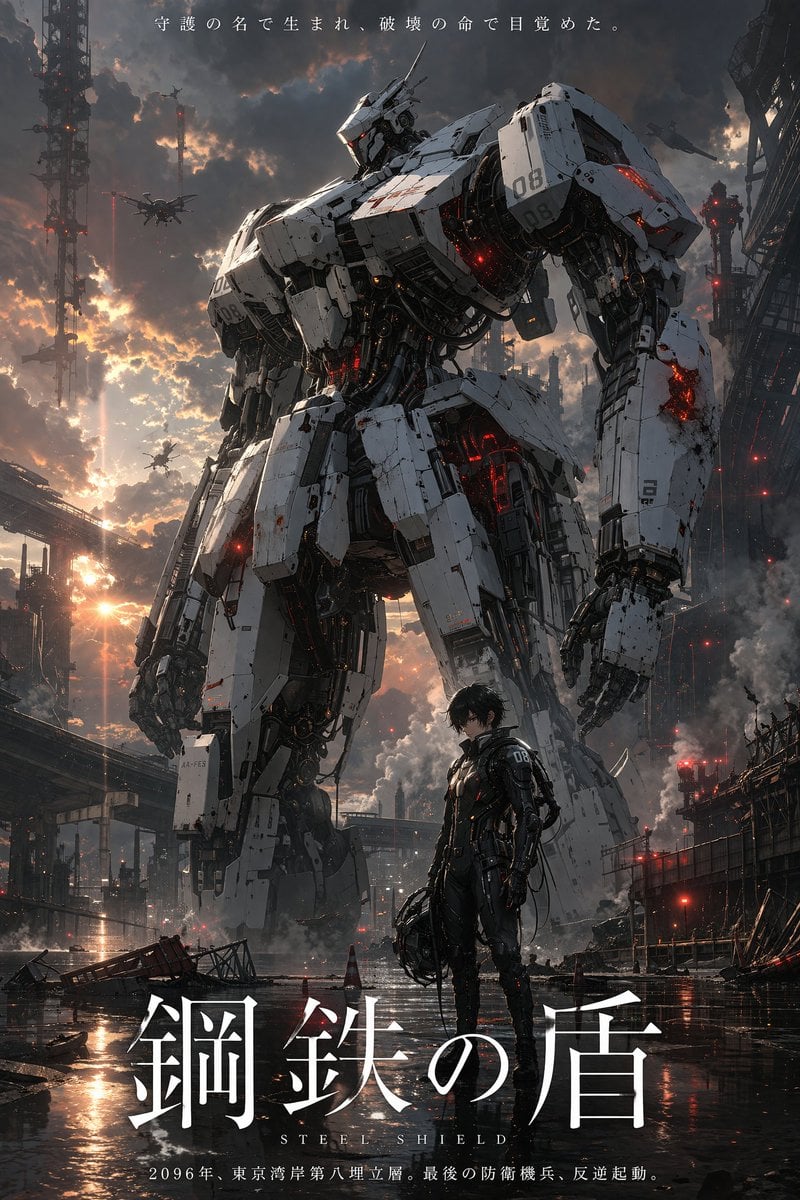
Sci-Fi Mecha Movie Poster
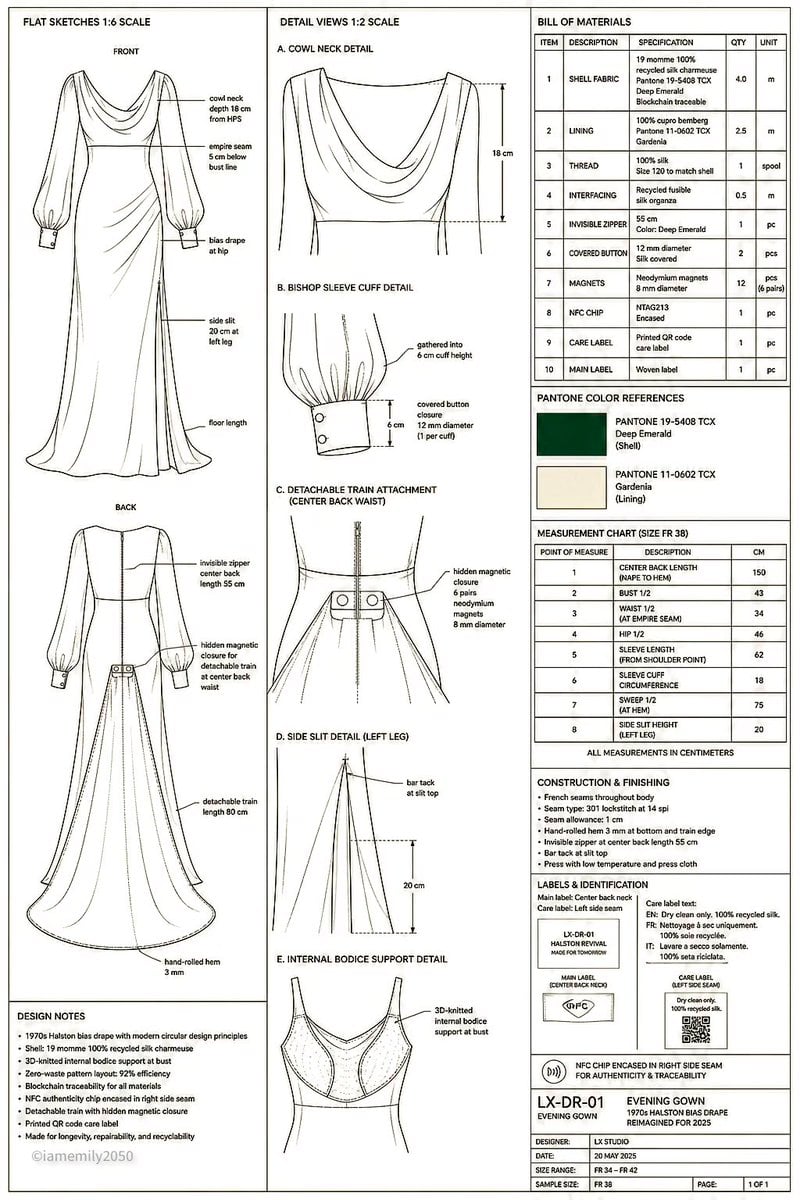
Technical Fashion Specification Sheet
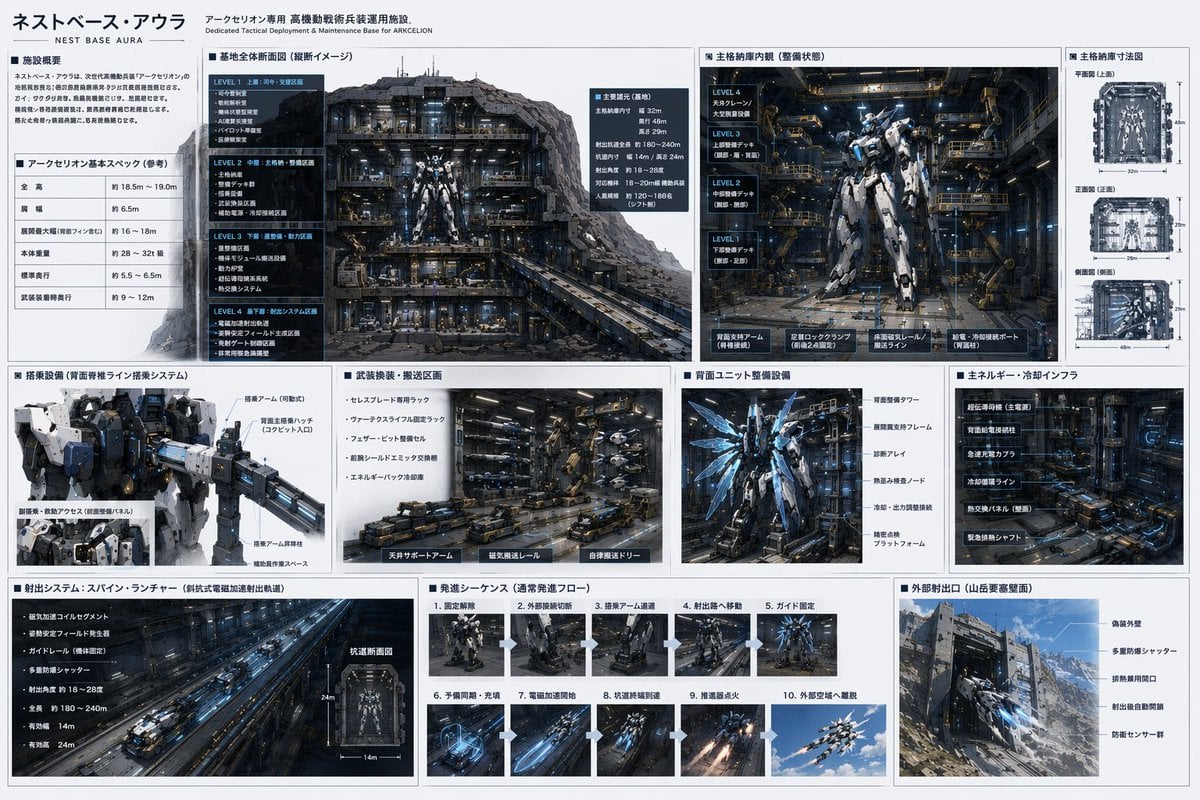
Mecha Base Technical Spec Sheet

Dancer Character - Four View Reference Sheet
Make it yours
Sci-Fi Mecha Carrier Specification Sheet works as-is. These are the safest ways to change it without losing the look.
Change one field
Copy a single group, rewrite it, and generate again so you can see what that field is doing.
Keep the frame, change the subject
Hold the composition and light of Sci-Fi Mecha Carrier Specification Sheet, then swap wardrobe, props or the person for a new take.
| If the result… | Why | Fix |
|---|---|---|
| The result drifts from the preview | Too many fields changed at once. | Reuse Sci-Fi Mecha Carrier Specification Sheet as-is first, then change one group — subject, light, or setting. |
| GPT Image 2 ignores part of the JSON | Some models flatten or skip nested keys. | Keep the same values and paste them as a short paragraph instead. |
More GPT Image 2 templates
Other prompts made for GPT Image 2.

Realistic Portrait of Woman and Deer

The Vista Modular Condo Poster

AI Model Routing Comparison Infographic

2.5D Anime Art Board

Isometric Productivity Desk Scene

New York Double Exposure Poster

Four-Panel AI Landscape Comparison

Japanese Tatami Lifestyle Magazine Cover

NESCAFÉ Coffee Map Poster

Brutalist Cogito Chinese Typography Poster
More image prompts
Fresh picks from across the catalog.
Luxury Urban Street Portrait
Transforming into a Kyudo (Archery) Practitioner

Kawaii Vegetable Food Sculptures

Upscaler Prompt for Low-Resolution Images
Messy Handwritten Notebook Photo
Fake News Image Creation Prompt
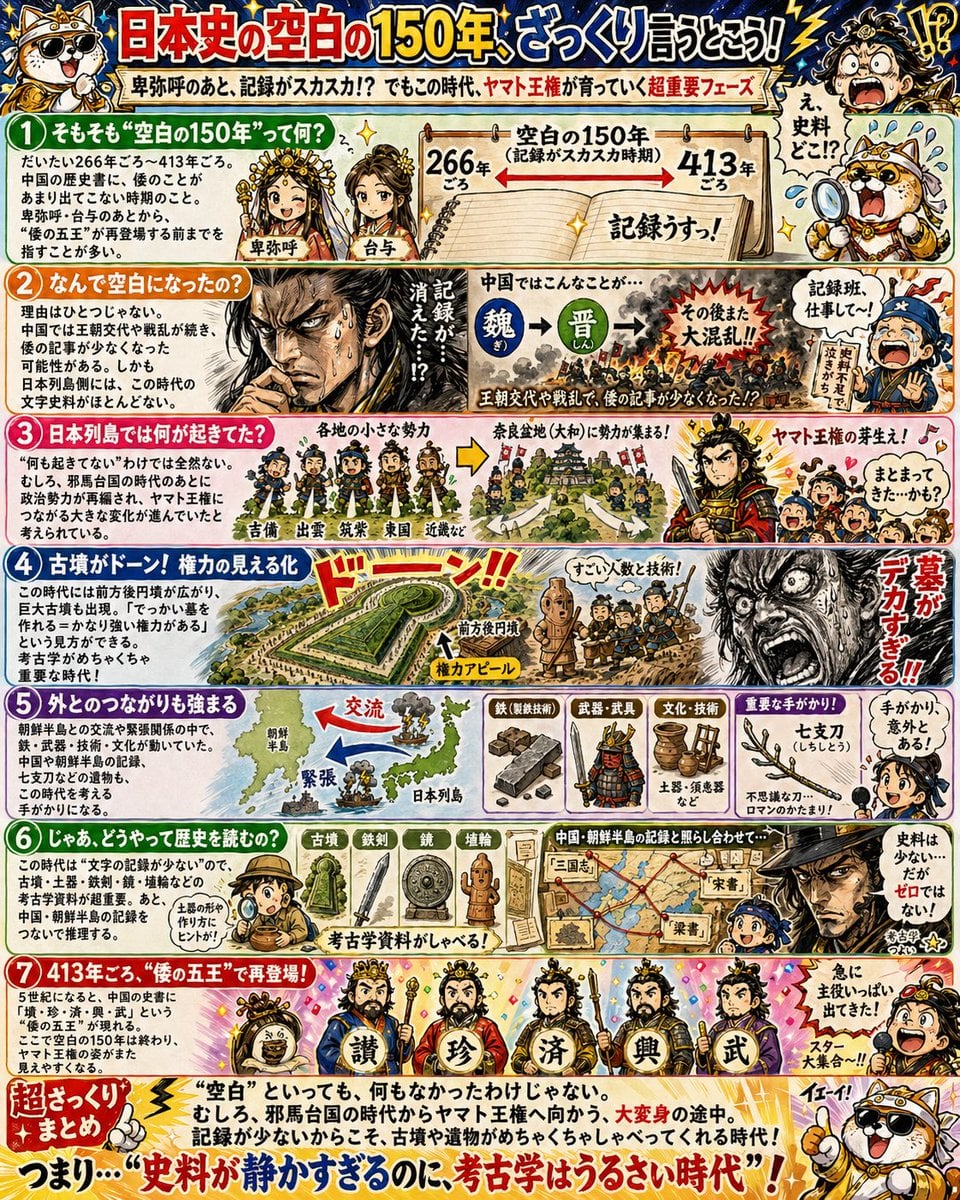
Manga History Poster on Japan's 150-Year Gap
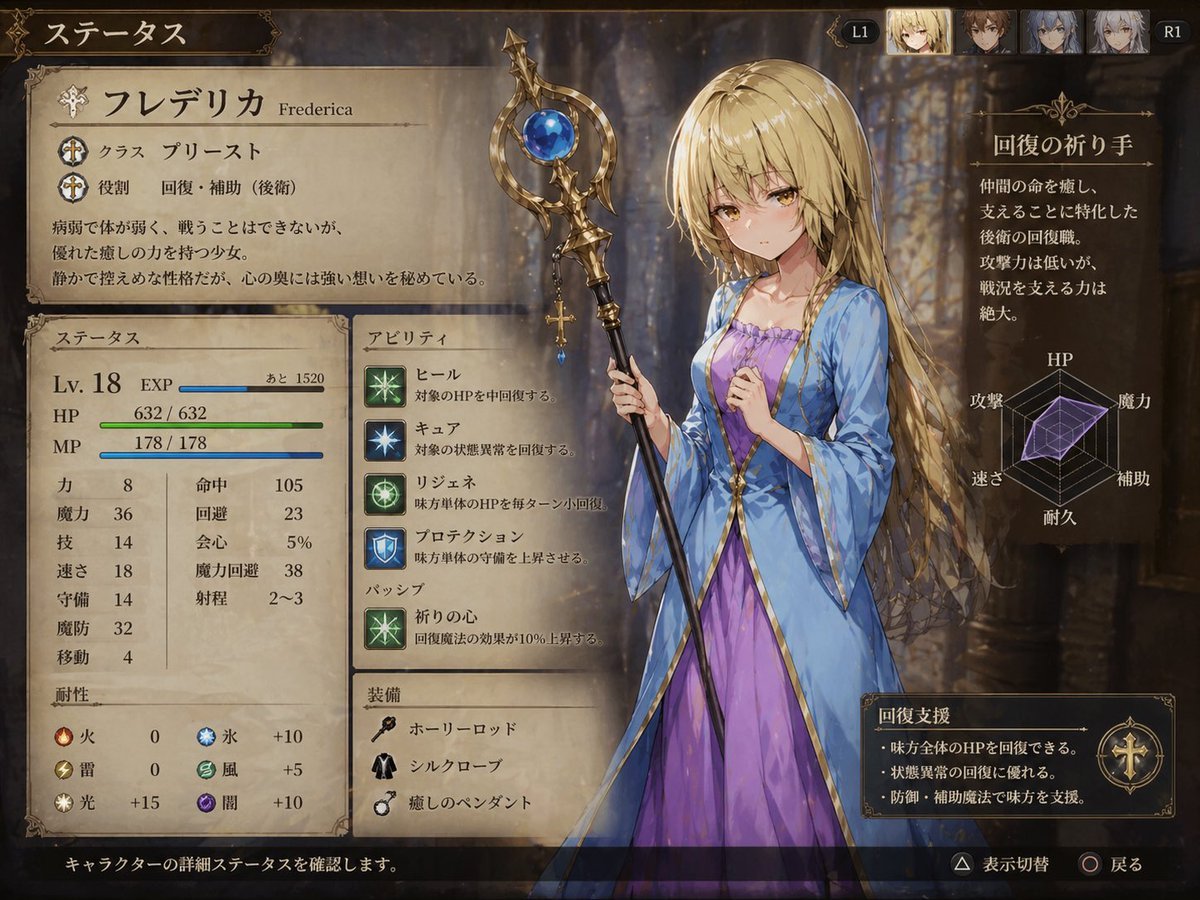
Fantasy JRPG Priest Status Screen
Anime Tunnel Driving Cockpit Scene
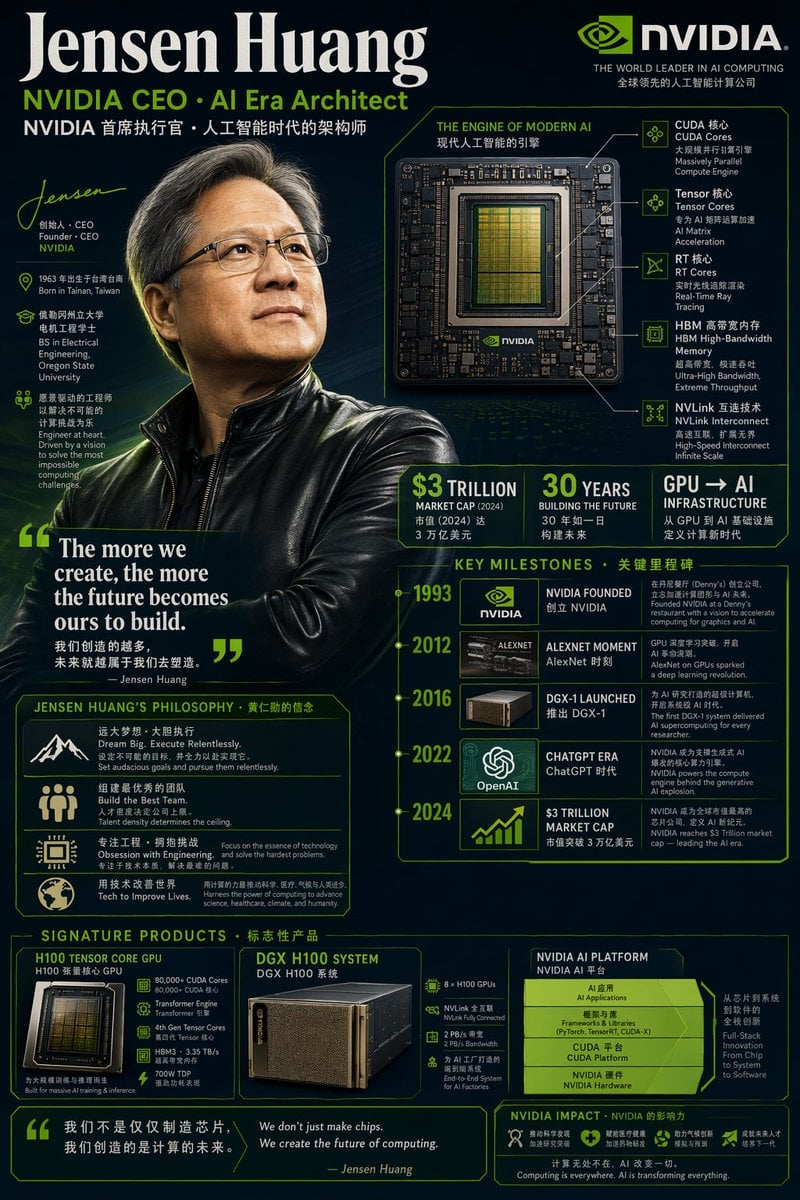
Bilingual Career Infographic Portrait
Browse template categories
Sci-Fi Mecha Carrier Specification Sheet questions
How do I use the Sci-Fi Mecha Carrier Specification Sheet template?
Add your photo if the template asks for one, edit the prompt if you like — the template's model and format are already selected — and press Generate. Your version opens in PicX Studio.
Can I customize the Sci-Fi Mecha Carrier Specification Sheet template?
Yes. You can change the subject, setting, lighting, mood, format, and available model controls before creating your image.
Is the Sci-Fi Mecha Carrier Specification Sheet template free?
Opening and editing this template is free. Generating uses credits, shown on the Generate button when you are signed in.
Which AI model should I use?
Start with GPT Image 2, which is the model associated with this template. You can compare another compatible model for a different finish.
Looking for something else? Browse all templates.

Your photo, any look
Thousands of ready templates for every top image and video model, from one credit balance.