
Panel Cookie Baking Tutorial Grid
Generates a 3x3 photographic grid detailing the step-by-step process of baking cookies, complete with instructional text overlays.
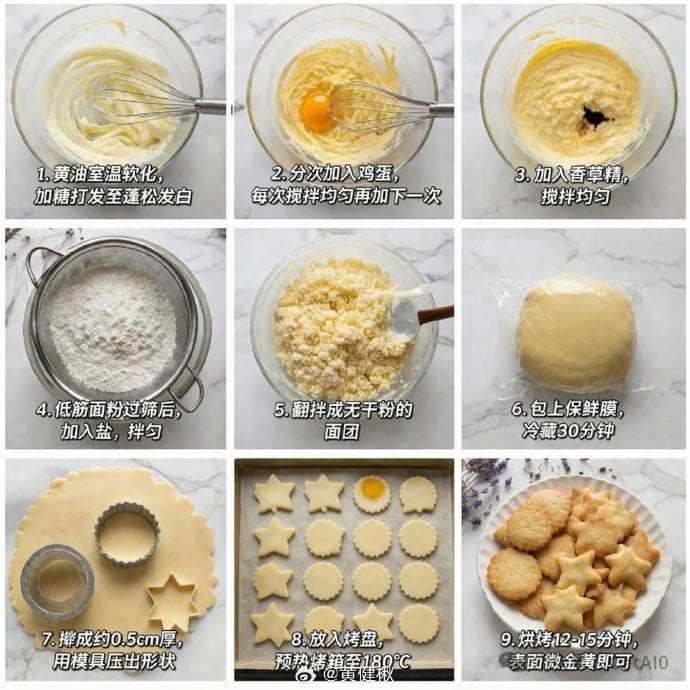
- Prompt included
- Model and format preset
- Free template
The prompt behind this image
Copy the exact prompt behind Panel Cookie Baking Tutorial Grid, or open it in the studio and make it yours.
- Type
- step-by-step recipe tutorial grid
- Recipe
- {argument name="recipe name" default="butter cookies"}
- Style
- top-down food photography, bright natural lighting, photorealistic
- Background
- {argument name="background texture" default="white marble countertop"}
- Layout › Grid
- 3x3
- Layout › Total Panels
- 9
- Layout › Panels › 0 › Step
- 1
- Layout › Panels › 0 › Visual
- whisking softened butter and sugar in a glass bowl with a metal whisk
- Layout › Panels › 0 › Text Overlay
- {argument name="step 1 text" default="1. 黄油室温软化,加糖打发至蓬松发白"}
- Layout › Panels › 1 › Step
- 2
- Layout › Panels › 1 › Visual
- adding a raw egg yolk to the butter mixture, whisking
- Layout › Panels › 1 › Text Overlay
- 2. 分次加入鸡蛋,每次搅拌均匀再加下一次
- Layout › Panels › 2 › Step
- 3
- Layout › Panels › 2 › Visual
- adding dark vanilla extract to the mixture in the glass bowl
- Layout › Panels › 2 › Text Overlay
- 3. 加入香草精,搅拌均匀
- Layout › Panels › 3 › Step
- 4
- Layout › Panels › 3 › Visual
- sifting white flour through a round metal sieve into a glass bowl
- Layout › Panels › 3 › Text Overlay
- 4. 低筋面粉过筛后,加入盐,拌匀
- Layout › Panels › 4 › Step
- 5
- Layout › Panels › 4 › Visual
- mixing crumbly dough with a spatula in a glass bowl
- Layout › Panels › 4 › Text Overlay
- 5. 翻拌成无干粉的面团
- Layout › Panels › 5 › Step
- 6
- Layout › Panels › 5 › Visual
- a smooth ball of dough tightly wrapped in clear plastic wrap
- Layout › Panels › 5 › Text Overlay
- 6. 包上保鲜膜,冷藏30分钟
Raw JSON
{
  "type": "step-by-step recipe tutorial grid",
  "recipe": "{argument name=\"recipe name\" default=\"butter cookies\"}",
  "style": "top-down food photography, bright natural lighting, photorealistic",
  "background": "{argument name=\"background texture\" default=\"white marble countertop\"}",
  "layout": {
    "grid": "3x3",
    "total_panels": 9,
    "panels": [
      {
        "step": 1,
        "visual": "whisking softened butter and sugar in a glass bowl with a metal whisk",
        "text_overlay": "{argument name=\"step 1 text\" default=\"1. 黄油室温软化,加糖打发至蓬松发白\"}"
      },
      {
        "step": 2,
        "visual": "adding a raw egg yolk to the butter mixture, whisking",
        "text_overlay": "2. 分次加入鸡蛋,每次搅拌均匀再加下一次"
      },
      {
        "step": 3,
        "visual": "adding dark vanilla extract to the mixture in the glass bowl",
        "text_overlay": "3. 加入香草精,搅拌均匀"
      },
      {
        "step": 4,
        "visual": "sifting white flour through a round metal sieve into a glass bowl",
        "text_overlay": "4. 低筋面粉过筛后,加入盐,拌匀"
      },
      {
        "step": 5,
        "visual": "mixing crumbly dough with a spatula in a glass bowl",
        "text_overlay": "5. 翻拌成无干粉的面团"
      },
      {
        "step": 6,
        "visual": "a smooth ball of dough tightly wrapped in clear plastic wrap",
        "text_overlay": "6. 包上保鲜膜,冷藏30分钟"
      },
      {
        "step": 7,
        "visual": "rolled out flat dough with round and star-shaped metal cookie cutters cutting out shapes",
        "text_overlay": "7. 擀成约0.5cm厚,用模具压出形状"
      },
      {
        "step": 8,
        "visual": "raw star and round cookie dough shapes arranged neatly on a parchment-lined baking sheet",
        "text_overlay": "8. 放入烤盘,预热烤箱至180°C"
      },
      {
        "step": 9,
        "visual": "{argument name=\"final product\" default=\"baked golden-brown star and round cookies piled on a white fluted plate\"}",
        "text_overlay": "{argument name=\"step 9 text\" default=\"9. 烘烤12-15分钟,表面微金黄即可\"}"
      }
    ]
  }
}How to use Panel Cookie Baking Tutorial Grid in 3 steps
- 1Upload ImagePNG, JPG or paste
Add your photo
Upload the photo the template builds on. The prompt, model and format are already set.
- 2…a portrait of your subject in softgolden-hour light, 85mm…
Personalize
Edit the subject and creative details for your destination.
- 3Generate
Generate
Press Generate — your image is created in PicX Studio, so you can compare it with the original and refine one variable at a time.
More like this
Templates with the same subject, style or setup. Open one to see its prompt.

Pixar 6-Panel Streethero Expression Grid

Headphones Lifestyle Nine Panel Grid

Korean Luxury Fashion Editorial 2x2 Grid Series

Minimalist Fashion Editorial Split Layout

Ultra-Realistic Vogue-Style Editorial Fashion Grid
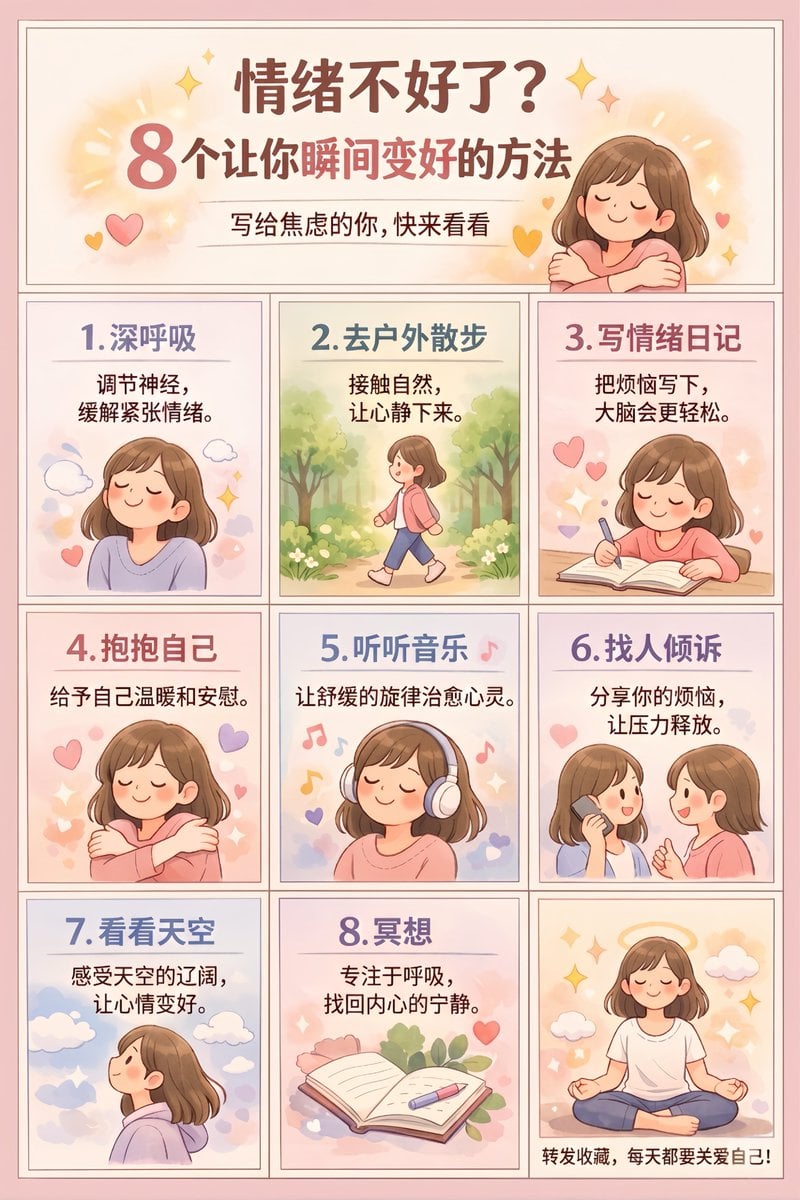
Panel Self-Care Infographic Grid
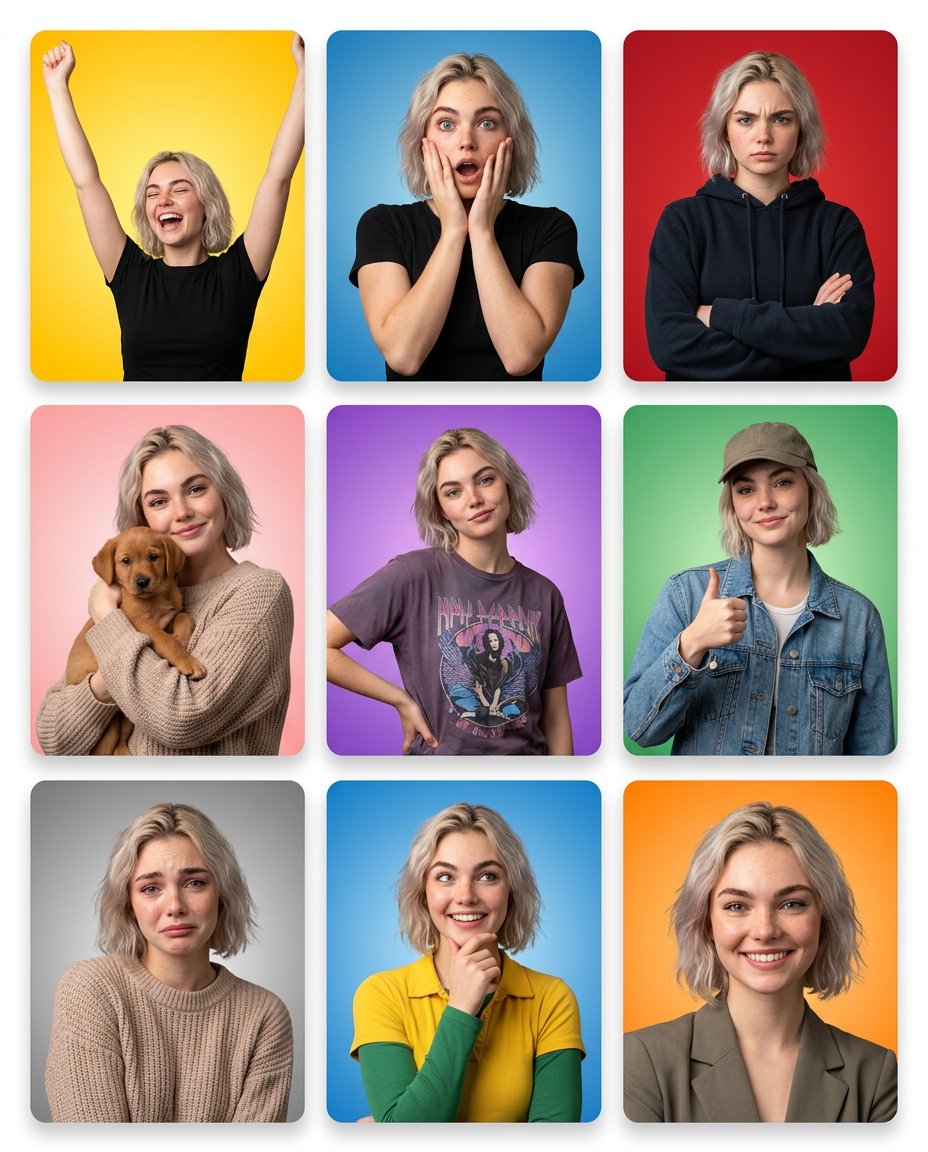
Multi-Panel Emotional State Grid
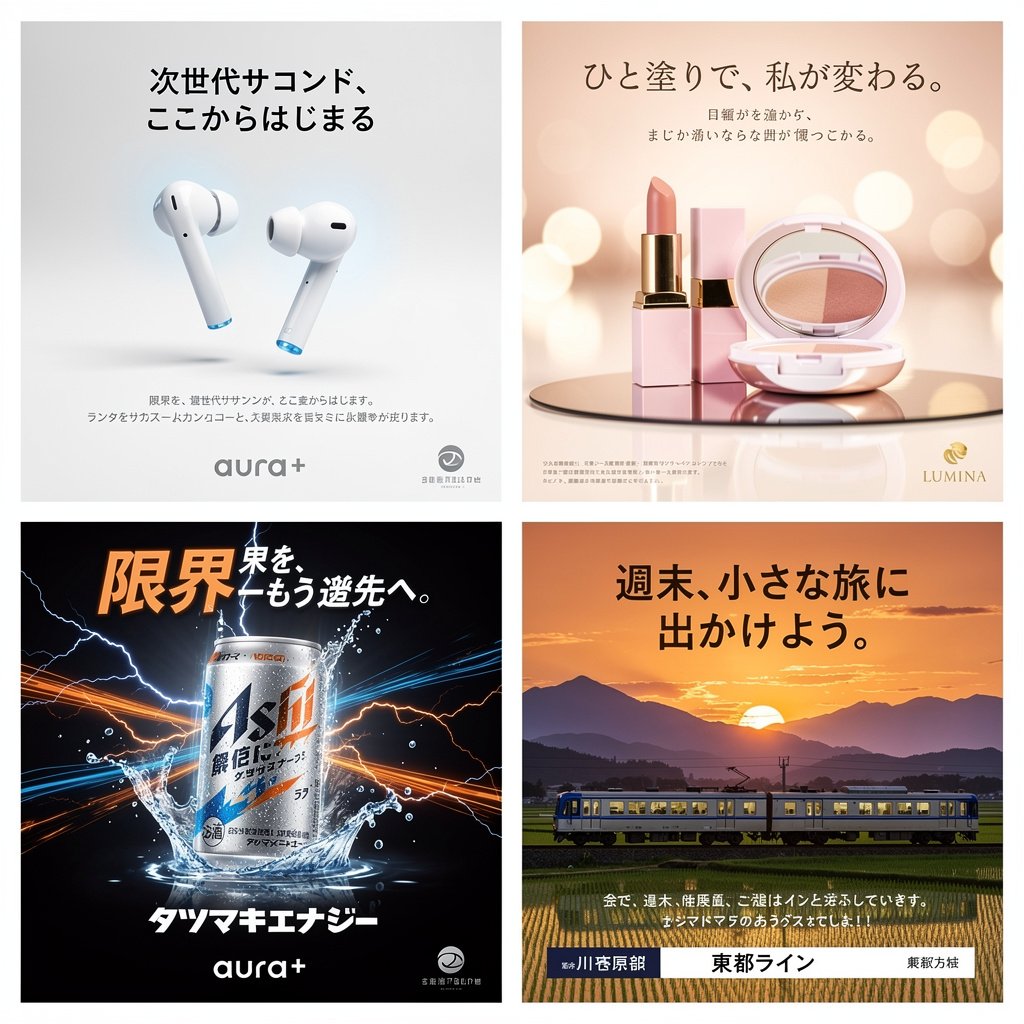
Panel Japanese Advertising Concept Grid

4x4 Grid - Candid Nostalgic Vacation Selfies

Movement Sheet - Dance Reference (Seedance 2.0)
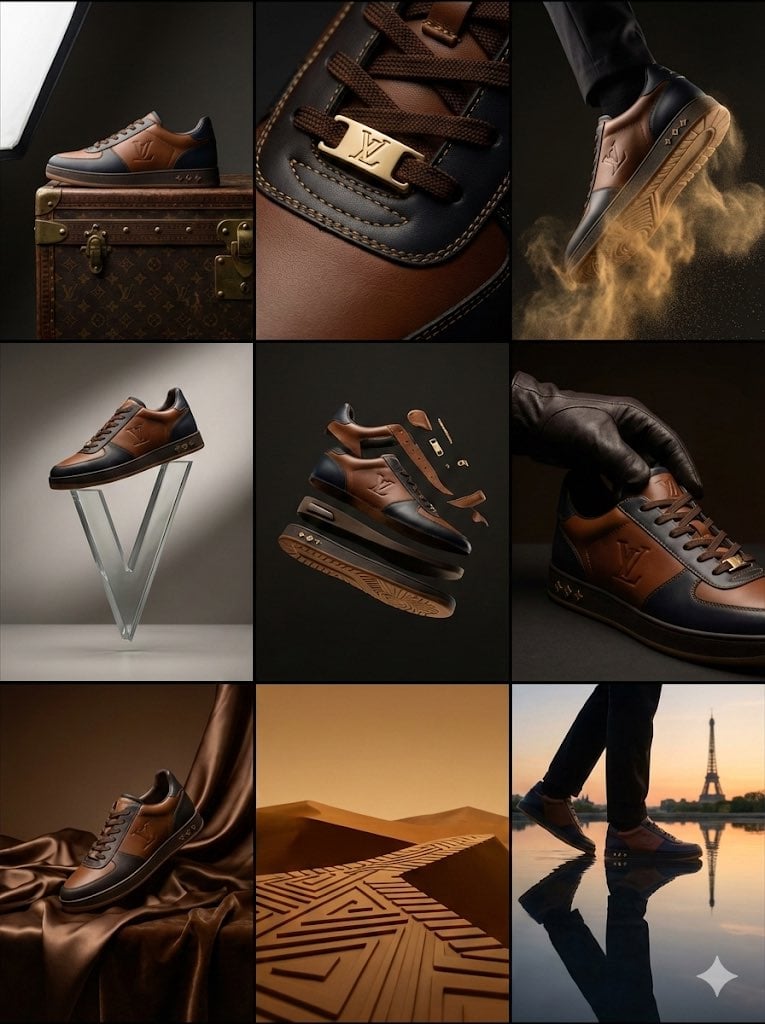
Louis Vuitton Sneaker Editorial Grid (9-Panel Concept)
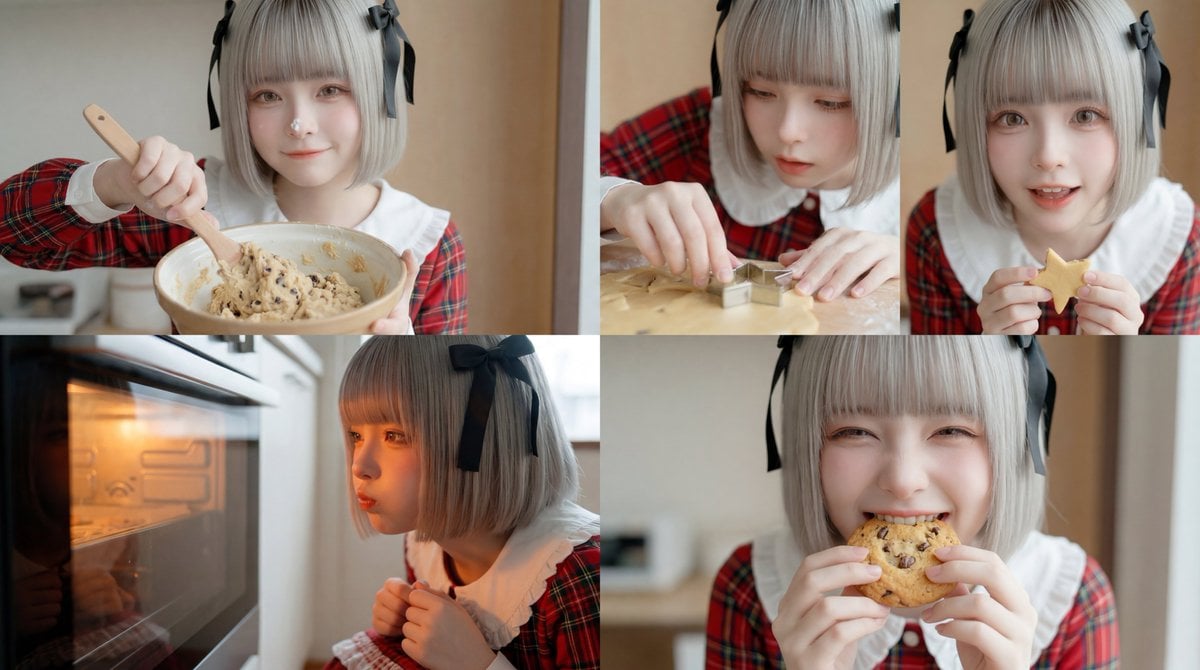
Cookie Baking Scene for Image and Video Generation
Make it yours
Panel Cookie Baking Tutorial Grid works as-is. These are the safest ways to change it without losing the look.
Swap the setting
Keep the rest of the prompt and replace the location block. The current setting is “{argument name="background texture" default="white marble countertop"}”.
Change one field
Copy a single group, rewrite it, and generate again so you can see what that field is doing.
Keep the frame, change the subject
Hold the composition and light of 9-Panel Cookie Baking Tutorial Grid, then swap wardrobe, props or the person for a new take.
| If the result… | Why | Fix |
|---|---|---|
| The result drifts from the preview | Too many fields changed at once. | Reuse 9-Panel Cookie Baking Tutorial Grid as-is first, then change one group — subject, light, or setting. |
| GPT Image 2 ignores part of the JSON | Some models flatten or skip nested keys. | Keep the same values and paste them as a short paragraph instead. |
More GPT Image 2 templates
Other prompts made for GPT Image 2.

Six VTuber Japanese Logo Sheet

Realistic Portrait of Woman and Deer

The Vista Modular Condo Poster

AI Model Routing Comparison Infographic

2.5D Anime Art Board

Isometric Productivity Desk Scene

New York Double Exposure Poster

Four-Panel AI Landscape Comparison

Japanese Tatami Lifestyle Magazine Cover

NESCAFÉ Coffee Map Poster
More image prompts
Fresh picks from across the catalog.

ZARA Fitting Room Mirror Selfie
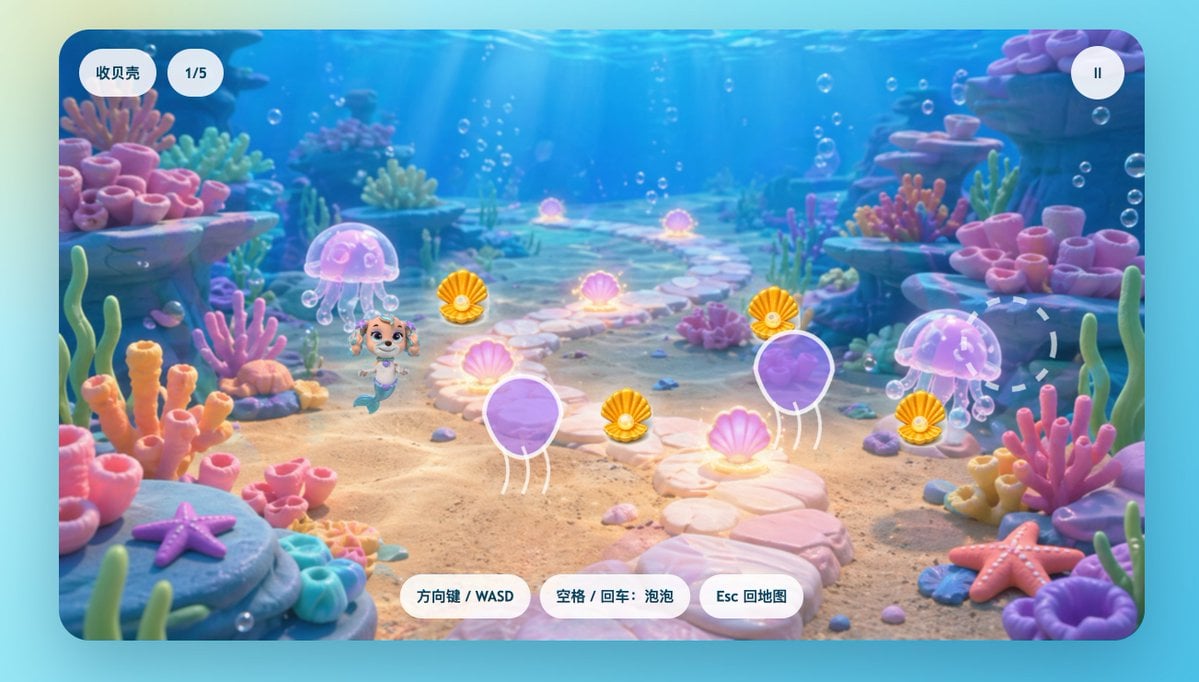
Cute Mermaid Puppy Underwater Game Screen

Gothic Vampire Couple Oil Portrait
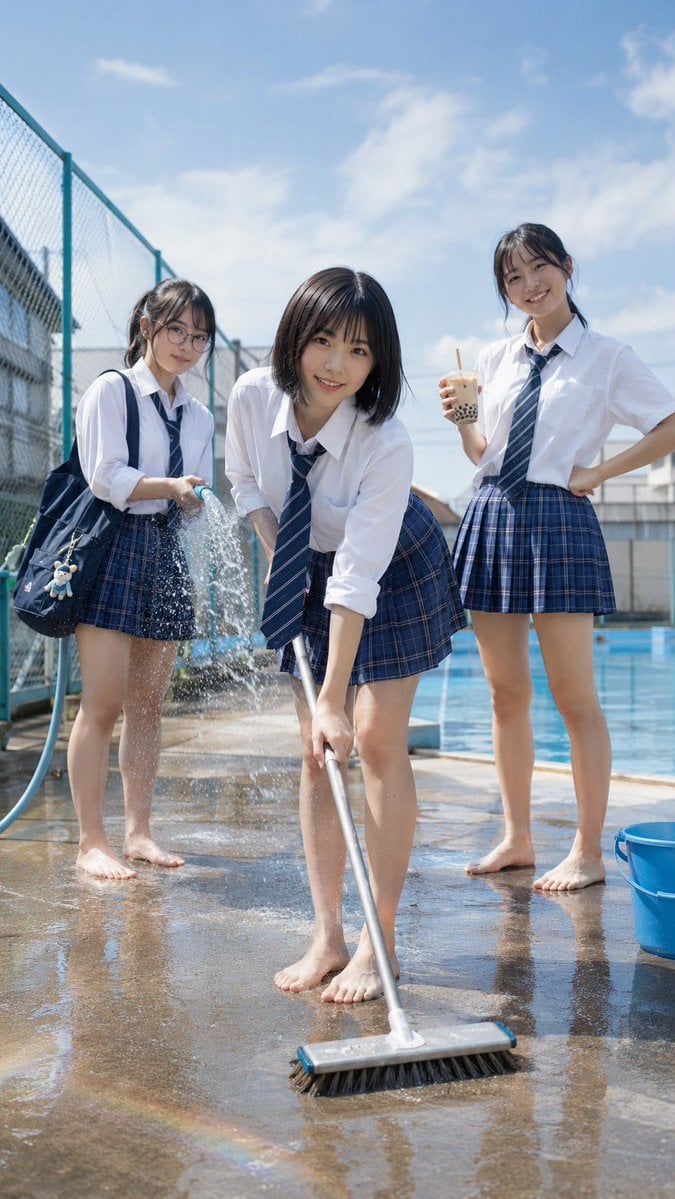
Japanese School Pool Cleaning Scene
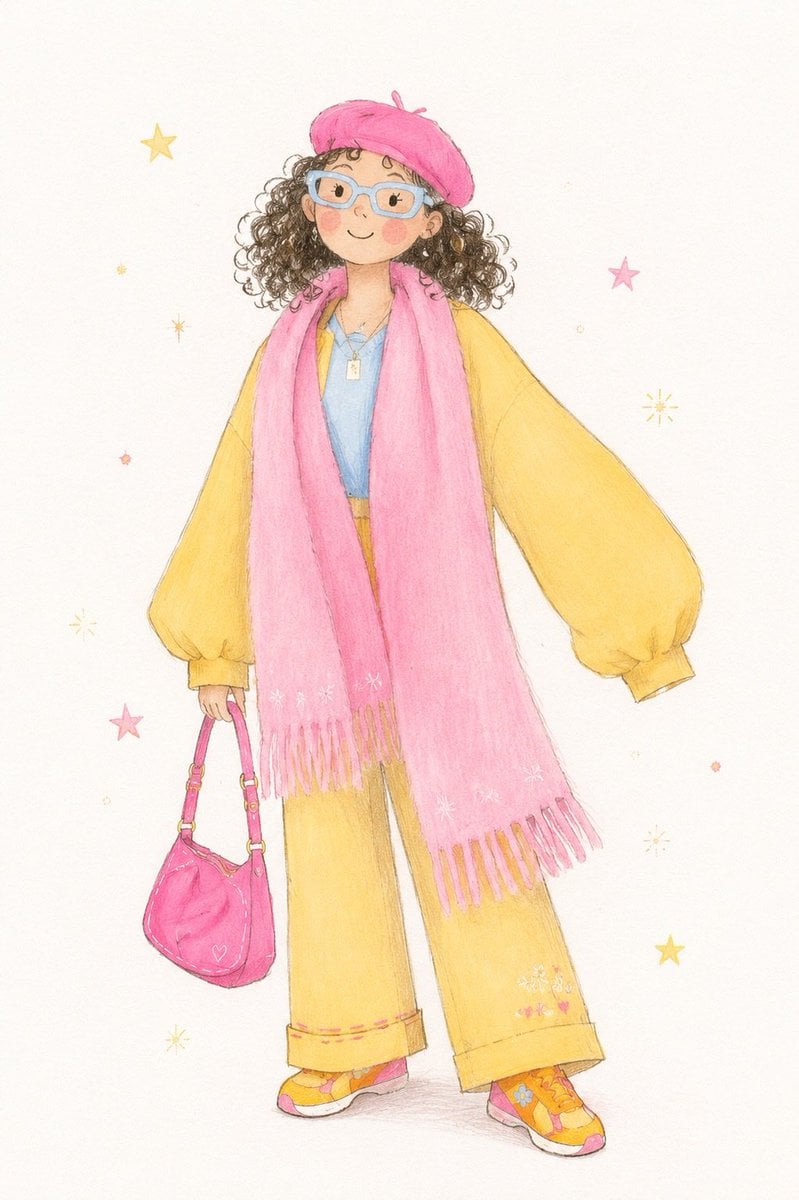
Minimalist Children's Illustration Style

Human-Succubus Fusion Portrait Prompt

Realistic Saree Portrait Generation
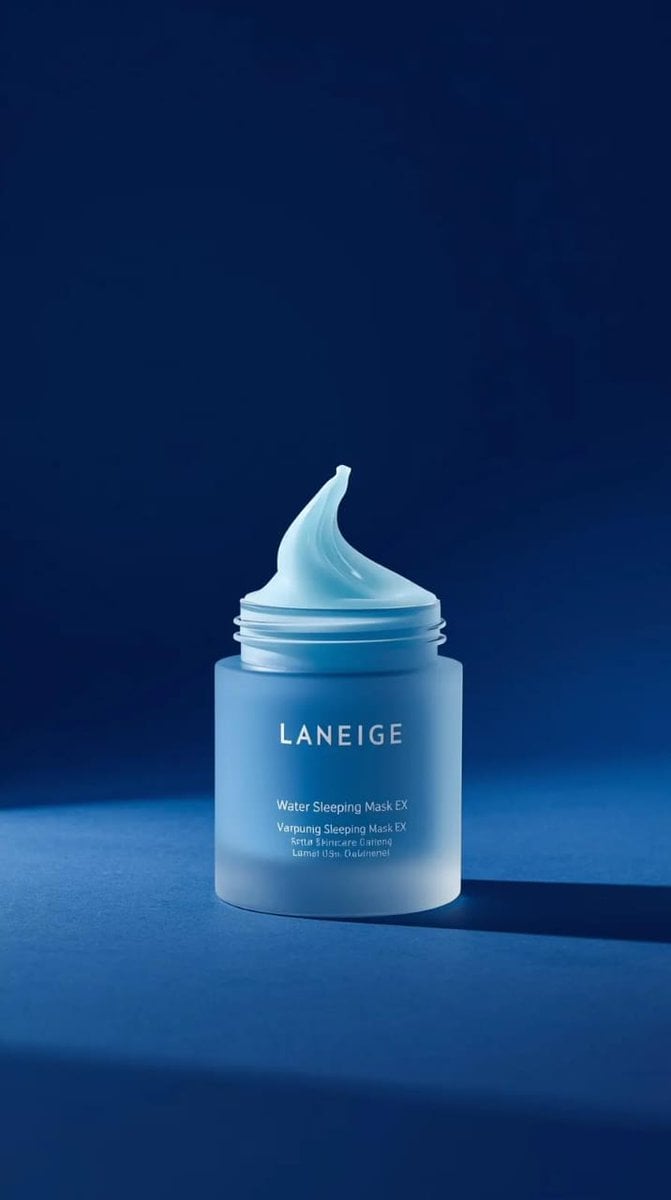
LANEIGE Water Sleeping Mask Product Video Prompt (Slow Motion)
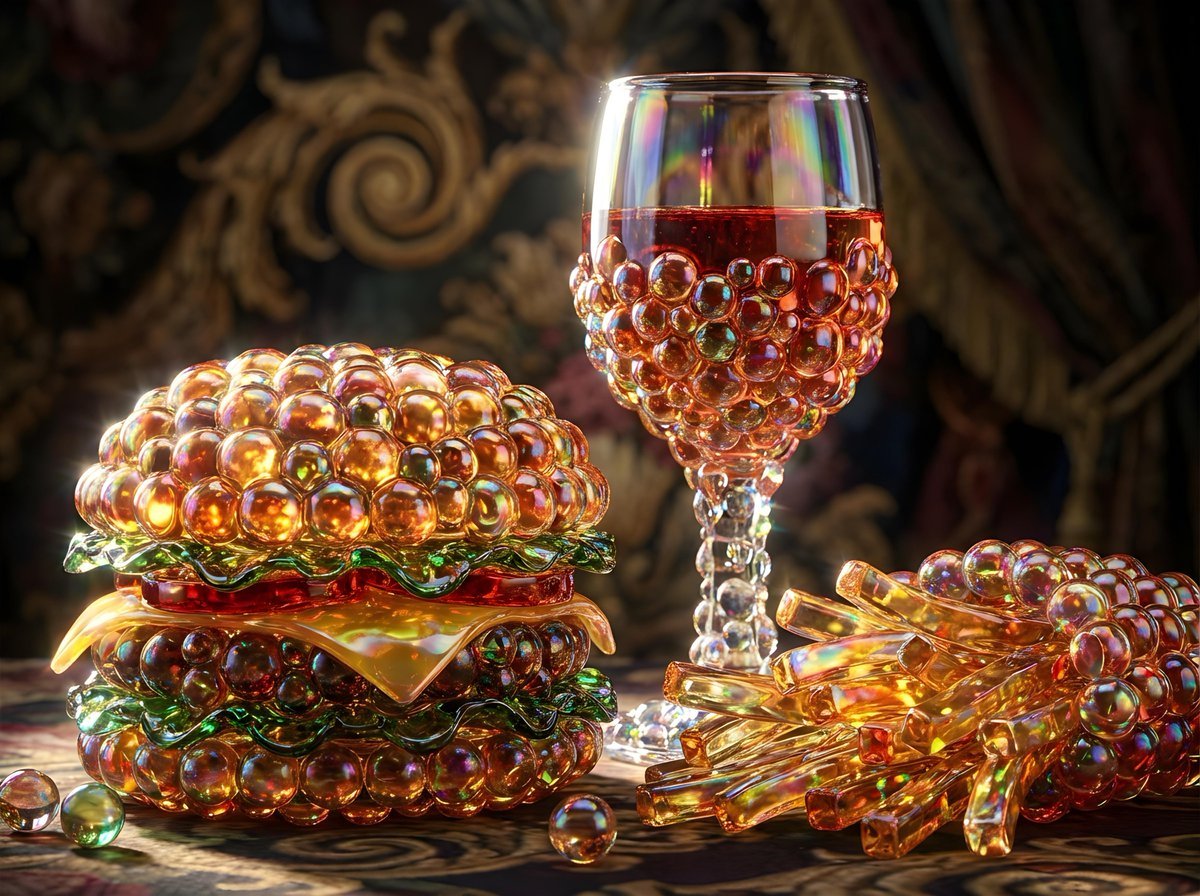
Bubbly Cheeseburger Still Life Prompt
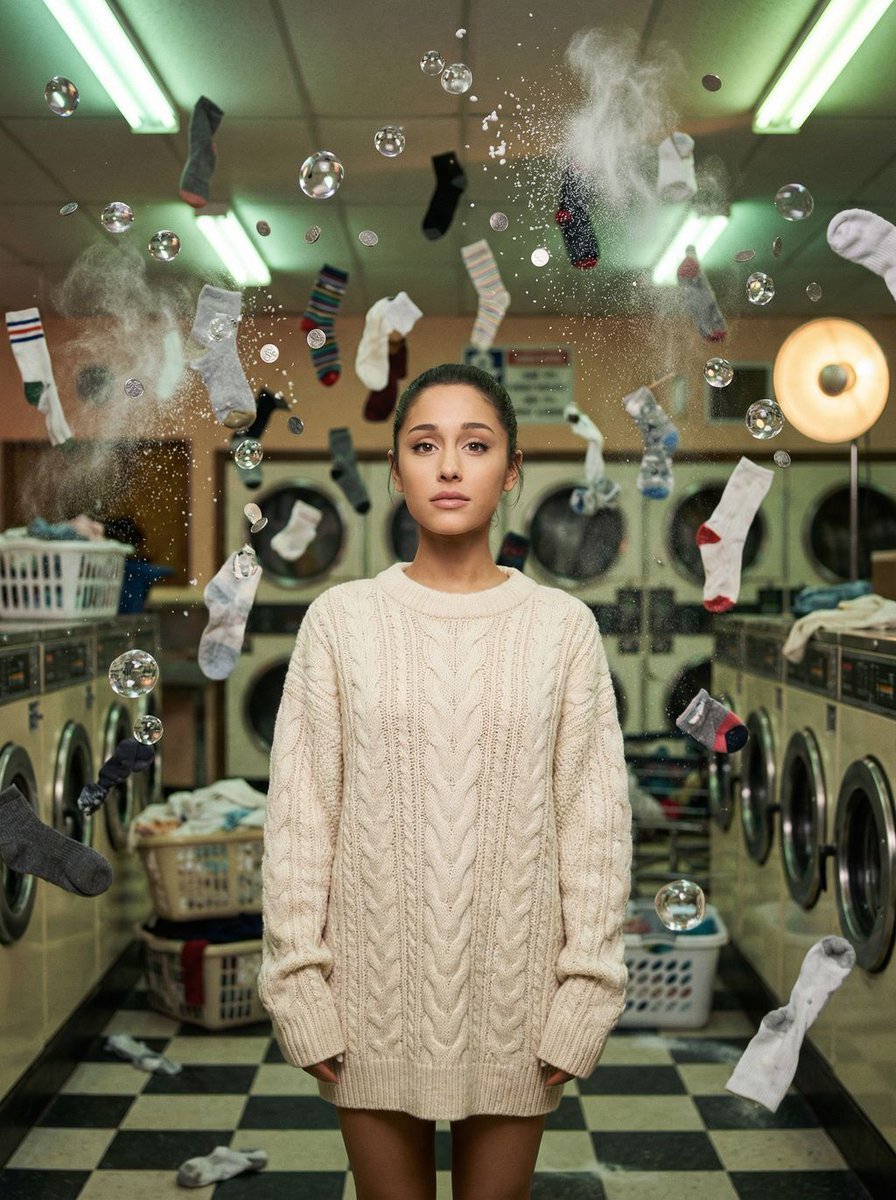
Zero-G Laundromat: Surreal Fashion Editorial
Browse template categories
Panel Cookie Baking Tutorial Grid questions
How do I use the 9-Panel Cookie Baking Tutorial Grid template?
Add your photo if the template asks for one, edit the prompt if you like — the template's model and format are already selected — and press Generate. Your version opens in PicX Studio.
Can I customize the 9-Panel Cookie Baking Tutorial Grid template?
Yes. You can change the subject, setting, lighting, mood, format, and available model controls before creating your image.
Is the 9-Panel Cookie Baking Tutorial Grid template free?
Opening and editing this template is free. Generating uses credits, shown on the Generate button when you are signed in.
Which AI model should I use?
Start with GPT Image 2, which is the model associated with this template. You can compare another compatible model for a different finish.
Looking for something else? Browse all templates.

Your photo, any look
Thousands of ready templates for every top image and video model, from one credit balance.