
Moonlit Anime Spear Warrior
A cinematic fantasy anime prompt for generating a moonlit wuxia spear-fighting scene in an ancient palace courtyard.
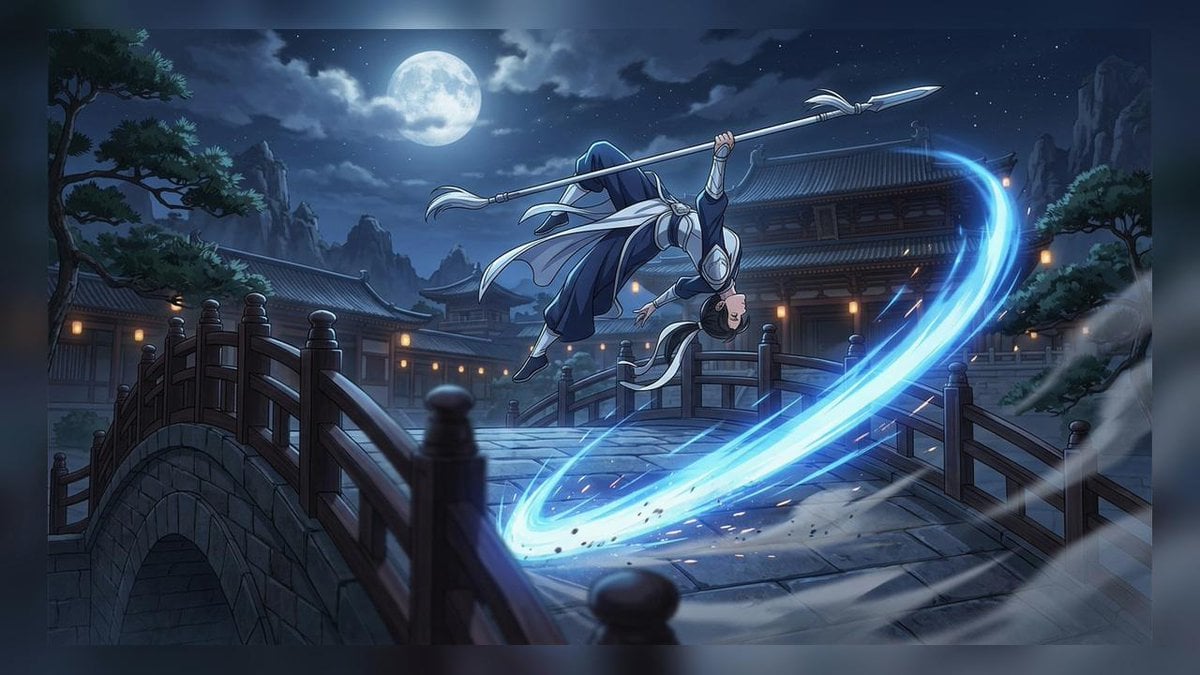
- Prompt included
- Model and format preset
- Free template
The prompt behind this image
Copy the exact prompt behind Moonlit Anime Spear Warrior, or open it in the studio and make it yours.
Create a cinematic anime action scene at night in an ancient East Asian palace courtyard. A lone martial warrior, {argument name="character name" default="unnamed spear warrior"}, is midair above a stone arched bridge, performing an acrobatic spinning attack while holding a long silver spear with a sharp double-edged spearhead. The warrior wears flowing dark navy and white robes with silver armor accents, long trailing sashes, and dark hair partly hidden by a hood or head covering; their body is inverted in a dynamic flip, face partly visible, emphasizing speed and skill. A bright cyan-blue energy arc from the spear sweeps across the lower right foreground in a huge crescent slash, scattering sparks, debris, mist, and motion streaks. The setting includes exactly one main stone bridge with dark wooden railings in the foreground, one smaller bridge section behind it, traditional tiled palace buildings with warm lantern lights, distant jagged mountains, pine trees on both sides, and a large full moon glowing through drifting clouds in a starry deep-blue sky. Use dramatic moonlit lighting, cool blue shadows contrasted with warm amber windows, detailed anime key art style, sharp linework, atmospheric fog, high motion blur at the edges, and a wide 16:9 composition like a fantasy wuxia animation still. No text, no watermark, no modern objects.
How to use Moonlit Anime Spear Warrior in 3 steps
- 1Upload ImagePNG, JPG or paste
Add your photo
Upload the photo the template builds on. The prompt, model and format are already set.
- 2…a portrait of your subject in softgolden-hour light, 85mm…
Personalize
Edit the subject and creative details for your destination.
- 3Generate
Generate
Press Generate — your image is created in PicX Studio, so you can compare it with the original and refine one variable at a time.
More like this
Templates with the same subject, style or setup. Open one to see its prompt.












Make it yours
Moonlit Anime Spear Warrior works as-is. These are the safest ways to change it without losing the look.
Change one field
Copy a single group, rewrite it, and generate again so you can see what that field is doing.
Keep the frame, change the subject
Hold the composition and light of Moonlit Anime Spear Warrior, then swap wardrobe, props or the person for a new take.
| If the result… | Why | Fix |
|---|---|---|
| The result drifts from the preview | Too many fields changed at once. | Reuse Moonlit Anime Spear Warrior as-is first, then change one group — subject, light, or setting. |
| The model over-stylizes the scene | The prose prompt leaves finish and camera underspecified. | Add one camera or lighting sentence and stay on GPT Image 2. |
More GPT Image 2 templates
Other prompts made for GPT Image 2.

Six VTuber Japanese Logo Sheet

Realistic Portrait of Woman and Deer

The Vista Modular Condo Poster

AI Model Routing Comparison Infographic

2.5D Anime Art Board

Isometric Productivity Desk Scene

New York Double Exposure Poster

Four-Panel AI Landscape Comparison

Japanese Tatami Lifestyle Magazine Cover

NESCAFÉ Coffee Map Poster
More image prompts
Fresh picks from across the catalog.
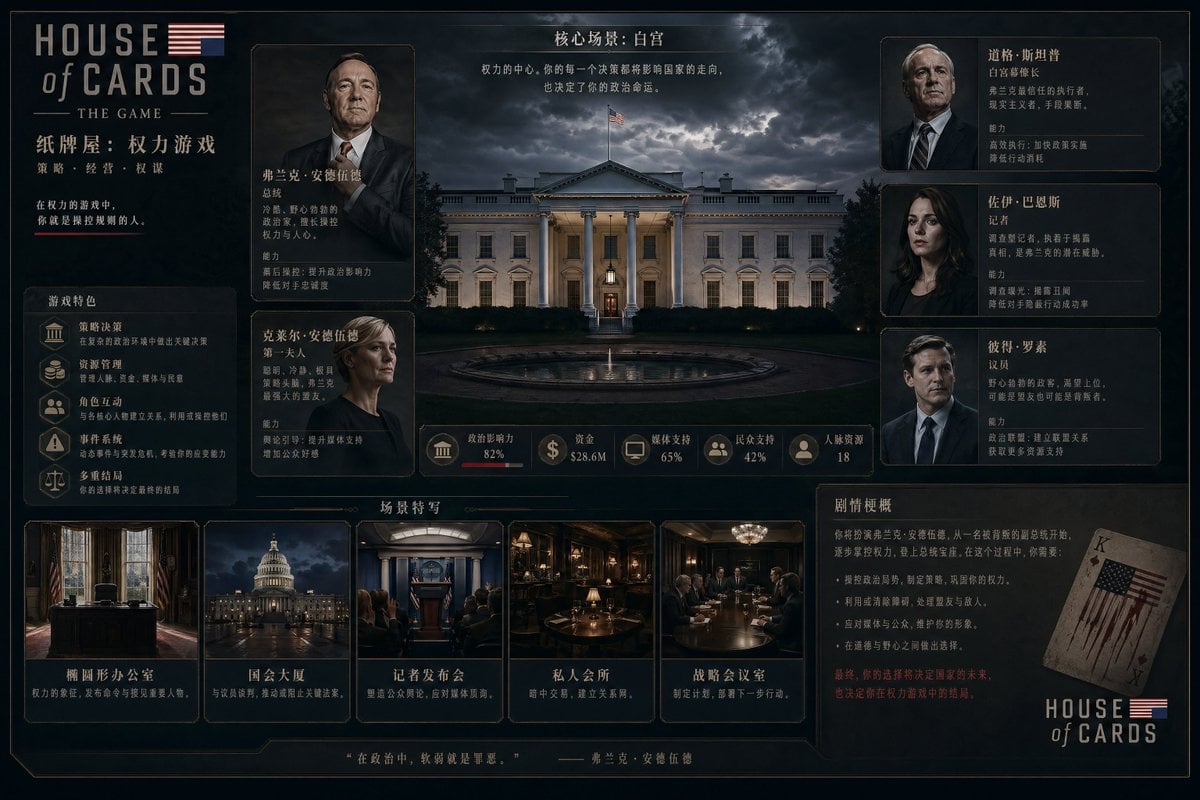
Video game management UI concept
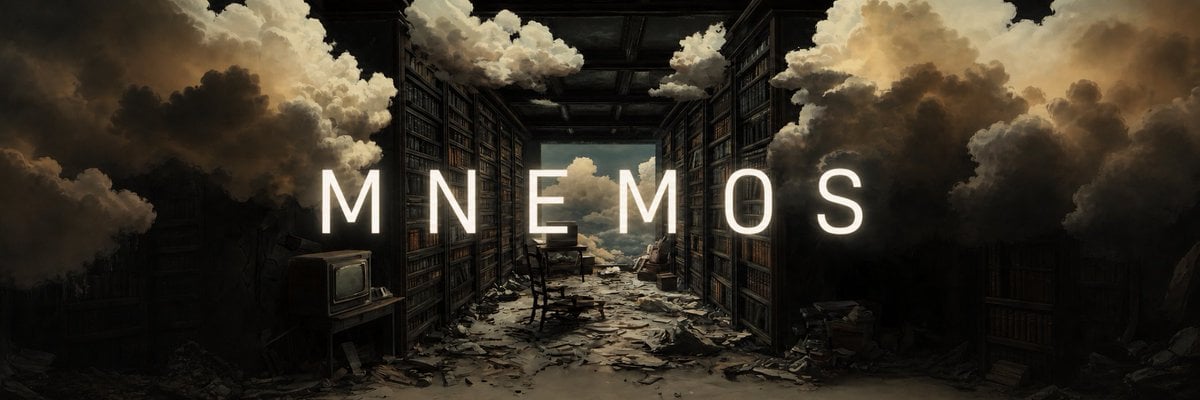
Add Cinematic Centered Title Banner
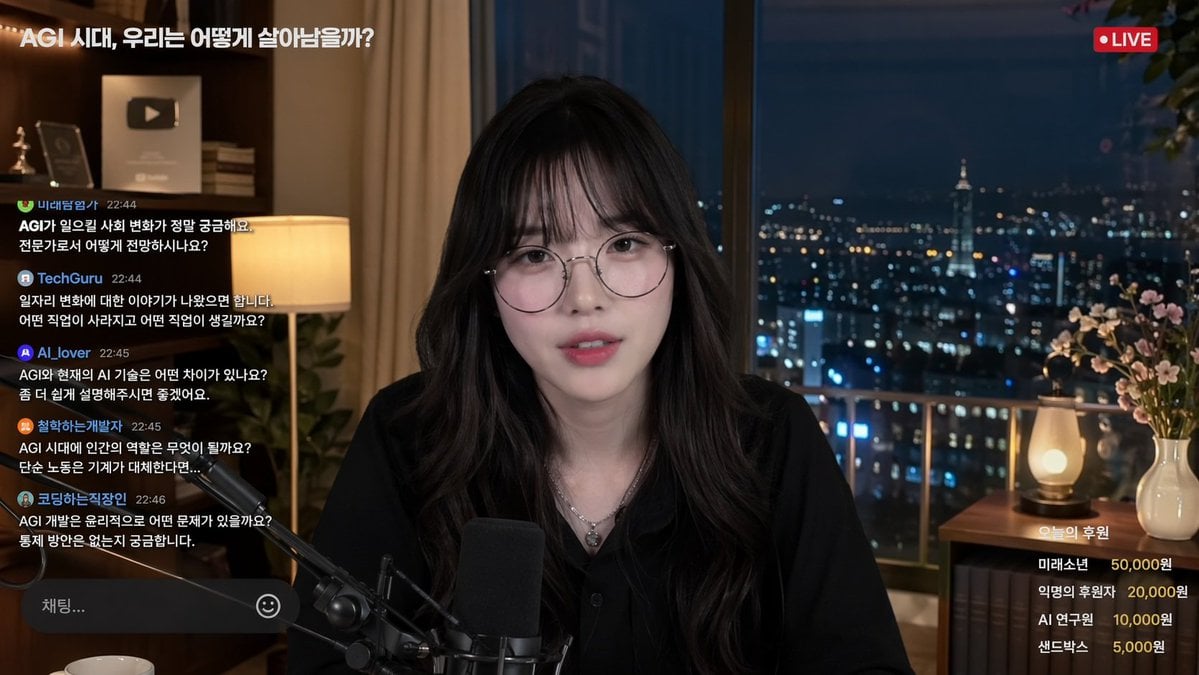
Livestream Interface Mockup
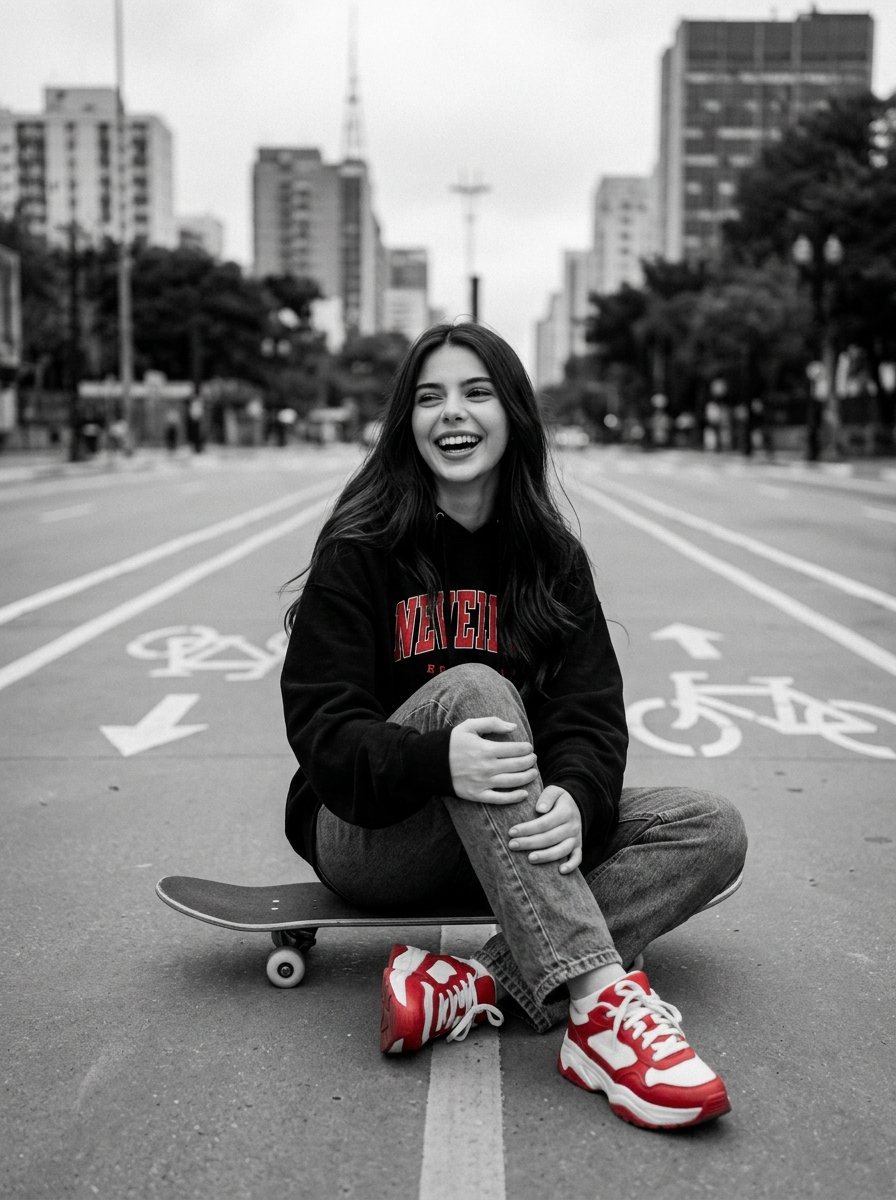
Cinematic Black, White, and Red Street Photography Portrait
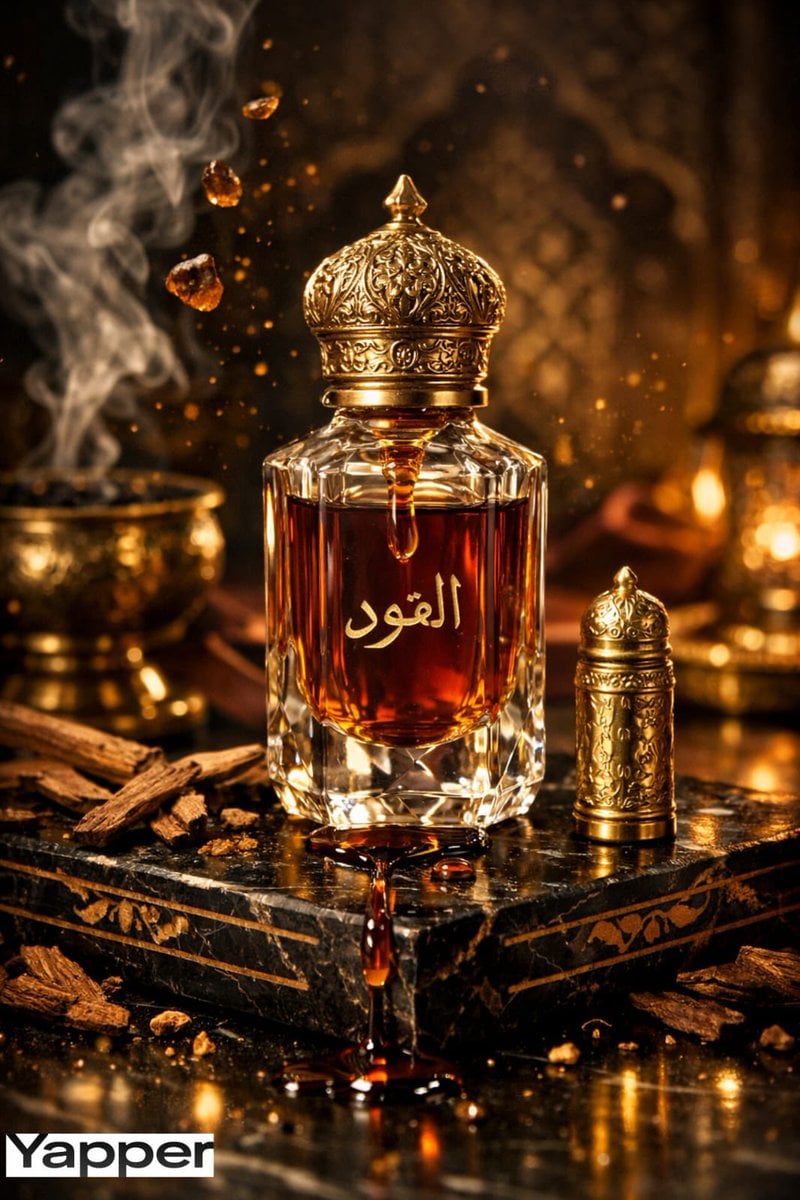
Ultra-Premium Arabian Luxury Perfume Product Photography
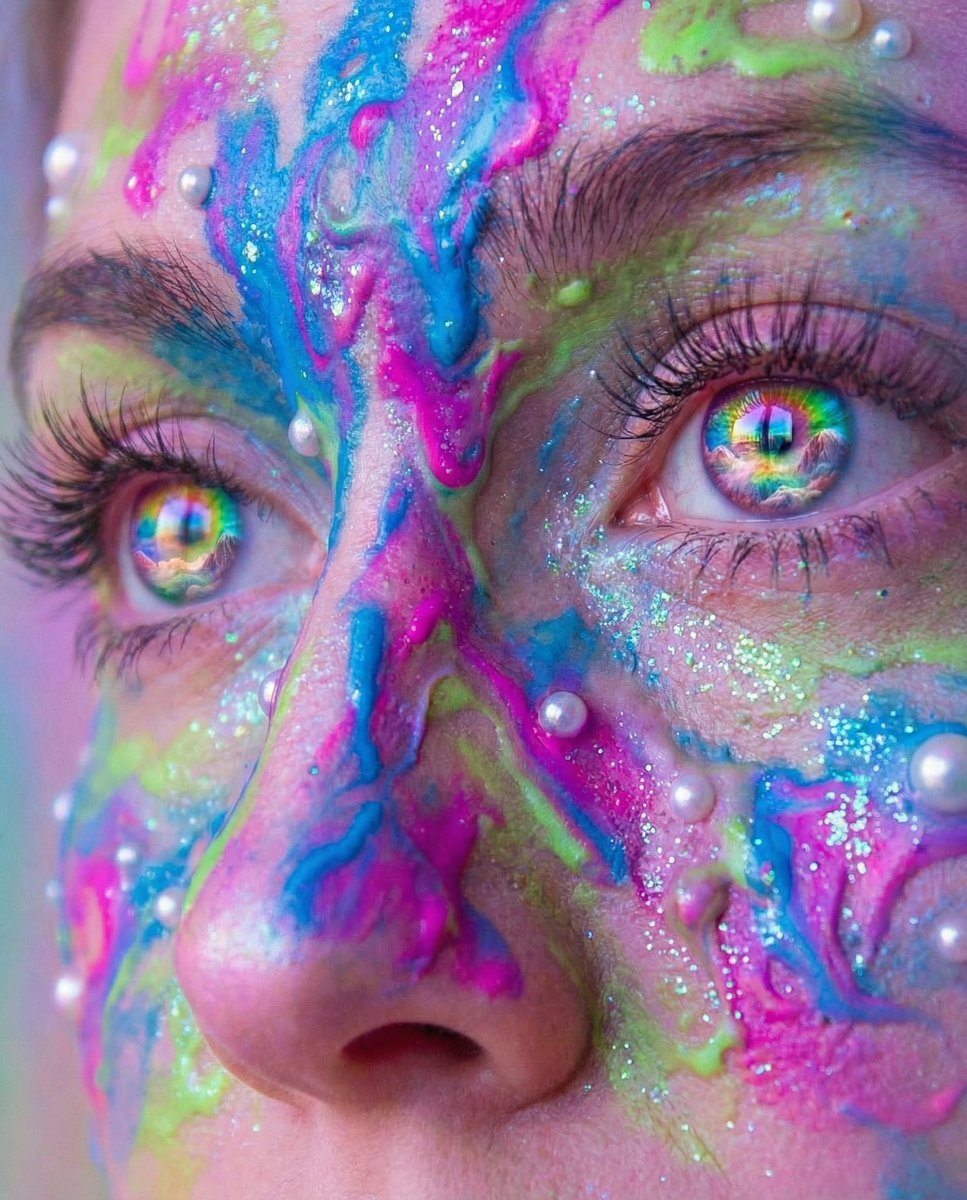
Surreal Portrait with Rainbow Irises and Melted Paint
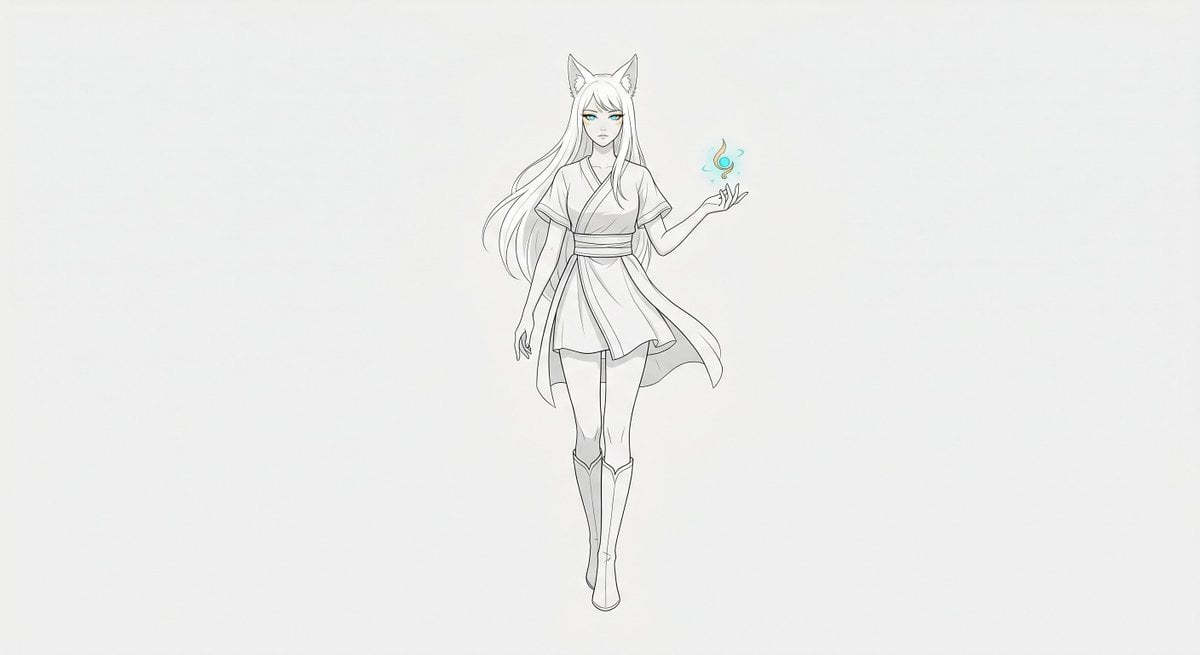
Minimal Fox Spirit Character Sketch

Beach Selfie Image Prompt for Nano Banana Pro
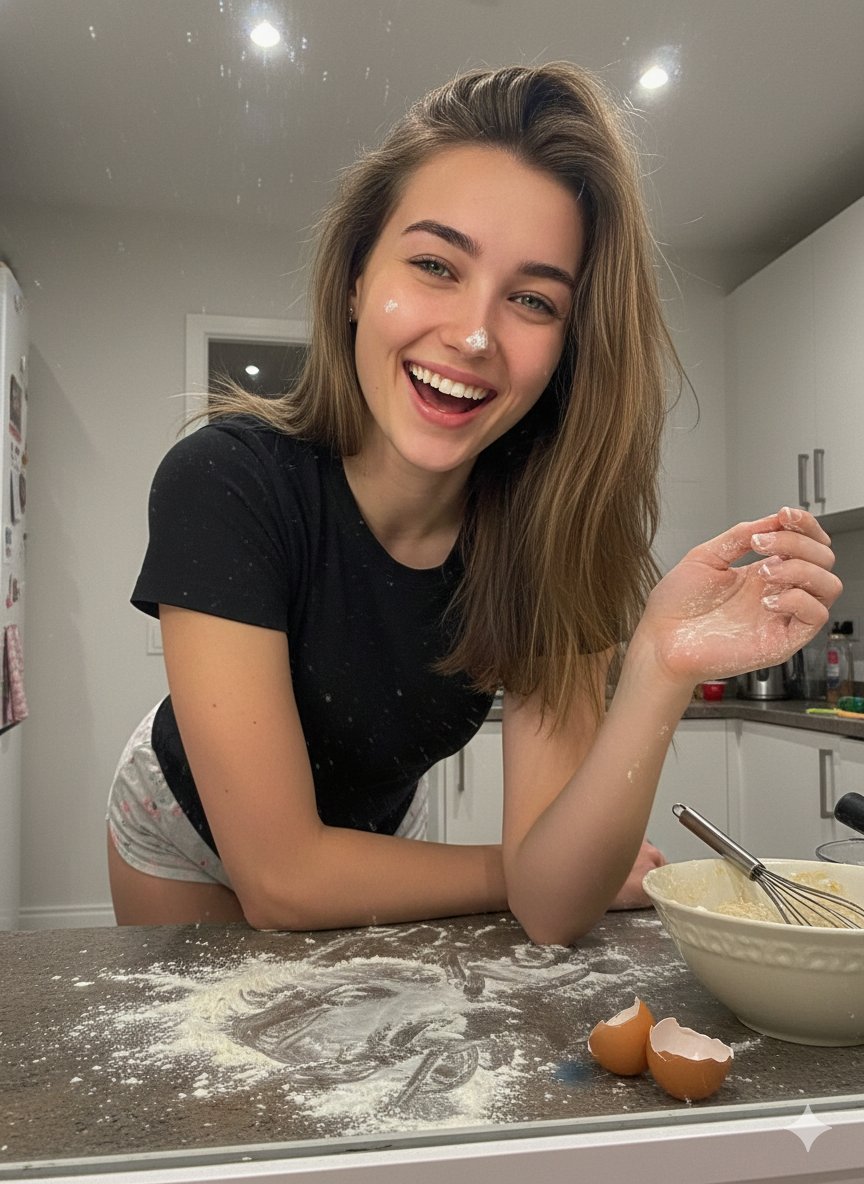
Ultra-Realistic Mirror Selfie Portrait in a Messy Kitchen
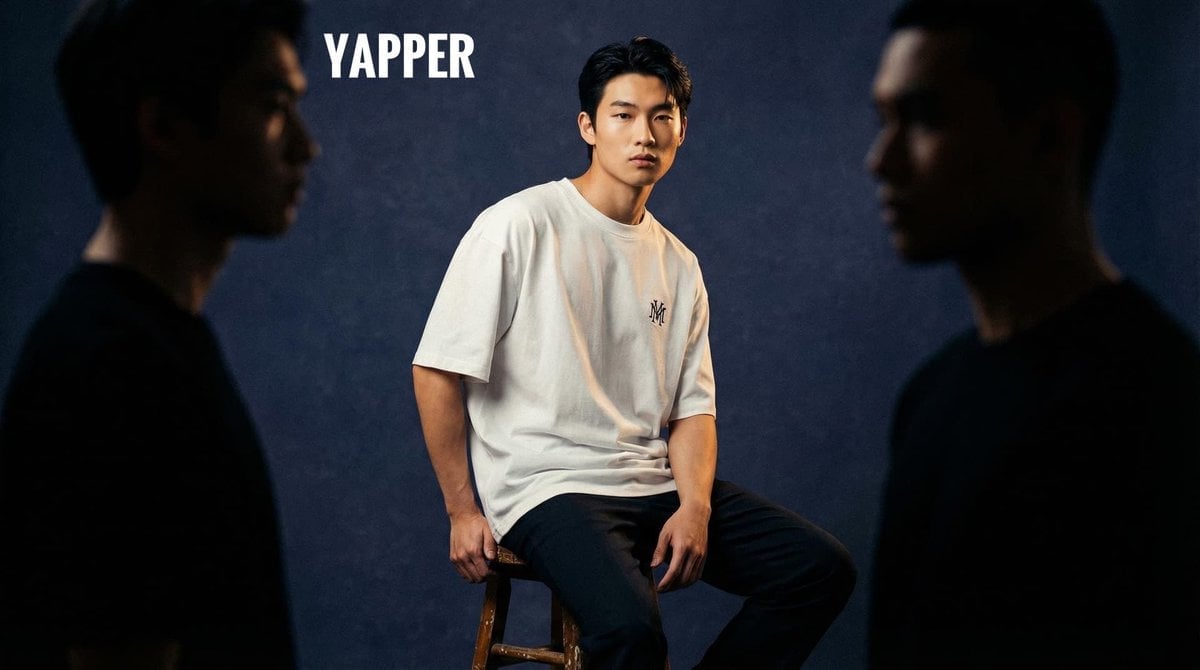
Cinematic High-Fashion Studio Photoshoot
Browse template categories
Moonlit Anime Spear Warrior questions
How do I use the Moonlit Anime Spear Warrior template?
Add your photo if the template asks for one, edit the prompt if you like — the template's model and format are already selected — and press Generate. Your version opens in PicX Studio.
Can I customize the Moonlit Anime Spear Warrior template?
Yes. You can change the subject, setting, lighting, mood, format, and available model controls before creating your image.
Is the Moonlit Anime Spear Warrior template free?
Opening and editing this template is free. Generating uses credits, shown on the Generate button when you are signed in.
Which AI model should I use?
Start with GPT Image 2, which is the model associated with this template. You can compare another compatible model for a different finish.
Looking for something else? Browse all templates.

Your photo, any look
Thousands of ready templates for every top image and video model, from one credit balance.