
Isometric Voxel River Temple City
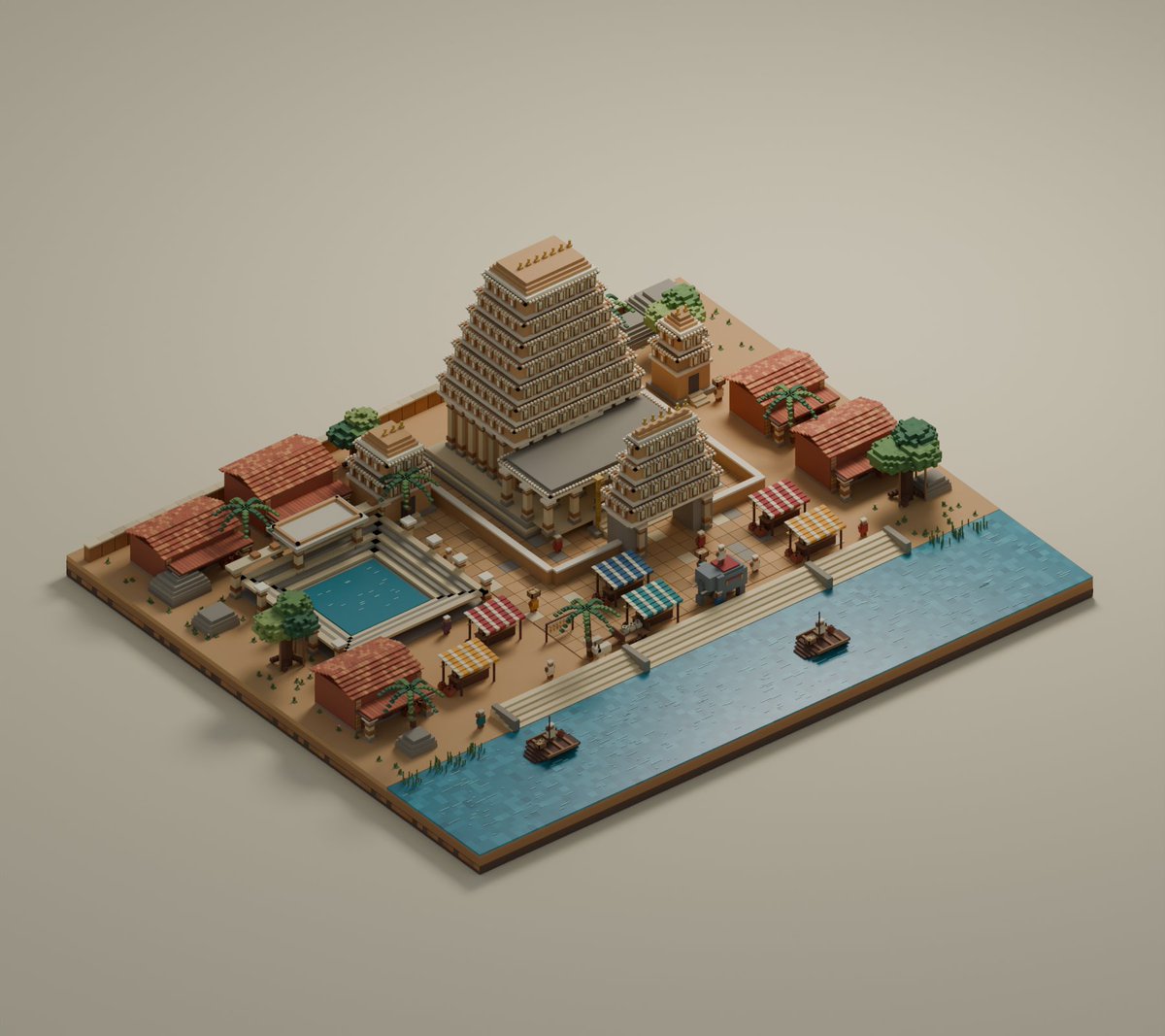
A detailed prompt for generating a charming isometric voxel diorama of an ancient stepped temple complex, riverfront, market stalls, boats, and ceremonial pool.
- Prompt included
- Model and format preset
- Free template
The prompt behind this image
Copy the exact prompt behind Isometric Voxel River Temple City, or open it in the studio and make it yours.
Create a detailed isometric voxel diorama of an ancient stepped temple complex beside a river, rendered like a miniature block-built game scene on a rectangular base. The setting should feel like {argument name="civilization style" default="an ancient Mesopotamian or Mesoamerican river temple city"}, with warm tan stone, terracotta roofs, carved columns, and symmetrical ceremonial architecture. Canvas: Wide 4:3 composition, orthographic isometric view from above, centered on a floating rectangular terrain slab against a plain warm beige background. Use soft studio lighting, ambient occlusion, gentle shadows, and a polished low-poly voxel aesthetic. Main layout: Place one large central stepped ziggurat temple slightly left of center, with many stacked terraces, vertical column-like details, a flat pale roof, and small golden ornaments along the top. In front of it, add a lower entrance platform with columns and stairs. To the right of the main temple, include one smaller stepped temple shrine; behind it, include one even smaller tower shrine near trees. On the left foreground, create a rectangular ceremonial pool with bright blue water, stone edging, and tiered steps around it. Along the entire front edge, create a broad turquoise river with tiled water texture and a stone promenade with stairs descending to the water. Counted visible elements: exactly 3 stepped temple structures: 1 large central ziggurat, 1 medium front-right ziggurat, and 1 small rear-right shrine tower. Exactly 1 rectangular pool. Exactly 2 small wooden boats on the river, each with a tiny mast or pole. Exactly 5 terracotta-roofed rectangular buildings or market stalls around the plaza: 2 long buildings on the left side, 2 buildings on the right side, and 1 small building in the front-left area. Exactly 4 striped canopy market stalls in the plaza: 1 blue-and-white canopy, 1 teal-and-white canopy, 1 red-and-white canopy, and 1 yellow-and-white canopy. Exactly 5 palm trees distributed around the complex, plus exactly 4 broad leafy green trees. Add scattered tiny voxel people, small benches, planters, reeds, crates, and decorative posts, but keep them secondary. Visual style: Charming voxel art, crisp block geometry, tiny modular bricks, warm earthy palette of sand, clay, ochre, cream stone, muted green vegetation, and bright cyan water. The temple should be majestic but toy-like, with no photorealistic textures, no outlines, and no text. Emphasize the {argument name="mood" default="lowkey beautiful peaceful miniature world"} feeling, with clean composition and high detail.
How to use Isometric Voxel River Temple City in 3 steps
- 1Upload ImagePNG, JPG or paste
Add your photo
Upload the photo the template builds on. The prompt, model and format are already set.
- 2…a portrait of your subject in softgolden-hour light, 85mm…
Personalize
Edit the subject and creative details for your destination.
- 3Generate
Generate
Press Generate — your image is created in PicX Studio, so you can compare it with the original and refine one variable at a time.
More like this
Templates with the same subject, style or setup. Open one to see its prompt.
Hyper-Realistic Minecraft Cows Grazing

Hyper-Realistic Minecraft POV Portrait

Minecraft Homage Illustrious Style

Minecraft Voxel Pixel Art Aesthetic System

Minecraft Next-Gen Voxel World Screenshot

Minecraft Japanese Research Lab Exploration

Cozy Knit Sweater Window Portrait

Minimalist Hand-Drawn Doodle Portrait
Sunlit Riverside City Fantasy

Minecraft Fantasy Kingdom Voxel Landscape
Minecraft Voxel Character Village Portrait

Isometric Process Educational Diorama
Make it yours
Isometric Voxel River Temple City works as-is. These are the safest ways to change it without losing the look.
Change one field
Copy a single group, rewrite it, and generate again so you can see what that field is doing.
Keep the frame, change the subject
Hold the composition and light of Isometric Voxel River Temple City, then swap wardrobe, props or the person for a new take.
| If the result… | Why | Fix |
|---|---|---|
| The result drifts from the preview | Too many fields changed at once. | Reuse Isometric Voxel River Temple City as-is first, then change one group — subject, light, or setting. |
| The model over-stylizes the scene | The prose prompt leaves finish and camera underspecified. | Add one camera or lighting sentence and stay on GPT Image 2. |
More GPT Image 2 templates
Other prompts made for GPT Image 2.

Six VTuber Japanese Logo Sheet

Realistic Portrait of Woman and Deer

The Vista Modular Condo Poster

AI Model Routing Comparison Infographic

2.5D Anime Art Board

Isometric Productivity Desk Scene

New York Double Exposure Poster

Four-Panel AI Landscape Comparison

Japanese Tatami Lifestyle Magazine Cover

NESCAFÉ Coffee Map Poster
More image prompts
Fresh picks from across the catalog.
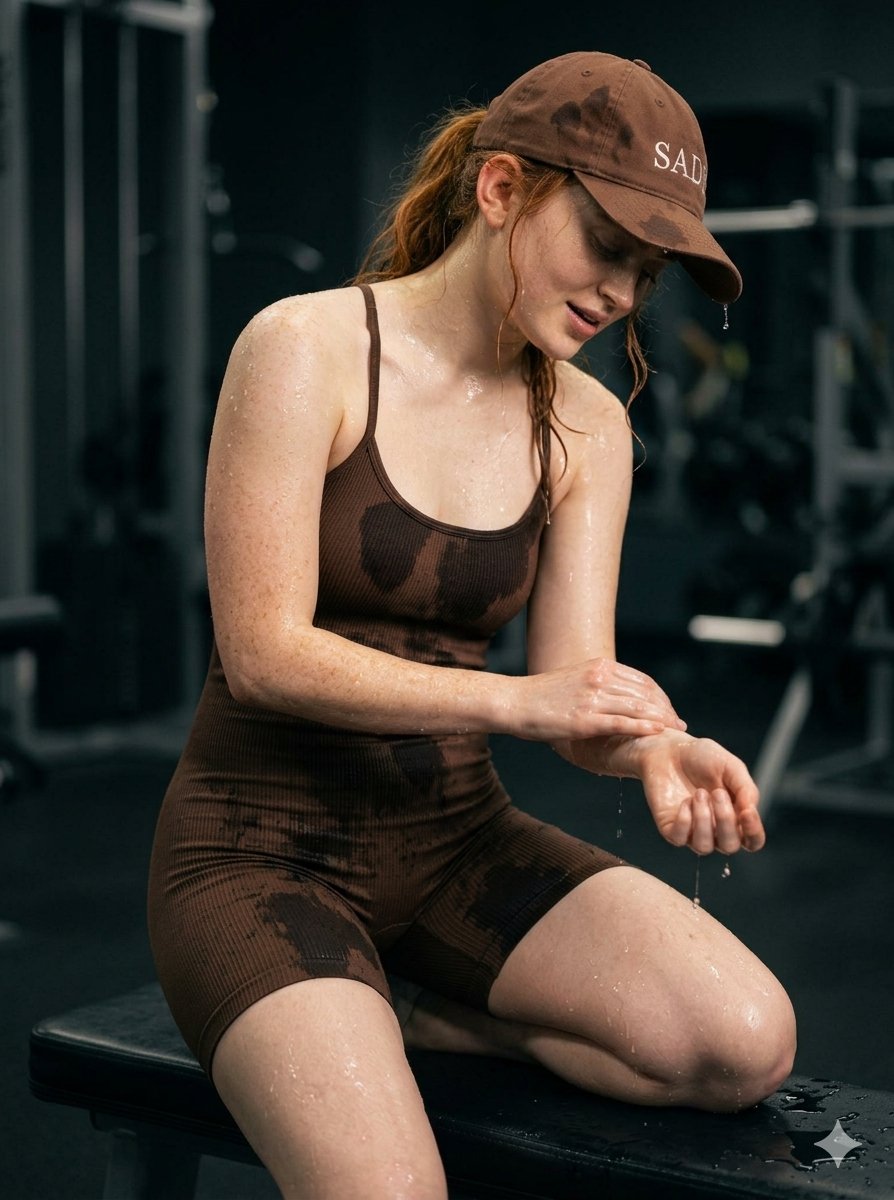
Structured Prompt for Woman Posing in a Gym

ASCII Cat Meme to Manga Illustration

Anime Style Character Transformation

Explosive Dragon Fruit Juice Photography
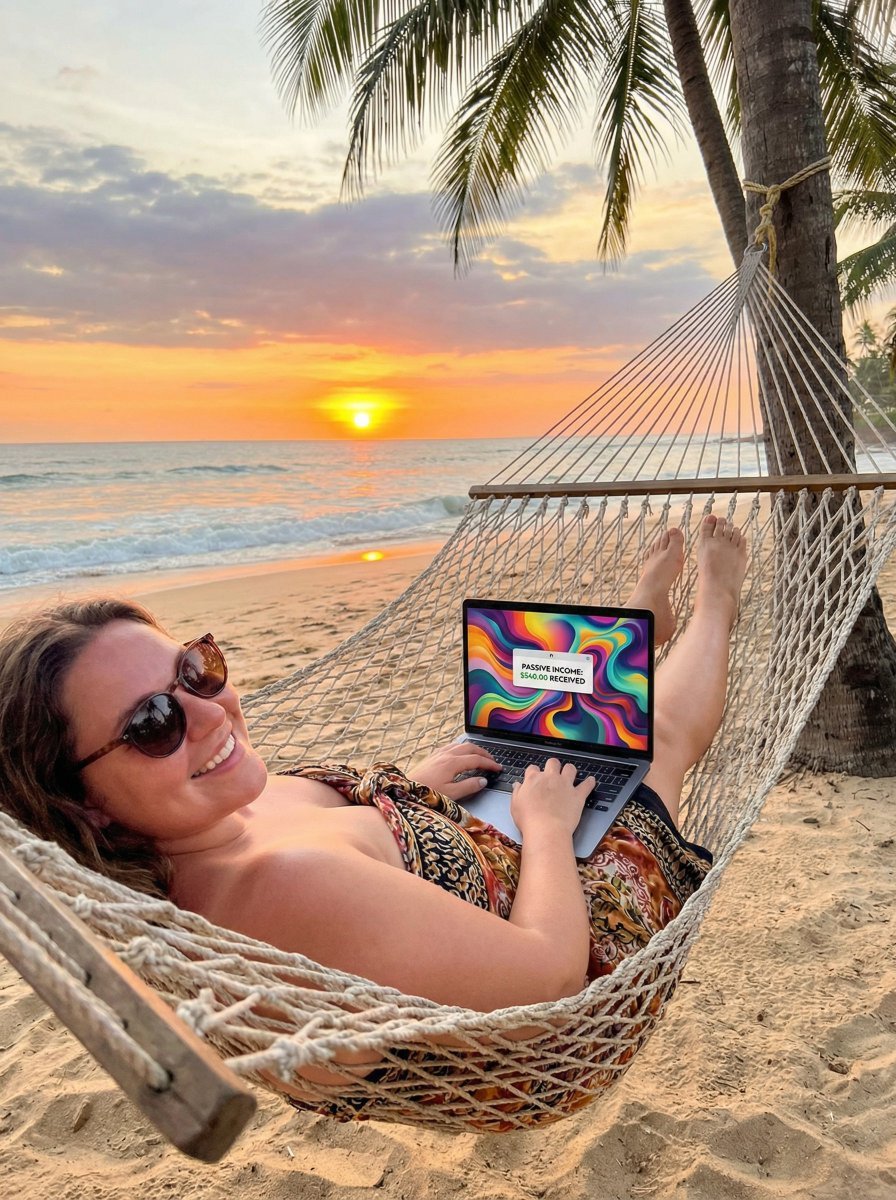
JSON Prompt for Digital Nomad Generating AI Art on a Beach Hammock
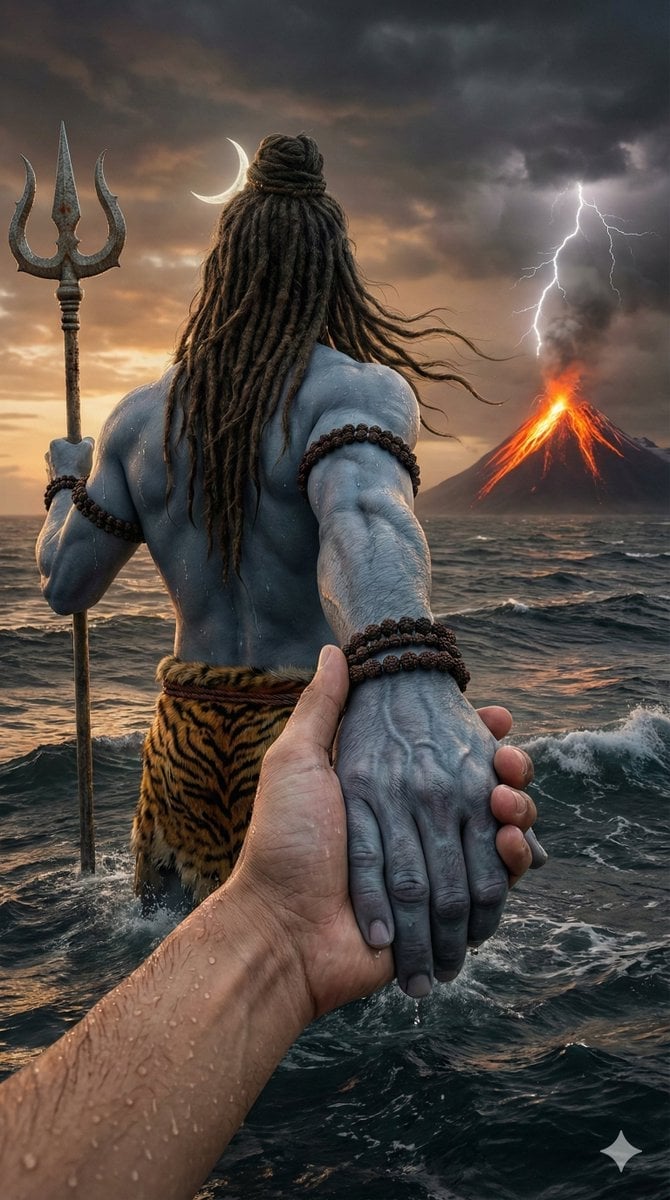
Lord Shiva Hand-Holding Cinematic Scene Prompt

Neon WhatsApp AI Creator Poster

Polished Academic Student ID Portrait
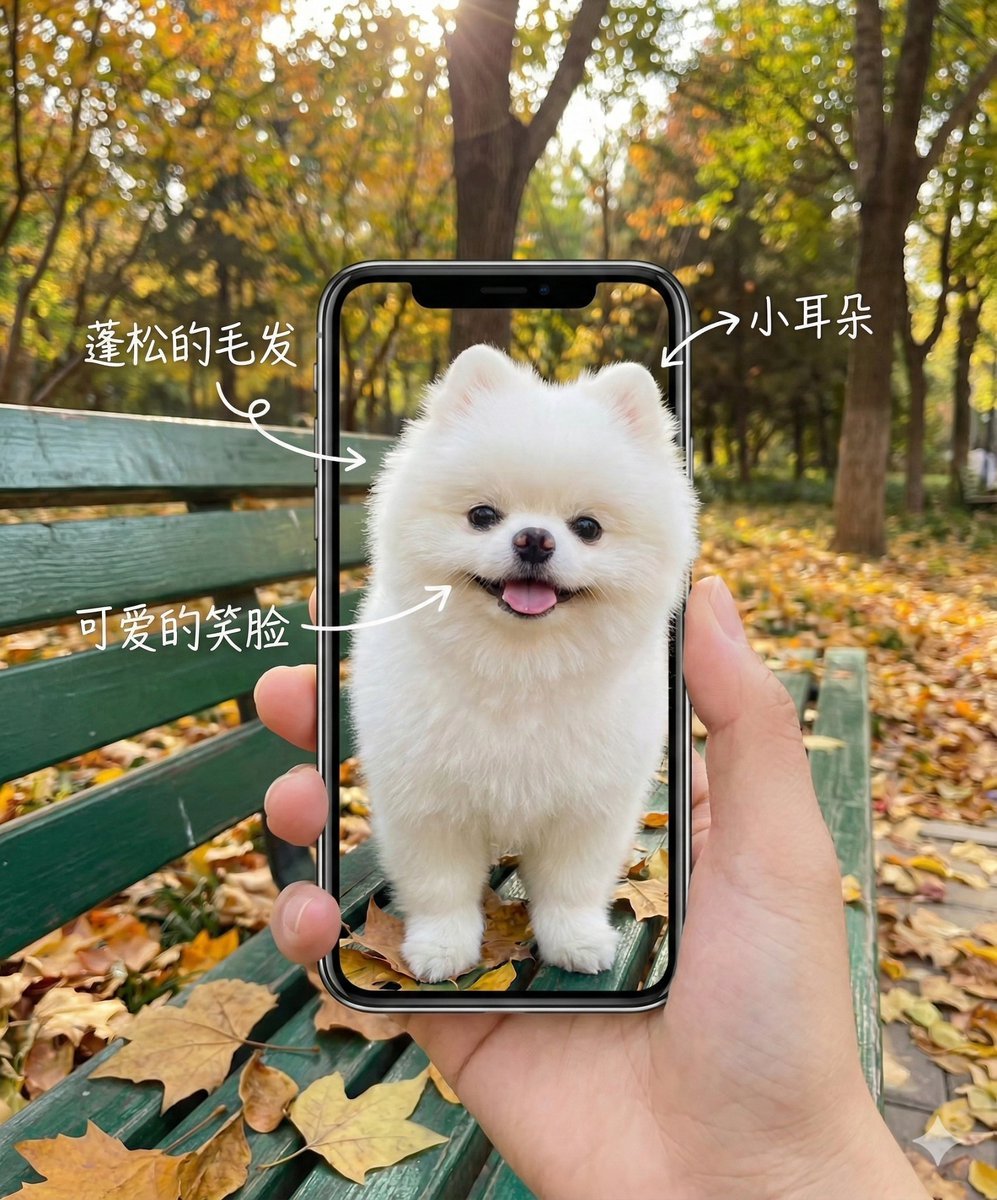
Smartphone Screen Illusion Portrait Template
Warm Candid House Party Photography
Browse template categories
Isometric Voxel River Temple City questions
How do I use the Isometric Voxel River Temple City template?
Add your photo if the template asks for one, edit the prompt if you like — the template's model and format are already selected — and press Generate. Your version opens in PicX Studio.
Can I customize the Isometric Voxel River Temple City template?
Yes. You can change the subject, setting, lighting, mood, format, and available model controls before creating your image.
Is the Isometric Voxel River Temple City template free?
Opening and editing this template is free. Generating uses credits, shown on the Generate button when you are signed in.
Which AI model should I use?
Start with GPT Image 2, which is the model associated with this template. You can compare another compatible model for a different finish.
Looking for something else? Browse all templates.

Your photo, any look
Thousands of ready templates for every top image and video model, from one credit balance.