
Cinematic Countryside Road Stop Film Still Grid
A cinematic 3x3 grid prompt capturing various angles of a couple at a countryside road stop during dusk, featuring a vintage convertible.
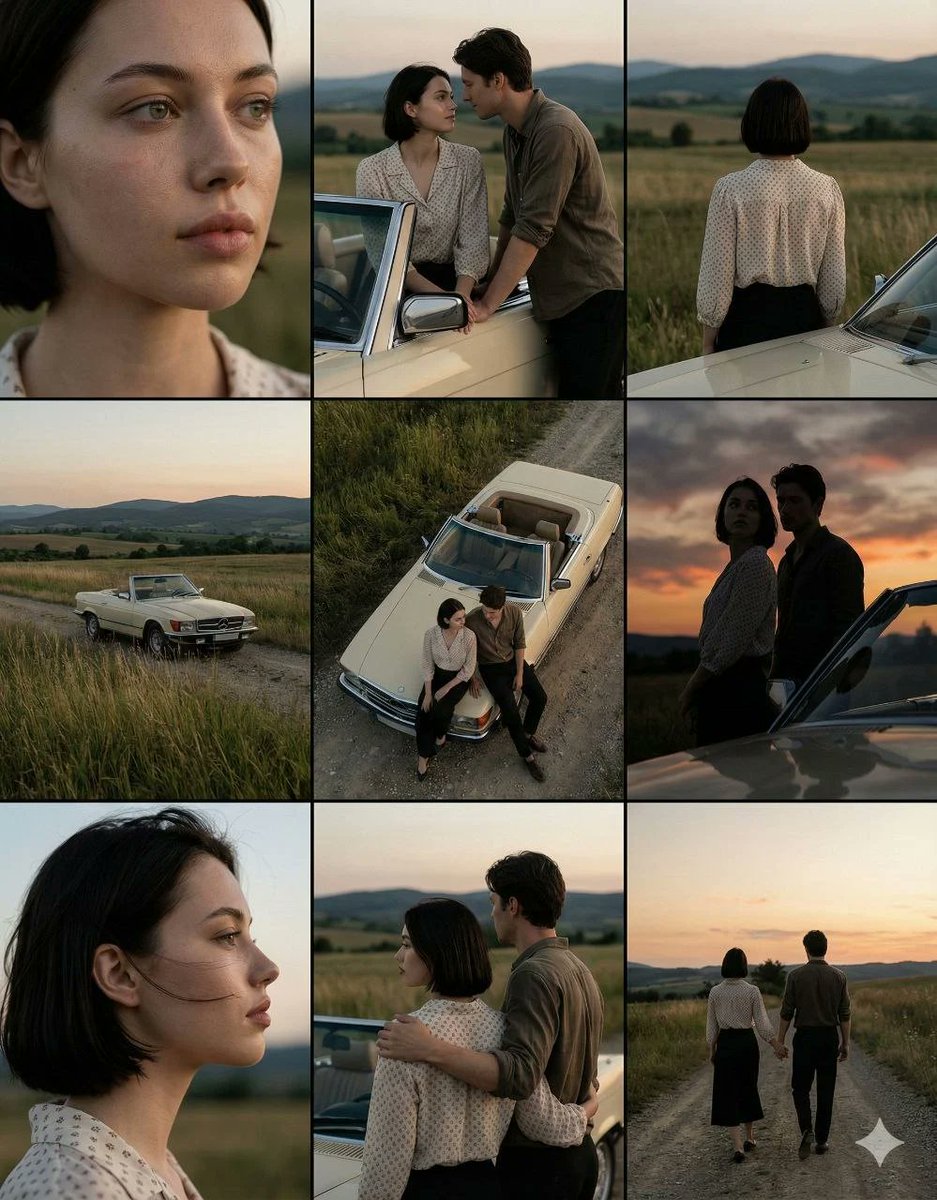
- Prompt included
- Model and format preset
- Free template
The prompt behind this image
Copy the exact prompt behind Cinematic Countryside Road Stop Film Still Grid, or open it in the studio and make it yours.
A cinematic 3×3 grid of film-still frames featuring the same {argument name="couple" default="young woman with short dark hair and her partner"} during a quiet countryside road stop at dusk. A young woman with short dark hair wearing a light patterned blouse stands beside a {argument name="car" default="cream vintage convertible"} on a {argument name="location" default="rural dirt road"}, open fields and rolling hills stretching into the distance. Each frame here shows a distinct cinematic angle: extreme close-up of her face with natural skin texture, intimate medium shot of the couple leaning on the car, back view of the woman facing the landscape, wide establishing shot with the car in tall grass, high-angle top-down shot of the couple beside the convertible, dramatic low-angle portrait against the sky, clean side profile close-up, three-quarter rear view of the couple near the car, and a full back view of them walking away hand in hand down the road. Soft natural dusk lighting, muted earthy tones, realistic colors, shallow depth of field, subtle film grain, consistent facial features across all frames, emotional cinematic mood, professional cinematography reference sheet style, ultra-realistic photography.
How to use Cinematic Countryside Road Stop Film Still Grid in 3 steps
- 1Upload ImagePNG, JPG or paste
Add your photo
Upload the photo the template builds on. The prompt, model and format are already set.
- 2…a portrait of your subject in softgolden-hour light, 85mm…
Personalize
Edit the subject and creative details for your destination.
- 3Generate
Generate
Press Generate — your image is created in PicX Studio, so you can compare it with the original and refine one variable at a time.
More like this
Templates with the same subject, style or setup. Open one to see its prompt.

Oil Painting Still Life Wine
Soda Can Pop Art Grid

Classic Camper Van Road
Disco Floor Light Grid
Cinematic Film Still Grid Prompt for Home Dance Sequence

Sepia Family Portrait Studio

Monogram Luggage Cart

Statue Garden Twilight

Opera Glasses Velvet Seat

Fountain Pen Ink Splash

Manor Garden Topiary Path

Black And White Piano Keys
Make it yours
Cinematic Countryside Road Stop Film Still Grid works as-is. These are the safest ways to change it without losing the look.
Change one field
Copy a single group, rewrite it, and generate again so you can see what that field is doing.
Keep the frame, change the subject
Hold the composition and light of Cinematic Countryside Road Stop Film Still Grid, then swap wardrobe, props or the person for a new take.
| If the result… | Why | Fix |
|---|---|---|
| The result drifts from the preview | Too many fields changed at once. | Reuse Cinematic Countryside Road Stop Film Still Grid as-is first, then change one group — subject, light, or setting. |
| The model over-stylizes the scene | The prose prompt leaves finish and camera underspecified. | Add one camera or lighting sentence and stay on GPT Image 2. |
More GPT Image 2 templates
Other prompts made for GPT Image 2.

Six VTuber Japanese Logo Sheet

Realistic Portrait of Woman and Deer

The Vista Modular Condo Poster

AI Model Routing Comparison Infographic

2.5D Anime Art Board

Isometric Productivity Desk Scene

New York Double Exposure Poster

Four-Panel AI Landscape Comparison

Japanese Tatami Lifestyle Magazine Cover

NESCAFÉ Coffee Map Poster
More image prompts
Fresh picks from across the catalog.

Static Electricity Diagram Generation

Transformation the Bus Seedance 2 0 Robo
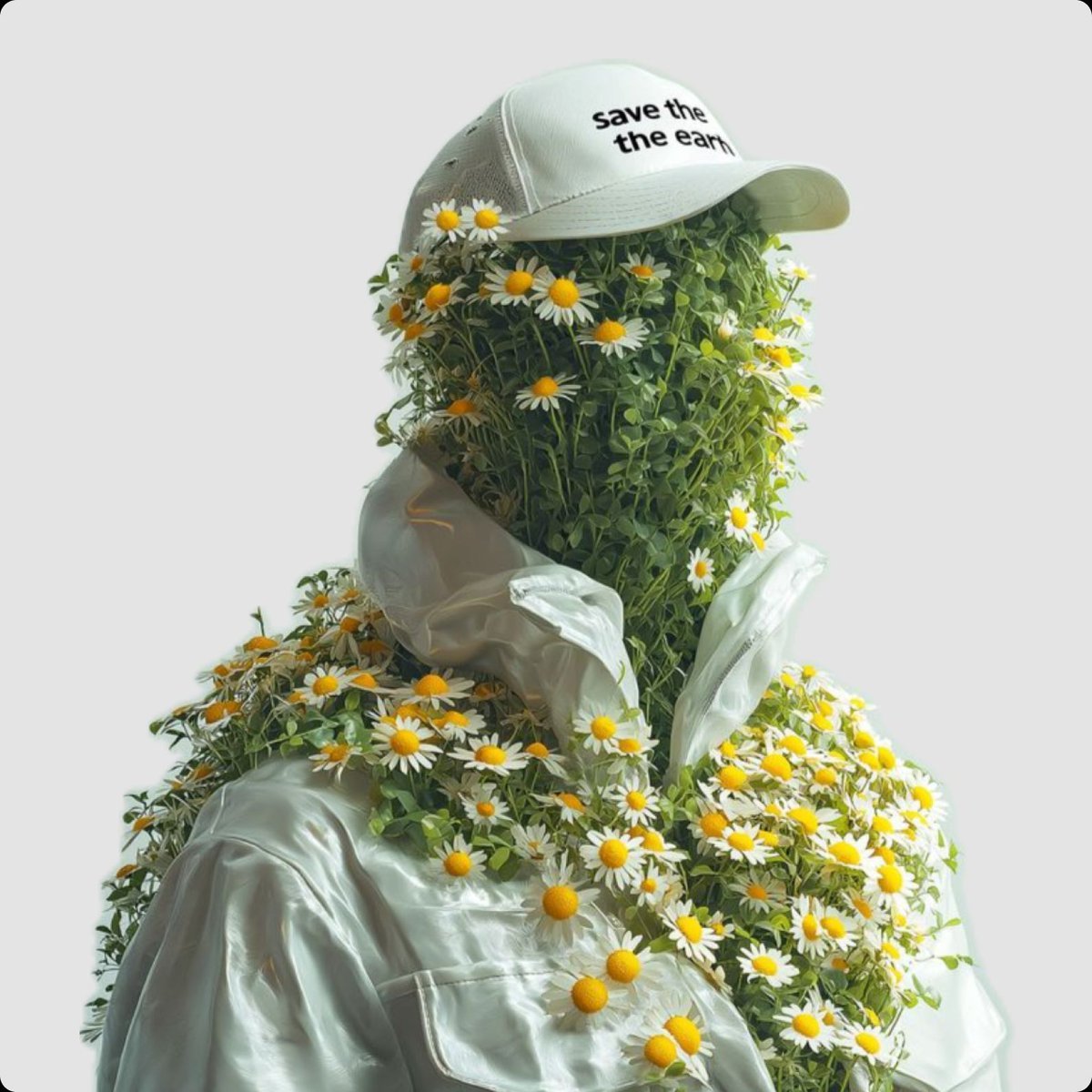
Surreal Portrait of Humanoid Covered in Grass and Daisies
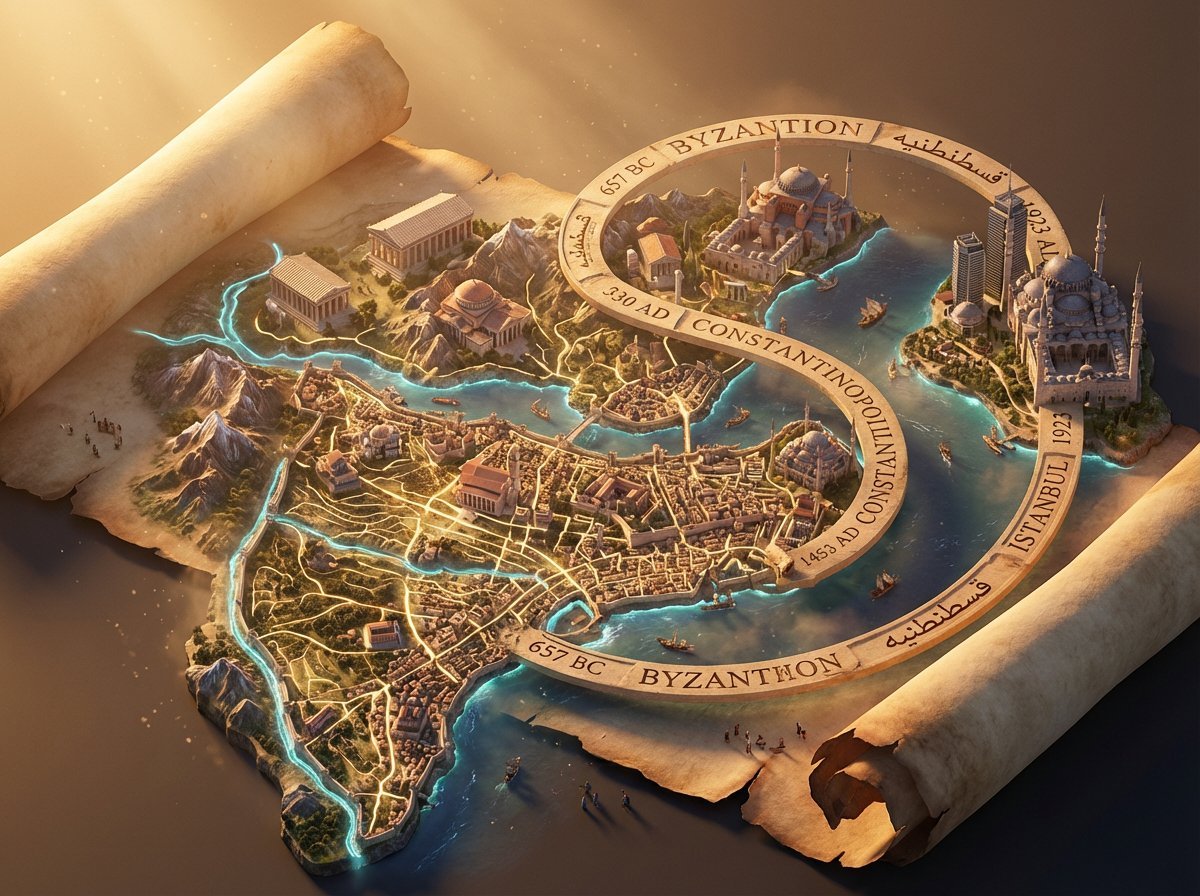
3D Isometric Atlas Scene in Firefly Style
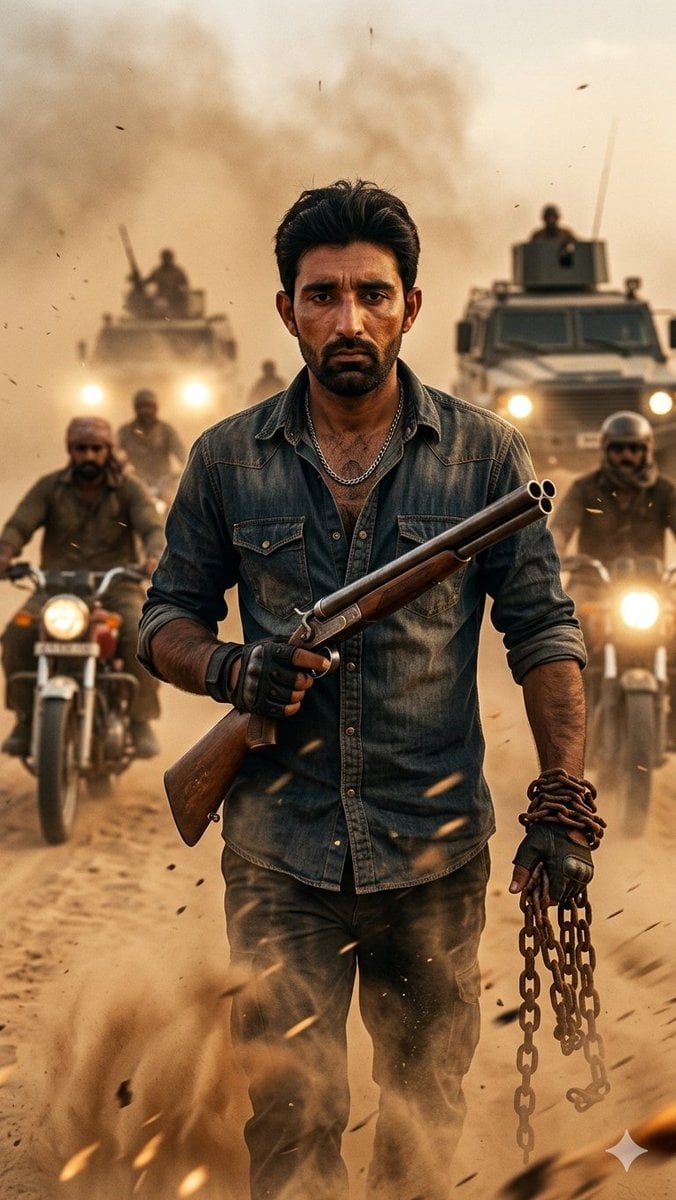
Desert Rebel Convoy Portrait
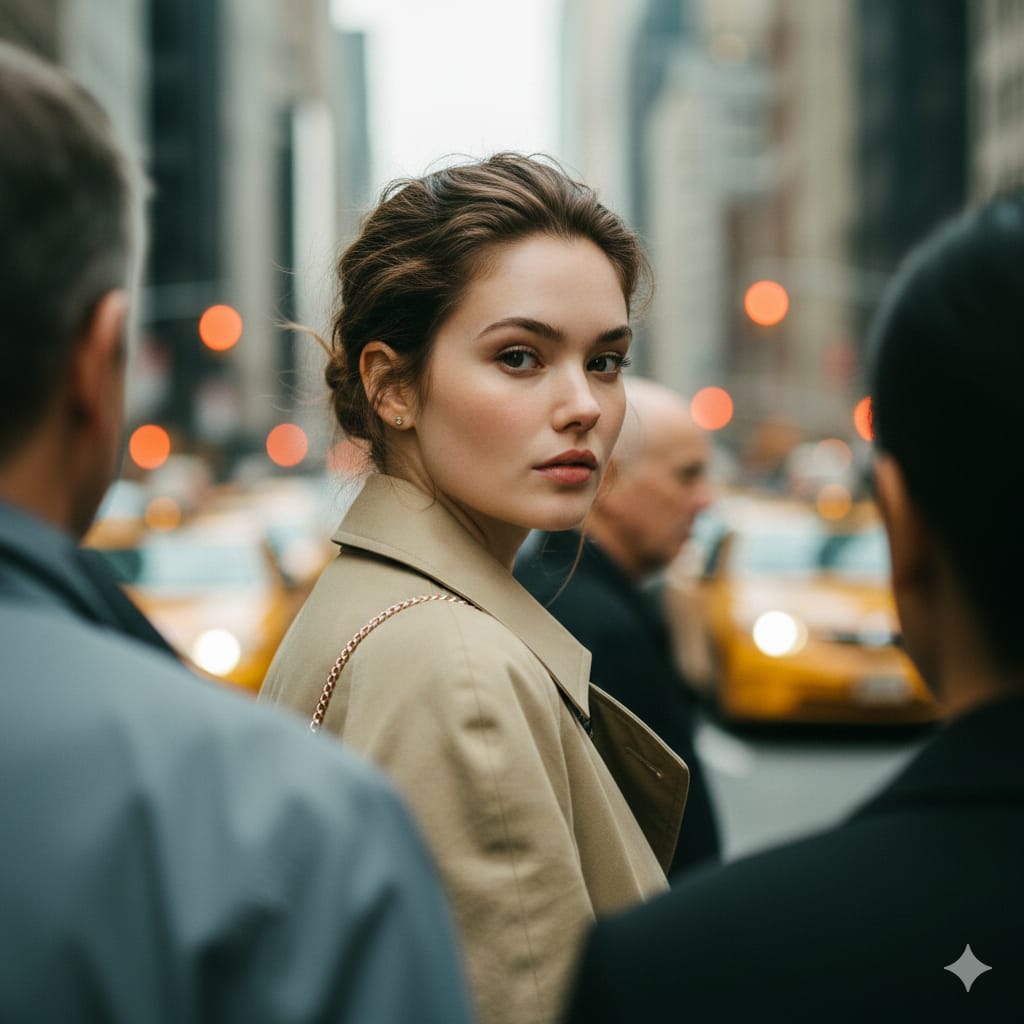
Photorealistic Candid Street Portrait with Extreme Shallow DOF
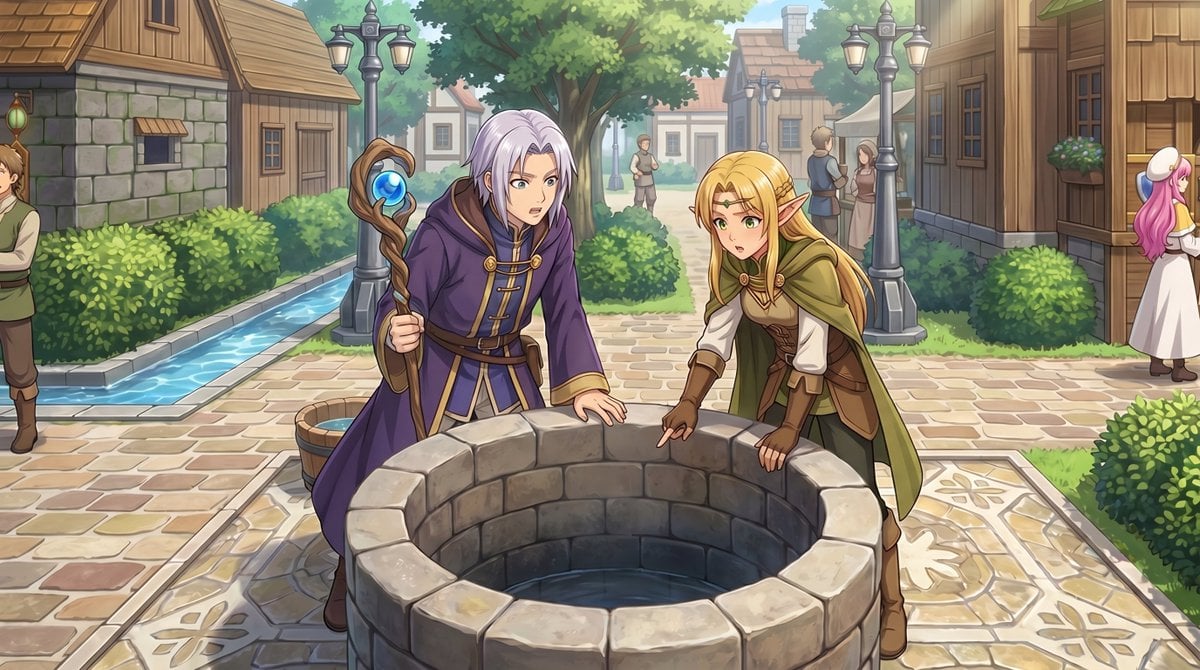
Gpt2 Comic Storyboard Rpg Map to Anime Event Scene
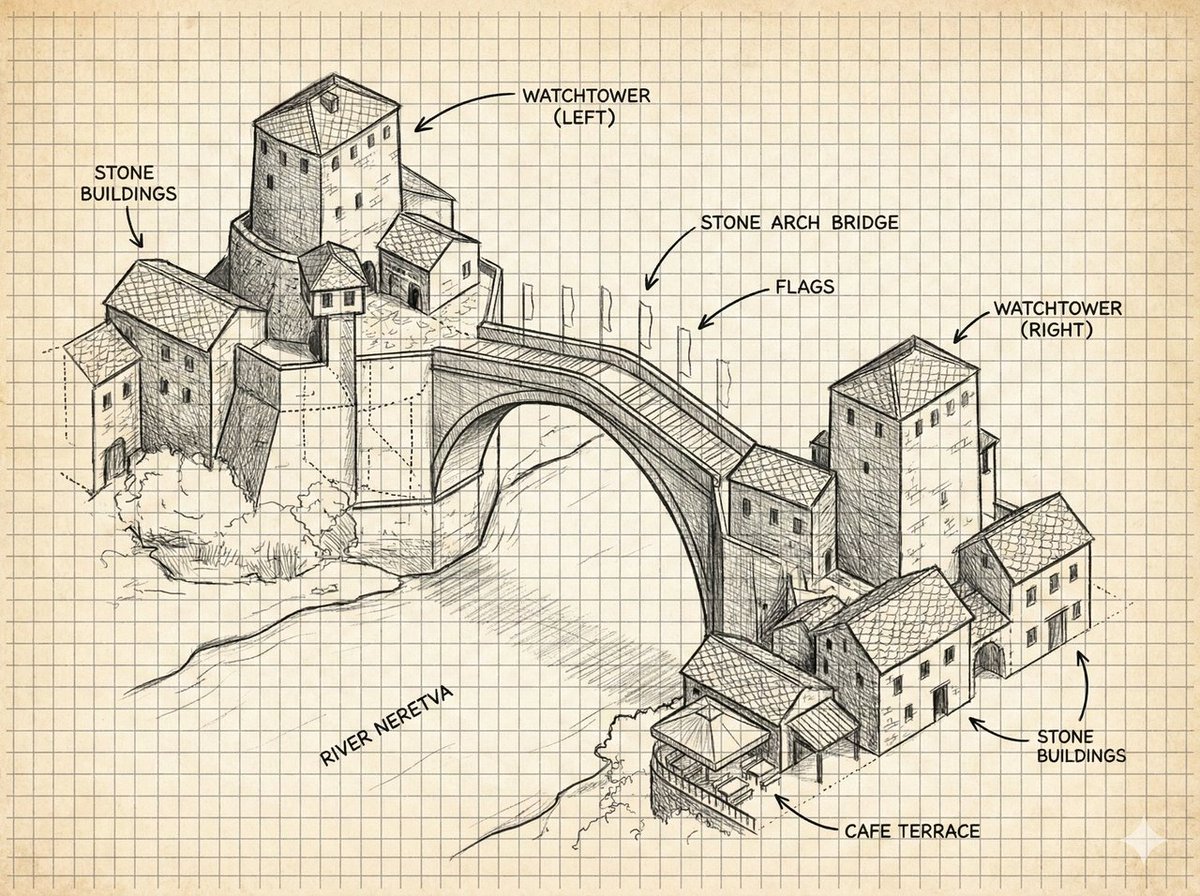
Annotated Stone Arch Bridge Sketch

High-Speed Cinematic Cyberpunk Scene Prompt
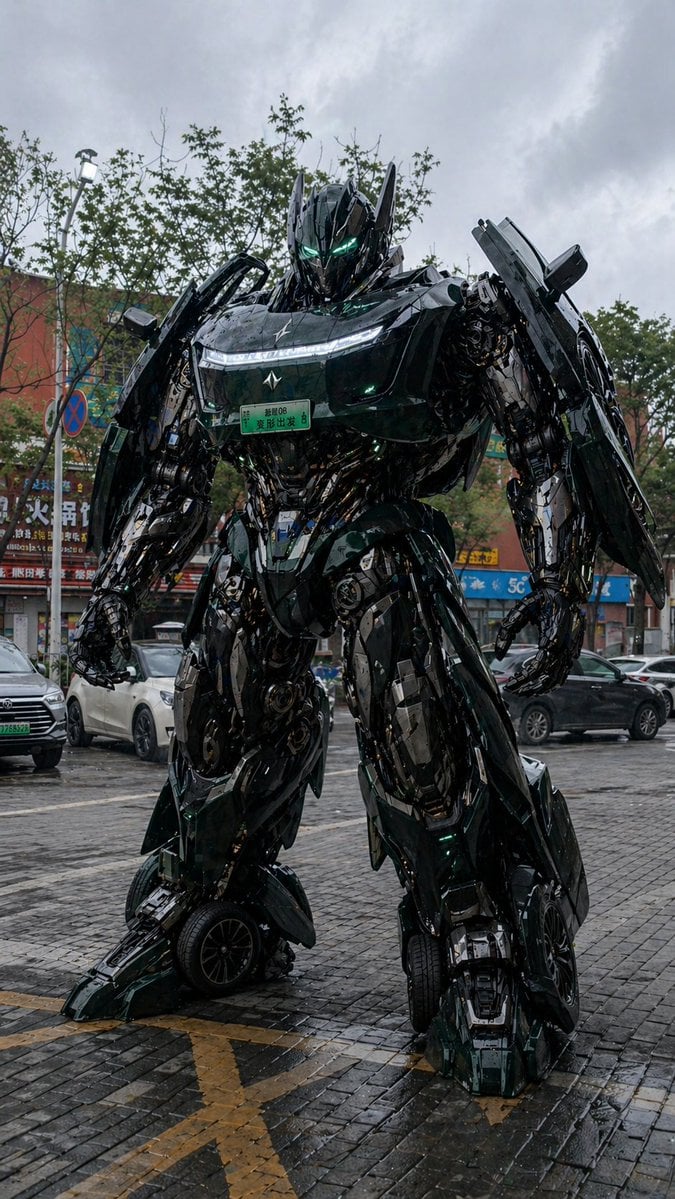
Car Transformation Prompt
Browse template categories
Cinematic Countryside Road Stop Film Still Grid questions
How do I use the Cinematic Countryside Road Stop Film Still Grid template?
Add your photo if the template asks for one, edit the prompt if you like — the template's model and format are already selected — and press Generate. Your version opens in PicX Studio.
Can I customize the Cinematic Countryside Road Stop Film Still Grid template?
Yes. You can change the subject, setting, lighting, mood, format, and available model controls before creating your image.
Is the Cinematic Countryside Road Stop Film Still Grid template free?
Opening and editing this template is free. Generating uses credits, shown on the Generate button when you are signed in.
Which AI model should I use?
Start with GPT Image 2, which is the model associated with this template. You can compare another compatible model for a different finish.
Looking for something else? Browse all templates.

Your photo, any look
Thousands of ready templates for every top image and video model, from one credit balance.