
Retro Diner Milkshake Portrait
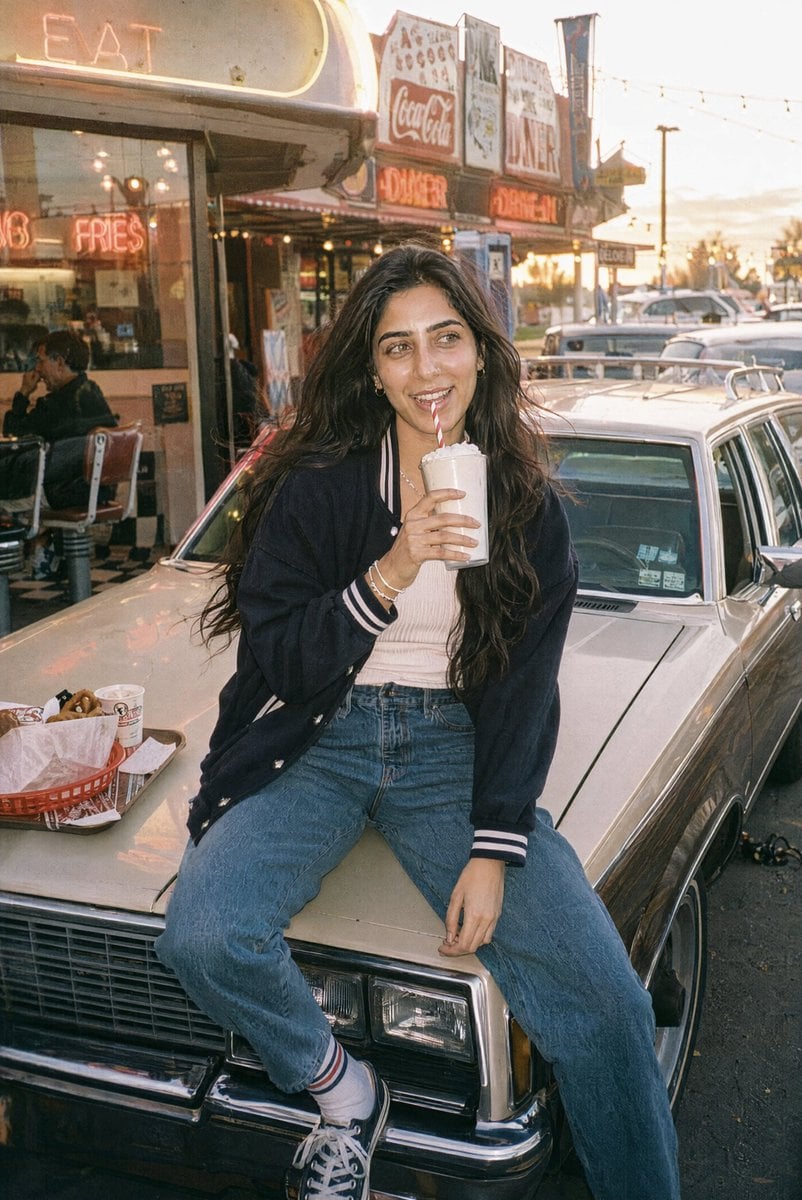
A nostalgic vertical film photo of a young woman drinking a milkshake on a vintage car outside a neon diner.
- Prompt included
- Model and format preset
- Free template
The prompt behind this image
Copy the exact prompt behind Retro Diner Milkshake Portrait, or open it in the studio and make it yours.
Create a candid 35mm film-style lifestyle photo of a young woman at a retro American diner during golden hour. She is sitting casually on the hood of a cream-colored vintage station wagon with wood paneling, parked directly outside the diner. The woman has {argument name="hair color" default="long dark brown wavy hair"}, olive-toned skin, thick eyebrows, and a relaxed, slightly smiling expression while looking off to the side rather than at the camera. She wears a {argument name="jacket style" default="navy varsity jacket with white striped cuffs"}, a light ribbed tank top, high-waisted loose blue jeans, white socks with stripes, and black-and-white sneakers. She holds a tall pale milkshake with whipped cream and a red-and-white striped straw near her mouth. On the car hood beside her is exactly 1 red plastic diner basket lined with paper, containing fries or snacks, plus exactly 1 small paper cup. The background shows a busy old-fashioned diner strip with neon signs and warm signage, including visible diner-themed words like “EAT,” “FRIES,” “DINER,” and a Coca-Cola sign; include large windows with seated customers inside, chrome trim, parked cars, string lights overhead, and a sunset sky. Use warm backlighting, soft haze, natural film grain, muted nostalgic colors, slight lens softness, realistic skin texture, and an unposed documentary feel. Frame vertically in a 2:3 portrait composition, with the woman centered on the car hood and the diner storefront filling the upper left background. Avoid a polished fashion-shoot look, avoid modern cars dominating the scene, and do not add extra text beyond plausible diner signage.
How to use Retro Diner Milkshake Portrait in 3 steps
- 1Upload ImagePNG, JPG or paste
Add your photo
Upload the photo the template builds on. The prompt, model and format are already set.
- 2…a portrait of your subject in softgolden-hour light, 85mm…
Personalize
Edit the subject and creative details for your destination.
- 3Generate
Generate
Press Generate — your image is created in PicX Studio, so you can compare it with the original and refine one variable at a time.
More like this
Templates with the same subject, style or setup. Open one to see its prompt.









Make it yours
Retro Diner Milkshake Portrait works as-is. These are the safest ways to change it without losing the look.
Change one field
Copy a single group, rewrite it, and generate again so you can see what that field is doing.
Keep the frame, change the subject
Hold the composition and light of Retro Diner Milkshake Portrait, then swap wardrobe, props or the person for a new take.
| If the result… | Why | Fix |
|---|---|---|
| The result drifts from the preview | Too many fields changed at once. | Reuse Retro Diner Milkshake Portrait as-is first, then change one group — subject, light, or setting. |
| The model over-stylizes the scene | The prose prompt leaves finish and camera underspecified. | Add one camera or lighting sentence and stay on GPT Image 2. |
More GPT Image 2 templates
Other prompts made for GPT Image 2.

Six VTuber Japanese Logo Sheet

Realistic Portrait of Woman and Deer

The Vista Modular Condo Poster

AI Model Routing Comparison Infographic

2.5D Anime Art Board

Isometric Productivity Desk Scene

New York Double Exposure Poster

Four-Panel AI Landscape Comparison

Japanese Tatami Lifestyle Magazine Cover

NESCAFÉ Coffee Map Poster
More image prompts
Fresh picks from across the catalog.
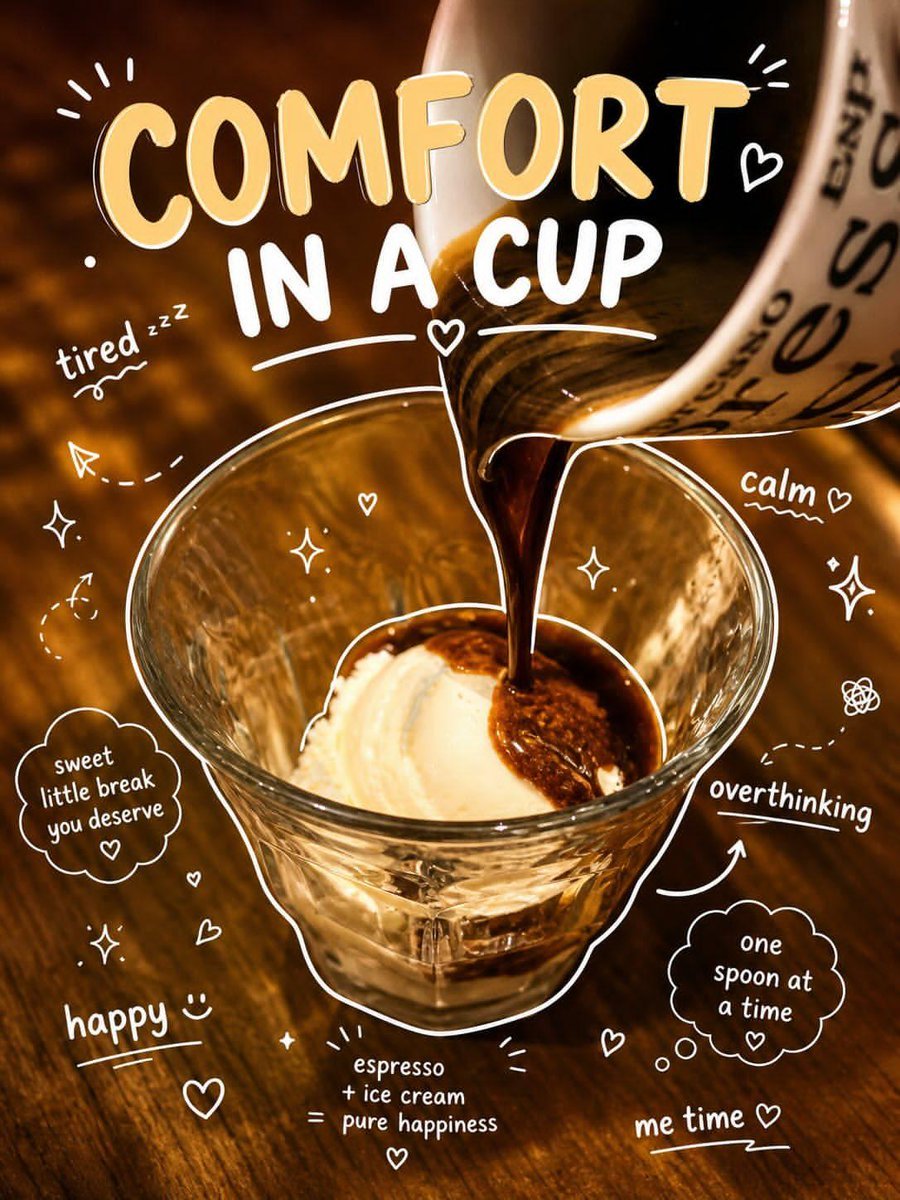
Affogato Dessert Photography
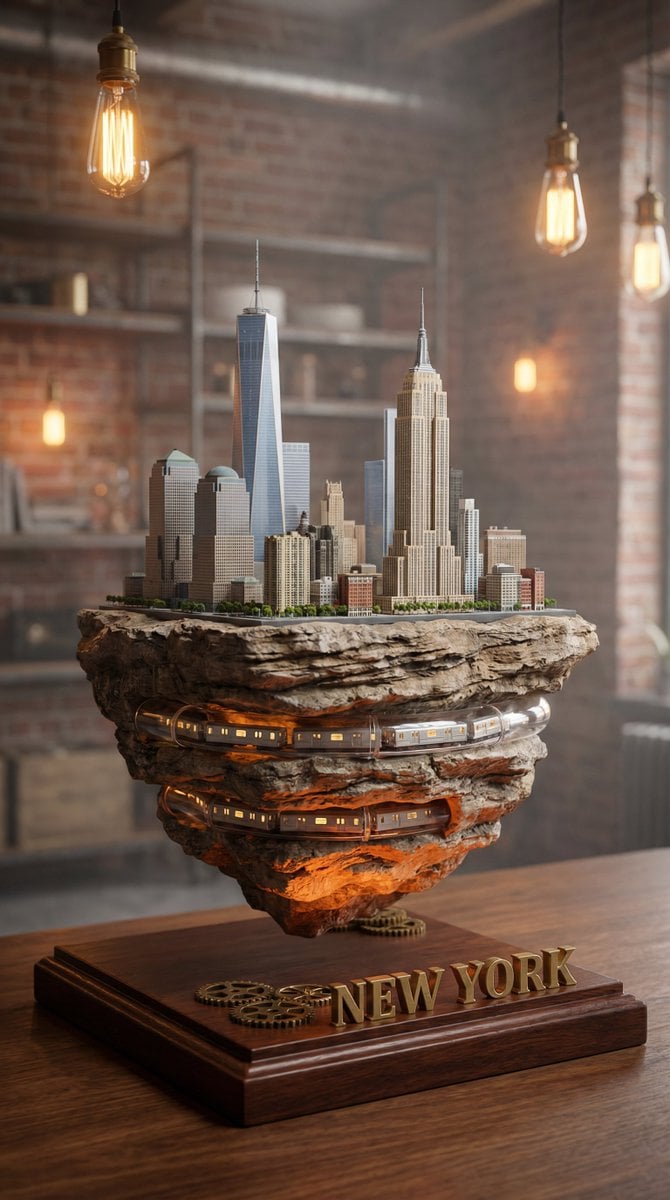
Ultra-Realistic Macro Miniature City Prompt
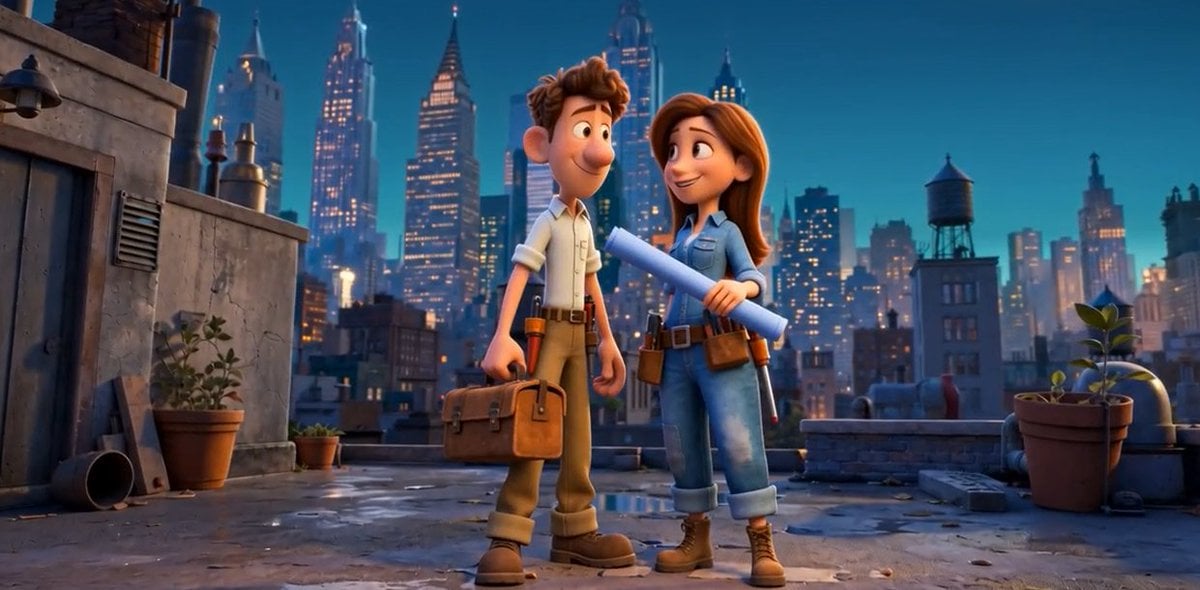
Pixar Rooftop Renovation Duo
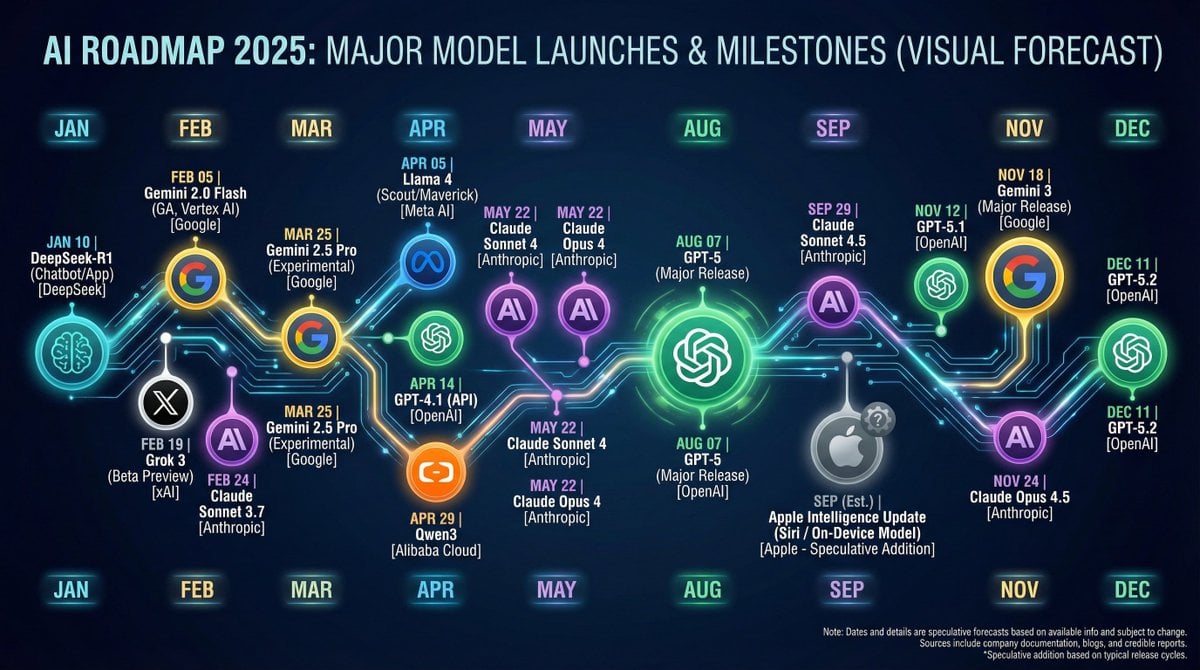
Nano Banana Chronology Request (Non-Executable)
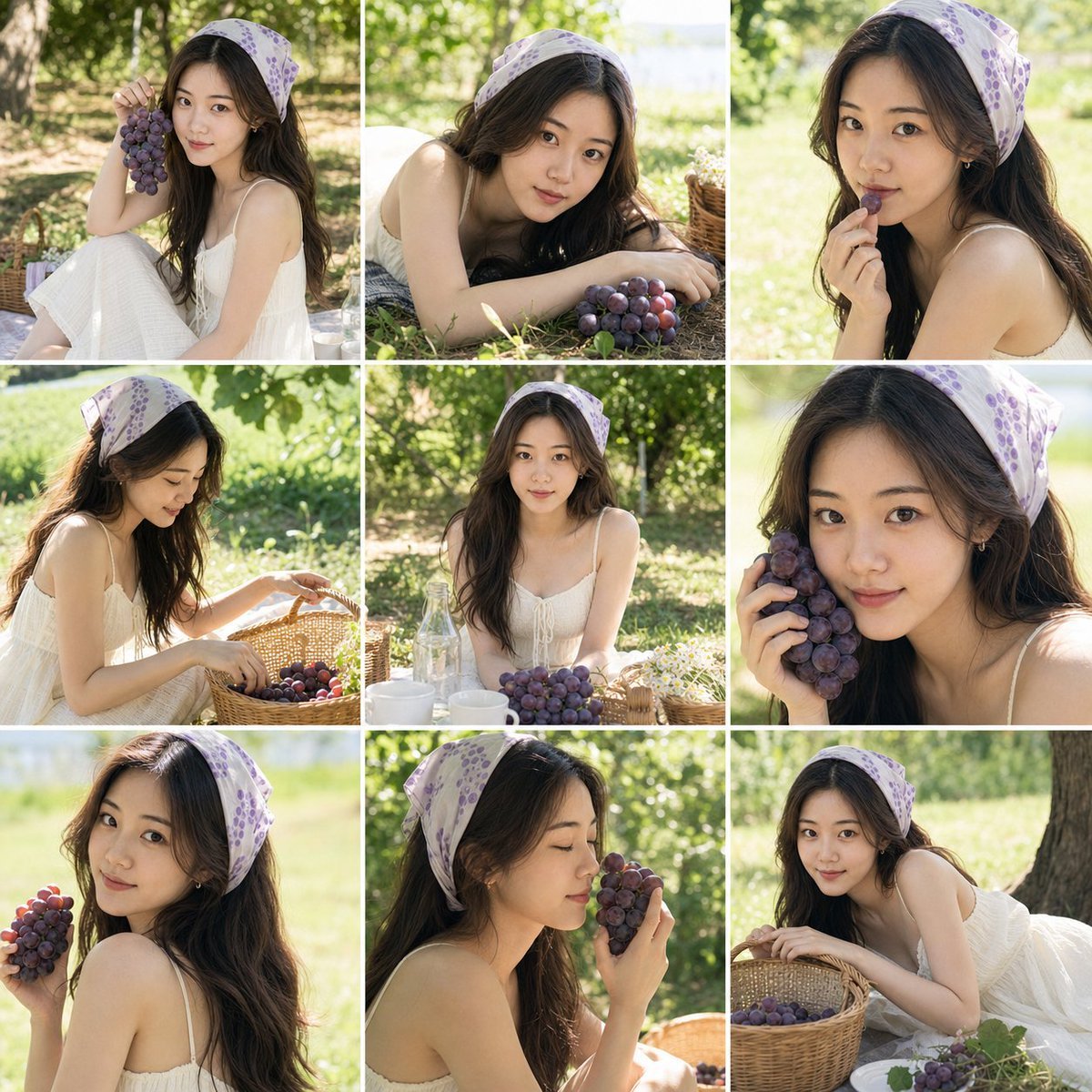
Summer Grape Girl Photo Series
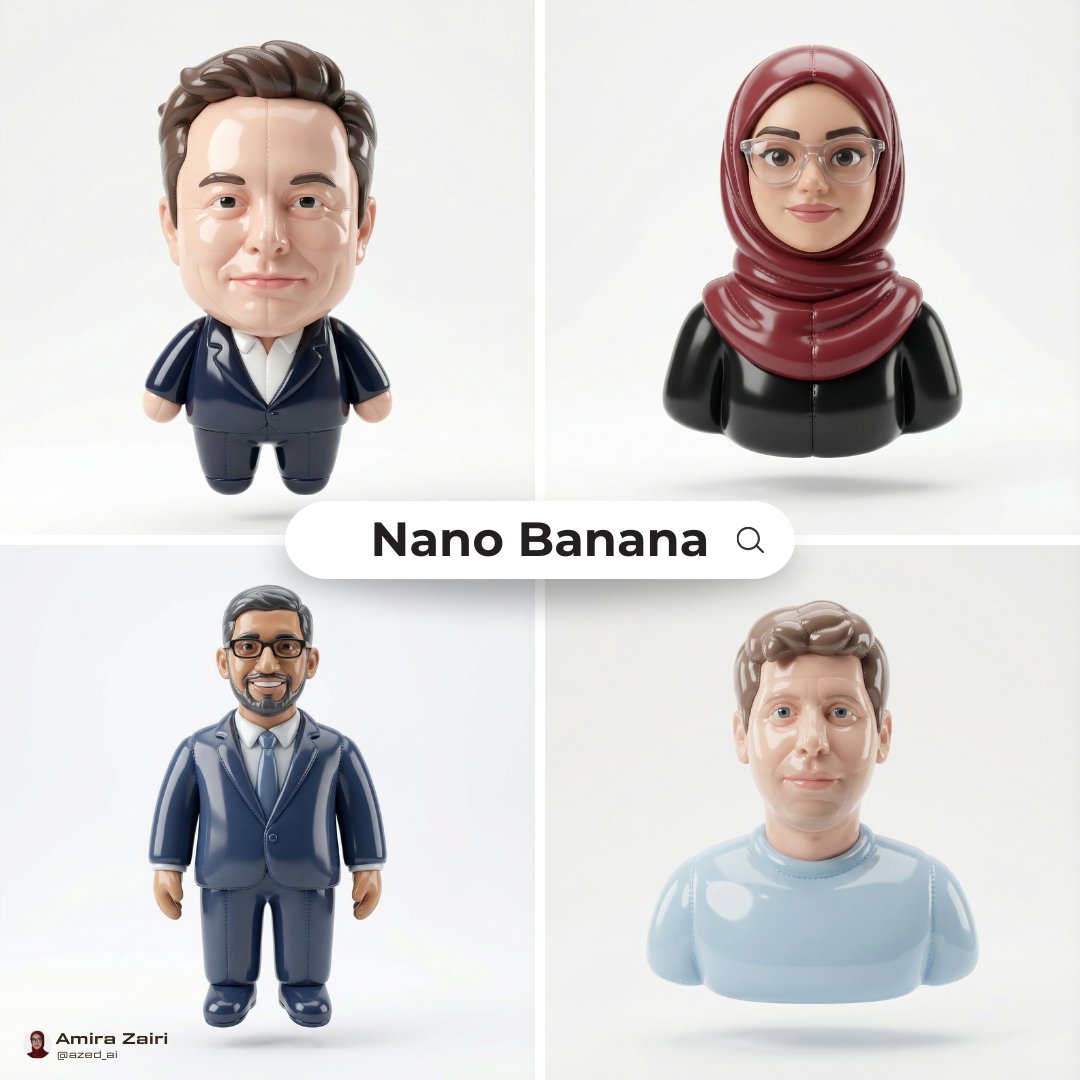
Inflatable Character Creation Prompt
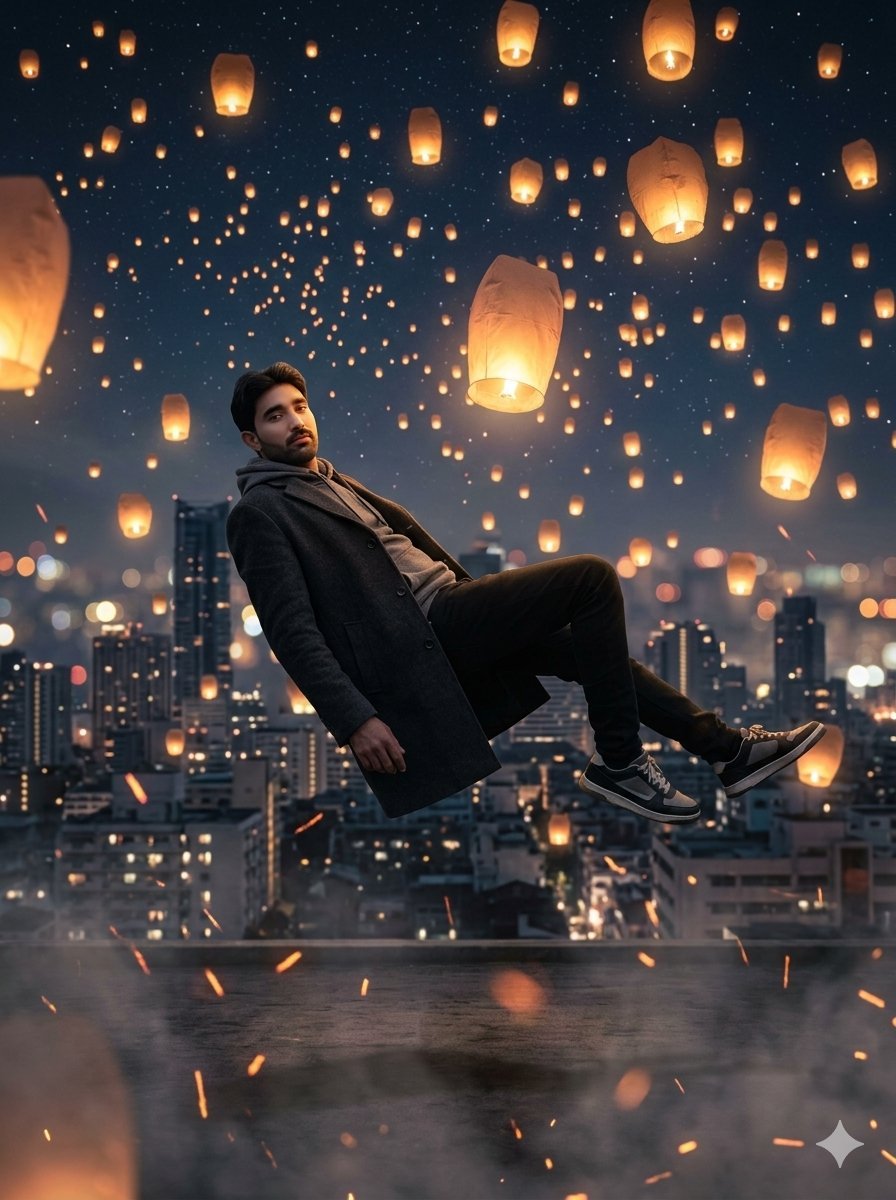
Floating Man Above Lantern City
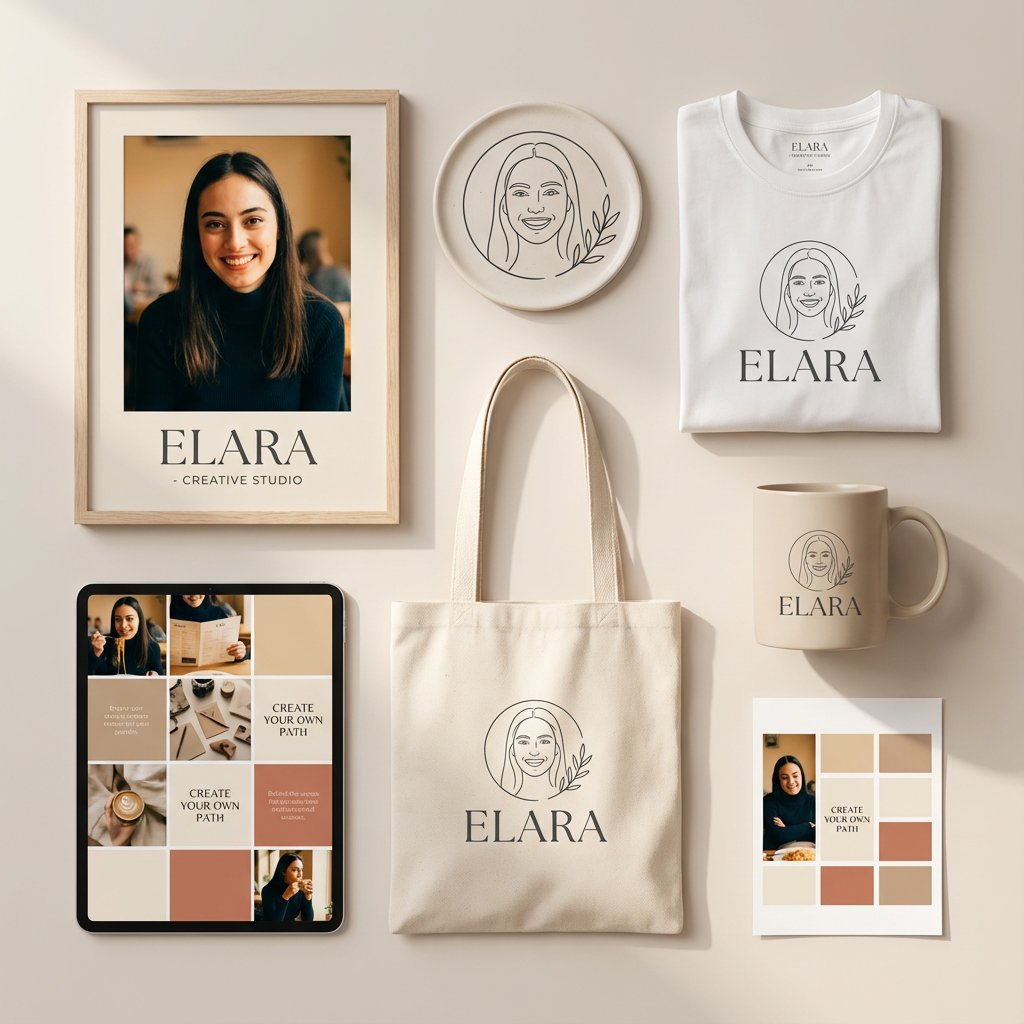
Minimalist Personal Branding Mockup
Atmospheric Cloud Transformation
Chuunibyou Style Merch Poster
Browse template categories
Retro Diner Milkshake Portrait questions
How do I use the Retro Diner Milkshake Portrait template?
Add your photo if the template asks for one, edit the prompt if you like — the template's model and format are already selected — and press Generate. Your version opens in PicX Studio.
Can I customize the Retro Diner Milkshake Portrait template?
Yes. You can change the subject, setting, lighting, mood, format, and available model controls before creating your image.
Is the Retro Diner Milkshake Portrait template free?
Opening and editing this template is free. Generating uses credits, shown on the Generate button when you are signed in.
Which AI model should I use?
Start with GPT Image 2, which is the model associated with this template. You can compare another compatible model for a different finish.
Looking for something else? Browse all templates.

Your photo, any look
Thousands of ready templates for every top image and video model, from one credit balance.