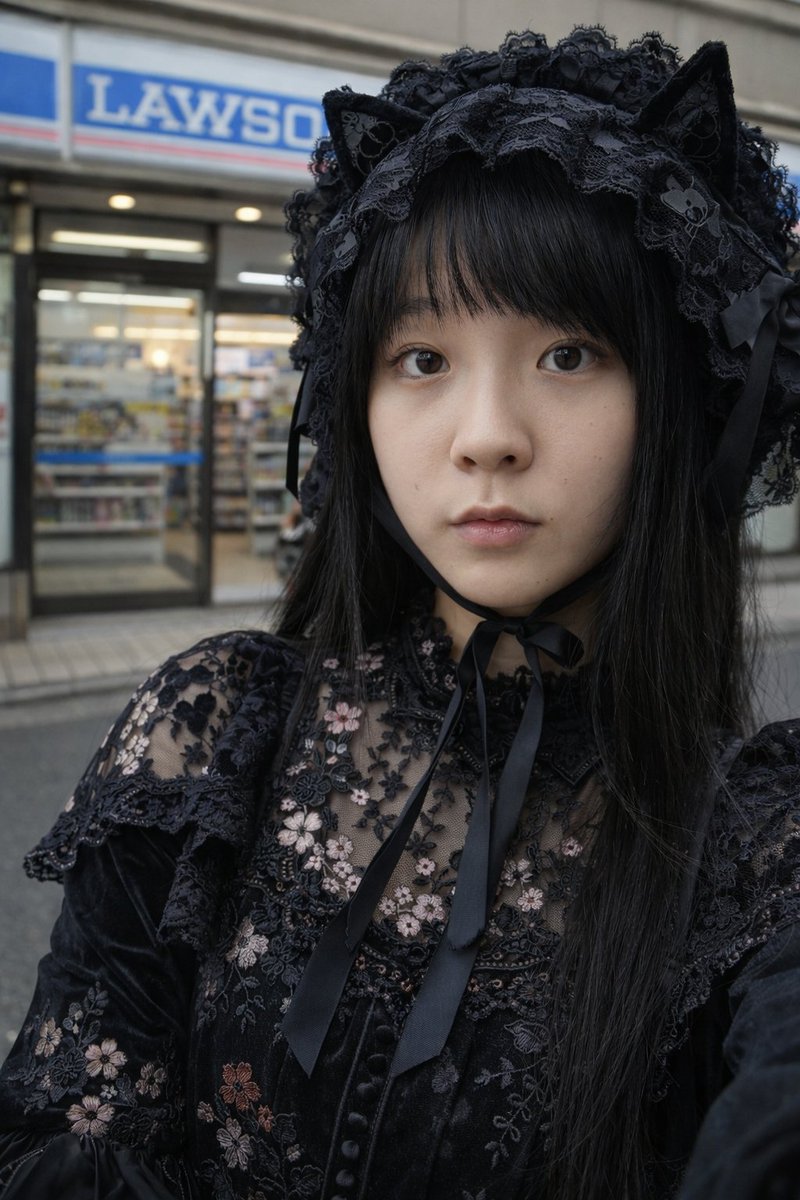
How do I use the Gothic Lolita Portrait in Misa Amane Style template?
Choose the primary action to open PicX Studio with the available template settings. Review the model and format, personalize the creative direction, and generate when ready.
A JSON prompt for generating a photorealistic portrait inspired by Misa Amane (Death Note) in Gothic Lolita style. Change the subject, setting, or lighting one variable at a time.

{ "prompt": { "subject": { "character_reference": "{argument name="character reference" default="Misa Amane (Death Note style)"}", "hair": "blonde, straight, bangs, high pigtails, red hair tie", "expression": "soft smile, direct gaze" }, "attire": { "style": "Gothic Lolita, punk", "top": "black satin corset, lace trim, front lacing, spaghetti straps", "bottom": "black lace layered skirt, miniskirt", "legwear": "black lace-top thigh-high stockings, patterned tights", "accessories": "silver cross necklace, black velvet choker, wide belt with ornate silver buckle" }, "composition": { "angle": "low angle, from below, worm's-eye view", "pose": "sitting on bed, leaning forward slightly, holding skirt edges", "framing": "medium shot" }, "environment": { "location": "bedroom, indoors", "elements": "white bed sheets, neutral beige walls, soft natural lighting" }, "technical": { "quality": "photorealistic, high resolution, 8k", "lighting": "soft diffuse light, shadow depth" } } }
Choose the primary action to open PicX Studio with the available template settings. Review the model and format, personalize the creative direction, and generate when ready.
Yes. You can change the subject, setting, lighting, mood, format, and available model controls before creating your image.
This template is free to open and customize. Generation usage is shown in PicX Studio before you create.
Start with Nano Banana 2, which is the model associated with this template. You can compare another compatible model for a different finish.
Follow a topic to a crawlable collection of related PicX Studio templates.
43,474 public templates available. Verified via the PicX Studio public templates API; refreshed hourly.









![Naive doodle-style subject illustration — A doodle-style {argument name="subject" default="[subject]"}, naive lines, humorous shape exaggeration](https://pbs.twimg.com/media/G6Wl2YxbsAARB2b.jpg)

















![New Year's Osechi Dish Advertisement Key Visual Generation Prompt — キャラクター名:[☆ここに{argument name="キャラクター名" default="キャラ名"}をセット☆]
広告・ポスター・宣材用キービジュアル生成プロンプト
このプロン](https://pbs.twimg.com/media/G9kr3y4awAAKYBK.jpg)