
Panel Editorial Grid Prompt for Yellow Satin Halter Dress
A complex JSON prompt for NanoBanana Pro to generate a photorealistic 3x3 editorial portrait grid (4:5 aspect ratio).
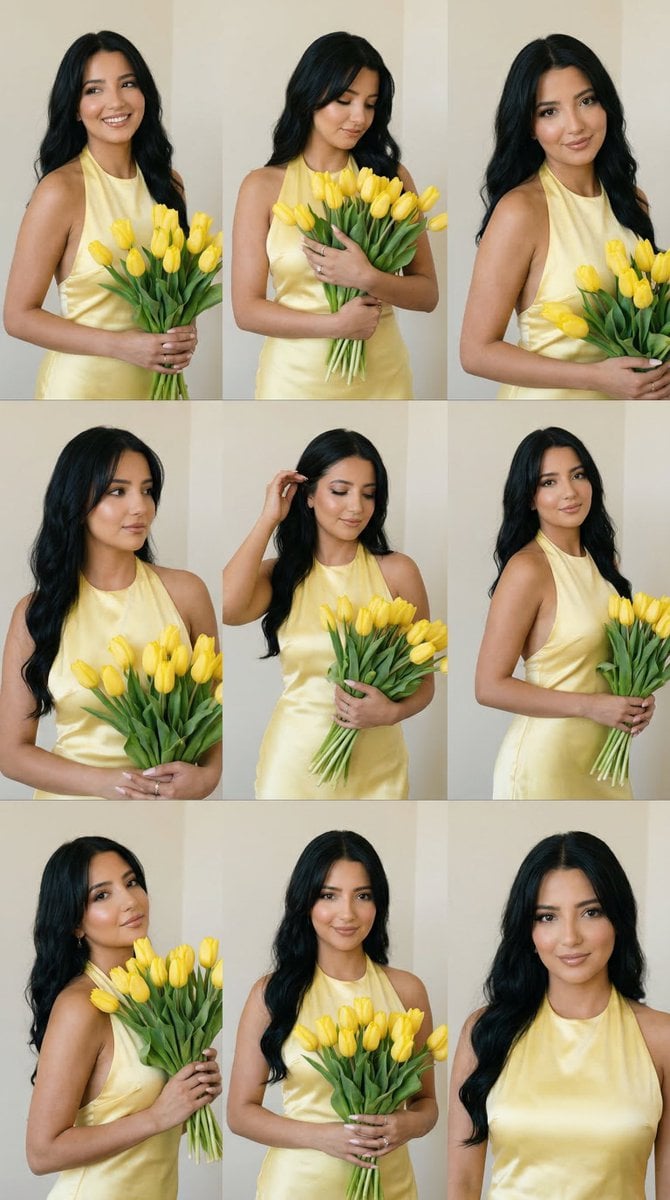
- Prompt included
- Model and format preset
- Free template
The prompt behind this image
Copy the exact prompt behind Panel Editorial Grid Prompt for Yellow Satin Halter Dress, or open it in the studio and make it yours.
{ "generation_request": { "meta_data": { "tool": "NanoBanana Pro", "task_type": "yellow_satin_halter_flower_grid", "language": "en", "priority": "highest", "version": "v1.1_YELLOW_TULIP_9GRID_SATIN_HALTER_NO_SAME" }, "input": { "mode": "text_to_image", "notes": "Create a photoreal 3x3 editorial portrait grid featuring one elegant adult woman across all nine panels. She is holding a large bouquet of fresh yellow tulips in every frame. Her outfit is a refined butter-yellow satin halter dress tied at the neck, softly body-skimming and feminine, with a luxurious glossy fabric finish. She has long soft wavy hair, polished and romantic. Each panel must show a different pose and expression while preserving clear facial consistency, bouquet consistency, soft indoor setting, and the warm minimal editorial mood. The poses should feel natural, graceful, and varied: gentle smile, soft side glance, looking down at the flowers, subtle head tilt, bouquet held higher, bouquet cradled lower, one hand adjusting hair, relaxed three-quarter pose, and elegant front-facing pose." }, "output_settings": { "aspect_ratio": "4:5", "orientation": "portrait", "resolution_target": "ultra_high_res", "num_images": 1, "layout": { "type": "grid", "rows": 3, "cols": 3, "gutter": "thin", "outer_border": "none", "panel_consistency": "very_high" }, "render_style": "soft_luxury_editorial_realism", "sharpness": "natural_crisp", "grain": "subtle_film", "dynamic_range": "soft_rich_natural", "color_grade": "warm_creamy_daylight" }, "subject": { "identity": "one woman with highly consistent facial features across all nine panels", "hair": "long soft wavy dark hair", "outfit": "{argument name="outfit description" default="butter-yellow satin halter dress tied at the neck, elegant and softly fitted"}", "accessories": "minimal delicate jewelry" }, "scene": { "environment": "minimal indoor studio-like wall background with soft warm daylight", "props": "{argument name="prop" default="large bouquet of yellow tulips"}", "mood": "romantic, polished, feminine, soft, elegant" }, "camera": { "framing": "mixed medium and three-quarter fashion portrait shots", "angle": "soft editorial portrait angles", "focus": "sharp on face, tulips, and satin texture", "depth_of_field": "clean soft separation" }, "lighting": { "type": "soft natural indoor light", "quality": "warm flattering light with delicate shadows", "skin_rendering": "realistic skin texture, no plastic effect" }, "must_have": [ "3x3 grid layout", "one woman repeated across all panels with strong identity consistency", "yellow satin halter dress", "long wavy hair", "large yello" ] } }
How to use Panel Editorial Grid Prompt for Yellow Satin Halter Dress in 3 steps
- 1
Open
The prompt is already in the box next to the preview, with the template's model and format selected.
- 2…a portrait of your subject in softgolden-hour light, 85mm…
Personalize
Edit the subject and creative details for your destination.
- 3Generate
Generate
Press Generate — your image is created in PicX Studio, so you can compare it with the original and refine one variable at a time.
More like this
Templates with the same subject, style or setup. Open one to see its prompt.
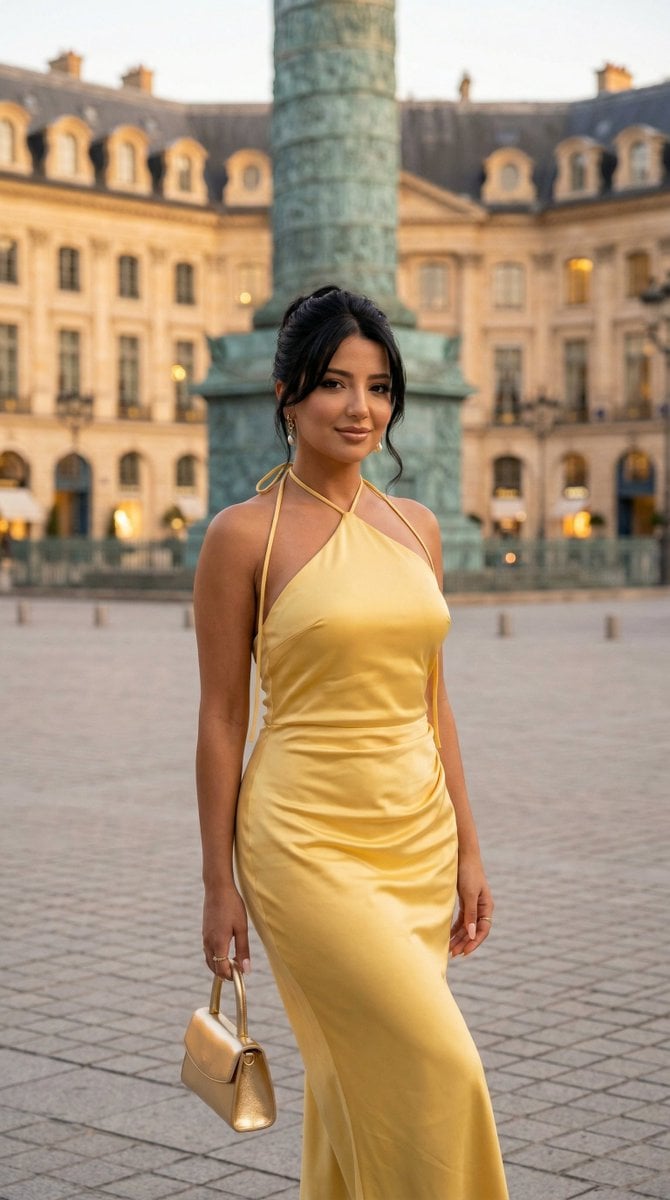
Nano Banana - Place Vendome Yellow Satin

Korean Luxury Fashion Editorial 2x2 Grid Series
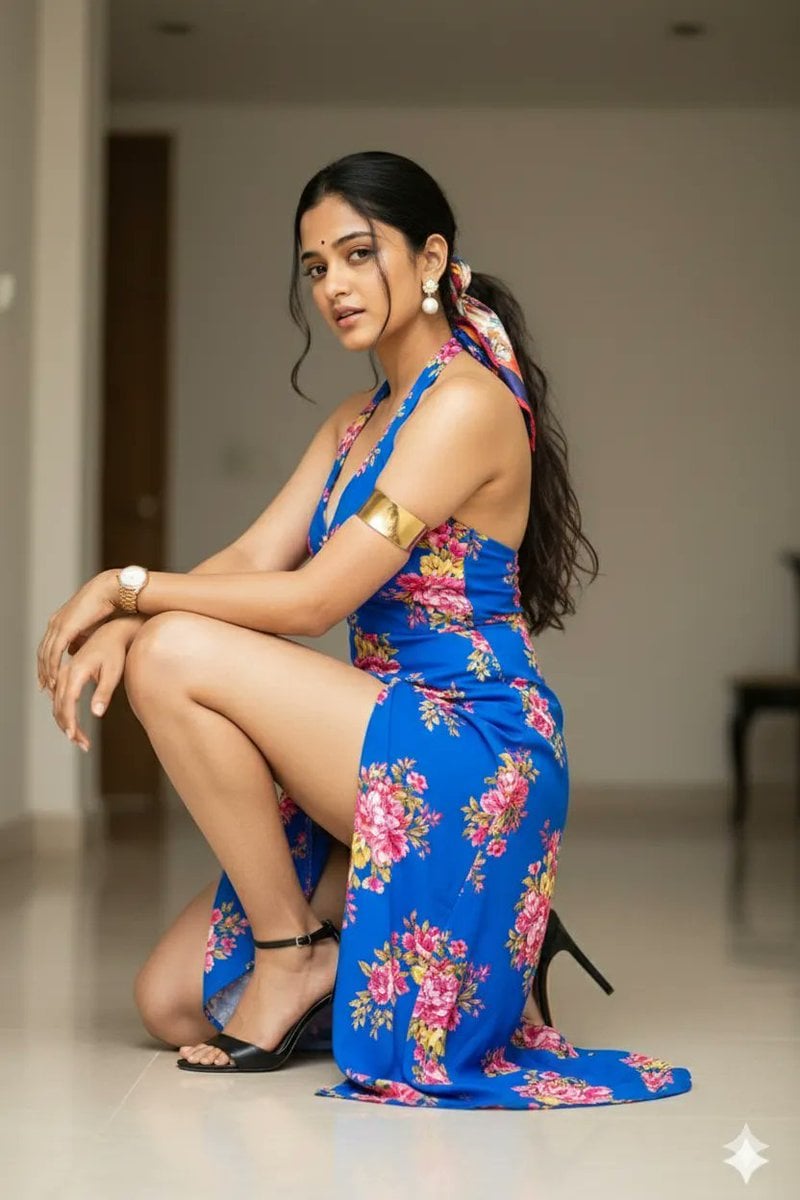
High-Fashion Editorial Portrait of Woman in Floral Halter Dress
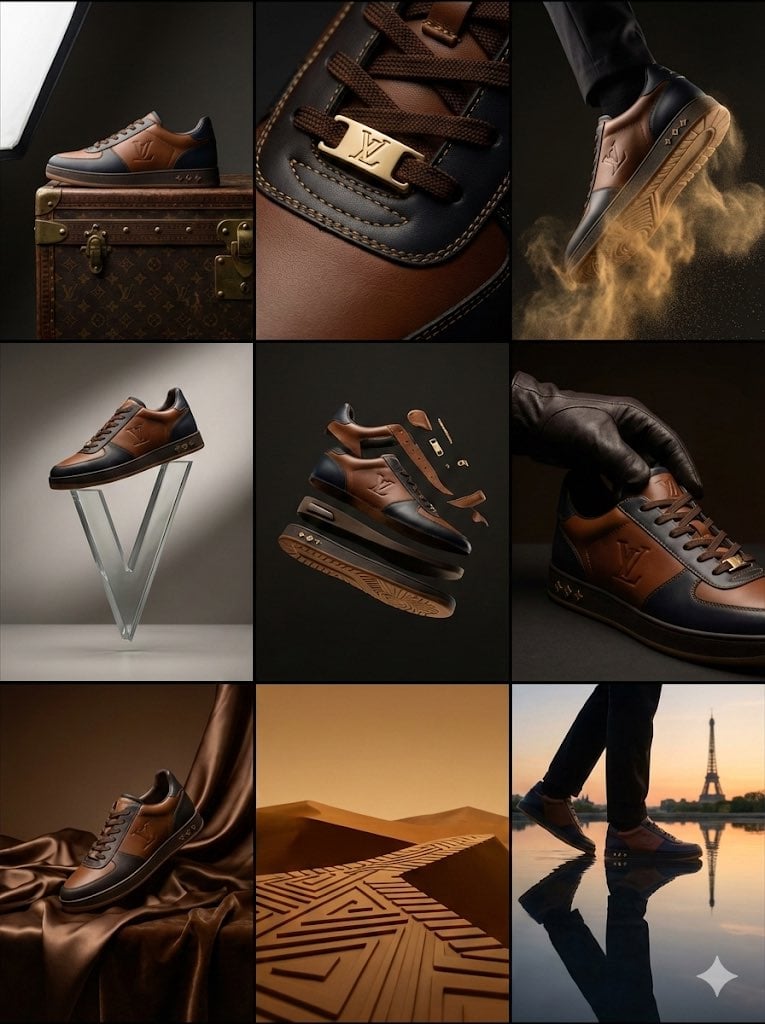
Louis Vuitton Sneaker Editorial Grid (9-Panel Concept)
Emerald Green Satin Dress Fashion Editorial
Fashion Editorial Grid Prompt (Red Satin Heart Glasses)
Constructivist Classic Car Editorial Grid
Editorial Morning Slip Dress Fashion
Deconstructed Grid Editorial Portrait
Minimalist White Dress Editorial
Satin Slip Dress Portrait
Editorial Fashion Strapless Dress Portrait
Make it yours
Panel Editorial Grid Prompt for Yellow Satin Halter Dress works as-is. These are the safest ways to change it without losing the look.
Change one field
Copy a single group, rewrite it, and generate again so you can see what that field is doing.
Keep the frame, change the subject
Hold the composition and light of 9-Panel Editorial Grid Prompt for Yellow Satin Halter Dress, then swap wardrobe, props or the person for a new take.
| If the result… | Why | Fix |
|---|---|---|
| The result drifts from the preview | Too many fields changed at once. | Reuse 9-Panel Editorial Grid Prompt for Yellow Satin Halter Dress as-is first, then change one group — subject, light, or setting. |
| The model over-stylizes the scene | The prose prompt leaves finish and camera underspecified. | Add one camera or lighting sentence and stay on Nano Banana 2. |
More Nano Banana 2 templates
Other prompts made for Nano Banana 2.

Photorealistic Leaf Shaped Like a Dragon

K-Pop Idol Portrait Grid for Rapid Selection

Poetic Rain Forest Portrait During Golden Hour

Urban Street Portrait with Cartoon Inner Self Duo

Candid Nighttime Photo with Cat Prompt

High-Concept 3D Diorama Generation Prompt

Cinematic Futuristic Studio Portrait Template

Skincare Editorial Photography Collage Prompt

Hyper-Realistic Commercial Product Photography (Splash Effect)

Hyper-Realistic Nightclub Portrait Prompt
More image prompts
Fresh picks from across the catalog.
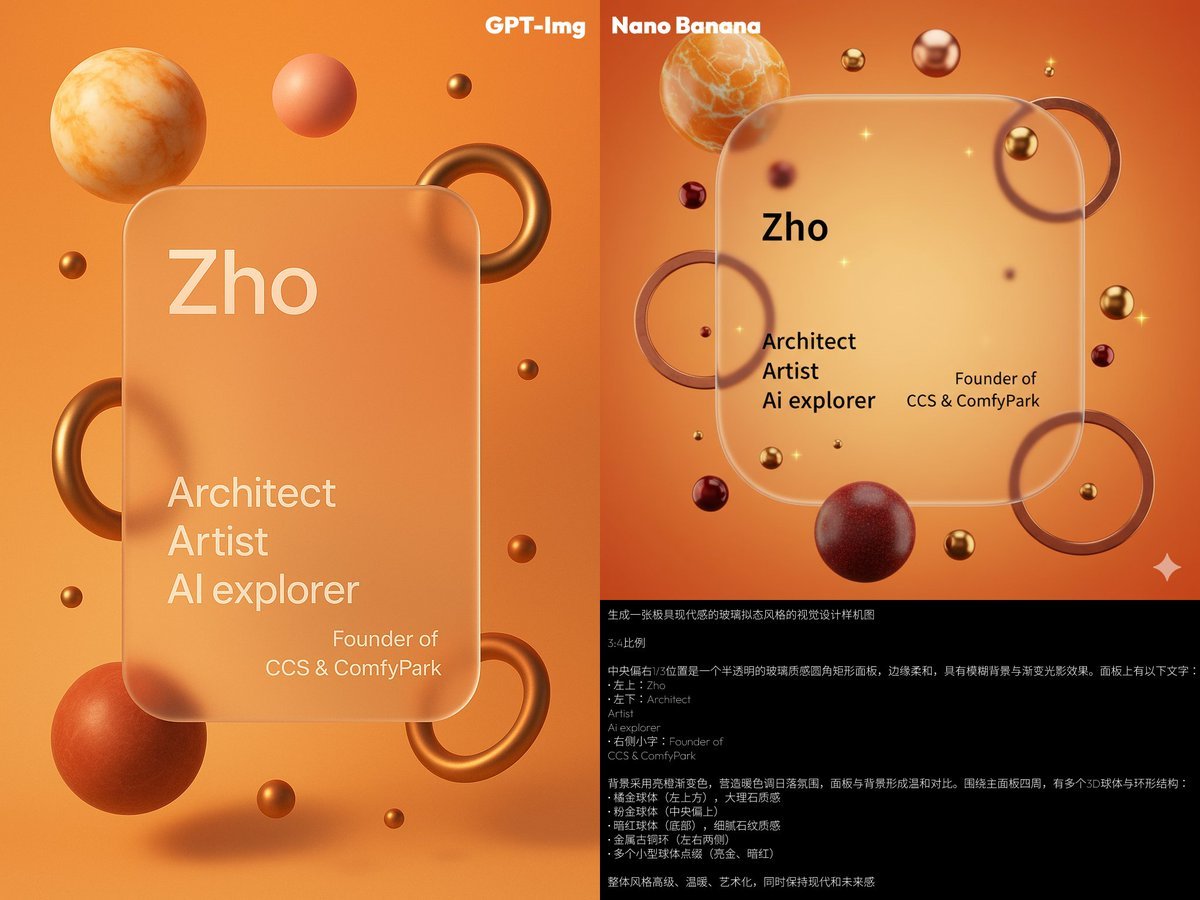
Glassmorphism personal branding mockup
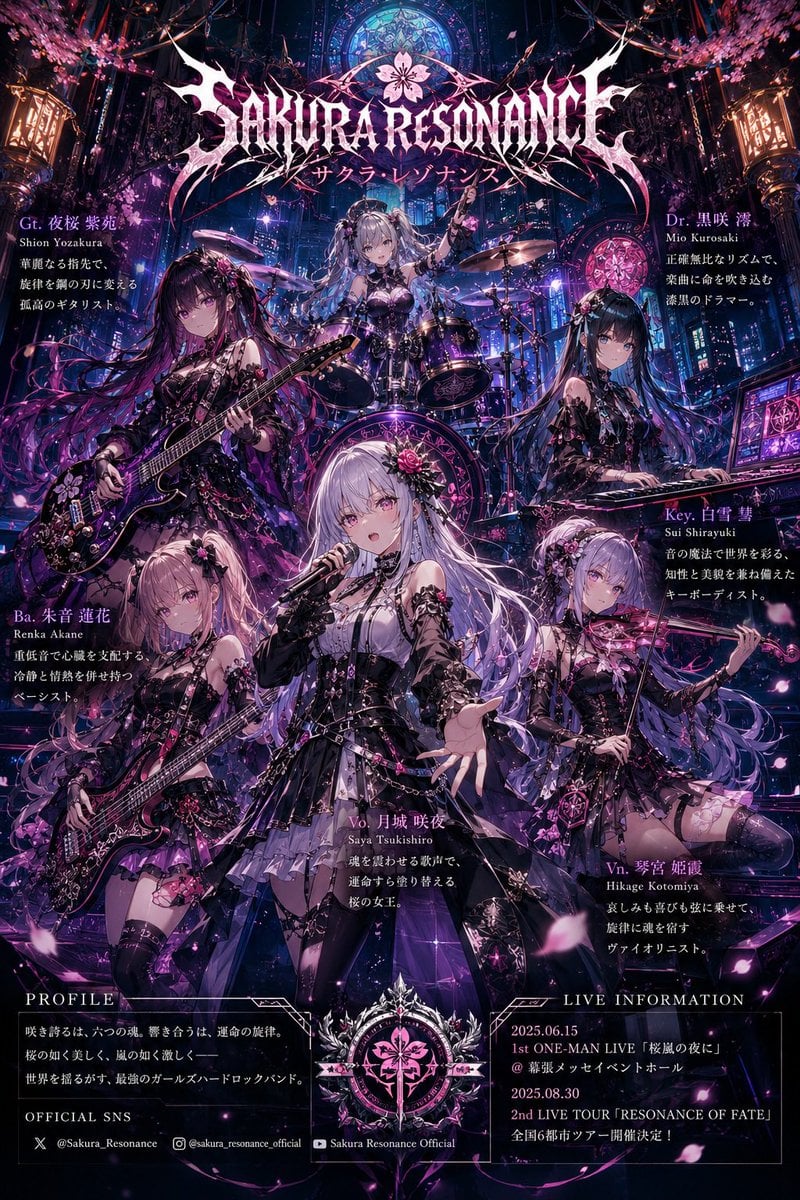
Anime Hard Rock Band Poster
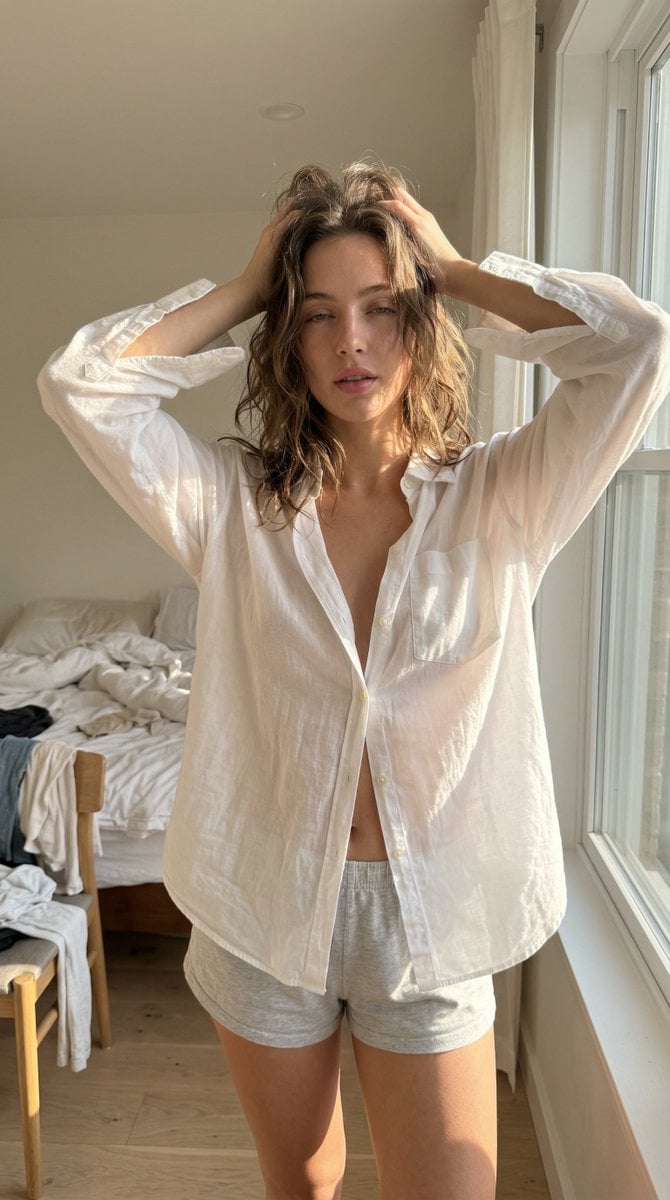
Structured Ultra Photorealistic iPhone Realism Prompt for Nano Banana Pro
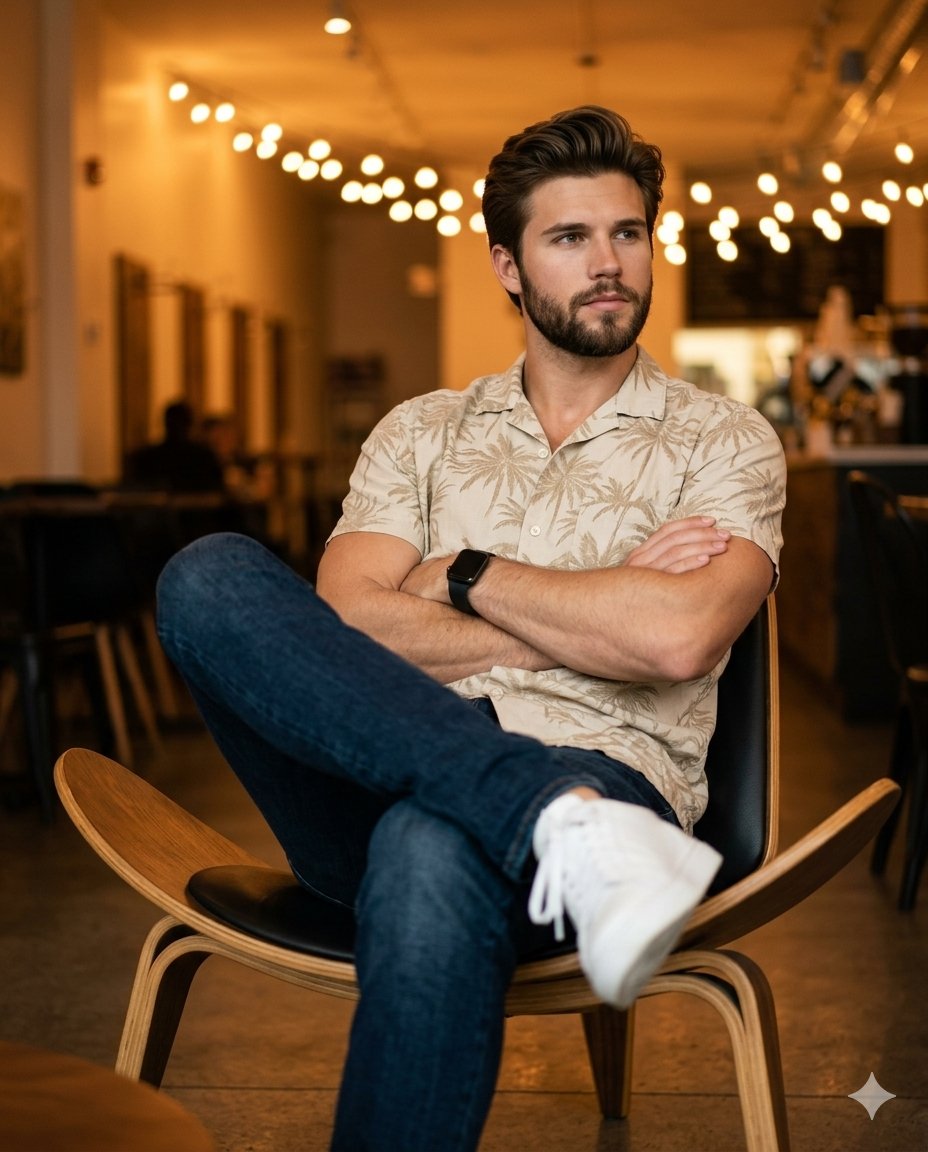
Ultra-Realistic Café Portrait Prompt for Nano Banana 2
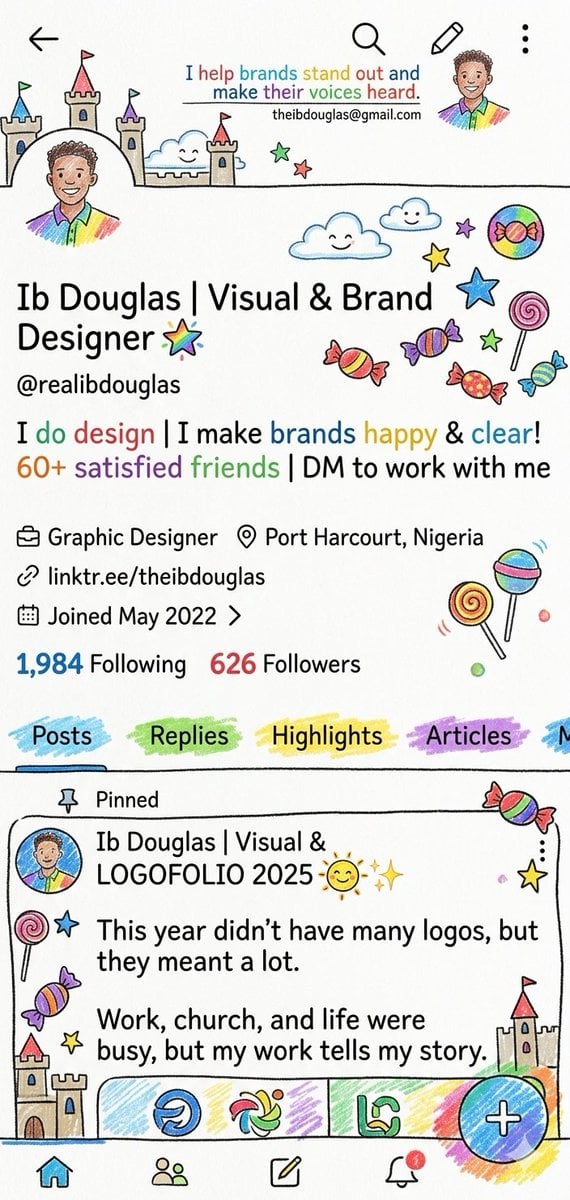
Whimsical Designer Profile UI
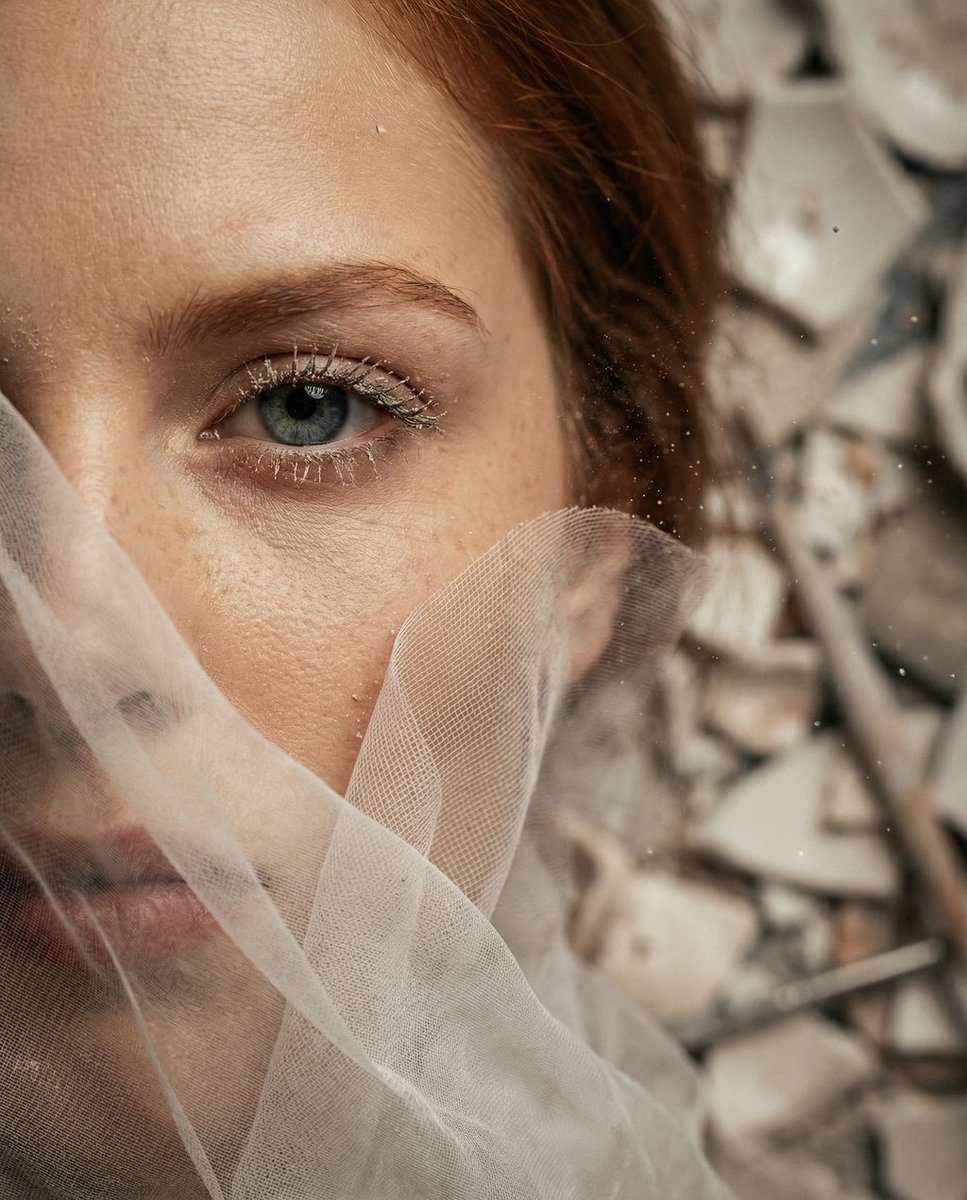
Surreal Macro Portrait with Porcelain Restoration Theme
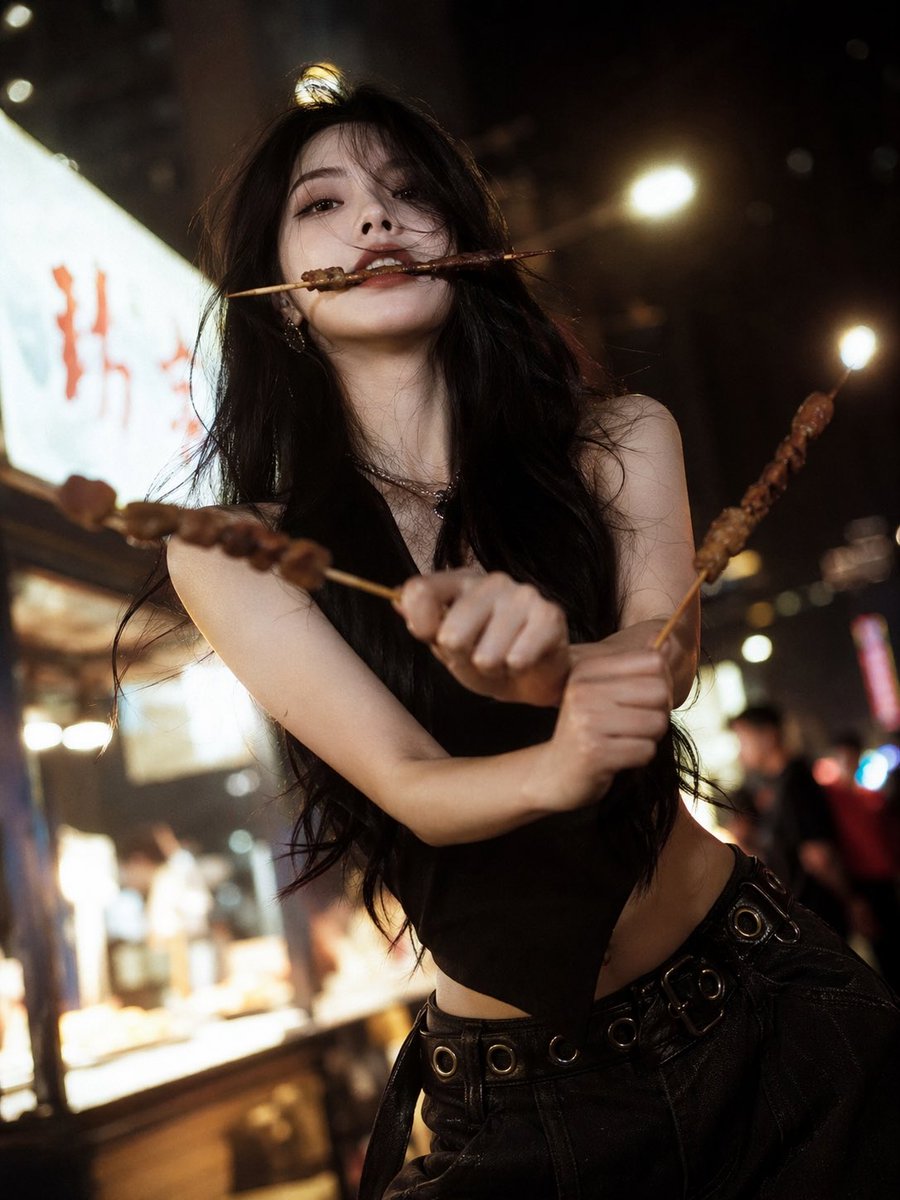
High-Fashion Anime Homage Portrait
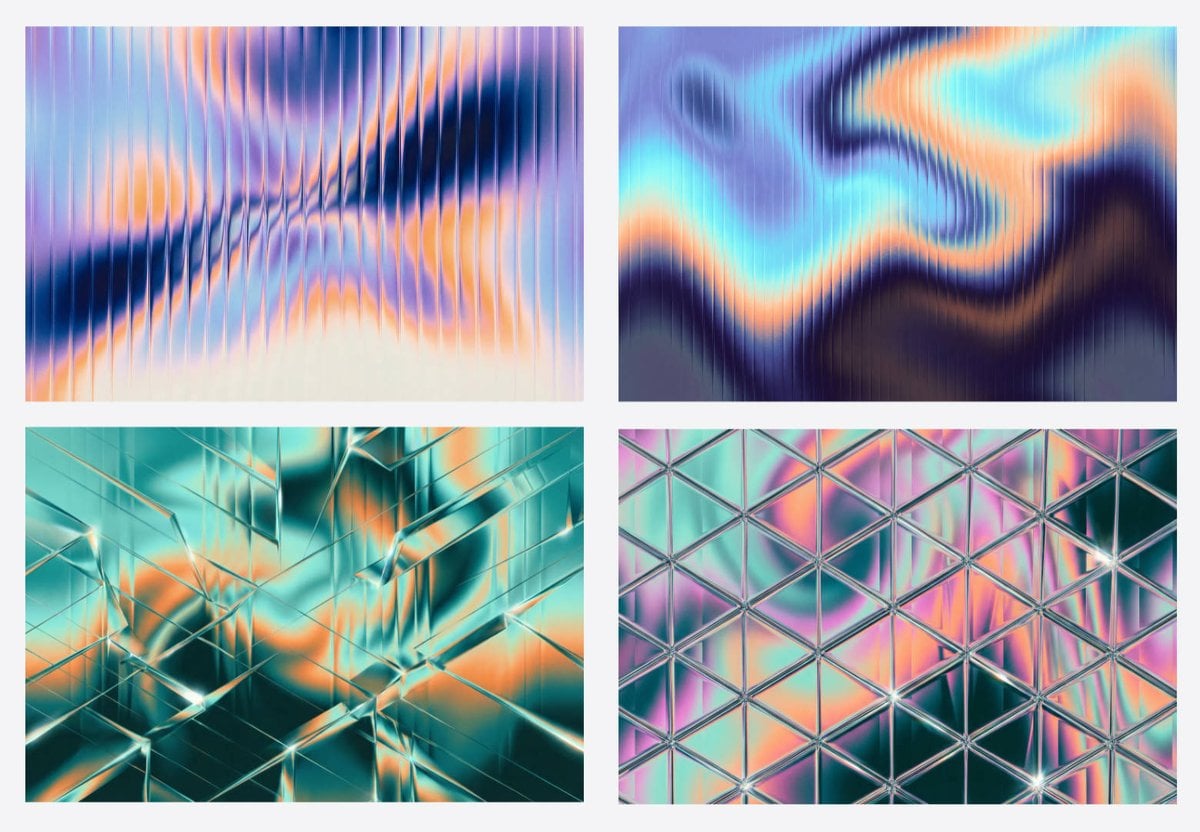
Generating Fractal Glass Gradient Images with Nano Banana Pro
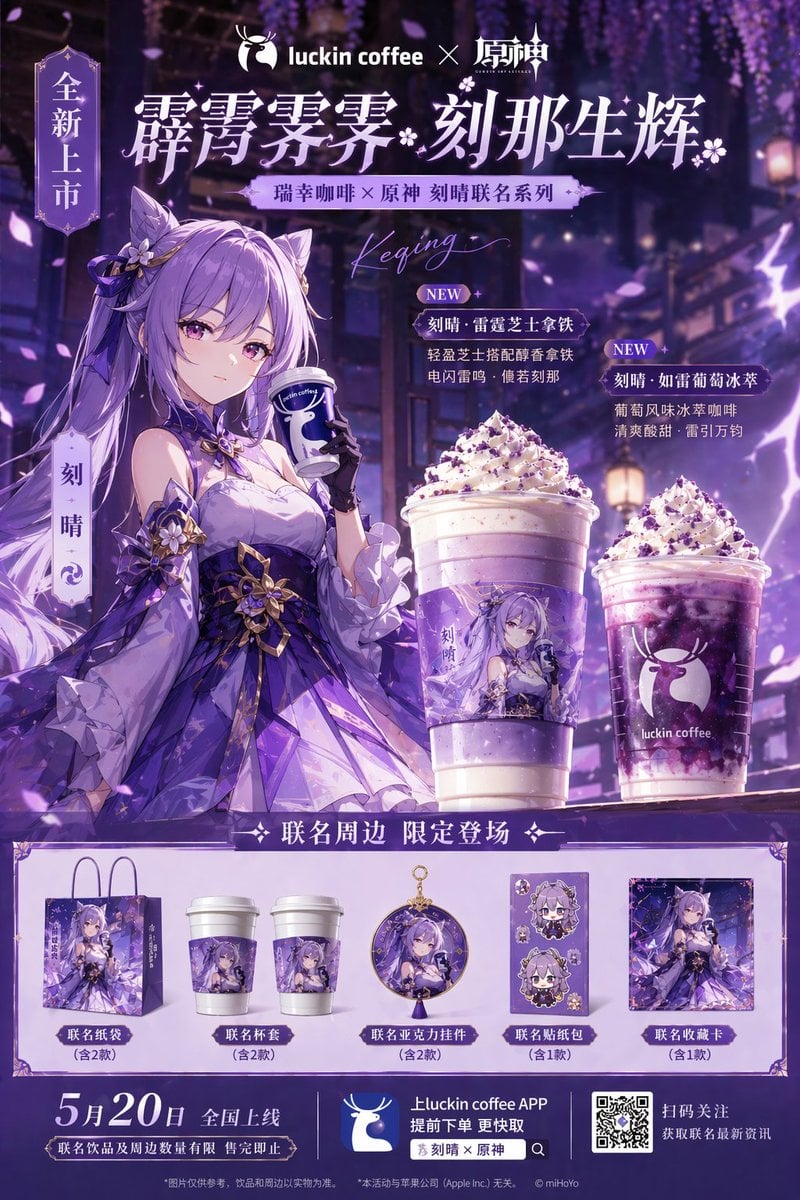
Commercial Collaboration Poster
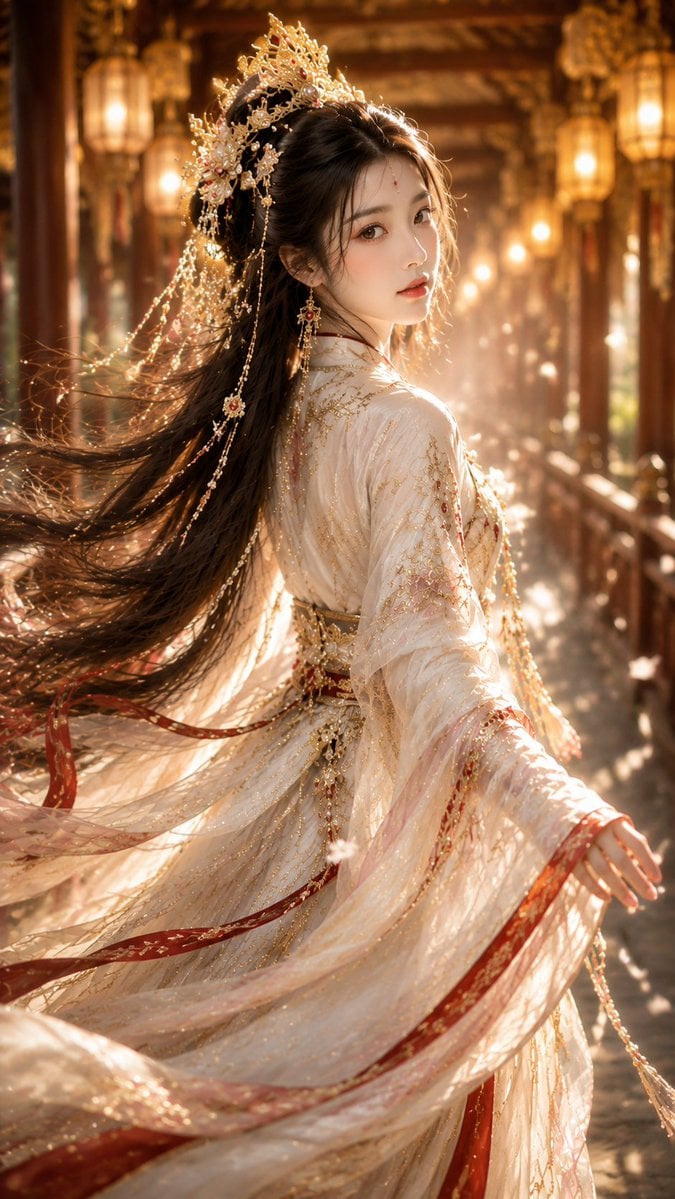
Ancient Chinese Fantasy Female Portrait
Browse template categories
Panel Editorial Grid Prompt for Yellow Satin Halter Dress questions
How do I use the 9-Panel Editorial Grid Prompt for Yellow Satin Halter Dress template?
Add your photo if the template asks for one, edit the prompt if you like — the template's model and format are already selected — and press Generate. Your version opens in PicX Studio.
Can I customize the 9-Panel Editorial Grid Prompt for Yellow Satin Halter Dress template?
Yes. You can change the subject, setting, lighting, mood, format, and available model controls before creating your image.
Is the 9-Panel Editorial Grid Prompt for Yellow Satin Halter Dress template free?
Opening and editing this template is free. Generating uses credits, shown on the Generate button when you are signed in.
Which AI model should I use?
Start with Nano Banana 2, which is the model associated with this template. You can compare another compatible model for a different finish.
Looking for something else? Browse all templates.

Your photo, any look
Thousands of ready templates for every top image and video model, from one credit balance.