
Surreal Macro Portrait with Porcelain Restoration Theme
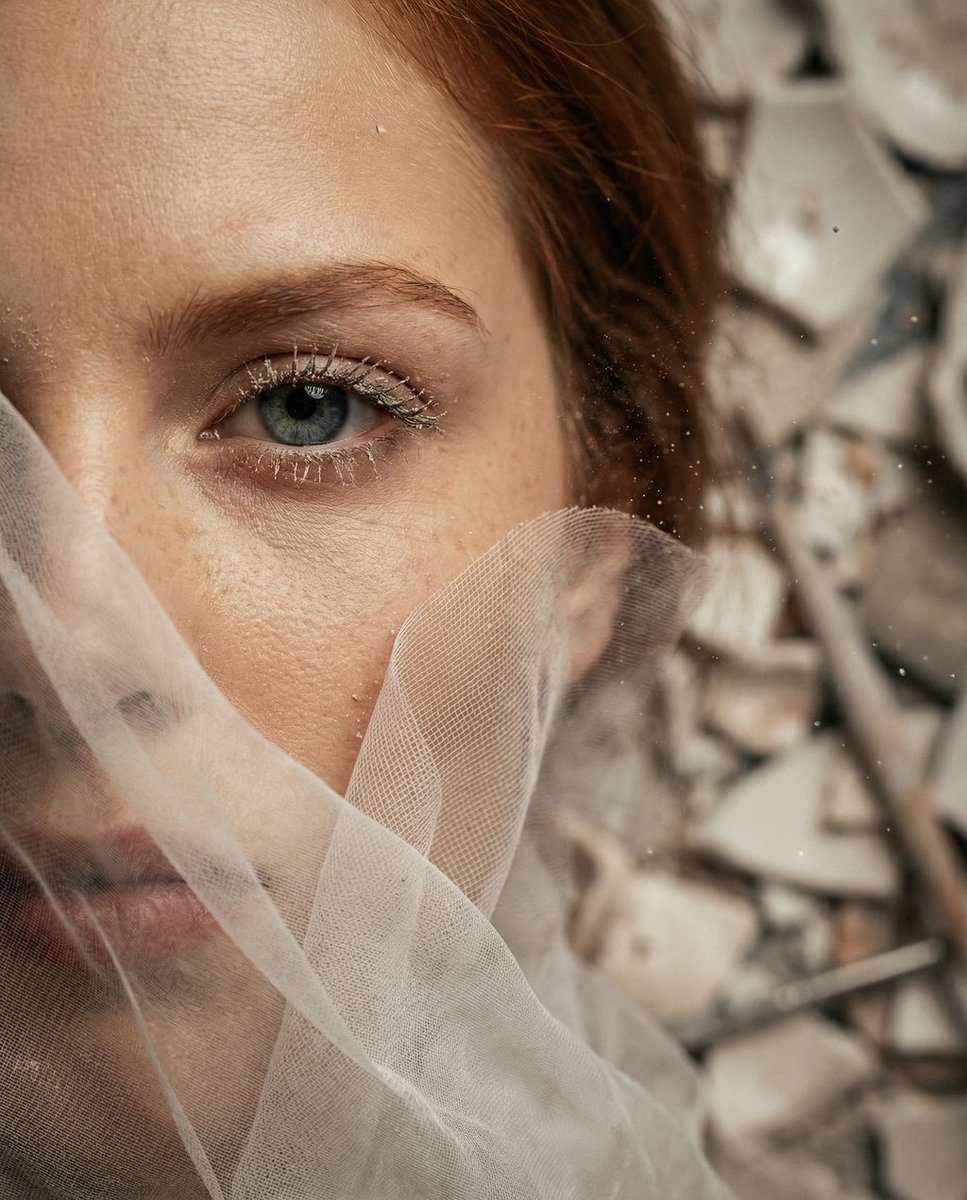
An extremely detailed, structured prompt for generating a hyper-realistic, surreal macro portrait focusing intensely on one eye and cheekbone.
- Prompt included
- Model and format preset
- Free template
The prompt behind this image
Copy the exact prompt behind Surreal Macro Portrait with Porcelain Restoration Theme, or open it in the studio and make it yours.
{ "vibe_title_en": "Porcelain Breath", "master_prompt": "A hyper-realistic, surreal macro portrait of The Protagonist as 'The Melancholic Prodigy,' captured in a dense, cluttered Porcelain Restoration Workshop. The frame is an extreme close-up, focusing intensely on one eye and the cheekbone. The subject's face is partially entrapped in a flowing, semi-transparent barrier of ultra-fine white sculpting mesh and silk tulle (Practical Effect), mimicking the fluid, sculptural structure of smoke but rendered with distinct, tactile fabric weave. The fabric presses gently against the skin, revealing hyper-detailed pores and fine clay dust clinging to the eyelashes. The lighting is moody, warm, and directional (Rembrandt style), slicing through a heavy atmosphere of airborne ceramic dust and floating lint. The background, though heavily blurred due to the macro lens, implies a chaotic, lived-in space filled with stacks of broken white ceramics, antique calipers, and restoration diagrams. Shot on a Hasselblad H6D-100c with a 120mm Macro lens, creating a razor-thin depth of field that isolates the texture of the mesh against the iris.", "meta": { "intent": "Cinematic Surrealism", "priorities": "Texture, Emotion, Lighting", "device_profile": "High-End Desktop / Large Format Print" }, "frame": { "aspect": "4:5", "composition": "Extreme Close-Up (Macro)", "layout": "Off-center eye focus, negative space filled by mesh texture", "camera_angle": "Eye Level, slightly intimate/intrusive", "tilt_roll_degrees": "0" }, "subject": { "gender": "Female", "identity": "The Melancholic Prodigy", "demographics": "Ageless, ethnically ambiguous", "face": "Neutral expression with visible sorrow, hyper-realistic skin texture, fine dust on skin", "hair": "Obscured by mesh/veil, hints of texture visible underneath", "body": "Only facial features visible", "expression": "Sorrowful focus, a deep exhale frozen in time, intense gaze through the fabric", "pose": "Head slightly tilted back, resisting the flow of the fabric" }, "wardrobe_accessories": { "garments": [ { "item": "Sculpting Mesh / Veil", "material": "Ultra-fine silk tulle and gauze", "color": "Translucent White", "fit": "Flowing, wrapping tightly around facial contours" } ], "accessories": [] }, "environment": { "setting": "Porcelain Restoration Workshop", "surfaces": "Airborne dust, ceramic shards (bokeh), fabric weave", "depth": "Extremely shallow macro depth of field", "atmosphere": "Dusty, claustrophobic, warm, artistic", "lens_interaction": "Sharp focus on the eye mesh, heavy blur elsewhere" }, "lighting": { "key": "Warm Rembrandt light beam", "fill": "Soft bounce from white ceramics", "rim": "Subtle highlight on the fabric edges", "shadows": "Deep, rich shadows in facial crevices", "color_temperature": "
How to use Surreal Macro Portrait with Porcelain Restoration Theme in 3 steps
- 1
Open
The prompt is already in the box next to the preview, with the template's model and format selected.
- 2…a portrait of your subject in softgolden-hour light, 85mm…
Personalize
Edit the subject and creative details for your destination.
- 3Generate
Generate
Press Generate — your image is created in PicX Studio, so you can compare it with the original and refine one variable at a time.
More like this
Templates with the same subject, style or setup. Open one to see its prompt.
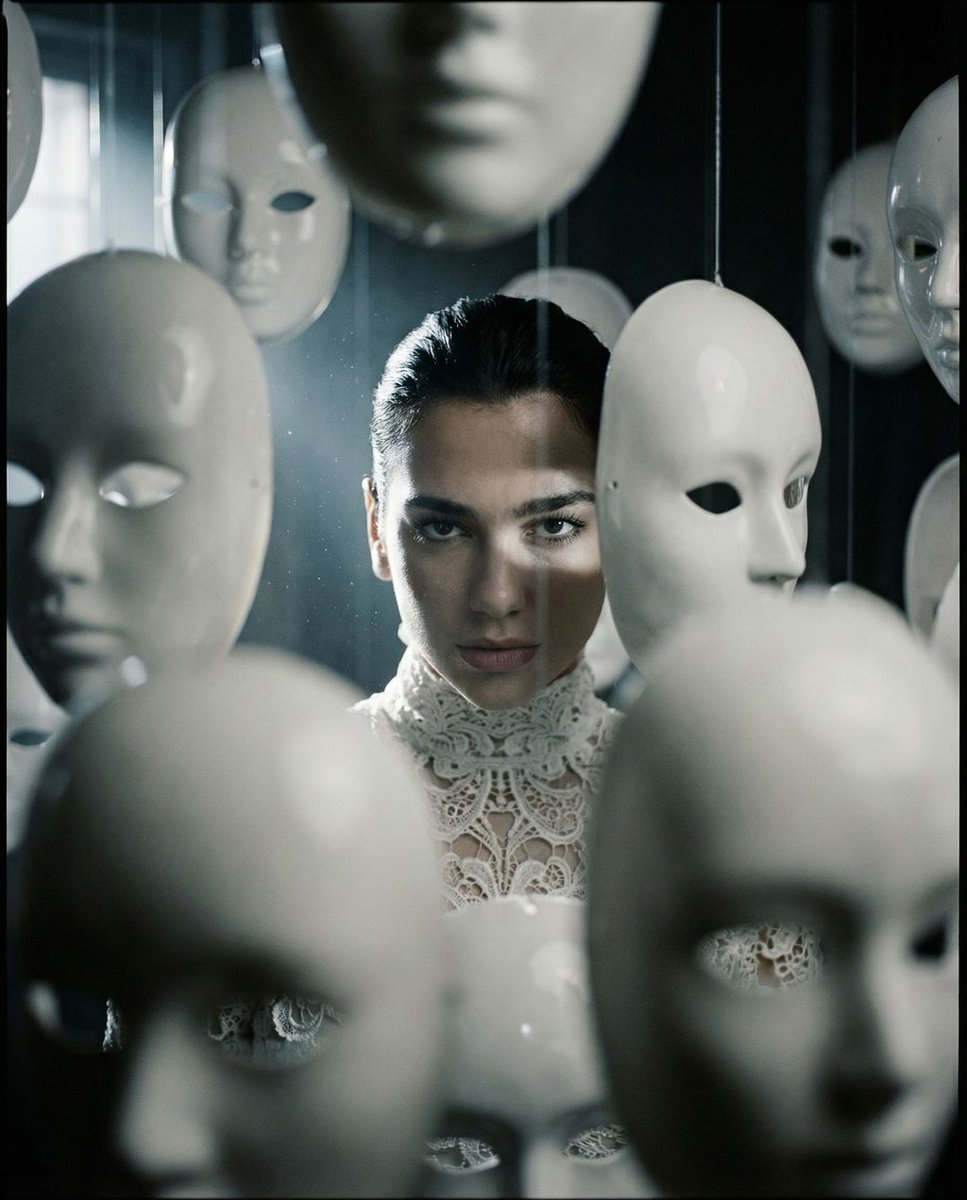
Surreal porcelain mask portrait

Found Photograph: Us, 1970

80s Couple Studio Portrait

80s Bollywood Star

80s Golden Hour Cinema

Me in 1985

1985 Studio Portrait

Underwater Macro Face Portrait

Hyper-Realistic Minecraft POV Portrait
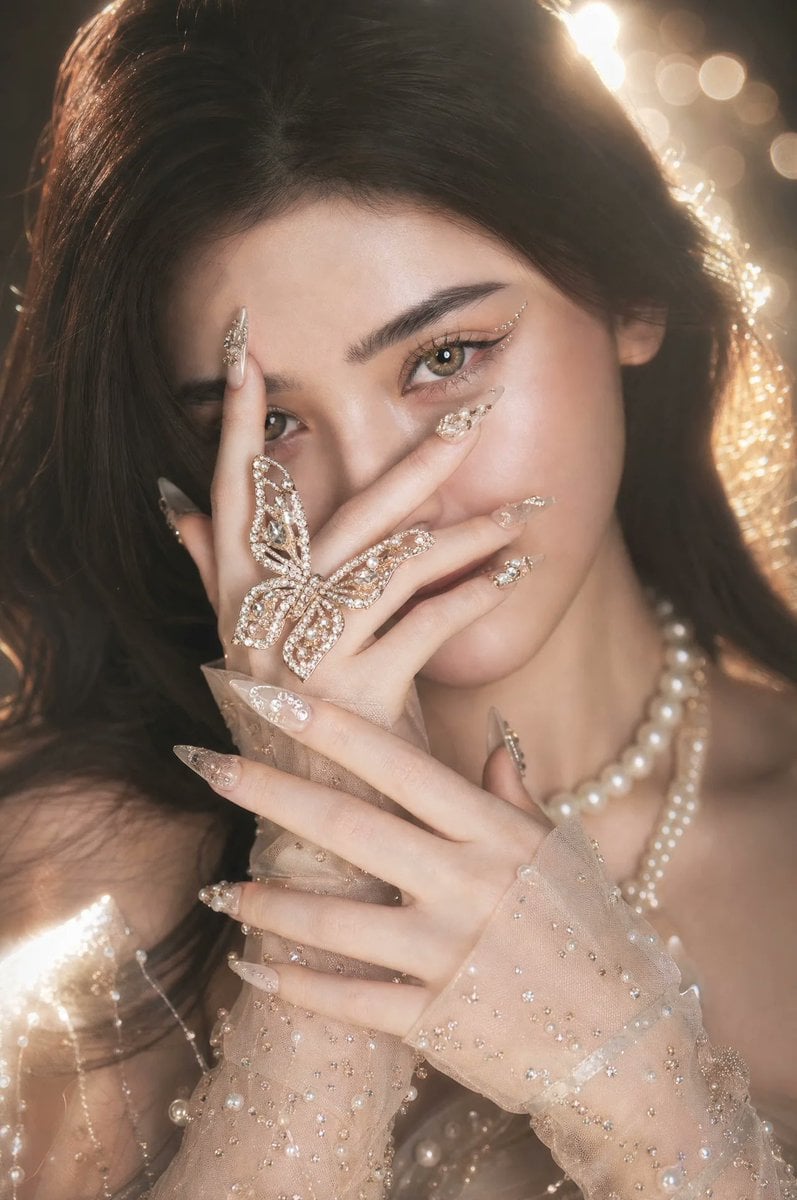
Hyper-Realistic Porcelain Beauty Portrait
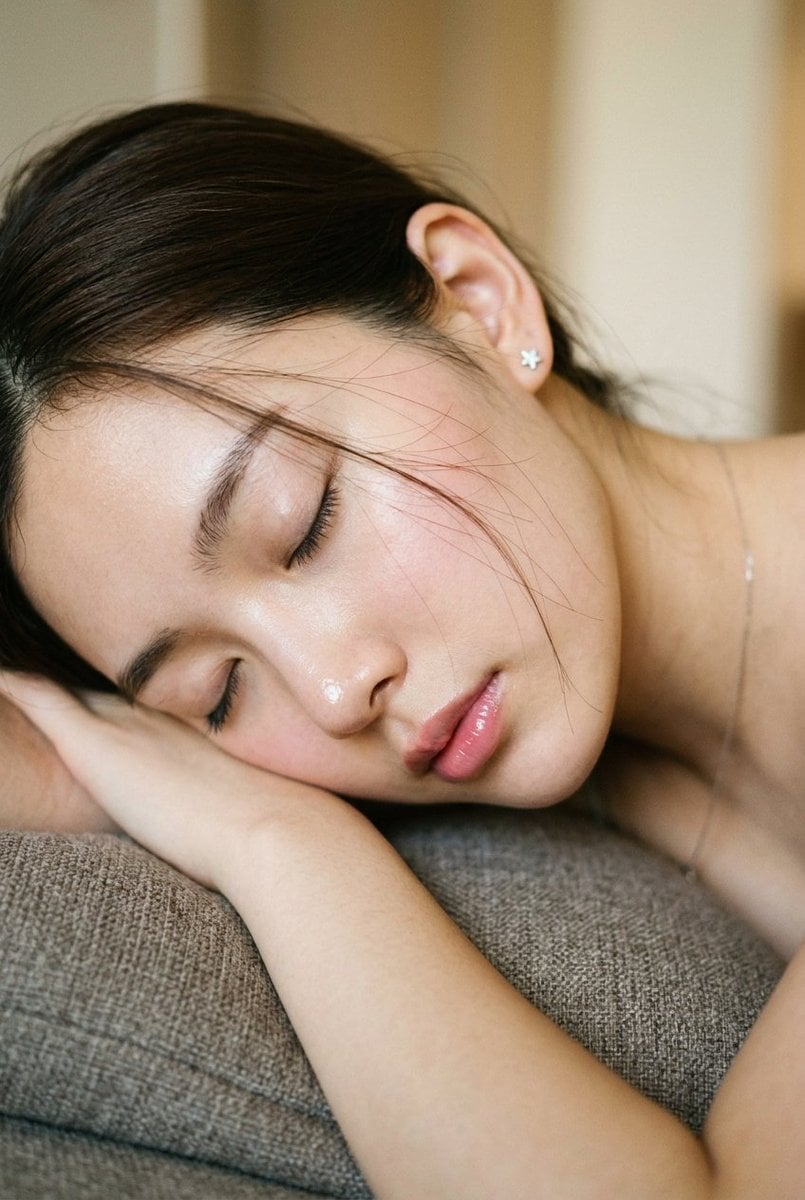
Intimate Macro Sleep Portrait

Rooftop Fisheye — Cat-Ear Balaclava at Golden Hour
Make it yours
Surreal Macro Portrait with Porcelain Restoration Theme works as-is. These are the safest ways to change it without losing the look.
Change one field
Copy a single group, rewrite it, and generate again so you can see what that field is doing.
Keep the frame, change the subject
Hold the composition and light of Surreal Macro Portrait with Porcelain Restoration Theme, then swap wardrobe, props or the person for a new take.
| If the result… | Why | Fix |
|---|---|---|
| The result drifts from the preview | Too many fields changed at once. | Reuse Surreal Macro Portrait with Porcelain Restoration Theme as-is first, then change one group — subject, light, or setting. |
| The model over-stylizes the scene | The prose prompt leaves finish and camera underspecified. | Add one camera or lighting sentence and stay on Nano Banana 2. |
More Nano Banana 2 templates
Other prompts made for Nano Banana 2.

Photorealistic Leaf Shaped Like a Dragon

K-Pop Idol Portrait Grid for Rapid Selection

Poetic Rain Forest Portrait During Golden Hour

Urban Street Portrait with Cartoon Inner Self Duo

Candid Nighttime Photo with Cat Prompt

High-Concept 3D Diorama Generation Prompt

Cinematic Futuristic Studio Portrait Template

Skincare Editorial Photography Collage Prompt

Hyper-Realistic Commercial Product Photography (Splash Effect)

Hyper-Realistic Nightclub Portrait Prompt
More image prompts
Fresh picks from across the catalog.
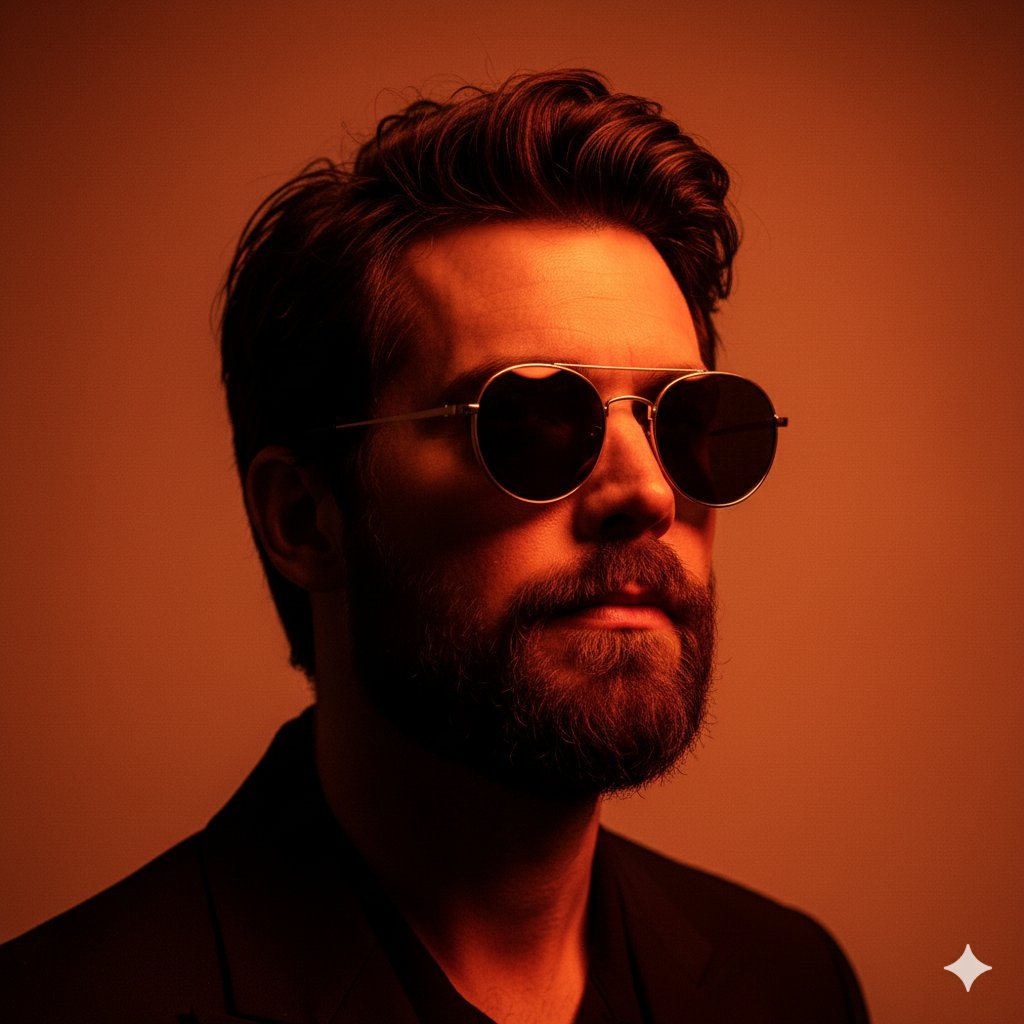
8K High-Fashion Cinematic Portrait with Warm Lighting
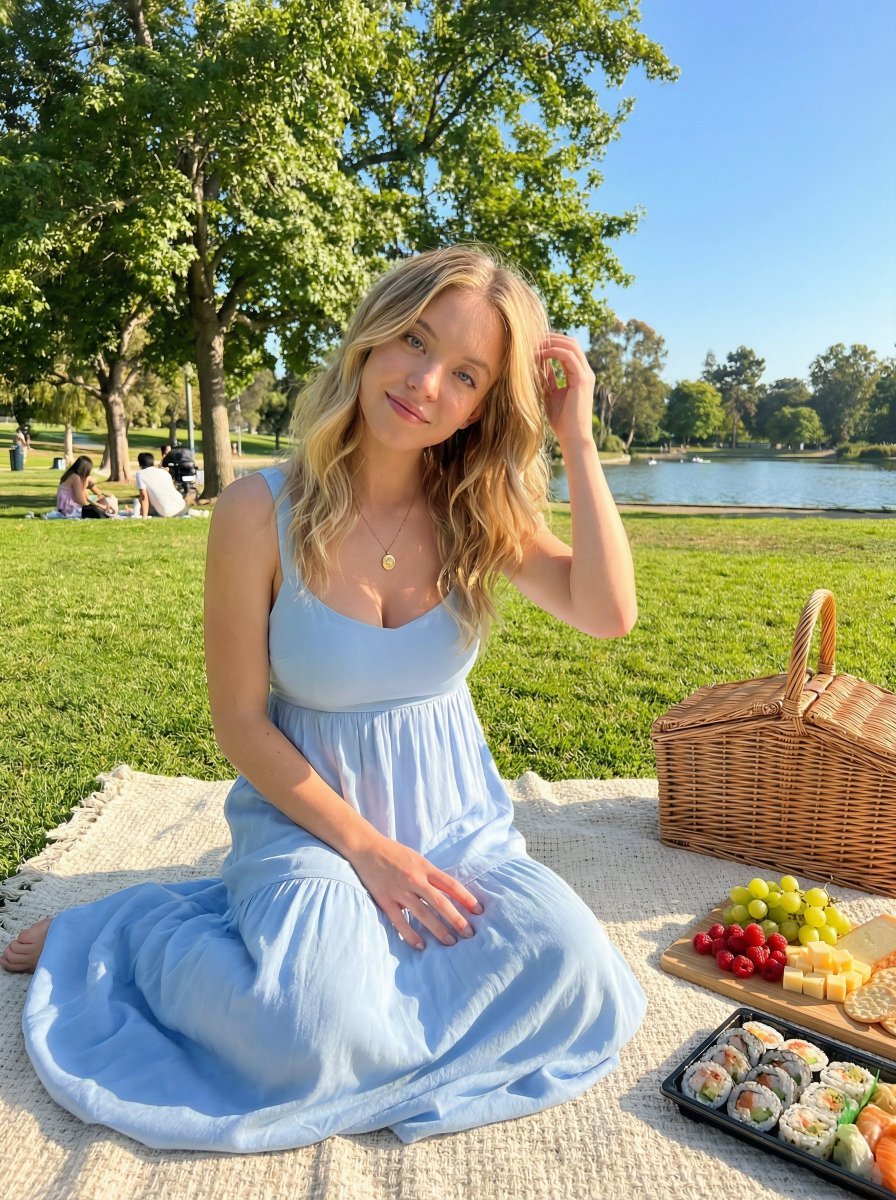
Golden Hour Picnic Lifestyle Editorial Prompt
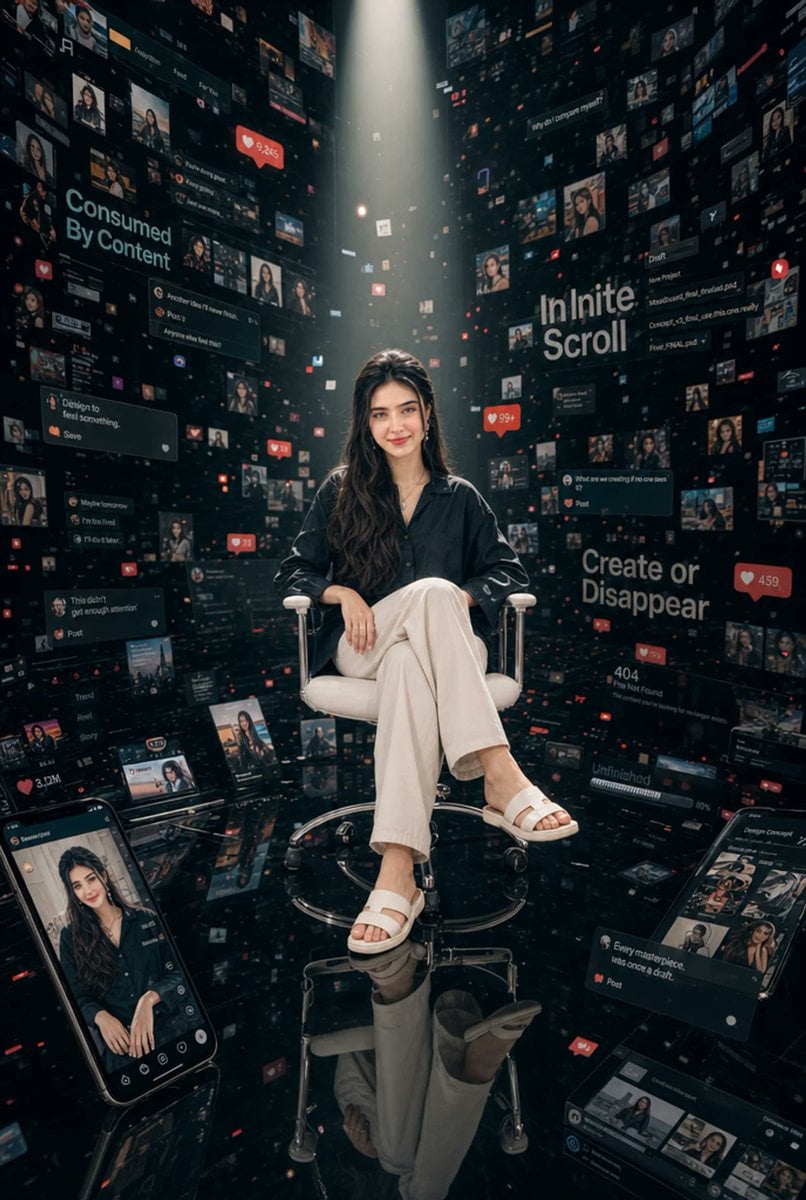
Woman in Infinite Scroll Void
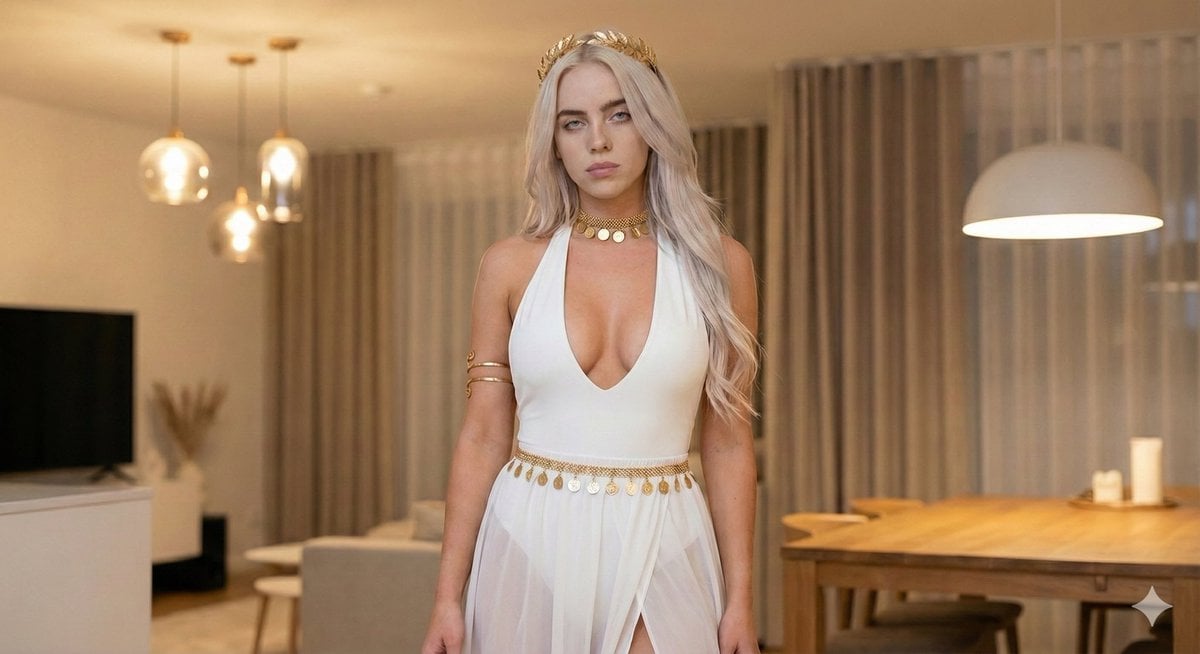
Goddess-Inspired White and Gold Portrait

Overlapping Anime Knight Motion Trail
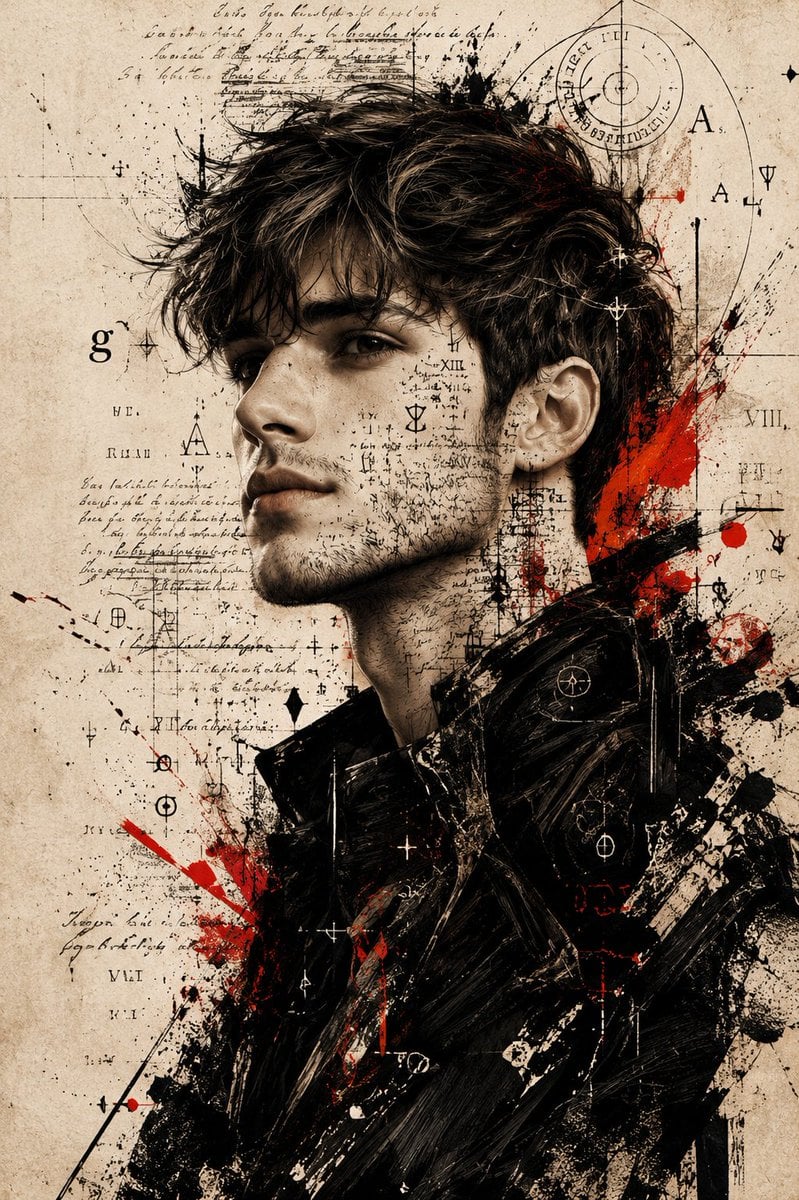
Expressive Mixed-Media Ink Portrait

Burning Gothic Library Sorcerer
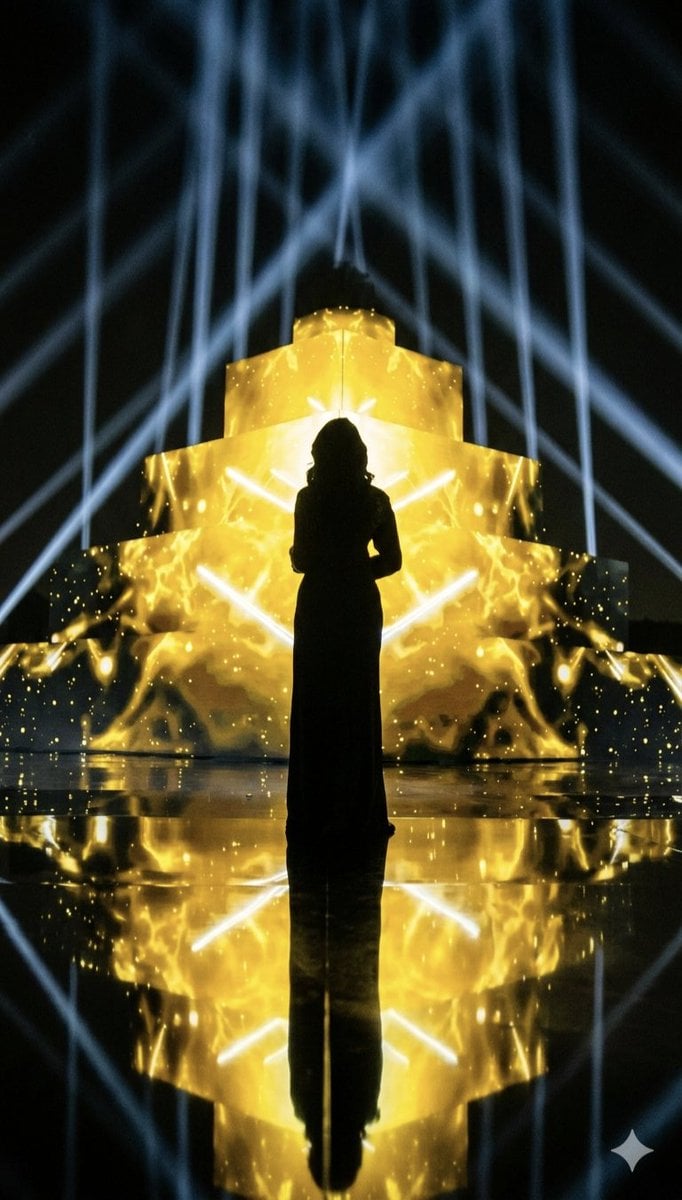
Dramatic Silhouette on Golden Pyramid Stage
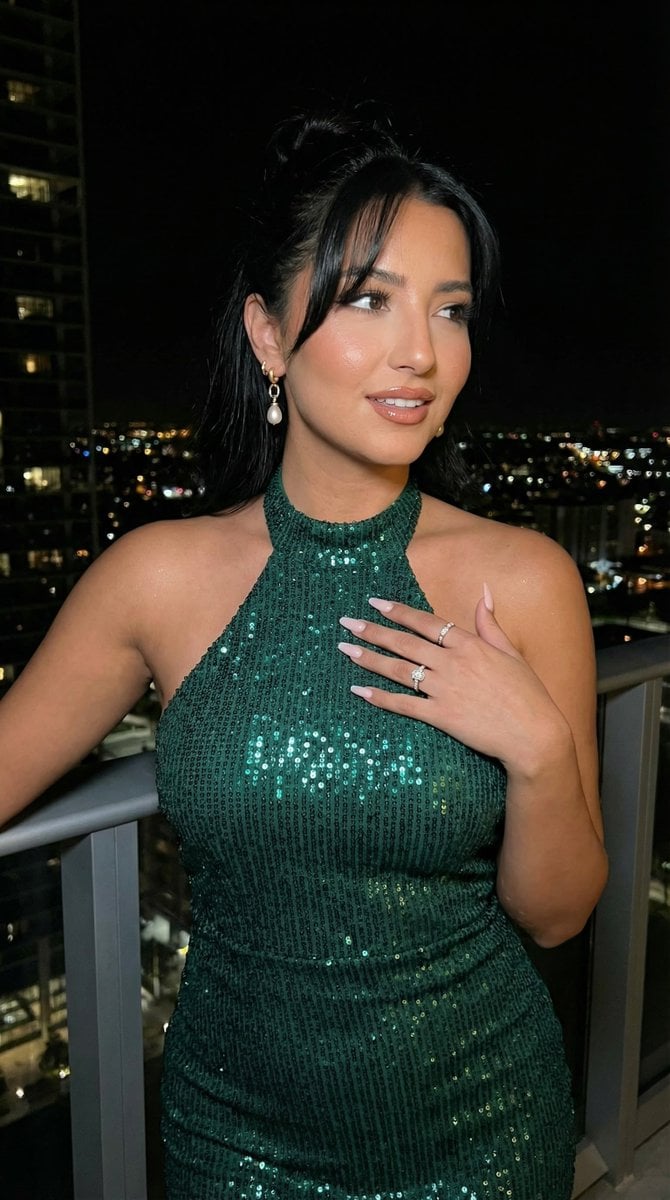
High-Fashion Editorial Scene Relocation Prompt

Style Modifier for 90s Cartoon Realism
Browse template categories
Surreal Macro Portrait with Porcelain Restoration Theme questions
How do I use the Surreal Macro Portrait with Porcelain Restoration Theme template?
Add your photo if the template asks for one, edit the prompt if you like — the template's model and format are already selected — and press Generate. Your version opens in PicX Studio.
Can I customize the Surreal Macro Portrait with Porcelain Restoration Theme template?
Yes. You can change the subject, setting, lighting, mood, format, and available model controls before creating your image.
Is the Surreal Macro Portrait with Porcelain Restoration Theme template free?
Opening and editing this template is free. Generating uses credits, shown on the Generate button when you are signed in.
Which AI model should I use?
Start with Nano Banana 2, which is the model associated with this template. You can compare another compatible model for a different finish.
Looking for something else? Browse all templates.

Your photo, any look
Thousands of ready templates for every top image and video model, from one credit balance.