
Intimate Macro Sleep Portrait
A peaceful macro portrait prompt depicting a young woman resting, with a focus on intimate details like skin texture, glossy lips, and shallow depth of field.
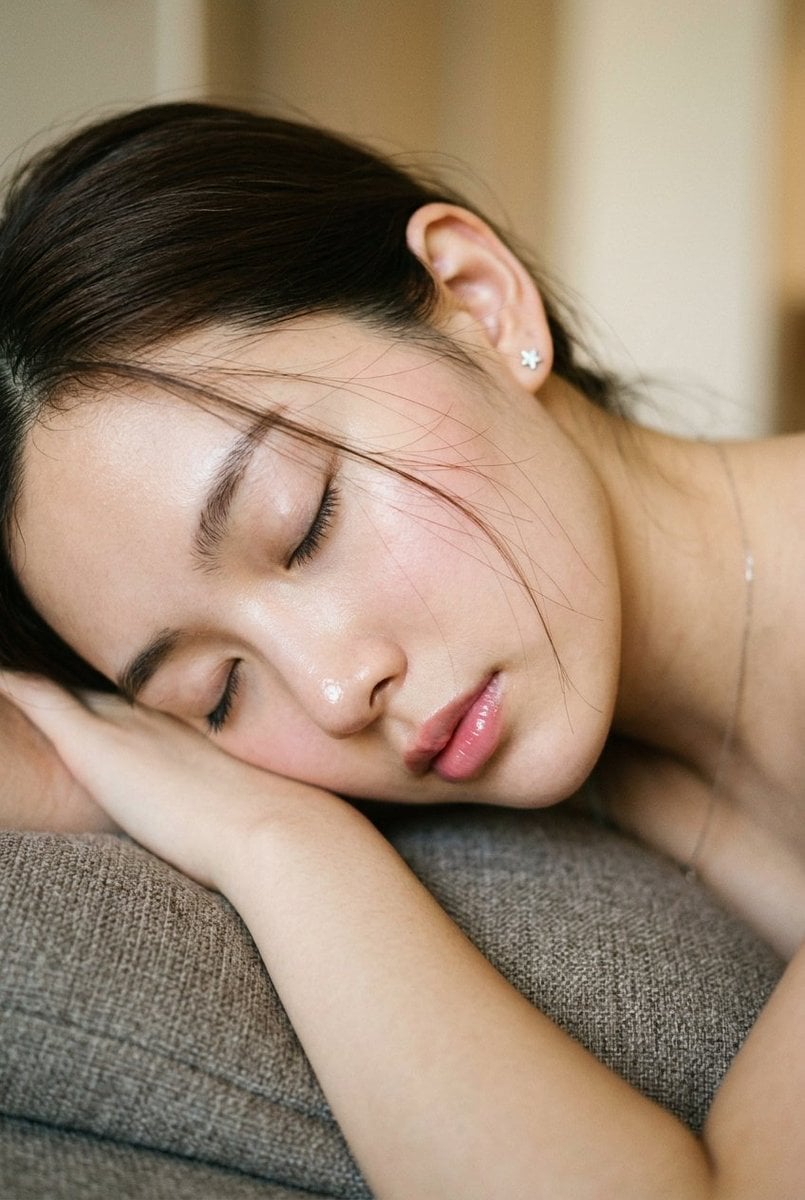
- Prompt included
- Model and format preset
- Premium template
The prompt behind this image
Copy the exact prompt behind Intimate Macro Sleep Portrait, or open it in the studio and make it yours.
Create an intimate macro portrait in a 2:3 vertical aspect ratio: an extreme close-up, slightly high-angle profile view of a young woman in her {argument name="subject age" default="early 20s"} lying sideways as she rests. Her head is supported by a textured gray-brown cushion and her folded arm. Her eyes are closed with visible lashes, her expression peaceful and defenseless, and her lips are slightly parted, relaxed, glossy, and hydrated. Preserve the original facial identity if a reference is provided. She has fair pale skin with subtle warm undertones, dewy and smooth like hydrated silk, with soft specular highlights on the tip of the nose, cheekbone, and lower lip. Use clean Asian beauty-inspired no-makeup makeup: soft pink blush, natural brushed brows, and glossy lip tint. Her {argument name="hair color" default="dark brown"} hair is casually tucked behind one ear, with fine messy stray strands falling over her cheek and forehead for realism. Show her slender neck, delicate facial structure, collarbone, bare shoulder, and the hand or forearm beneath her head. Add a tiny silver star-shaped earring and a very delicate thin chain necklace. The scene should feel like a private afternoon nap in a quiet indoor bedroom or living space. Background: {argument name="background style" default="warm beige or cream walls"}, blurred architectural lines such as a doorframe or wall, and a textured cushion in the foreground. The framing should be slightly tilted and candid, like a stolen private moment rather than a posed shoot. Use soft diffused directional window light with no harsh shadows, ambient warm room light, subtle film grain, organic softness, and extremely shallow depth of field around f/1.4 to f/1.8 so the neck, ear, and background fall completely out of focus. Overall mood: tranquil, intimate, vulnerable, soft minimalism, delicate femininity, quiet moments. Keep the closed eyes, visible lashes, parted glossy lips, stray hairs across the face, dewy skin highlights, shallow depth of field, warm muted interior, and candid skewed framing. Avoid open eyes, looking at the camera, heavy makeup, matte or plastic skin, harsh studio light, flash lighting, harsh shadows, perfectly styled hair, stiff posing, sharp background, overexposure, and any artificial glamour retouching.
How to use Intimate Macro Sleep Portrait in 3 steps
- 1Upload ImagePNG, JPG or paste
Add your photo
Upload the photo the template builds on. The prompt, model and format are already set.
- 2…a portrait of your subject in softgolden-hour light, 85mm…
Personalize
Edit the subject and creative details for your destination.
- 3Generate
Generate
Press Generate — your image is created in PicX Studio, so you can compare it with the original and refine one variable at a time.
More like this
Templates with the same subject, style or setup. Open one to see its prompt.

Found Photograph: Us, 1970

80s Couple Studio Portrait

80s Bollywood Star

80s Golden Hour Cinema

Me in 1985

1985 Studio Portrait

Hyper-Realistic Minecraft POV Portrait

Rooftop Fisheye — Cat-Ear Balaclava at Golden Hour

Rainy Café Window Moody Portrait

untitled
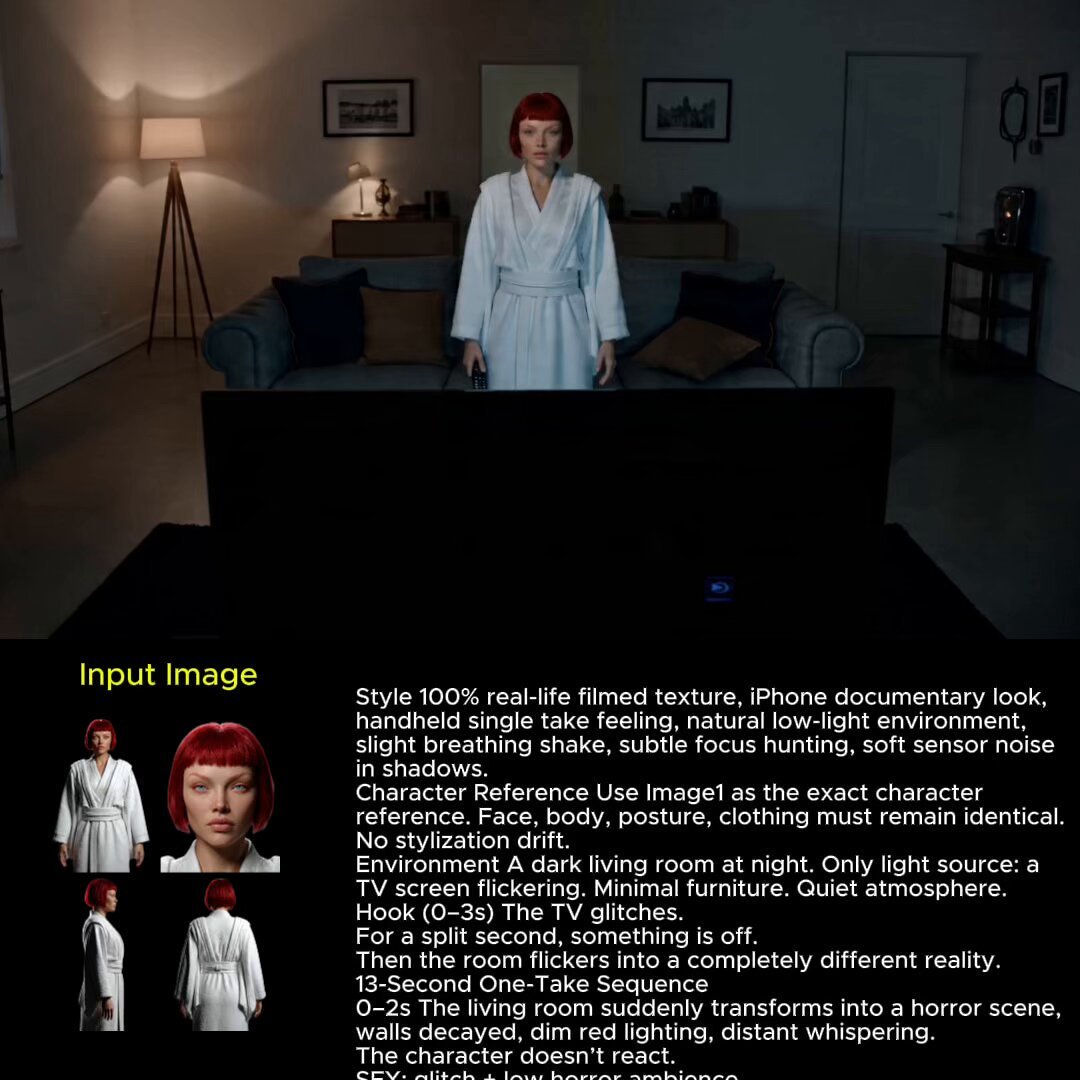
2025 Aesthetic Photography
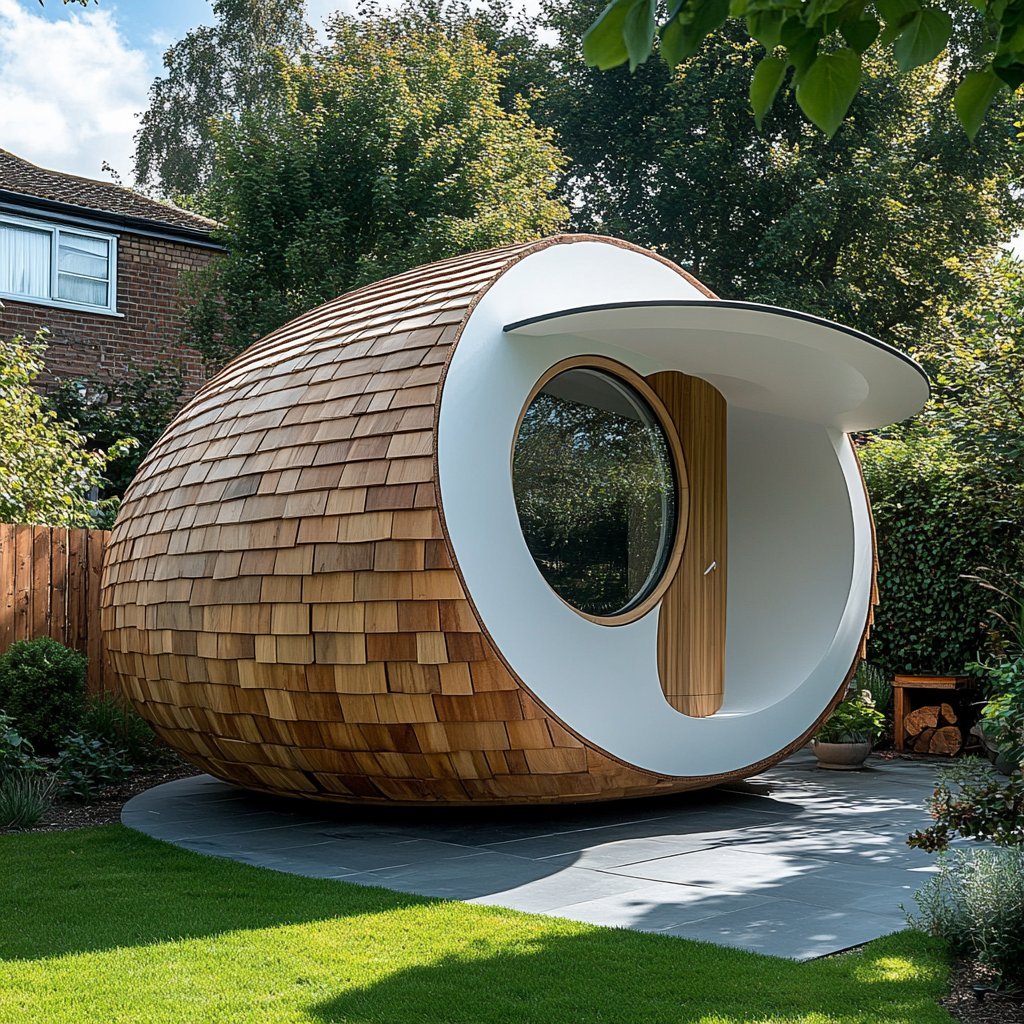
Nano Banana Is So Addictive
Make it yours
Intimate Macro Sleep Portrait works as-is. These are the safest ways to change it without losing the look.
Change one field
Copy a single group, rewrite it, and generate again so you can see what that field is doing.
Keep the frame, change the subject
Hold the composition and light of Intimate Macro Sleep Portrait, then swap wardrobe, props or the person for a new take.
| If the result… | Why | Fix |
|---|---|---|
| The result drifts from the preview | Too many fields changed at once. | Reuse Intimate Macro Sleep Portrait as-is first, then change one group — subject, light, or setting. |
| The model over-stylizes the scene | The prose prompt leaves finish and camera underspecified. | Add one camera or lighting sentence and stay on GPT Image 2. |
More GPT Image 2 templates
Other prompts made for GPT Image 2.

Six VTuber Japanese Logo Sheet

Realistic Portrait of Woman and Deer

The Vista Modular Condo Poster

AI Model Routing Comparison Infographic

2.5D Anime Art Board

Isometric Productivity Desk Scene

New York Double Exposure Poster

Four-Panel AI Landscape Comparison

Japanese Tatami Lifestyle Magazine Cover

NESCAFÉ Coffee Map Poster
More image prompts
Fresh picks from across the catalog.
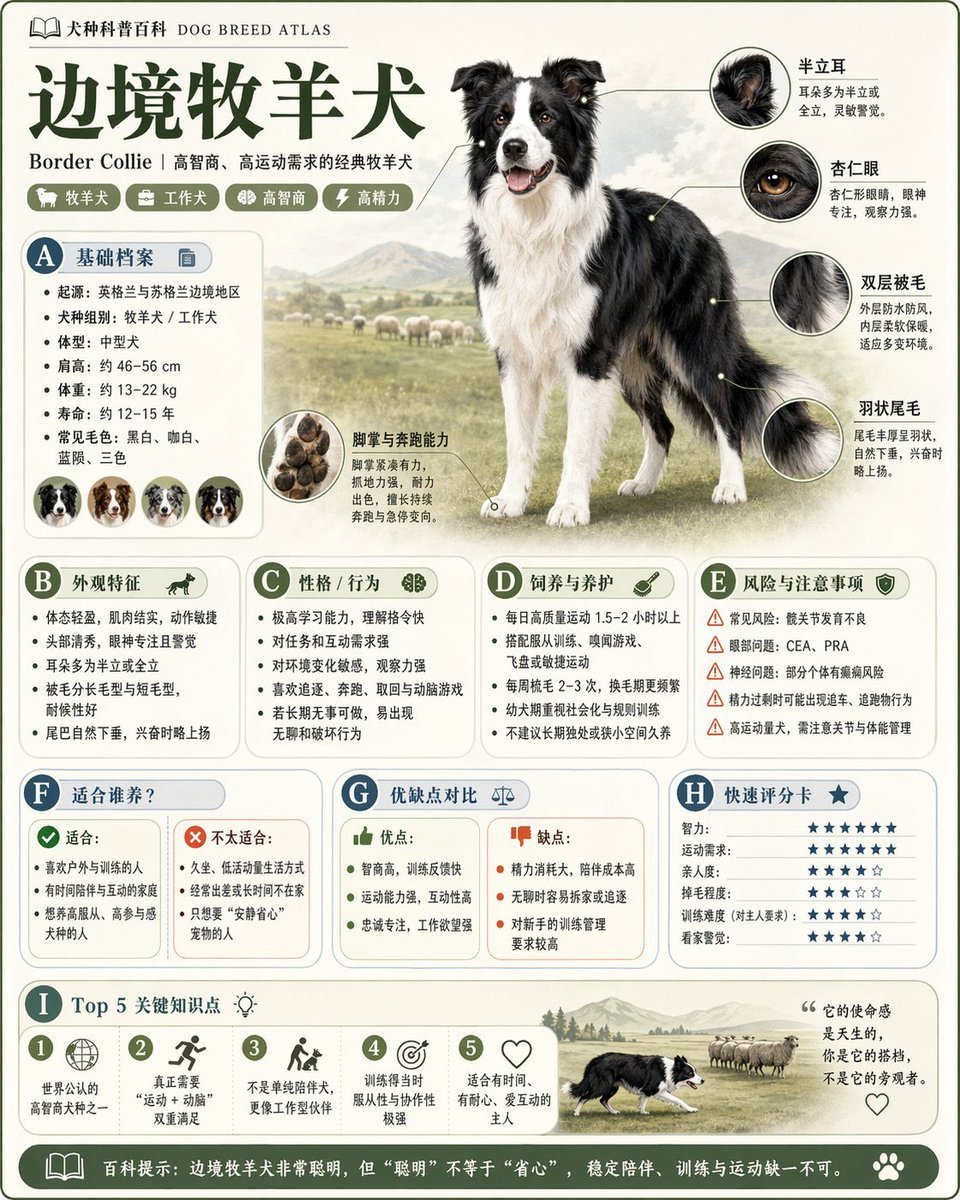
Encyclopedia Style Infographic Generator
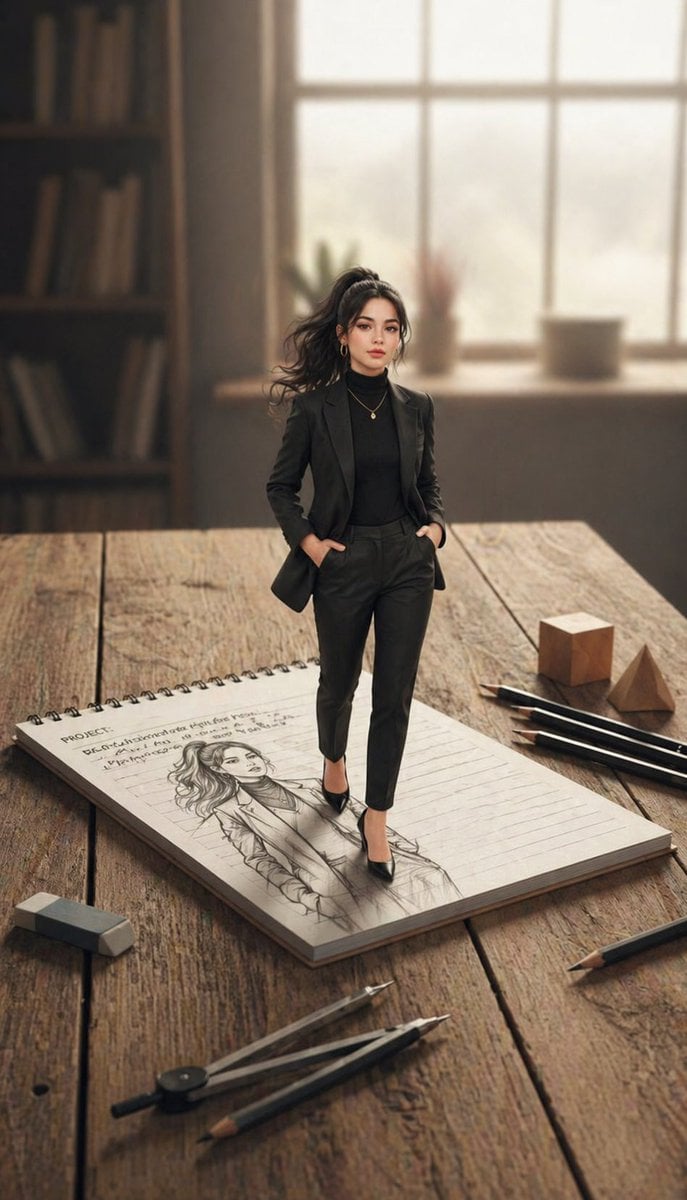
X Noor Ul Ain43 She Designed Herself and Then
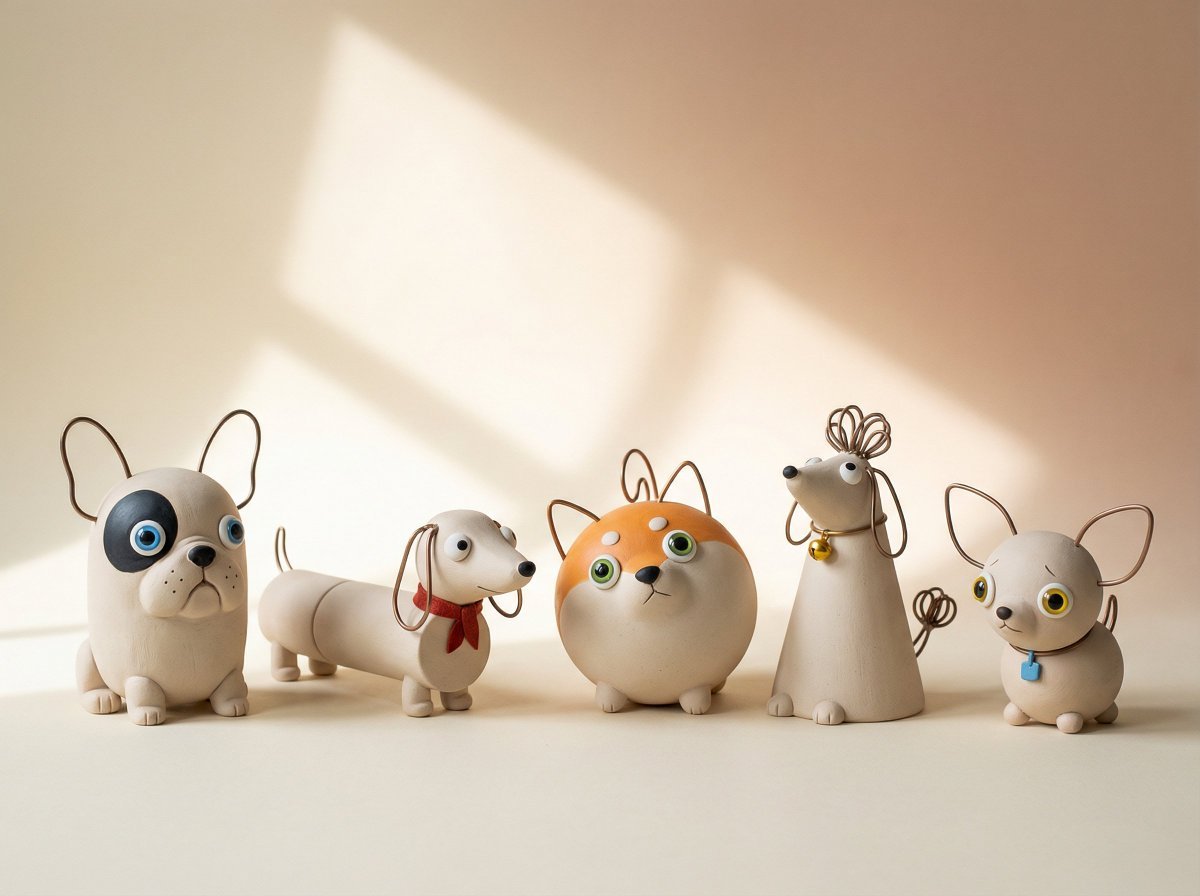
Handmade Clay Figurine Style with Wire Elements
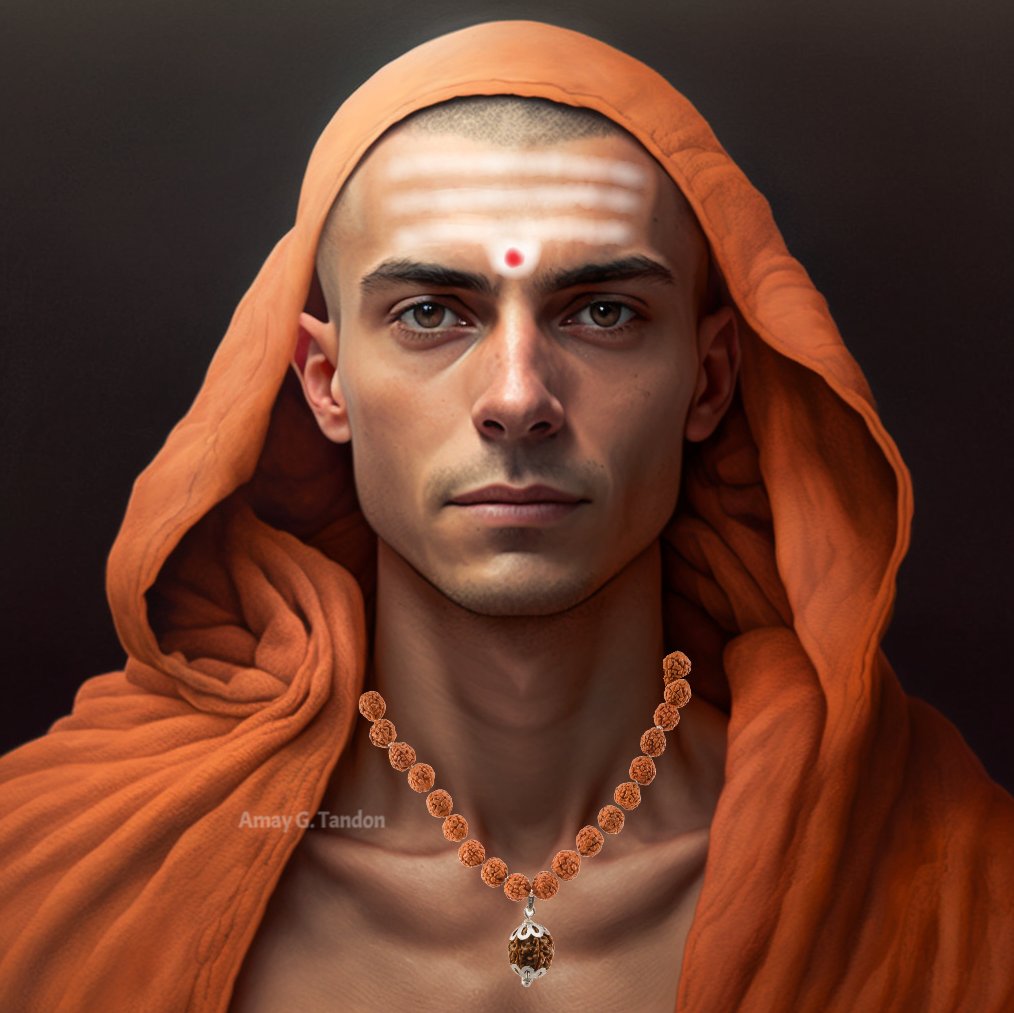
Realistic Image Generator Prompt System
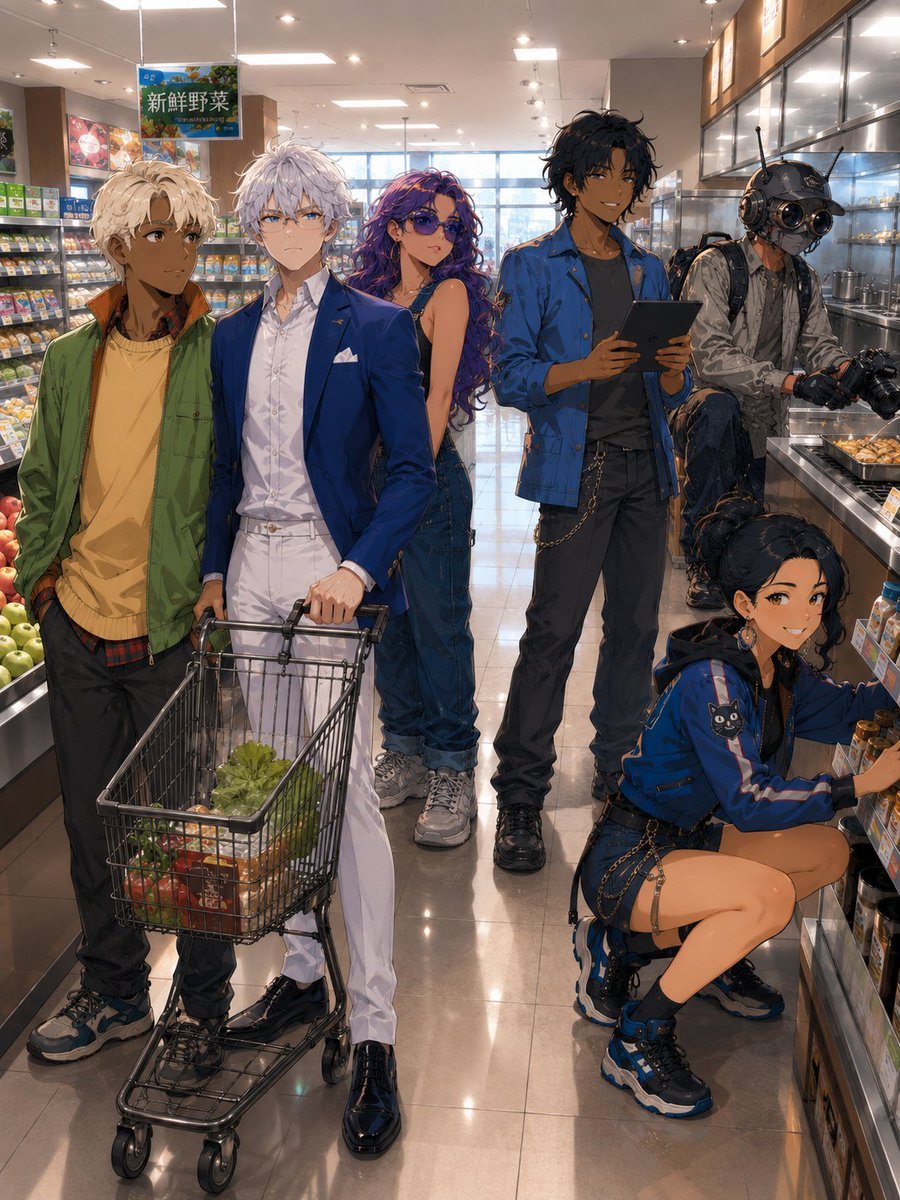
Anime Supermarket Group Scene
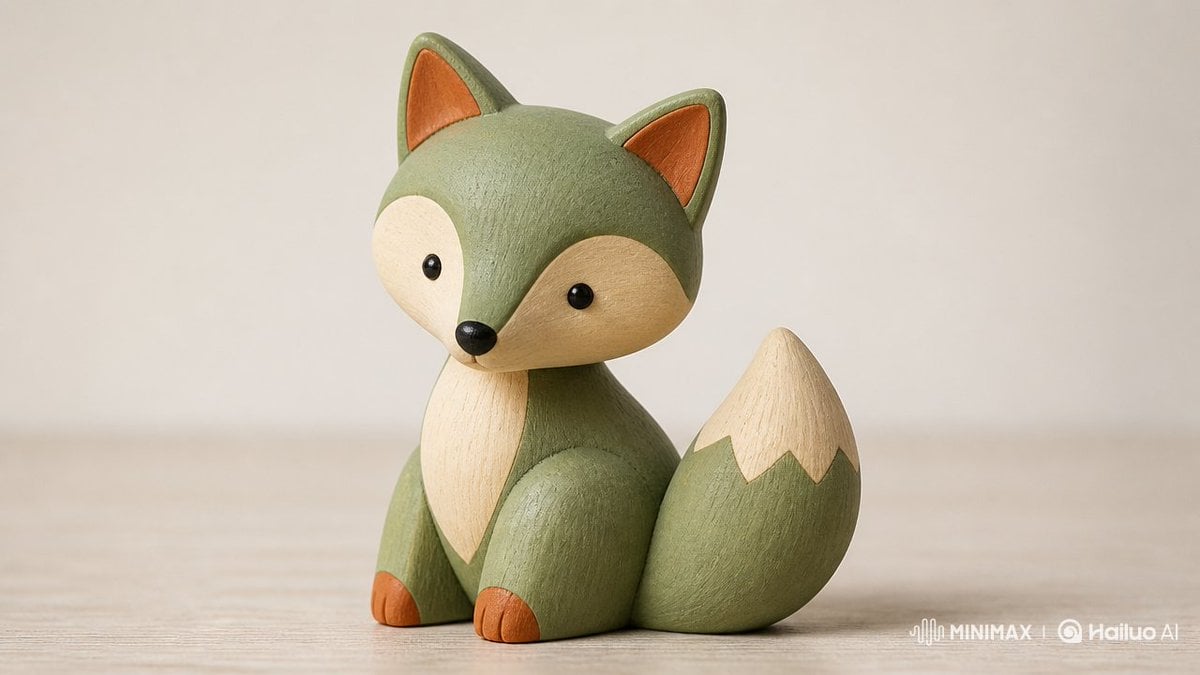
Scandinavian Wooden Toy Figure
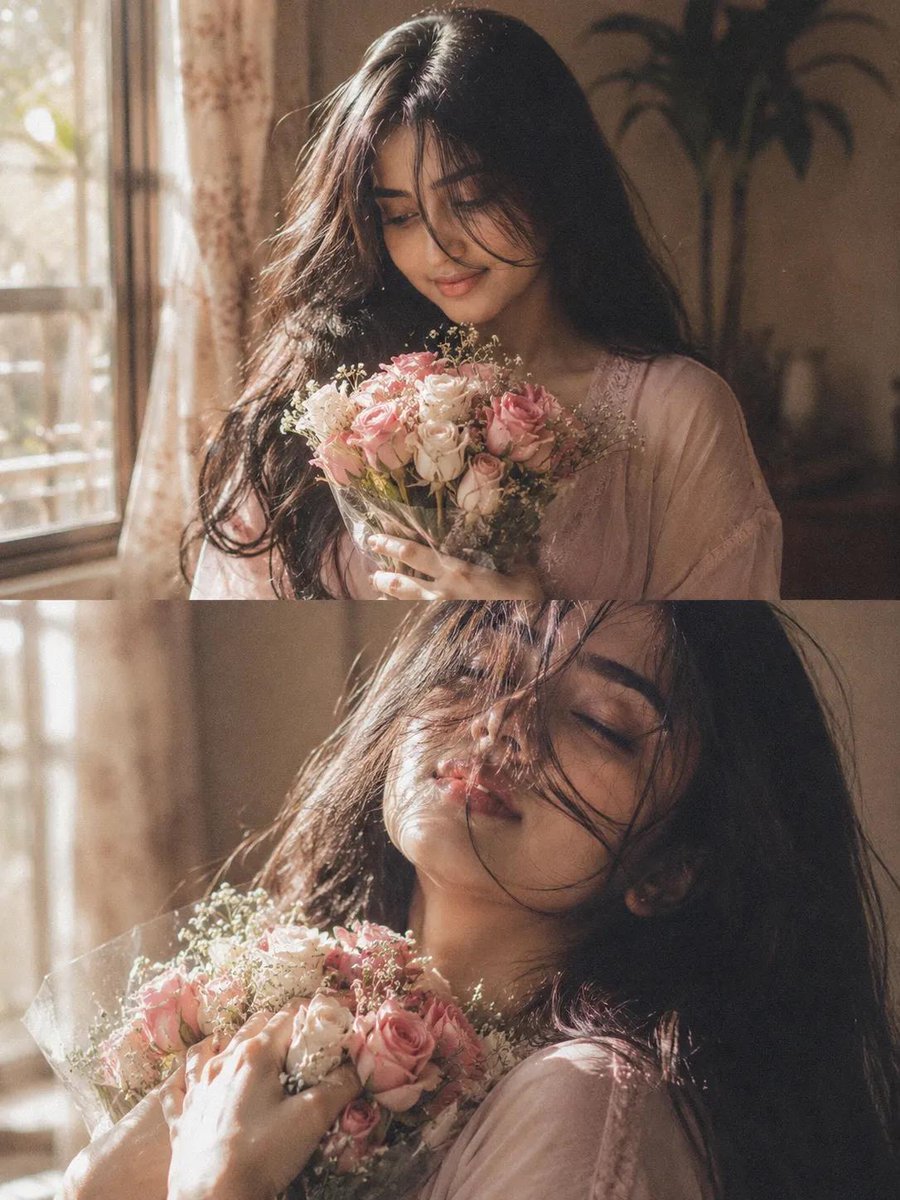
Dreamy Cinematic Woman Portrait
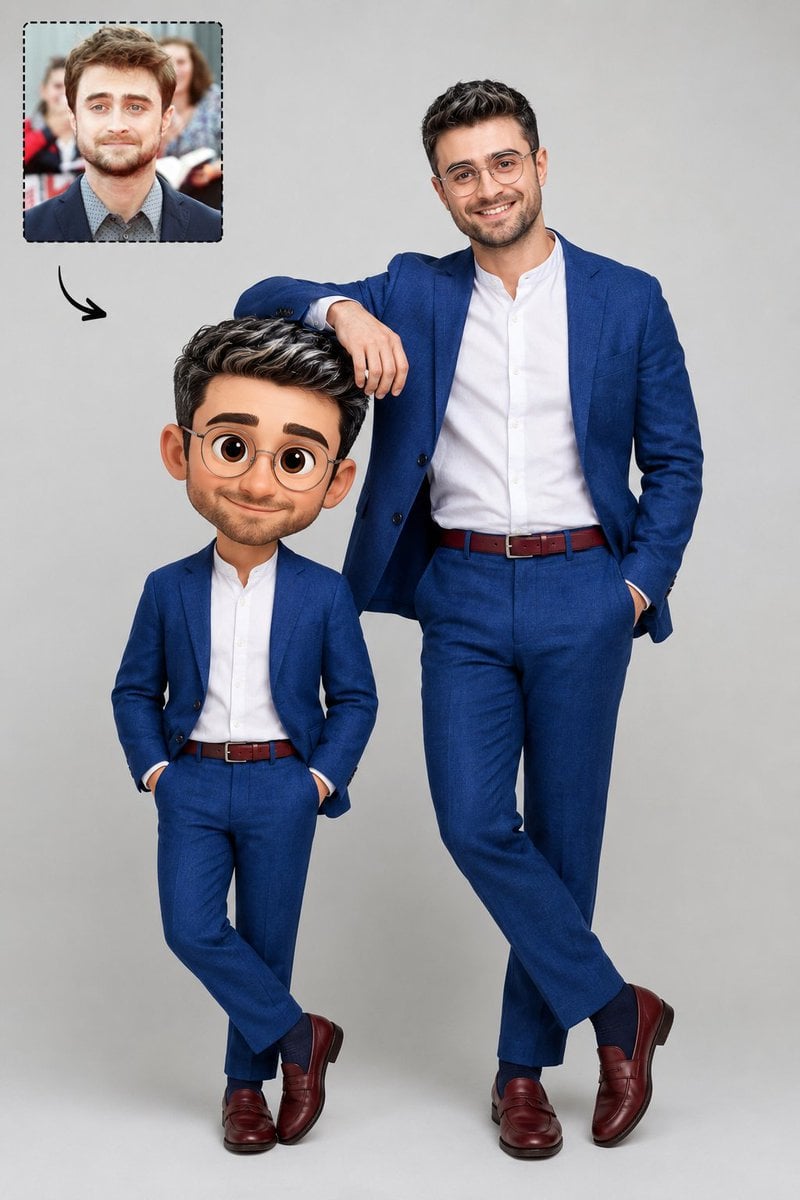
Real Life to Pixar Avatar Transformation

Ghibli Style Pastoral Village
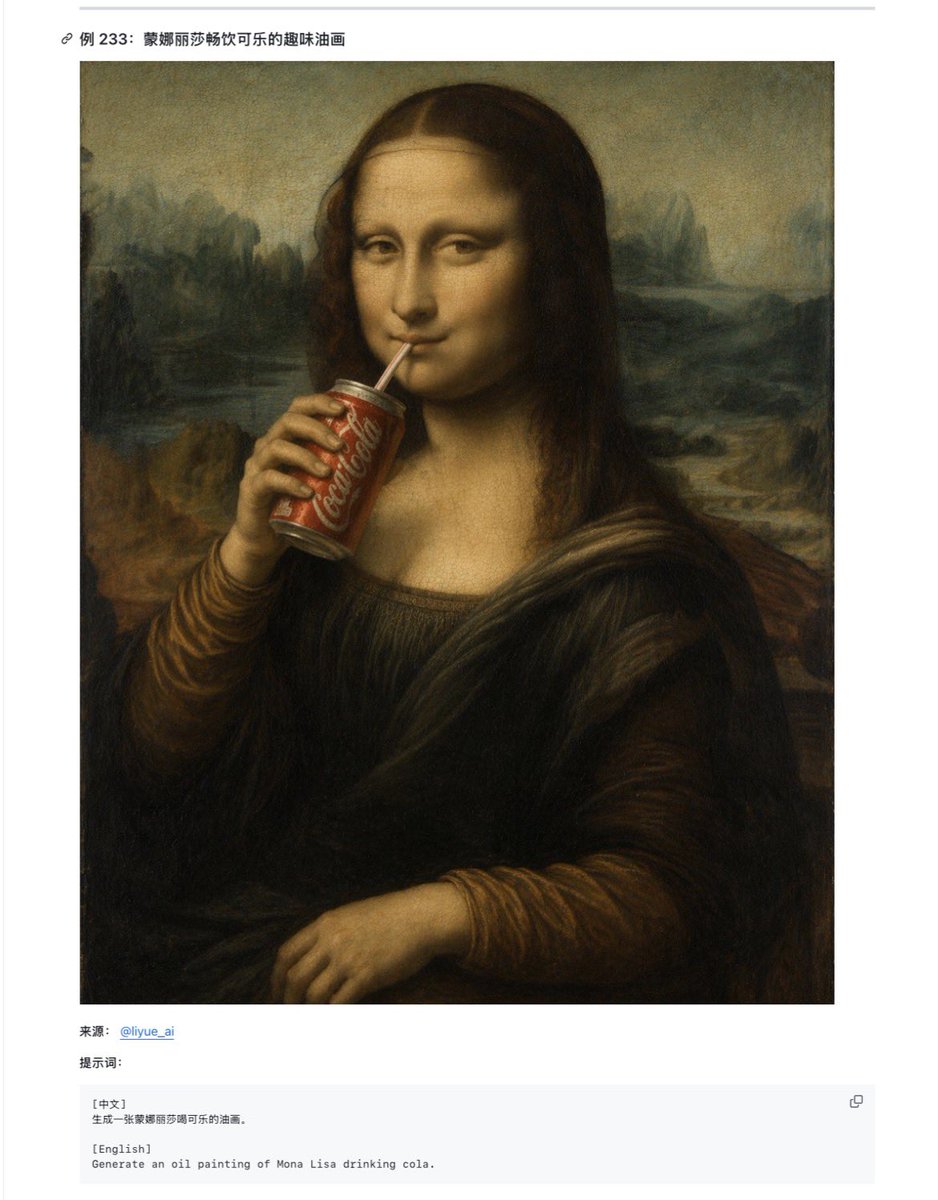
Mona Lisa Coca-Cola Web Example
Browse template categories
Intimate Macro Sleep Portrait questions
How do I use the Intimate Macro Sleep Portrait template?
Add your photo if the template asks for one, edit the prompt if you like — the template's model and format are already selected — and press Generate. Your version opens in PicX Studio.
Can I customize the Intimate Macro Sleep Portrait template?
Yes. You can change the subject, setting, lighting, mood, format, and available model controls before creating your image.
Is the Intimate Macro Sleep Portrait template free?
Opening and editing this template is free. Generating uses credits, shown on the Generate button when you are signed in.
Which AI model should I use?
Start with GPT Image 2, which is the model associated with this template. You can compare another compatible model for a different finish.
Looking for something else? Browse all templates.

Your photo, any look
Thousands of ready templates for every top image and video model, from one credit balance.