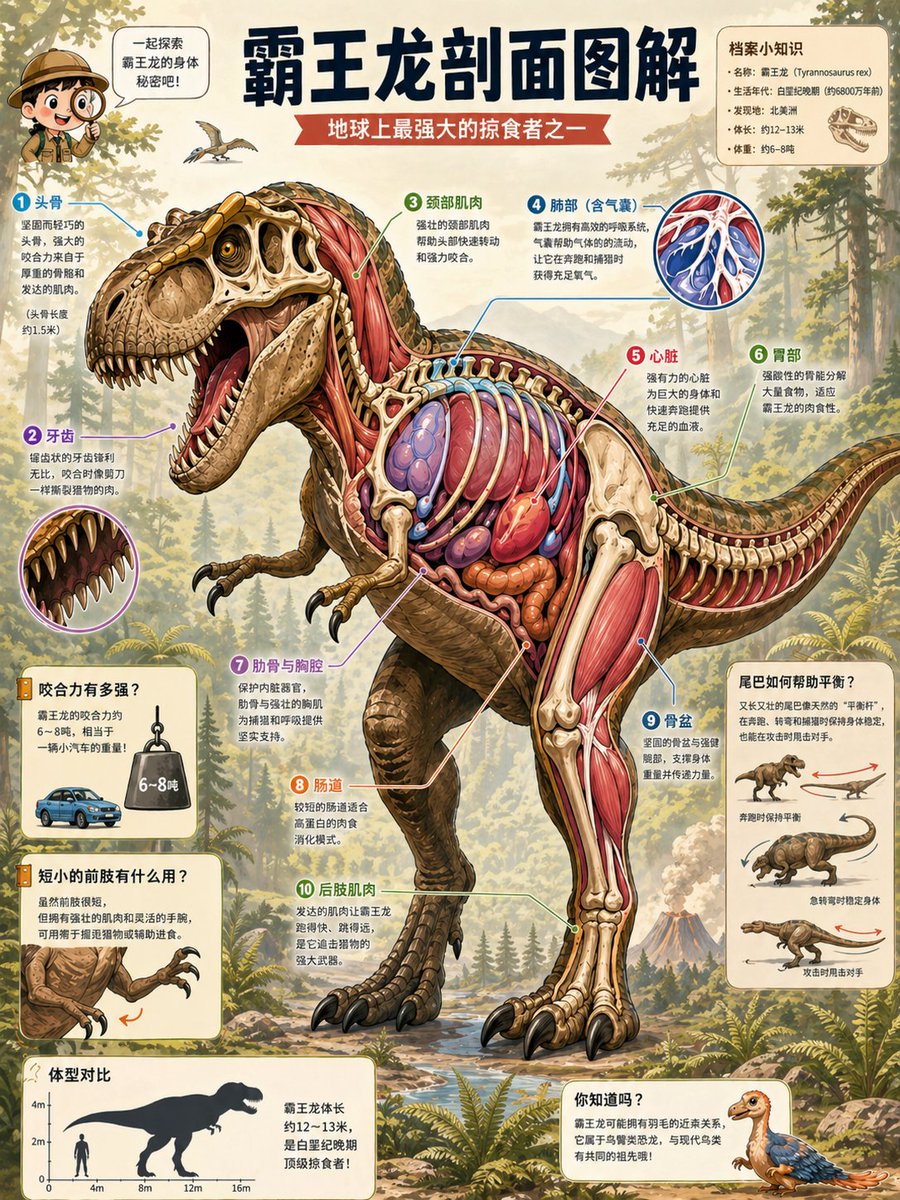
T. Rex Cutaway Encyclopedia Poster
{"type":"publication-quality educational science encyclopedia cutaway poster","language":"Simplified Chinese labels and captions","main_title":"{argument name=\"headline text\" default=\"霸王龙剖面图解\"}","subtitle":"{argument name=\"subtitle text\" default=\"地球上最强大的掠食者之一\"}","subject":{"species":"{argument name=\"dinosaur species\" default=\"Tyrannosaurus rex\"}","pose":"large roaring side-view dinosaur walking left to right, mouth open, tail extended for balance, one hind leg forward, tiny forearms raised","style":"highly detailed semi-realistic scientific illustration, vintage natural history encyclopedia plate, rich watercolor and gouache texture, crisp ink outlines, warm parchment paper background","cutaway":"left half shows external scaly skin and skull; right and central body are anatomically cut open to reveal skeleton, red muscles, ribs, lungs, heart, intestines, stomach, tendons, and leg musculature with spatially coherent cross-section layers","skin_color":"{argument name=\"skin color\" default=\"olive brown and ochre scales with darker striping\"}","anatomy_colors":"ivory bones, crimson and pink muscles, blue-purple lungs, bright red heart, orange-brown digestive organs"},"layout":{"composition":"portrait poster layout with the dinosaur dominating the center, numbered callout arrows radiating around the body, small inset diagrams in rounded cream cards, forest and volcano landscape behind","background":"Mesozoic forest with conifers, ferns, rocky stream, misty mountains, distant volcano, small flying pterosaur, warm sunlight, educational museum-poster atmosphere","top_left_mascot":"small explorer child character with speech bubble saying \"一起来探索霸王龙的身体秘密吧!\"","top_right_fact_card":{"title":"档案小知识","count":4,"items":["名称:霸王龙(Tyrannosaurus rex)","生活年代:白垩纪晚期(约6800万年前)","发现地:北美洲","体长:约12–13米","体重:约6–8吨"],"note":"draw a small T. rex skull icon beside the facts"},"main_numbered_anatomy_callouts":{"count":10,"items":[{"number":1,"label":"头骨","description":"massive skull, powerful jaw, thick bones and strong bite muscles"},{"number":2,"label":"牙齿","description":"large conical serrated teeth, shown with a circular close-up inset of the open mouth"},{"number":3,"label":"颈部肌肉","description":"thick neck muscles connecting skull and torso"},{"number":4,"label":"肺部(含气囊)","description":"blue pulmonary system with a circular inset showing branching air sacs and vessels"},{"number":5,"label":"心脏","description":"large red heart in the rib cage"},{"number":6,"label":"胃部","description":"stomach and digestive chamber behind the ribs"},{"number":7,"label":"肋骨与胸腔","description":"arched ivory ribs surrounding lungs and organs"},{"number":8,"label":"肠道","description":"coiled orange intestines in the abdomen"},{"number":9,"label":"骨盆","description":"large hip bones supporting the hind limbs and tail"},{"number":10,"label":"后肢肌肉","description":"powerful red thigh and calf muscles attached to long leg bones"}]},"side_information_cards":{"count":5,"cards":[{"position":"lower left upper","title":"咬合力有多强?","visuals":"small blue car beside a hanging weight labeled 6~8吨","purpose":"explain bite force comparison"},{"position":"lower left middle","title":"短小的前肢有什么用?","visuals":"close-up of tiny forelimbs with claws and orange motion arrow","purpose":"explain possible function of short arms"},{"position":"lower left bottom","title":"体型对比","visuals":"silhouette chart with human and T. rex, vertical scale up to 4m and horizontal scale to 16m","purpose":"show size comparison and body length around 12–13 meters"},{"position":"right middle","title":"尾巴如何帮助平衡?","count":3,"visuals":["small dinosaur with red horizontal balance arrow","tail-heavy walking diagram with blue arrow","running posture diagram with red arrow"],"purpose":"explain tail counterbalance and running stability"},{"position":"lower right","title":"你知道吗?","visuals":"small feathered juvenile dinosaur illustration","purpose":"fun fact card about feathers and relatives"}]},"typography":"bold dark navy Chinese title at top, red ribbon subtitle, clean printed Chinese body text, colored numbered circles, thin colored leader lines, rounded cream annotation cards with subtle drop shadows","rendering_requirements":"make the anatomy legible and layered, include accurate internal structures, maintain consistent colors and crisp labels, high-resolution print-ready poster, no photorealism, no 3D render, no modern UI chrome"}



















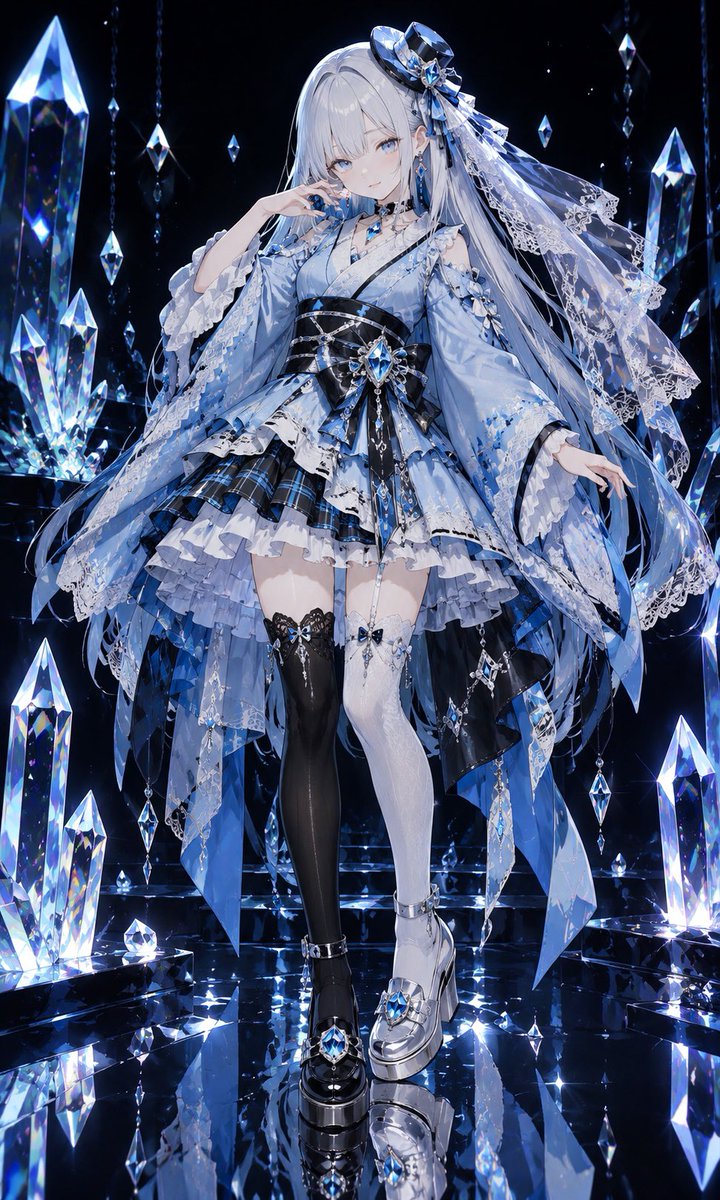


![Minimalist Flat Vector Travel Poster — Premium minimalist flat-vector travel poster for {argument name="city name" default="[CITY_NAME]"}, 3:4 vertical format.](https://cms-assets.youmind.com/media/1787917359711_3ug846_HQX205cbMAA6F6S-300x400.jpg)



















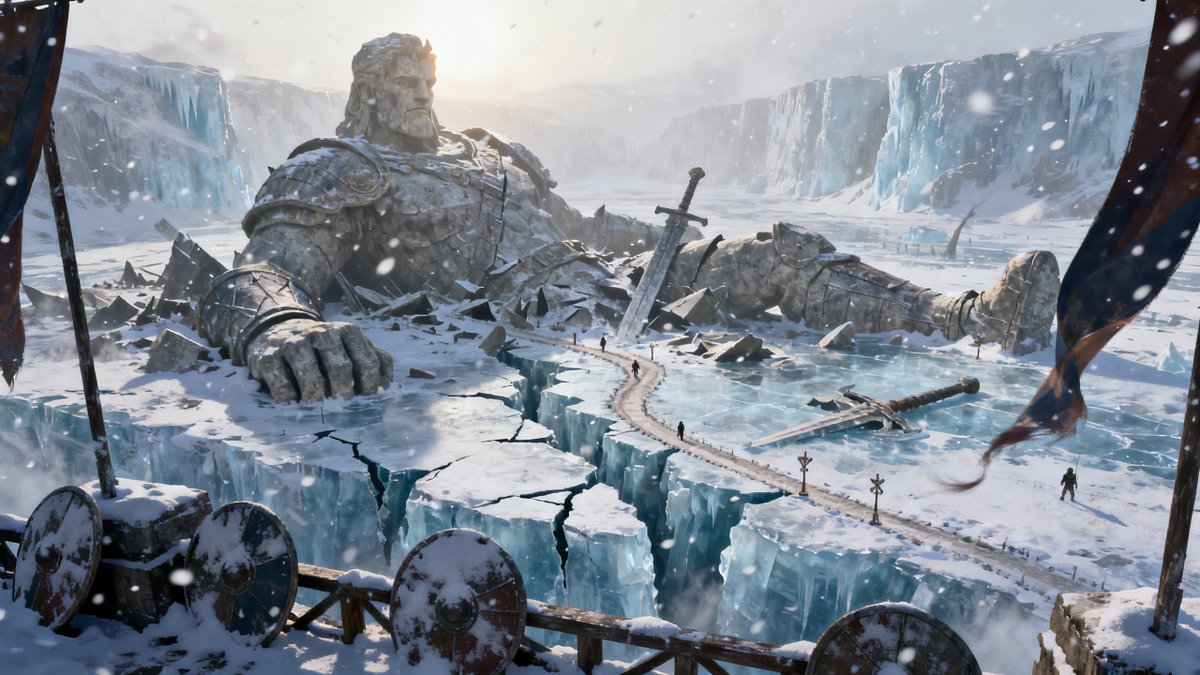


![Crumpled Fabric Editorial Poster — Vertical editorial poster portrait of {argument name="character" default="[CHARACTER]"} with {argument name="hair style" defa](https://cms-assets.youmind.com/media/1780217219160_7xfa69_HJi4G0kaQAAS75u.jpg)