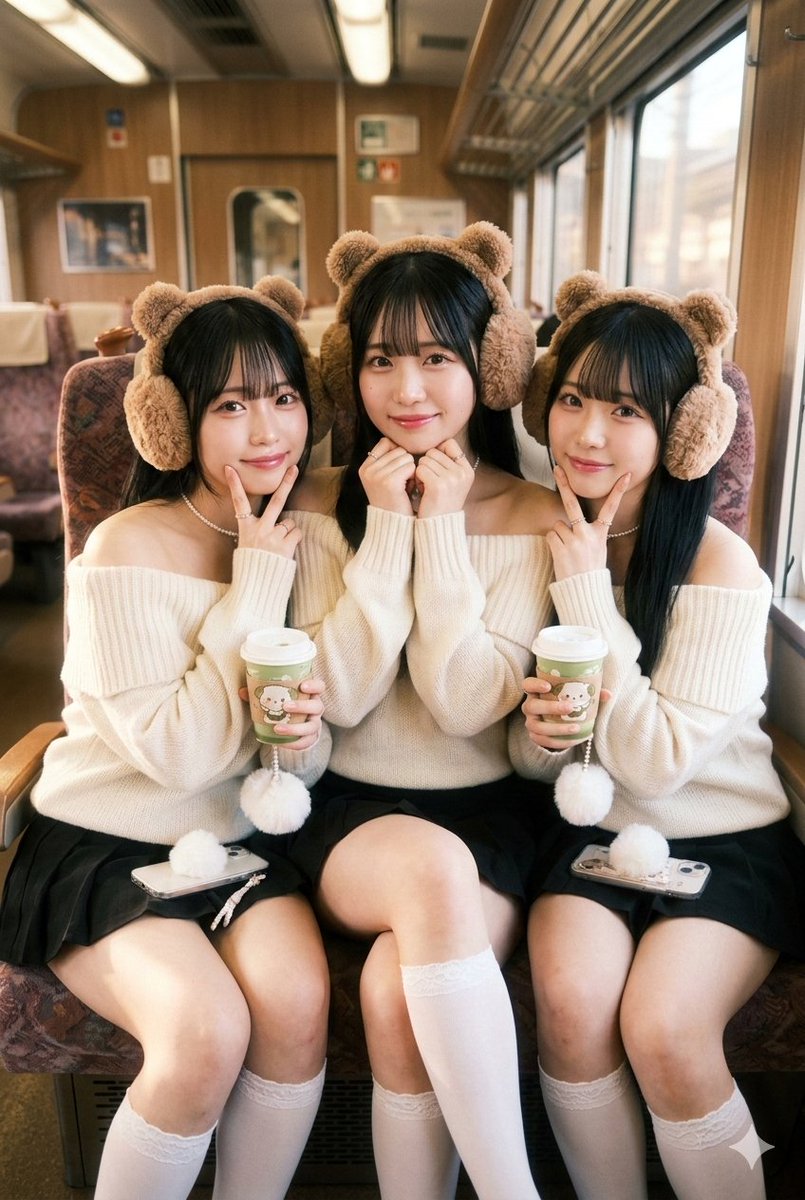
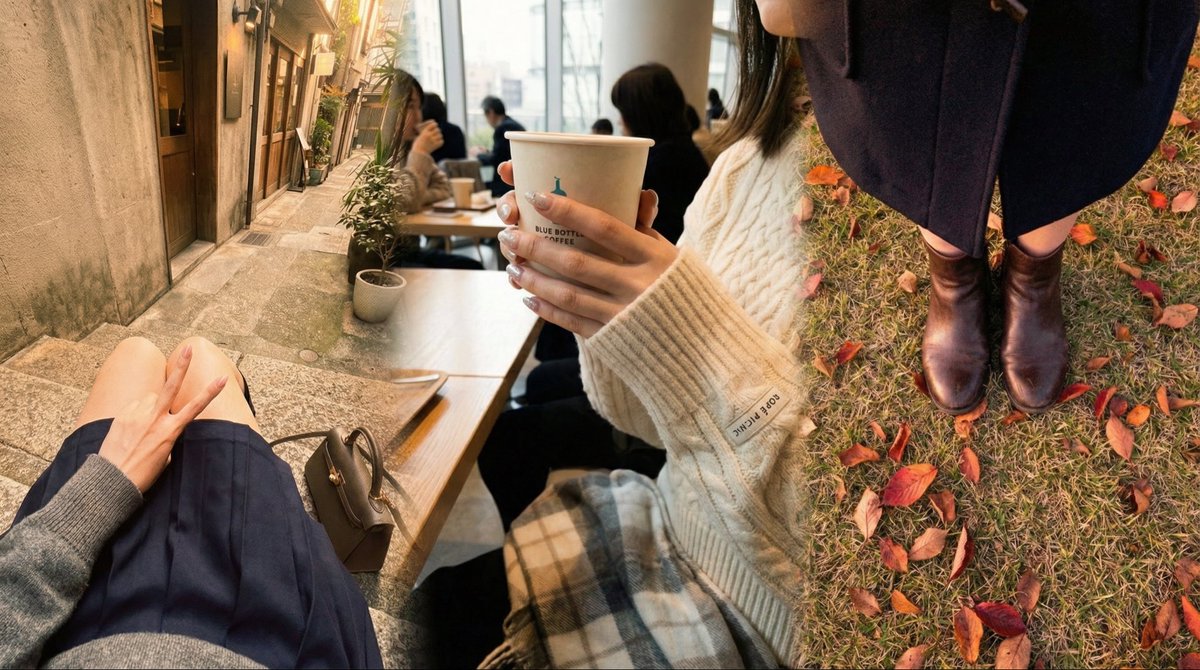
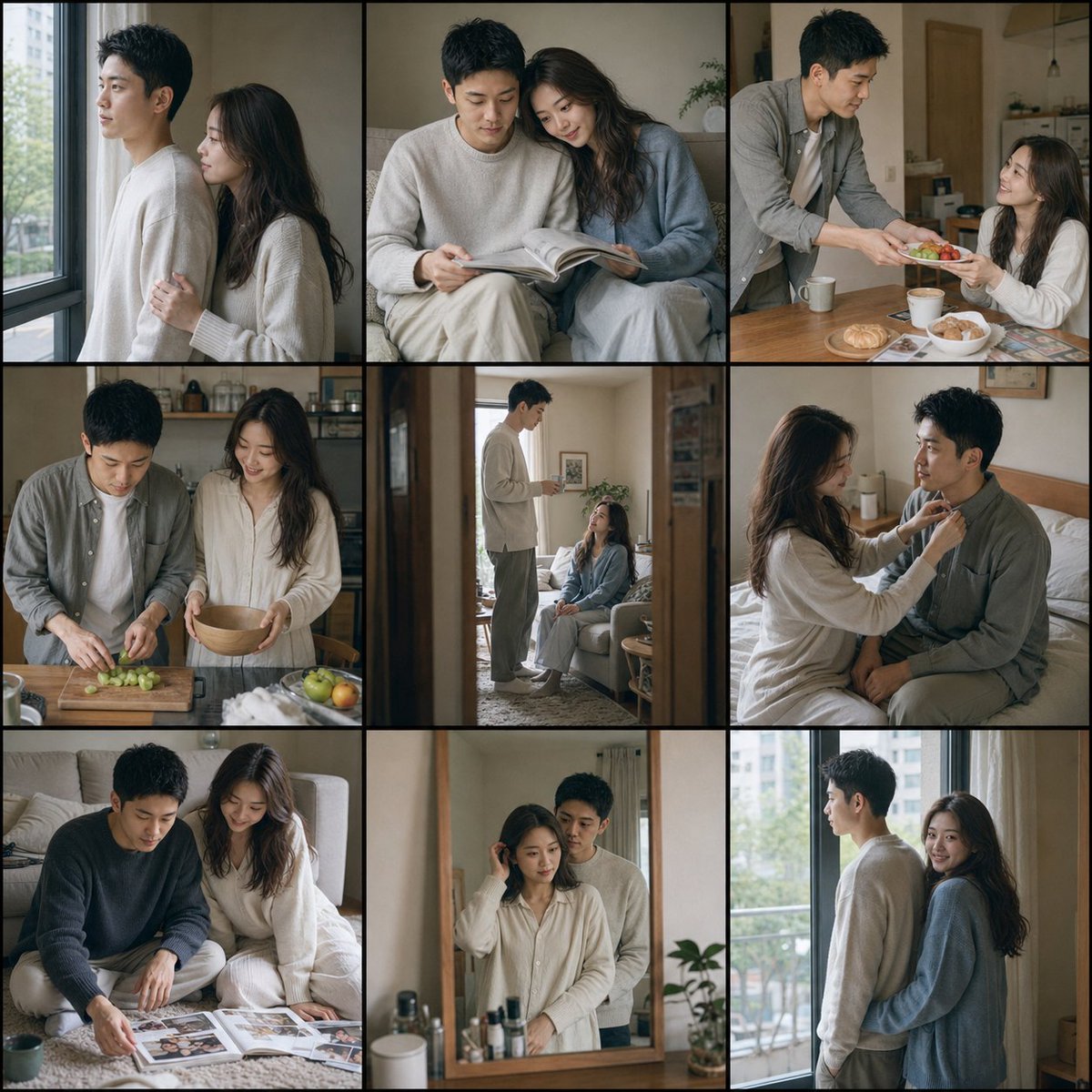
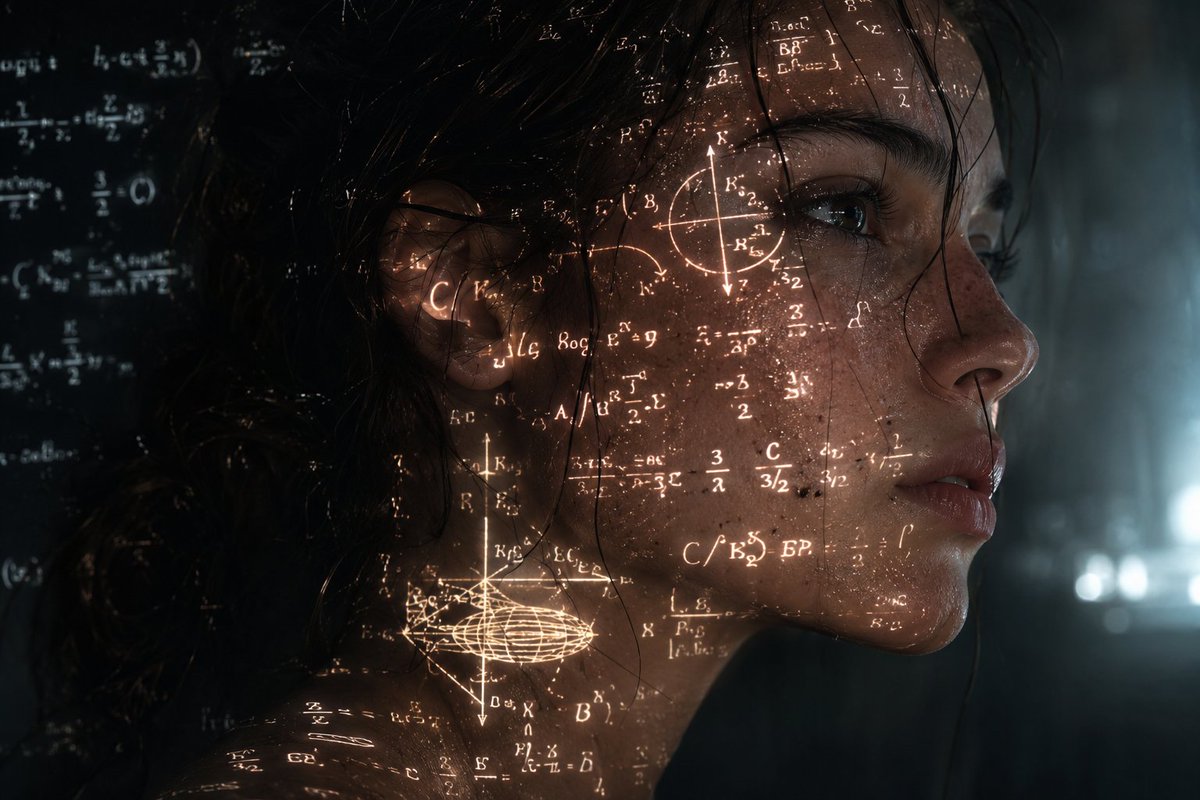
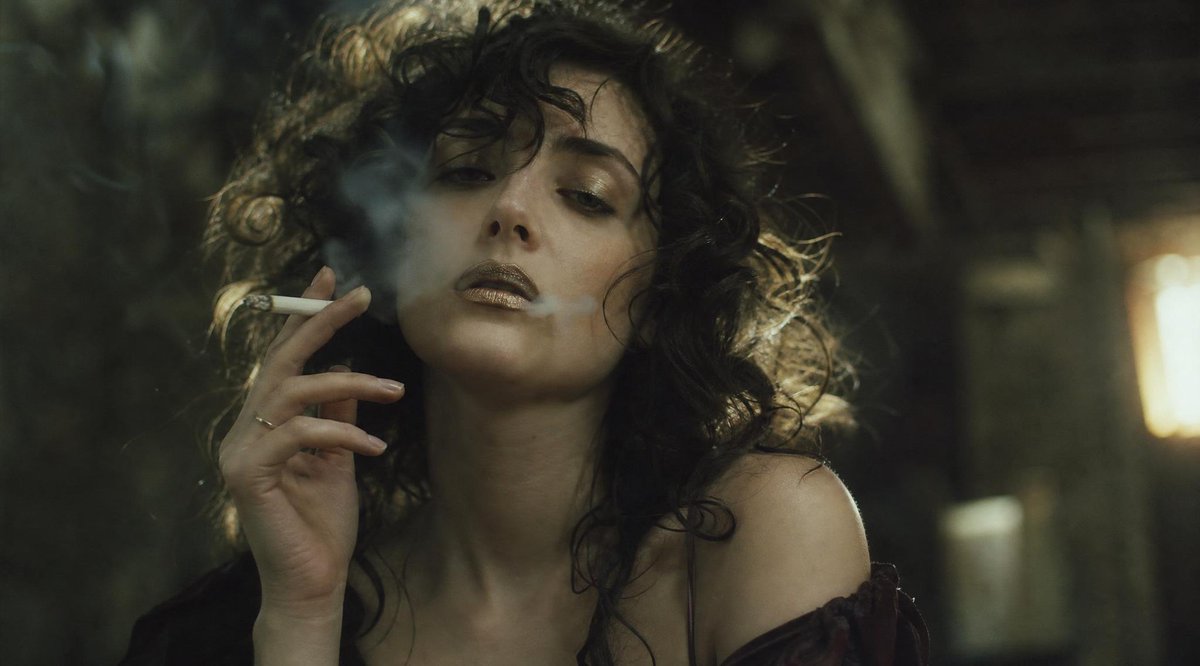
How do I use the Yacht Pose with Extreme Figure Prompt template?
Choose the primary action to open PicX Studio with the available template settings. Review the model and format, personalize the creative direction, and generate when ready.
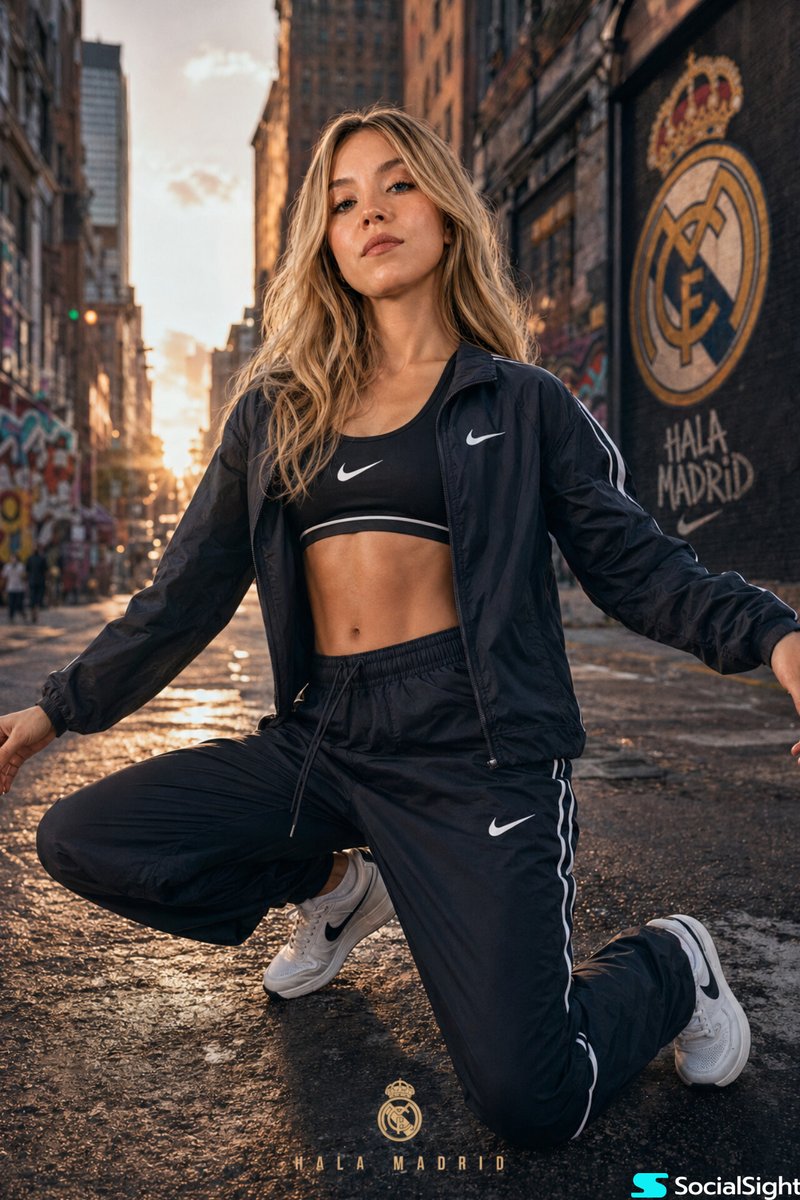
A prompt for generating a photo of a girl posing on a yacht, emphasizing an extreme hourglass figure, wearing a light lilac bikini, against a backdrop of the open sea and bright sky, capturing a luxurious summer vacation atmosphere. (free to use) — Free AI image template on PicX Studio.
A photo of a girl on a yacht, posing standing at the railing with her hand raised above her head, against a backdrop of open sea and bright sky with clouds. The girl has a natural natural appearance. She has an extreme hourglass figure: very large, naturally full breasts, an extremely narrow waist and wide hips. She is wearing a light {argument name="bikini color" default="lilac"} bikini with gold inserts, a translucent mesh cardigan and a chain at the waist. Her hair is long, wavy, brown, loose and caught in the wind. The atmosphere is sunny and nautical, with deep blue water all around and a feeling of a luxurious summer vacation.
Use Yacht Pose with Extreme Figure Prompt to plan an AI image around nano-banana-2 generation. Match the preview's composition first, then personalize the subject, setting, and mood for your own project.
Use the primary action to load the template settings in PicX Studio.
Adjust the subject and creative details for your destination.
Create the image, compare the result with the preview, and refine one variable at a time.
A continuous mix — similar concepts first, woven with same-model prompts and fresh picks from the catalog.
Choose the primary action to open PicX Studio with the available template settings. Review the model and format, personalize the creative direction, and generate when ready.
Yes. You can change the subject, setting, lighting, mood, format, and available model controls before creating your image.
This template is free to open and customize. Generation usage is shown in PicX Studio before you create.
Start with nano-banana-2, which is the model associated with this template. You can compare another compatible model for a different finish.
Follow a topic to a crawlable collection of related PicX Studio templates.
39,155 public templates available. Verified via the PicX Studio public templates API; refreshed hourly.
A continuous mix — similar concepts first, woven with same-model prompts and fresh picks from the catalog.