
Doodle Aesthetic Social Media Photo Edit
A playful and cute prompt for transforming portraits into social-media-ready art with hand-drawn doodles, stickers, and mini 3D chibi characters.
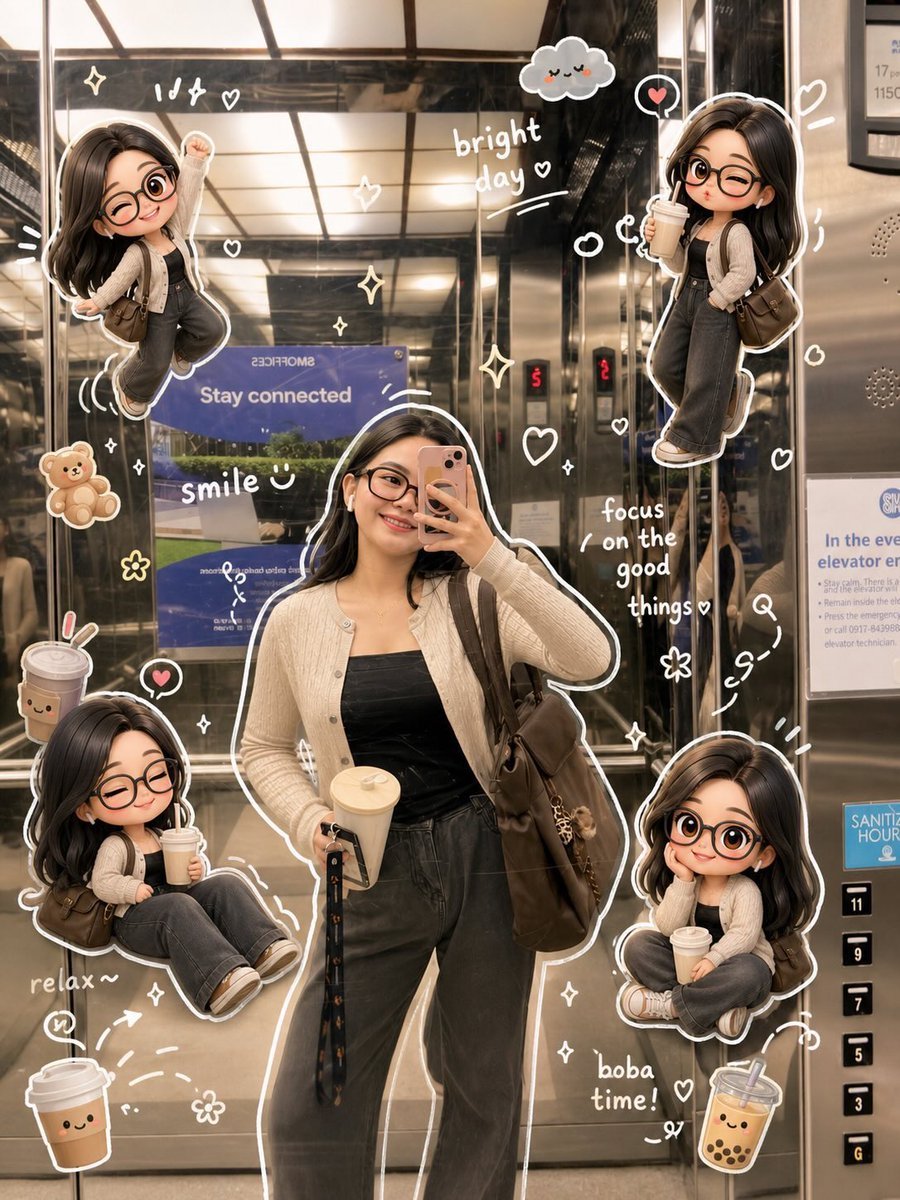
- Prompt included
- Model and format preset
- Premium template
The prompt behind this image
Copy the exact prompt behind Doodle Aesthetic Social Media Photo Edit, or open it in the studio and make it yours.
将这张照片编辑成可爱的小红书/Pinterest风格{argument name="风格" default="涂鸦美学"},保持原始构图和自然色彩。勿大幅改变原始光线或调色。保持柔和、通透、温暖、逼真的色调。避免过饱和、HDR效果、强橙色滤镜或过度对比。 在主要物体周围添加手绘涂鸦元素:'白色描边' '草图闪闪' '星星' '爱心' '箭头' '小花' '顽皮旋涡' '迷你手写笔记' 添加与照片氛围相匹配的{argument name="吉祥物" default="可爱吉祥物风格涂鸦(小熊、微笑饮料、可爱食物角色、困睡云等)"},但保持精致平衡。 使用手写白色文字和简短的文案标题。勿添加过多文字或使图像过度拥挤。以真实面孔作为参考照片。背景与照片相同。光线温暖、柔和、干净,阴影细致。 围绕图像添加数个迷你{argument name="角色版本" default="Q版(3D可爱风格)角色版本"},同时保持原始五官特征。Q版角色具有各种姿势和表情:'欢快跳跃' '挥手' '放松坐着' '拿饮料' '可爱顽皮表情'。 添加手绘白色涂鸦元素:身体周围描边、星星、爱心、闪闪、运动线条、小可爱图标。 美学手写风格如:'闪闪发光' '明亮一天' '开心' '微笑'等(随意涂鸦字体)。 整体风格:简洁美学构图、白色贴纸描边、柔和粉彩色调、高细节3D Q版、光泽感、可爱韩风。
How to use Doodle Aesthetic Social Media Photo Edit in 3 steps
- 1Upload ImagePNG, JPG or paste
Add your photo
Upload the photo the template builds on. The prompt, model and format are already set.
- 2…a portrait of your subject in softgolden-hour light, 85mm…
Personalize
Edit the subject and creative details for your destination.
- 3Generate
Generate
Press Generate — your image is created in PicX Studio, so you can compare it with the original and refine one variable at a time.
More like this
Templates with the same subject, style or setup. Open one to see its prompt.
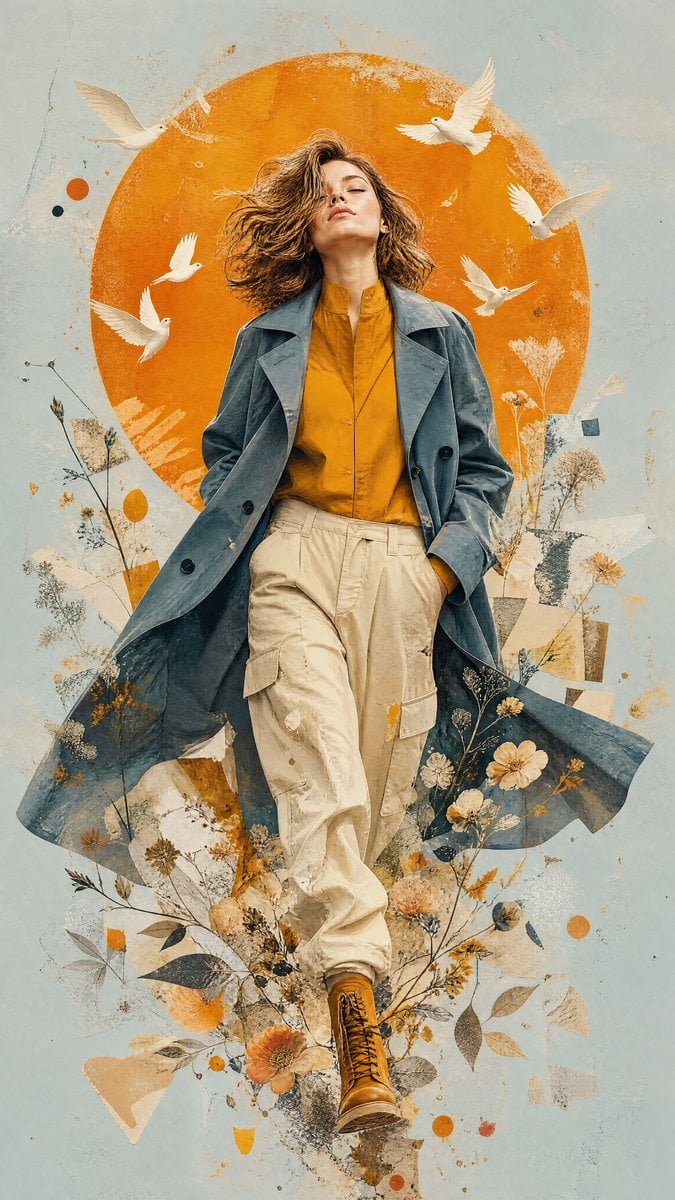
Mixed-Media Editorial Illustration
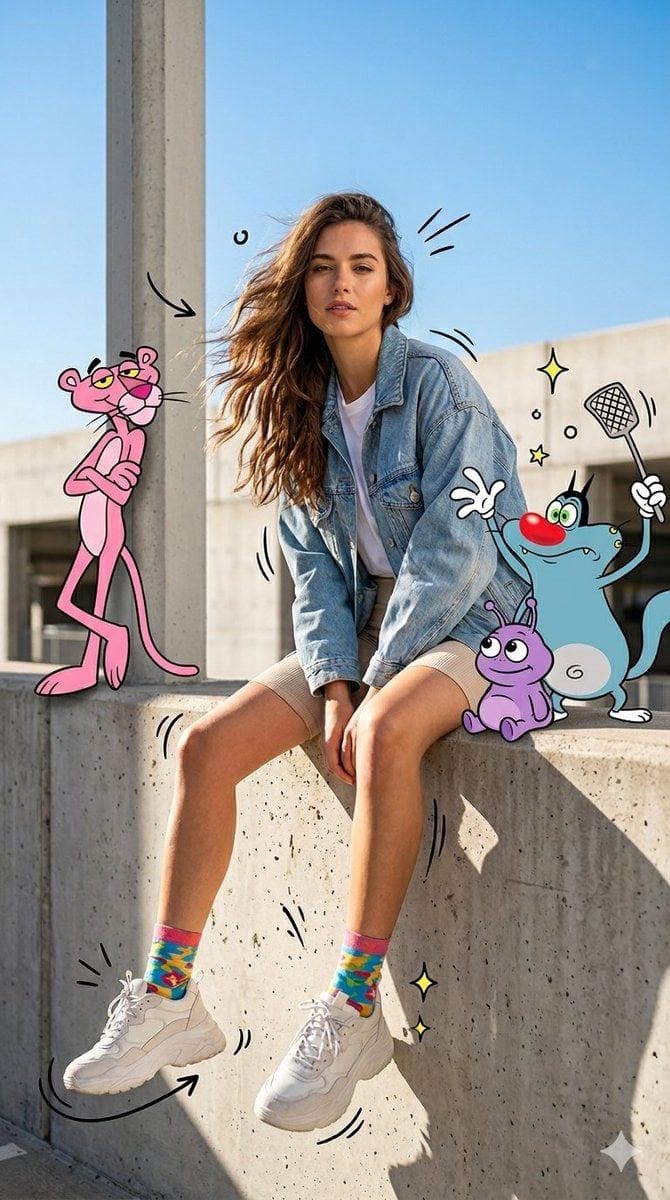
Mixed Media Urban Fashion Editorial
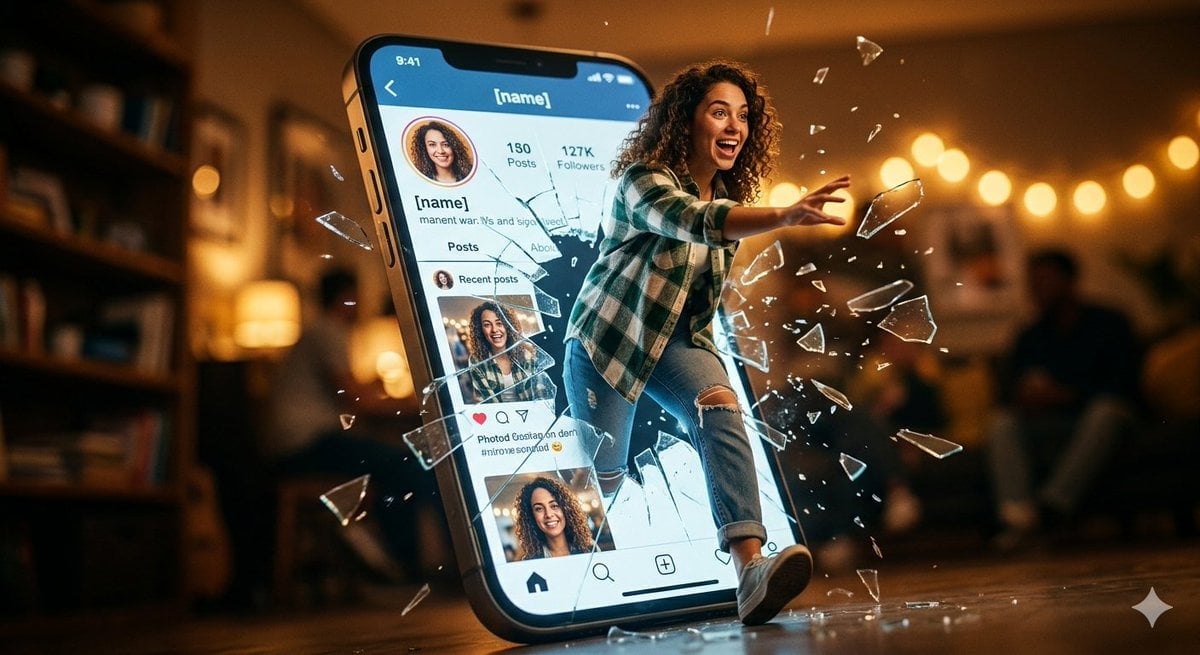
Shattered Screen Social Media Ad
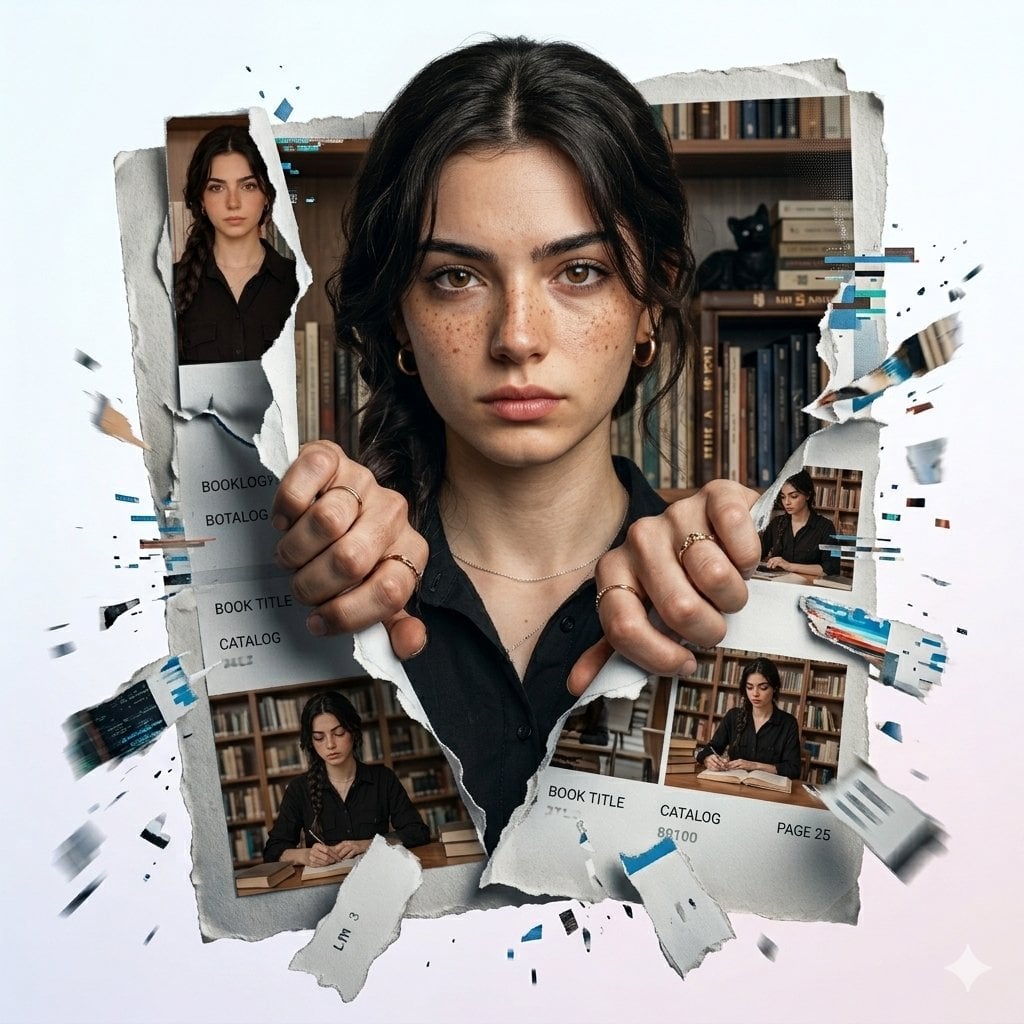
Torn Social Media Profile Art

Real Illustration Split Portrait Transition
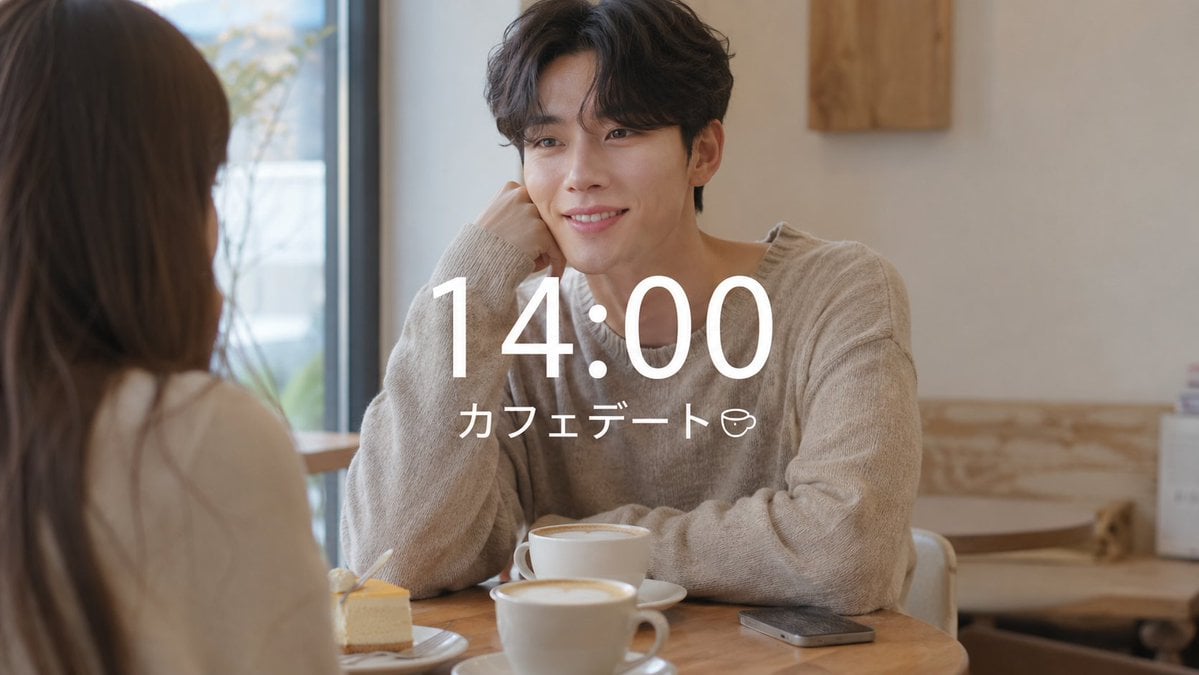
VLOG Style Social Media Post
Clean Professional Social Media Avatar

Social Media Magazine Cover
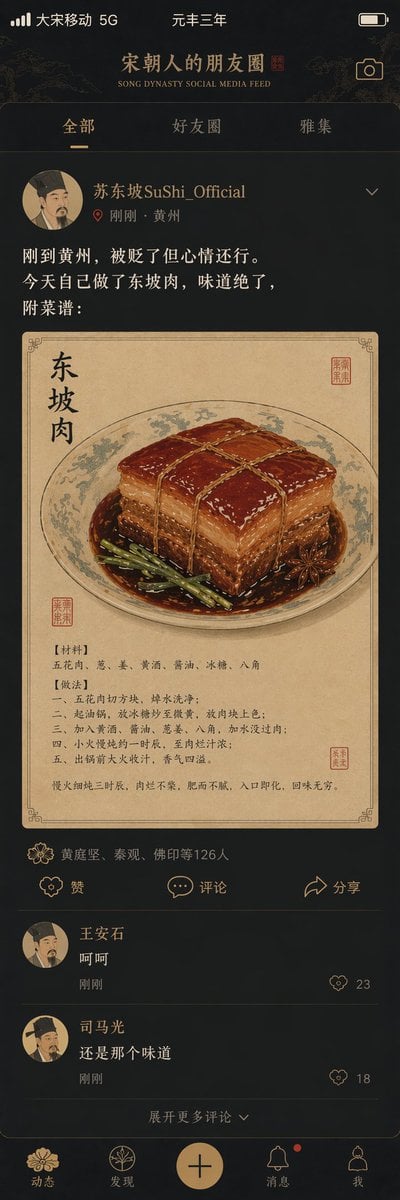
Song Dynasty Social Media Feed

Social Media Meme Cover
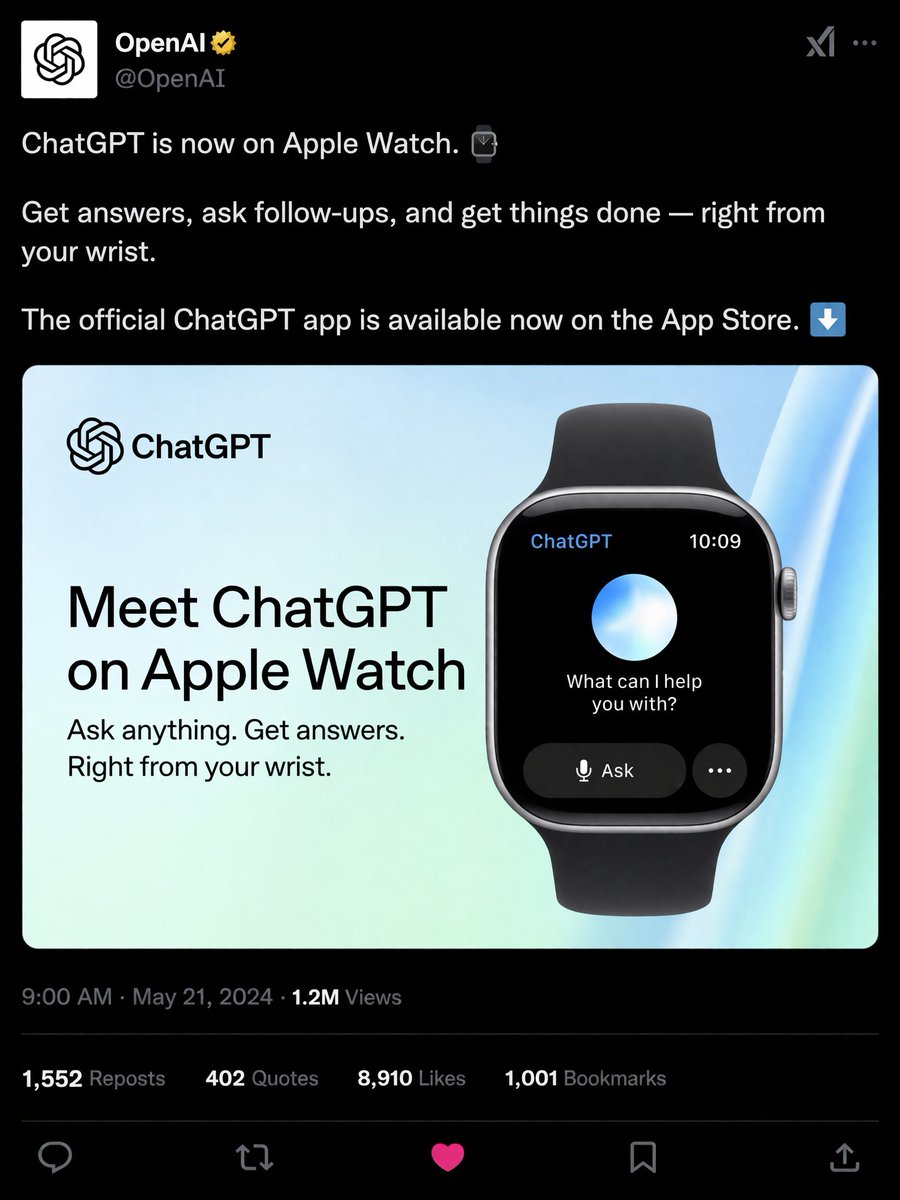
Social Media Product Announcement Mockup
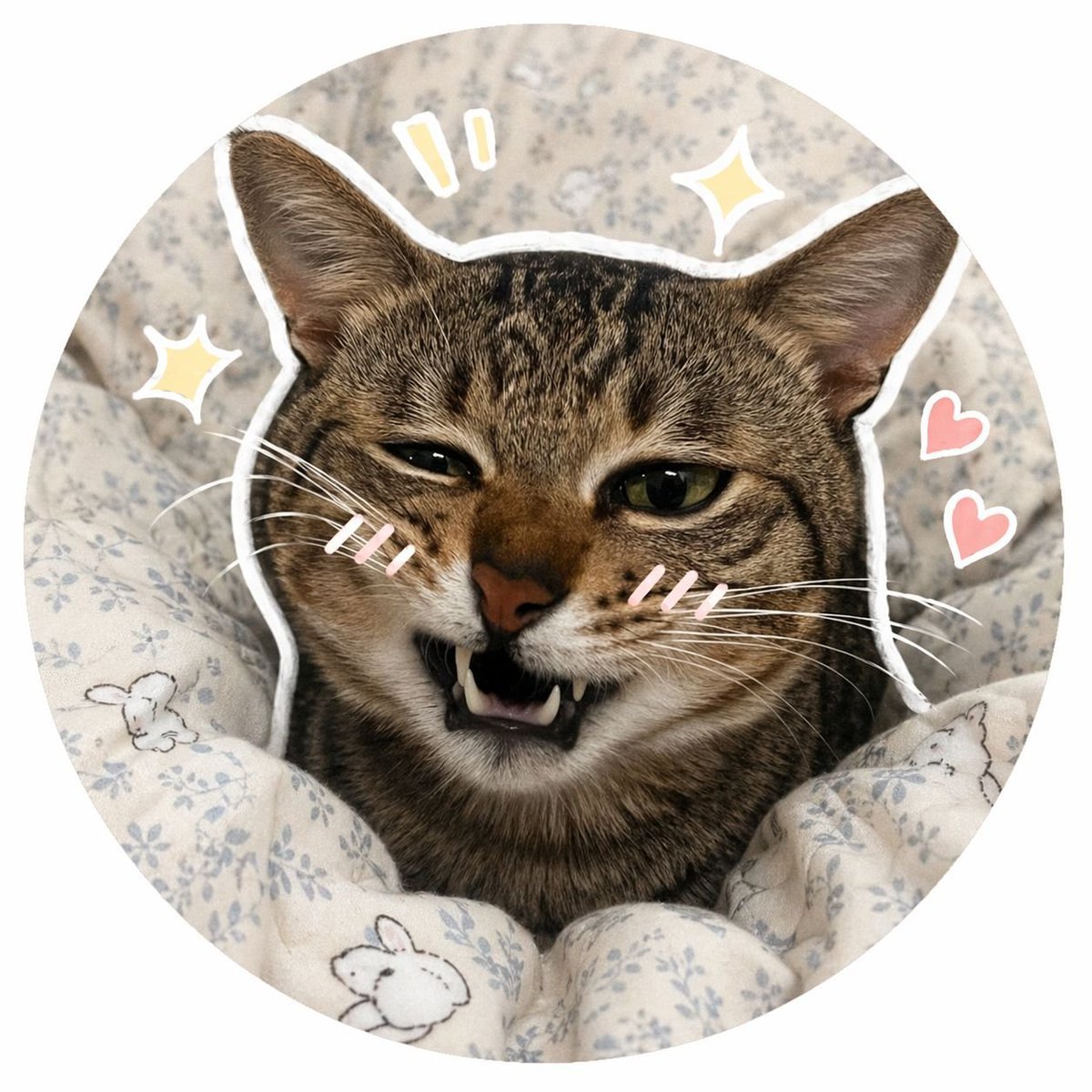
Social Media Pet Avatar Creator
Make it yours
Doodle Aesthetic Social Media Photo Edit works as-is. These are the safest ways to change it without losing the look.
Change one field
Copy a single group, rewrite it, and generate again so you can see what that field is doing.
Keep the frame, change the subject
Hold the composition and light of Doodle Aesthetic Social Media Photo Edit, then swap wardrobe, props or the person for a new take.
| If the result… | Why | Fix |
|---|---|---|
| The result drifts from the preview | Too many fields changed at once. | Reuse Doodle Aesthetic Social Media Photo Edit as-is first, then change one group — subject, light, or setting. |
| The model over-stylizes the scene | The prose prompt leaves finish and camera underspecified. | Add one camera or lighting sentence and stay on GPT Image 2. |
More GPT Image 2 templates
Other prompts made for GPT Image 2.

Six VTuber Japanese Logo Sheet

Realistic Portrait of Woman and Deer

The Vista Modular Condo Poster

AI Model Routing Comparison Infographic

2.5D Anime Art Board

Isometric Productivity Desk Scene

New York Double Exposure Poster

Four-Panel AI Landscape Comparison

Japanese Tatami Lifestyle Magazine Cover

NESCAFÉ Coffee Map Poster
More image prompts
Fresh picks from across the catalog.
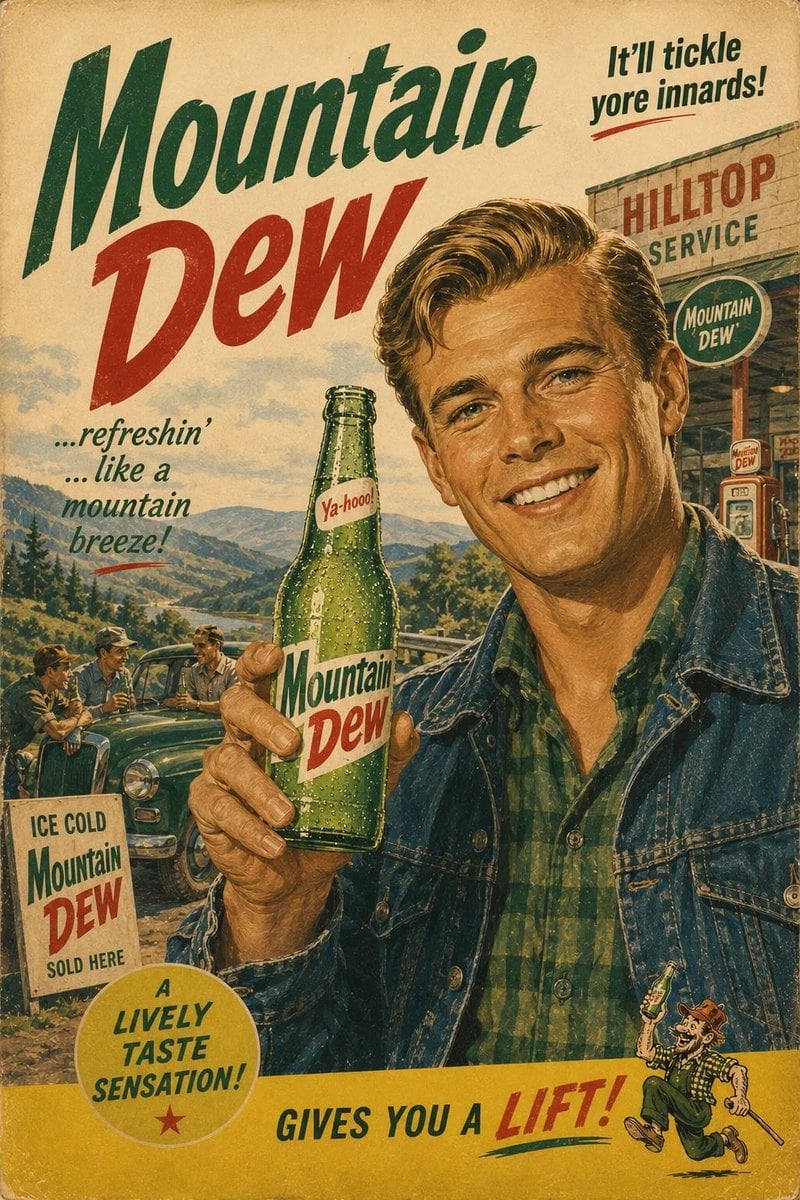
1960s Retro Advertising Poster
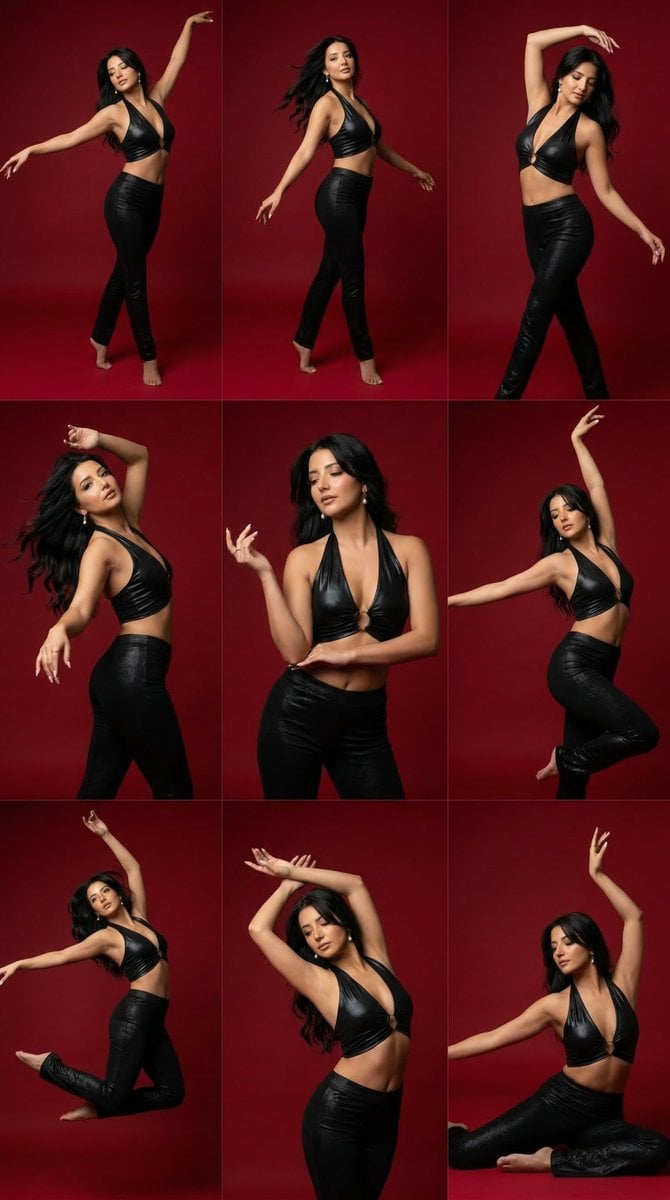
Panel Dance Editorial Grid Prompt
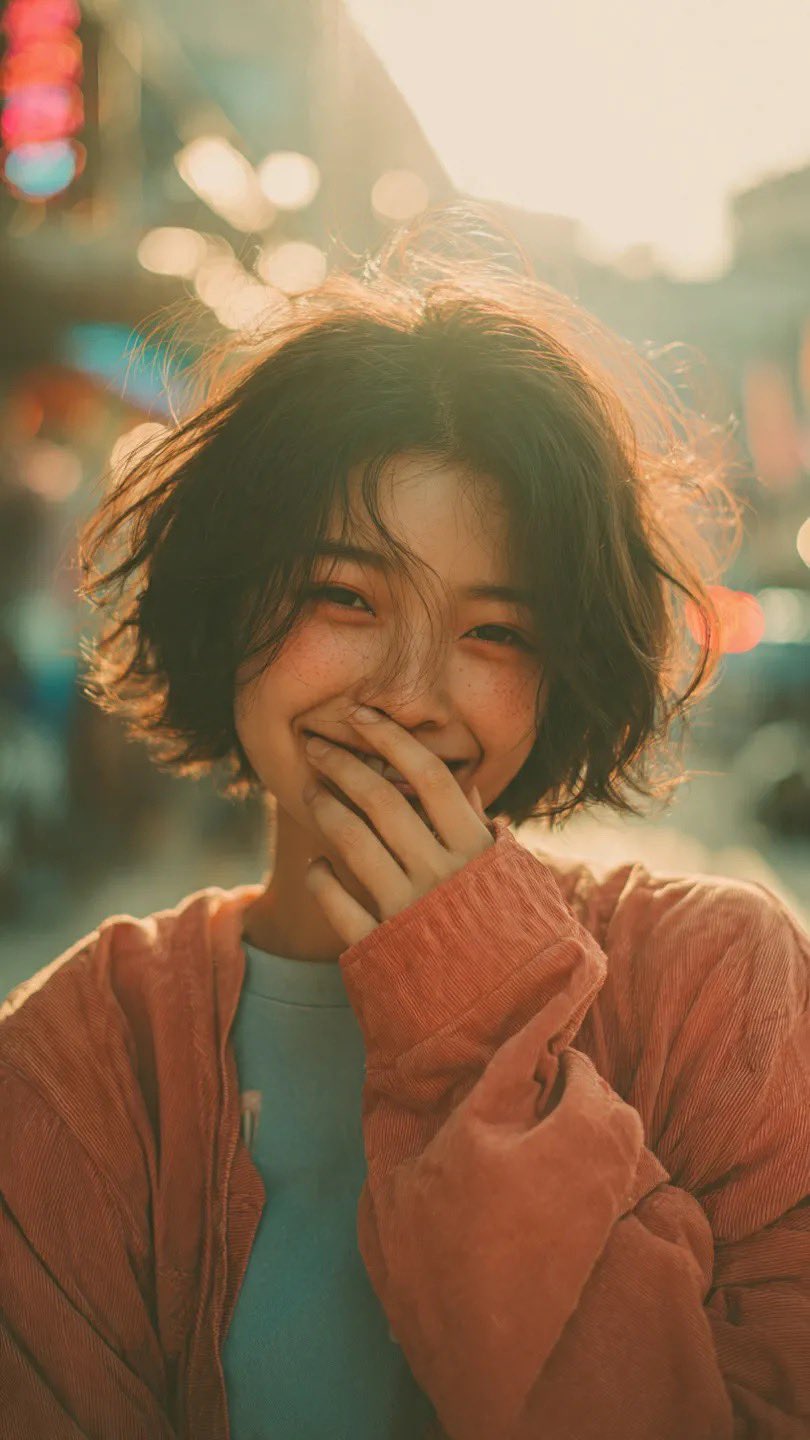
X Sairah 0 Gemini Nano Banana Pro
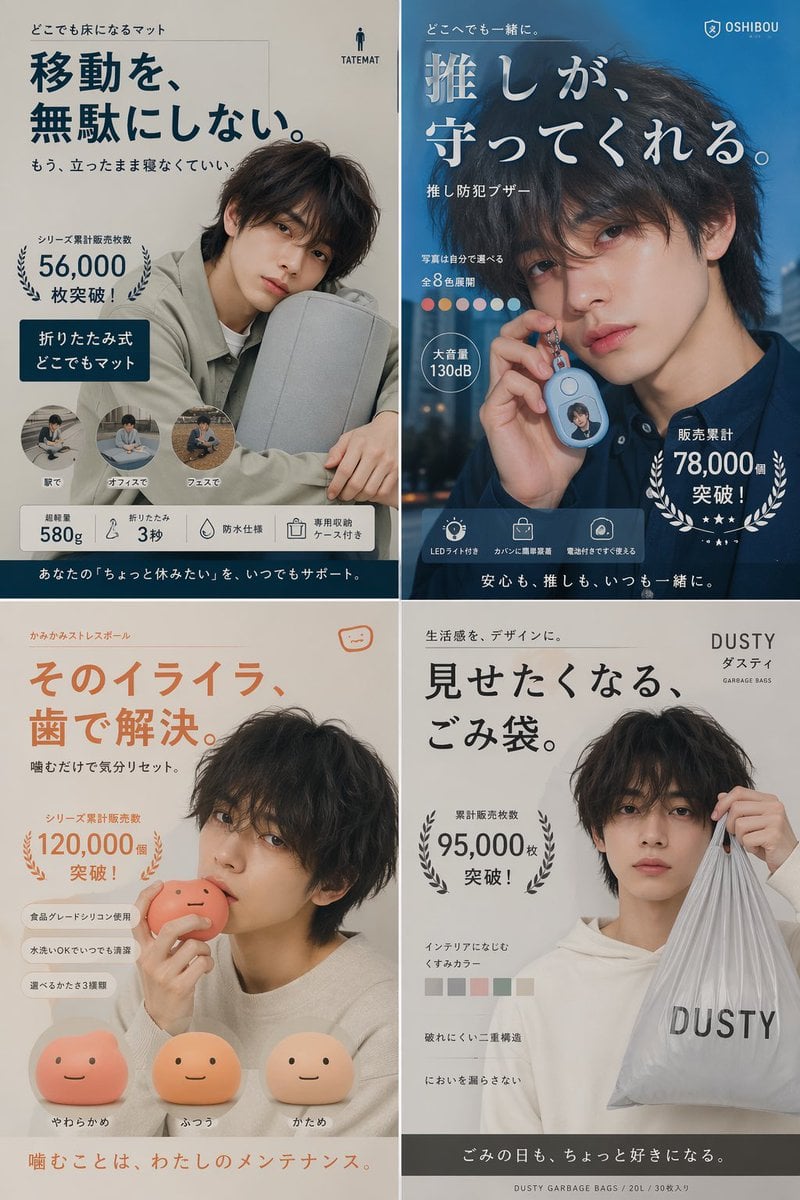
Japanese Ikemen Product Ad Grid
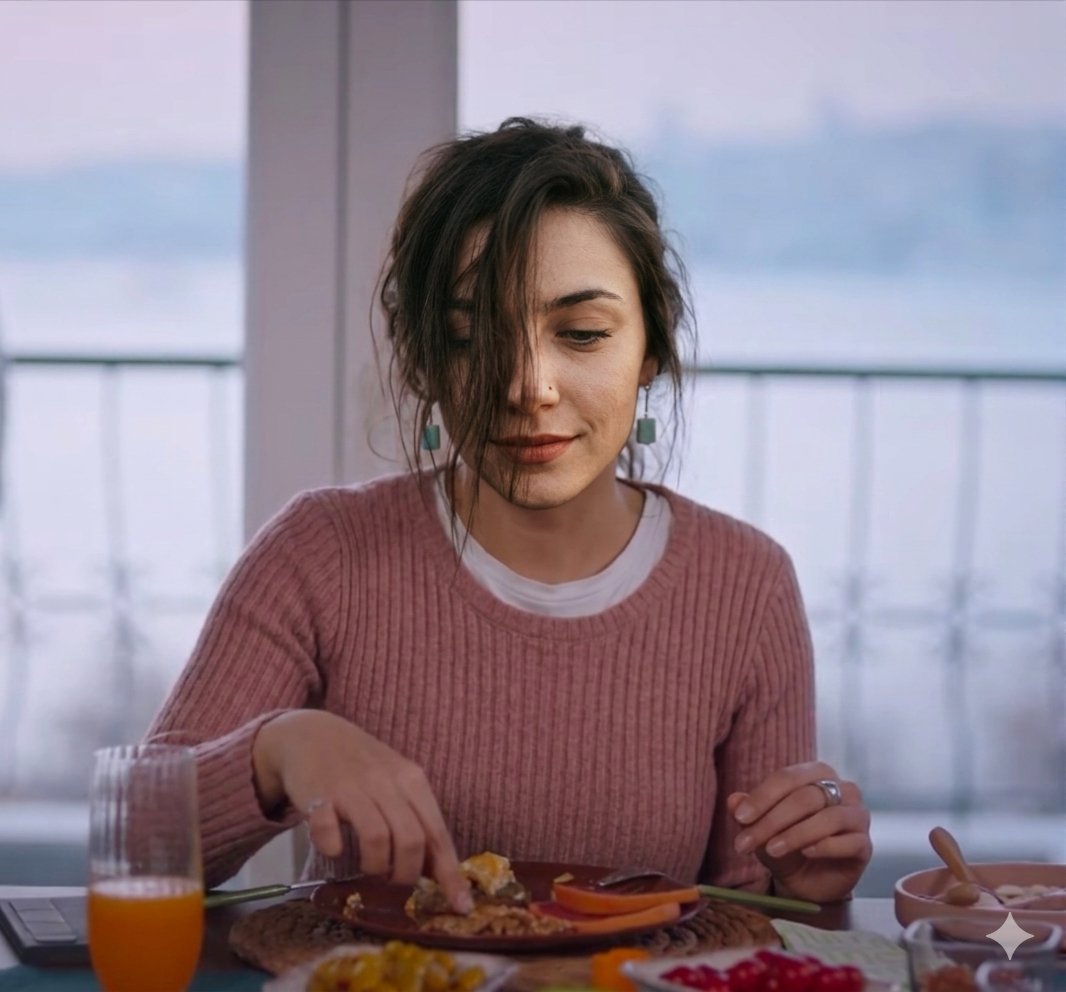
Cinematic Realism of Morning Breakfast on a Balcony
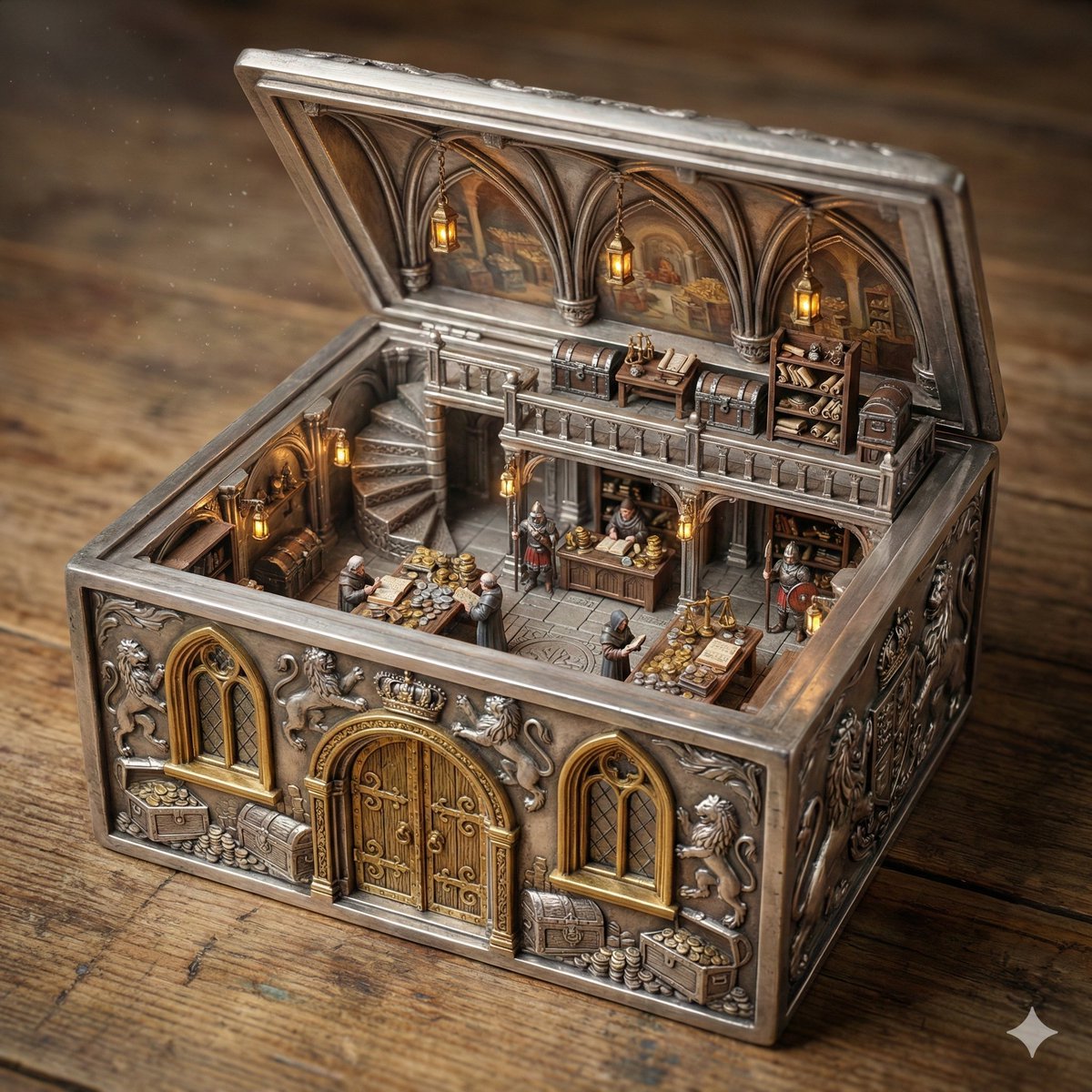
Ornate Box Diorama of a Royal Treasury Counting Room
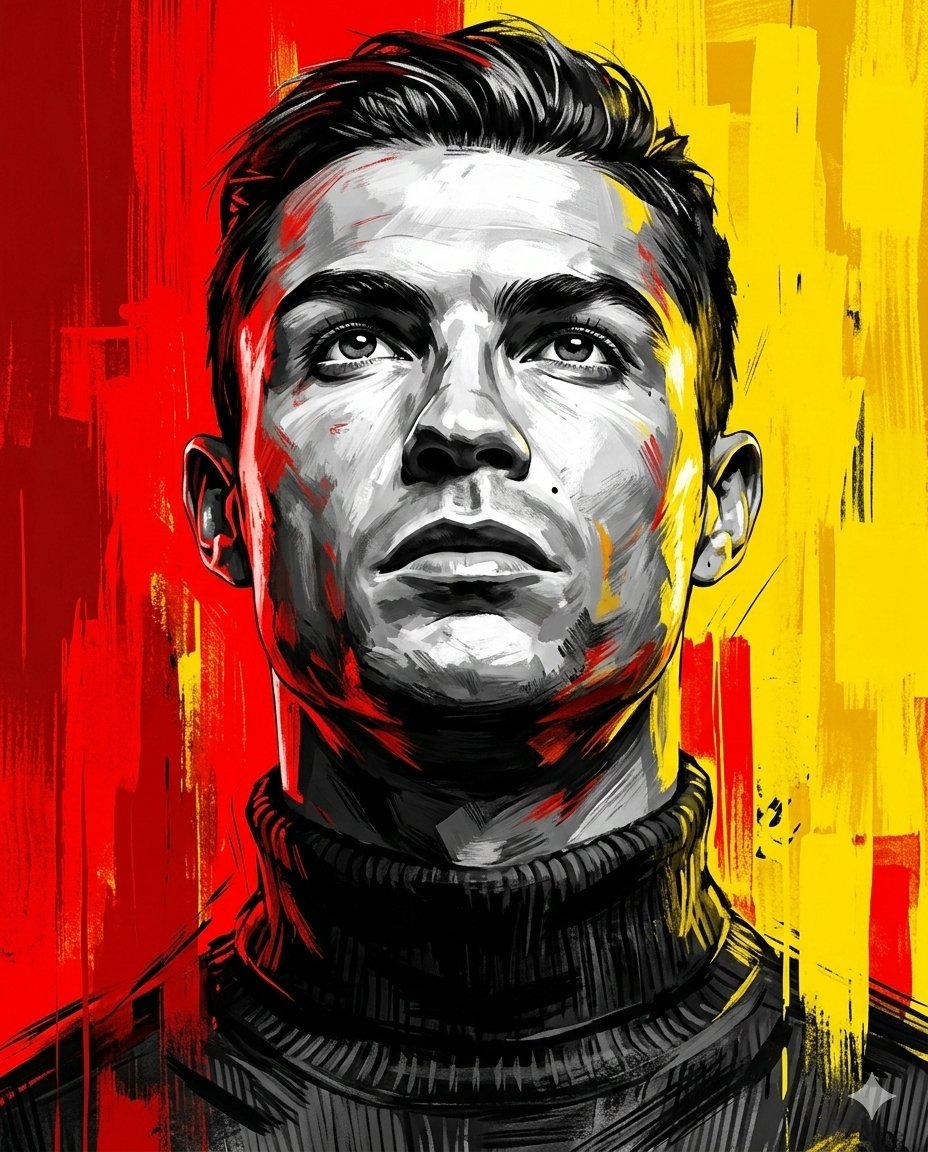
Dramatic Digital Painting Portrait Prompt
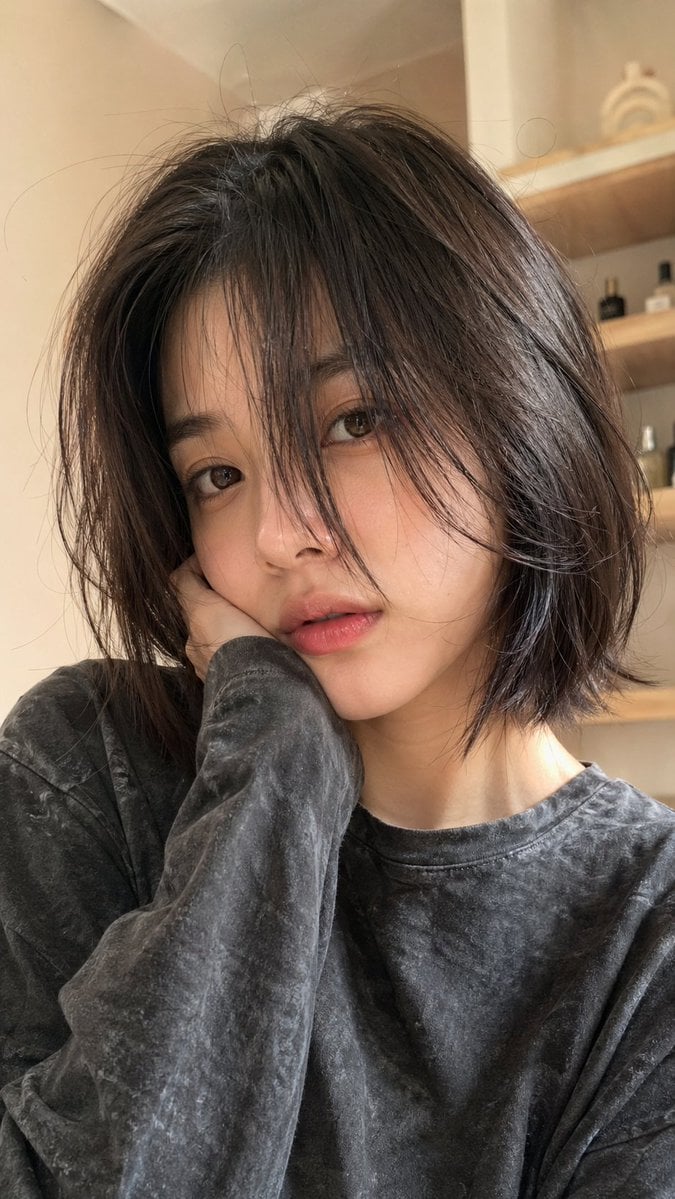
Hyper-Realistic Selfie Portrait
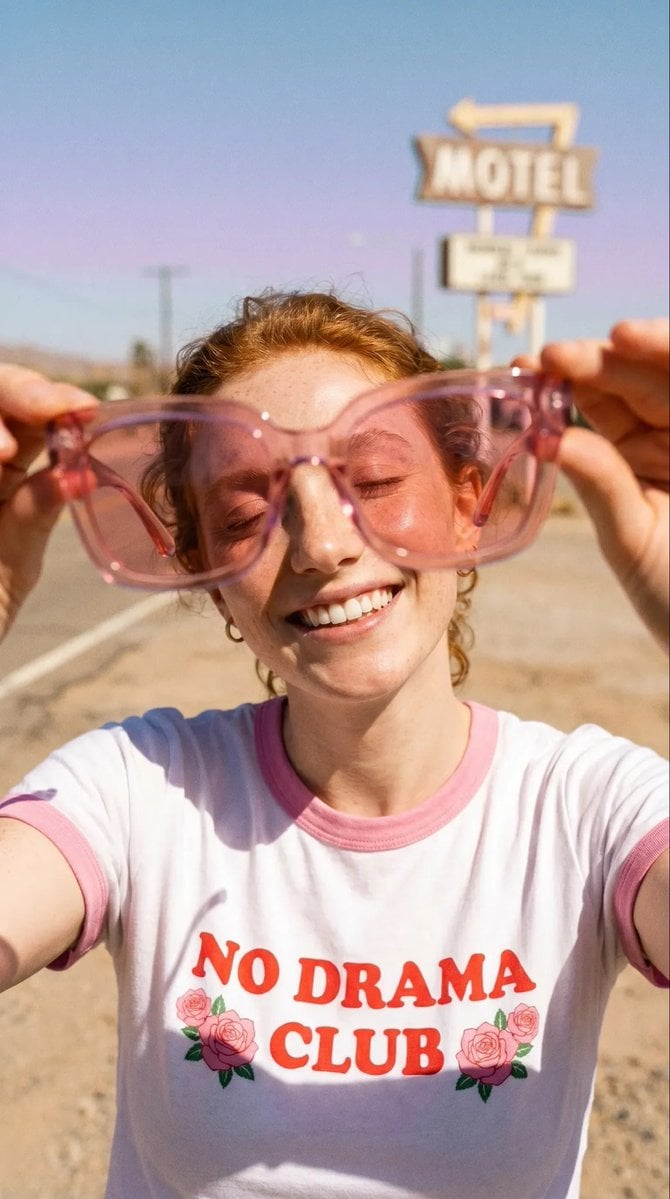
Realistic Desert Lifestyle Portrait
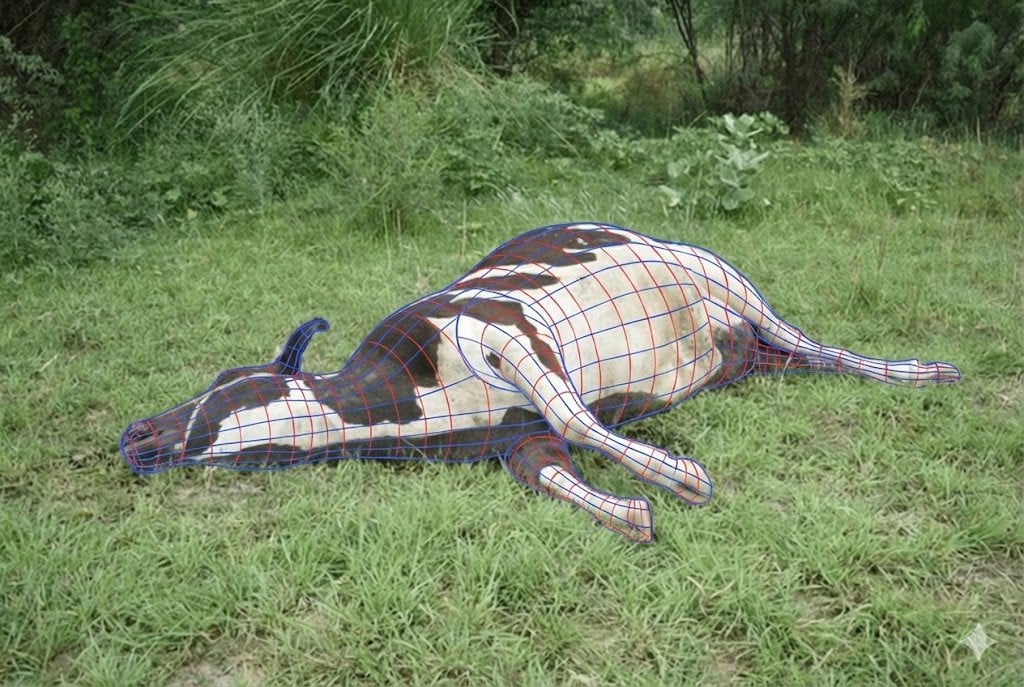
Wireframe Grid Overlay Prompt
Browse template categories
Doodle Aesthetic Social Media Photo Edit questions
How do I use the Doodle Aesthetic Social Media Photo Edit template?
Add your photo if the template asks for one, edit the prompt if you like — the template's model and format are already selected — and press Generate. Your version opens in PicX Studio.
Can I customize the Doodle Aesthetic Social Media Photo Edit template?
Yes. You can change the subject, setting, lighting, mood, format, and available model controls before creating your image.
Is the Doodle Aesthetic Social Media Photo Edit template free?
Opening and editing this template is free. Generating uses credits, shown on the Generate button when you are signed in.
Which AI model should I use?
Start with GPT Image 2, which is the model associated with this template. You can compare another compatible model for a different finish.
Looking for something else? Browse all templates.

Your photo, any look
Thousands of ready templates for every top image and video model, from one credit balance.