
NYC Bridge Blue Hour Wallpaper
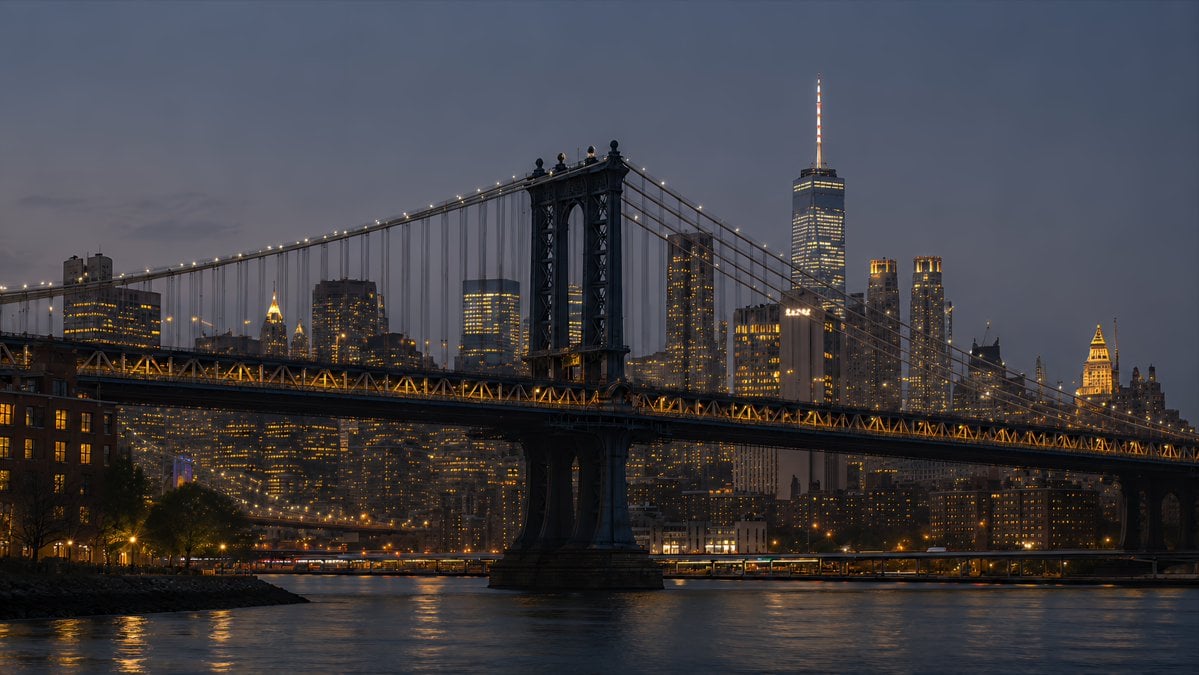
Creates a cinematic 16:9 photorealistic New York desktop wallpaper by transforming a skyline reference into a Manhattan Bridge blue-hour waterfront scene.
- Prompt included
- Model and format preset
- Free template
The prompt behind this image
Copy the exact prompt behind NYC Bridge Blue Hour Wallpaper, or open it in the studio and make it yours.
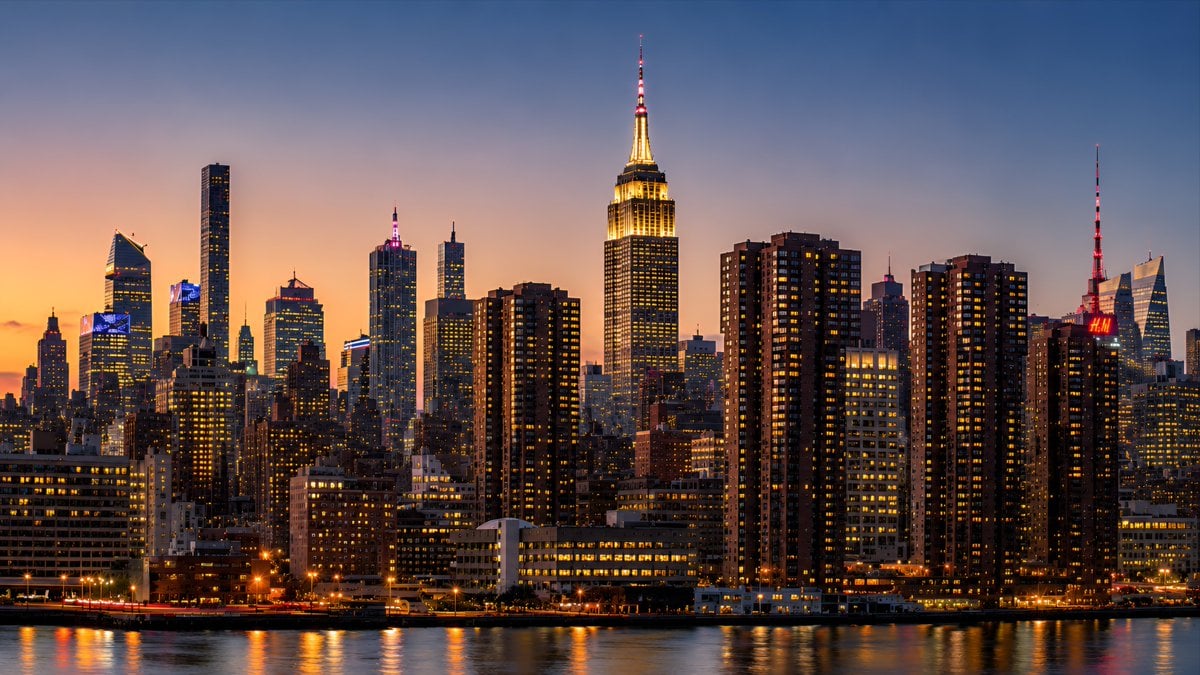
Using the provided New York skyline reference as the visual and lighting base, create a {argument name="resolution target" default="4K desktop wallpaper"} in a wide 16:9 composition. Change the viewpoint to a waterfront scene featuring the Manhattan Bridge spanning across the foreground, with its dark steel towers, suspension cables, and warm string lights clearly visible. Replace the original Empire State Building-centered skyline with a Lower Manhattan skyline in the background, including One World Trade Center rising prominently on the right side. Shift the mood to {argument name="time of day" default="blue hour after sunset"}: a deep muted blue-gray sky, glowing office windows, warm amber bridge lights, and soft reflections on the river. Add a calm East River foreground with subtle ripples, shoreline silhouettes, and realistic city haze for depth. Style should be photorealistic, cinematic, crisp, high-detail, polished for wallpaper use, with no people, no text, no logos, and no watermark.
Reference images included
NYC Bridge Blue Hour Wallpaper needs input media to work. They load alongside the prompt when you open it in the studio.
How to use NYC Bridge Blue Hour Wallpaper in 3 steps
- 1Upload ImagePNG, JPG or paste
Add your photo
Upload the photo the template builds on. The prompt, model and format are already set.
- 2…a portrait of your subject in softgolden-hour light, 85mm…
Personalize
Edit the subject and creative details for your destination.
- 3Generate
Generate
Press Generate — your image is created in PicX Studio, so you can compare it with the original and refine one variable at a time.
More like this
Templates with the same subject, style or setup. Open one to see its prompt.
Melancholic blue hour portrait

Night City Bridge Triptych Portrait Session
Night City Bridge Triptych Portrait Session

Monochrome Portrait Jersey Accent Poster
DUMBO Bridge Desktop Wallpaper

Floating Woman Above Cityscape with Notifications
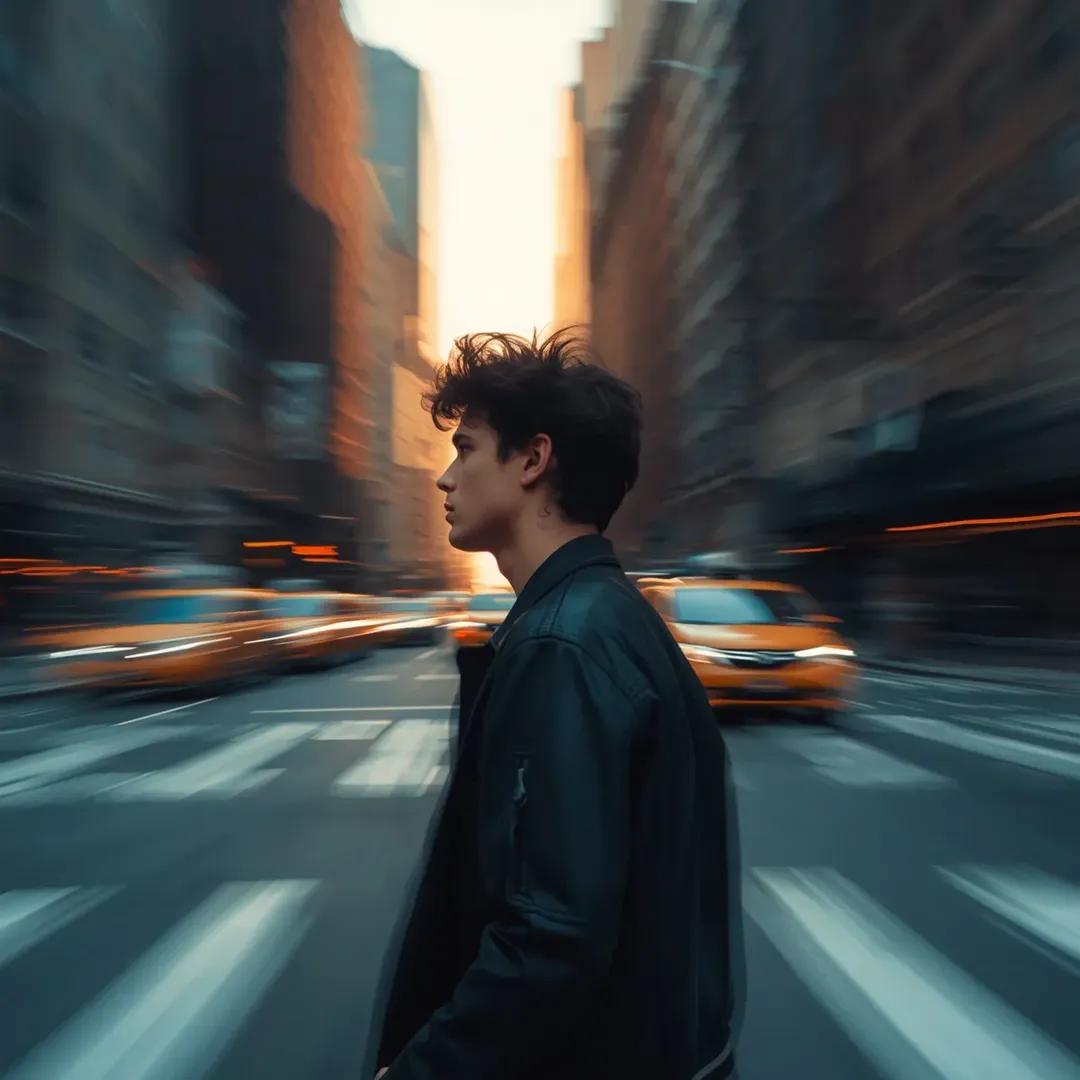
Motion Blur Portrait in NYC at Golden Hour

Cosmetic Tube Product — Nano Banana 2

Nano Banana - Evening Champagne Blue

80s Golden Hour Cinema
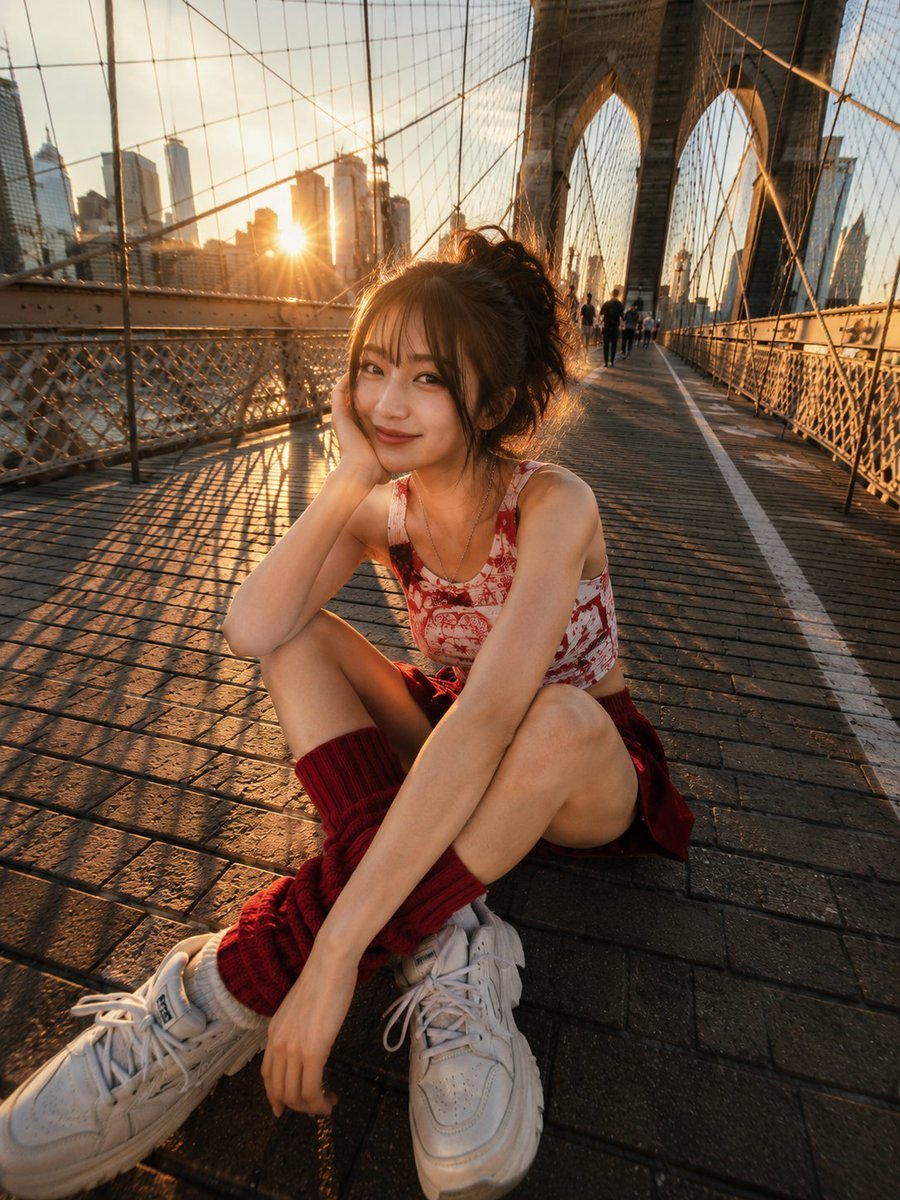
Brooklyn Bridge Street Portrait
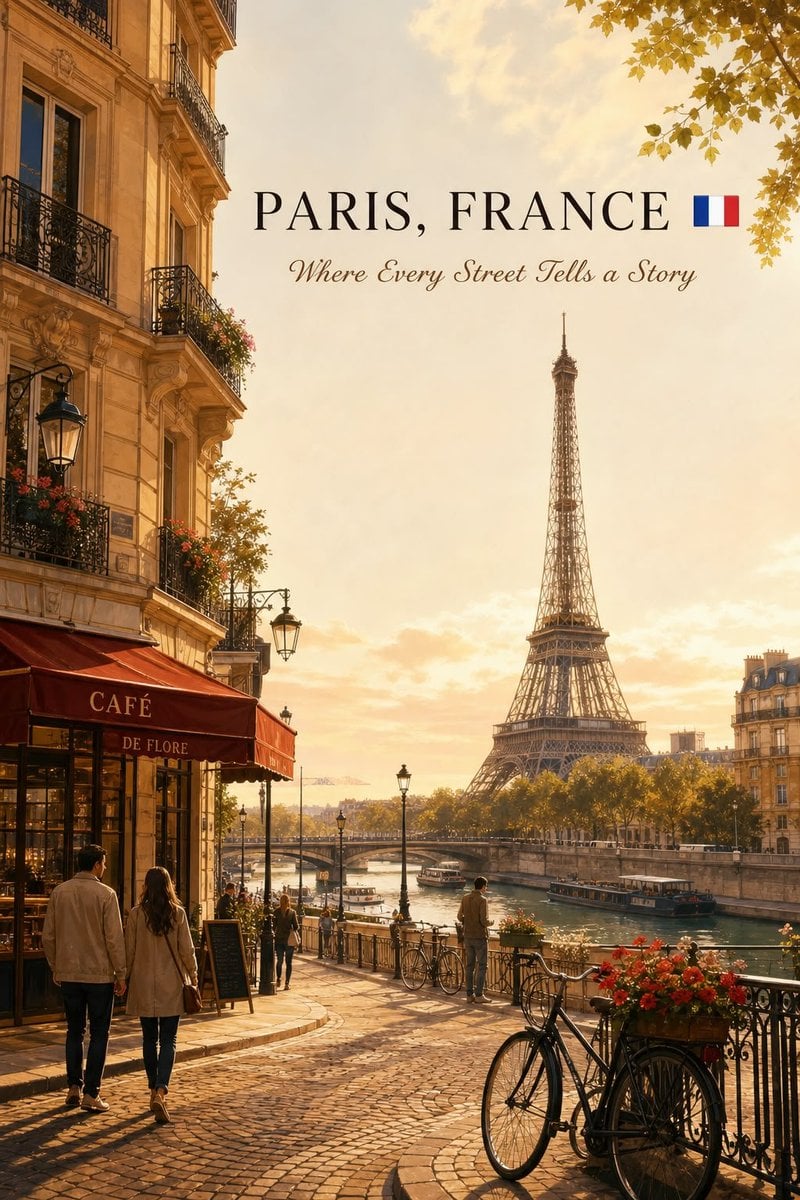
Cinematic Editorial NYC Travel Poster
Make it yours
NYC Bridge Blue Hour Wallpaper works as-is. These are the safest ways to change it without losing the look.
Change one field
Copy a single group, rewrite it, and generate again so you can see what that field is doing.
Keep the frame, change the subject
Hold the composition and light of NYC Bridge Blue Hour Wallpaper, then swap wardrobe, props or the person for a new take.
| If the result… | Why | Fix |
|---|---|---|
| The result drifts from the preview | Too many fields changed at once. | Reuse NYC Bridge Blue Hour Wallpaper as-is first, then change one group — subject, light, or setting. |
| The model over-stylizes the scene | The prose prompt leaves finish and camera underspecified. | Add one camera or lighting sentence and stay on GPT Image 2. |
More GPT Image 2 templates
Other prompts made for GPT Image 2.

Six VTuber Japanese Logo Sheet

Realistic Portrait of Woman and Deer

The Vista Modular Condo Poster

AI Model Routing Comparison Infographic

2.5D Anime Art Board

Isometric Productivity Desk Scene

New York Double Exposure Poster

Four-Panel AI Landscape Comparison

Japanese Tatami Lifestyle Magazine Cover

NESCAFÉ Coffee Map Poster
More image prompts
Fresh picks from across the catalog.
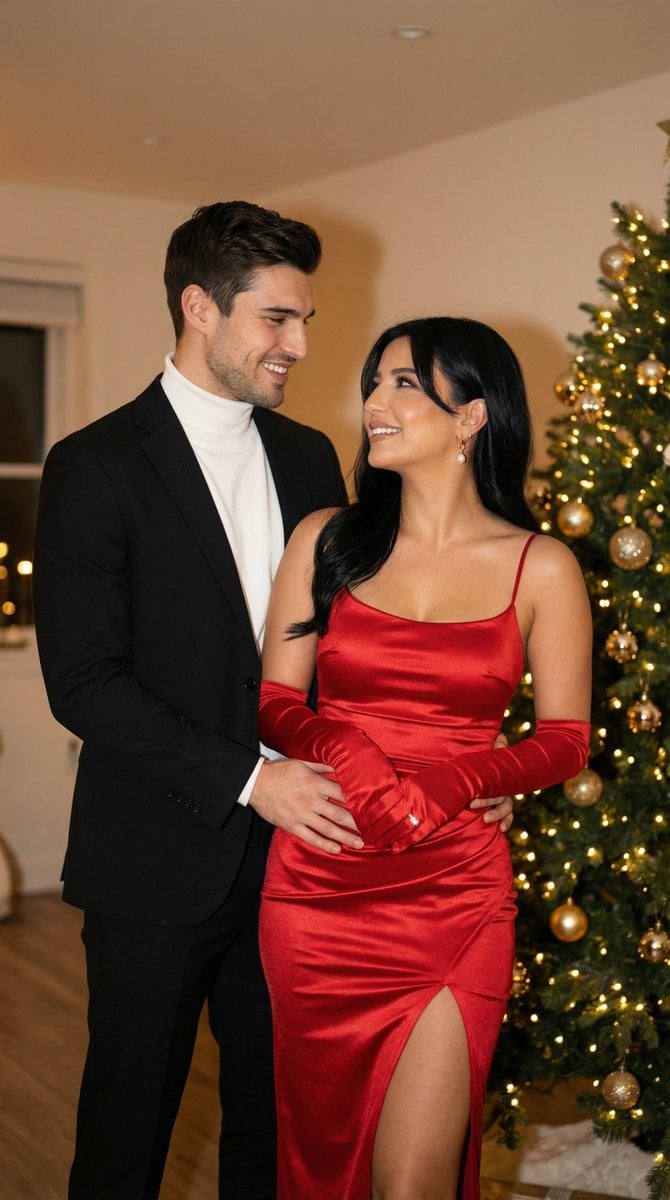
Photoreal Holiday Couple Portrait with Identity Lock
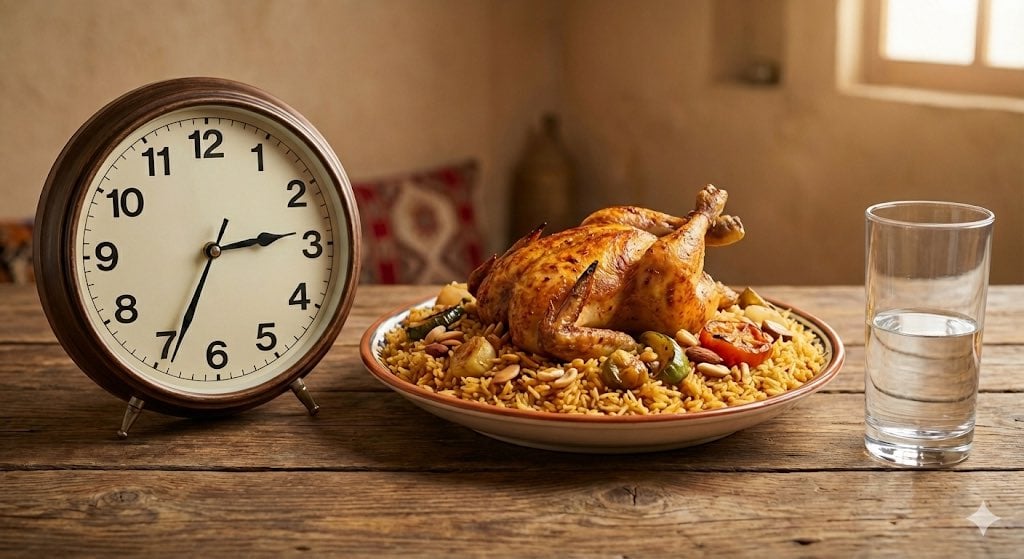
Analog clock and Saudi kabsa meal still life
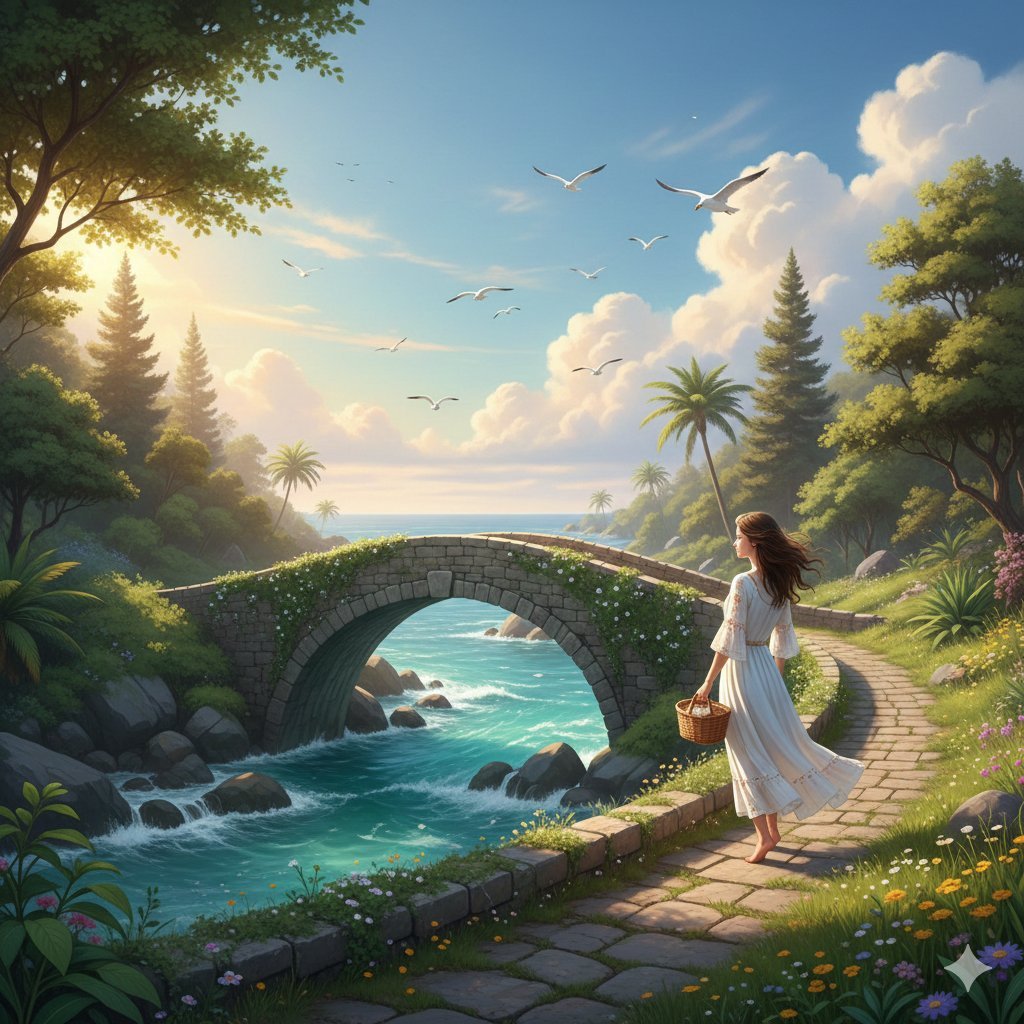
Fantasy Landscape Image Prompt for Gemini Nano 3 Pro
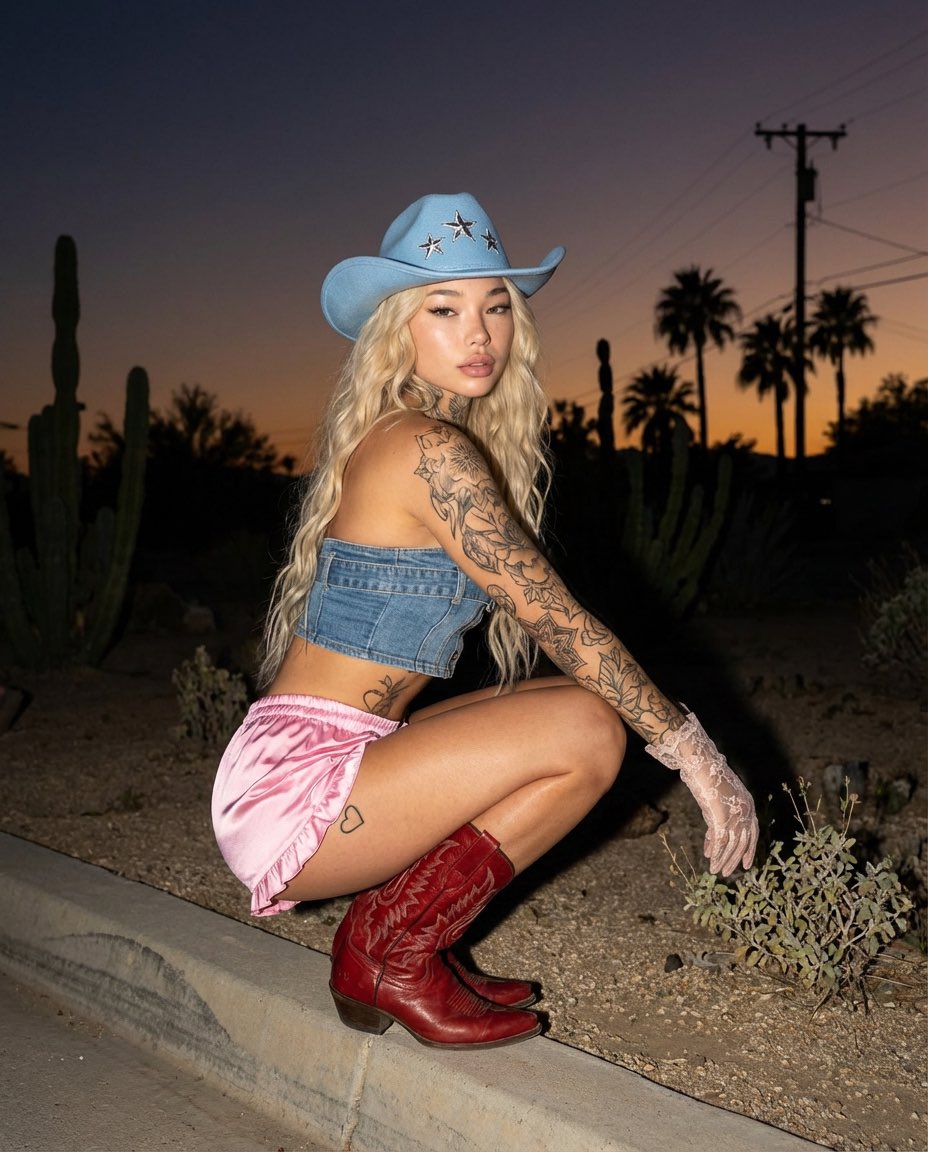
Desert Doll Golden Hour Portrait with Flash
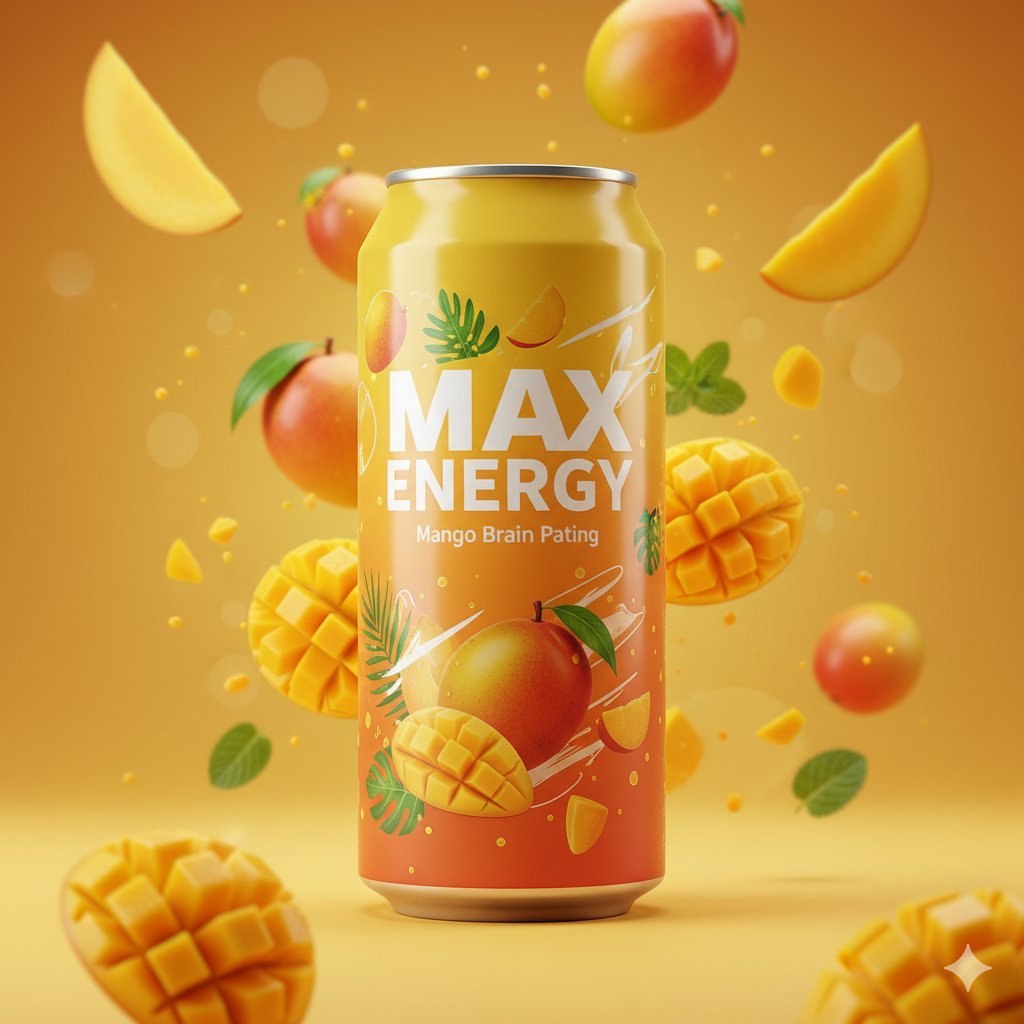
Photorealistic Mango Energy Drink Product Shot Prompt

Sunny Slice Anime Pizza Collab Ad
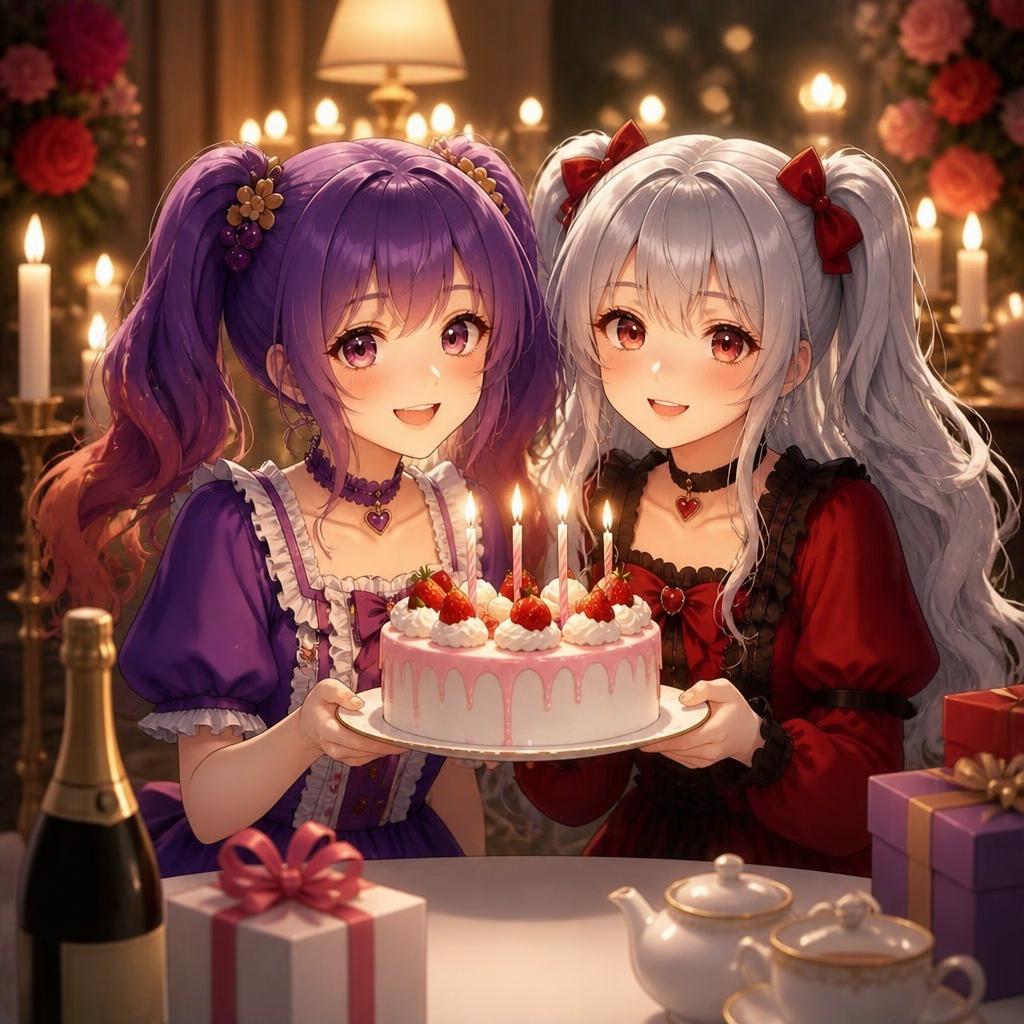
Candlelit Anime Birthday Twins
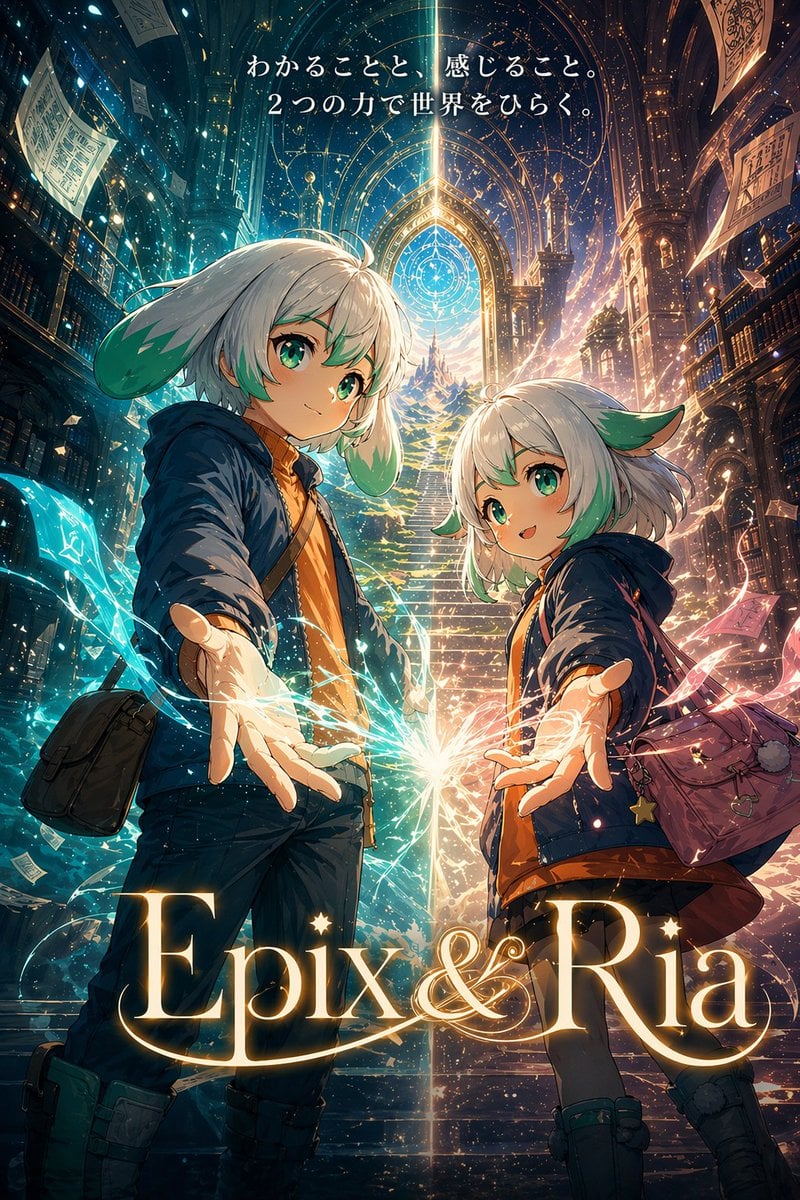
Fantasy Library Poster for Epix & Ria
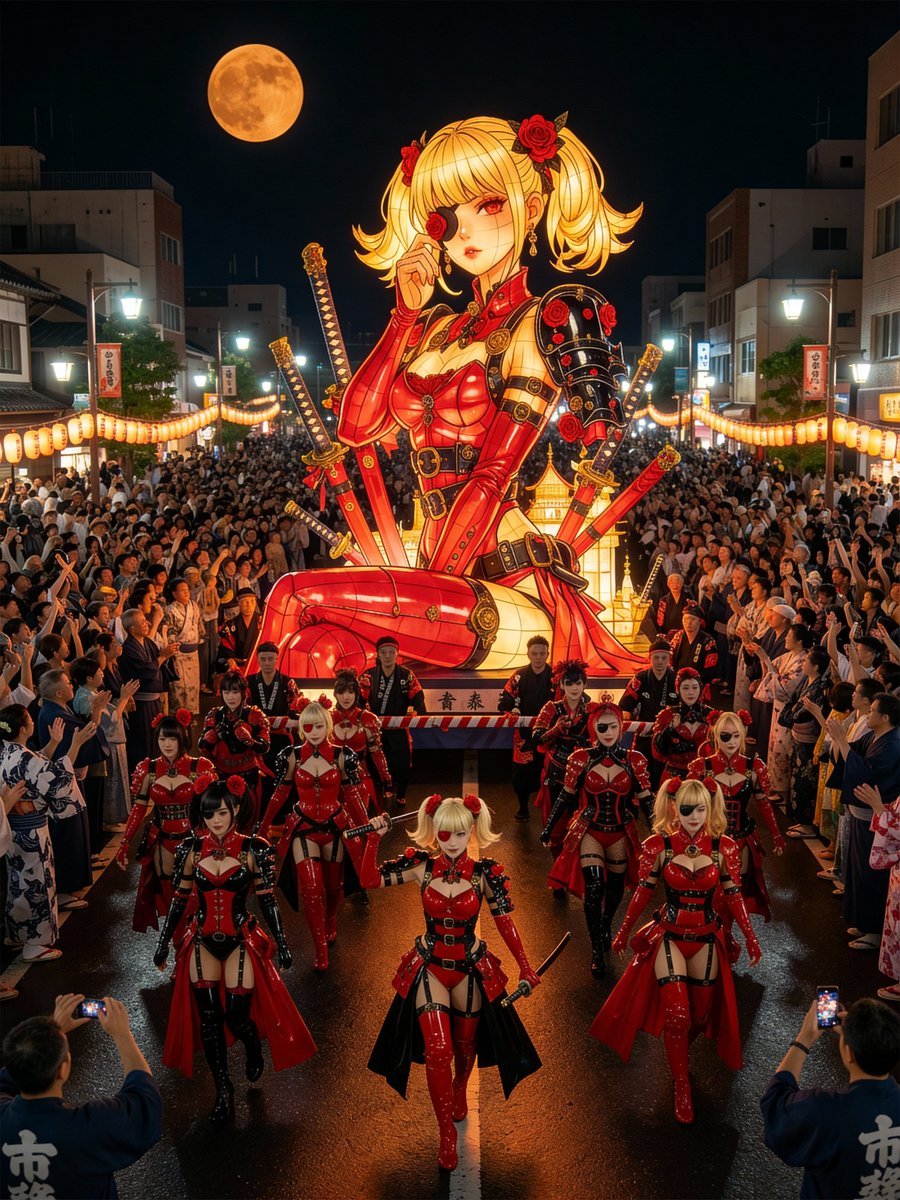
Japanese Festival Mikoshi Float Prompt Template
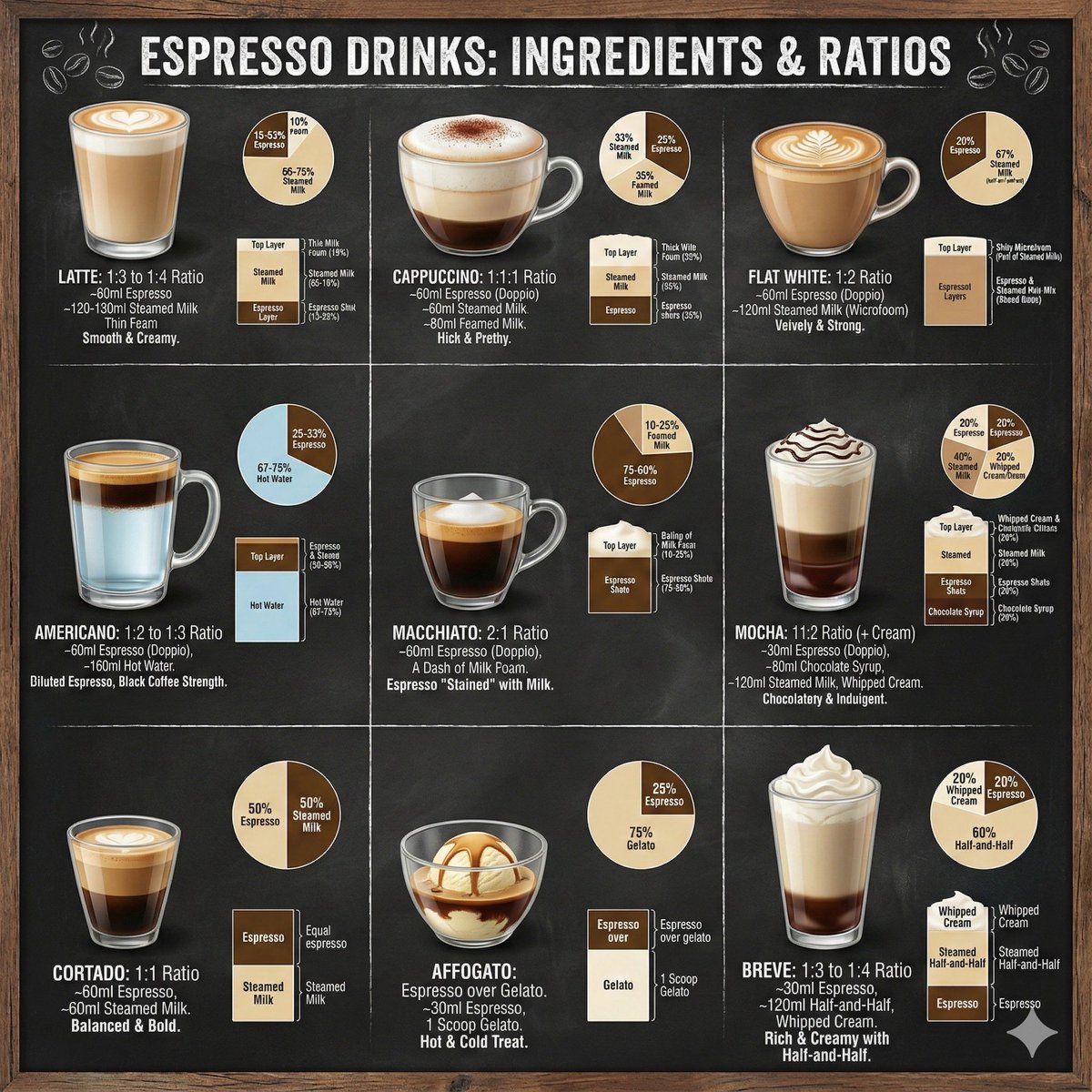
Coffee drinks infographic
Browse template categories
NYC Bridge Blue Hour Wallpaper questions
How do I use the NYC Bridge Blue Hour Wallpaper template?
Add your photo if the template asks for one, edit the prompt if you like — the template's model and format are already selected — and press Generate. Your version opens in PicX Studio.
Can I customize the NYC Bridge Blue Hour Wallpaper template?
Yes. You can change the subject, setting, lighting, mood, format, and available model controls before creating your image.
Is the NYC Bridge Blue Hour Wallpaper template free?
Opening and editing this template is free. Generating uses credits, shown on the Generate button when you are signed in.
Which AI model should I use?
Start with GPT Image 2, which is the model associated with this template. You can compare another compatible model for a different finish.
Looking for something else? Browse all templates.

Your photo, any look
Thousands of ready templates for every top image and video model, from one credit balance.