
Sunny Slice Anime Pizza Collab Ad
A cheerful American pop-style pizza collaboration scene with anime character packaging, spring toppings, and branded promotional accessories.
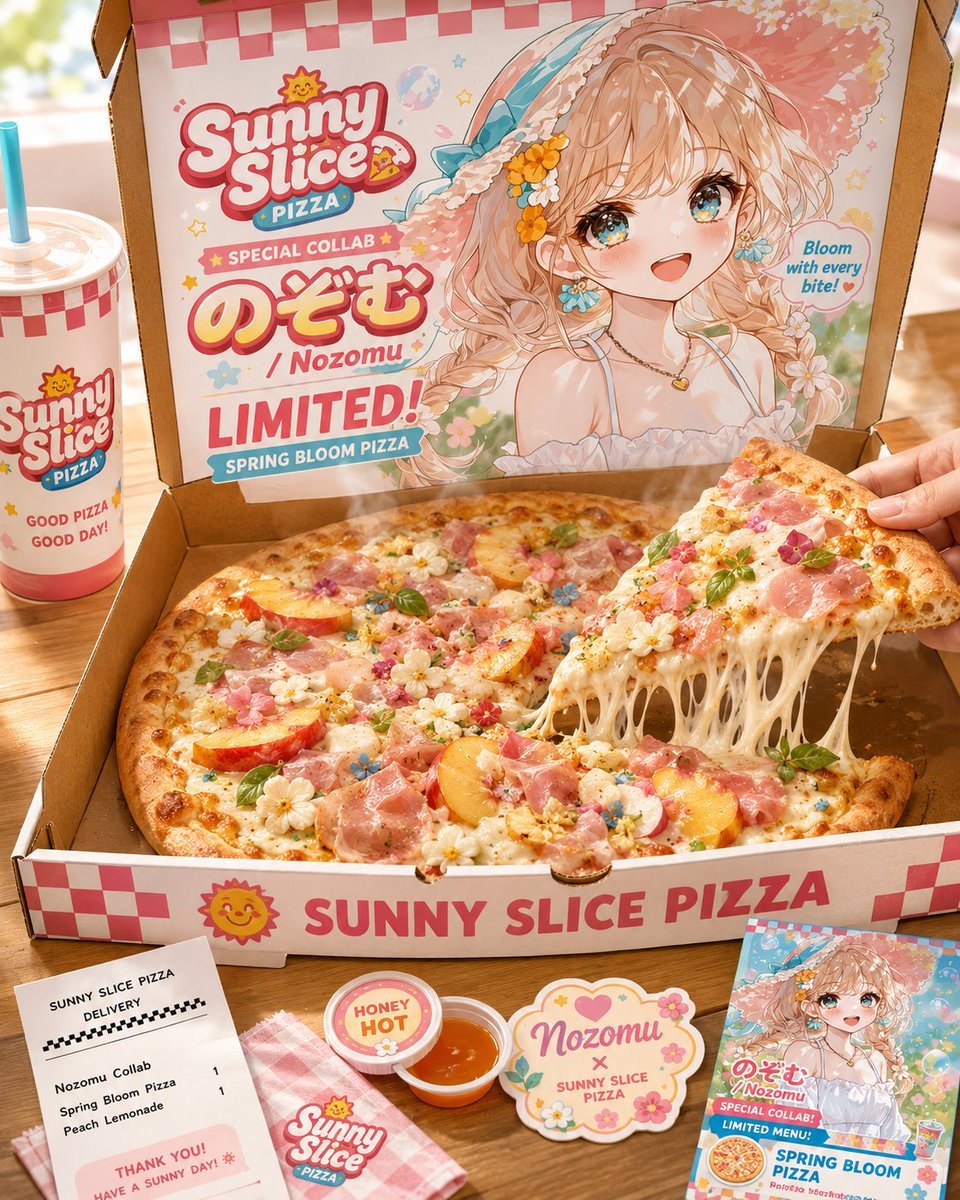
- Prompt included
- Model and format preset
- Free template
The prompt behind this image
Copy the exact prompt behind Sunny Slice Anime Pizza Collab Ad, or open it in the studio and make it yours.
Goal: Create a bright American pop-style anime pizza collaboration advertisement for {argument name="brand name" default="Sunny Slice Pizza"} featuring {argument name="character name" default="Nozomu"}, staged as a real tabletop food photo with illustrated packaging. Canvas: Square 1:1 image, warm daylight, shallow depth of field, cheerful pastel spring palette with coral pink, cream, aqua, sunflower yellow, and sky blue. The camera looks slightly downward at an open pizza box on a wooden table. Main layout: Center foreground is a large open cardboard pizza box containing one whole spring-themed pizza, with one slice being lifted from the right side by a visible hand. The slice stretches long strings of melted cheese back to the pizza. Behind the pizza, the inside lid of the box is a full-color printed collaboration poster. The anime girl’s face on the lid is intentionally covered by a plain peach-beige rectangular censor block, while her hair, hat, shoulders, outfit, and accessories remain visible. Pizza details: Make exactly 1 large round pizza with golden browned crust, melted mozzarella, pink prosciutto or ham, peach slices, tiny edible flowers, basil leaves, colorful flower-like sprinkles, and glossy cheese. Make exactly 1 lifted triangular slice at the right, held by a hand, with many cheese strands stretching downward. Packaging and text on the box lid: Use a red-and-white checker pattern along the top. Add a playful retro logo reading “Sunny Slice” with a small smiling sun mascot and a pizza slice, plus a blue ribbon reading “PIZZA.” Include these visible text elements: “SPECIAL COLLAB,” large Japanese name text “のぞむ,” “/ Nozomu,” “LIMITED!,” “SPRING BLOOM PIZZA,” and a small speech bubble reading “Bloom with every bite!” The anime character on the lid has wavy peach-blonde hair, a big floral straw hat with blue ribbon and yellow flowers, a white off-shoulder spring dress, delicate necklace, and flower accents, drawn in glossy pastel anime style. Front of box: The front flap shows a red-and-white checker strip at both ends, a smiling sun icon, and large bold text “SUNNY SLICE PIZZA.” Surrounding items: Include exactly 5 separate branded tabletop accessories around the pizza box: 1 tall takeaway drink cup on the left with a blue straw and logo, text “GOOD PIZZA GOOD DAY!”; 1 white delivery receipt at bottom left with a black checker line and item list reading “Nozomu Collab,” “Spring Bloom Pizza,” “Peach Lemonade,” plus “THANK YOU! HAVE A SUNNY DAY!”; 1 pink checkered cloth napkin near the bottom center with the Sunny Slice logo; 1 small round dipping sauce cup with orange honey-hot sauce and a lid label reading “HONEY HOT”; 1 small glossy promotional card or flyer at bottom right showing the same anime character and menu art with text including “Nozomu,” “SPECIAL COLLAB,” “LIMITED MENU,” and “SPRING BLOOM PIZZA.” Also include exactly 1 scalloped decorative sticker beside the sauce reading “Nozomu x SUNNY SLICE PIZZA.” Visual style: Hybrid photorealistic food photography and cute 1990s American diner pop graphics, high detail, appetizing steam and sheen, crisp printed typography, playful stickers, stars, flowers, hearts, checkerboard motifs, and a sunny spring atmosphere. Use soft bokeh in the background and warm natural light. Constraints: Keep all major text legible and in English except the large Japanese name “のぞむ.” Use the exact counted objects and accessories listed. Do not add extra people beyond the single hand holding the slice. Do not show the anime character’s face; cover it with a flat peach-beige rectangle.
How to use Sunny Slice Anime Pizza Collab Ad in 3 steps
- 1Upload ImagePNG, JPG or paste
Add your photo
Upload the photo the template builds on. The prompt, model and format are already set.
- 2…a portrait of your subject in softgolden-hour light, 85mm…
Personalize
Edit the subject and creative details for your destination.
- 3Generate
Generate
Press Generate — your image is created in PicX Studio, so you can compare it with the original and refine one variable at a time.
More like this
Templates with the same subject, style or setup. Open one to see its prompt.











Make it yours
Sunny Slice Anime Pizza Collab Ad works as-is. These are the safest ways to change it without losing the look.
Change one field
Copy a single group, rewrite it, and generate again so you can see what that field is doing.
Keep the frame, change the subject
Hold the composition and light of Sunny Slice Anime Pizza Collab Ad, then swap wardrobe, props or the person for a new take.
| If the result… | Why | Fix |
|---|---|---|
| The result drifts from the preview | Too many fields changed at once. | Reuse Sunny Slice Anime Pizza Collab Ad as-is first, then change one group — subject, light, or setting. |
| The model over-stylizes the scene | The prose prompt leaves finish and camera underspecified. | Add one camera or lighting sentence and stay on GPT Image 2. |
More GPT Image 2 templates
Other prompts made for GPT Image 2.

Six VTuber Japanese Logo Sheet

Realistic Portrait of Woman and Deer

The Vista Modular Condo Poster

AI Model Routing Comparison Infographic

2.5D Anime Art Board

Isometric Productivity Desk Scene

New York Double Exposure Poster

Four-Panel AI Landscape Comparison

Japanese Tatami Lifestyle Magazine Cover

NESCAFÉ Coffee Map Poster
More image prompts
Fresh picks from across the catalog.
Martial Arts Grid Motion Prompt
Faceless Romance Visual Novel CG
Convert videogame screenshot to hyperreal modern engine
Cute Morning Greeting Figure Sticker
Surrealist Fashion Advertising Poster

Cinematic Dark Thriller Movie Poster
Introspective London Underground Portrait
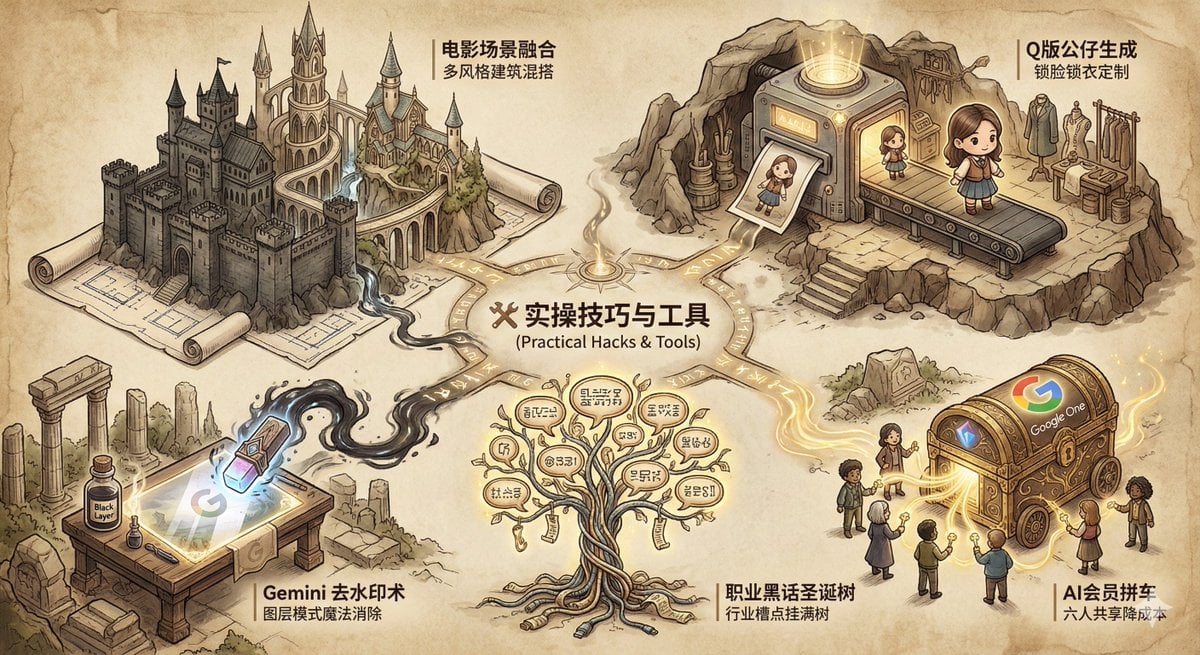
Industry Jargon Christmas Tree Prompt
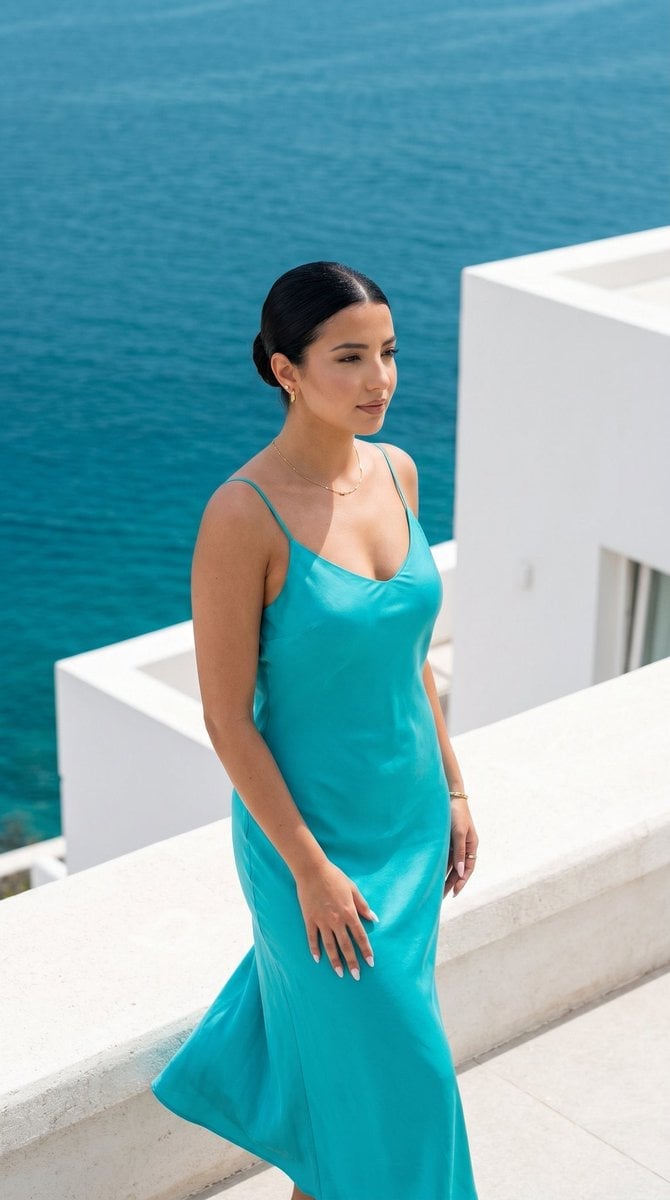
Minimalist Capri Luxury Editorial

Cinematic Double-Exposure Portrait of Contrast and Connection
Browse template categories
Sunny Slice Anime Pizza Collab Ad questions
How do I use the Sunny Slice Anime Pizza Collab Ad template?
Add your photo if the template asks for one, edit the prompt if you like — the template's model and format are already selected — and press Generate. Your version opens in PicX Studio.
Can I customize the Sunny Slice Anime Pizza Collab Ad template?
Yes. You can change the subject, setting, lighting, mood, format, and available model controls before creating your image.
Is the Sunny Slice Anime Pizza Collab Ad template free?
Opening and editing this template is free. Generating uses credits, shown on the Generate button when you are signed in.
Which AI model should I use?
Start with GPT Image 2, which is the model associated with this template. You can compare another compatible model for a different finish.
Looking for something else? Browse all templates.

Your photo, any look
Thousands of ready templates for every top image and video model, from one credit balance.