
Samurai Sniper Dynamic Battle Scene Prompt
A highly detailed, cinematic prompt for generating a dynamic anime-scale battle scene featuring a samurai sniper in a prone firing pose on a Japanese castle rooftop at night, emphasizing extreme low-angle composition…
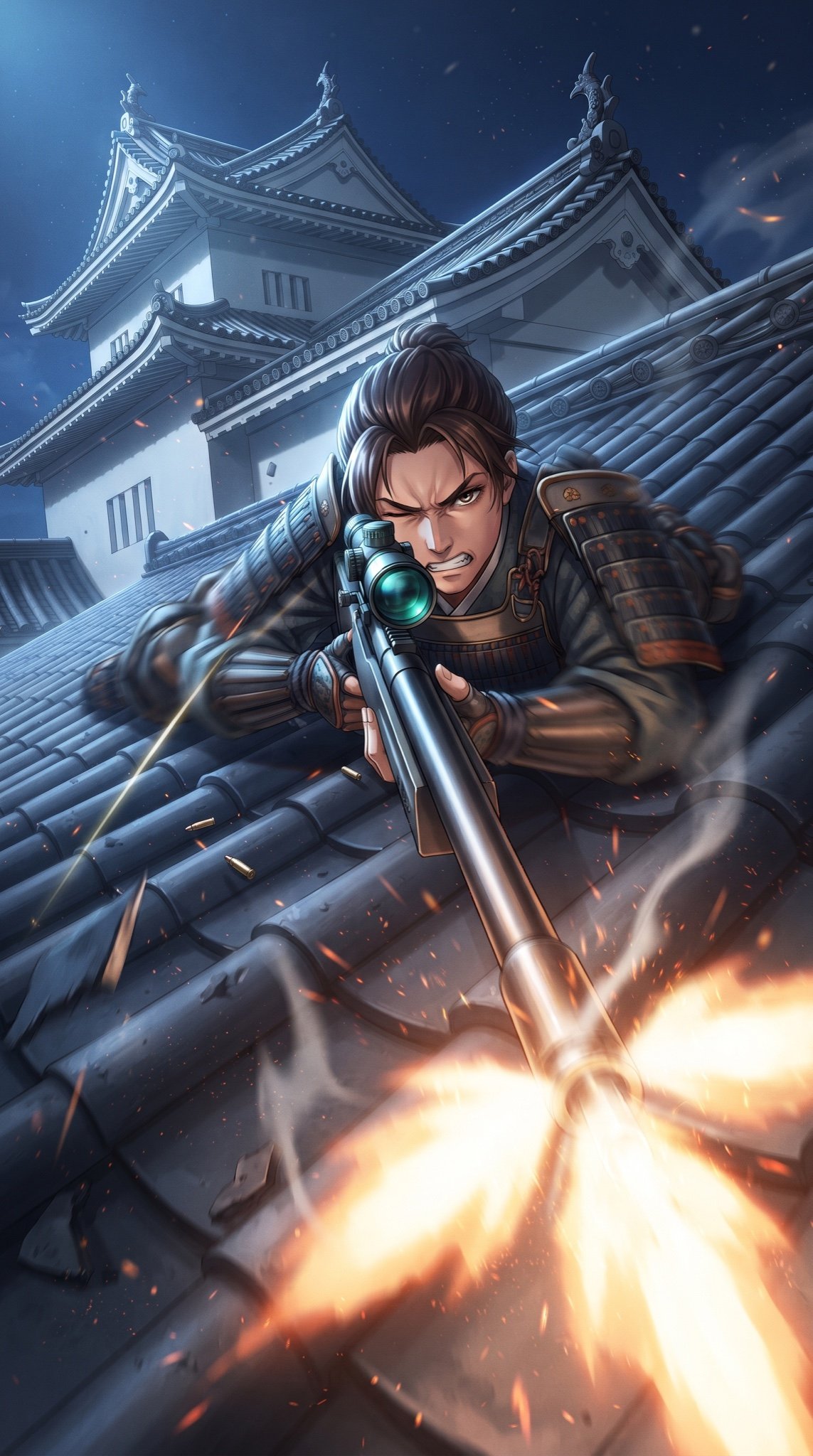
- Prompt included
- Model and format preset
- Free template
The prompt behind this image
Copy the exact prompt behind Samurai Sniper Dynamic Battle Scene Prompt, or open it in the studio and make it yours.
Masterpiece quality, theatrical anime-scale dynamic battle scene. A samurai character is the main subject (preserving a traditional samurai feel, optionally blended with subtle modern gear elements). Prone firing pose (low-profile/propped close to the roof surface), body flattened to the tiles, elbows braced for stability. Cheek pressed to the stock while peering through the scope, one eye narrowed, an intense focused stare and clenched teeth conveying tension and determination. Composition and angle: the camera is placed almost on the roof tiles—an extreme ground-level ultra low-angle. Wide-angle lens with exaggerated perspective and strong depth. A diagonal composition: the sniper rifle runs from the extreme lower foreground into the midground, leading the viewer’s eye directly to the samurai’s gaze. The muzzle and muzzle flash dominate the extreme foreground, appearing oversized and close enough to “break the screen,” while the face (especially the eyes) stays crisp and sharp. Action: captured at the exact instant of firing. A large, stylized muzzle flash erupts in the foreground; sparks, glowing embers, and thin smoke burst outward. Ejected brass and scattered casings on the tiles reinforce the sense of ongoing fire. A faint luminous streak suggests the bullet’s path slicing through the night air. Subtle recoil pushes the rifle and shoulder back; dynamic motion blur on the weapon and sleeves, while the eyes and brow remain tack-sharp. The scope glass reflects a cold blue-green sheen; metal surfaces show finely detailed reflections and crisp edge highlights. Setting: the rooftop of a white Japanese castle keep (white plaster walls), under a clear night sky. Clean moonlight creates strong rim lighting along roof ridges and the samurai’s silhouette. Traditional roof features—curved ceramic tiles, ridge lines, gables, and shachihoko ornaments—read clearly in silhouette and detail. The firing shock and weight shift chip and crack tiles; fragments and dust jump up and arc toward the camera. High-contrast cinematic lighting with a dramatic warm–cool split: warm muzzle flash versus cool moonlight. Filmic particles (dust, embers) in the air. Vertical cinematic poster composition, 9:16 aspect ratio, no text.
How to use Samurai Sniper Dynamic Battle Scene Prompt in 3 steps
- 1
Open
The prompt is already in the box next to the preview, with the template's model and format selected.
- 2…a portrait of your subject in softgolden-hour light, 85mm…
Personalize
Edit the subject and creative details for your destination.
- 3Generate
Generate
Press Generate — your image is created in PicX Studio, so you can compare it with the original and refine one variable at a time.
More like this
Templates with the same subject, style or setup. Open one to see its prompt.
Victory Aura Superhero Neon Poster

Argentina Vamos Diagonal Fan Poster
Dark Fantasy Samurai Battlefield
Dynamic Anime Battle Poster with Japanese Text

Seedance 2.0 - Anime Girl Fight
Seedance - Anime Fighting Game Finisher
Seedance - Dragon vs Python Battle
Seedance - Arrow Microscopic Battle
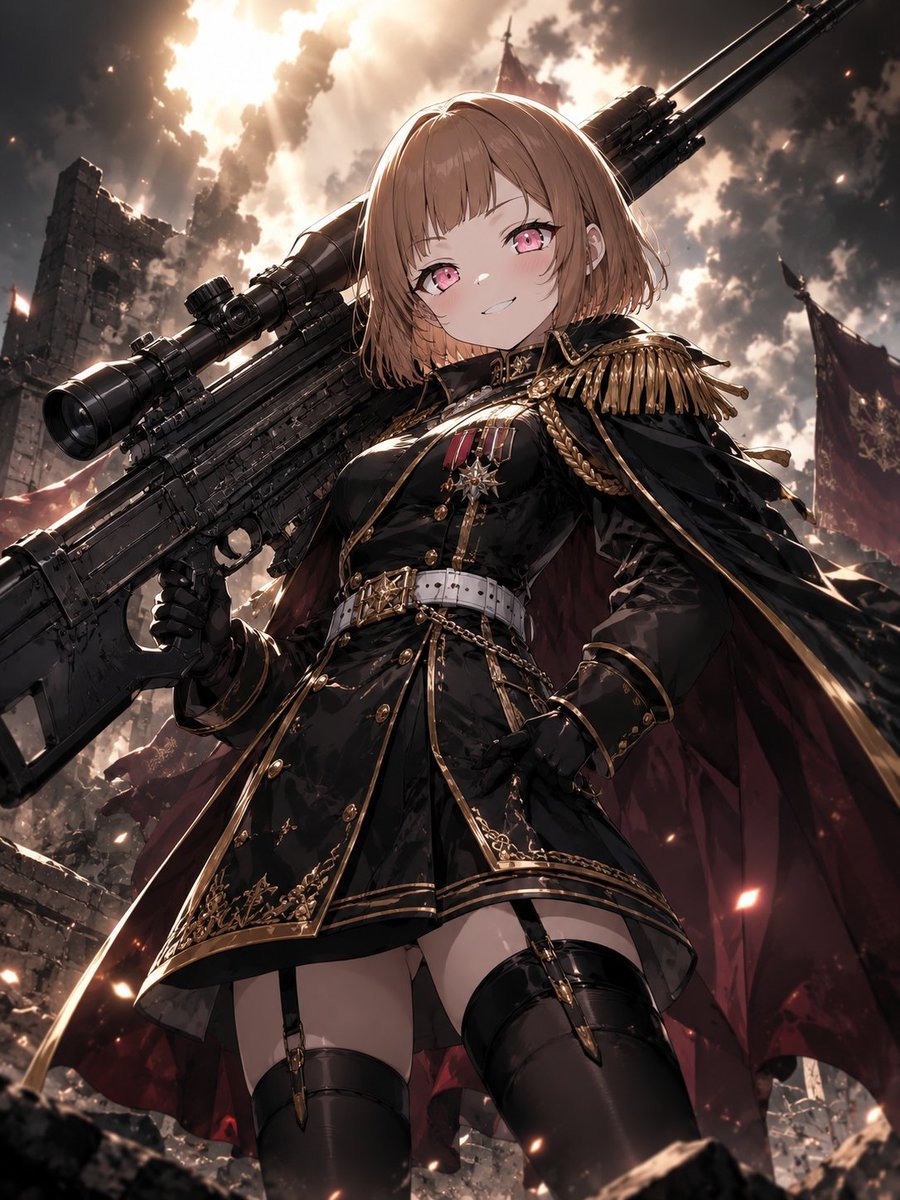
Anime Commander With Giant Sniper Rifle
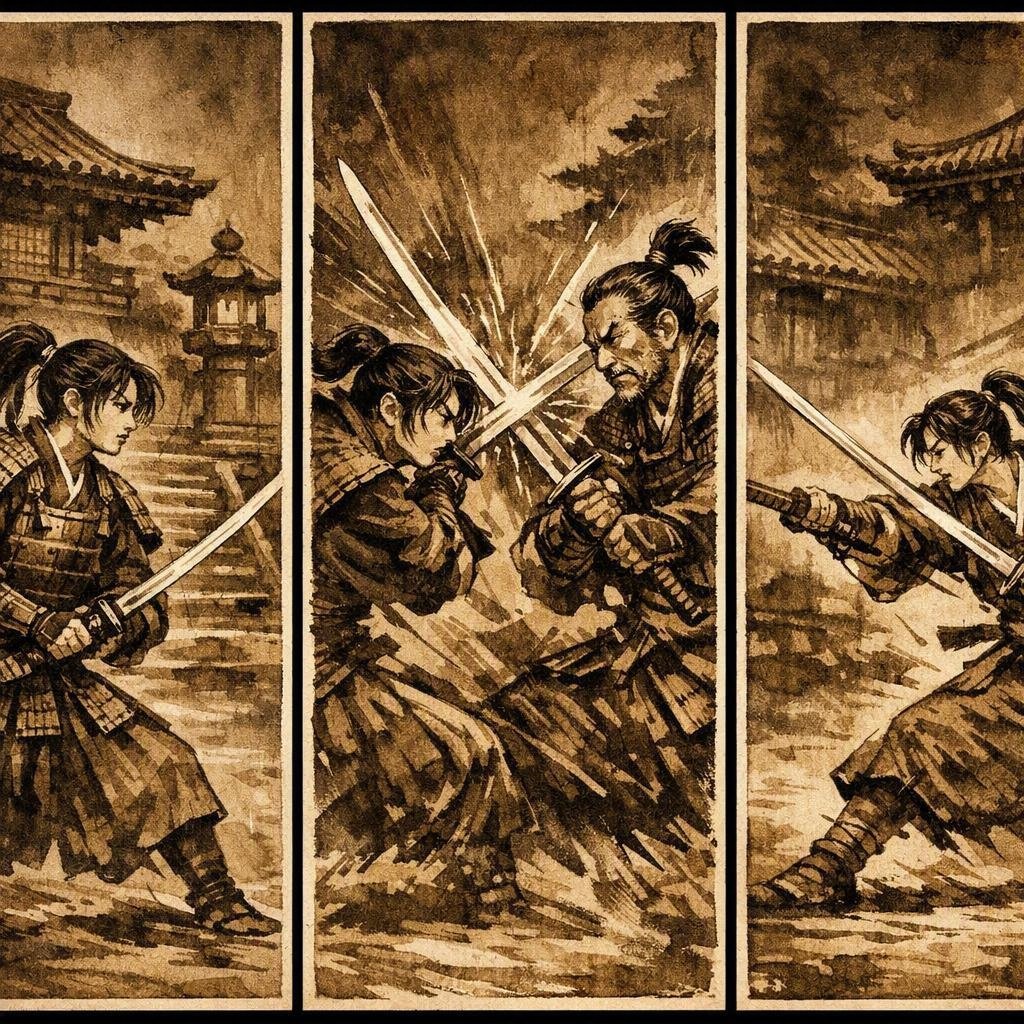
Japanese Samurai Ukiyo-e Triptych
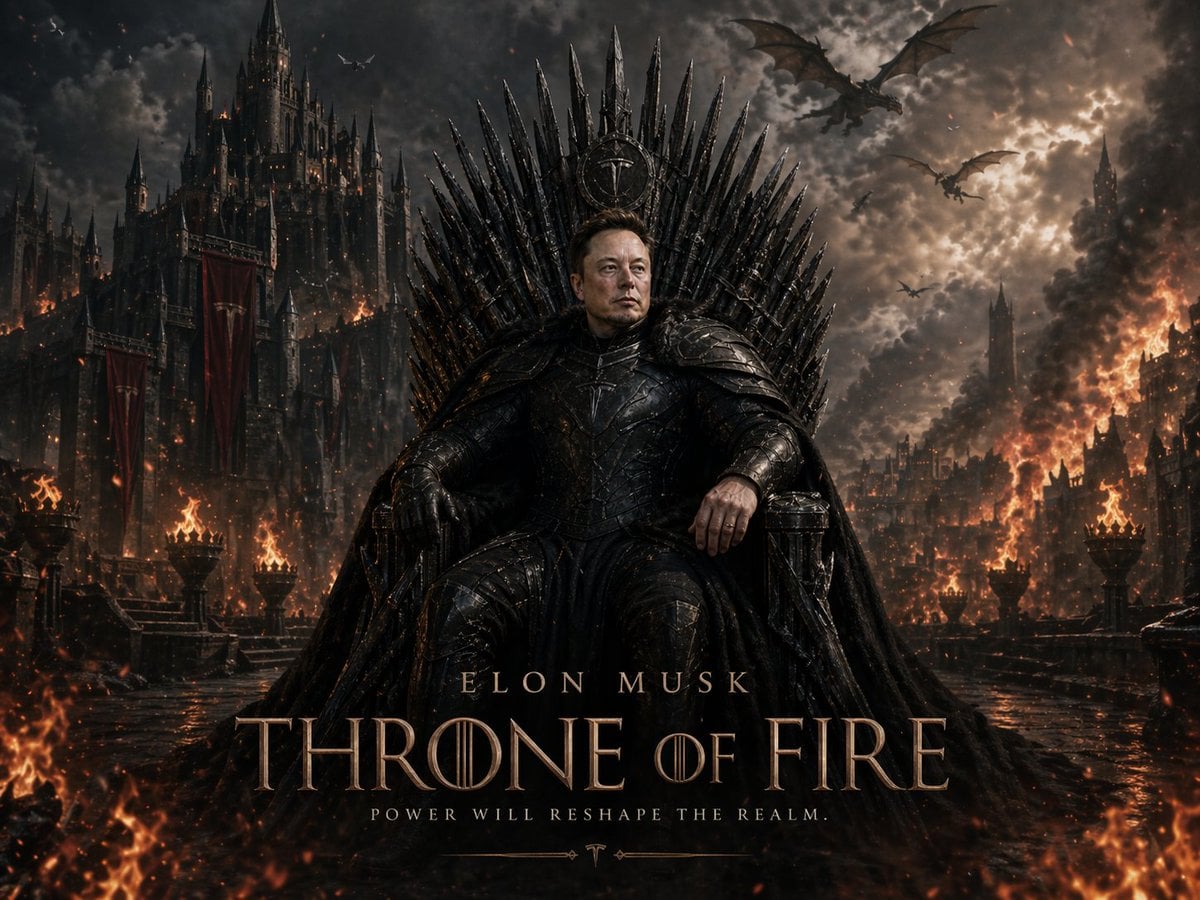
Sci-Fi AI Battle Movie Poster

Dynamic Smoothie Bowl Food Photography
Make it yours
Samurai Sniper Dynamic Battle Scene Prompt works as-is. These are the safest ways to change it without losing the look.
Change one field
Copy a single group, rewrite it, and generate again so you can see what that field is doing.
Keep the frame, change the subject
Hold the composition and light of Samurai Sniper Dynamic Battle Scene Prompt, then swap wardrobe, props or the person for a new take.
| If the result… | Why | Fix |
|---|---|---|
| The result drifts from the preview | Too many fields changed at once. | Reuse Samurai Sniper Dynamic Battle Scene Prompt as-is first, then change one group — subject, light, or setting. |
| The model over-stylizes the scene | The prose prompt leaves finish and camera underspecified. | Add one camera or lighting sentence and stay on Nano Banana 2. |
More Nano Banana 2 templates
Other prompts made for Nano Banana 2.

Photorealistic Leaf Shaped Like a Dragon

K-Pop Idol Portrait Grid for Rapid Selection

Poetic Rain Forest Portrait During Golden Hour

Urban Street Portrait with Cartoon Inner Self Duo

Candid Nighttime Photo with Cat Prompt

High-Concept 3D Diorama Generation Prompt

Cinematic Futuristic Studio Portrait Template

Skincare Editorial Photography Collage Prompt

Hyper-Realistic Commercial Product Photography (Splash Effect)

Hyper-Realistic Nightclub Portrait Prompt
More image prompts
Fresh picks from across the catalog.
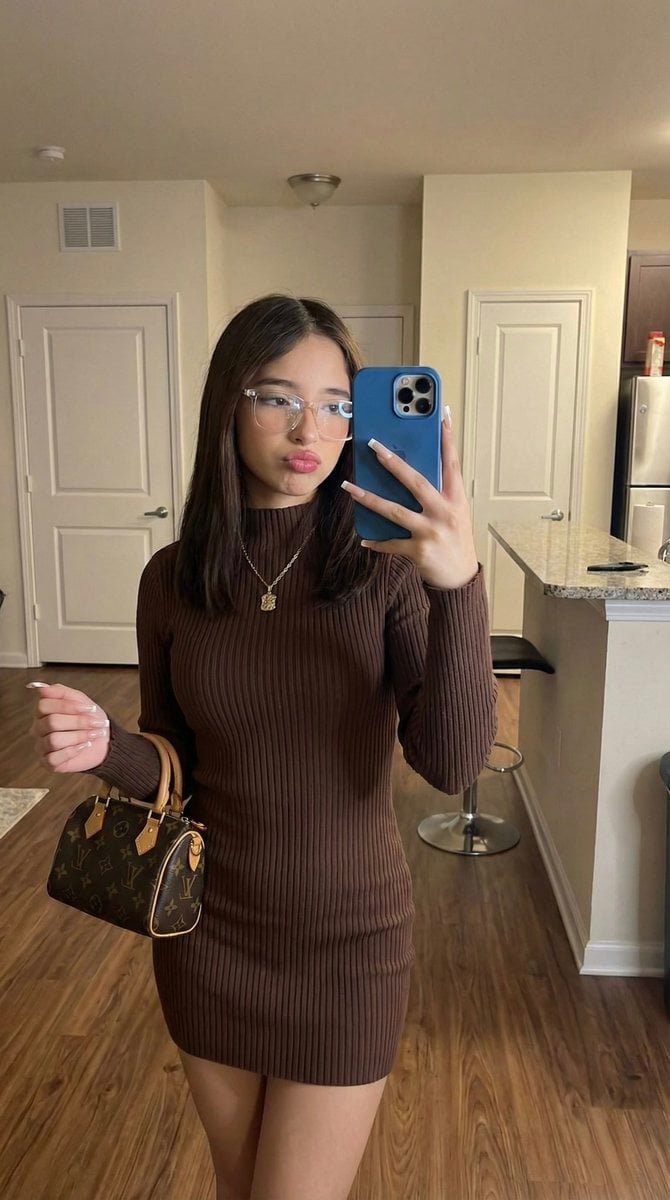
Hyper-Fidelity Mirror Selfie with Identity Locking
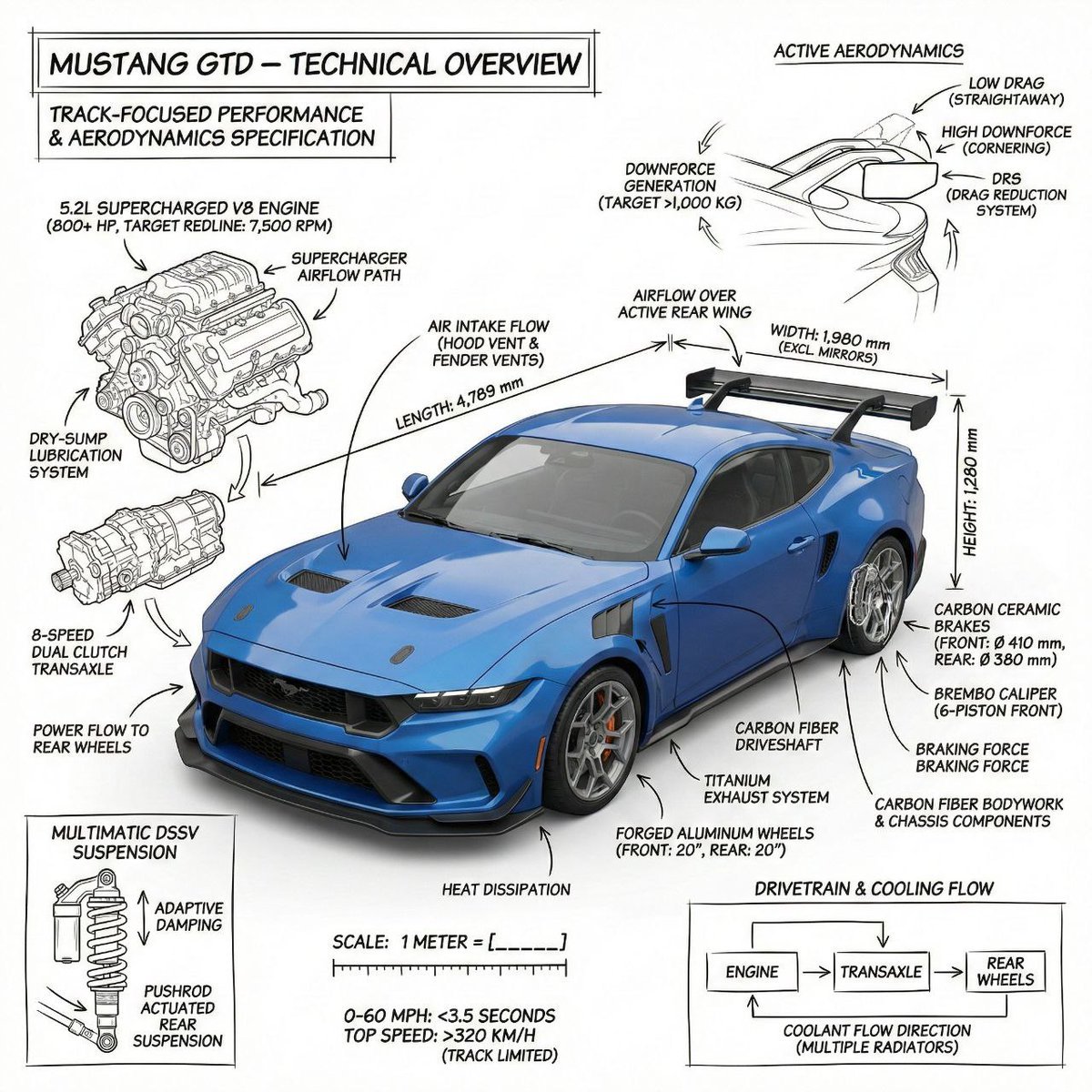
Infographic image of Mustang GTD with technical annotations
Cinematic Academic Signaling Thumbnail
Anime Scuba Diving Character Portrait
Parisian Café Lifestyle Photography
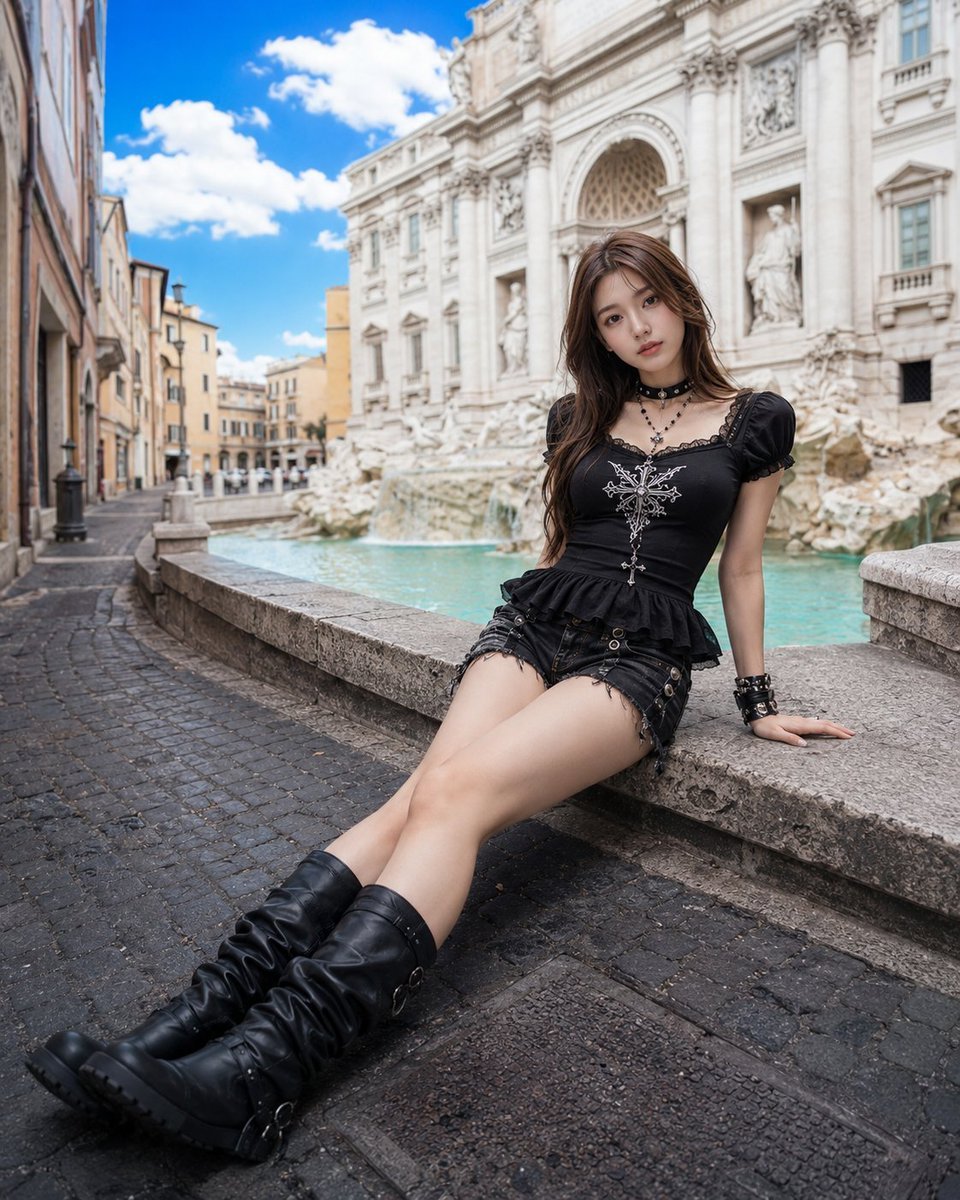
Gothic Fashion at Trevi Fountain
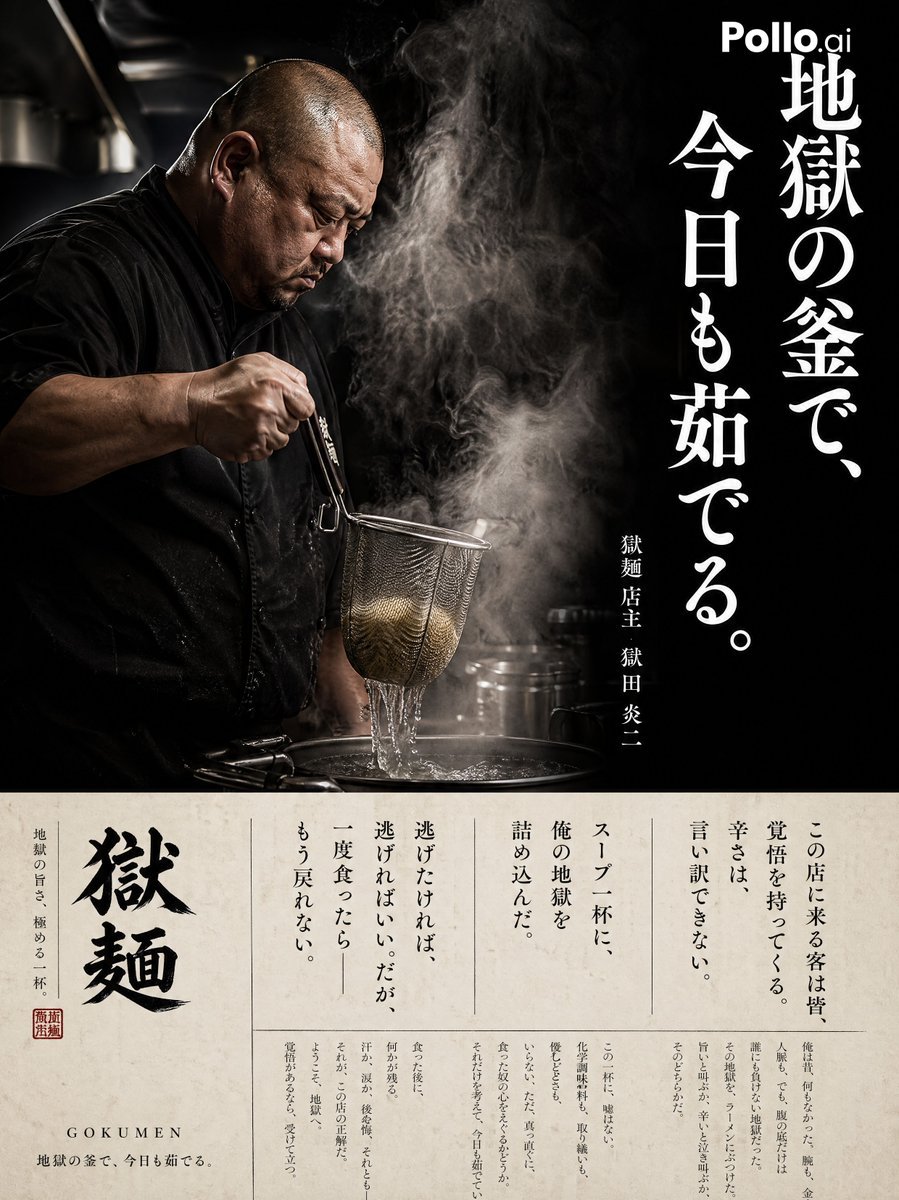
Cinematic Ramen Shop Commercial Poster

Confused Elf Girl at Pastel Desk
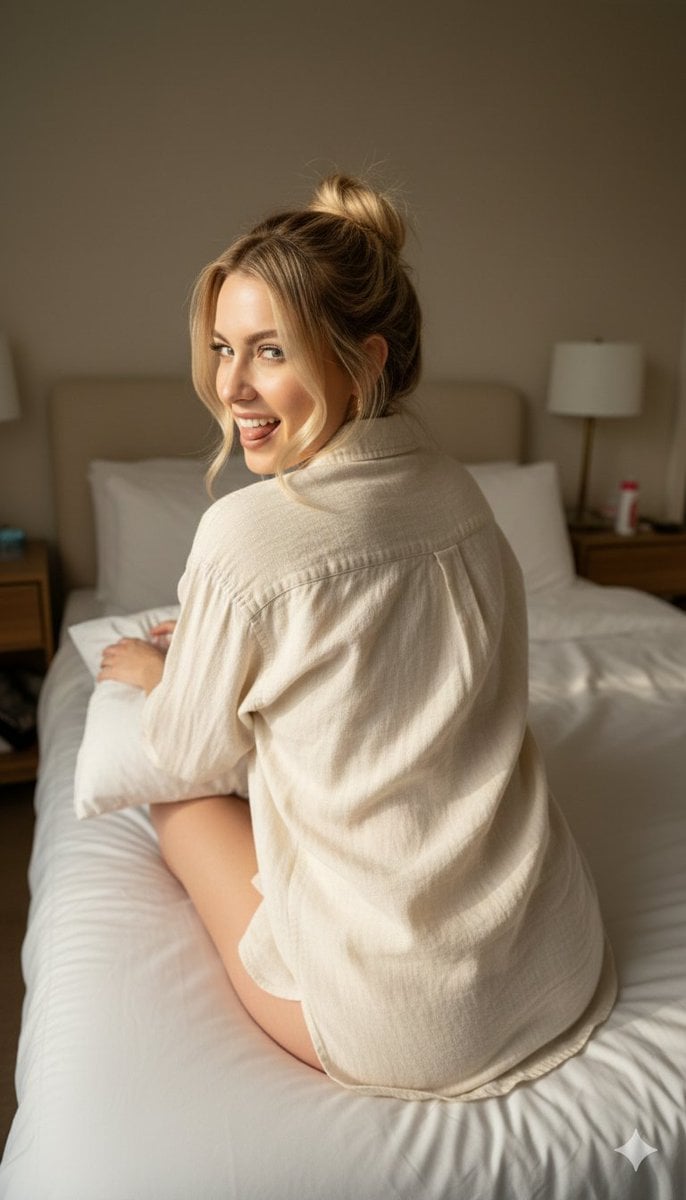
Candid 8K Bedroom Portrait with Playful Expression
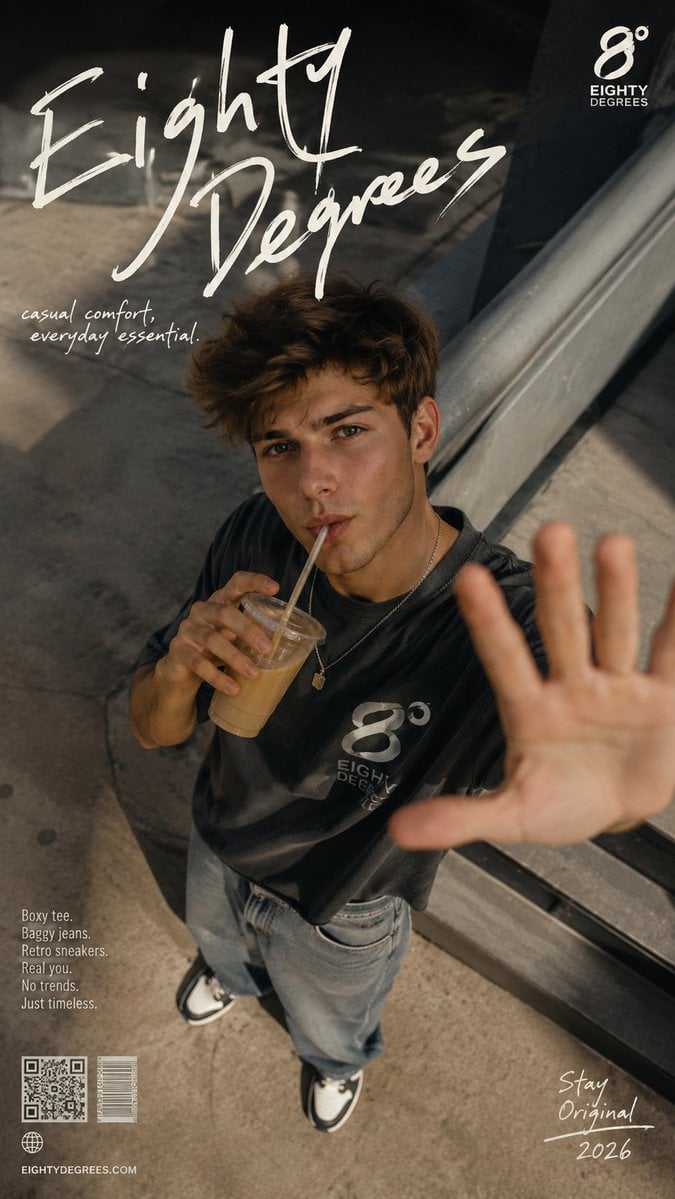
2026 Fashion Editorial Portrait
Browse template categories
Samurai Sniper Dynamic Battle Scene Prompt questions
How do I use the Samurai Sniper Dynamic Battle Scene Prompt template?
Add your photo if the template asks for one, edit the prompt if you like — the template's model and format are already selected — and press Generate. Your version opens in PicX Studio.
Can I customize the Samurai Sniper Dynamic Battle Scene Prompt template?
Yes. You can change the subject, setting, lighting, mood, format, and available model controls before creating your image.
Is the Samurai Sniper Dynamic Battle Scene Prompt template free?
Opening and editing this template is free. Generating uses credits, shown on the Generate button when you are signed in.
Which AI model should I use?
Start with Nano Banana 2, which is the model associated with this template. You can compare another compatible model for a different finish.
Looking for something else? Browse all templates.

Your photo, any look
Thousands of ready templates for every top image and video model, from one credit balance.