How do I use the Gothic Fashion at Trevi Fountain template?
Choose the primary action to open PicX Studio with the available template settings. Review the model and format, personalize the creative direction, and generate when ready.
A realistic vertical travel-fashion photo prompt featuring a gothic-styled woman seated by Rome’s Trevi Fountain. Change the subject, setting, or lighting one variable at a time.
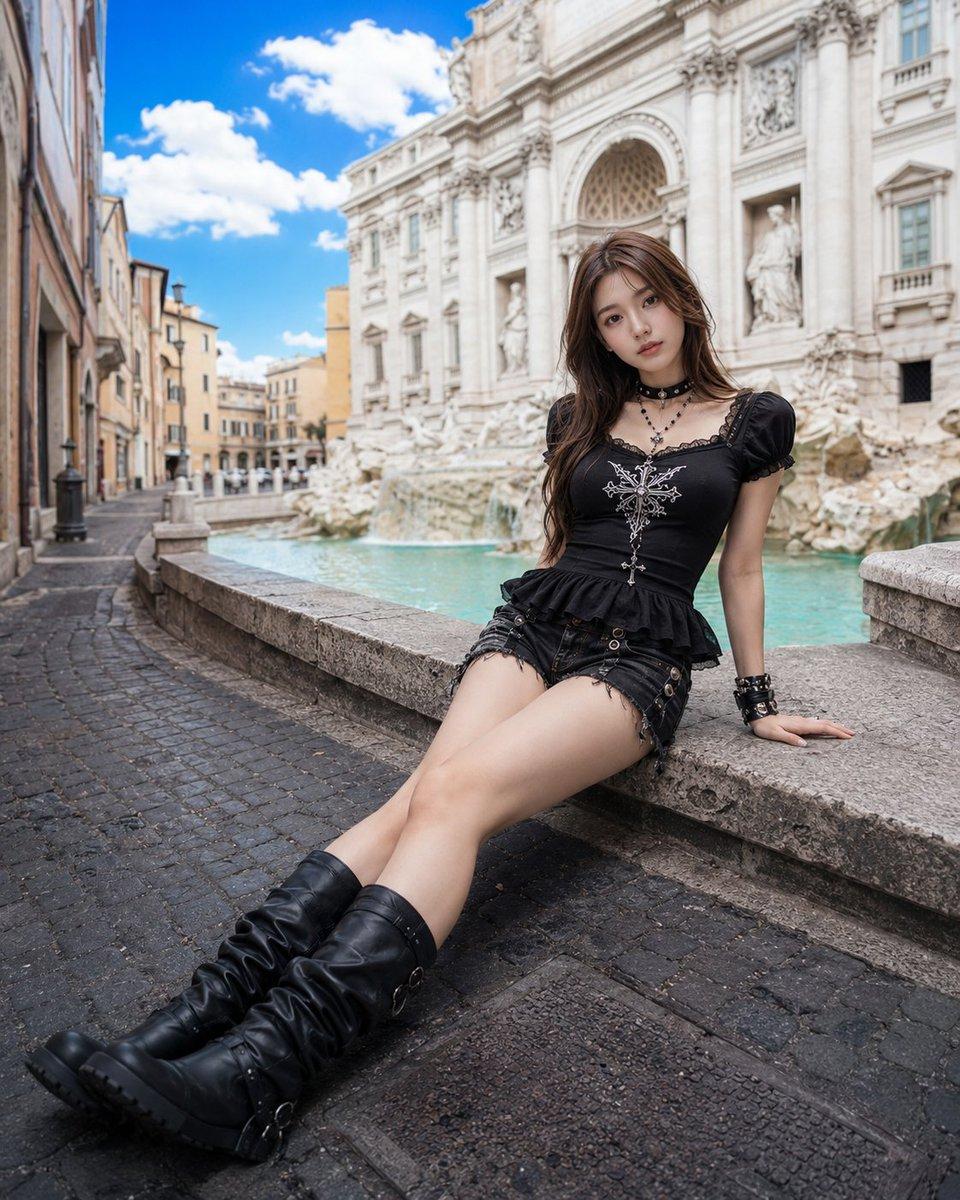
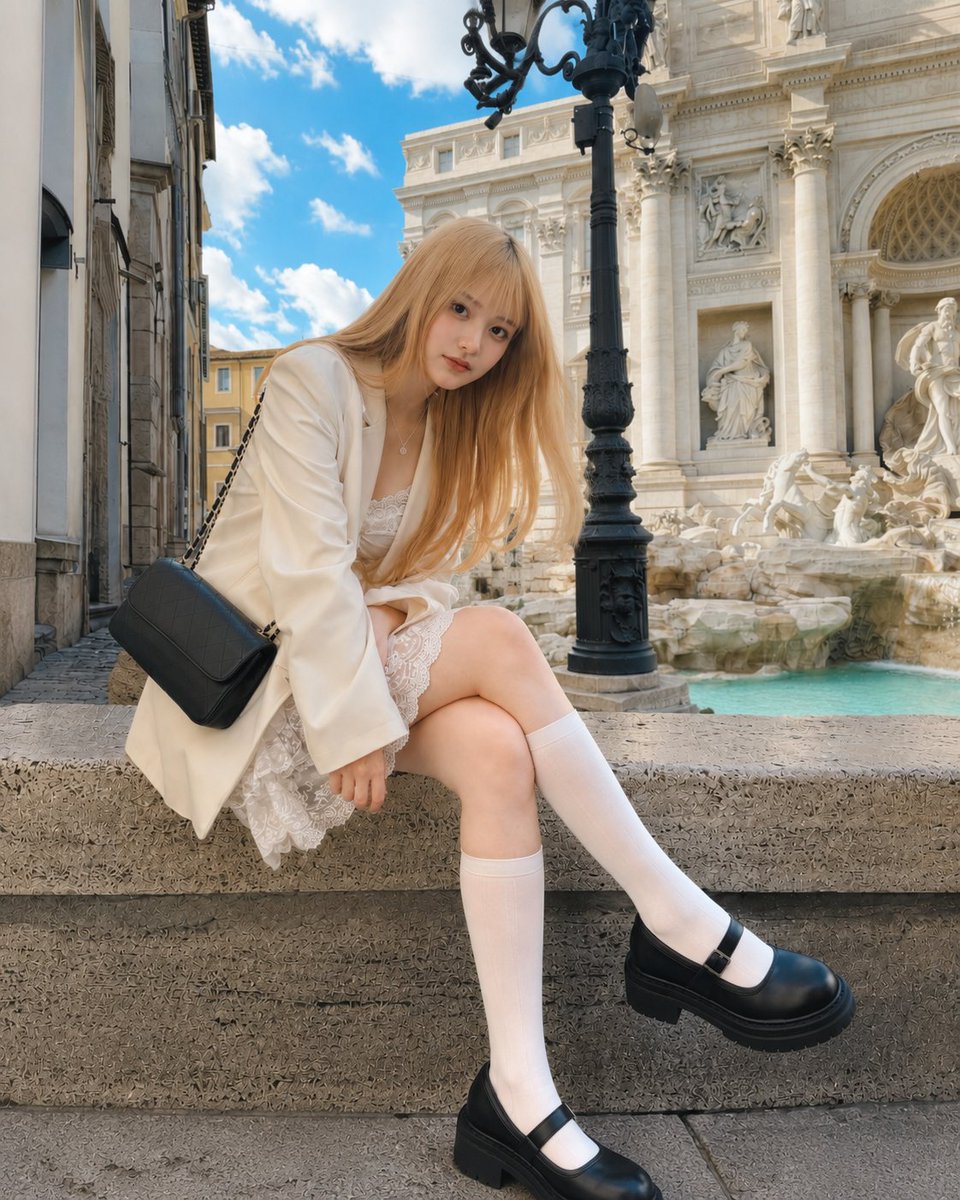
Create a realistic fashion travel photo of a young adult woman with {argument name="hair color" default="long wavy brown hair"} sitting on the stone ledge beside the turquoise water of the Trevi Fountain in Rome, with the ornate white Baroque fountain facade, statues, columns, carved stone, and surrounding narrow cobblestone streets visible in the background under a vivid blue sky with scattered white clouds. She is posed leaning back on one hand with both legs extended diagonally toward the camera, giving a wide-angle street-photography perspective. Her face is intentionally obscured with a smooth rectangular blur while the rest of the scene remains sharp and natural. Outfit: exactly 7 visible gothic fashion elements — 1 black puff-sleeve lace-trim peplum top with a silver cross-like ornamental design on the chest, 1 layered black choker, 1 long black beaded necklace with cross pendants, 1 pair of distressed black denim shorts with straps and metal rings, 1 black studded wrist cuff, 1 pair of tall slouchy black leather boots, and 1 set of dark bracelets on the opposite wrist. Use bright midday natural light, crisp architectural detail, realistic skin and fabric textures, shallow but readable background depth, high-resolution editorial travel style, vertical 4:5 composition, no text, no watermark, no extra people in the foreground.
Choose the primary action to open PicX Studio with the available template settings. Review the model and format, personalize the creative direction, and generate when ready.
Yes. You can change the subject, setting, lighting, mood, format, and available model controls before creating your image.
This template is free to open and customize. Generation usage is shown in PicX Studio before you create.
Start with GPT Image 2, which is the model associated with this template. You can compare another compatible model for a different finish.
© 2026 PicX Studio. All rights reserved.

Follow a topic to a crawlable collection of related PicX Studio templates.
43,474 public templates available. Verified via the PicX Studio public templates API; refreshed hourly.












![Minimalist Flat Vector Travel Poster — Premium minimalist flat-vector travel poster for {argument name="city name" default="[CITY_NAME]"}, 3:4 vertical format.](https://cms-assets.youmind.com/media/1787917359711_3ug846_HQX205cbMAA6F6S-300x400.jpg)