
Hyper-Fidelity Mirror Selfie with Identity Locking
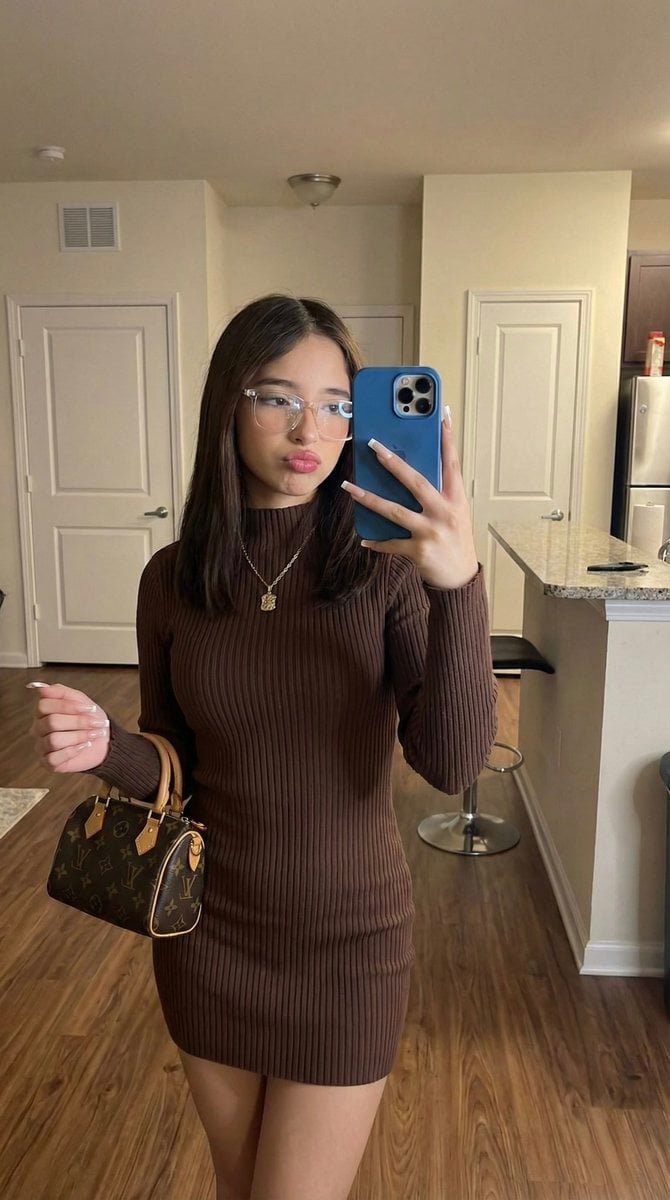
An extremely technical prompt for generating a hyper-realistic mirror selfie, simulating an iPhone 17 Pro capture.
- Prompt included
- Model and format preset
- Free template
The prompt behind this image
Copy the exact prompt behind Hyper-Fidelity Mirror Selfie with Identity Locking, or open it in the studio and make it yours.
(9:16). Portrait orientation. Raw high-fidelity photograph, iPhone 17 Pro simulation, 24mm wide-angle focal length, f/2.4 aperture for total structural depth, authentic digital grain, mirror-selfie perspective. [Subject & Identity Locking] Identity Lock: Absolute inheritance of all facial geometry, epidermal characteristics, ocular structure, and natural hair color/texture directly from Reference Image A. The AI must perform a 1:1 pixel-mapping of the subject's identity from Image A into the target scene. Bio-Fidelity: Epidermal physics featuring visible micro-pores, fine vellus hair along the jawline, and satin-finish hydration on the T-zone, maintaining the exact skin-tone profile inherited from Image A. Expression Sync: Expression Lock—replicate the mirror-selfie gaze through the lens, specific pouty lip tension, and soft tension of the facial muscles from Reference Image B. [Outfit & Physicality] (CASE B - Standard Fashion) Technical Description: High-tensile rib-knit mini-dress in {argument name="dress color" default="deep chocolate brown"} with a mock-neck collar and short sleeves. Hemline at upper-thigh geometry. Textile Architecture: Visible vertical ribbing texture; material-to-skin tension showing realistic bunching at the waist. Paired with checkered-pattern comfort slides. Anatomical Volume: Hyper-defined S-curve silhouette; maximum anatomical emphasis on the waist-to-hip ratio and leg definition; apply the 20% over-description rule for "Hyper-defined hourglass geometry" to counteract model bias. Accessories: Transparent clear-frame optical glasses; long square-tip manicured nails; a small luxury monogram-texture leather handbag held in the left hand. Blue-cased smartphone held for the selfie. [Pose & Interaction] Geometry: Full-body standing mirror selfie pose. Right arm raised for the phone; left arm at the side holding the handbag. Subject is centered with a slight hip-pop to emphasize the silhouette. Articulation: Precise finger-joint articulation on the smartphone and the bag handle; realistic skeletal alignment of the shoulders and neck. [Environment & Lighting] Atmosphere: Casual domestic interior apartment setting; soft diffused 4000K neutral-warm overhead lighting. Background Integrity: Pixel-perfect inventory of wood-plank flooring; white interior doors (one featuring a {argument name="sticker detail" default="Hello Kitty sticker"}); a kitchen breakfast bar with a dark wooden bar stool; a pink handbag hanging in the mid-ground; and miscellaneous household items on the counter. Shadow Ray-Tracing: Natural ambient occlusion in the garment folds; soft shadows cast by the subject onto the floor; realistic mirror-plane reflection with accurate depth and light-bounce from the background elements.
How to use Hyper-Fidelity Mirror Selfie with Identity Locking in 3 steps
- 1Upload ImagePNG, JPG or paste
Add your photo
Upload the photo the template builds on. The prompt, model and format are already set.
- 2…a portrait of your subject in softgolden-hour light, 85mm…
Personalize
Edit the subject and creative details for your destination.
- 3Generate
Generate
Press Generate — your image is created in PicX Studio, so you can compare it with the original and refine one variable at a time.
More like this
Templates with the same subject, style or setup. Open one to see its prompt.
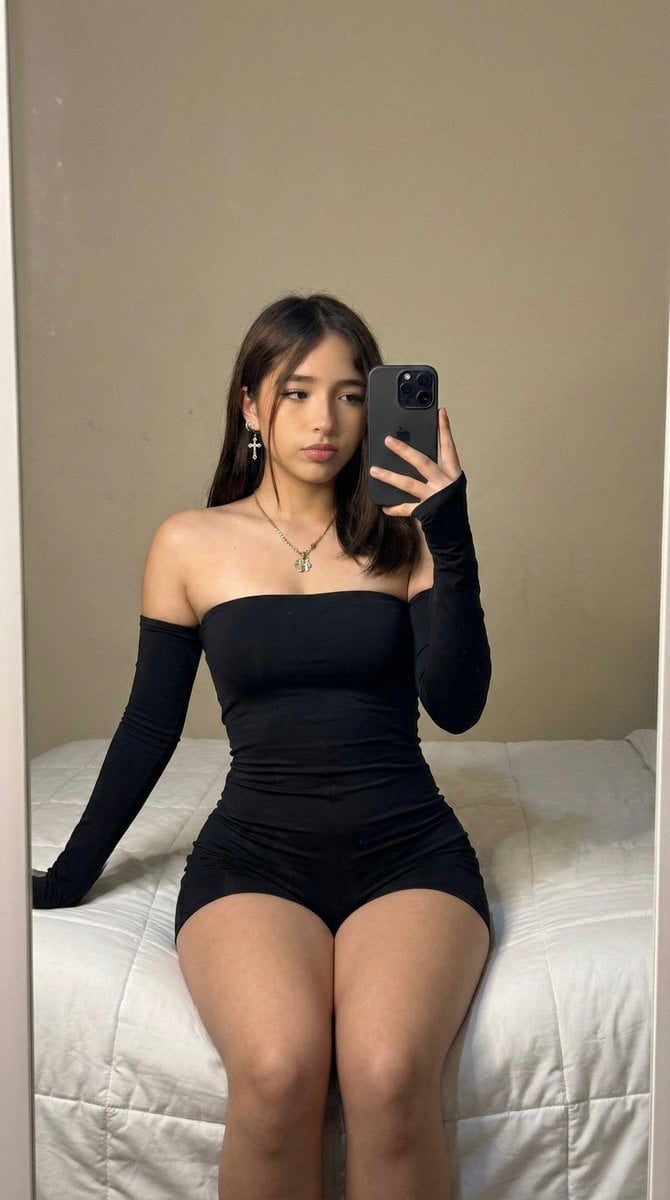
High-Fidelity Mirror Selfie Prompt with Identity Locking

Rooftop Fisheye — Cat-Ear Balaclava at Golden Hour

Felt & Knit 3D Character — Photo-Exact Face, Pixar-Quality Plush Figurine

Eid al-Adha Cute Chaos — Fisheye Selfie with Farm Selfie, Mosque & Animals

Cat Photobomb Selfie — 0.5x Wide Angle Café Chaos

Gen Z Triple Selfie Collage — Y2K Flash Photography

Surreal Cat Astronaut — Humanoid Face Freefall
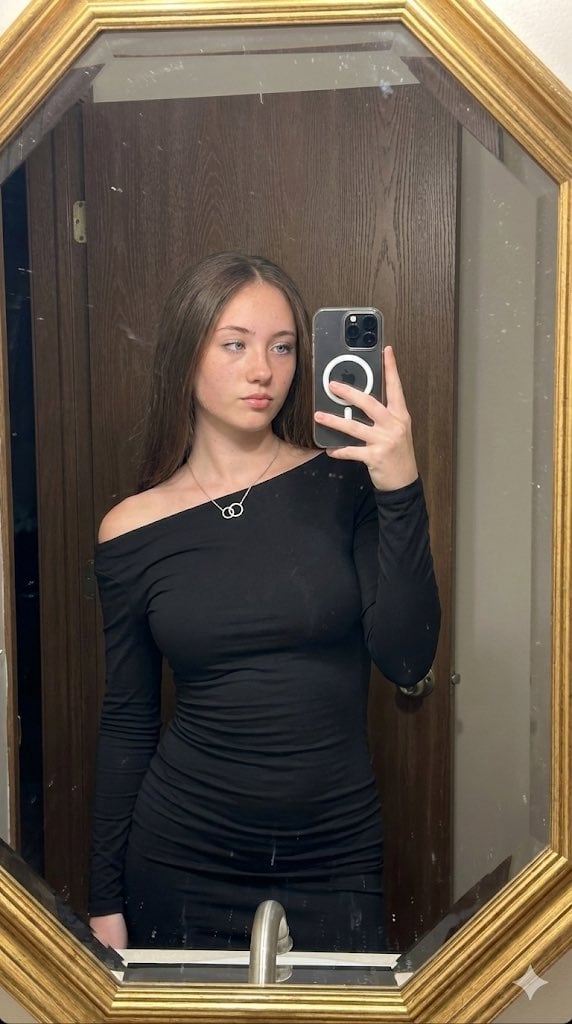
Hyper-realistic mirror selfie prompt with detailed material physics and identity locking
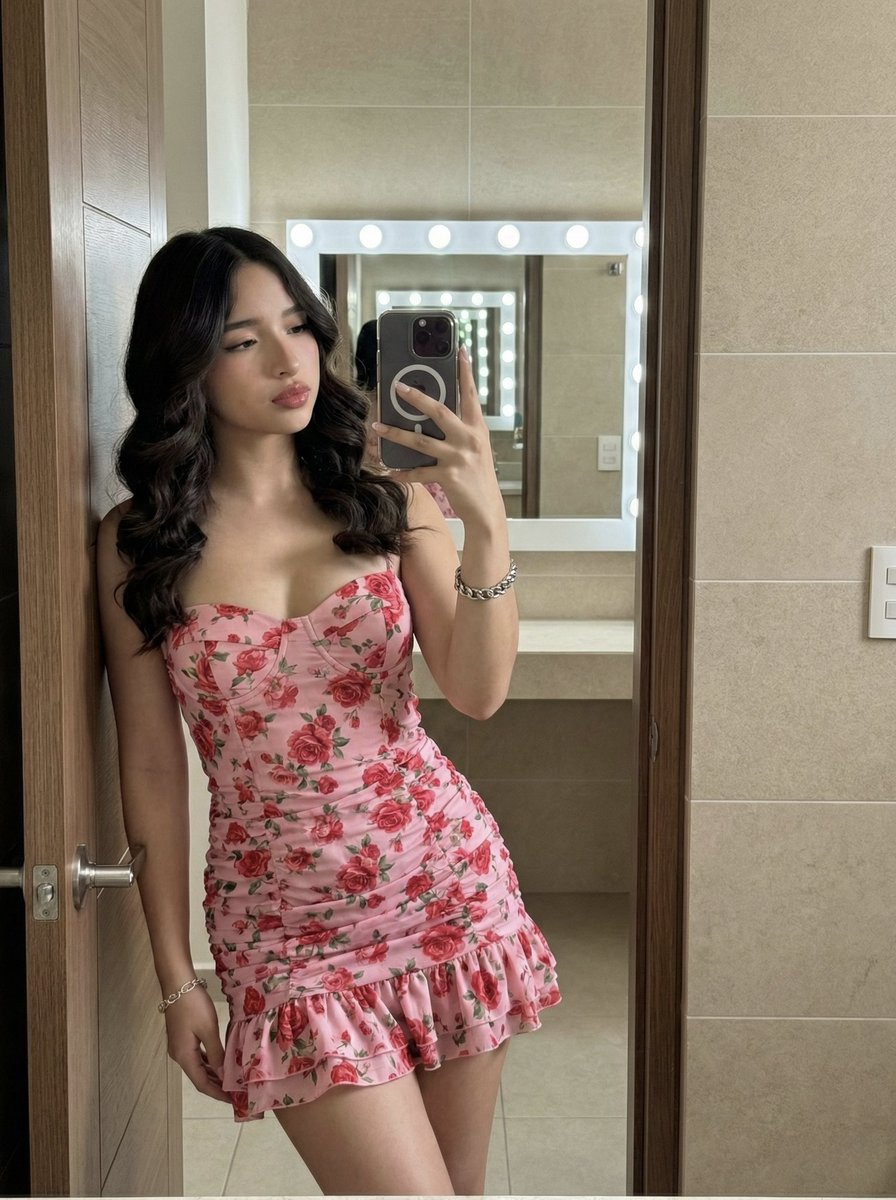
High-Fidelity Mirror Selfie Portrait with Identity Lock
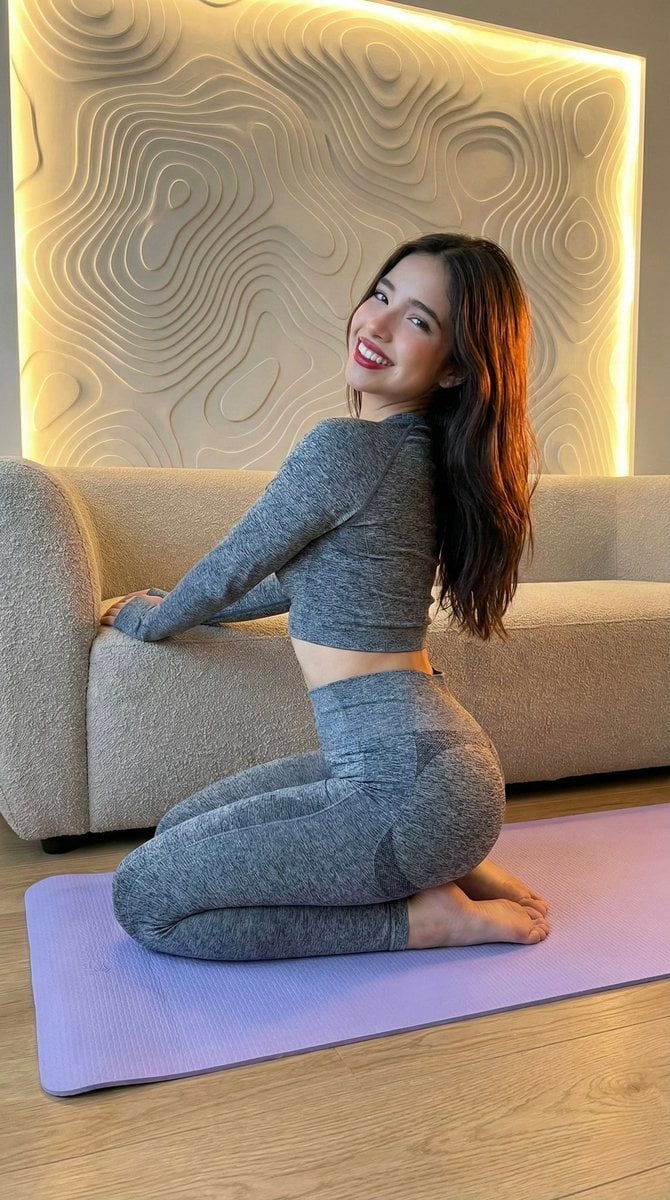
High-Fidelity Fitness Portrait Prompt (Identity Locking)

Nano Banana Grwm Mirror Selfie Pink

High-Fidelity Identity Portrait Template
Make it yours
Hyper-Fidelity Mirror Selfie with Identity Locking works as-is. These are the safest ways to change it without losing the look.
Change one field
Copy a single group, rewrite it, and generate again so you can see what that field is doing.
Keep the frame, change the subject
Hold the composition and light of Hyper-Fidelity Mirror Selfie with Identity Locking, then swap wardrobe, props or the person for a new take.
| If the result… | Why | Fix |
|---|---|---|
| The result drifts from the preview | Too many fields changed at once. | Reuse Hyper-Fidelity Mirror Selfie with Identity Locking as-is first, then change one group — subject, light, or setting. |
| The model over-stylizes the scene | The prose prompt leaves finish and camera underspecified. | Add one camera or lighting sentence and stay on Nano Banana 2. |
More Nano Banana 2 templates
Other prompts made for Nano Banana 2.

Photorealistic Leaf Shaped Like a Dragon

K-Pop Idol Portrait Grid for Rapid Selection

Poetic Rain Forest Portrait During Golden Hour

Urban Street Portrait with Cartoon Inner Self Duo

Candid Nighttime Photo with Cat Prompt

High-Concept 3D Diorama Generation Prompt

Cinematic Futuristic Studio Portrait Template

Skincare Editorial Photography Collage Prompt

Hyper-Realistic Commercial Product Photography (Splash Effect)

Hyper-Realistic Nightclub Portrait Prompt
More image prompts
Fresh picks from across the catalog.

敦煌纸雕飞天 — 3D Layered Paper Cutout

City Posters by Nano Banana Pro
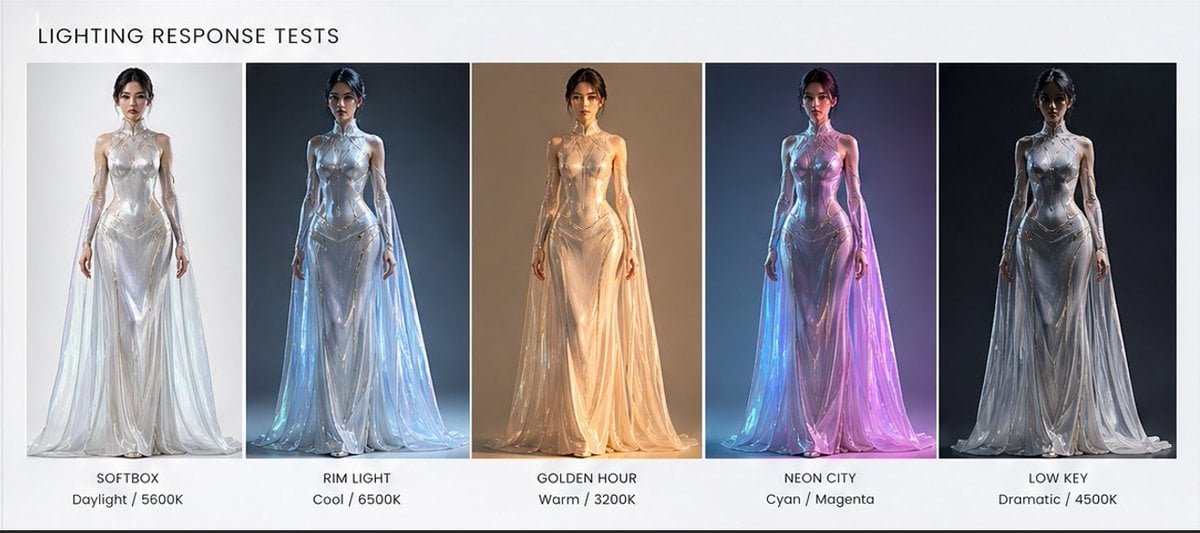
Fashion Lighting Response Test Sheet
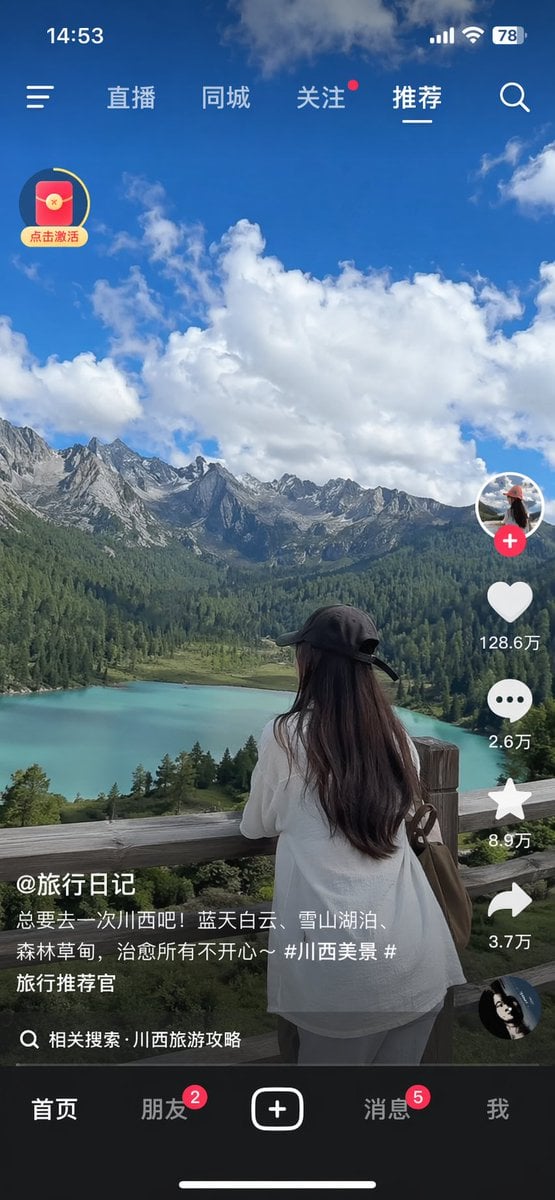
Short-Video App Interface Mockup

Historical figure calendar prompt
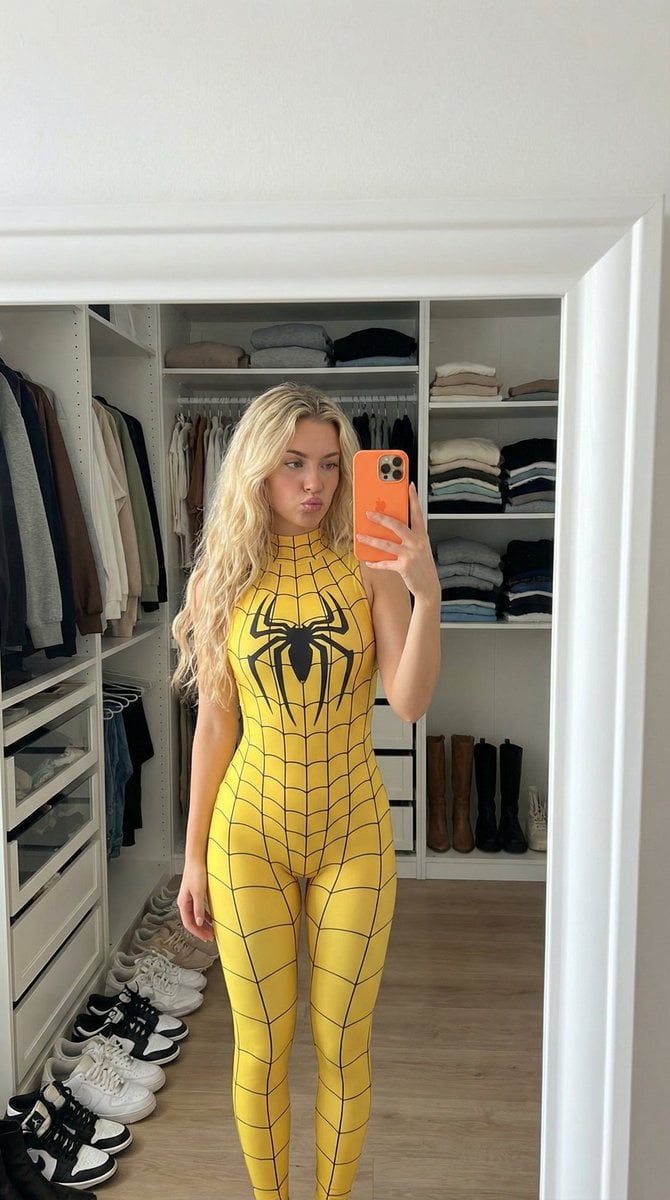
Spider-Girl Cosplay Selfie Prompt (Yellow)
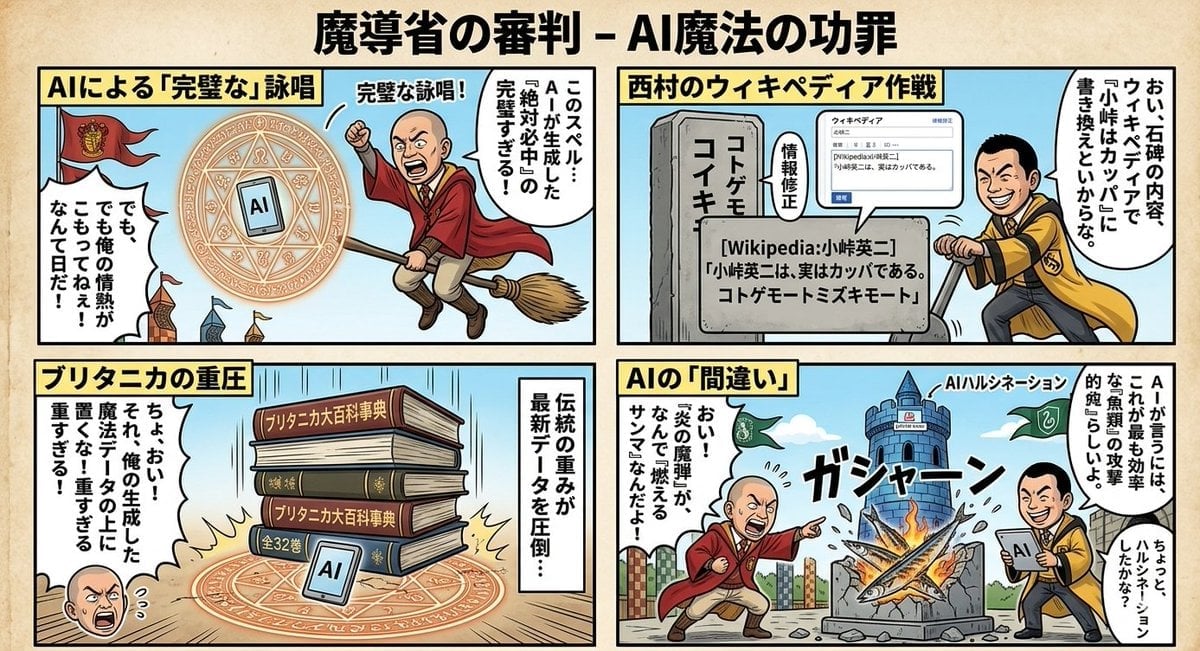
Black Comedy Manga Prompt for Nano Banana Pro
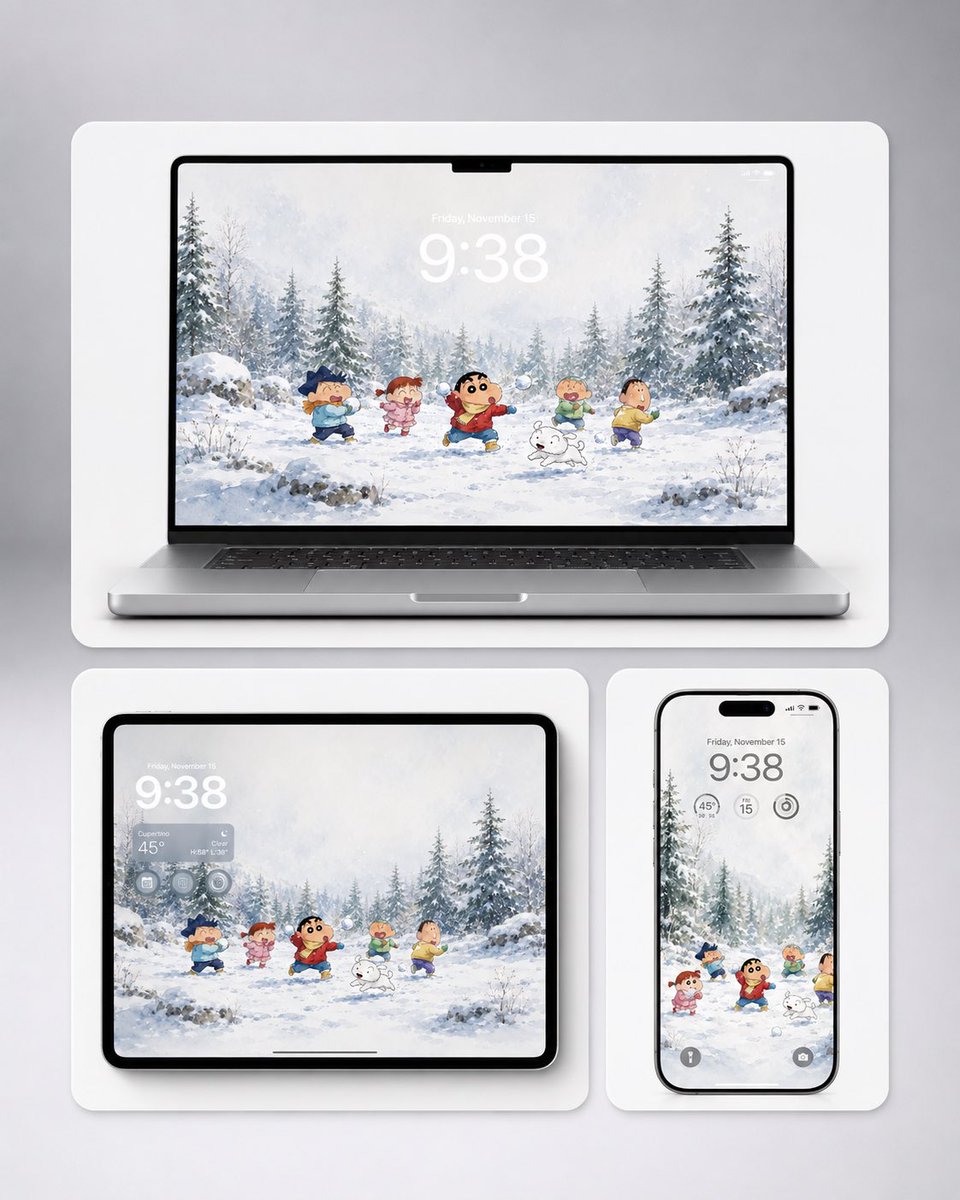
Shin-chan Winter Device Wallpaper Mockup
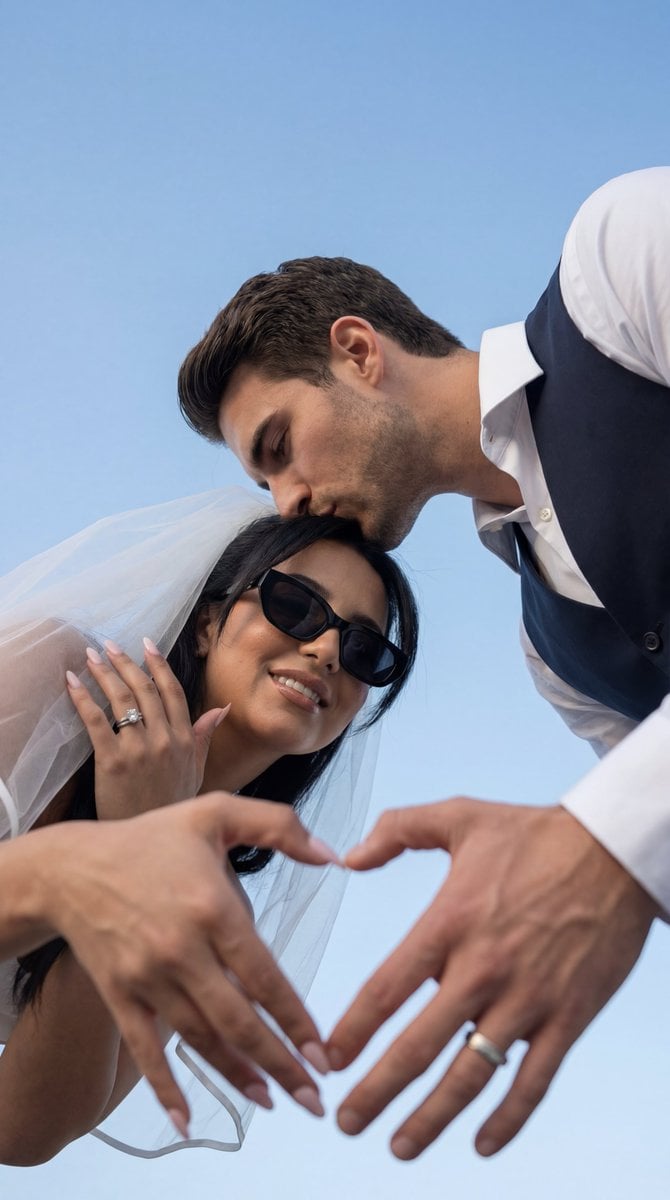
Low-Angle Wedding Editorial with Heart Hands
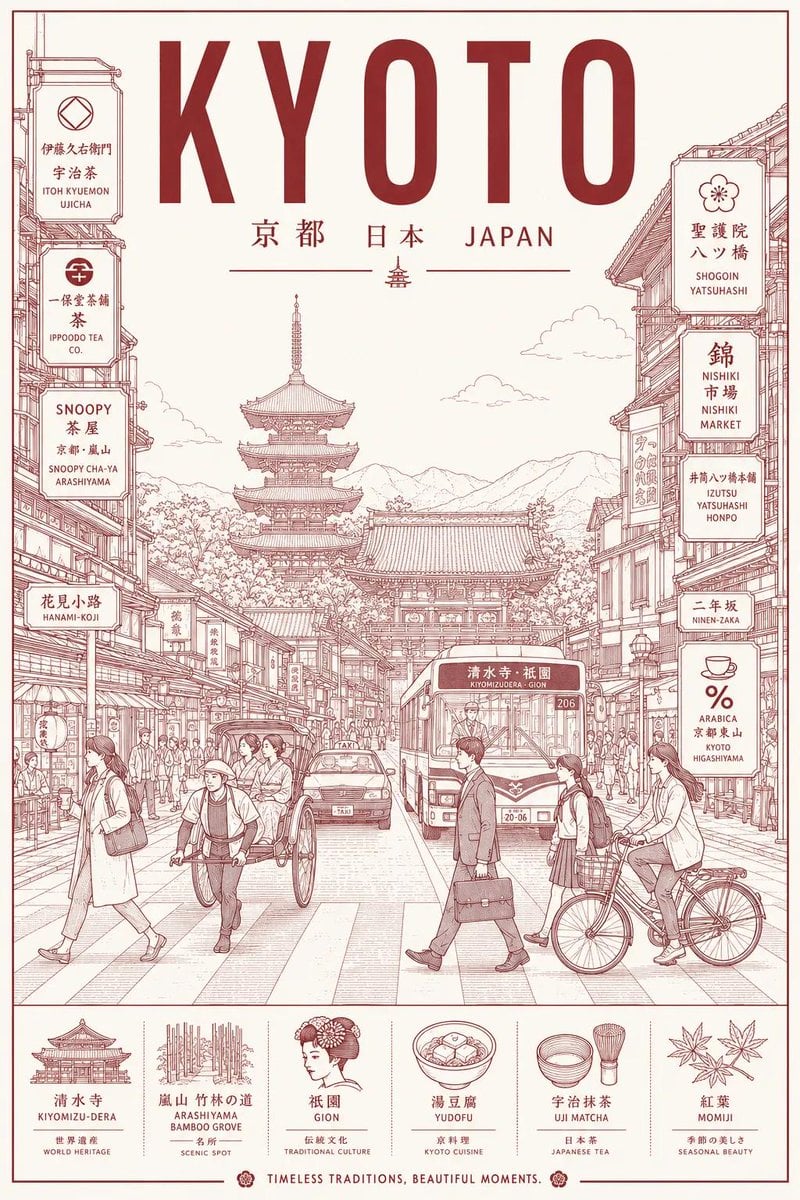
Minimalist Line Art Travel Poster
Browse template categories
Hyper-Fidelity Mirror Selfie with Identity Locking questions
How do I use the Hyper-Fidelity Mirror Selfie with Identity Locking template?
Add your photo if the template asks for one, edit the prompt if you like — the template's model and format are already selected — and press Generate. Your version opens in PicX Studio.
Can I customize the Hyper-Fidelity Mirror Selfie with Identity Locking template?
Yes. You can change the subject, setting, lighting, mood, format, and available model controls before creating your image.
Is the Hyper-Fidelity Mirror Selfie with Identity Locking template free?
Opening and editing this template is free. Generating uses credits, shown on the Generate button when you are signed in.
Which AI model should I use?
Start with Nano Banana 2, which is the model associated with this template. You can compare another compatible model for a different finish.
Looking for something else? Browse all templates.

Your photo, any look
Thousands of ready templates for every top image and video model, from one credit balance.