
Dynamic Smoothie Bowl Food Photography
Curated from MeiGen gallery (ID: 2009157208240755151) by ShaHid WaNii.

- Prompt included
- Model and format preset
- Free template
The prompt behind this image
Copy the exact prompt behind Dynamic Smoothie Bowl Food Photography, or open it in the studio and make it yours.
{ "resolution": "8K UHD", "aspect_ratio": "3:4", "image_style": "hyper-realistic commercial food photography", "global_settings": { "quality": "Ultra-high detail, sharp focus, studio-grade clarity", "lighting": "Soft but controlled studio lighting with visible highlights and splash definition", "motion": "Frozen mid-air action, ingredients suspended", "background_style": "Solid or smooth gradient background, color varies per module", "camera": "High-speed photography look, shallow to medium depth of field", "post_processing": "Balanced contrast, natural saturation, no artificial glow" }, "modules": { "module_1_berry_smoothie_explosion": { "scene_description": "A vibrant smoothie bowl exploding with fruit and liquid splashes", "bowl": { "color": "Deep blue ceramic bowl", "finish": "Glossy", "position": "Centered, floating mid-air" }, "base_contents": { "type": "Thick berry smoothie", "color": "Deep purple-magenta", "texture": "Creamy with visible swirl marks" }, "ingredients": { "fruits": [ "Banana slices (round, pale yellow)", "Blueberries (whole, dark blue)", "Raspberries (whole, red)" ], "herbs": [ "Fresh mint leaves (bright green)" ] }, "motion_effects": { "liquid": "Berry smoothie splashing upward and outward", "particles": "Small droplets suspended in air" }, "background": { "color": "Bright pink", "texture": "Smooth, seamless" } }, "module_2_minimal_pink_smoothie_bowl": { "scene_description": "Minimalist floating smoothie bowl with granola and berries", "bowl": { "color": "Light pink ceramic bowl with dark speckles", "finish": "Matte", "position": "Floating centrally" }, "base_contents": { "type": "Smoothie", "color": "Soft pink with purple undertones", "texture": "Thick and smooth" }, "toppings": { "granola": "Golden-brown oat clusters", "seeds": "Small black seeds scattered", "fruits": [ "Strawberries (halved)", "Raspberries (whole)", "Blackberries (whole)" ] }, "motion_effects": { "ingredients": "Granola flakes, seeds, and berries floating gently" }, "background": { "color": "Pastel lavender", "gradient": "Subtle, soft gradient" } }, "module_3_cereal_milk_honey_splash": { "scene_description": "Dynamic cereal stack with milk splash and honey drizzle", "bowl": { "color": "Blue ceramic bowl", "finish": "Glossy", "position": "Centered, resting visually but surrounded by motion" }, "contents": { "cereal": "Golden cornflakes stacked vertically", "milk": "White milk splashing and dripping over flakes", "fruits": [ "Raspberries", "Blueberries" ] }, "additional_elements": { "honey": { "source": "Wooden honey dipper", "state": "Honey dripping mid-air" } }, "motion_effects": { "splashes": "Milk splashes frozen in dramatic arcs", "particles": "Floating flakes and droplets" }, "background": { "color": "Deep blue", "tone": "High contrast" } }, } }
How to use Dynamic Smoothie Bowl Food Photography in 3 steps
- 1
Open
The prompt is already in the box next to the preview, with the template's model and format selected.
- 2…a portrait of your subject in softgolden-hour light, 85mm…
Personalize
Edit the subject and creative details for your destination.
- 3Generate
Generate
Press Generate — your image is created in PicX Studio, so you can compare it with the original and refine one variable at a time.
More like this
Templates with the same subject, style or setup. Open one to see its prompt.
Travel Ad Phone Portal 3D Effect
Cocktail Studio Photography Tropical
Music Album Cover Abstract Liquid Mercury

Dual Car Typography Poster Series

Sci-Fi AI Battle Movie Poster
Commercial Product Splash Photography
AI Edited Ultra High Definition Scene
Holographic Car Blueprint Wireframe
Chibi Designer Toy Character on Smartphone
Flower Petal Sunglasses Couture Portrait

Fashion Portrait Colored Smoke Studio

Watercolor Children Book Illustration
Make it yours
Dynamic Smoothie Bowl Food Photography works as-is. These are the safest ways to change it without losing the look.
Change one field
Copy a single group, rewrite it, and generate again so you can see what that field is doing.
Keep the frame, change the subject
Hold the composition and light of Dynamic Smoothie Bowl Food Photography, then swap wardrobe, props or the person for a new take.
| If the result… | Why | Fix |
|---|---|---|
| The result drifts from the preview | Too many fields changed at once. | Reuse Dynamic Smoothie Bowl Food Photography as-is first, then change one group — subject, light, or setting. |
| The model over-stylizes the scene | The prose prompt leaves finish and camera underspecified. | Add one camera or lighting sentence and stay on PicX Studio. |
More image prompts
Fresh picks from across the catalog.
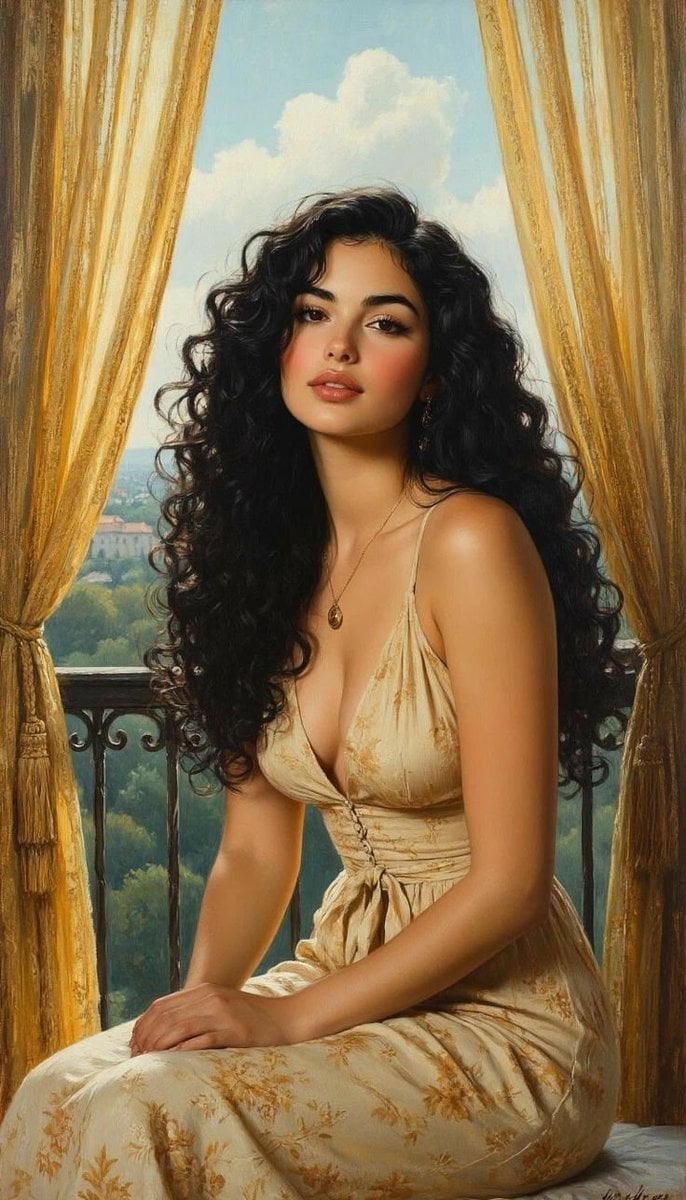
Romantic Painterly Portrait on European Balcony
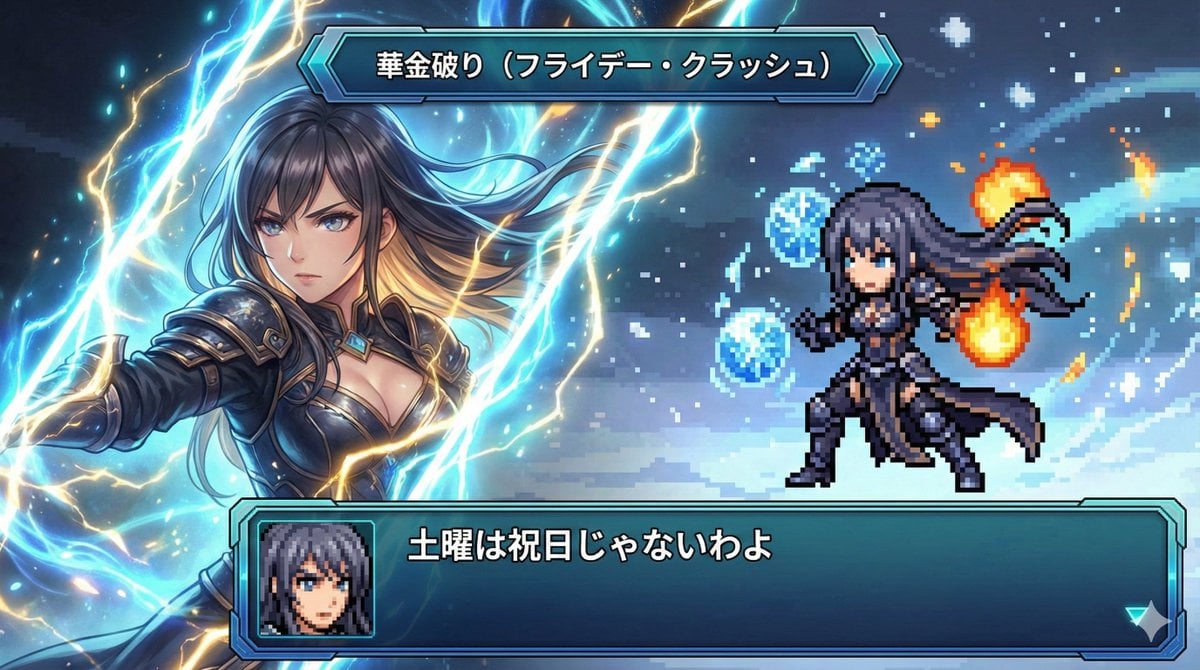
Super Robot Wars Style Witch Rejecting Friday
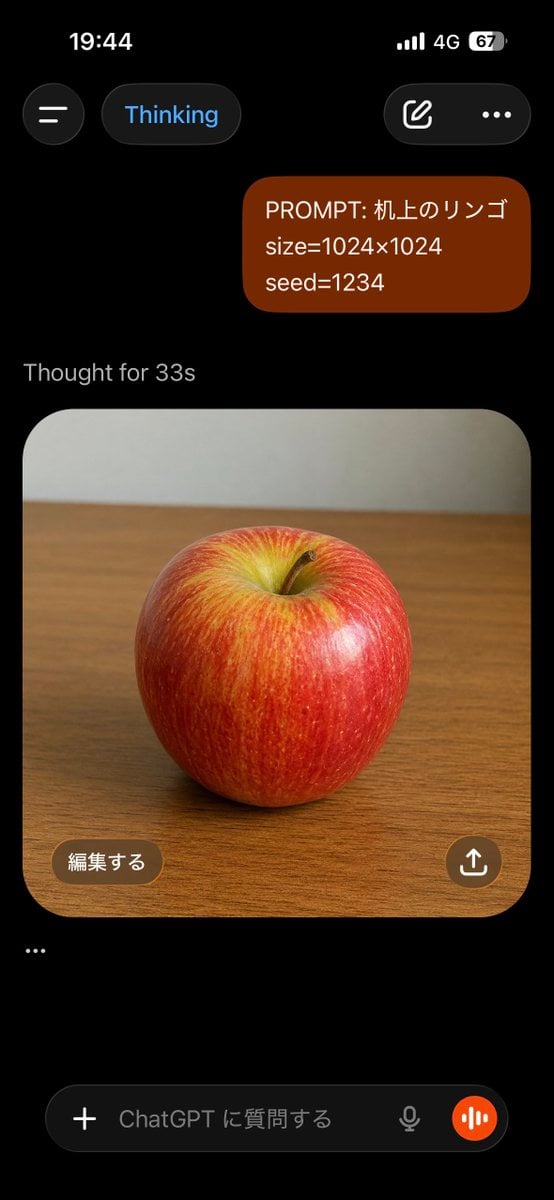
ChatGPT Apple Generation Screenshot
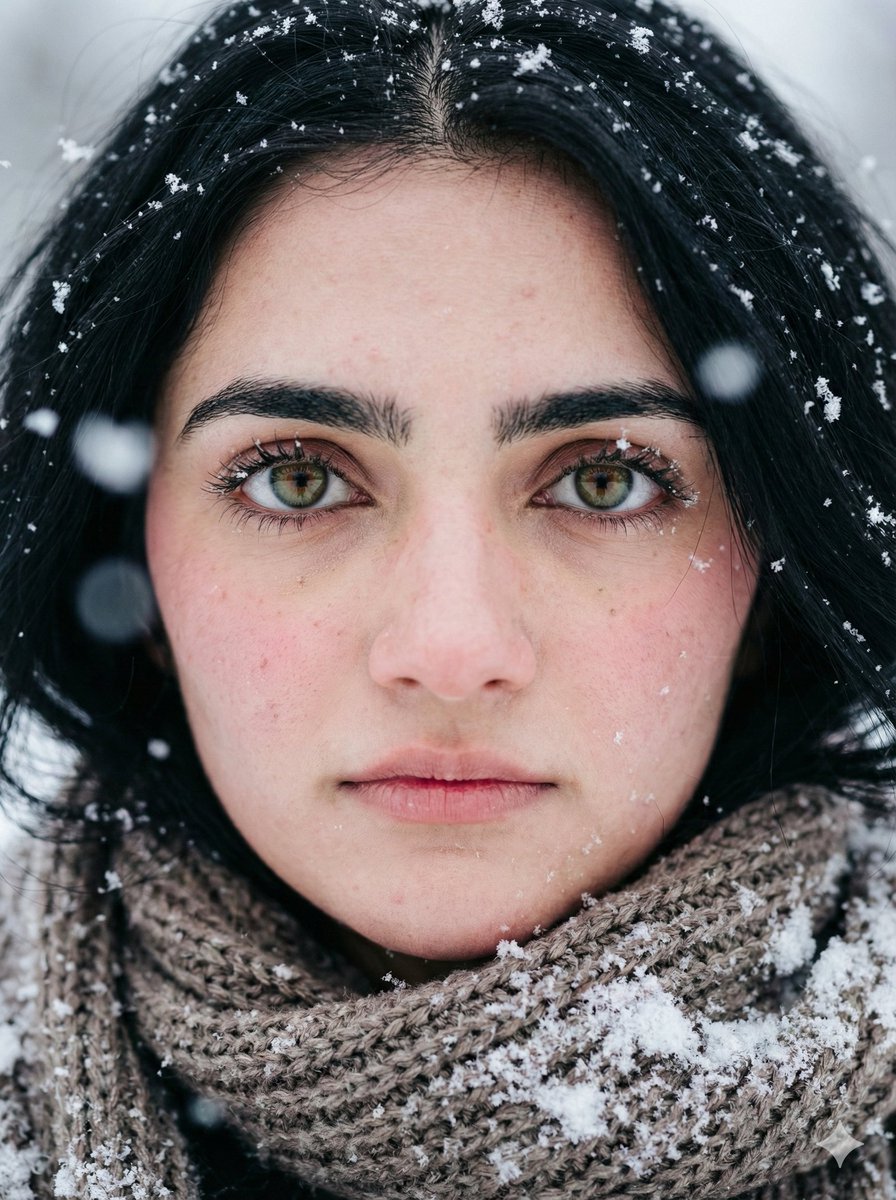
Extreme Close-up Winter Portrait (Rukmini Vasanth)

Microwave Deity Mascot Sheet
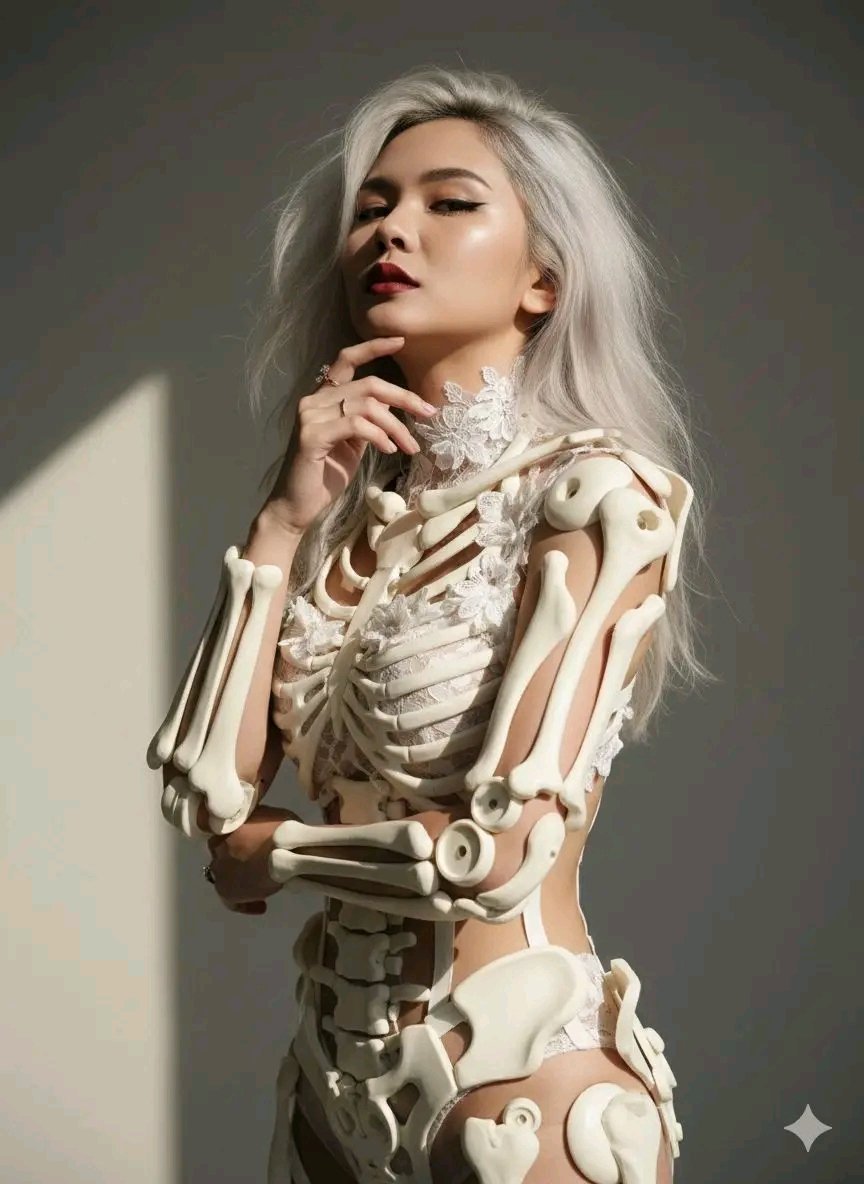
Avant-Garde Sculptural Portrait with Skeletal Elements
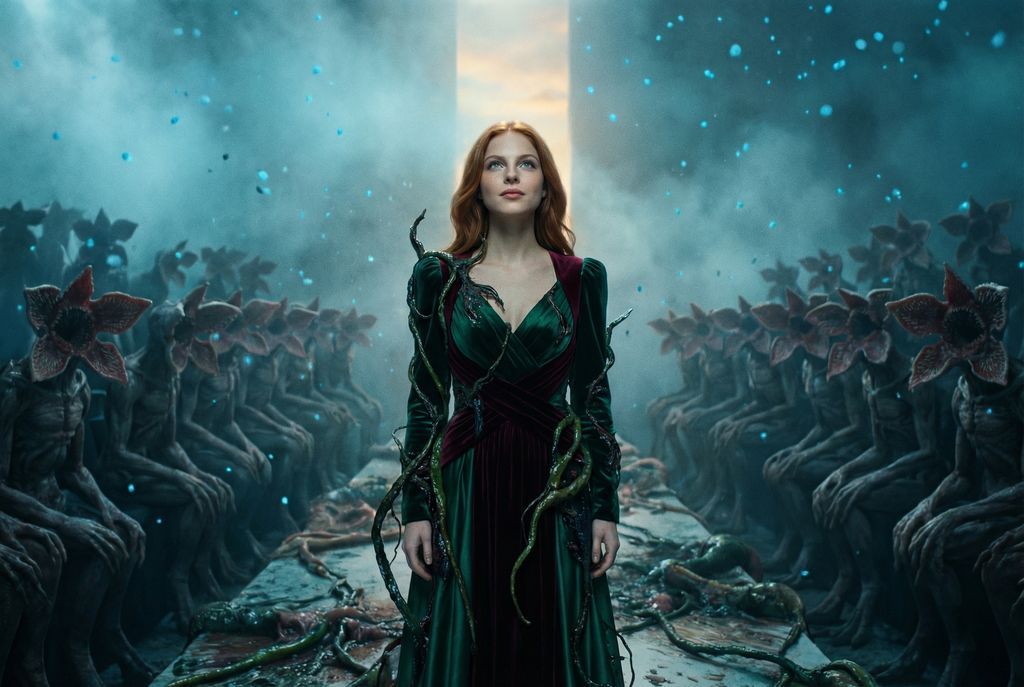
Stranger Things Inspired High-Fashion Editorial Prompt
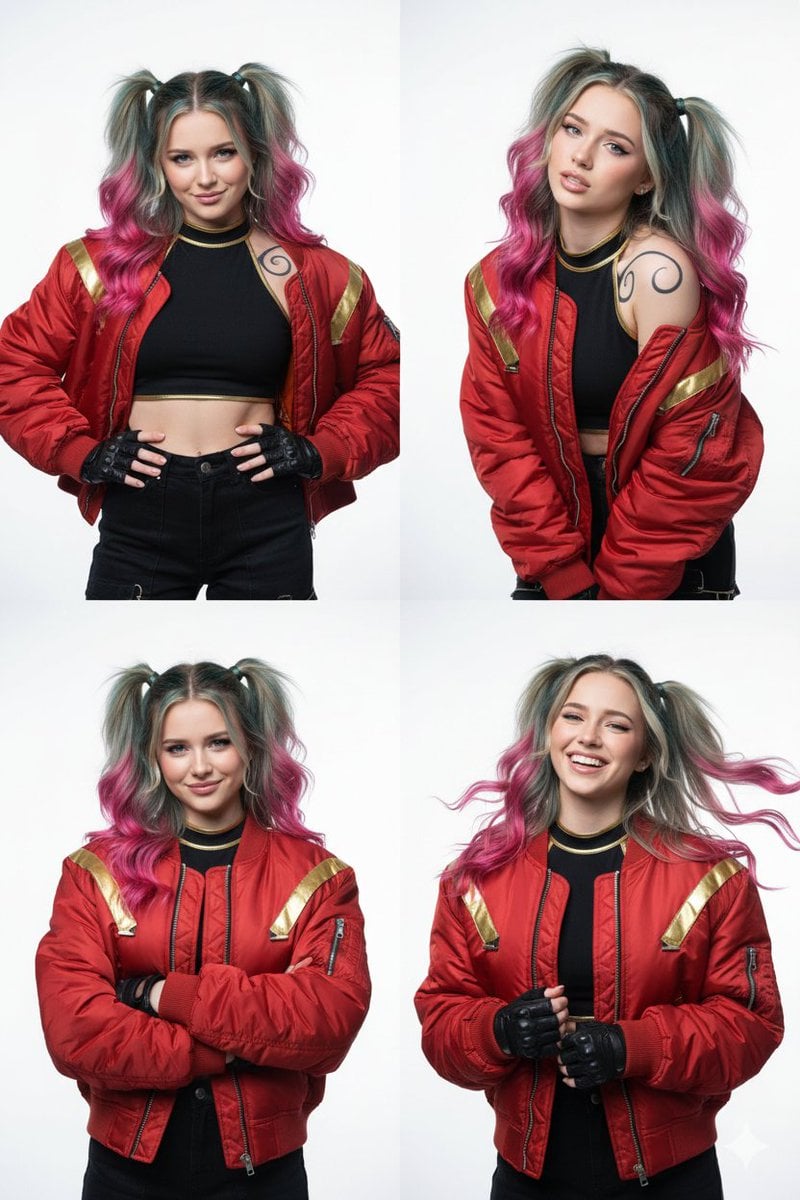
2x2 Grid of Cyber-Punk Portrait Shots
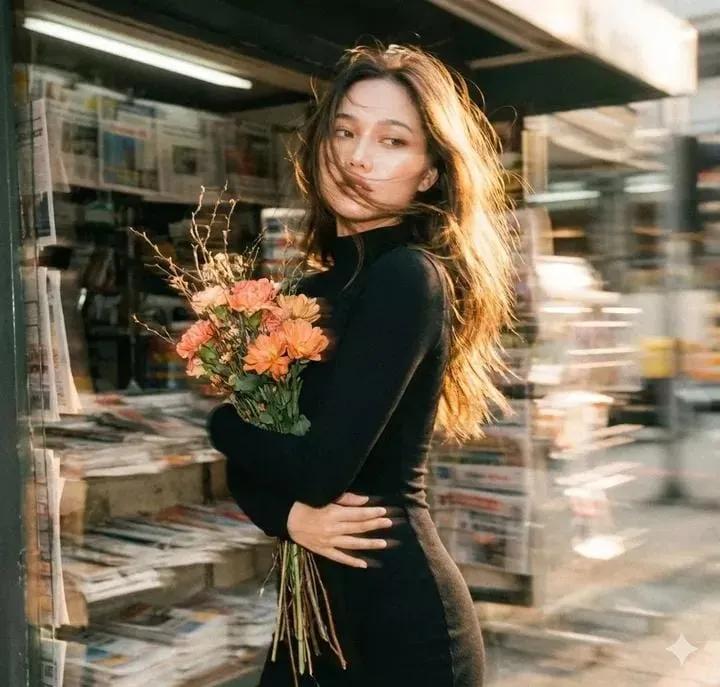
Vintage Film Motion Portrait

Luxury Fitness Campaign
Browse template categories
Dynamic Smoothie Bowl Food Photography questions
How do I use the Dynamic Smoothie Bowl Food Photography template?
Add your photo if the template asks for one, edit the prompt if you like — the template's model and format are already selected — and press Generate. Your version opens in PicX Studio.
Can I customize the Dynamic Smoothie Bowl Food Photography template?
Yes. You can change the subject, setting, lighting, mood, format, and available model controls before creating your image.
Is the Dynamic Smoothie Bowl Food Photography template free?
Opening and editing this template is free. Generating uses credits, shown on the Generate button when you are signed in.
Which AI model should I use?
Choose a compatible model in PicX Studio based on the style, speed, and output controls your project needs.
Looking for something else? Browse all templates.

Your photo, any look
Thousands of ready templates for every top image and video model, from one credit balance.