
2x2 Grid of Cyber-Punk Portrait Shots
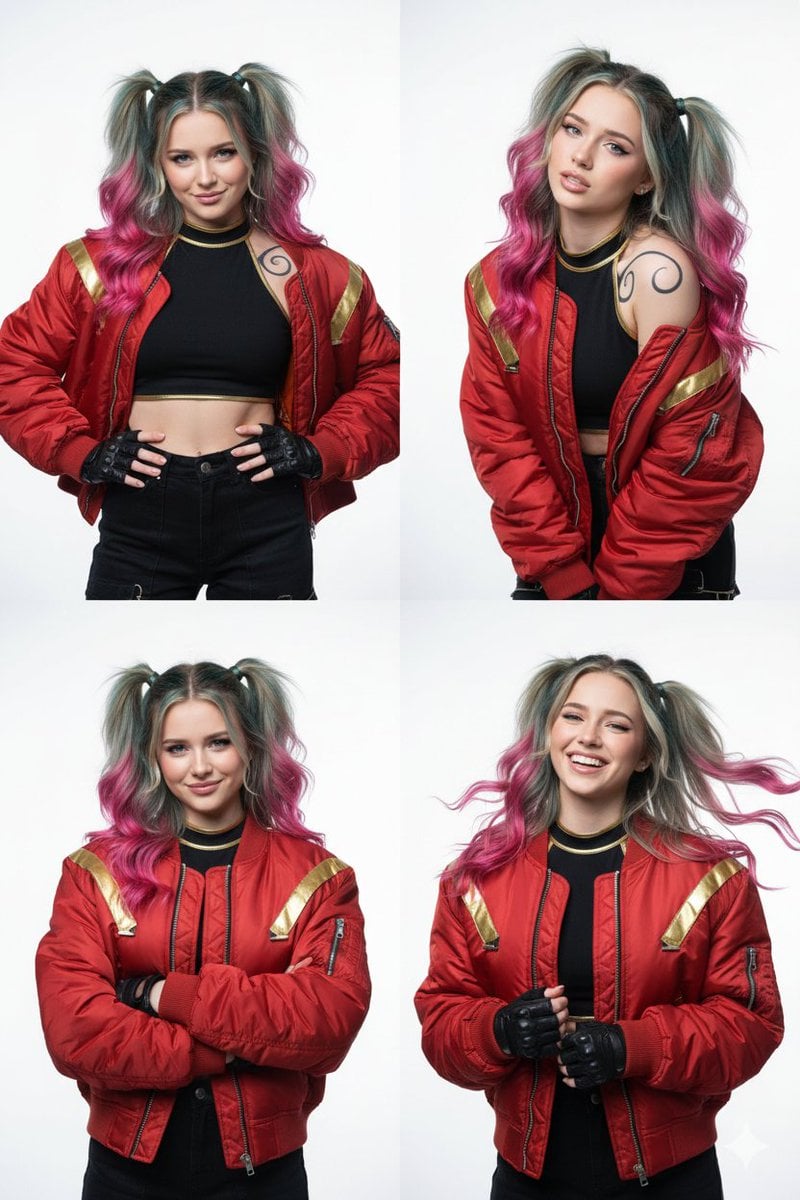
A detailed JSON prompt designed to generate a 2x2 grid of high-resolution studio photographs featuring a young woman with a cyber-punk aesthetic, specifically referencing a 'Harley Quinn' style.
- Prompt included
- Model and format preset
- Free template
The prompt behind this image
Copy the exact prompt behind 2x2 Grid of Cyber-Punk Portrait Shots, or open it in the studio and make it yours.
- Prompt › Core Description
- A grid of four high-resolution studio photographs (2x2 layout) featuring a charismatic young woman with a rebellious, 'cyber-punk meets Harley Quinn' aesthetic. She has wavy, shoulder-length hair styled in pigtails, transitioning from deep teal at the roots to vibrant magenta at the tips.
- Prompt › Character Outfit Details › Top
- Cropped black high-neck halter top with gold trim
- Prompt › Character Outfit Details › Jacket
- Bulky oversized red bomber jacket with gold racing stripes and metallic buckles
- Prompt › Character Outfit Details › Gloves
- Black tactical fingerless gloves
- Prompt › Character Outfit Details › Tattoos
- Stylized black swirl tattoos visible on her shoulder
- Prompt › Expressions And Posing › Top Left
- Smirking mischievously with hands on hips
- Prompt › Expressions And Posing › Top Right
- Leaning forward with a skeptical, sassy eyebrow raise
- Prompt › Expressions And Posing › Bottom Left
- Confident pose with arms crossed, smiling at the camera
- Prompt › Expressions And Posing › Bottom Right
- Candid laughter with hair blowing mid-air
- Prompt › Technical Style › Background
- Clean white studio background
- Prompt › Technical Style › Focus
- Sharp focus
- Prompt › Technical Style › Lighting
- Cinematic lighting
- Prompt › Technical Style › Contrast
- High contrast
- Prompt › Technical Style › Colors
- Vivid colors
- Prompt › Technical Style › Resolution
- 8k
- Prompt › Technical Style › Style
- Digital photography style
- Prompt › Refinement Tips › Midjourney › Model Weight
- Add '--no text' to prevent random gibberish
- Prompt › Refinement Tips › Midjourney › Aspect Ratio
- 1:1 (square)
- Prompt › Refinement Tips › Midjourney › Variation
- Add keywords like 'League of Legends splash art style' or 'Arcane aesthetic' for a more animated look
- Prompt › Optional Modifications
- Hair or jacket color can be adjusted for different versions
Raw JSON
{
  "prompt": {
    "core_description": "A grid of four high-resolution studio photographs (2x2 layout) featuring a charismatic young woman with a rebellious, 'cyber-punk meets Harley Quinn' aesthetic. She has wavy, shoulder-length hair styled in pigtails, transitioning from deep teal at the roots to vibrant magenta at the tips.",
    "character_outfit_details": {
      "top": "Cropped black high-neck halter top with gold trim",
      "jacket": "Bulky oversized red bomber jacket with gold racing stripes and metallic buckles",
      "gloves": "Black tactical fingerless gloves",
      "tattoos": "Stylized black swirl tattoos visible on her shoulder"
    },
    "expressions_and_posing": {
      "top_left": "Smirking mischievously with hands on hips",
      "top_right": "Leaning forward with a skeptical, sassy eyebrow raise",
      "bottom_left": "Confident pose with arms crossed, smiling at the camera",
      "bottom_right": "Candid laughter with hair blowing mid-air"
    },
    "technical_style": {
      "background": "Clean white studio background",
      "focus": "Sharp focus",
      "lighting": "Cinematic lighting",
      "contrast": "High contrast",
      "colors": "Vivid colors",
      "resolution": "8k",
      "style": "Digital photography style"
    },
    "refinement_tips": {
      "midjourney": {
        "model_weight": "Add '--no text' to prevent random gibberish",
        "aspect_ratio": "1:1 (square)",
        "variation": "Add keywords like 'League of Legends splash art style' or 'Arcane aesthetic' for a more animated look"
      }
    },
    "optional_modifications": "Hair or jacket color can be adjusted for different versions"
  }
}How to use 2x2 Grid of Cyber-Punk Portrait Shots in 3 steps
- 1
Open
The prompt is already in the box next to the preview, with the template's model and format selected.
- 2…a portrait of your subject in softgolden-hour light, 85mm…
Personalize
Edit the subject and creative details for your destination.
- 3Generate
Generate
Press Generate — your image is created in PicX Studio, so you can compare it with the original and refine one variable at a time.
More like this
Templates with the same subject, style or setup. Open one to see its prompt.

Korean Luxury Fashion Editorial 2x2 Grid Series
Cyber-Kawaii Influencer Portrait Grid
Cyberpunk Geisha Macro Portrait
2x2 Grid Cinematic Night Couple Portrait with Identity Lock

B&W Photobooth Expression Grid 4x4 — Nano Banana

Gen Z TikTok Viral Expression Grid 4x4 — Nano Banana

Found Photograph: Us, 1970

80s Couple Studio Portrait

80s Bollywood Star

80s Golden Hour Cinema

Me in 1985

1985 Studio Portrait
Make it yours
2x2 Grid of Cyber-Punk Portrait Shots works as-is. These are the safest ways to change it without losing the look.
Swap the setting
Keep the rest of the prompt and replace the location block. The current setting is “Clean white studio background”.
Swap the light
One lighting change is enough to compare takes. Current light: “Cinematic lighting”.
Change one field
Copy a single group, rewrite it, and generate again so you can see what that field is doing.
| If the result… | Why | Fix |
|---|---|---|
| The result drifts from the preview | Too many fields changed at once. | Reuse 2x2 Grid of Cyber-Punk Portrait Shots as-is first, then change one group — subject, light, or setting. |
| Nano Banana 2 ignores part of the JSON | Some models flatten or skip nested keys. | Keep the same values and paste them as a short paragraph instead. |
More Nano Banana 2 templates
Other prompts made for Nano Banana 2.

Photorealistic Leaf Shaped Like a Dragon

K-Pop Idol Portrait Grid for Rapid Selection

Poetic Rain Forest Portrait During Golden Hour

Urban Street Portrait with Cartoon Inner Self Duo

Candid Nighttime Photo with Cat Prompt

High-Concept 3D Diorama Generation Prompt

Cinematic Futuristic Studio Portrait Template

Skincare Editorial Photography Collage Prompt

Hyper-Realistic Commercial Product Photography (Splash Effect)

Hyper-Realistic Nightclub Portrait Prompt
More image prompts
Fresh picks from across the catalog.
Group Photo Inside Retro Flip Phone
Cinematic Academic Portrait

Luxury Gucci Campaign Poster
Luxury Snapchat Neon Fashion Portrait
Chrono-Holiday Artisan: Christmas Card Re-render by Era
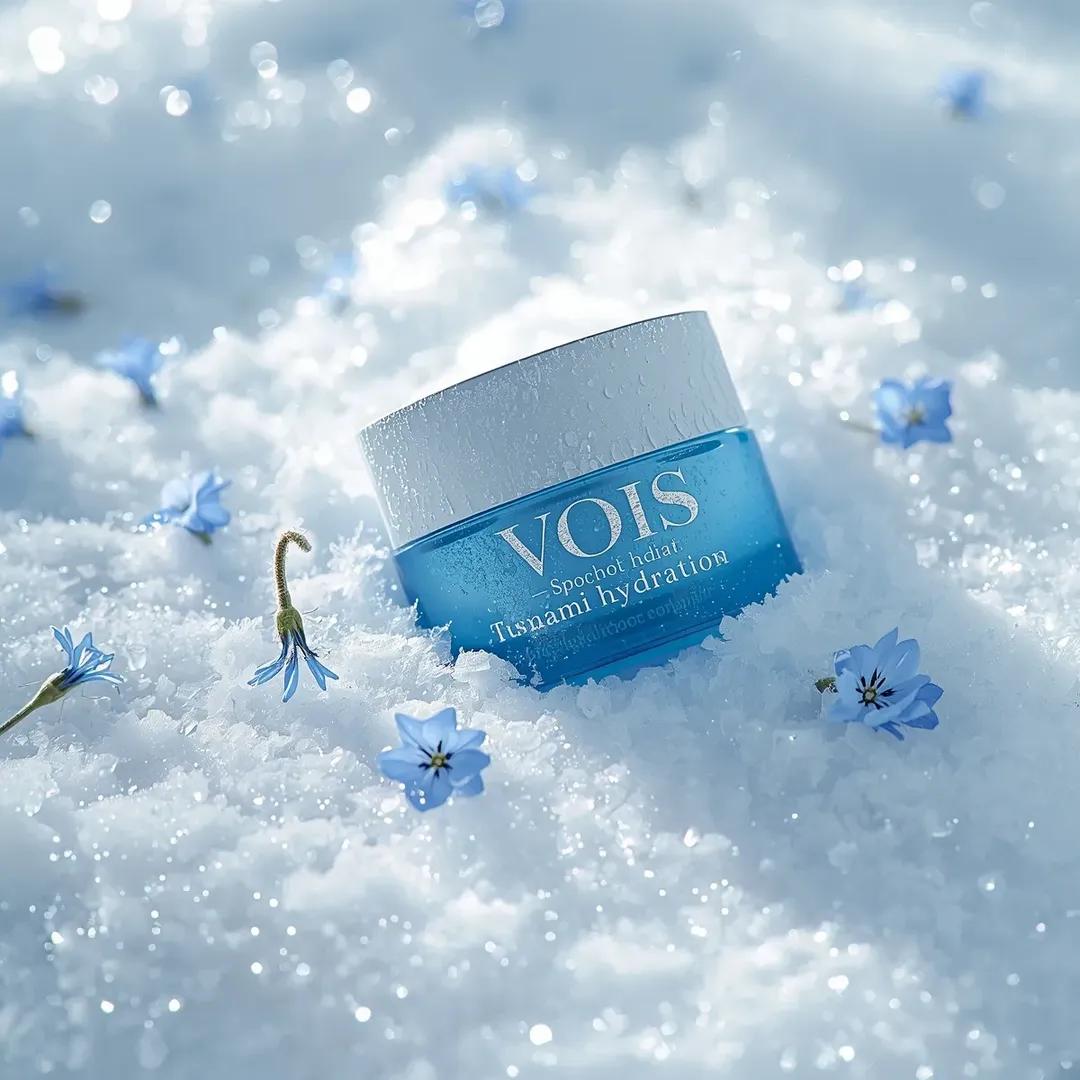
Photorealistic Skincare Product Photography Prompt for Nano Banana Pro
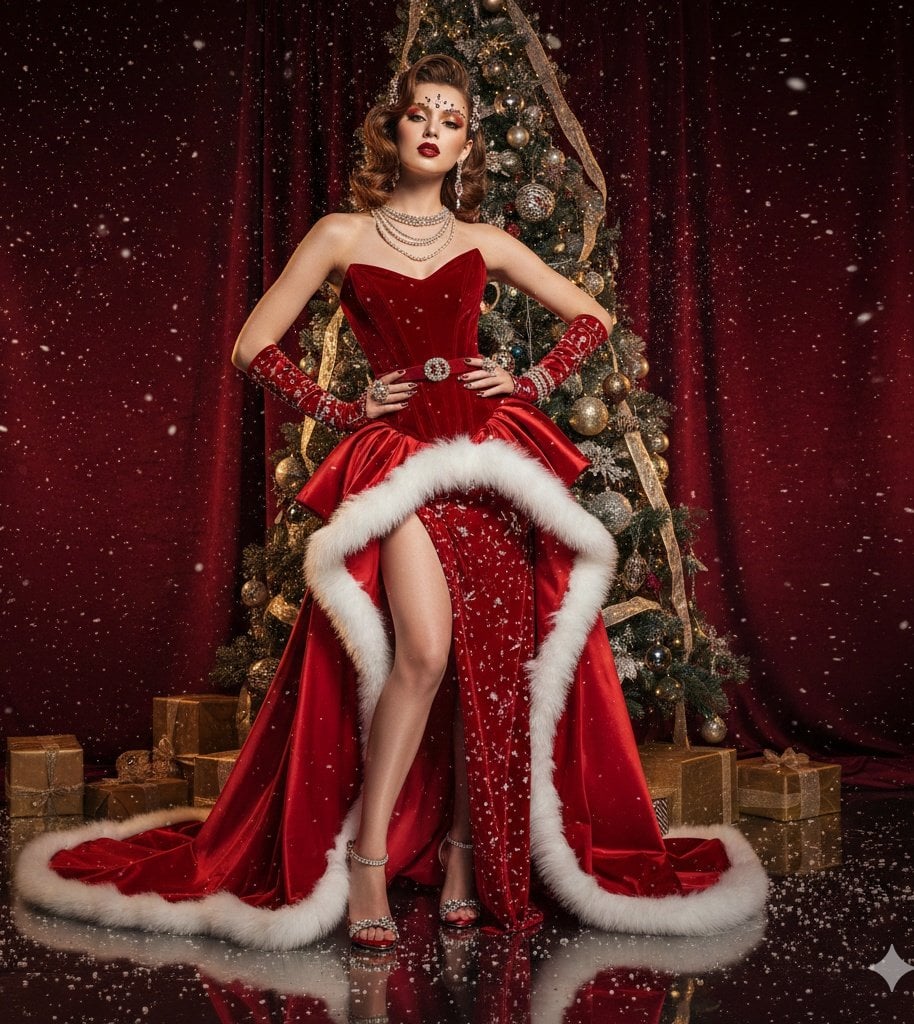
High-Fashion Christmas Editorial Prompt
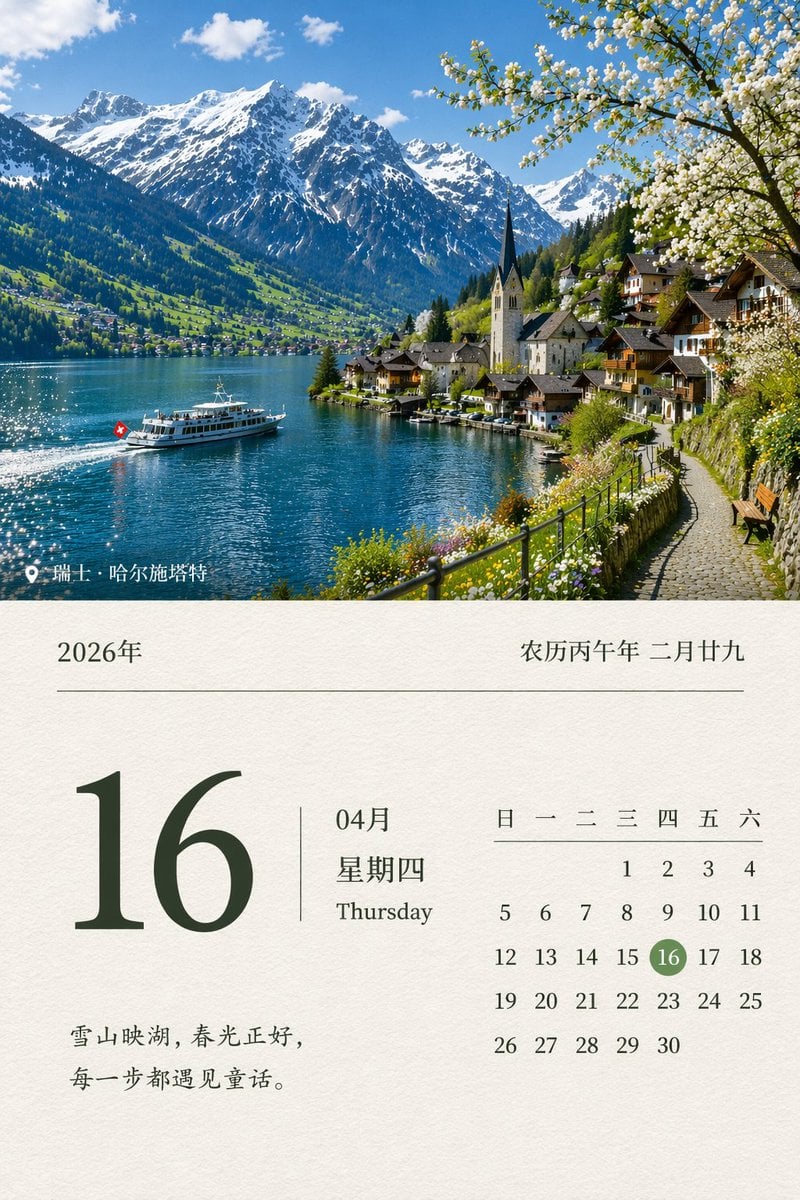
Scenic Landscape Calendar
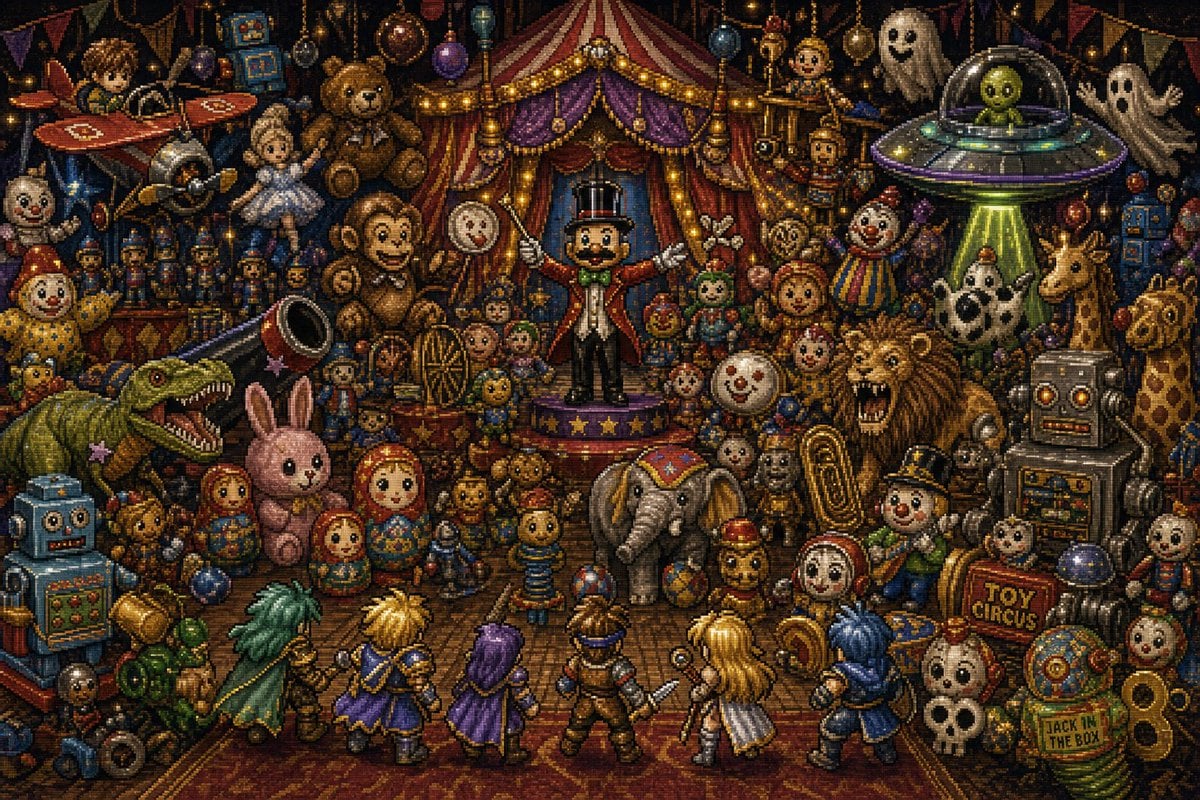
Toy Circus JRPG Battle
Ensuring Nano Banana Pro is used for Chinese prompts
Browse template categories
2x2 Grid of Cyber-Punk Portrait Shots questions
How do I use the 2x2 Grid of Cyber-Punk Portrait Shots template?
Add your photo if the template asks for one, edit the prompt if you like — the template's model and format are already selected — and press Generate. Your version opens in PicX Studio.
Can I customize the 2x2 Grid of Cyber-Punk Portrait Shots template?
Yes. You can change the subject, setting, lighting, mood, format, and available model controls before creating your image.
Is the 2x2 Grid of Cyber-Punk Portrait Shots template free?
Opening and editing this template is free. Generating uses credits, shown on the Generate button when you are signed in.
Which AI model should I use?
Start with Nano Banana 2, which is the model associated with this template. You can compare another compatible model for a different finish.
Looking for something else? Browse all templates.

Your photo, any look
Thousands of ready templates for every top image and video model, from one credit balance.