
Cocktail Studio Photography Tropical
Curated from MeiGen gallery (ID: 2010403834699685983) by Mo.
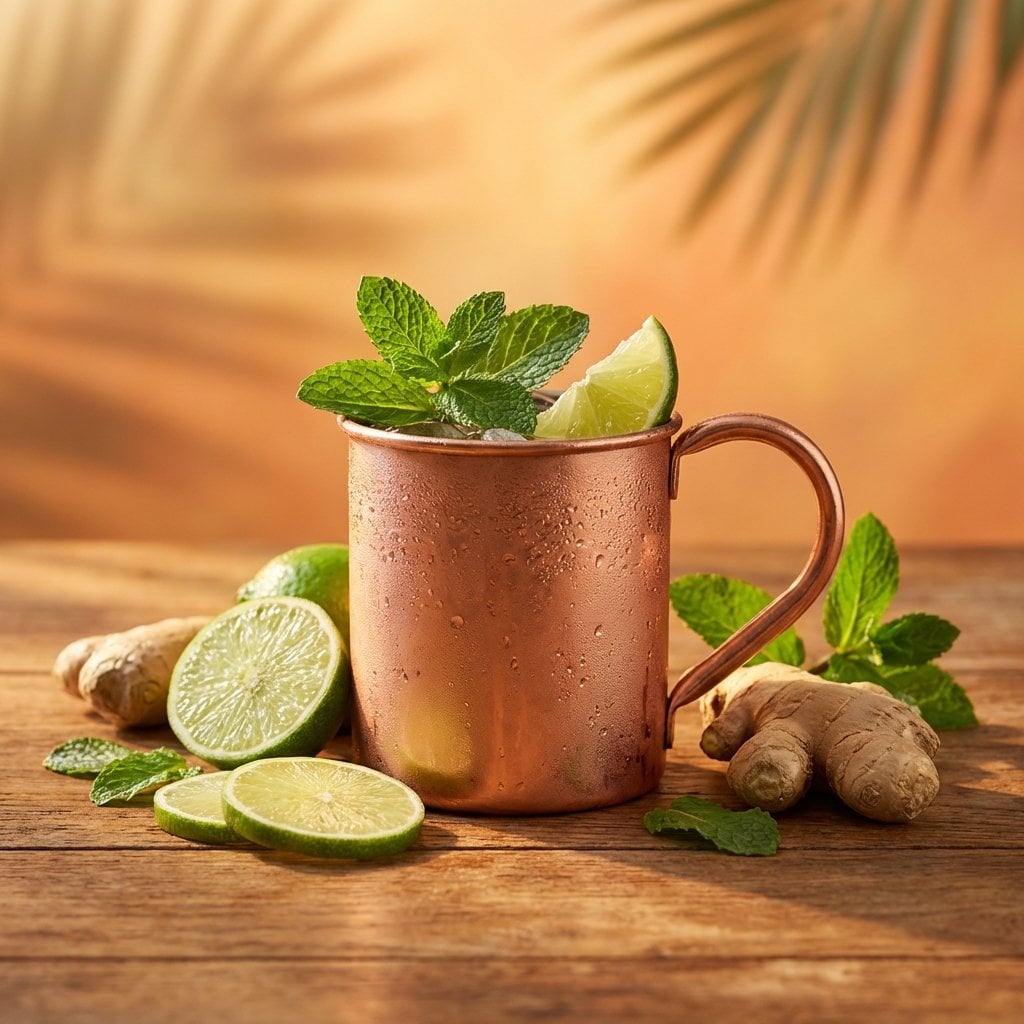
- Prompt included
- Model and format preset
- Free template
The prompt behind this image
Copy the exact prompt behind Cocktail Studio Photography Tropical, or open it in the studio and make it yours.
A high-end studio photograph of a [YOUR COCKTAIL], shot from a high-angle slightly top-down perspective. The drink is served in its appropriate traditional glass with an elegant design and professional garnish. Artfully scattered around the base of the glass are fresh fruits and ingredients associated with the cocktail recipe. The scene features a warm, summery atmosphere with a light orange-tinted background. Artistic soft shadows of tropical palm leaves are cast across the frame, creating a vacation vibe. Realistic condensation on the glass, soft golden hour lighting, 8k resolution, professional food photography, sharp focus, clean and sophisticated composition.
How to use Cocktail Studio Photography Tropical in 3 steps
- 1
Open
The prompt is already in the box next to the preview, with the template's model and format selected.
- 2…a portrait of your subject in softgolden-hour light, 85mm…
Personalize
Edit the subject and creative details for your destination.
- 3Generate
Generate
Press Generate — your image is created in PicX Studio, so you can compare it with the original and refine one variable at a time.
More like this
Templates with the same subject, style or setup. Open one to see its prompt.
Mountain Valley Lifestyle Portrait

Dynamic Smoothie Bowl Food Photography
Brand Sticker Sheet Monoline Vector
Chanel Perfume 2x2 Grid Luxury Campaign

Pixar Style Ensemble Movie Poster
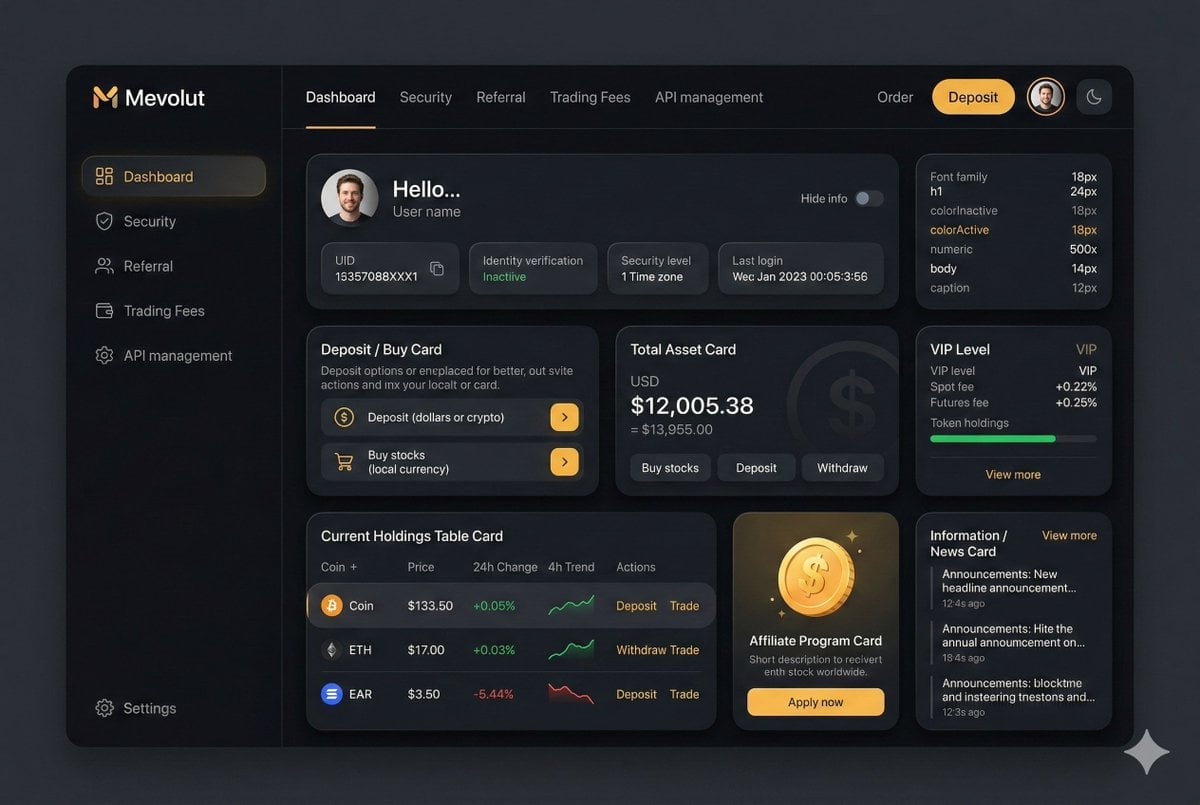
Fintech Crypto Dashboard UI Design
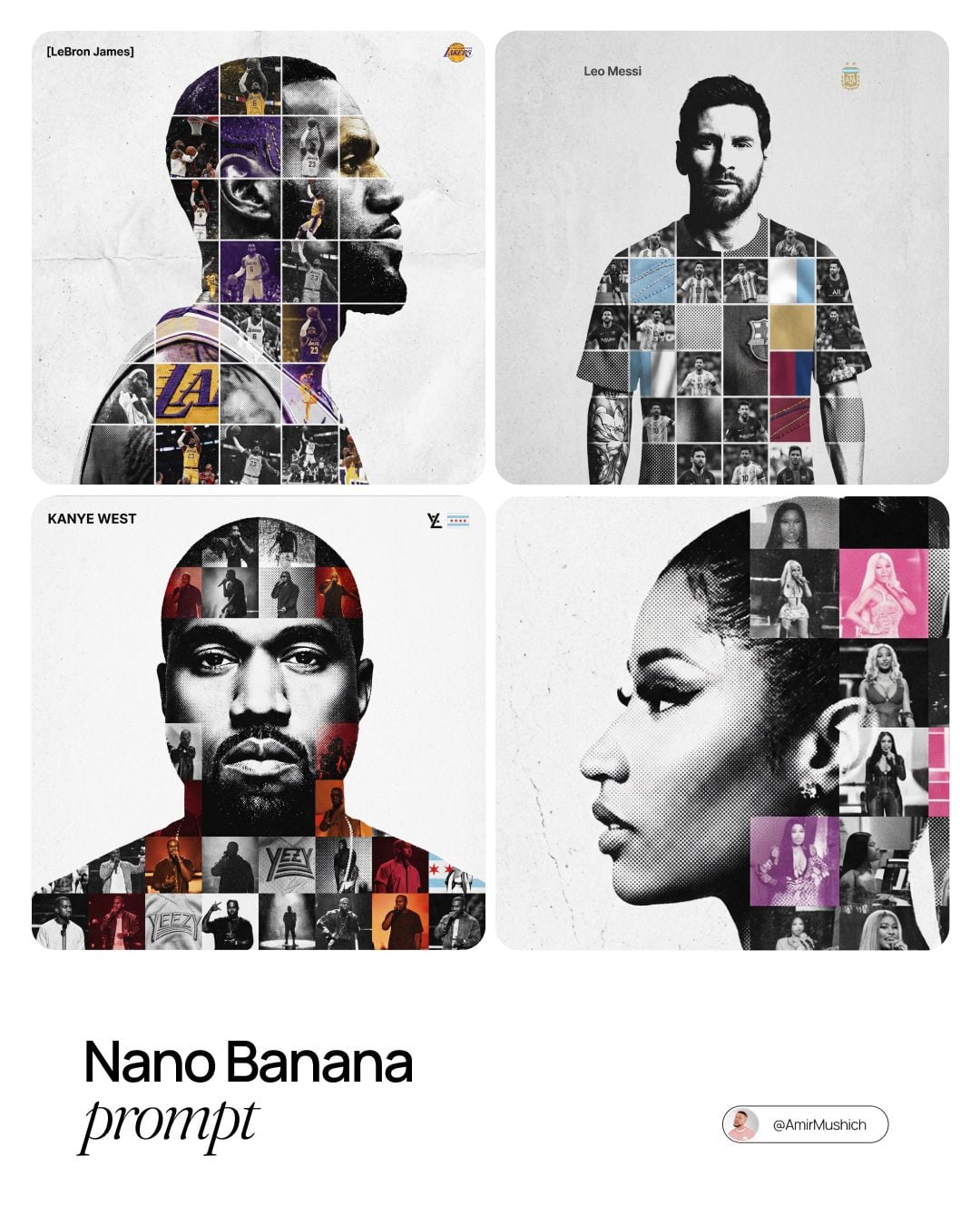
Sports Tribute Photo Mosaic Poster
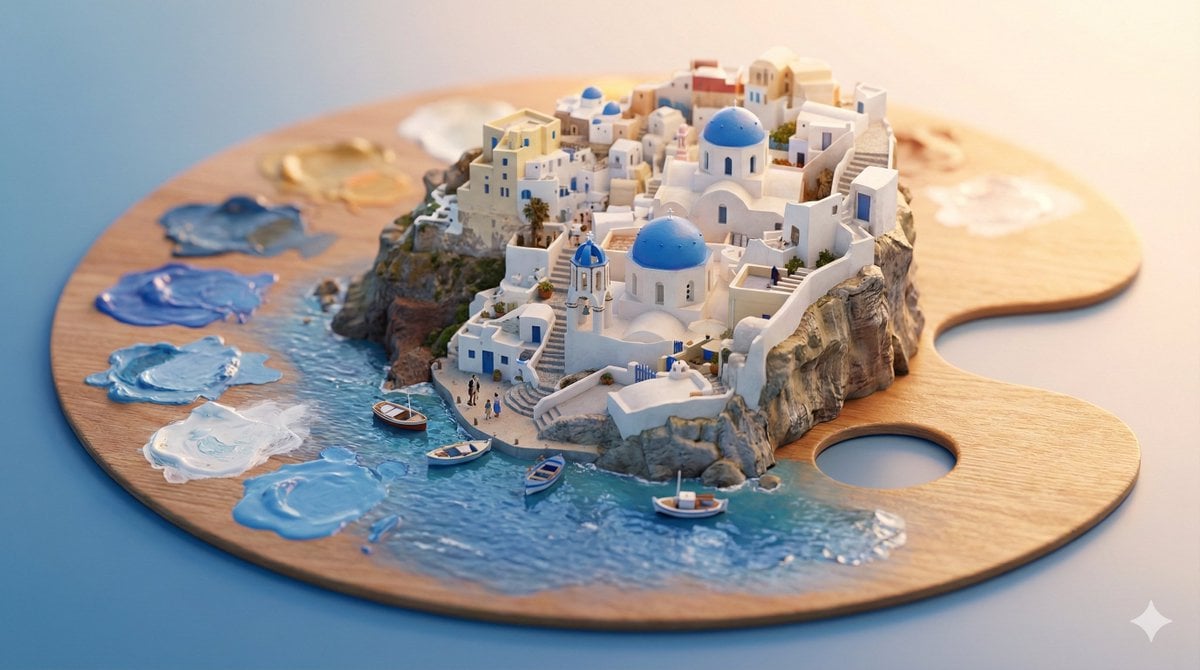
Stylized Miniature 3D Diorama Craft
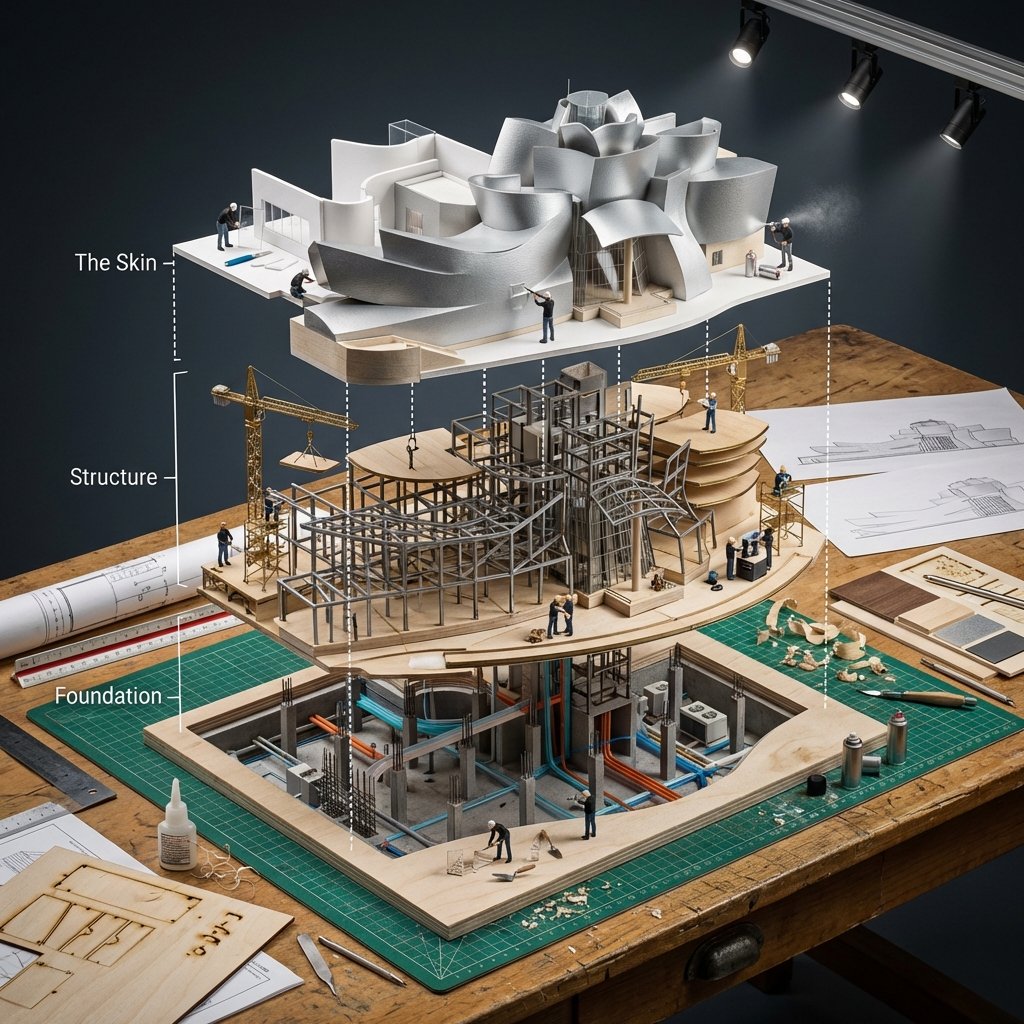
Building Exploded View Architectural Diorama
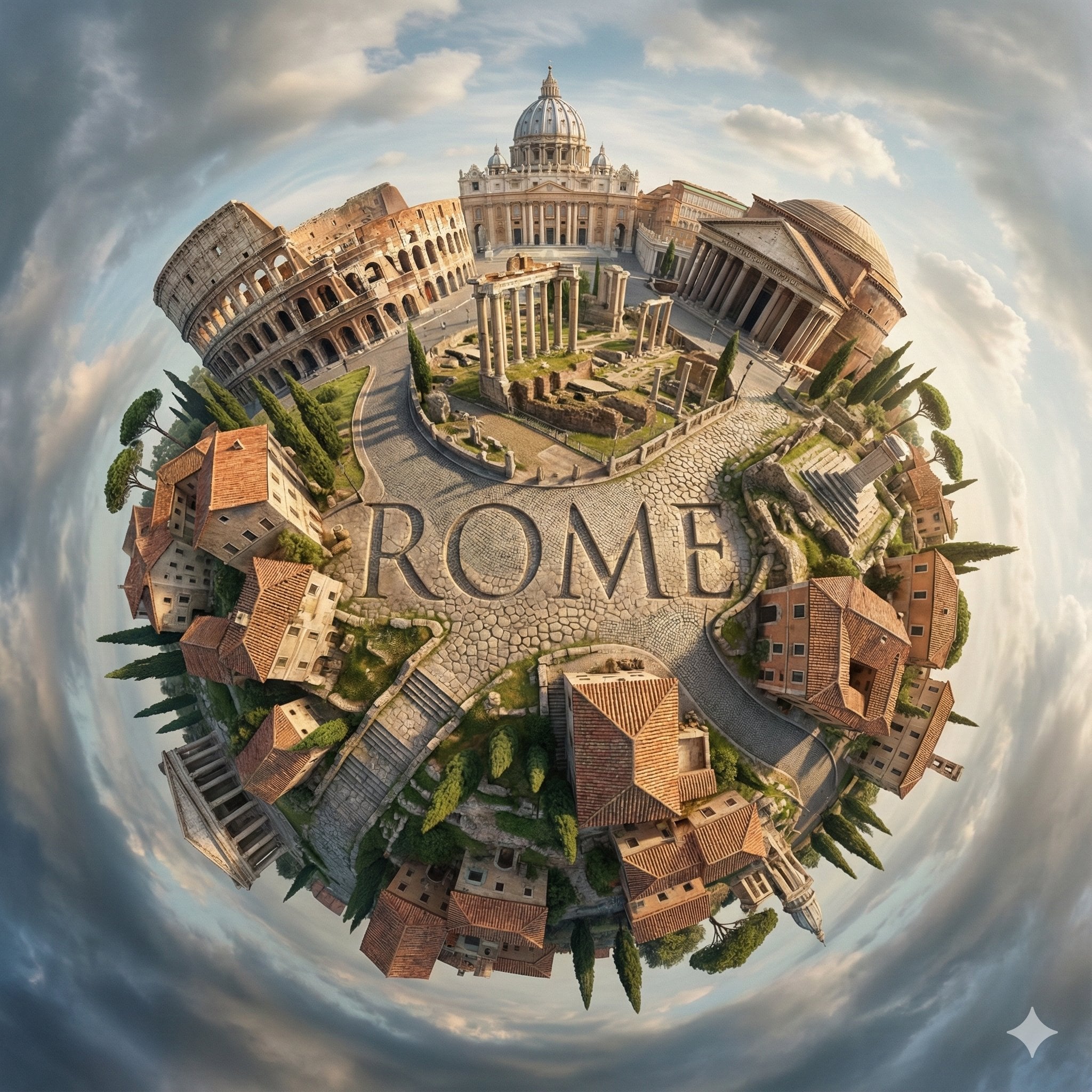
City Spherical Panorama Tiny Planet
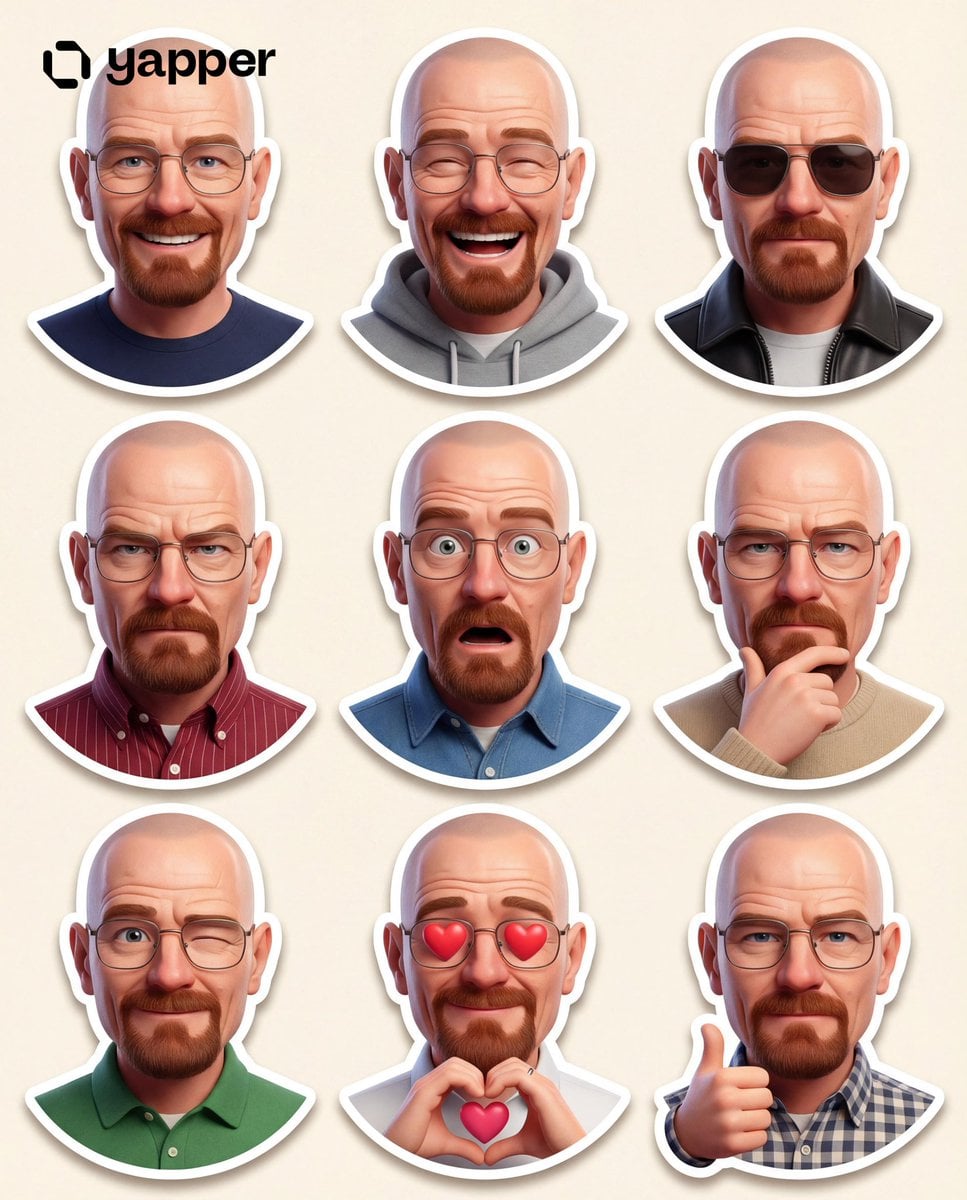
Pixar 3D Character Sticker Pack 3x3
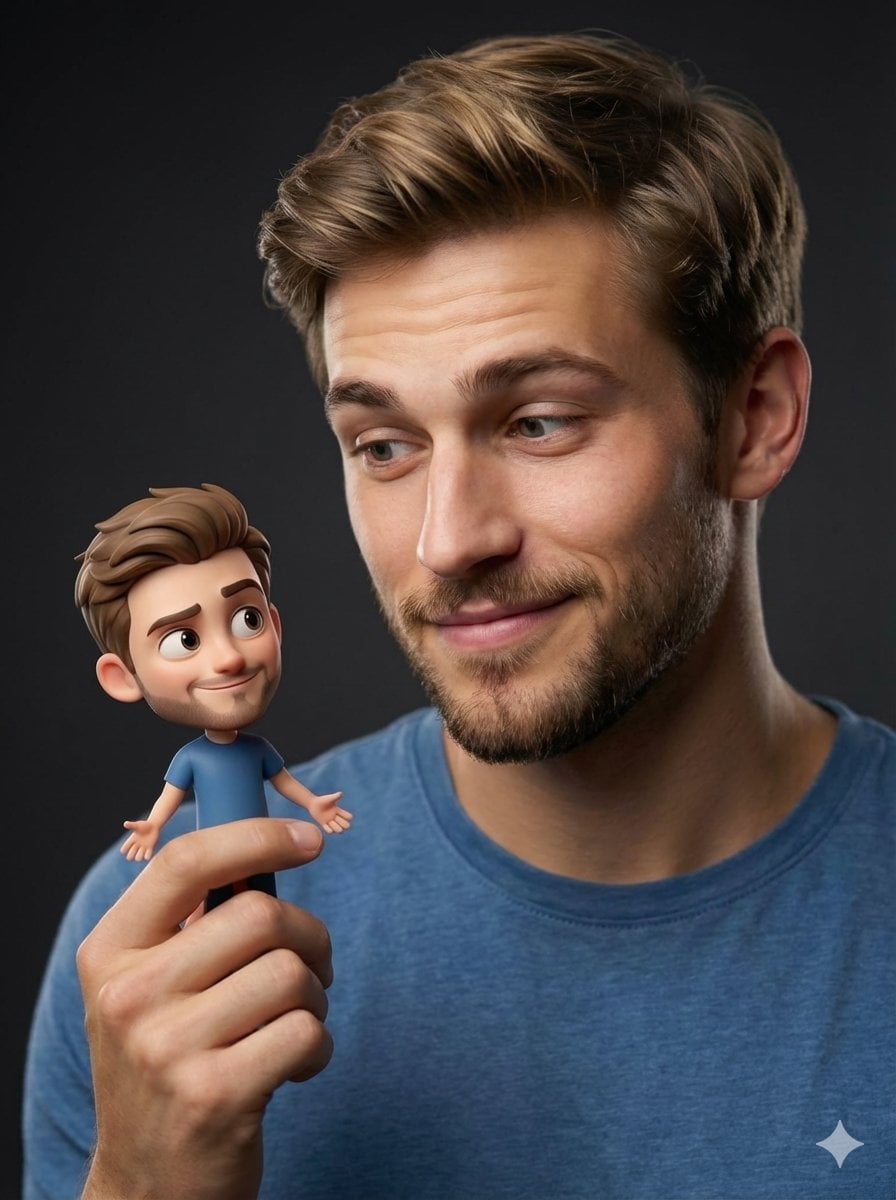
Human with Miniature 3D Self Portrait
Make it yours
Cocktail Studio Photography Tropical works as-is. These are the safest ways to change it without losing the look.
Change one field
Copy a single group, rewrite it, and generate again so you can see what that field is doing.
Keep the frame, change the subject
Hold the composition and light of Cocktail Studio Photography Tropical, then swap wardrobe, props or the person for a new take.
| If the result… | Why | Fix |
|---|---|---|
| The result drifts from the preview | Too many fields changed at once. | Reuse Cocktail Studio Photography Tropical as-is first, then change one group — subject, light, or setting. |
| The model over-stylizes the scene | The prose prompt leaves finish and camera underspecified. | Add one camera or lighting sentence and stay on PicX Studio. |
More image prompts
Fresh picks from across the catalog.
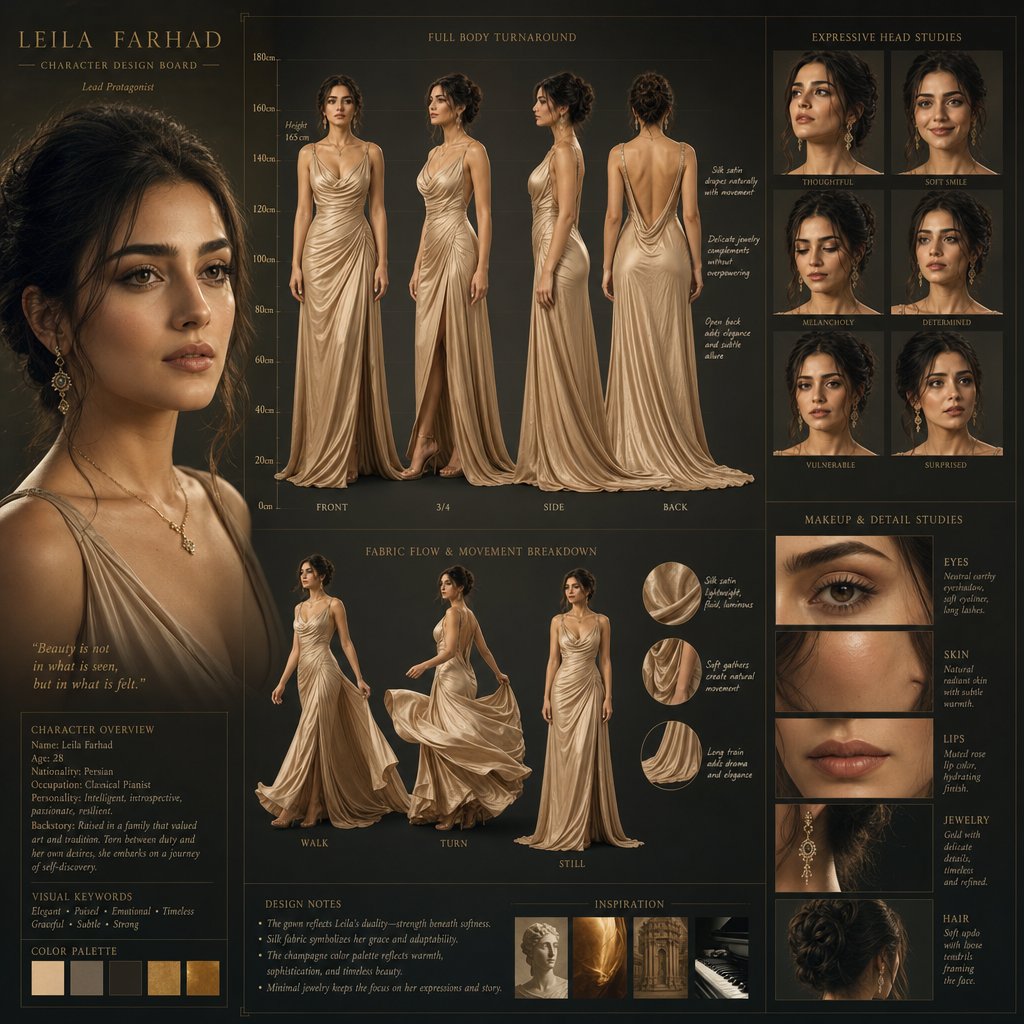
Cinematic Character Design Board
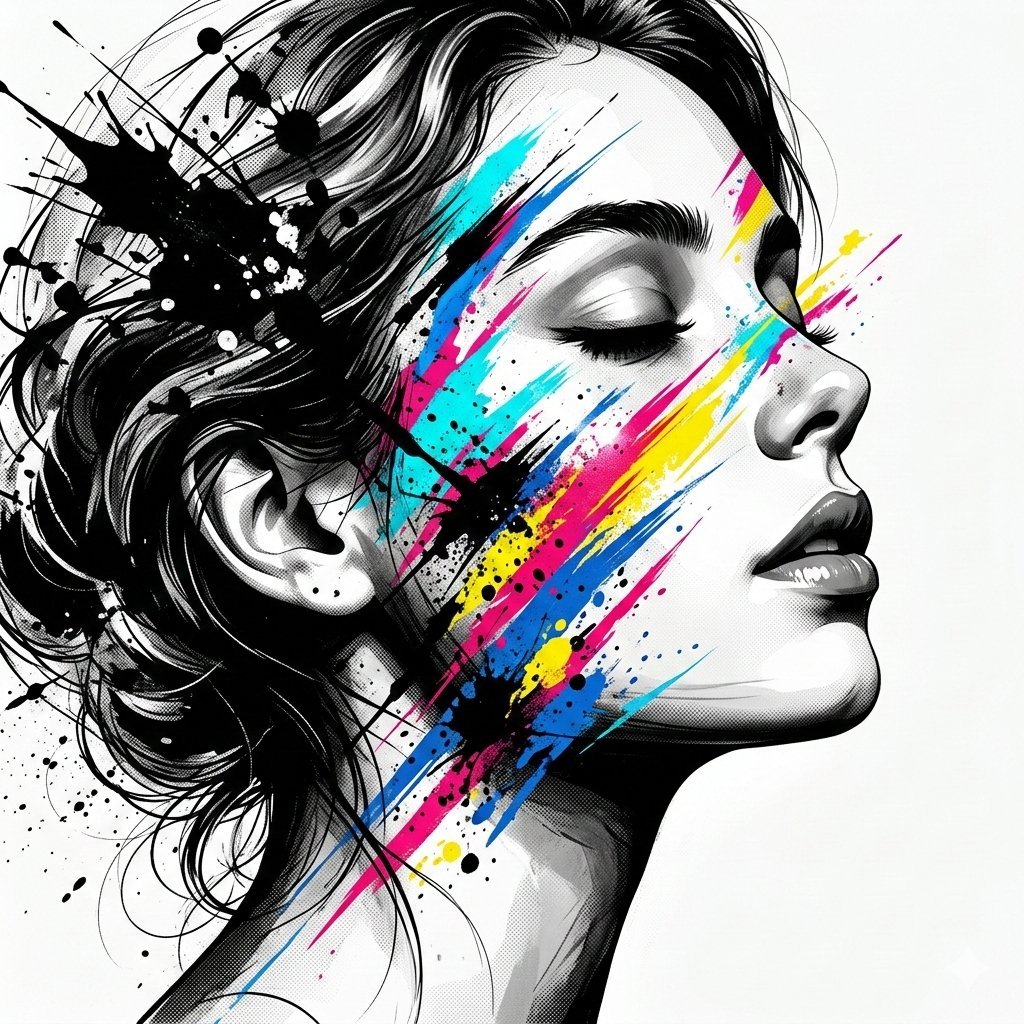
High-Contrast Abstract Mixed Media Portrait Prompt
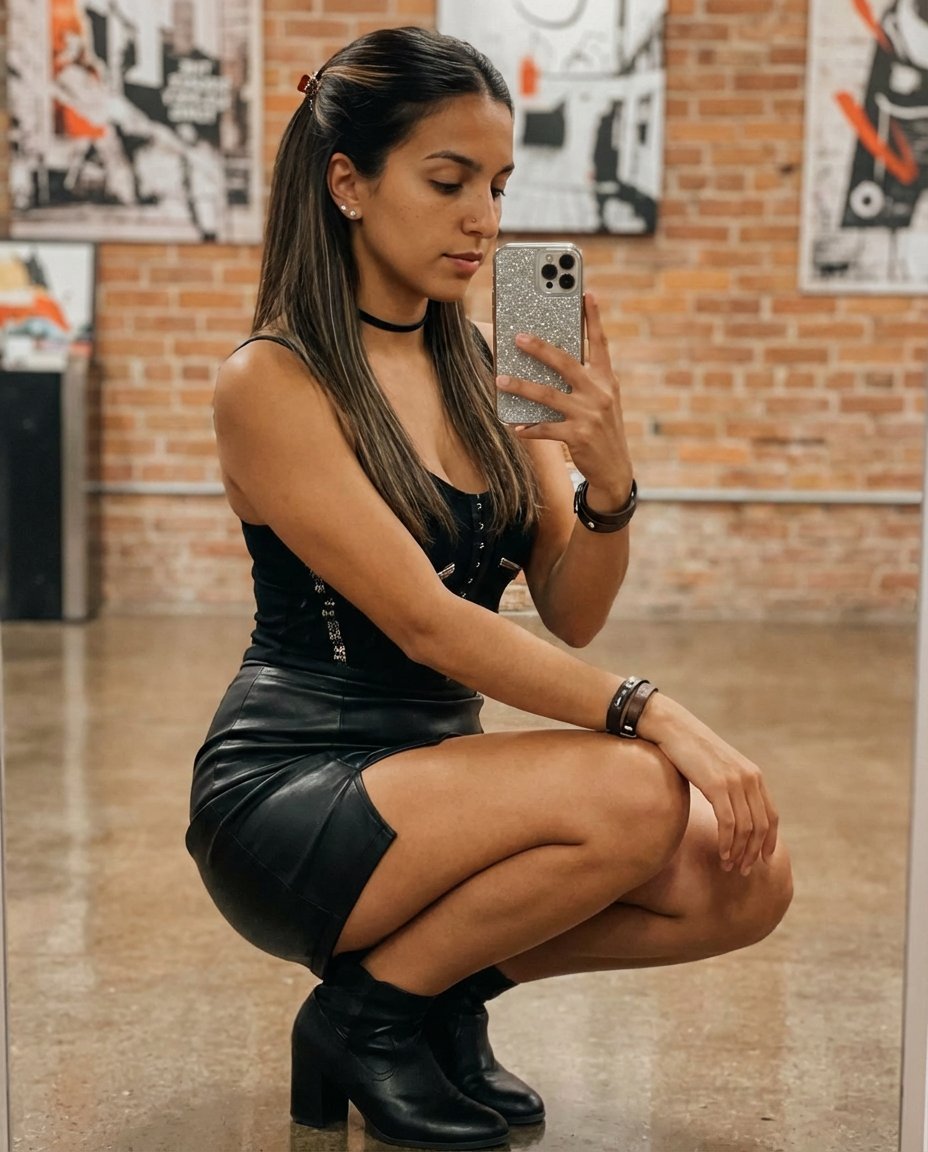
Elegant Mirror Selfie with Strict Face Preservation (JSON)
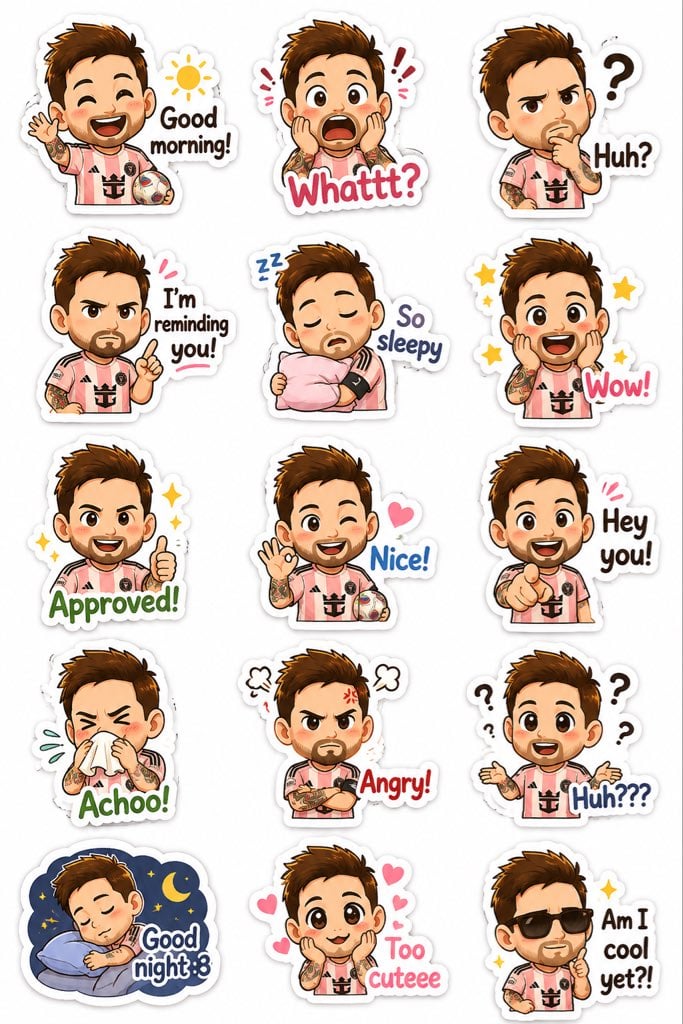
Chibi Expression Sticker Pack

Cinematic rainy night bus stop prompt
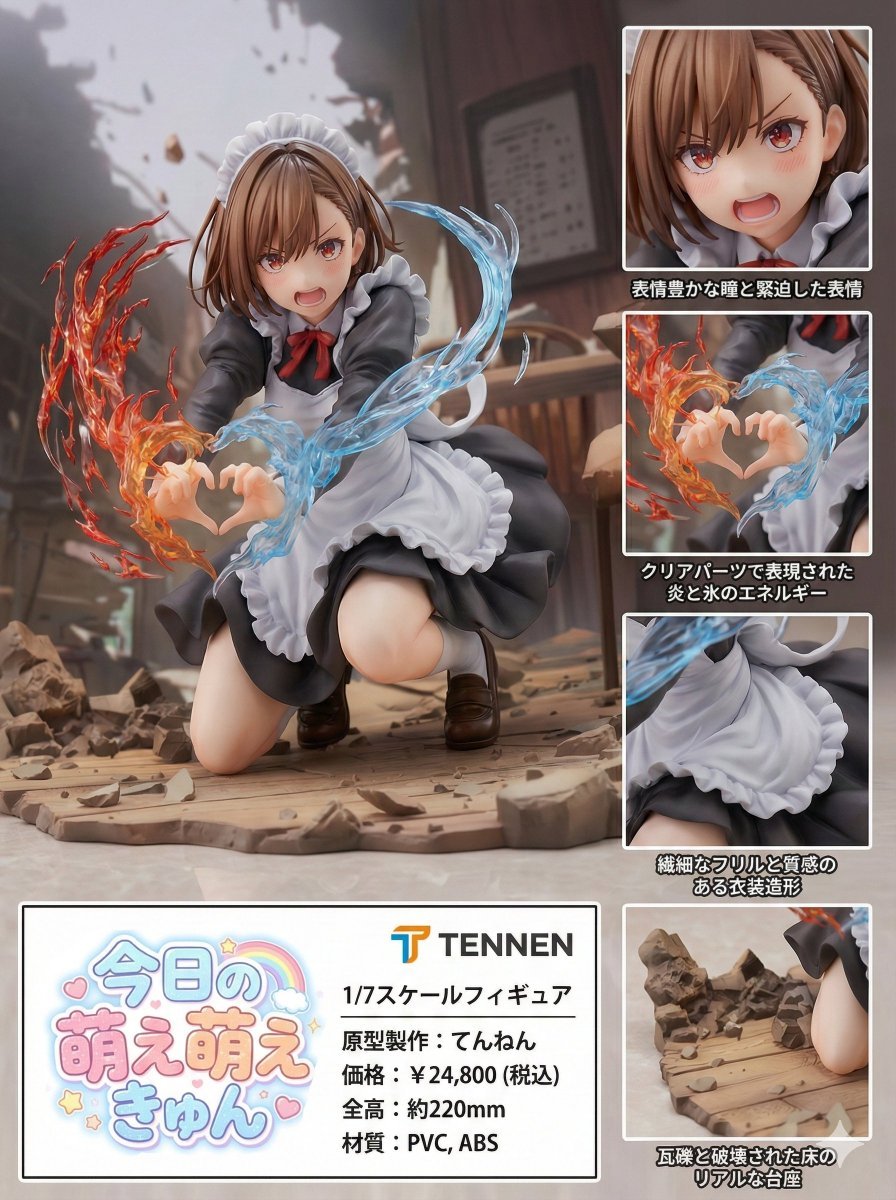
Photorealistic PVC Figure Product Introduction Layout
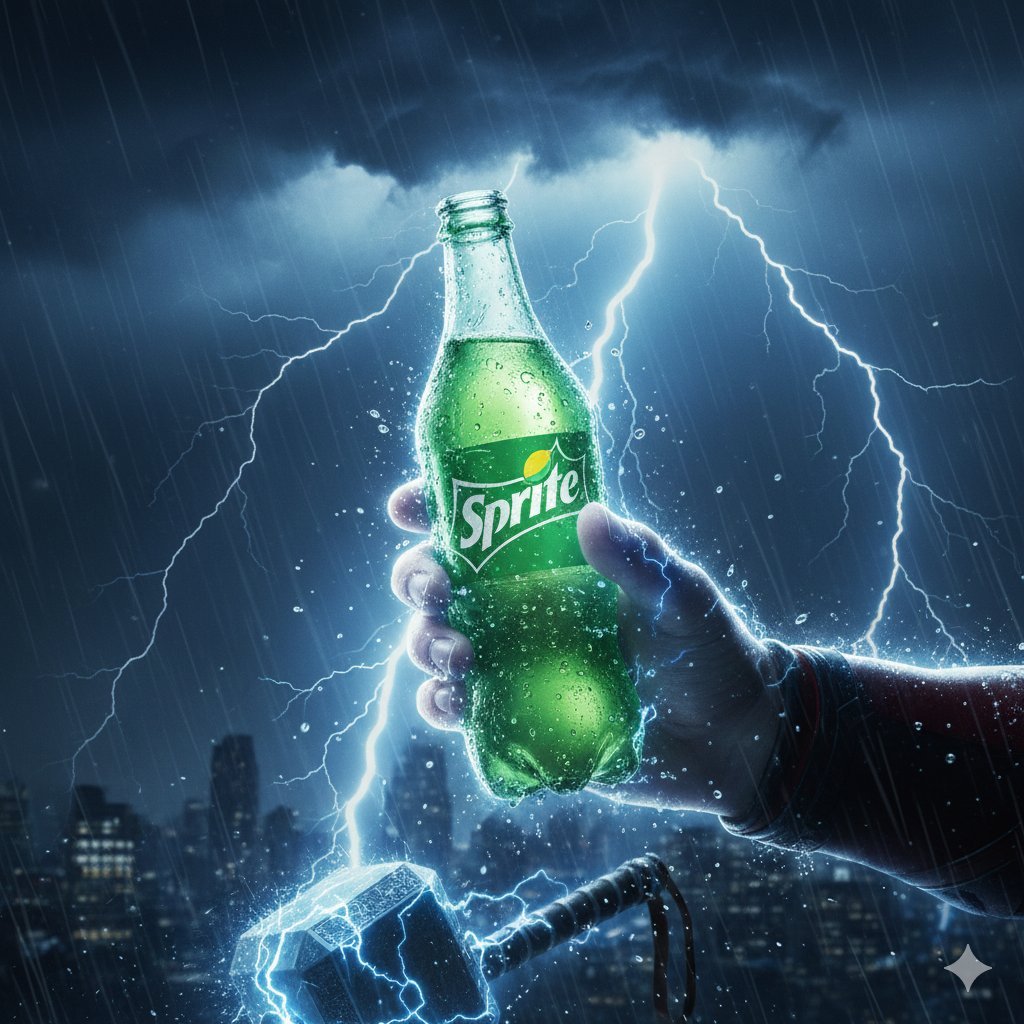
Thor Holding Sprite Bottle Prompt
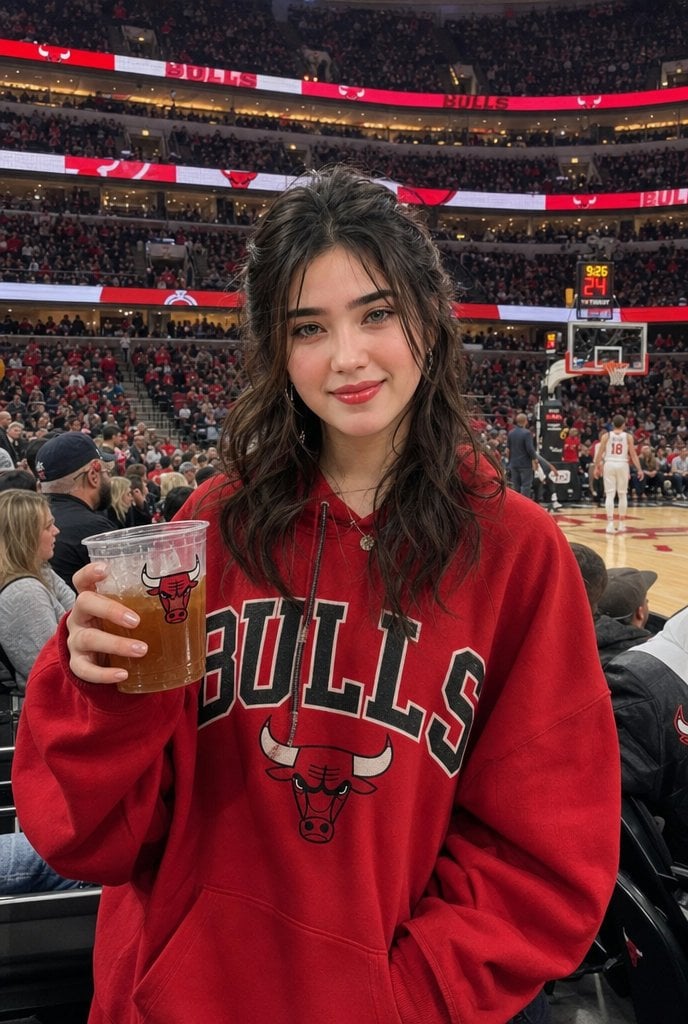
Realistic Bulls Courtside Fan Portrait
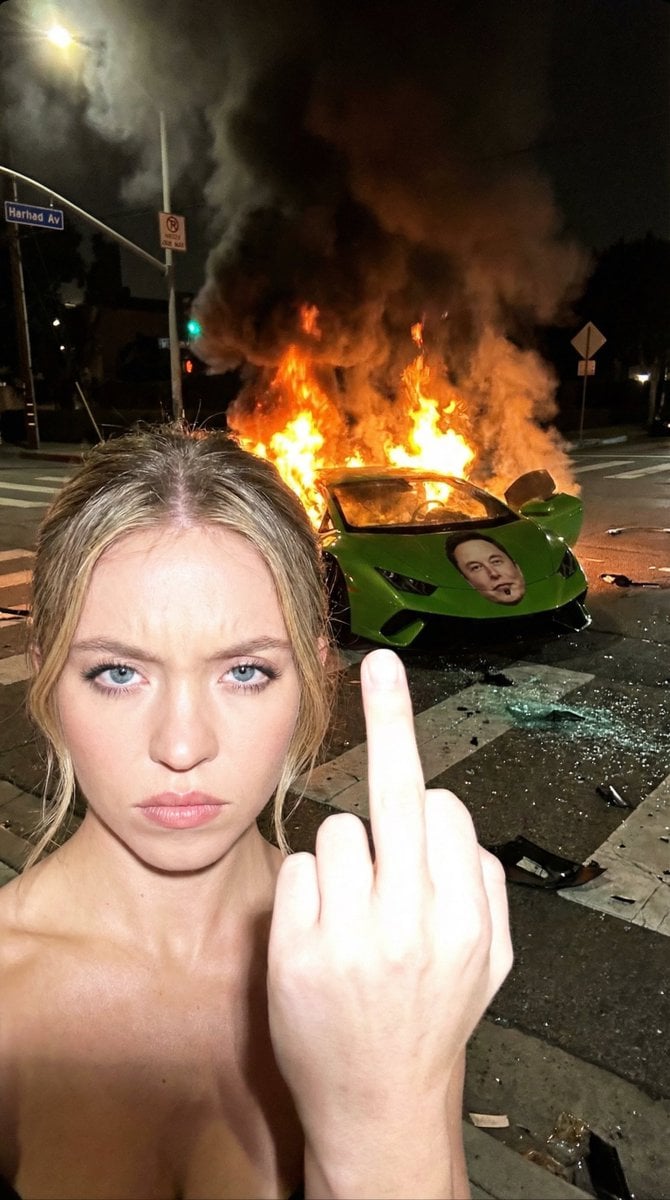
Gritty Night Photo of Woman Flipping Off Camera with Burning Lamborghini
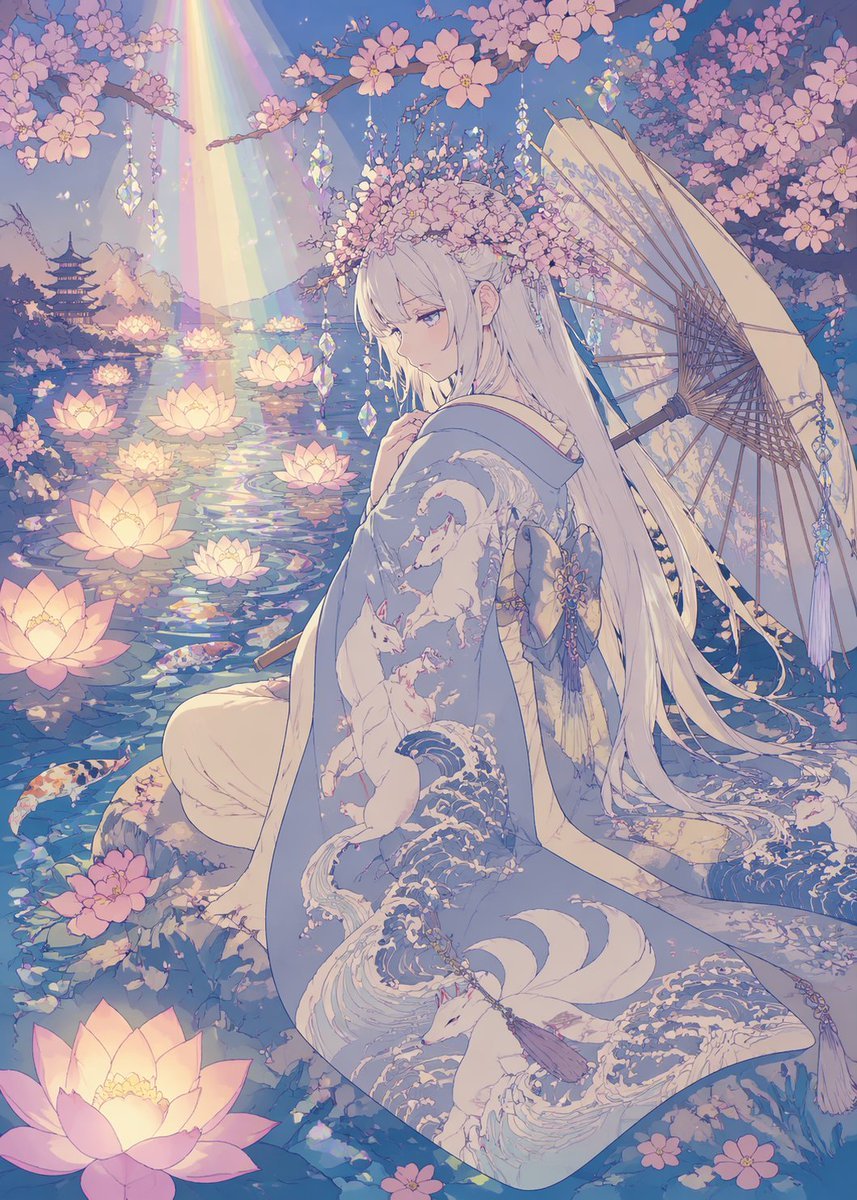
Pastel Anime Kimono by Lotus Pond
Browse template categories
Cocktail Studio Photography Tropical questions
How do I use the Cocktail Studio Photography Tropical template?
Add your photo if the template asks for one, edit the prompt if you like — the template's model and format are already selected — and press Generate. Your version opens in PicX Studio.
Can I customize the Cocktail Studio Photography Tropical template?
Yes. You can change the subject, setting, lighting, mood, format, and available model controls before creating your image.
Is the Cocktail Studio Photography Tropical template free?
Opening and editing this template is free. Generating uses credits, shown on the Generate button when you are signed in.
Which AI model should I use?
Choose a compatible model in PicX Studio based on the style, speed, and output controls your project needs.
Looking for something else? Browse all templates.

Your photo, any look
Thousands of ready templates for every top image and video model, from one credit balance.