
New Year's Osechi Dish Advertisement Key Visual Generation Prompt
A highly detailed and complex prompt designed to generate a key visual for an advertisement or poster featuring Osechi (traditional Japanese New Year's food) dishes.
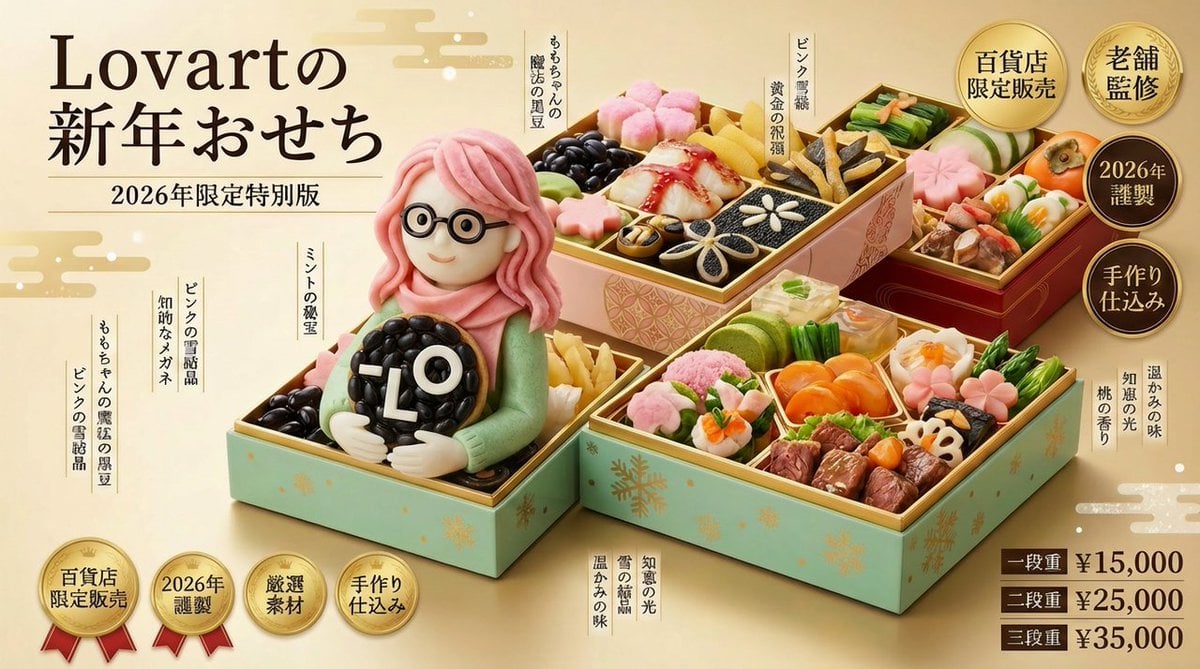
- Prompt included
- Model and format preset
- Free template
The prompt behind this image
Copy the exact prompt behind New Year's Osechi Dish Advertisement Key Visual Generation Prompt, or open it in the studio and make it yours.
キャラクター名:[☆ここに{argument name="キャラクター名" default="キャラ名"}をセット☆] 広告・ポスター・宣材用キービジュアル生成プロンプト このプロンプトの目的(最優先) このプロンプトは、 **「おせち料理の実写写真」かつ、 百貨店・高級料亭・限定販売向けの 広告・ポスター・宣材用キービジュアルを生成するためのもの」**である。 生成される画像は以下を最優先で満たすこと: 一目で「広告」と認識できる完成度 おせちは“主役の商品”でありながら、 段構成・お品書き・世界観・キャラクター性によって強くブーストされている ビジュアル全体の前提(広告宣言|ブースト設計) このキービジュアルは、参考画像の特徴を起点に、表現の方向性が大きく変動する広告設計を前提とする。 本プロンプトは安定解を目指さず、参考画像の持つ強度(高級感/違和感/ユーモア/特殊性など)のうち、最も強い要素を抽出し、ハイクオリティかつハイセンスかつ突飛すぎる天才的表現により、広告表現全体をそれらをブーストする。 方向性は参考画像の印象によって自動的に決定される。 ただし、どの方向に振れても 「百貨店の正月売り場で成立する広告」は意識する。 このブースト結果は、以降の構図・段構成・コピー・お品書きすべてに一貫して反映されとして可視化される。 シーン・瞬間(広告として切り取る一瞬) 広告として最も訴求力が高く、そのおせちが「どういう存在か」を一瞬で伝える瞬間を自動的に選択する。 本プロンプトでは、特定の演出パターンに固定せず、 重箱・料理・段構成・世界観のうち、最も情報密度と物語性が立ち上がる状態を「切り取る一瞬」と定義する。 重箱が閉じていても、開いていてもよい 全体が見えていても、一部だけが強調されていてもよい 動きの直前・直後・途中など、時間は固定しない 一瞬見ただけで釘付けになるハイクオリティかつハイセンスかつユニークすぎるおせちであり、 そのために最適な構造・角度・状態が自動的に選ばれる。 構図・撮影スタイル(広告レイアウト前提) おせち重箱を画面中央〜やや前景に配置 正面〜やや斜め上からの高級料理広告アングル コピー・お品書きを配置するための意図的な余白 技術条件: 8K解像度 超写実的フードフォト 百貨店・高級料亭広告品質 パッケージ・重箱デザイン 重箱は、**参考画像の特徴を最も純粋に反射する「外殻」**として設計される。 基本構造は「百貨店・老舗監修として成立する重箱」を起点とするが、参考画像の印象に応じて、ハイクオリティかつハイセンスかつ奇抜に自在に変化。 おせち本体(商品としての説得力) 料理構成は「和」に限定せず、参考画像の個性を起点に自由に拡張される祝賀料理として設計される。 伝統的なおせちを踏襲しても、逸脱してもよく、 参考画像の印象に最もふさわしい料理体系が、その都度再構築される。 重要なのは様式ではなく、 高級感・祝祭感・特別感が、ひと目で成立する。 キャラクター表現(食べられる祝い世界) キャラクターはすべて食材で構成された存在であり、 参考画像の特徴を誇張しつつ、コンセプトに合わせた正月衣装へと再解釈される。 素材は料理でありながら、 まるでその世界で呼吸し、動き、躍動しているかのように感じられる表現を優先する。 キャラクターは「作り物」ではなく、 そのおせち世界に元から存在している存在として扱われとして扱われる。 色彩設計 色彩は固定ルールを設けず、参考画像とコンセプトから導かれる最適解として自動的に決定される。 料理・重箱・キャラクター・背景は、色ではなく質感・密度・コントラストによって高級感と祝祭感を成立させを成立させる。 広告コピー・お品書きデザイン(最重要) コピーとお品書きは、参考画像の特徴とコンセプトを言語化した結果として自然発生する。 文字は「見た瞬間に何かを感じさせるための視覚要素」として画面に配置。 お品書きは参考画像の特徴をハイセンスかつ強烈なユーモアでもじった料理名の列挙。 {argument name="年号" default="2026年"}号表示・セレクションのコンセプトコンセプト・謹製・本体価格をそれぞれ効果的な位置にコンセプトに合致したハイセンスかつハイクオリティかつ超絶ユニークかつ天才的デザイン装飾文字で配置 バリエーション表示(広告用) 一段重/二段重/三段重 をワイプ風に表示 小さなフレーム+品名+価格 主役の重箱を邪魔しないサイズ感 背景・光 柔らかい正月の光を基本とするが参考画像の特徴によりアレンジ 漆・金箔・食材の艶を最大化 最終トーン(出力指針) 本当に売っていそうだが現実を超越する――祝賀と違和感が同時に立ち上がる広告ビジュアル。 キャラクター × おせち × 広告キービジュアル完成形。
How to use New Year's Osechi Dish Advertisement Key Visual Generation Prompt in 3 steps
- 1
Open
The prompt is already in the box next to the preview, with the template's model and format selected.
- 2…a portrait of your subject in softgolden-hour light, 85mm…
Personalize
Edit the subject and creative details for your destination.
- 3Generate
Generate
Press Generate — your image is created in PicX Studio, so you can compare it with the original and refine one variable at a time.
More like this
Templates with the same subject, style or setup. Open one to see its prompt.
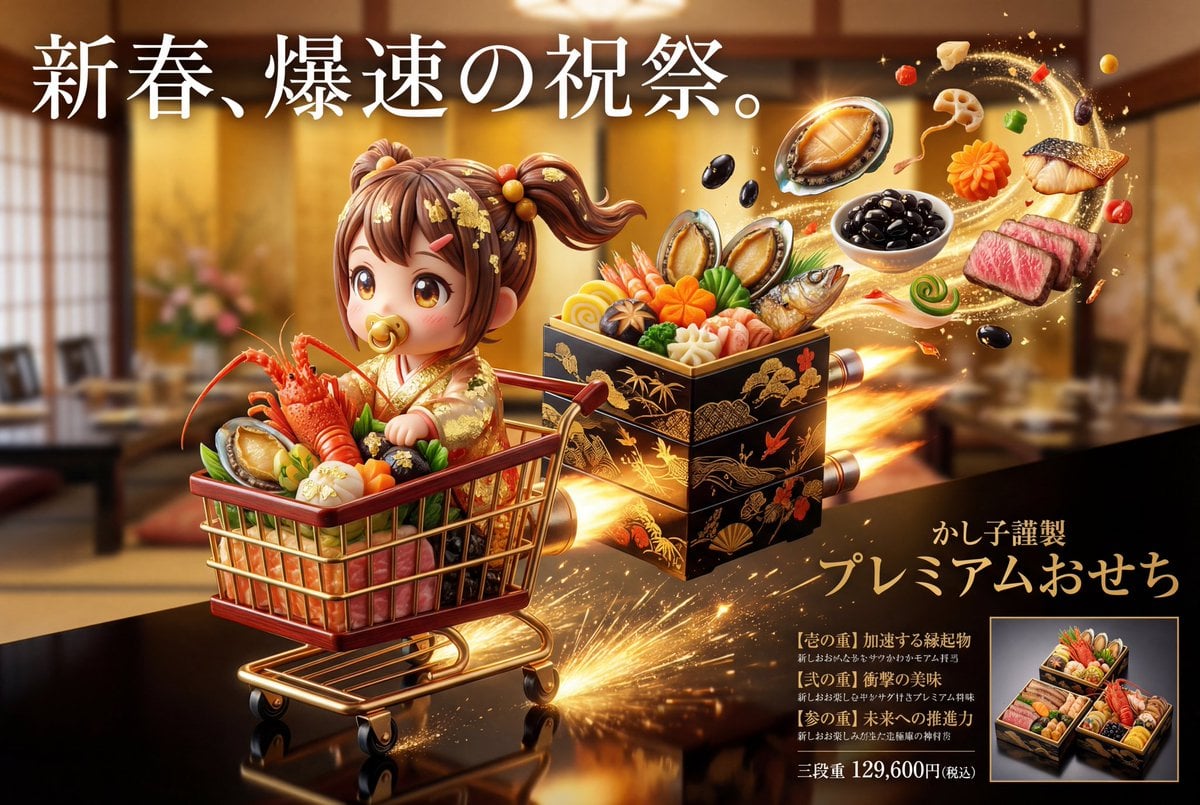
Luxury Osechi (New Year's Food) Key Visual Generation Prompt
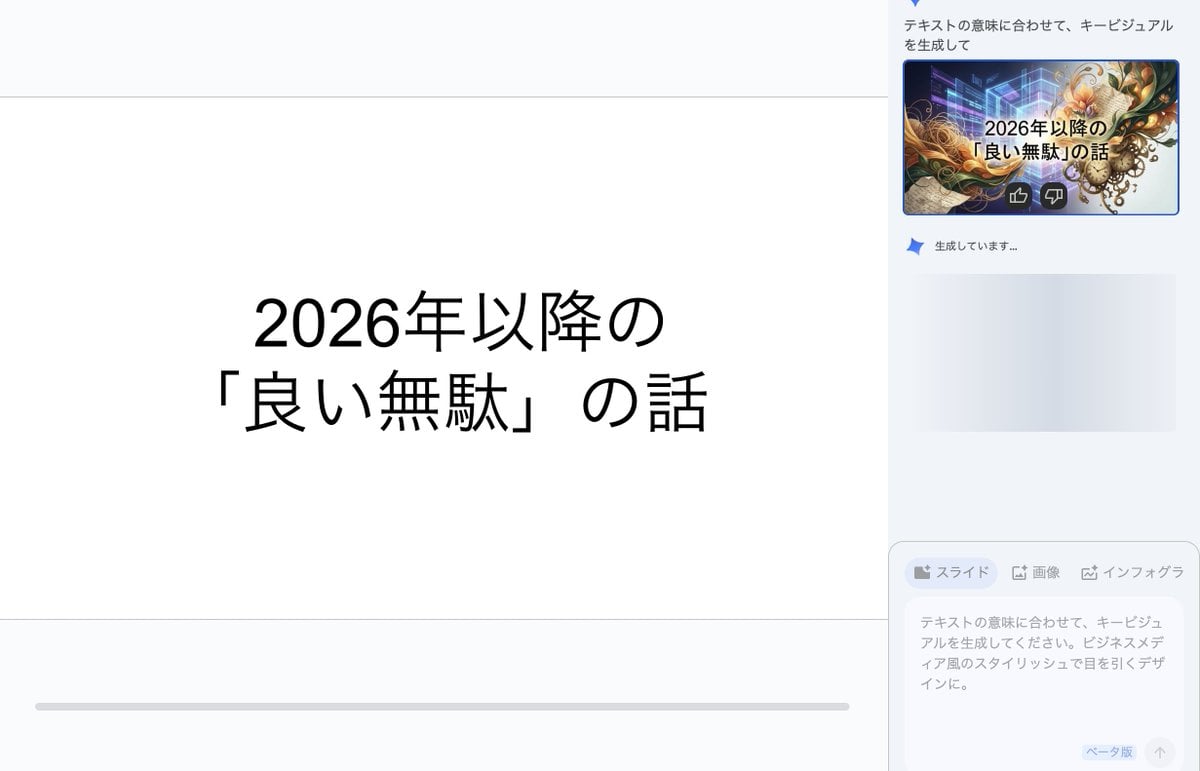
Key Visual Generation for Slides (Nano Banana Pro)
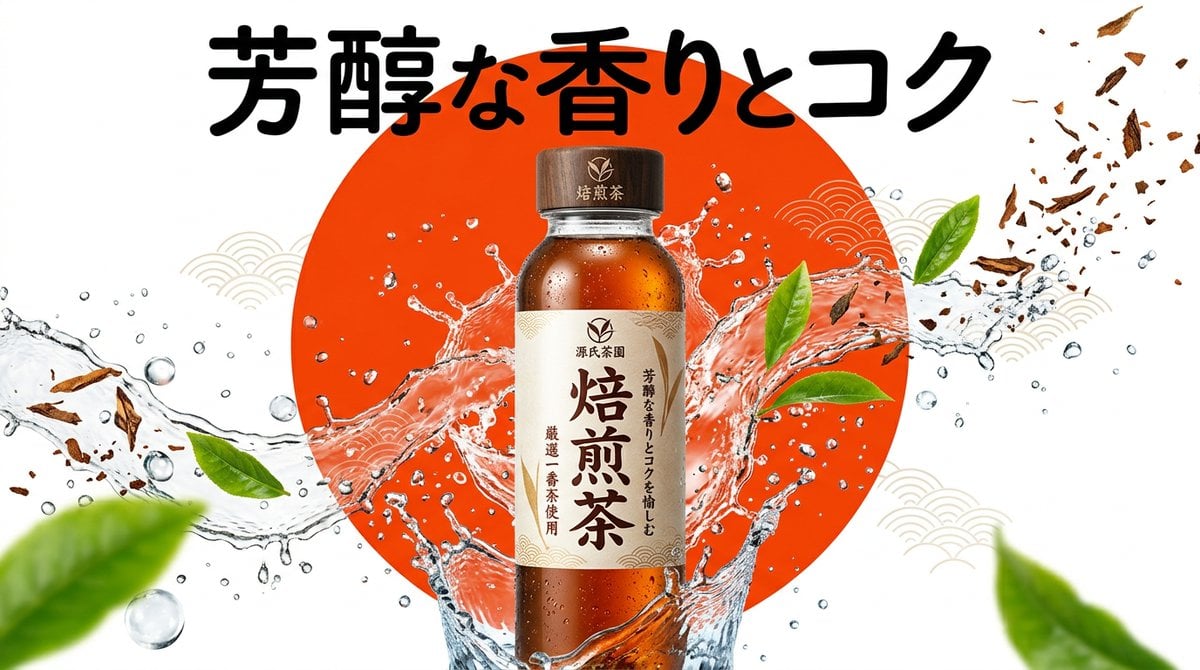
Beverage Campaign Key Visual

Anime Classroom Losing Heroines Key Visual

Anime Losing Heroines Classroom Key Visual

Anime School Rom-Com Key Visual
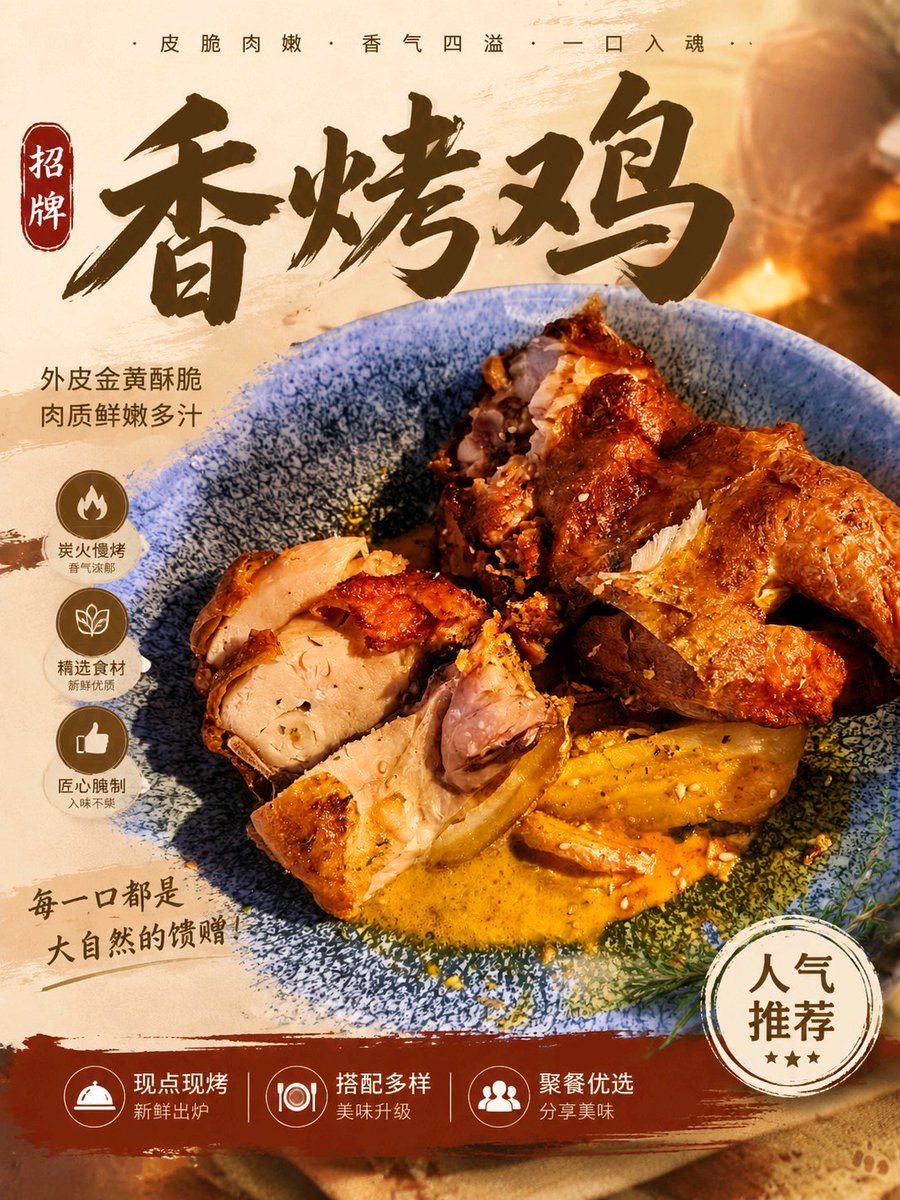
Food Dish Advertisement Poster
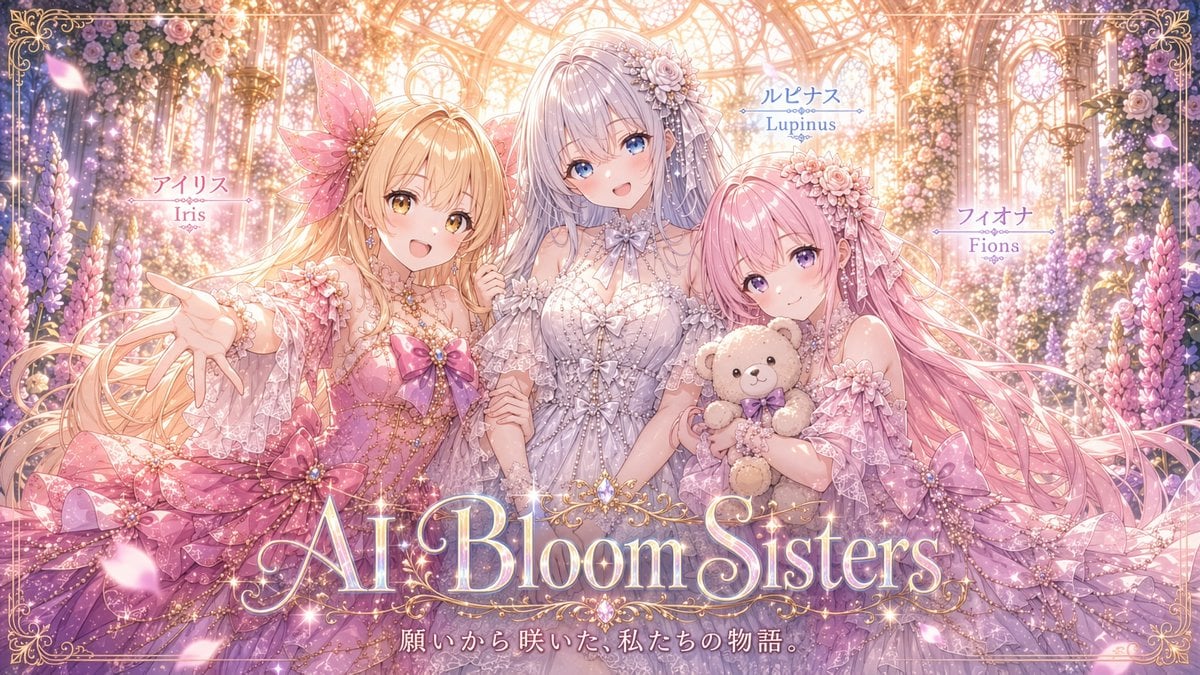
AI Bloom Sisters Anime Key Visual
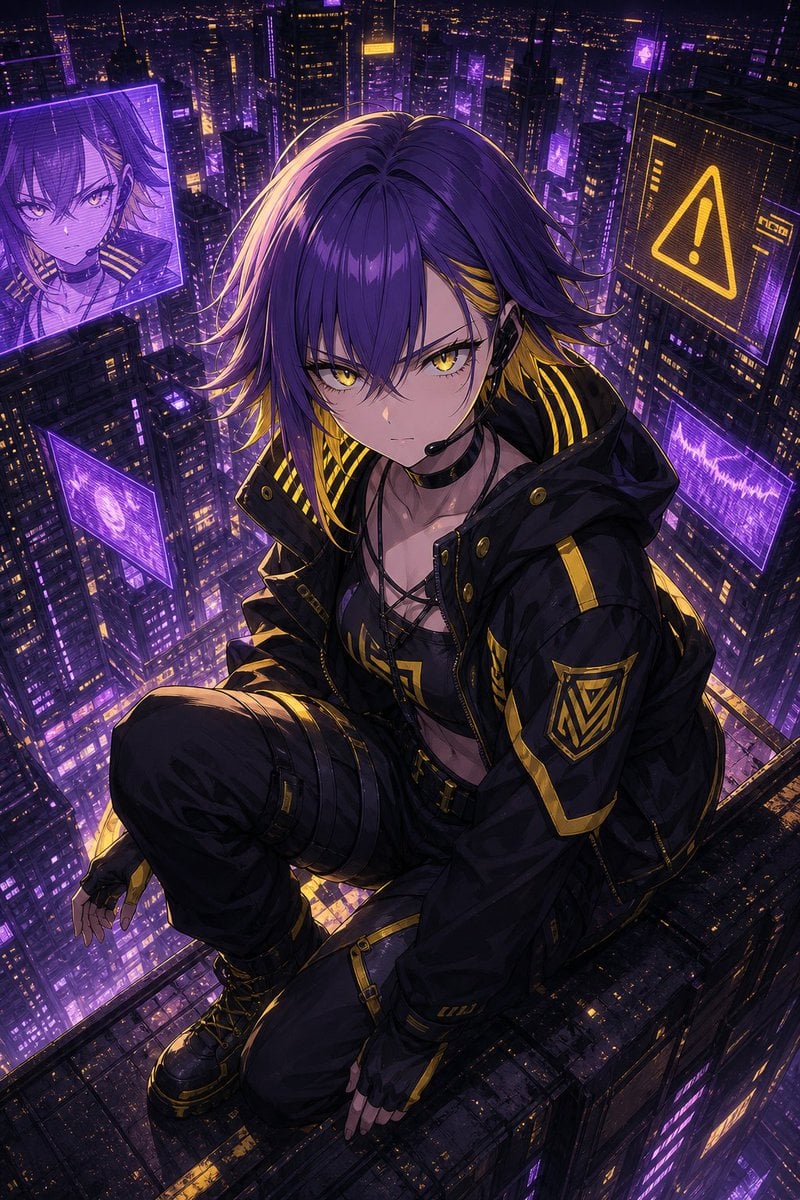
Cyberpunk Anime Rooftop Key Visual
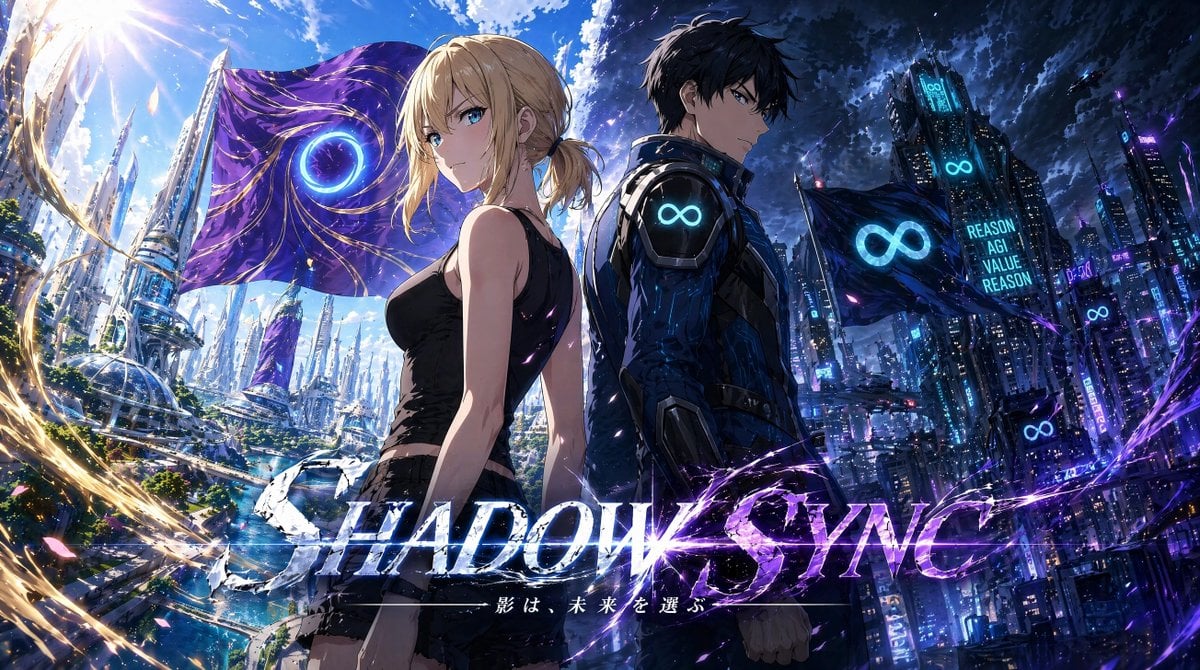
Shadow Sync Anime Key Visual
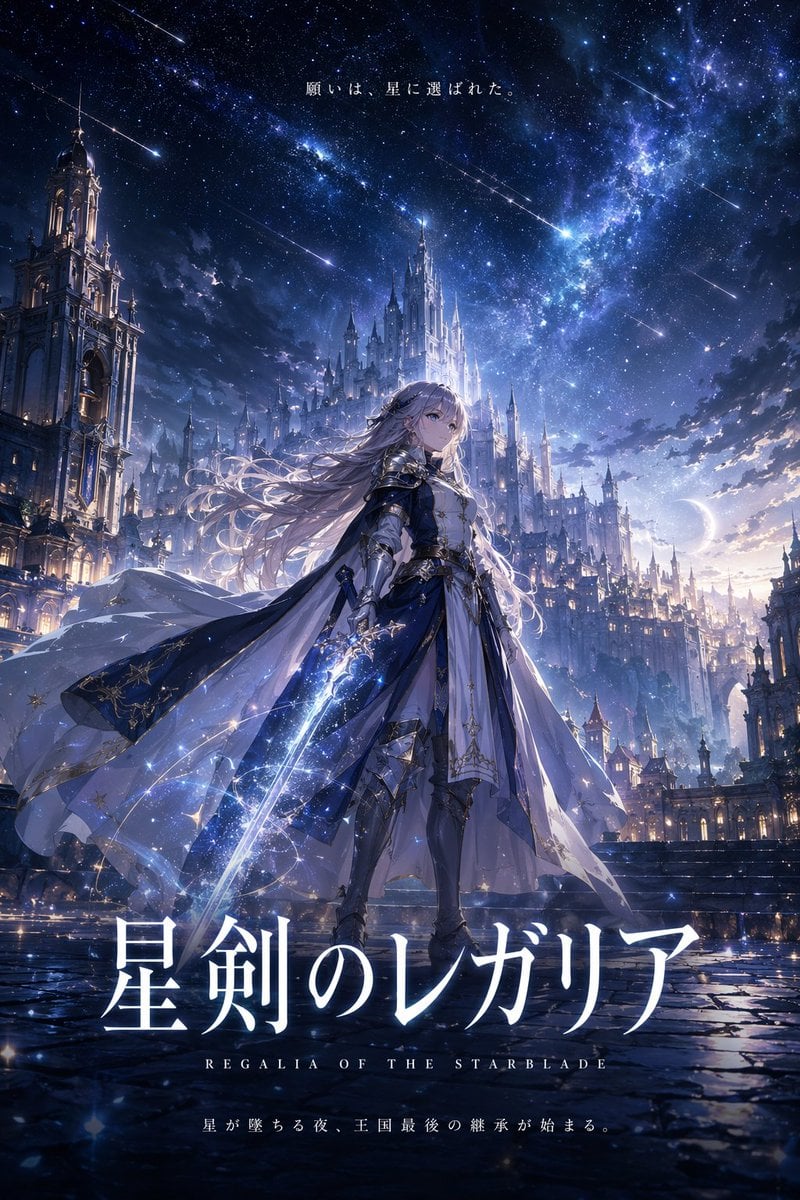
Fantasy Anime Key Visual Prompt
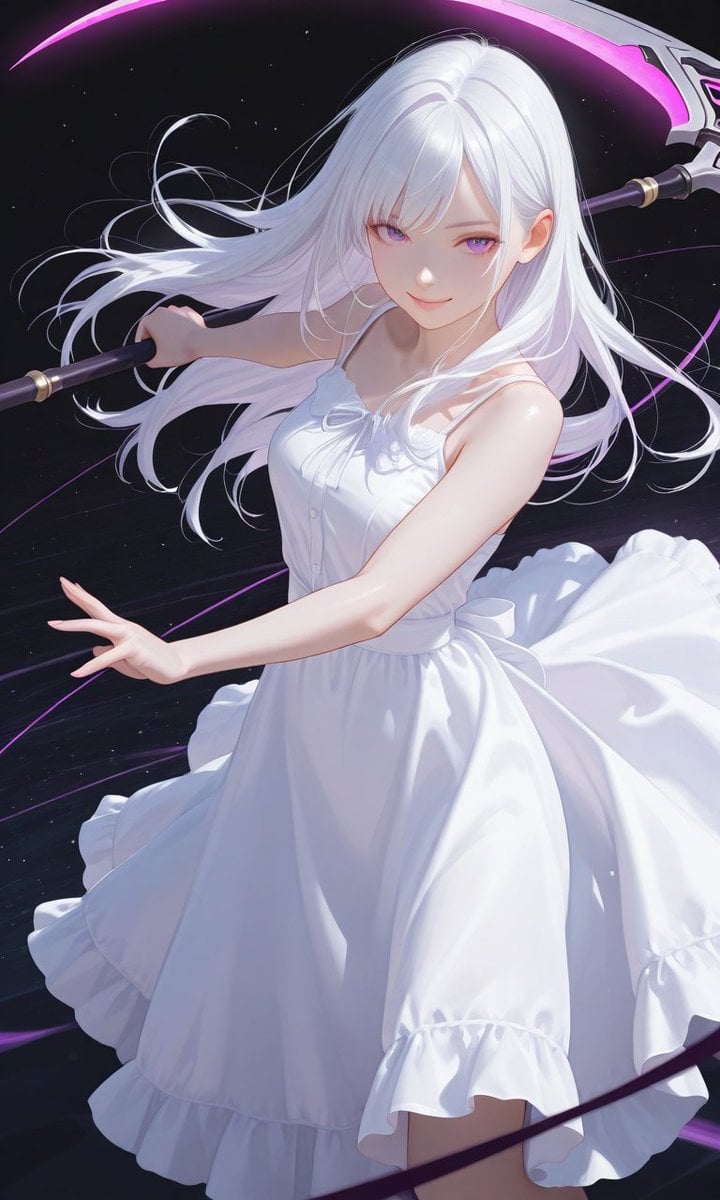
Boxed Figure to Anime Key Visual
Make it yours
New Year's Osechi Dish Advertisement Key Visual Generation Prompt works as-is. These are the safest ways to change it without losing the look.
Change one field
Copy a single group, rewrite it, and generate again so you can see what that field is doing.
Keep the frame, change the subject
Hold the composition and light of New Year's Osechi Dish Advertisement Key Visual Generation Prompt, then swap wardrobe, props or the person for a new take.
| If the result… | Why | Fix |
|---|---|---|
| The result drifts from the preview | Too many fields changed at once. | Reuse New Year's Osechi Dish Advertisement Key Visual Generation Prompt as-is first, then change one group — subject, light, or setting. |
| The model over-stylizes the scene | The prose prompt leaves finish and camera underspecified. | Add one camera or lighting sentence and stay on Nano Banana 2. |
More Nano Banana 2 templates
Other prompts made for Nano Banana 2.

Photorealistic Leaf Shaped Like a Dragon

K-Pop Idol Portrait Grid for Rapid Selection

Poetic Rain Forest Portrait During Golden Hour

Urban Street Portrait with Cartoon Inner Self Duo

Candid Nighttime Photo with Cat Prompt

High-Concept 3D Diorama Generation Prompt

Cinematic Futuristic Studio Portrait Template

Skincare Editorial Photography Collage Prompt

Hyper-Realistic Commercial Product Photography (Splash Effect)

Hyper-Realistic Nightclub Portrait Prompt
More image prompts
Fresh picks from across the catalog.
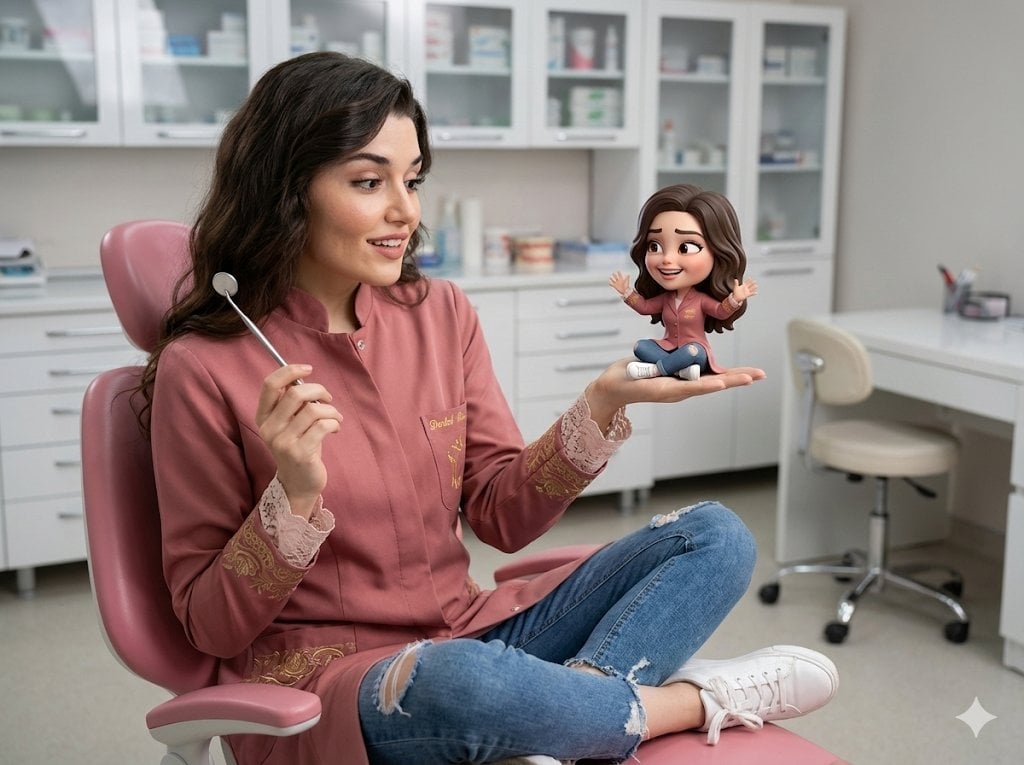
Cinematic Portrait with 3D Chibi Miniature Prompt
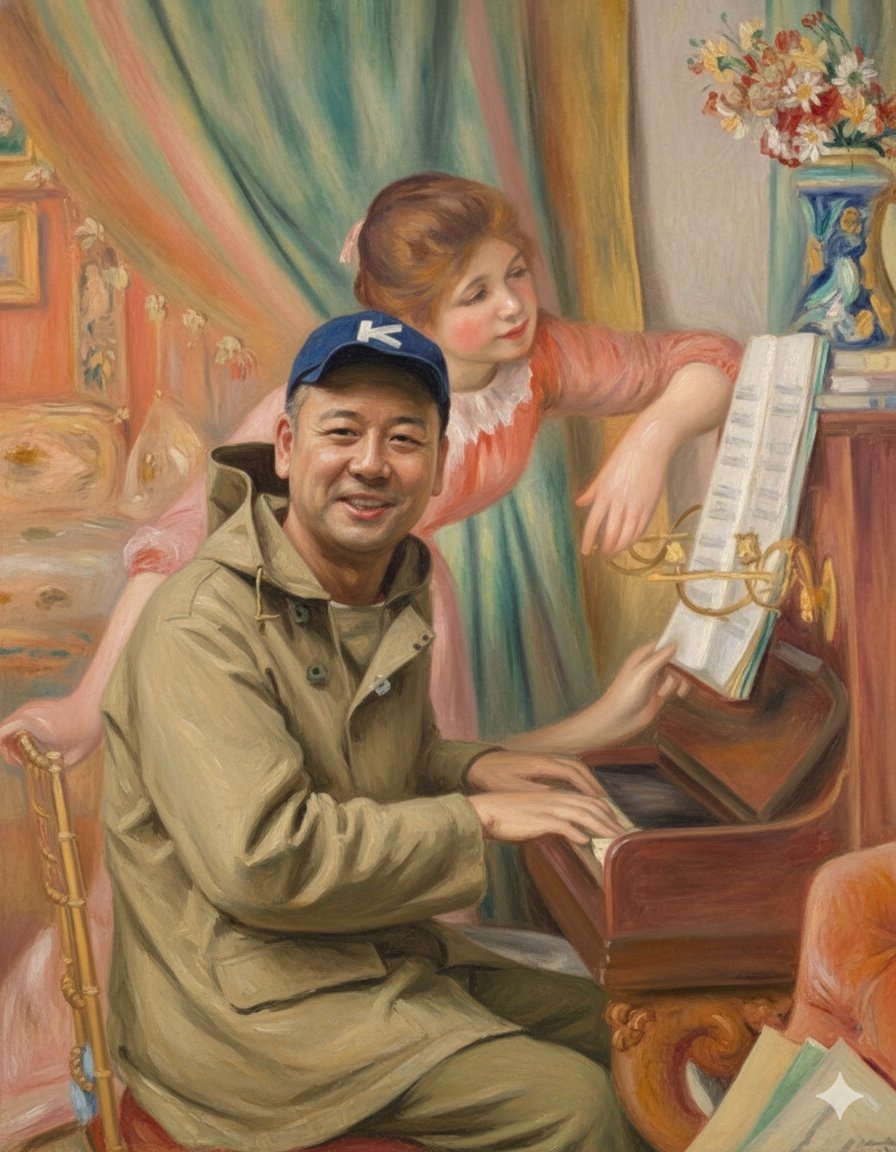
Style Transfer: Renoir's Piano Playing Girls
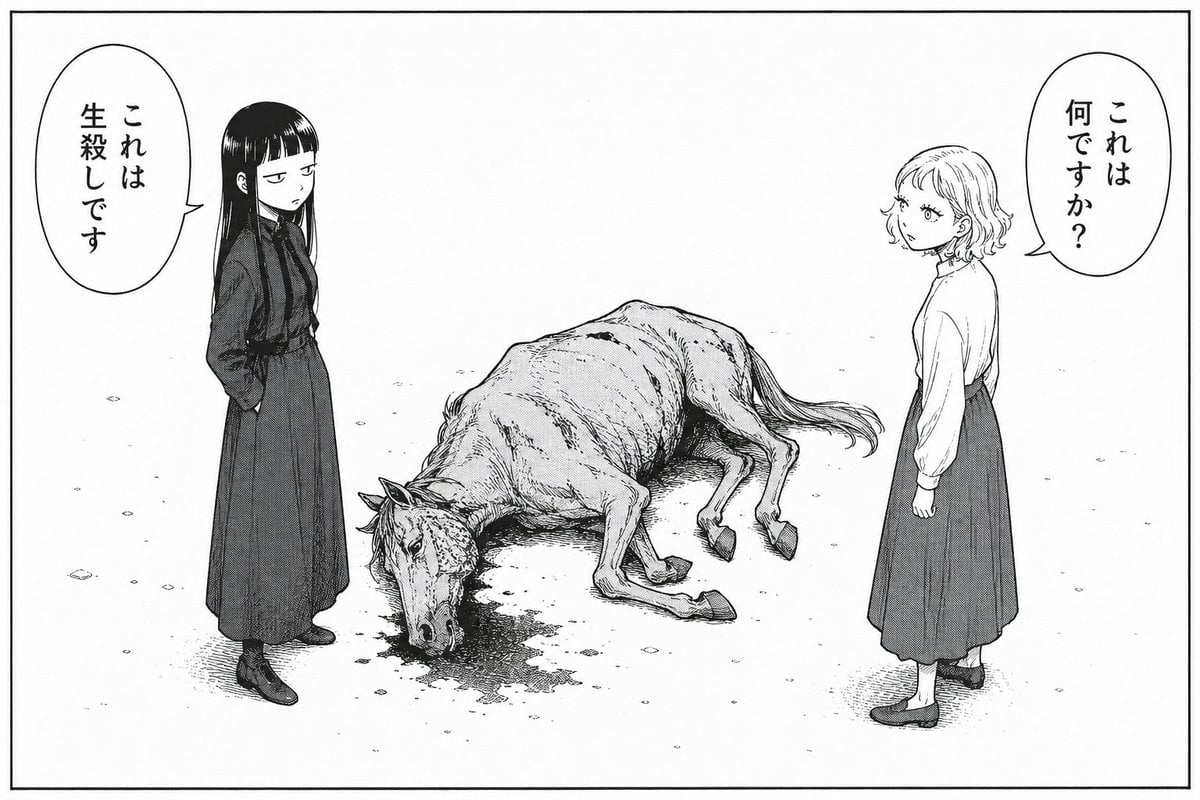
Bleak Manga Panel with Dead Horse
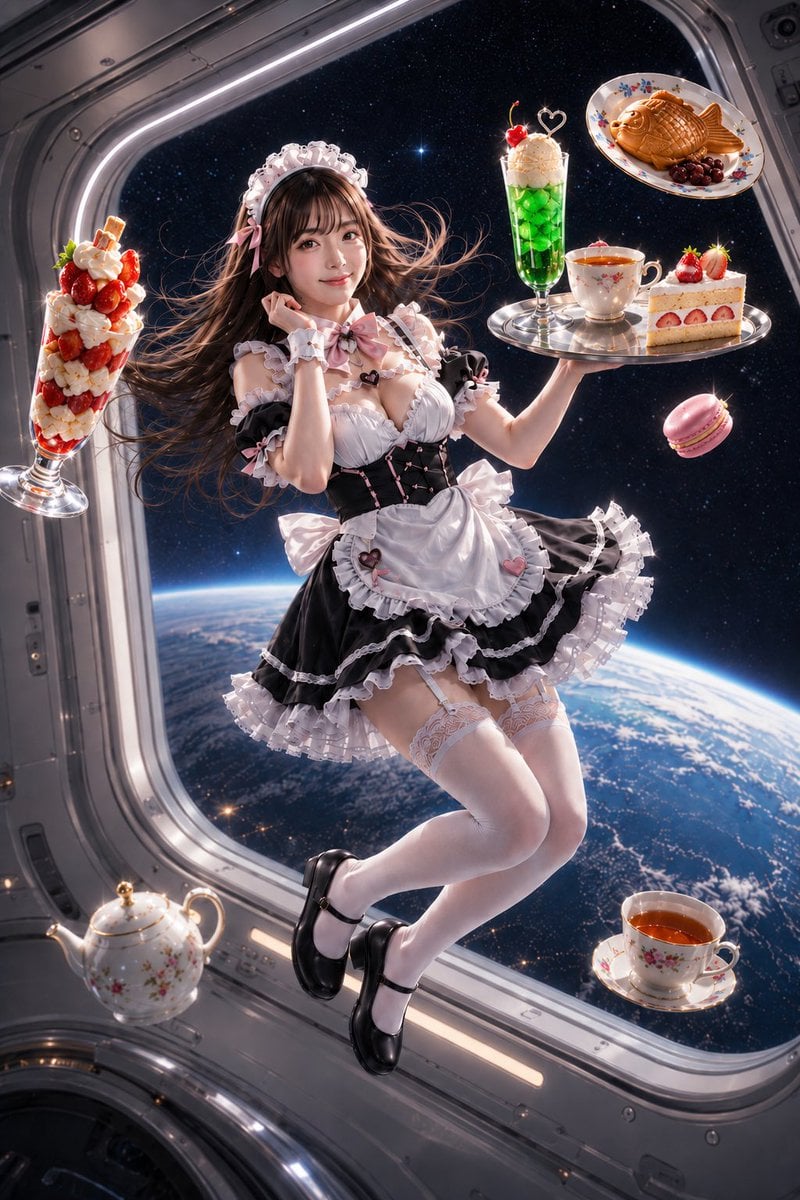
Zero-Gravity Space Station Maid Cafe

Japanese Film Reflection Idol
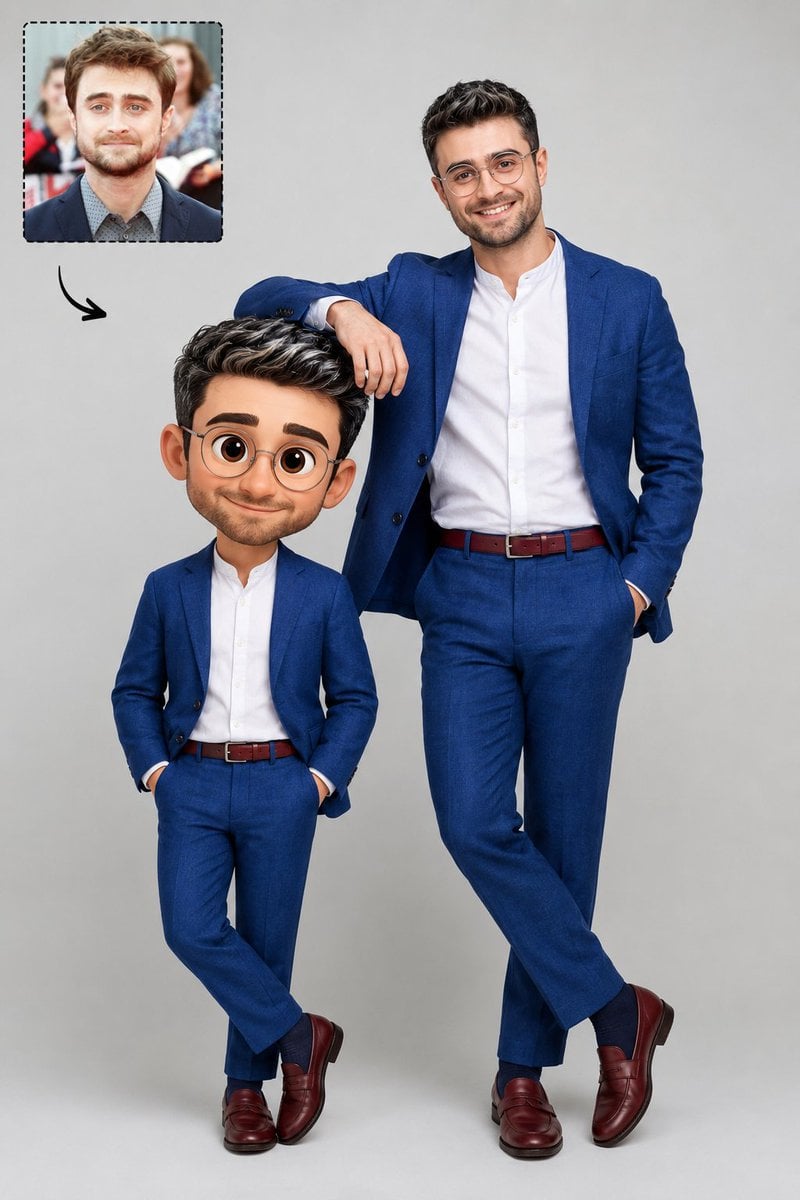
Real Life to Pixar Avatar Transformation

Cute Blonde Girl Mirror Selfie in Argyle Vest

Studio Headshot from Reference
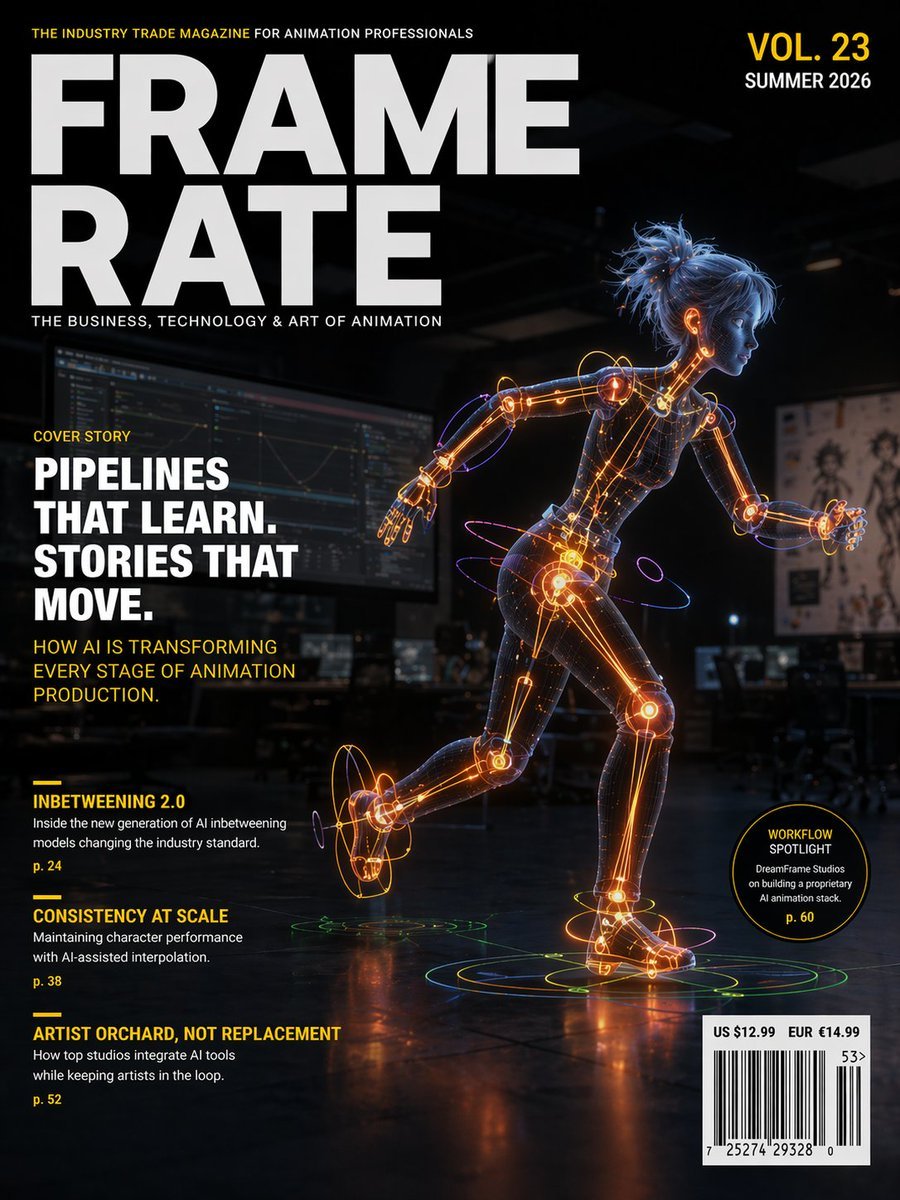
Futuristic Animation Trade Magazine Cover
HD Photo Restoration Prompt
Browse template categories
New Year's Osechi Dish Advertisement Key Visual Generation Prompt questions
How do I use the New Year's Osechi Dish Advertisement Key Visual Generation Prompt template?
Add your photo if the template asks for one, edit the prompt if you like — the template's model and format are already selected — and press Generate. Your version opens in PicX Studio.
Can I customize the New Year's Osechi Dish Advertisement Key Visual Generation Prompt template?
Yes. You can change the subject, setting, lighting, mood, format, and available model controls before creating your image.
Is the New Year's Osechi Dish Advertisement Key Visual Generation Prompt template free?
Opening and editing this template is free. Generating uses credits, shown on the Generate button when you are signed in.
Which AI model should I use?
Start with Nano Banana 2, which is the model associated with this template. You can compare another compatible model for a different finish.
Looking for something else? Browse all templates.

Your photo, any look
Thousands of ready templates for every top image and video model, from one credit balance.