
Glossy Lips Beauty Close-Up
A photorealistic macro beauty portrait emphasizing dewy skin texture and intensely glossy plump lips.
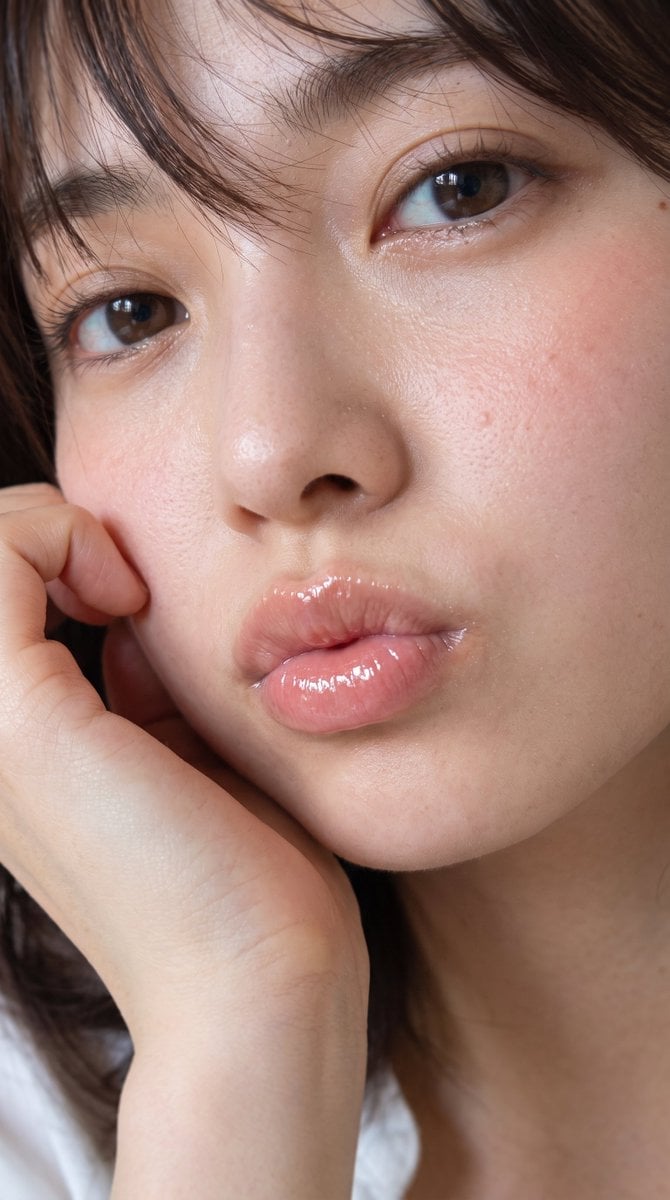
- Prompt included
- Model and format preset
- Free template
The prompt behind this image
Copy the exact prompt behind Glossy Lips Beauty Close-Up, or open it in the studio and make it yours.
Create an ultra-realistic vertical beauty close-up portrait of a {argument name="subject" default="young East Asian woman"} with {argument name="hair style" default="short dark brown hair with wispy bangs falling across her forehead"}. Frame tightly from forehead to upper chest in a 9:16 crop, with the face filling almost the entire image and slightly tilted toward the viewer. Show exactly 2 visible brown eyes with moist catchlights, 2 natural eyebrows, 1 softly raised hand resting against the left cheek, and 1 pair of plump lips puckered in a gentle kiss expression. Emphasize highly realistic skin texture: visible pores, tiny bumps, subtle freckles and moles, natural redness on the cheeks, dewy highlights on the nose and under-eye area, and soft peach-pink blush. Make the lips the focal point: {argument name="lip finish" default="very glossy translucent pink lips with strong wet specular highlights, plump and jelly-like"}. Use natural soft window lighting, shallow depth of field, intimate editorial beauty photography, realistic eyelashes, minimal makeup, warm skin tones, no jewelry, no text, no watermark, no heavy retouching. Background should be dark and blurred, with a small hint of a white top near the bottom edge. Camera style: macro portrait lens, extremely detailed, photorealistic, high-resolution skin and lip texture.
How to use Glossy Lips Beauty Close-Up in 3 steps
- 1Upload ImagePNG, JPG or paste
Add your photo
Upload the photo the template builds on. The prompt, model and format are already set.
- 2…a portrait of your subject in softgolden-hour light, 85mm…
Personalize
Edit the subject and creative details for your destination.
- 3Generate
Generate
Press Generate — your image is created in PicX Studio, so you can compare it with the original and refine one variable at a time.
More like this
Templates with the same subject, style or setup. Open one to see its prompt.
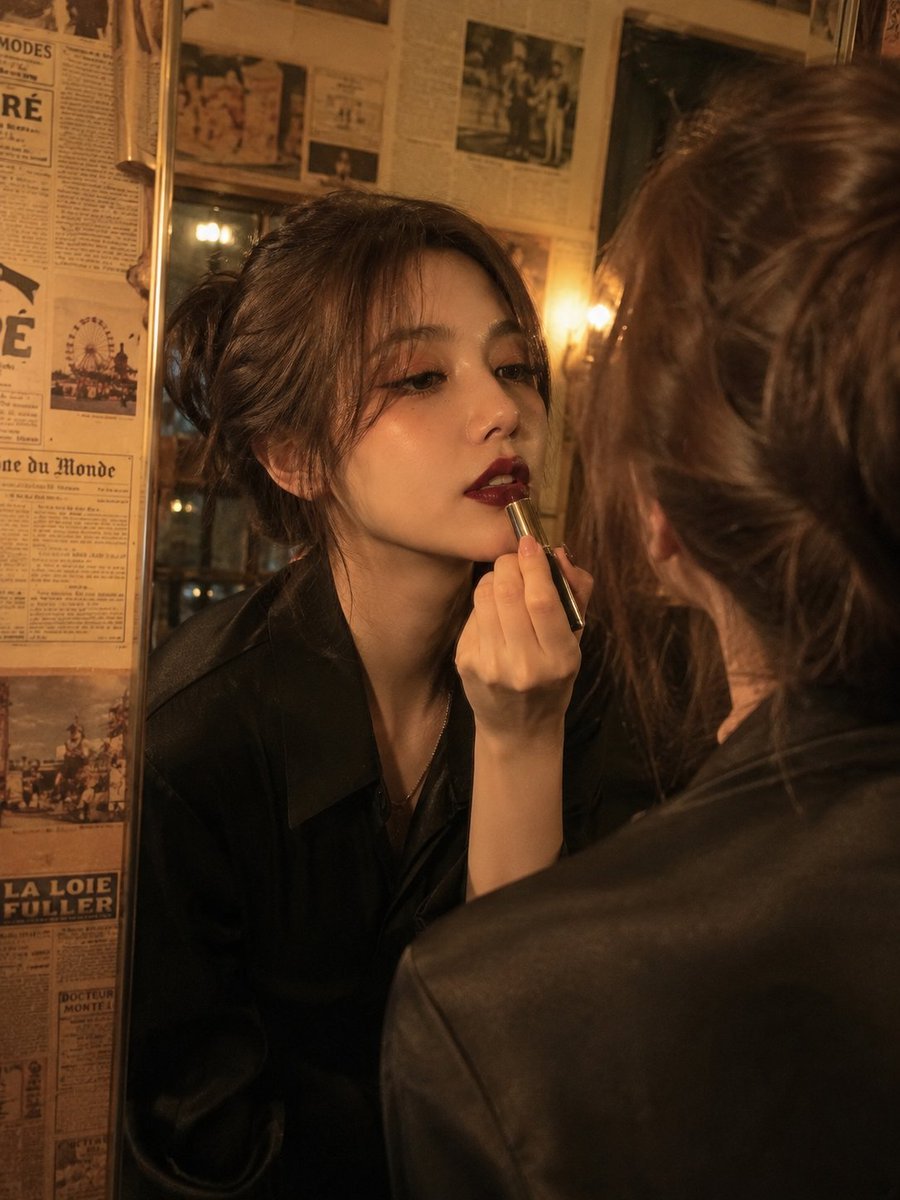
Vintage Beauty Portrait with Lipstick
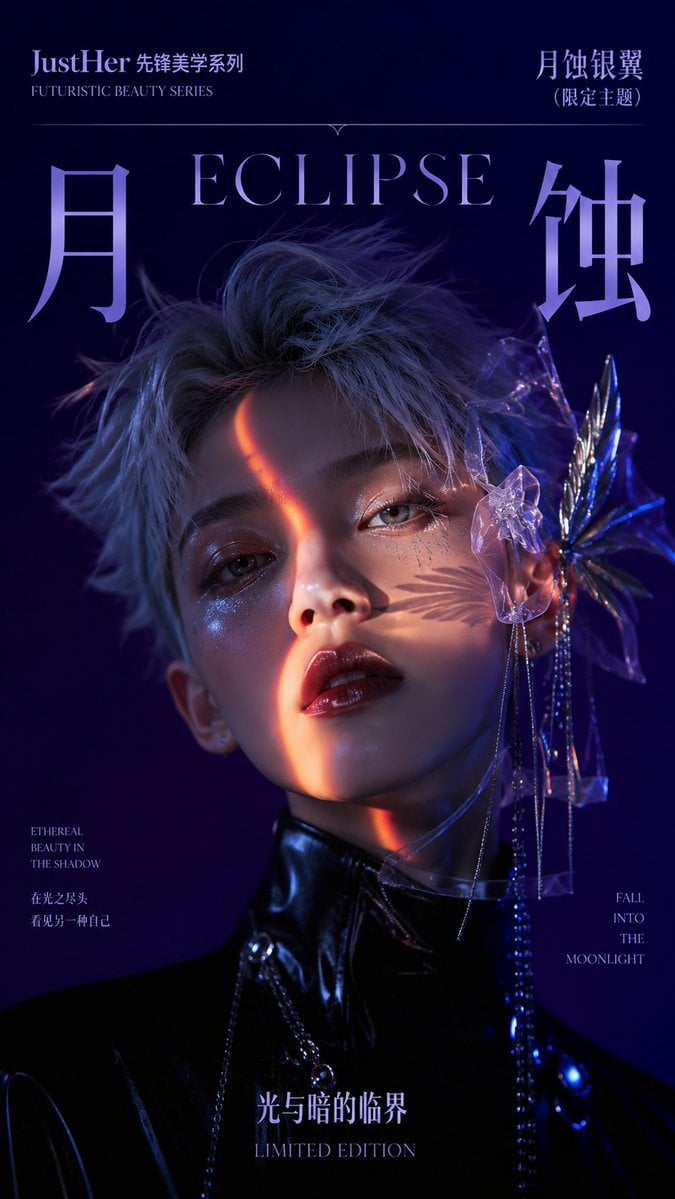
Futuristic Eclipse Beauty Cover
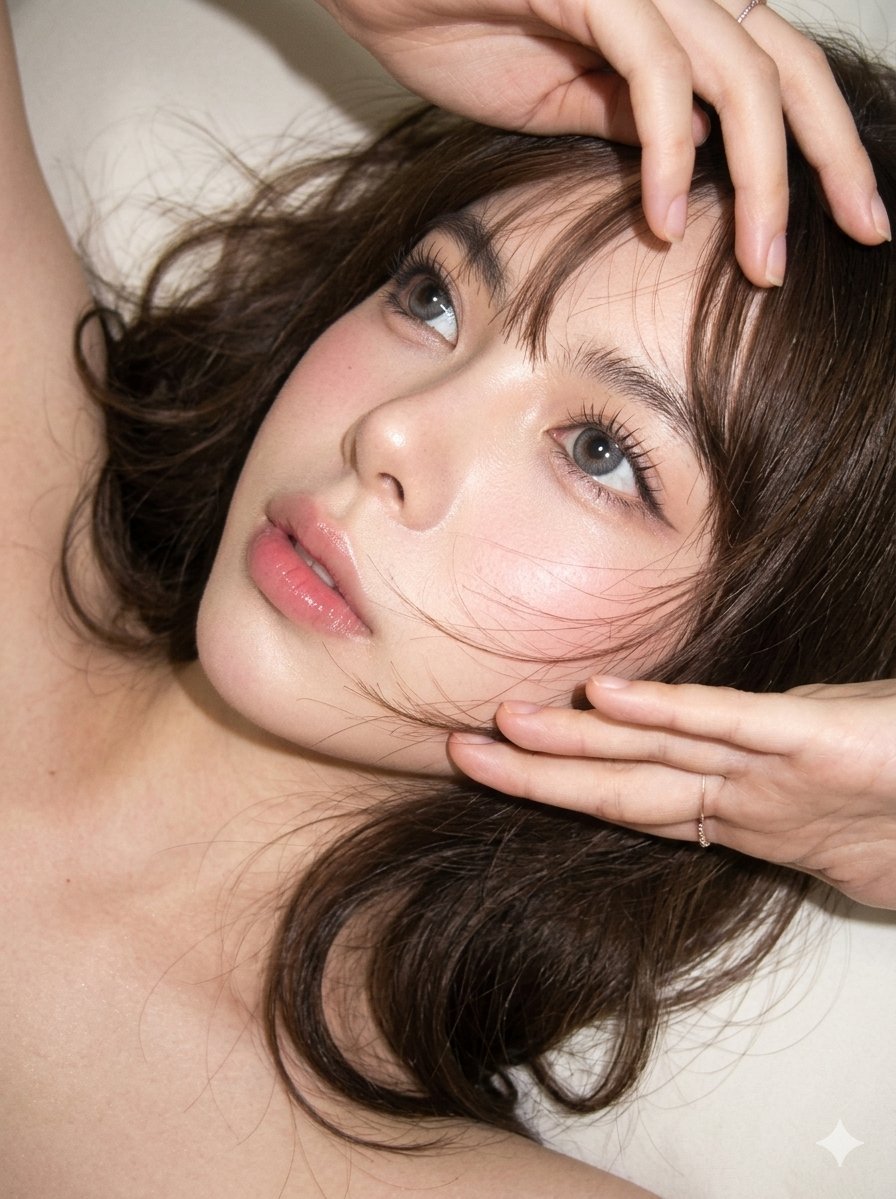
Editorial CCD Close-up Beauty Portrait
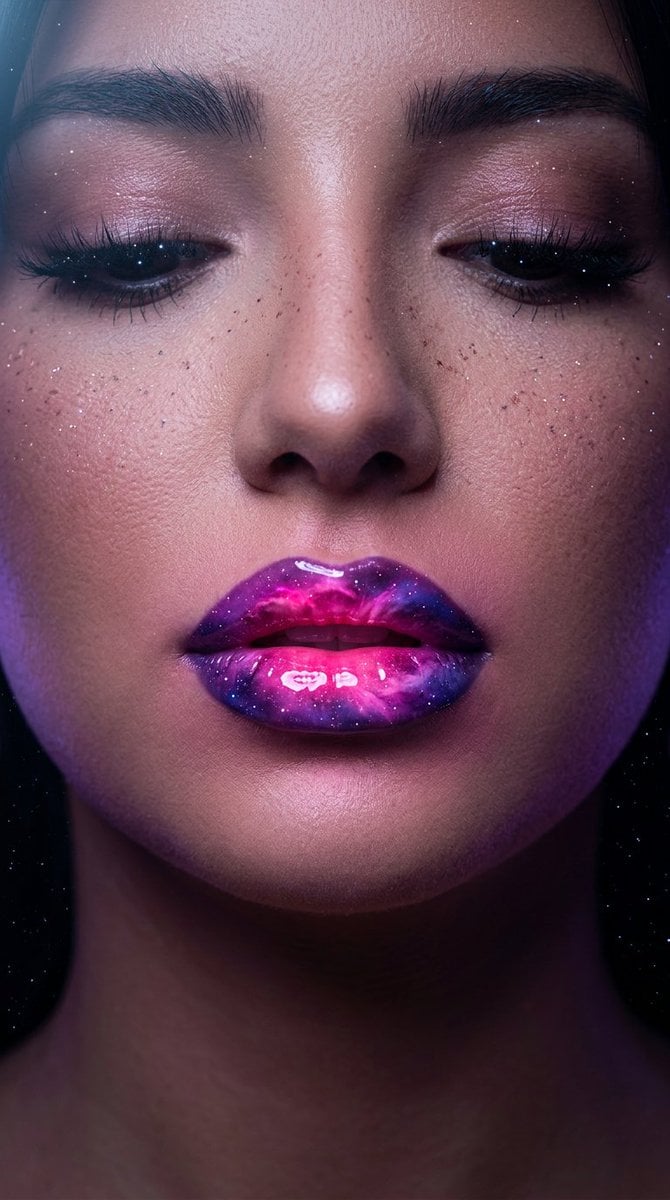
Cosmic Nebula Lipstick Beauty Campaign
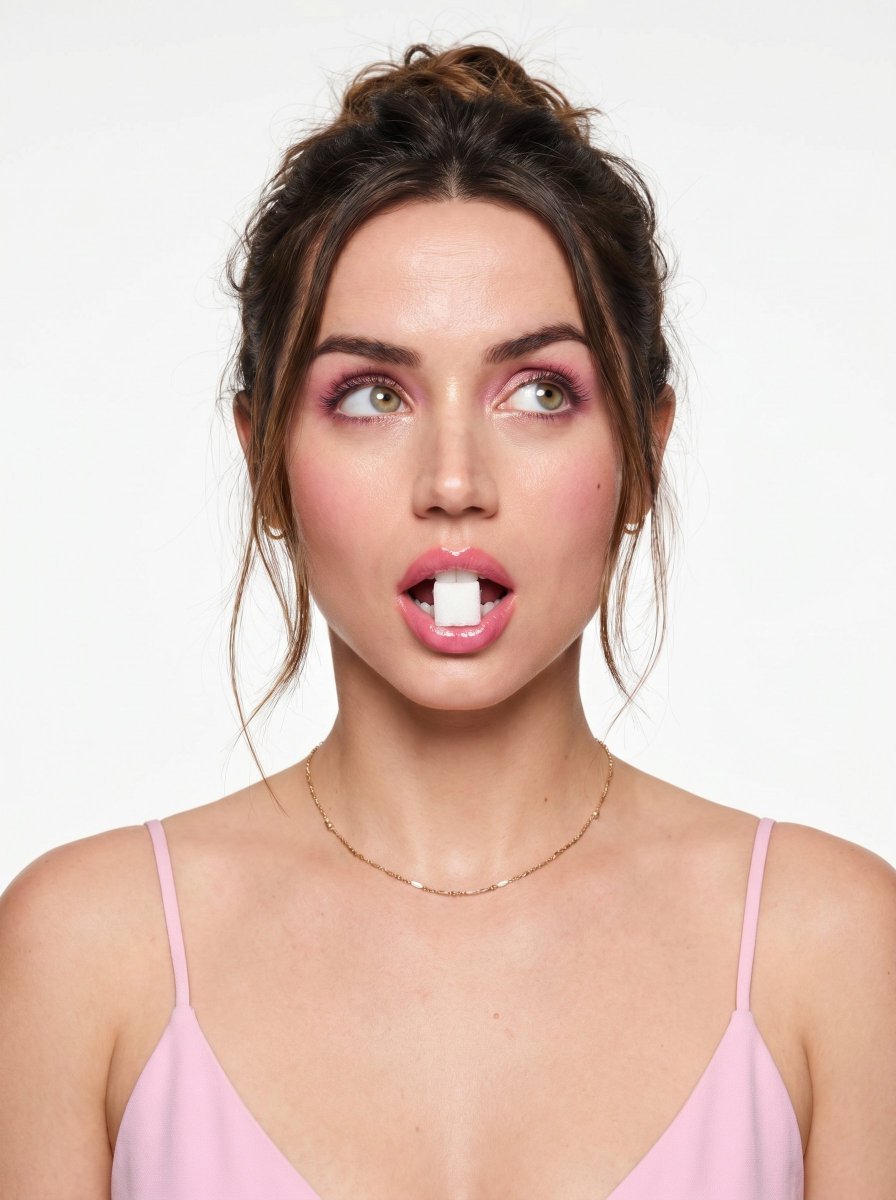
Playful Beauty Editorial Close-up
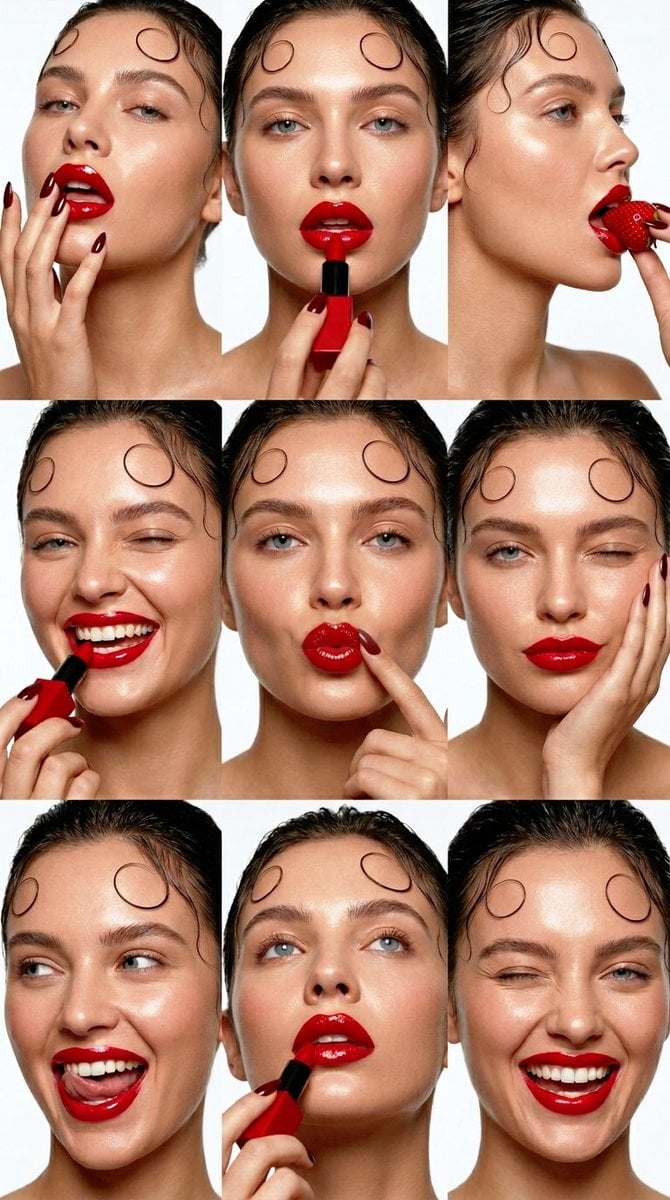
Beauty Collage Lipstick Grid

Geometric Color-Block Beauty Editorial Portrait

High-Fashion Editorial Magazine Cover ICON
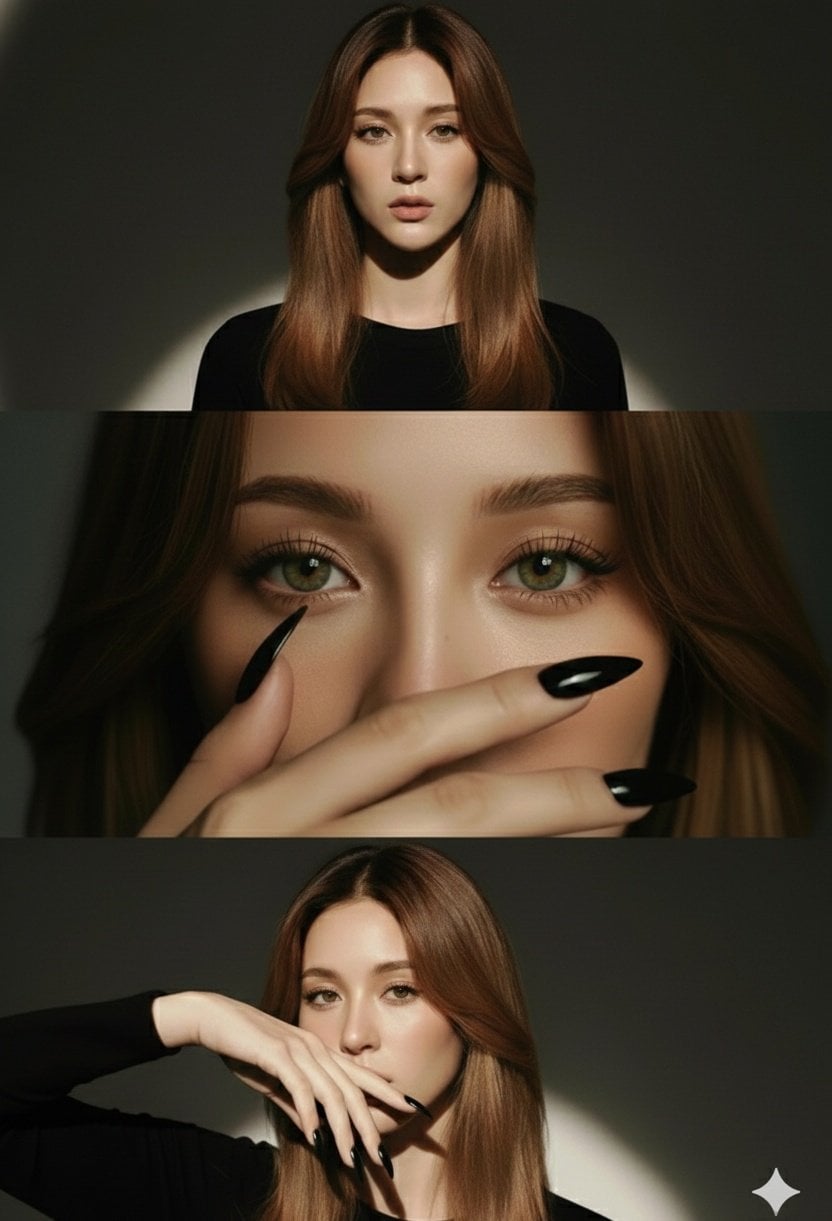
High-Fashion Editorial Studio Portrait Triptych
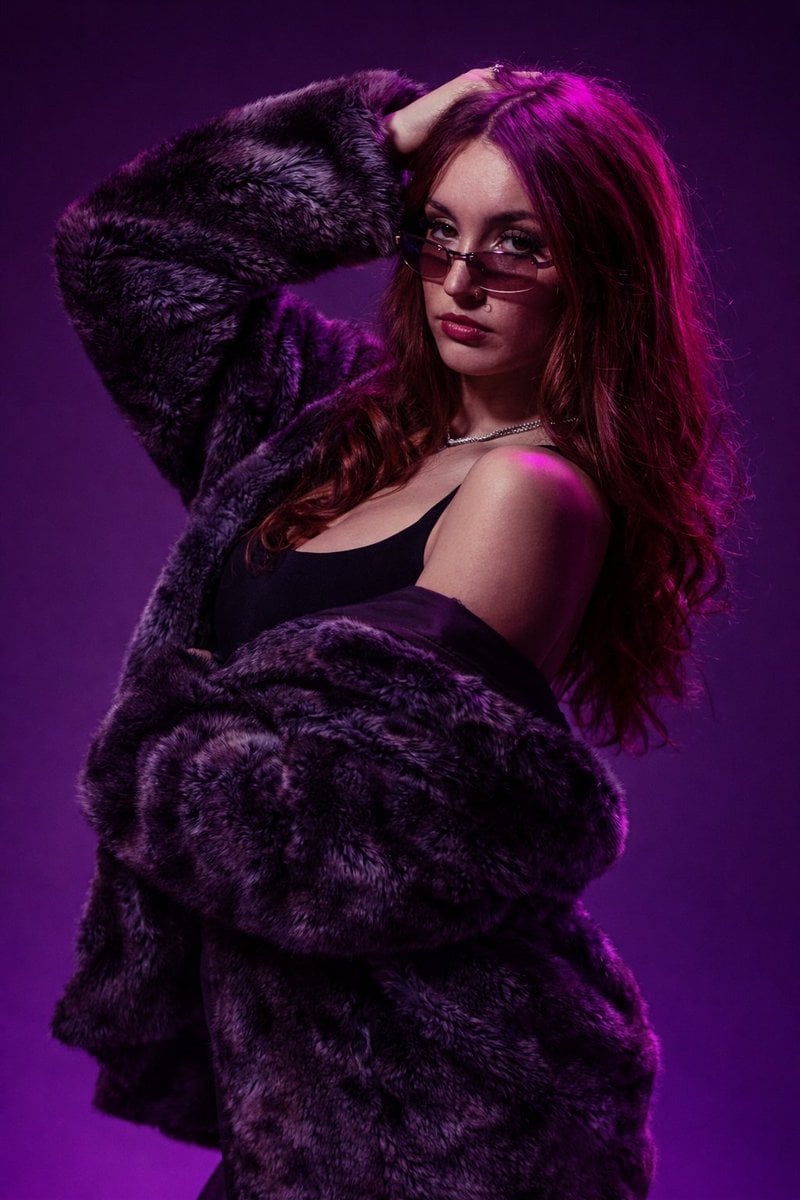
Studio Fashion Portrait Moody Purple Gradient

Futuristic Chrome Helmet Fashion Portrait
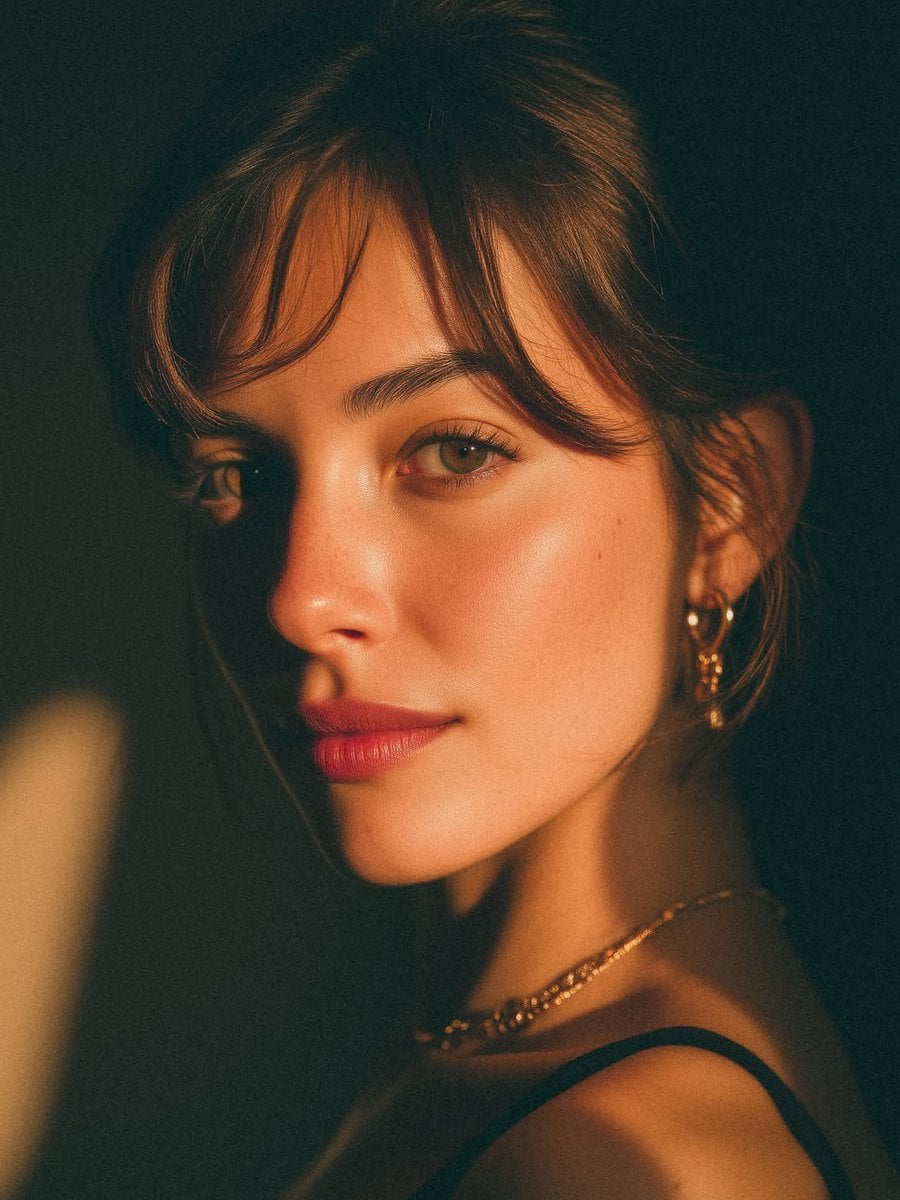
Golden Hour Look-Back Beauty Portrait
Make it yours
Glossy Lips Beauty Close-Up works as-is. These are the safest ways to change it without losing the look.
Change one field
Copy a single group, rewrite it, and generate again so you can see what that field is doing.
Keep the frame, change the subject
Hold the composition and light of Glossy Lips Beauty Close-Up, then swap wardrobe, props or the person for a new take.
| If the result… | Why | Fix |
|---|---|---|
| The result drifts from the preview | Too many fields changed at once. | Reuse Glossy Lips Beauty Close-Up as-is first, then change one group — subject, light, or setting. |
| The model over-stylizes the scene | The prose prompt leaves finish and camera underspecified. | Add one camera or lighting sentence and stay on GPT Image 2. |
More GPT Image 2 templates
Other prompts made for GPT Image 2.

Six VTuber Japanese Logo Sheet

Realistic Portrait of Woman and Deer

The Vista Modular Condo Poster

AI Model Routing Comparison Infographic

2.5D Anime Art Board

Isometric Productivity Desk Scene

New York Double Exposure Poster

Four-Panel AI Landscape Comparison

Japanese Tatami Lifestyle Magazine Cover

NESCAFÉ Coffee Map Poster
More image prompts
Fresh picks from across the catalog.
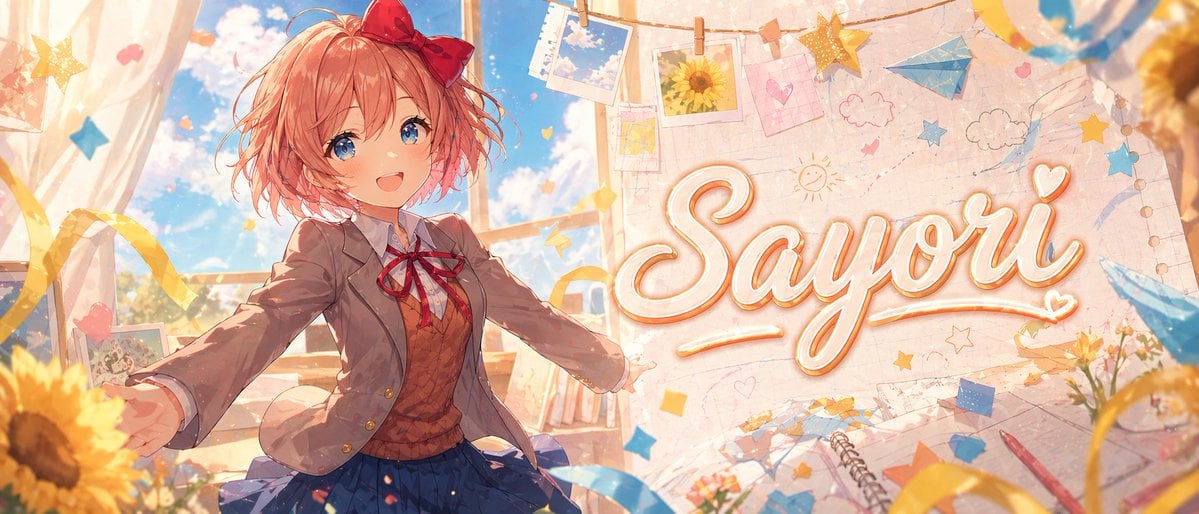
Dreamy Anime Sayori Banner
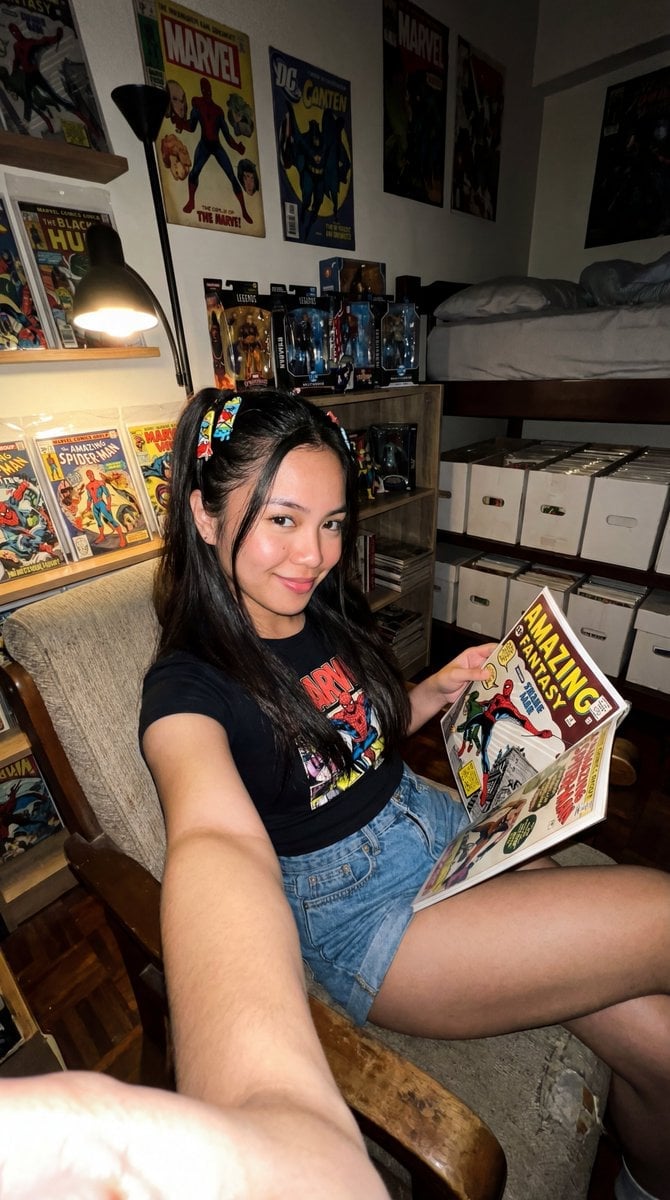
Filipina Comic Geek Selfie in Collector's Room
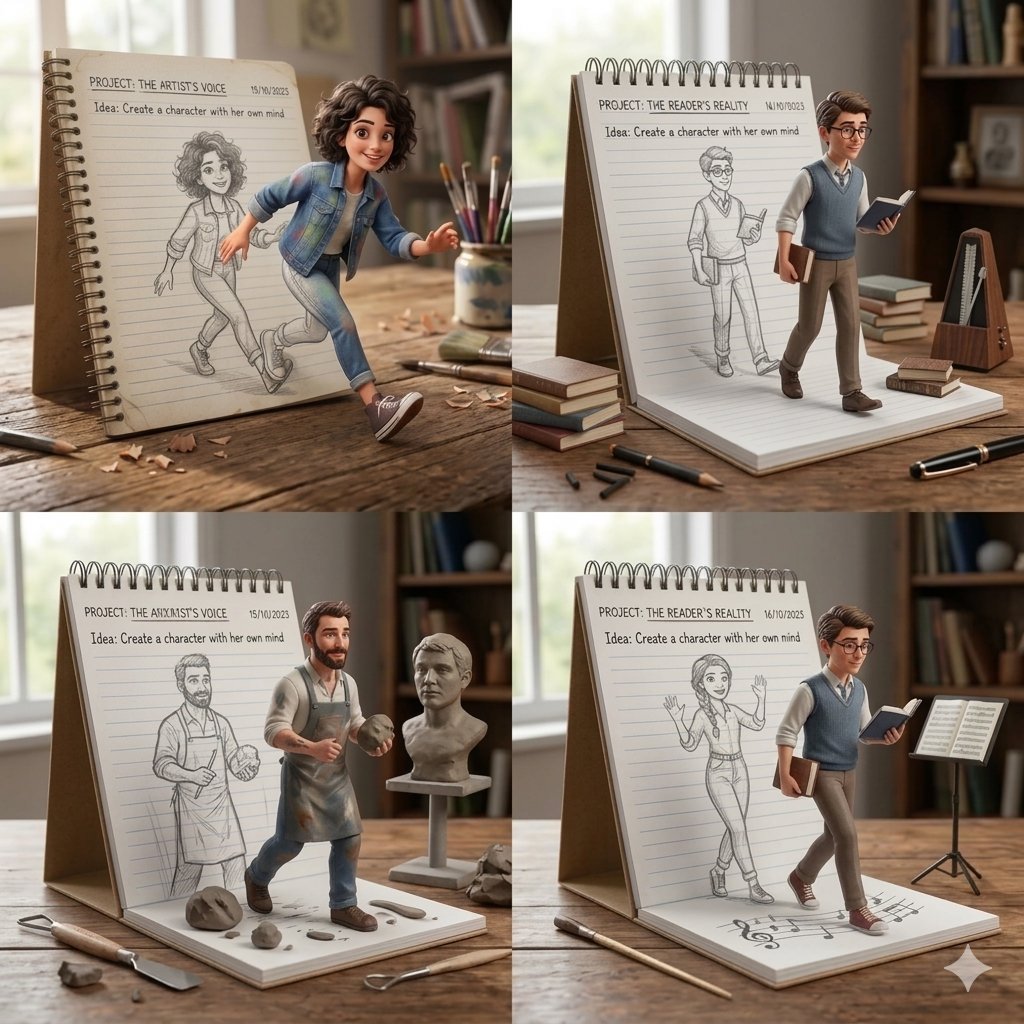
Creative Concept of Hand-Drawn Characters Coming to Life
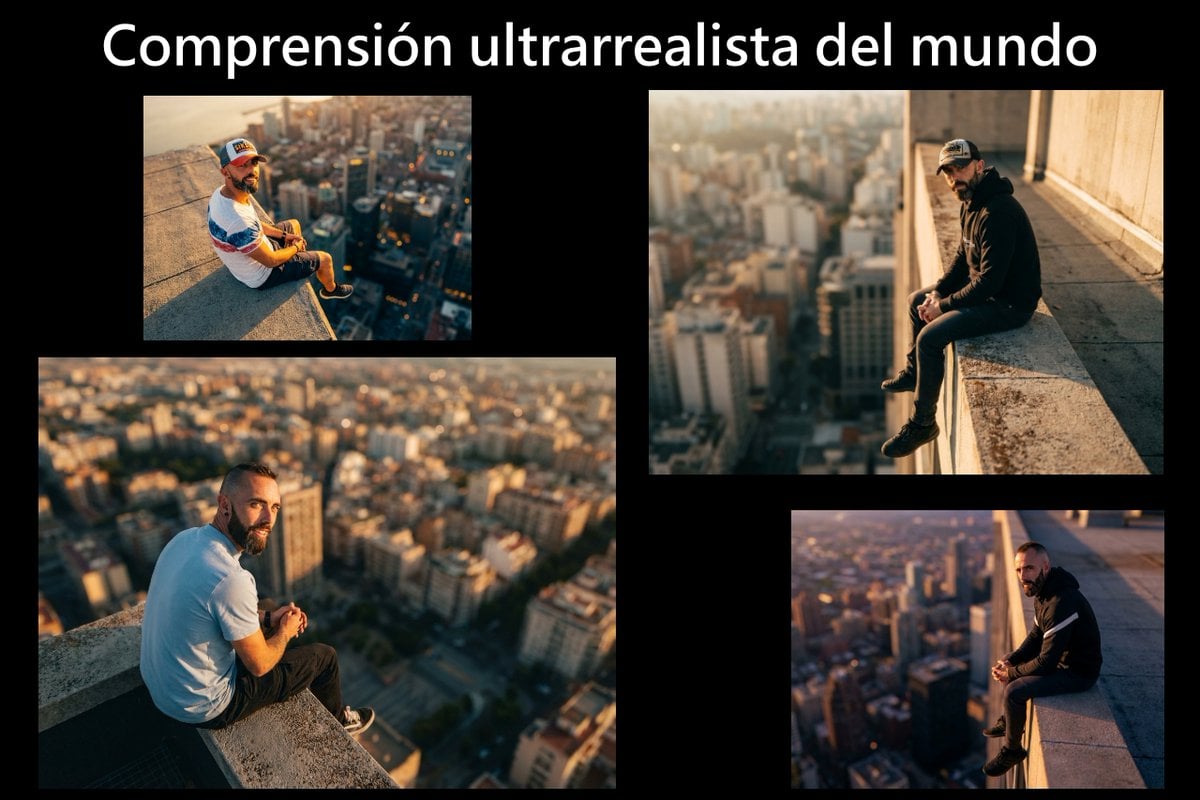
Cinematic rooftop portrait from reference photos
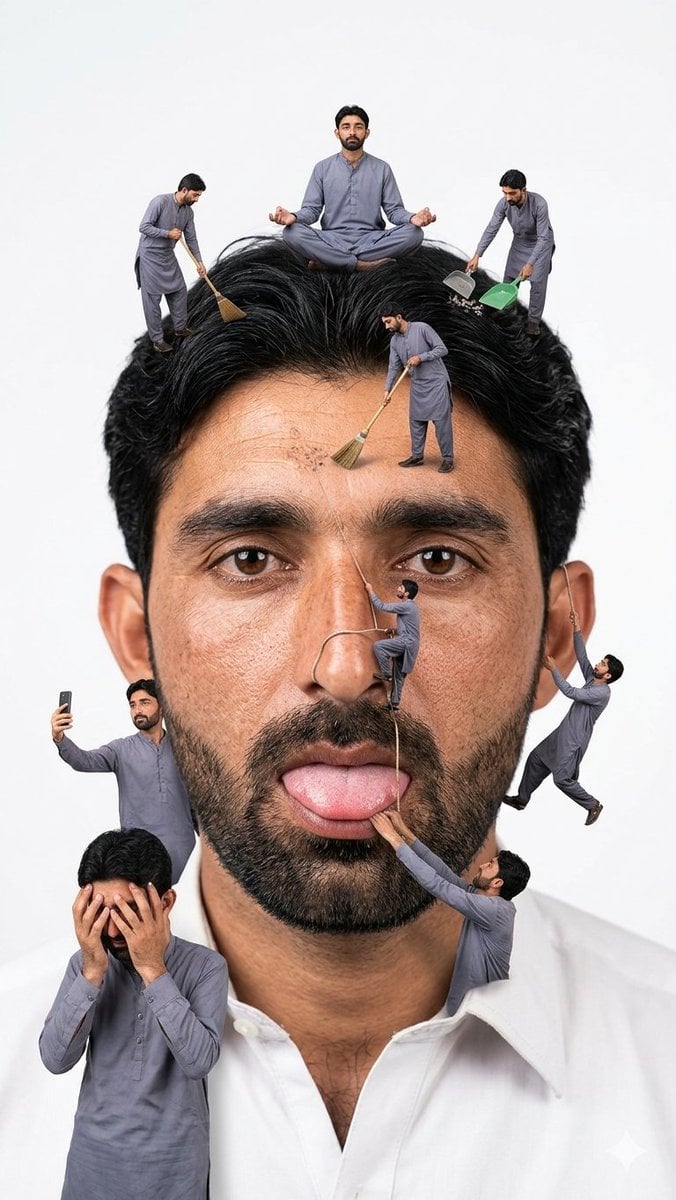
Surreal Miniature People Concept Portrait
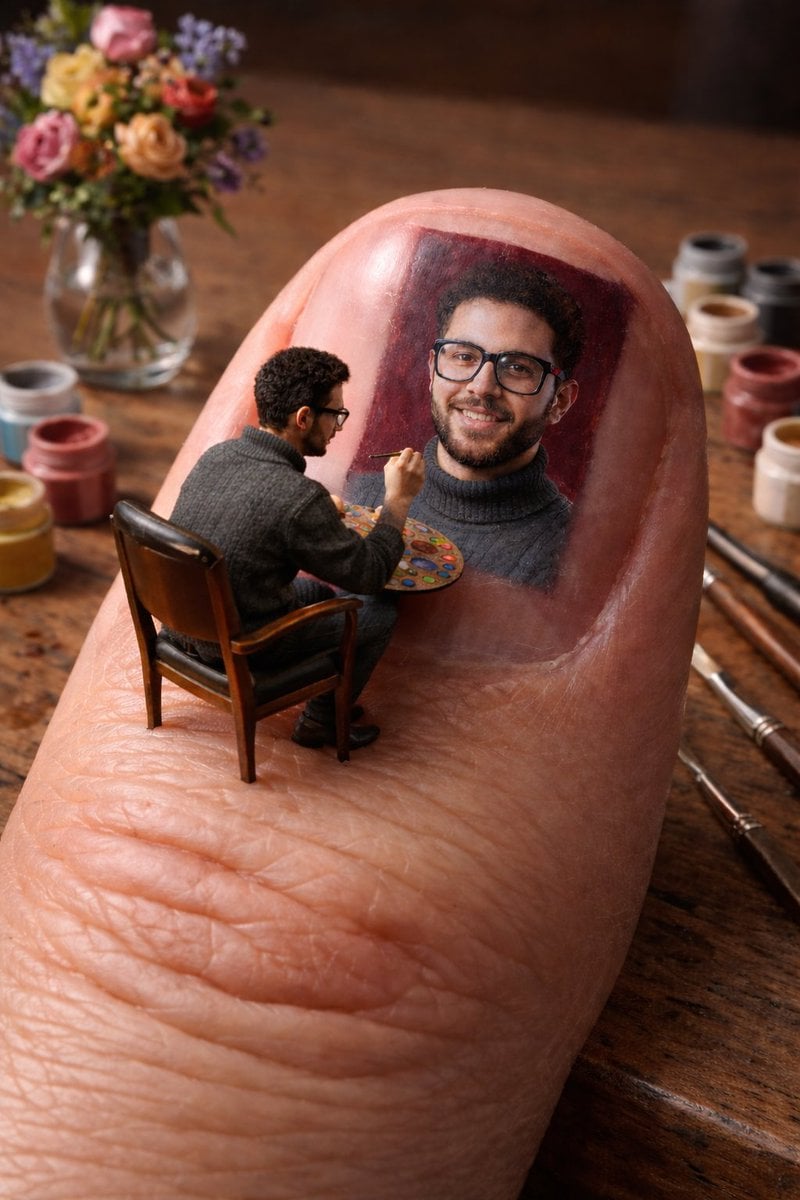
Miniature Artist on Giant Fingernail
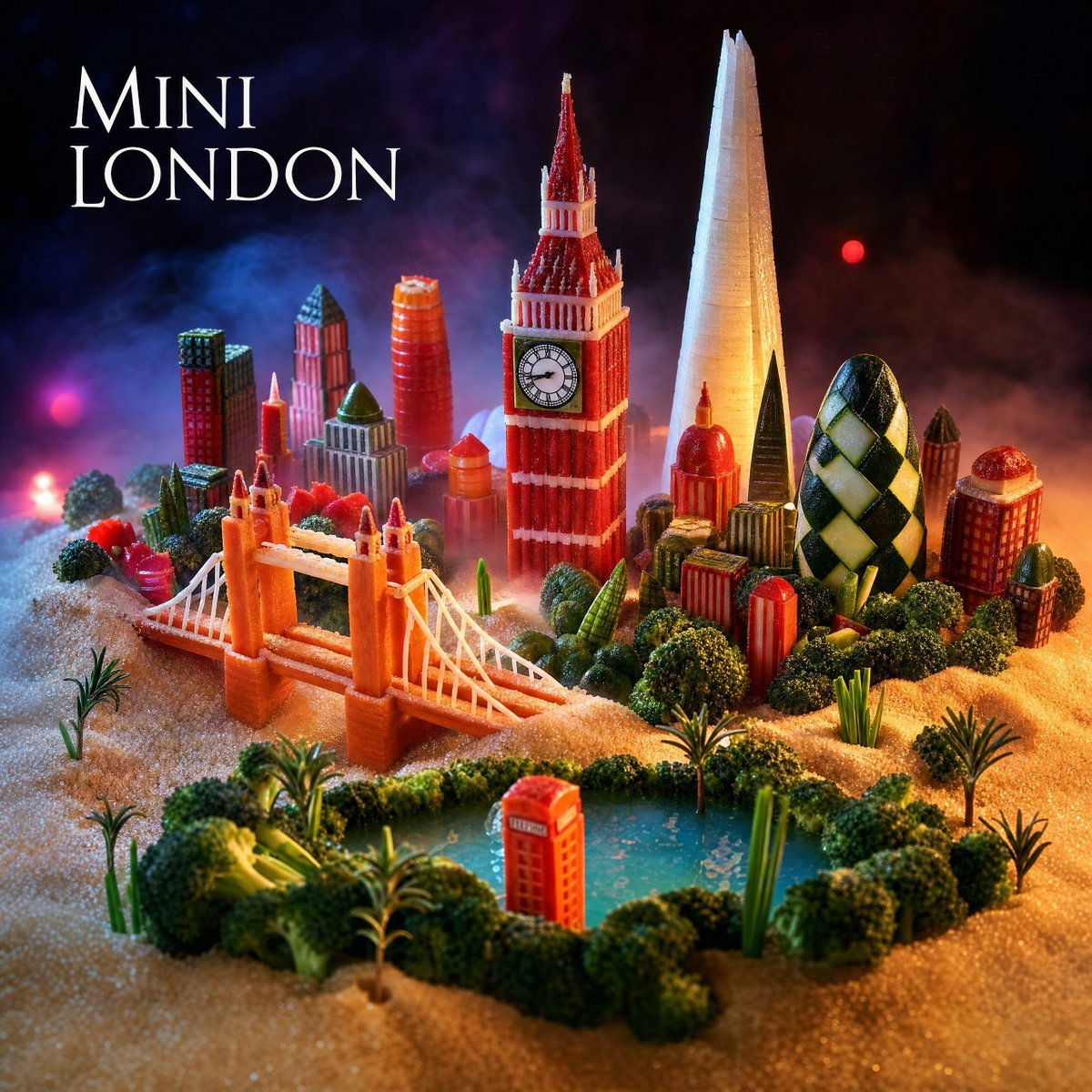
Mini London Sugar Landscape
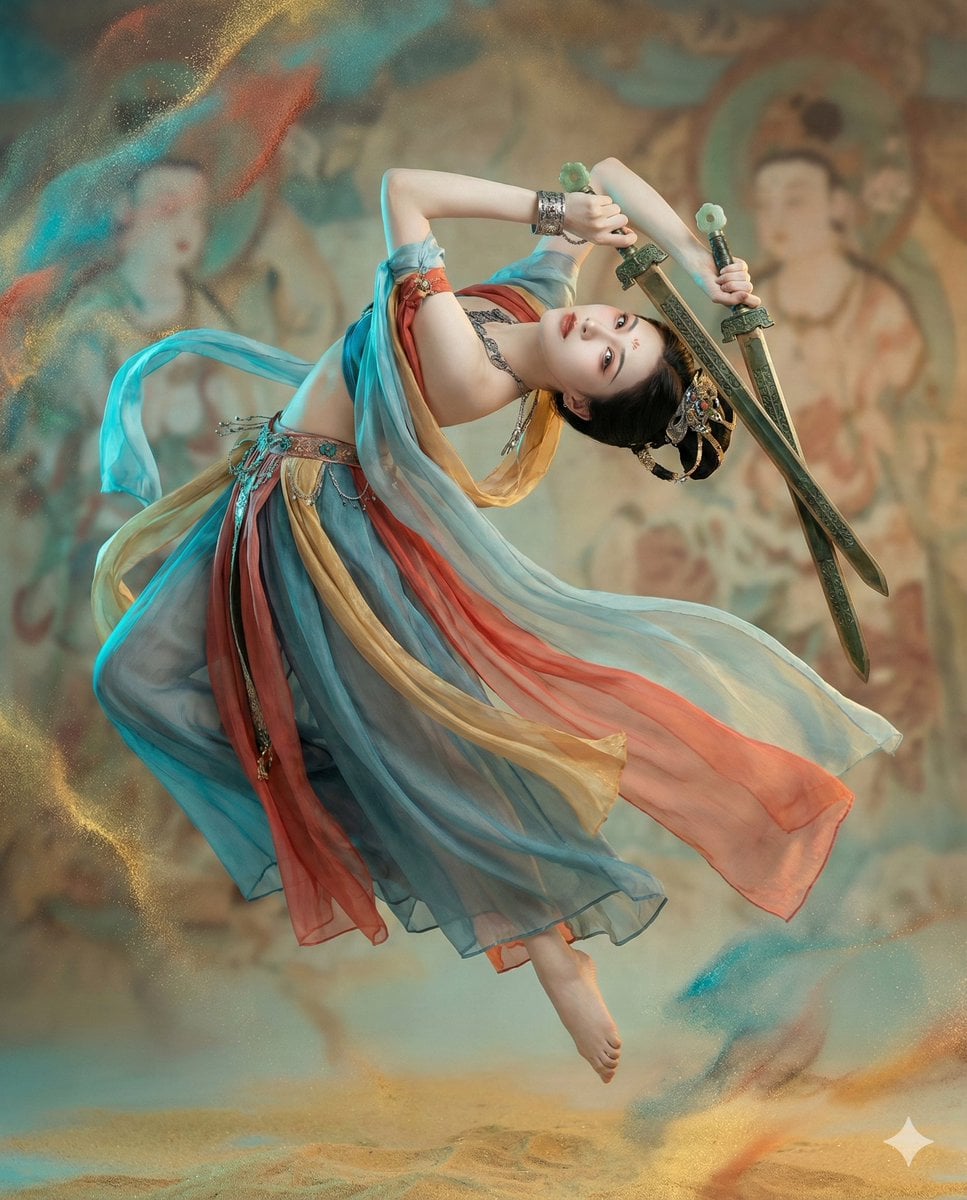
Structured JSON Prompt for Controlling Aesthetic Elements in Nano Banana Pro
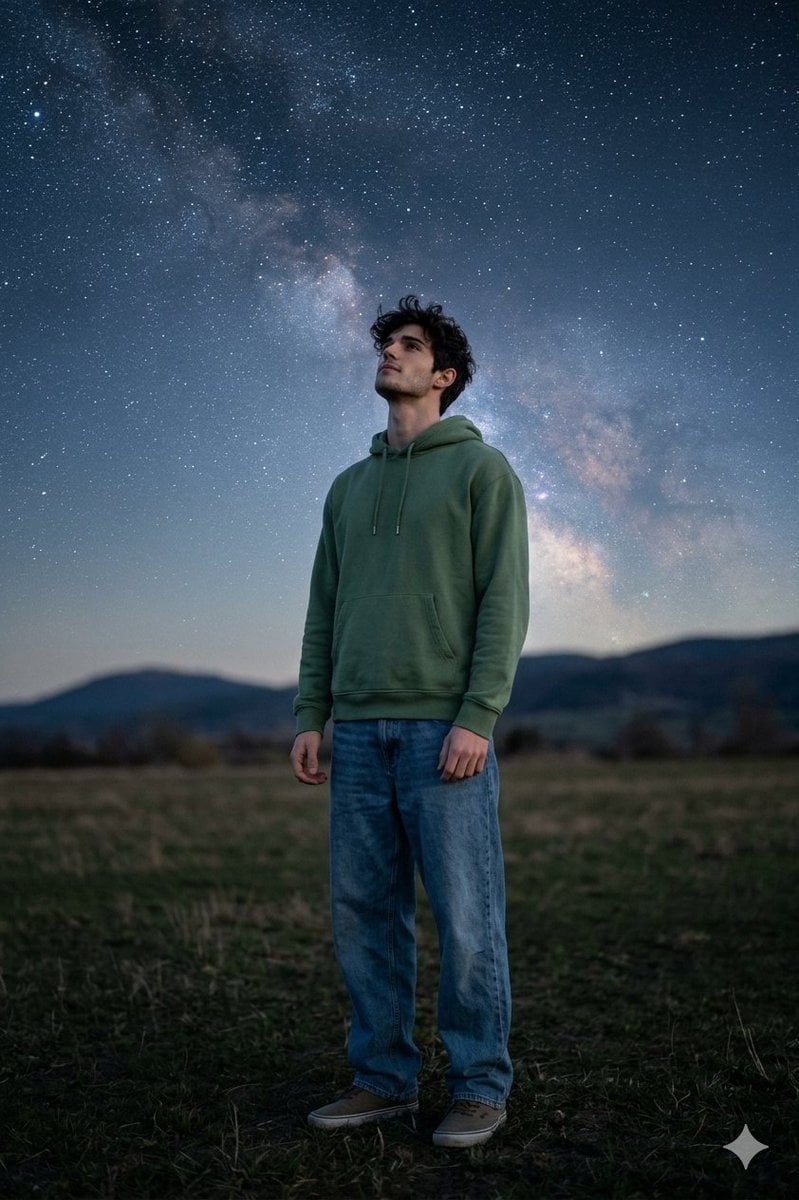
Man Under Starry Sky Cinematic Prompt

Silver Wolf Gaming Character Art
Browse template categories
Glossy Lips Beauty Close-Up questions
How do I use the Glossy Lips Beauty Close-Up template?
Add your photo if the template asks for one, edit the prompt if you like — the template's model and format are already selected — and press Generate. Your version opens in PicX Studio.
Can I customize the Glossy Lips Beauty Close-Up template?
Yes. You can change the subject, setting, lighting, mood, format, and available model controls before creating your image.
Is the Glossy Lips Beauty Close-Up template free?
Opening and editing this template is free. Generating uses credits, shown on the Generate button when you are signed in.
Which AI model should I use?
Start with GPT Image 2, which is the model associated with this template. You can compare another compatible model for a different finish.
Looking for something else? Browse all templates.

Your photo, any look
Thousands of ready templates for every top image and video model, from one credit balance.