
Miniature Artist on Giant Fingernail
An ultra-realistic, macro photography JSON prompt for Nano Banana Pro, detailing a scene where a miniature artist is painting a highly detailed portrait on a gigantic human thumbnail, emphasizing scale contrast and fine…
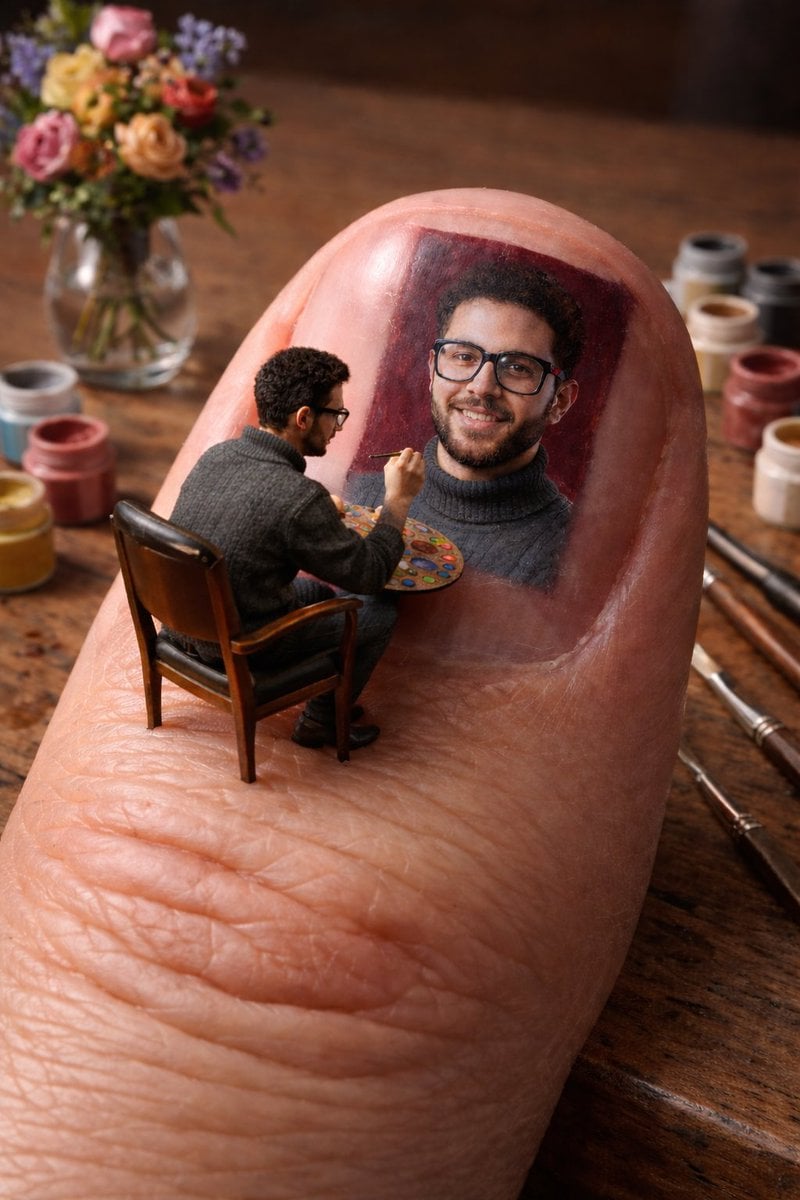
- Prompt included
- Model and format preset
- Free template
The prompt behind this image
Copy the exact prompt behind Miniature Artist on Giant Fingernail, or open it in the studio and make it yours.
- Title
- Miniature Artist Painting on Giant Fingernail
- Style
- Ultra-realistic, macro photography
- Aspect Ratio
- 9:16
- Scene › Description
- A close-up of a tiny young artist sitting on a chair, painting a highly detailed portrait on the underside of a giant human thumbnail resting on a wooden table.
- Scene › Scale Contrast
- Artist is miniature, fingernail is gigantic
- Subject › Artist › Pose
- Seated on a chair
- Subject › Artist › Action
- Painting with a thin brush
- Subject › Artist › Props
- Round paint palette
- Subject › Painting › Type
- Hyper-realistic portrait
- Subject › Painting › Reference
- Uploaded image
- Subject › Painting › Placement
- Seamlessly blended onto the nail surface
- Subject › Painting › Details
- Soft lighting, fine brushstrokes, natural texture integration
- Environment › Surface
- Wooden table
- Environment › Objects
- Small paint pots, Paint brushes, Glass vase with colorful flowers, Additional painting of the artist
- Environment › Background
- Softly blurred for depth of field
- Materials › Fingernail › Texture
- Smooth, glossy
- Materials › Fingernail › Realism
- Highly detailed, natural skin and nail texture
- Lighting › Type
- Soft, natural lighting
- Lighting › Effect
- Enhances realism and highlights fine details
- Focus › Primary
- Intricate painting on the nail
- Focus › Secondary
- Miniature artist and surrounding tools
Raw JSON
{
  "title": "Miniature Artist Painting on Giant Fingernail",
  "style": "Ultra-realistic, macro photography",
  "aspect_ratio": "9:16",
  "scene": {
    "description": "A close-up of a tiny young artist sitting on a chair, painting a highly detailed portrait on the underside of a giant human thumbnail resting on a wooden table.",
    "scale_contrast": "Artist is miniature, fingernail is gigantic"
  },
  "subject": {
    "artist": {
      "pose": "Seated on a chair",
      "action": "Painting with a thin brush",
      "props": ["Round paint palette"]
    },
    "painting": {
      "type": "Hyper-realistic portrait",
      "reference": "Uploaded image",
      "placement": "Seamlessly blended onto the nail surface",
      "details": "Soft lighting, fine brushstrokes, natural texture integration"
    }
  },
  "environment": {
    "surface": "Wooden table",
    "objects": [
      "Small paint pots",
      "Paint brushes",
      "Glass vase with colorful flowers",
      "Additional painting of the artist"
    ],
    "background": "Softly blurred for depth of field"
  },
  "materials": {
    "fingernail": {
      "texture": "Smooth, glossy",
      "realism": "Highly detailed, natural skin and nail texture"
    }
  },
  "lighting": {
    "type": "Soft, natural lighting",
    "effect": "Enhances realism and highlights fine details"
  },
  "focus": {
    "primary": "Intricate painting on the nail",
    "secondary": "Miniature artist and surrounding tools"
  }
}How to use Miniature Artist on Giant Fingernail in 3 steps
- 1Upload ImagePNG, JPG or paste
Add your photo
Upload the photo the template builds on. The prompt, model and format are already set.
- 2…a portrait of your subject in softgolden-hour light, 85mm…
Personalize
Edit the subject and creative details for your destination.
- 3Generate
Generate
Press Generate — your image is created in PicX Studio, so you can compare it with the original and refine one variable at a time.
More like this
Templates with the same subject, style or setup. Open one to see its prompt.
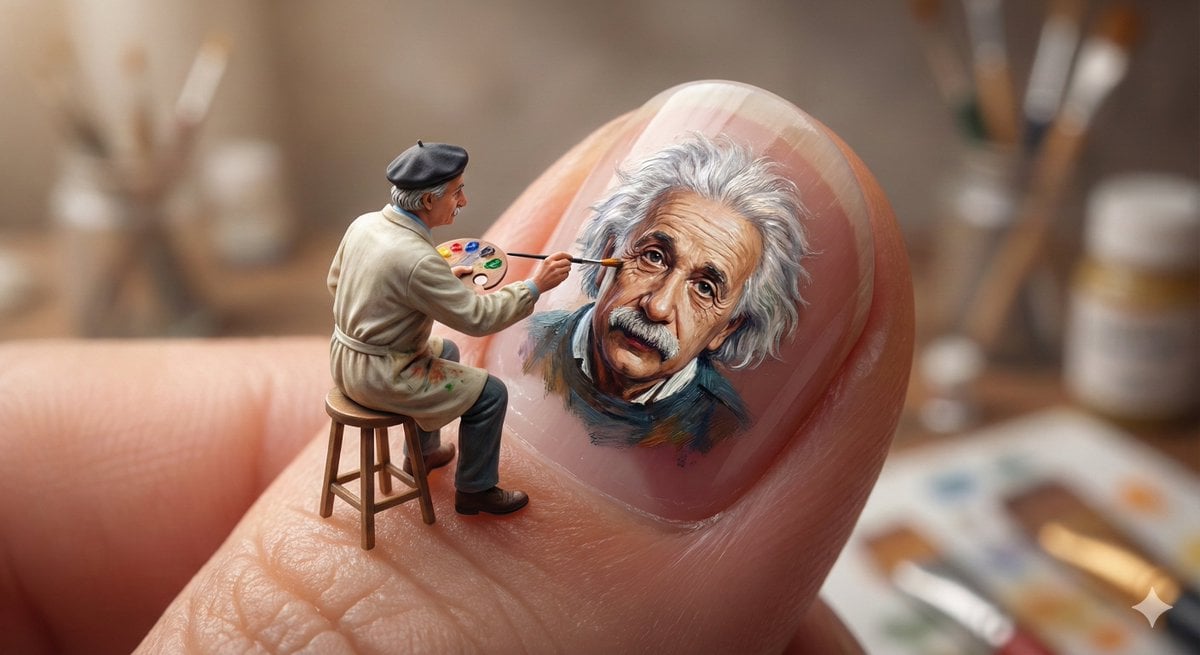
Miniature Artist Painting on a Giant Fingernail

Miniature Girl on Giant Smartphone Desk

Paper Tunnel Book Architecture
Miniature Workers Giant Soda Can

Isometric Brand Store Diorama
Giant Artist on Spotify Phone

Miniature Girl on Giant Football
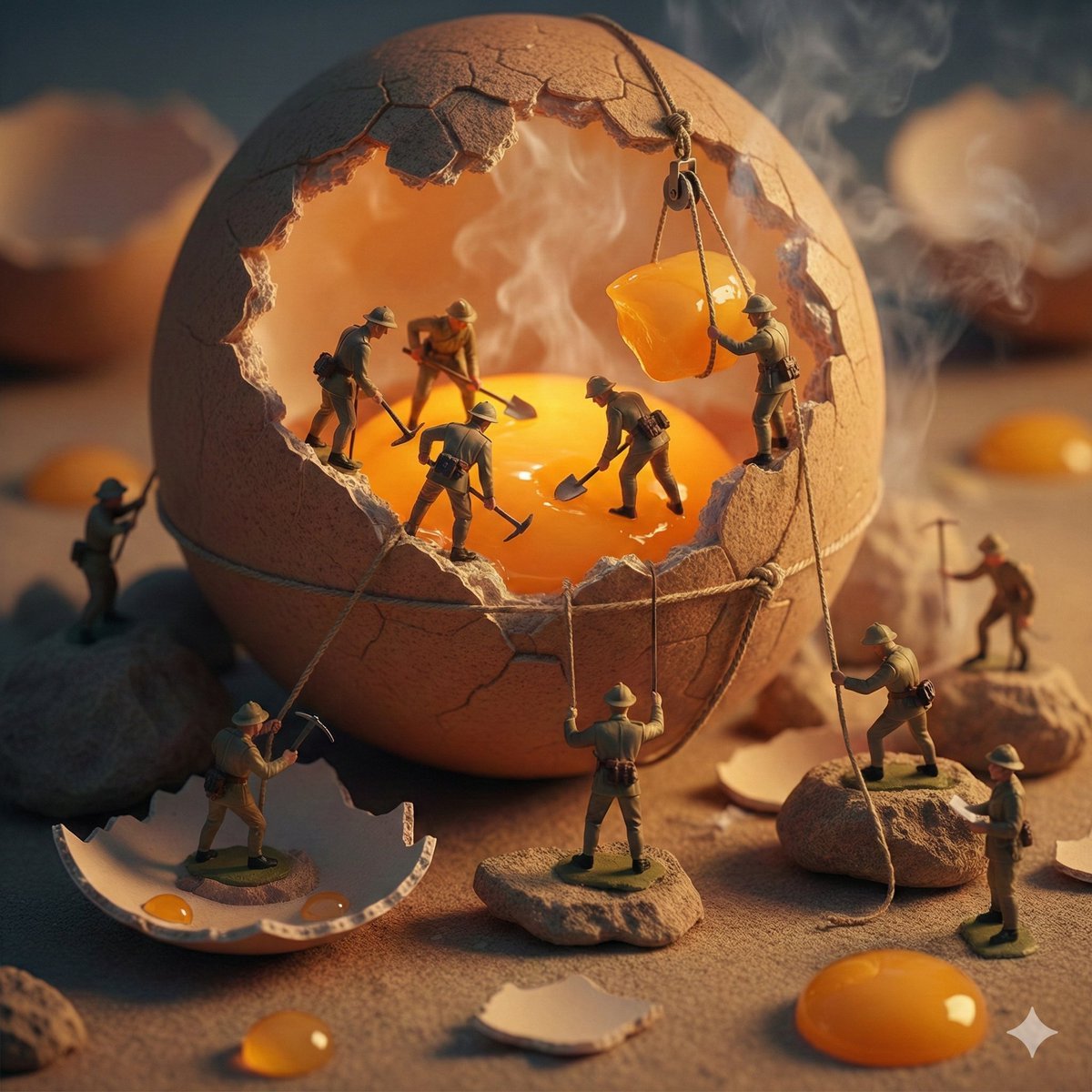
Miniature Toy Soldiers on a Giant Eggshell
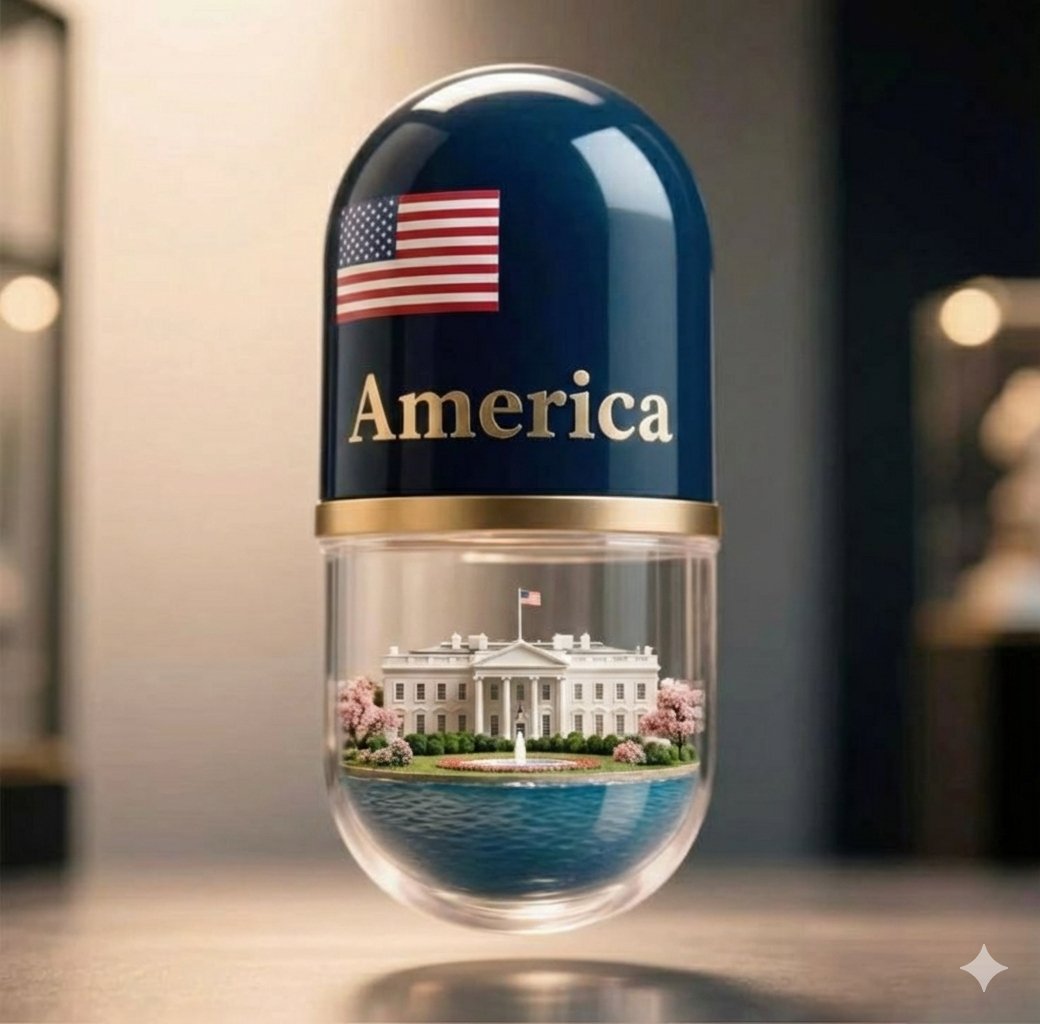
Giant Pharmaceutical Capsule with White House Miniature

Surreal Giant Man Riding Miniature London Bus

Giant Lotus Pond Portrait
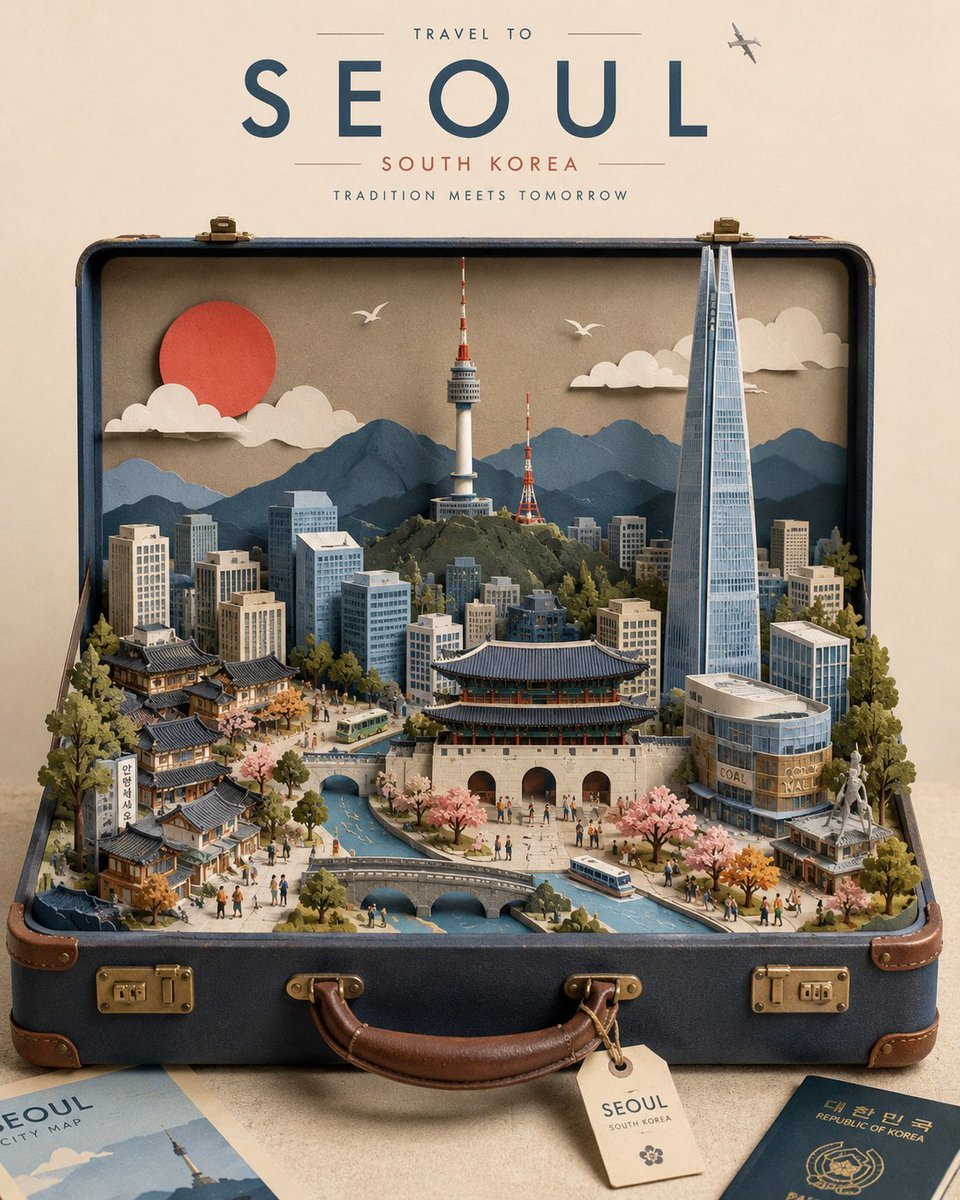
Miniature Suitcase Travel Poster
Make it yours
Miniature Artist on Giant Fingernail works as-is. These are the safest ways to change it without losing the look.
Swap the setting
Keep the rest of the prompt and replace the location block. The current setting is “Wooden table”.
Swap the light
One lighting change is enough to compare takes. Current light: “Soft, natural lighting”.
Change one field
Copy a single group, rewrite it, and generate again so you can see what that field is doing.
| If the result… | Why | Fix |
|---|---|---|
| The result drifts from the preview | Too many fields changed at once. | Reuse Miniature Artist on Giant Fingernail as-is first, then change one group — subject, light, or setting. |
| Nano Banana 2 ignores part of the JSON | Some models flatten or skip nested keys. | Keep the same values and paste them as a short paragraph instead. |
More Nano Banana 2 templates
Other prompts made for Nano Banana 2.

Photorealistic Leaf Shaped Like a Dragon

K-Pop Idol Portrait Grid for Rapid Selection

Poetic Rain Forest Portrait During Golden Hour

Urban Street Portrait with Cartoon Inner Self Duo

Candid Nighttime Photo with Cat Prompt

High-Concept 3D Diorama Generation Prompt

Cinematic Futuristic Studio Portrait Template

Skincare Editorial Photography Collage Prompt

Hyper-Realistic Commercial Product Photography (Splash Effect)

Hyper-Realistic Nightclub Portrait Prompt
More image prompts
Fresh picks from across the catalog.
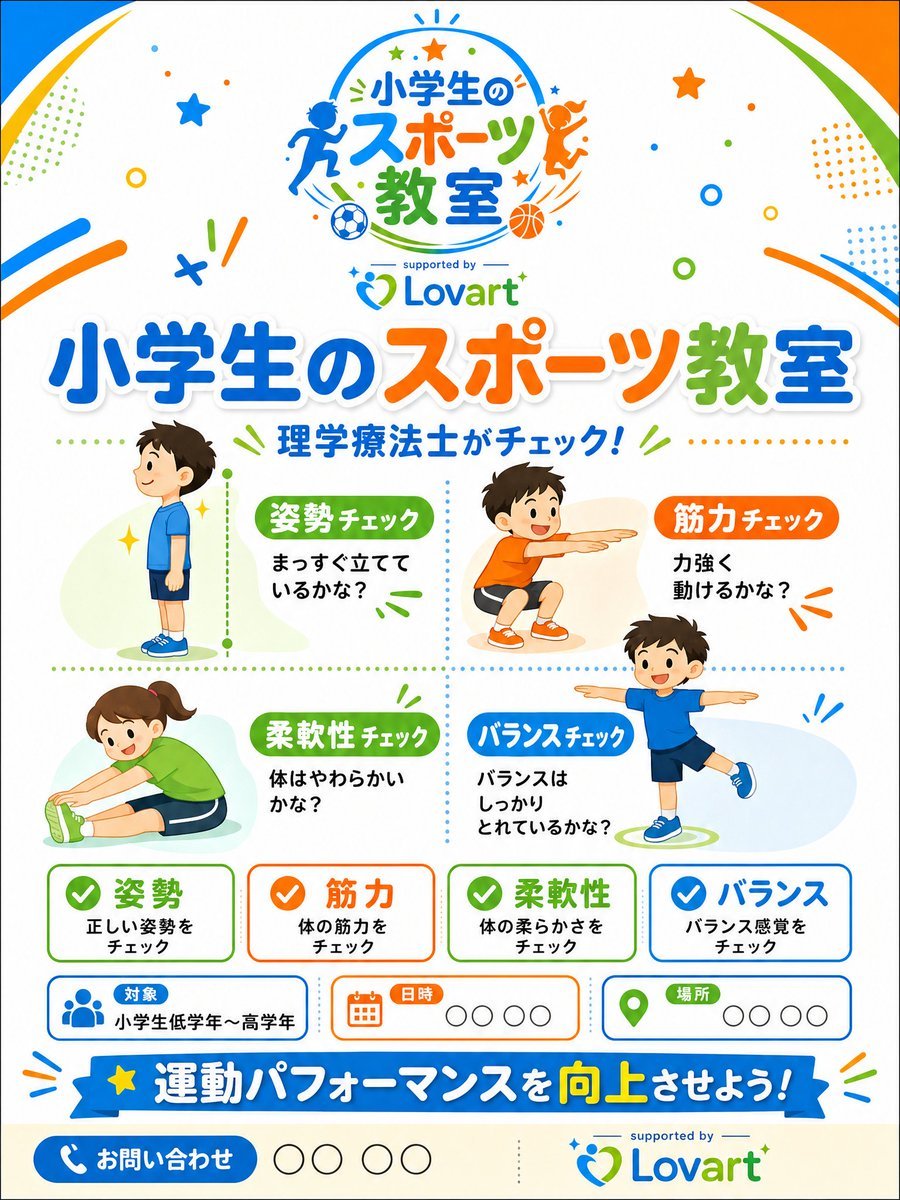
Japanese Kids Sports Class Flyer
Abstract Cat Girl and Gentle Cat Painting
Selfie with random Brazilian celebrities

Layered Paper-Cut Character Illustration
City tallest buildings 3D cartoon showcase prompt
Chibi Expression Sticker Pack
Cybernetic Butler Concerned Speech

Artistic Luxury Trophy Design Poster
Infographic Prompt Template for Body Parts
City on a Dining Table Prompt (Mention)
Browse template categories
Miniature Artist on Giant Fingernail questions
How do I use the Miniature Artist on Giant Fingernail template?
Add your photo if the template asks for one, edit the prompt if you like — the template's model and format are already selected — and press Generate. Your version opens in PicX Studio.
Can I customize the Miniature Artist on Giant Fingernail template?
Yes. You can change the subject, setting, lighting, mood, format, and available model controls before creating your image.
Is the Miniature Artist on Giant Fingernail template free?
Opening and editing this template is free. Generating uses credits, shown on the Generate button when you are signed in.
Which AI model should I use?
Start with Nano Banana 2, which is the model associated with this template. You can compare another compatible model for a different finish.
Looking for something else? Browse all templates.

Your photo, any look
Thousands of ready templates for every top image and video model, from one credit balance.