
Beauty Collage Lipstick Grid
A macro-lens beauty prompt generating a 3x3 grid of a model in various poses, showcasing high-gloss red lipstick and detailed skin texture.
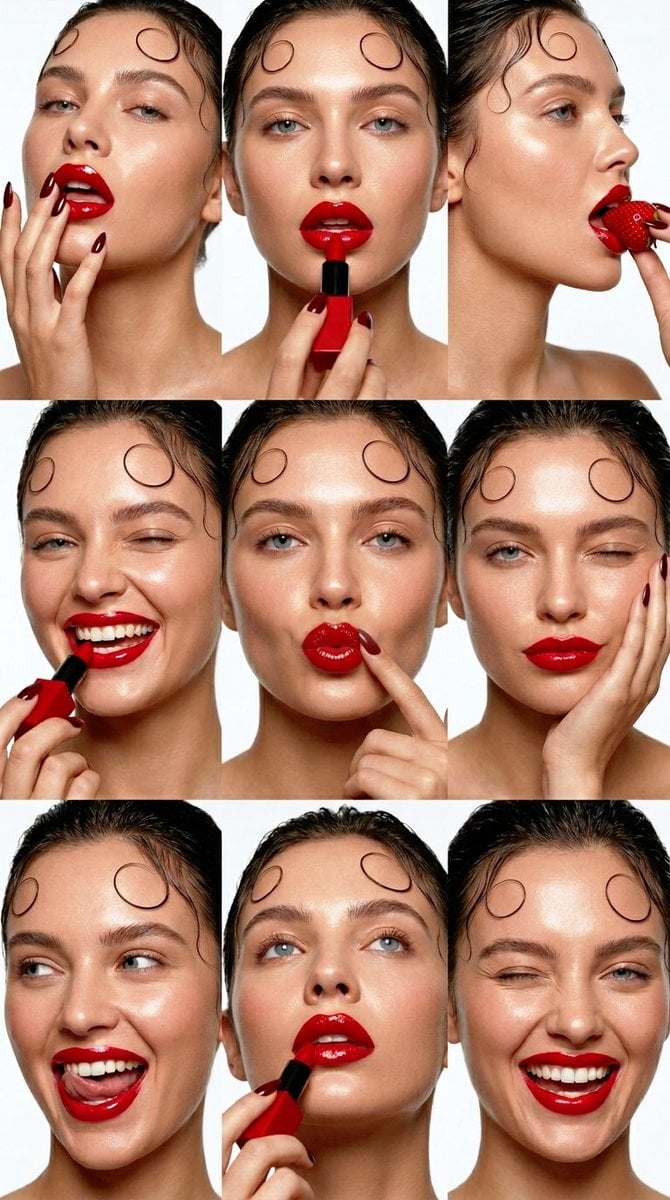
- Prompt included
- Model and format preset
- Free template
The prompt behind this image
Copy the exact prompt behind Beauty Collage Lipstick Grid, or open it in the studio and make it yours.
{ "aspect_ratio": "9:16", "prompt": "An ultra-realistic, 16k resolution editorial beauty collage presenting a 3x3 grid of nine distinct close-up portraits of the same female model. The model has dark, wet-look styled hair featuring distinct, precise face-framing curl tendrils at her forehead, matching image_5.png. Her skin is radiant, glowing, and dewy with realistic, non-retouched dermal texture and fine pores. She has light-medium skin tone, blue-grey eyes, and natural, well-defined brows. Every portrait showcases her wearing high-gloss, ultra-saturated, vibrant candy-apple red lipstick and deep oxblood-maroon pointed stiletto nails. The grid follows the exact poses from image_5.png: Top Row: 1. Head back, fingers near mouth. 2. Central application with square red lipstick tube. 3. Profiling right, pulling a red strawberry from her mouth. Middle Row: 4. Laughing, winking, applying with square red lipstick tube. 5. Duck-face with fingers pulling mouth. 6. Winking with hand supporting cheek. Bottom Row: 7. Open-mouth laughing, showing tongue, looking left. 8. Low angle looking up, applying with square red lipstick tube. 9. Winking laugh, showing teeth. Lighting: Clinical, high-key, bright studio beauty lighting with soft shadows, making the lip gloss and skin dewiness glisten. Color Grade: Clean, high-contrast, vibrant, minimal background. Background: A seamless, stark, minimal white studio backdrop. Camera: Macro lens realism with crisp focus on lips and skin texture, polished commercial campaign style.", "technical_details": { "resolution": "16k UHD", "sharpness": "Tack-sharp on lip lines and pores", "skin_finish": "Hyper-realistic dermal texture, subsurface scattering", "composition": "Strict 3x3 grid symmetry" } }
How to use Beauty Collage Lipstick Grid in 3 steps
- 1
Open
The prompt is already in the box next to the preview, with the template's model and format selected.
- 2…a portrait of your subject in softgolden-hour light, 85mm…
Personalize
Edit the subject and creative details for your destination.
- 3Generate
Generate
Press Generate — your image is created in PicX Studio, so you can compare it with the original and refine one variable at a time.
More like this
Templates with the same subject, style or setup. Open one to see its prompt.

Paris Travel Collage Grid - Face Reference
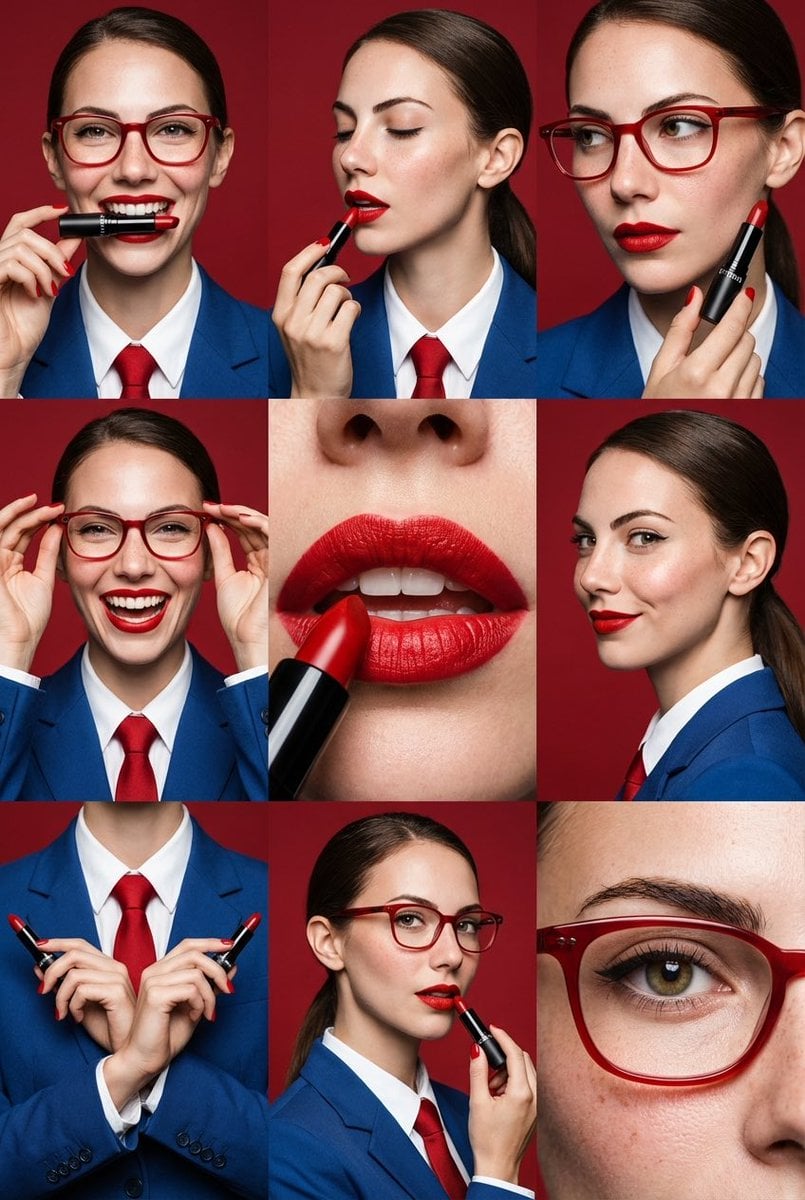
Panel Editorial Beauty Grid for Lipstick Commercial
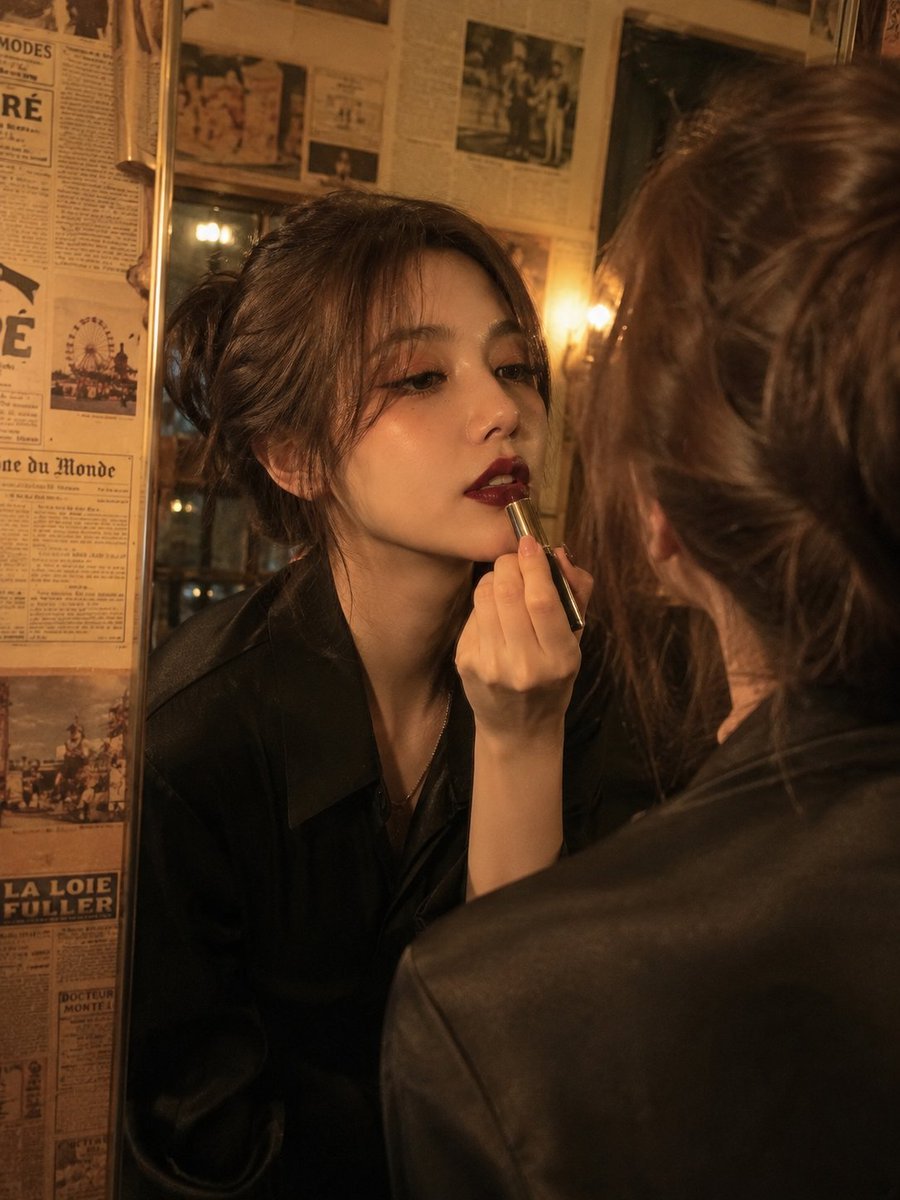
Vintage Beauty Portrait with Lipstick
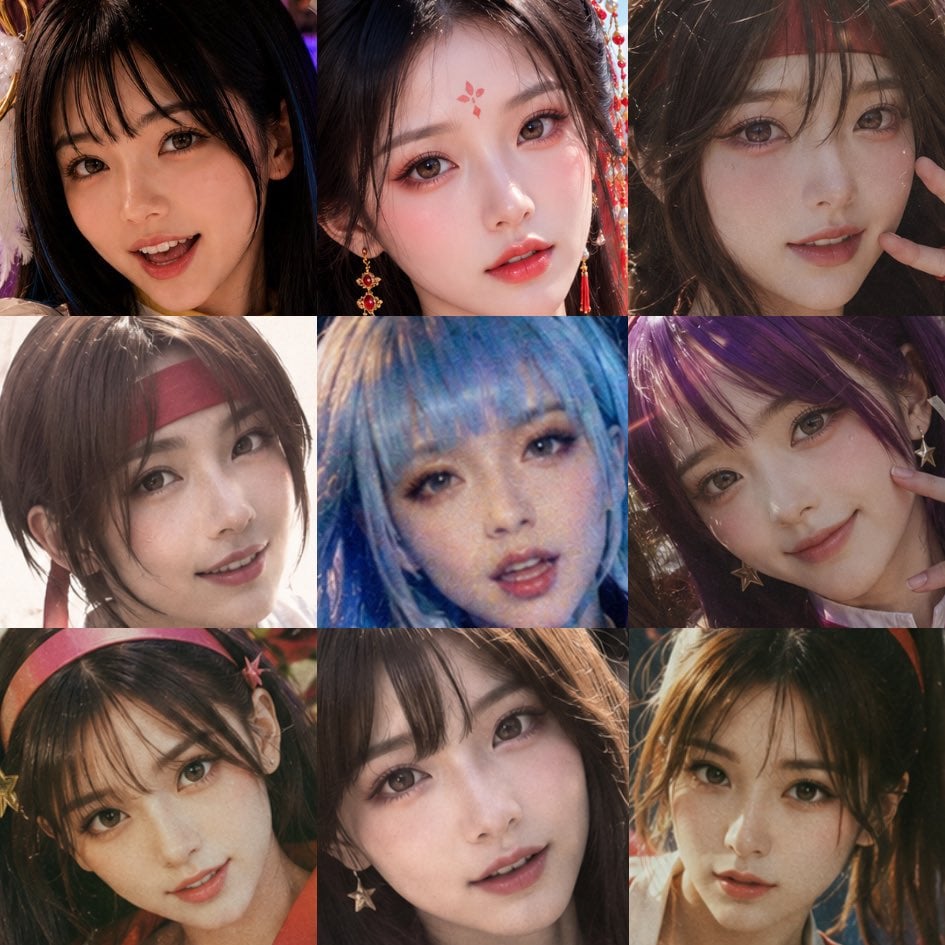
Nine-Panel AI Beauty Face Collage
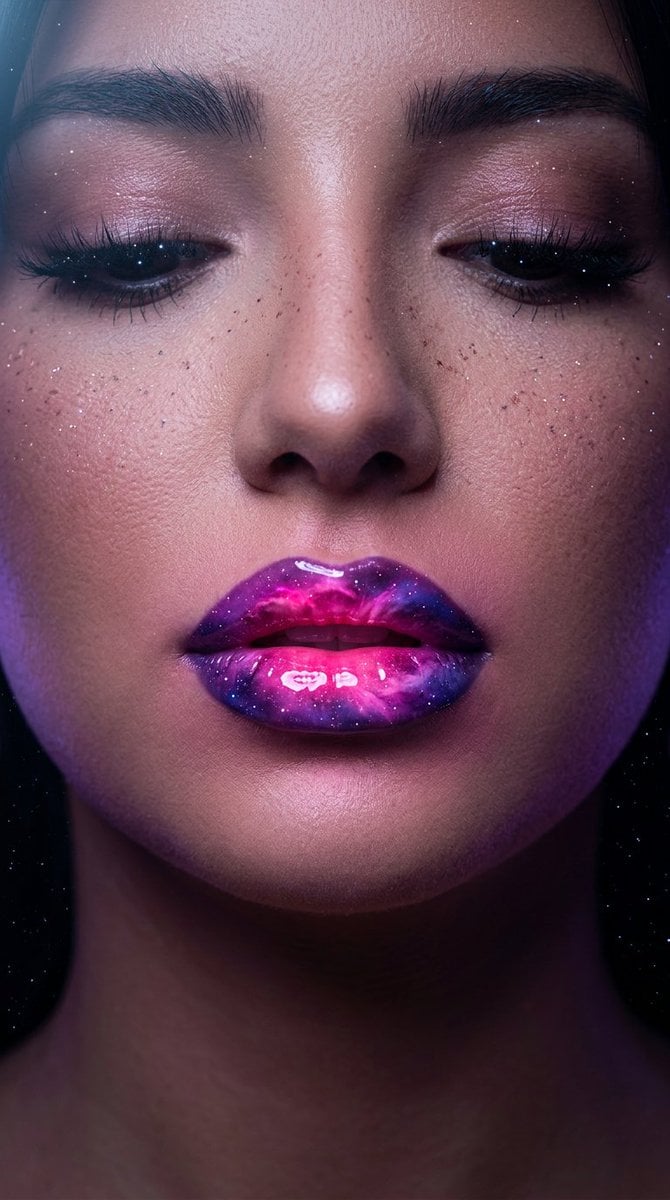
Cosmic Nebula Lipstick Beauty Campaign

Paper Cut Finale Fireworks

Paper Cut Garden Maze

Paper Cut Rooftop Concert

Paper Cut Bicycle Coast

Paper Cut Castle Gate

Paper Cut Kitchen Chaos

Paper Cut Carnival Ride
Make it yours
Beauty Collage Lipstick Grid works as-is. These are the safest ways to change it without losing the look.
Change one field
Copy a single group, rewrite it, and generate again so you can see what that field is doing.
Keep the frame, change the subject
Hold the composition and light of Beauty Collage Lipstick Grid, then swap wardrobe, props or the person for a new take.
| If the result… | Why | Fix |
|---|---|---|
| The result drifts from the preview | Too many fields changed at once. | Reuse Beauty Collage Lipstick Grid as-is first, then change one group — subject, light, or setting. |
| The model over-stylizes the scene | The prose prompt leaves finish and camera underspecified. | Add one camera or lighting sentence and stay on Nano Banana 2. |
More Nano Banana 2 templates
Other prompts made for Nano Banana 2.

Photorealistic Leaf Shaped Like a Dragon

K-Pop Idol Portrait Grid for Rapid Selection

Poetic Rain Forest Portrait During Golden Hour

Urban Street Portrait with Cartoon Inner Self Duo

Candid Nighttime Photo with Cat Prompt

High-Concept 3D Diorama Generation Prompt

Cinematic Futuristic Studio Portrait Template

Skincare Editorial Photography Collage Prompt

Hyper-Realistic Commercial Product Photography (Splash Effect)

Hyper-Realistic Nightclub Portrait Prompt
More image prompts
Fresh picks from across the catalog.
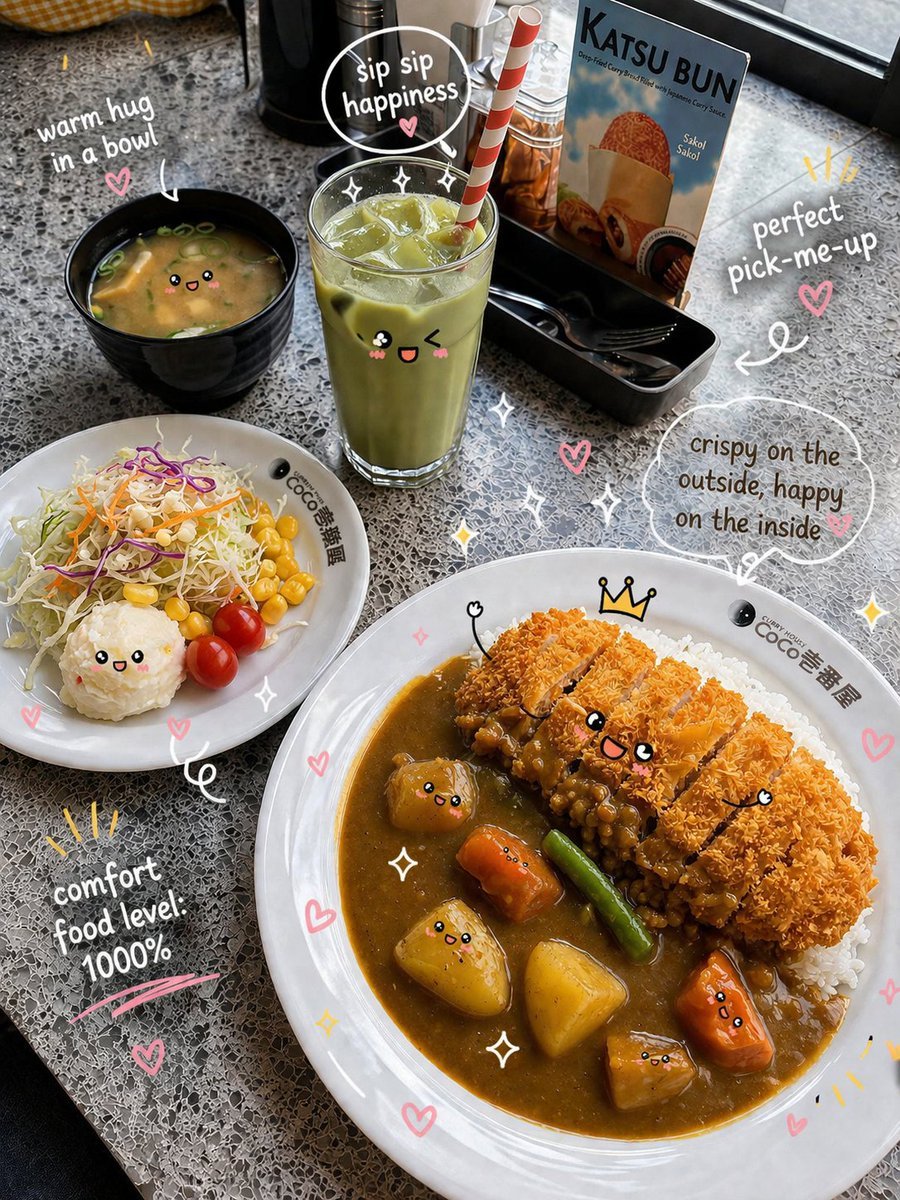
Kawaii Katsu Curry Food Photography

Golden Hour Intellectual Study Portrait
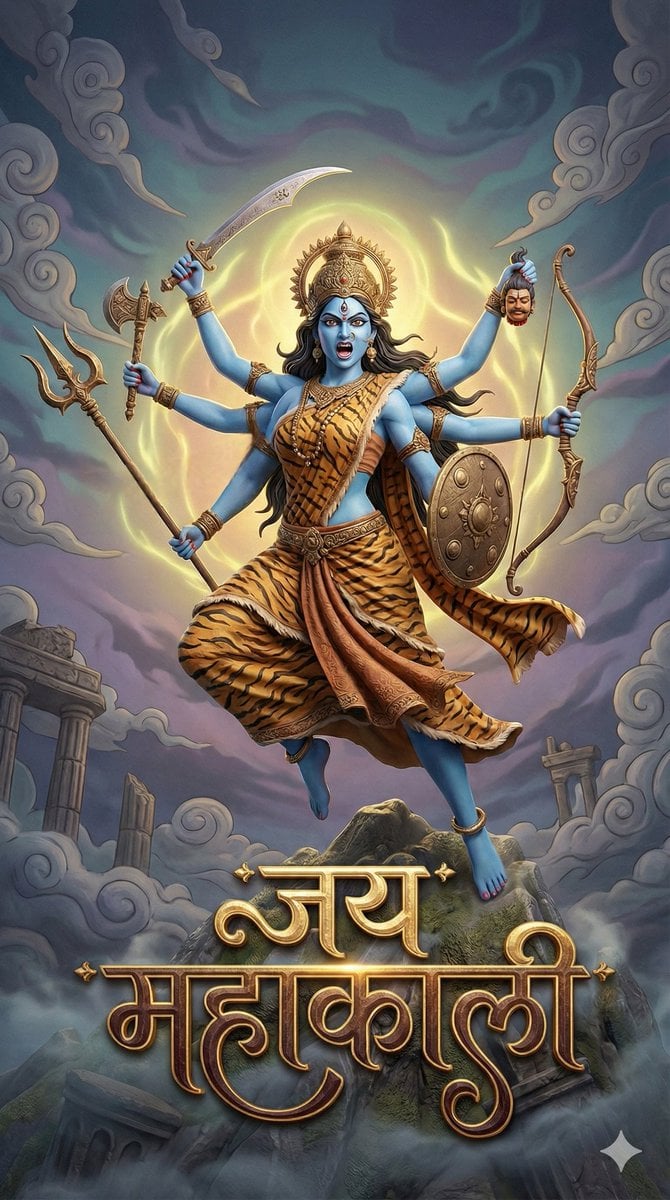
3D Fantasy Image of Goddess Mahakali
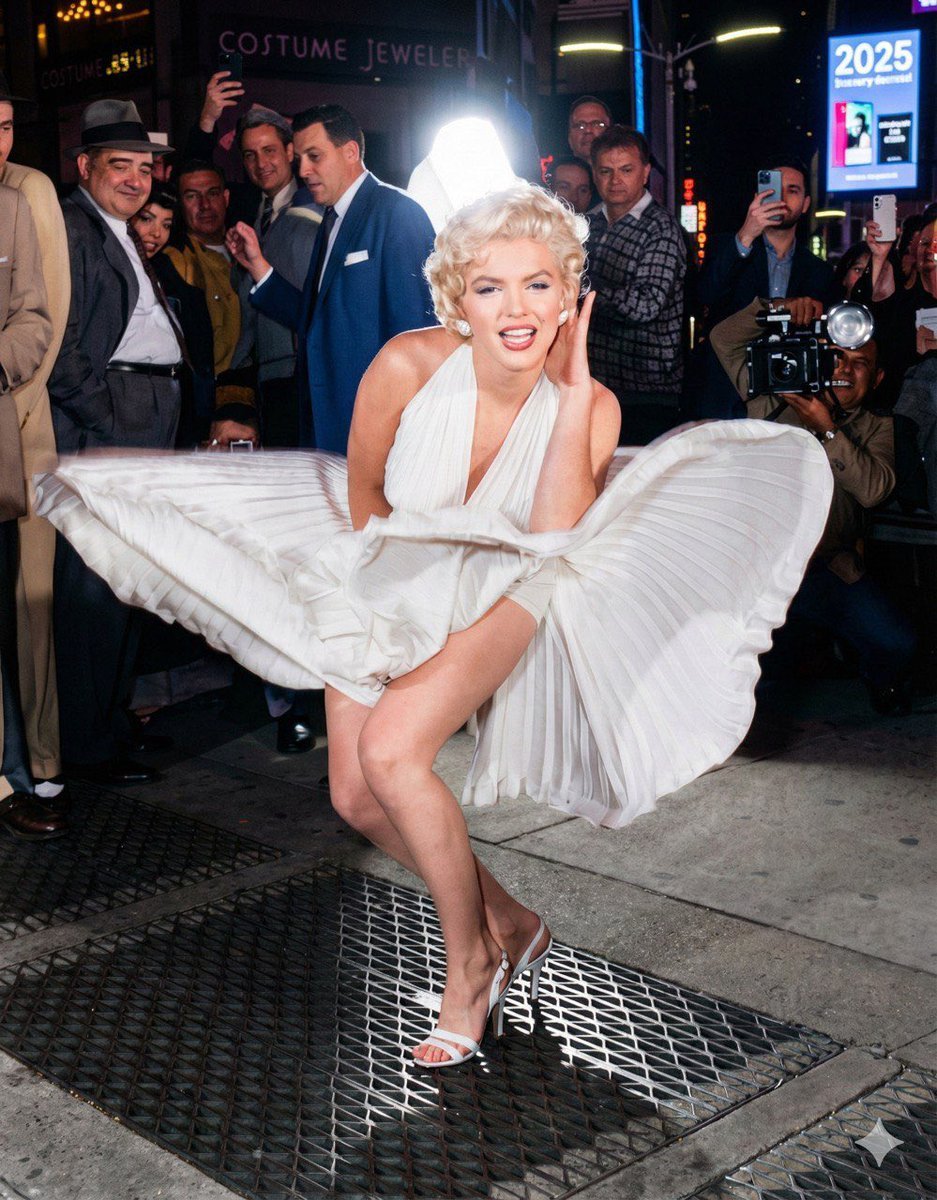
Future Aesthetic Image Generation Prompt (2025)
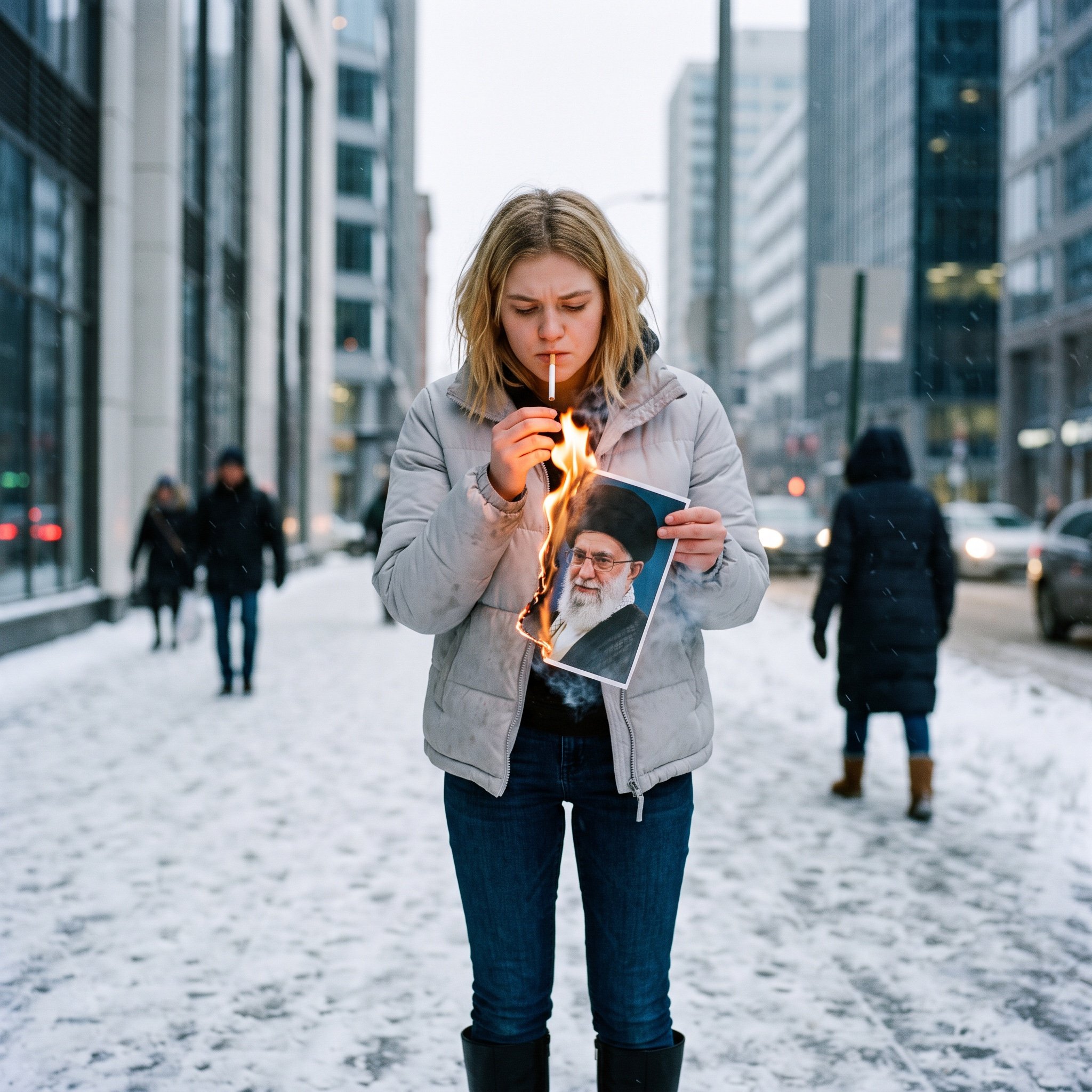
Political Defiance Photojournalism Prompt
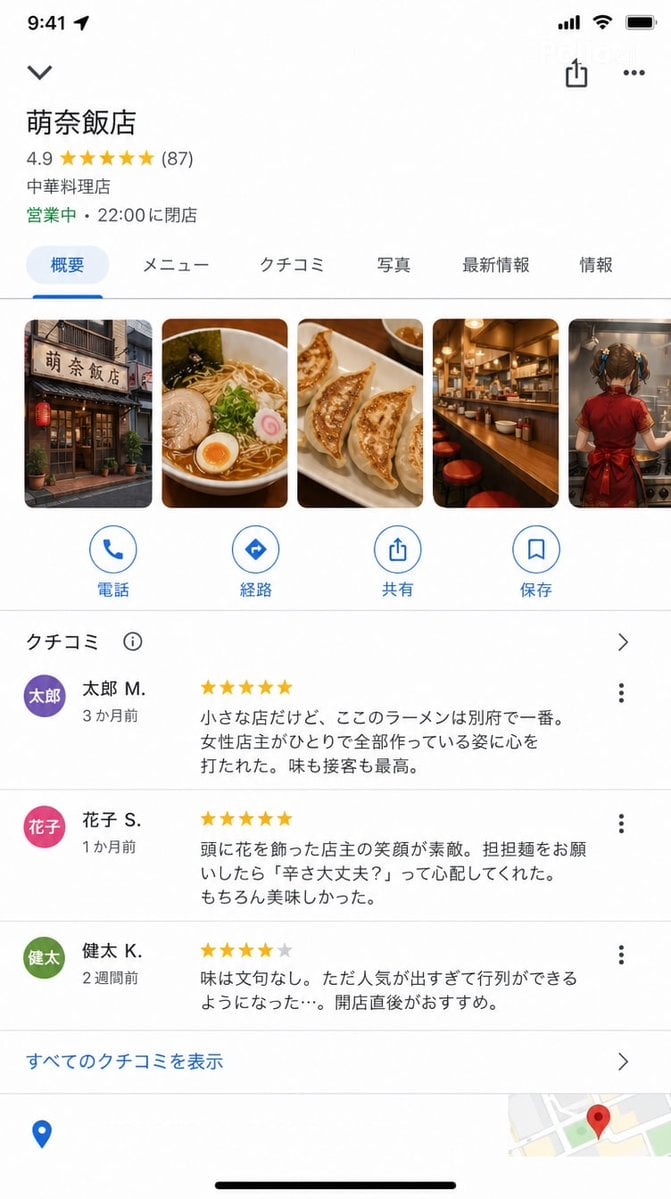
Google Maps UI Mockup
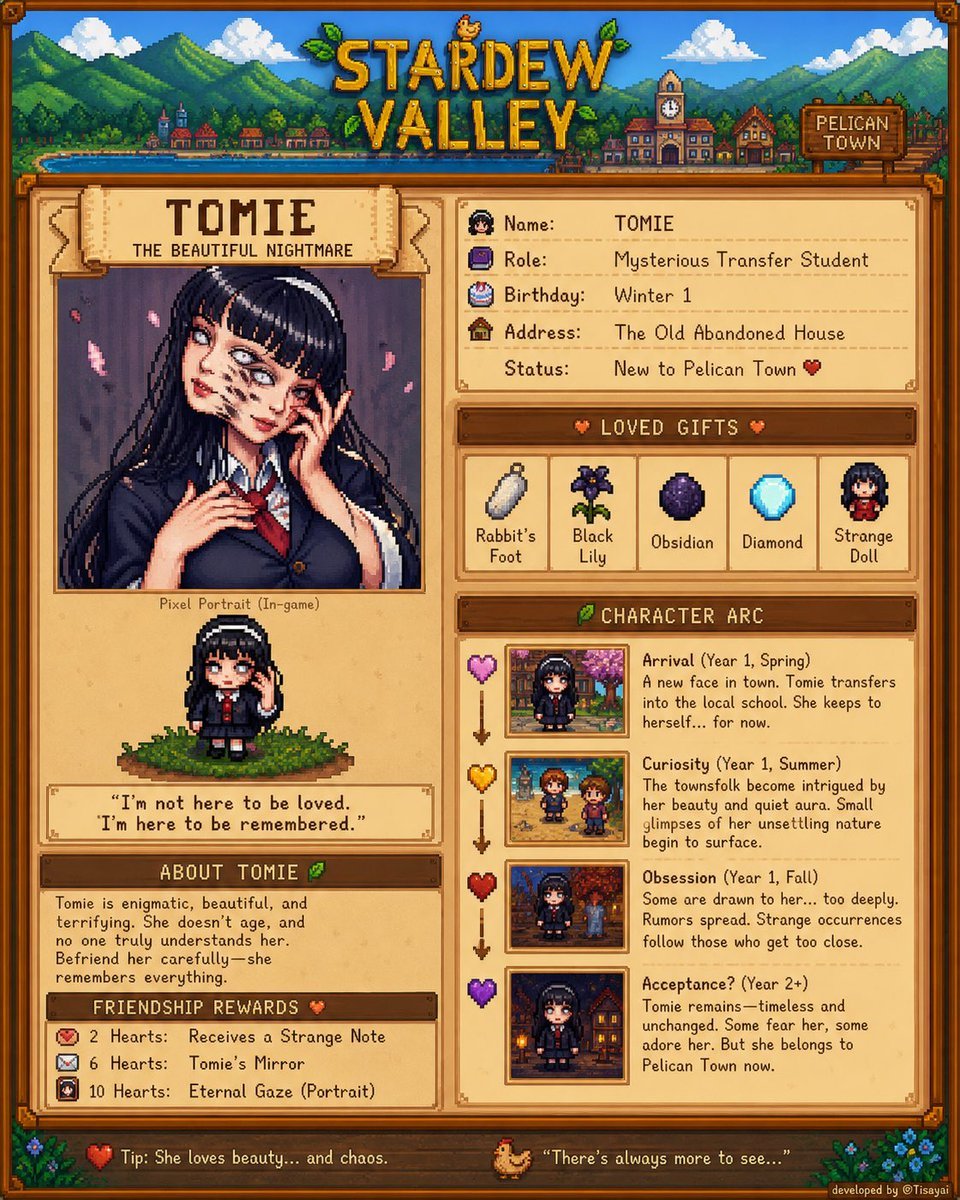
Stardew Valley Character Wiki Poster

Corporate AI Product Line Infographic
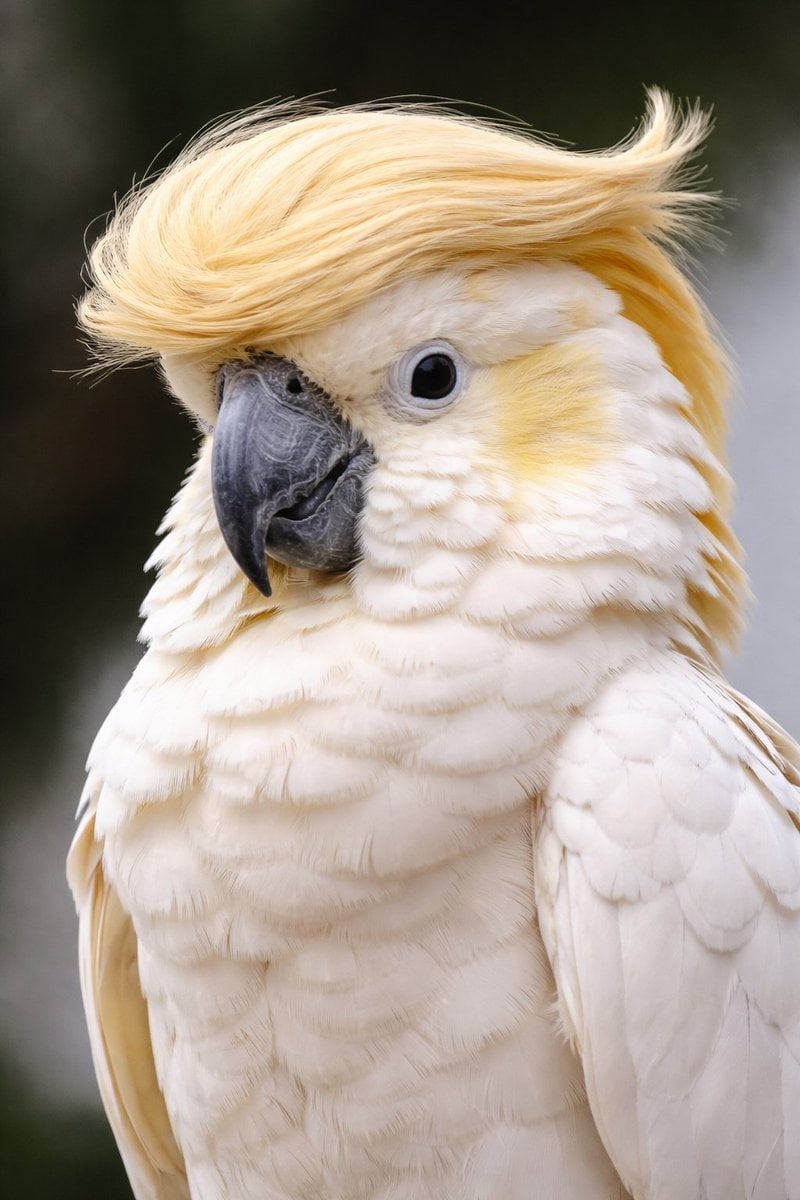
Cockatoo with a Comb-Over
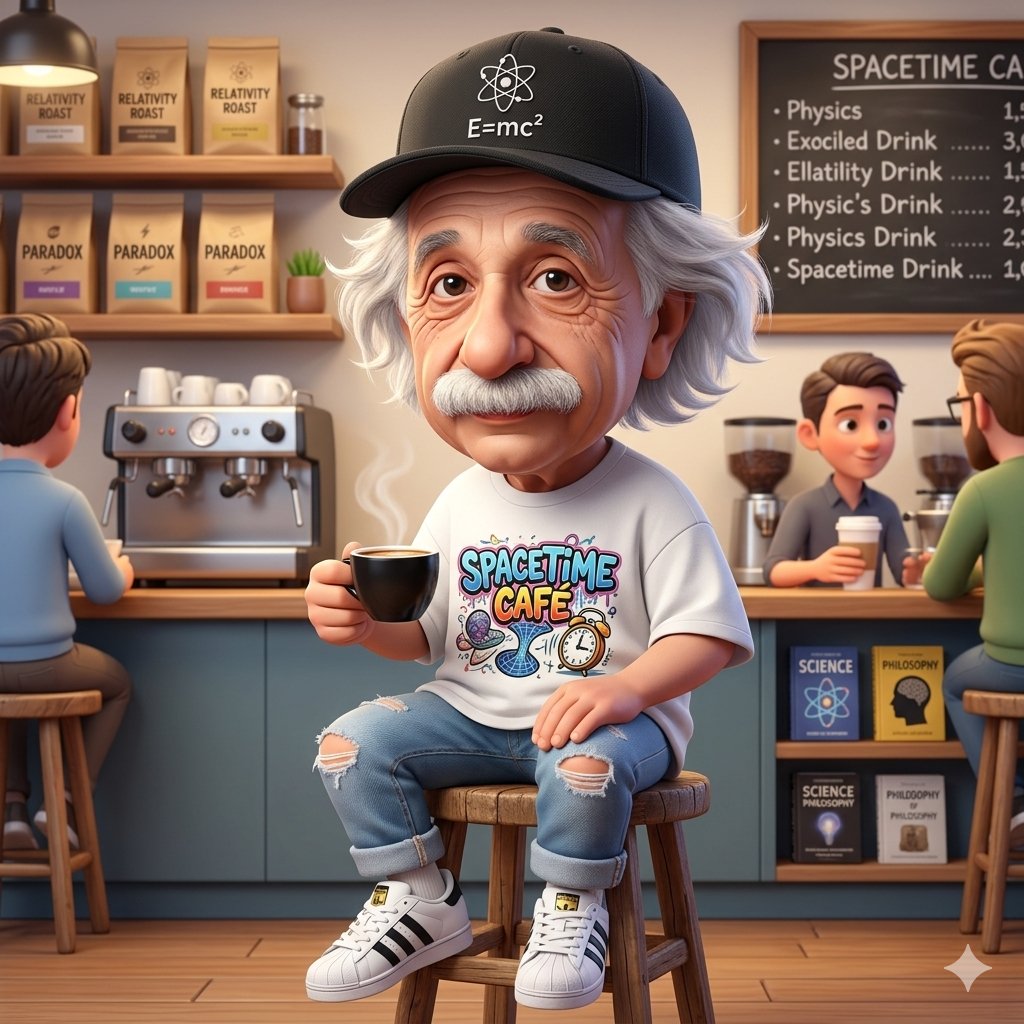
A Cartoonish Take on the Master of Mars
Browse template categories
Beauty Collage Lipstick Grid questions
How do I use the Beauty Collage Lipstick Grid template?
Add your photo if the template asks for one, edit the prompt if you like — the template's model and format are already selected — and press Generate. Your version opens in PicX Studio.
Can I customize the Beauty Collage Lipstick Grid template?
Yes. You can change the subject, setting, lighting, mood, format, and available model controls before creating your image.
Is the Beauty Collage Lipstick Grid template free?
Opening and editing this template is free. Generating uses credits, shown on the Generate button when you are signed in.
Which AI model should I use?
Start with Nano Banana 2, which is the model associated with this template. You can compare another compatible model for a different finish.
Looking for something else? Browse all templates.

Your photo, any look
Thousands of ready templates for every top image and video model, from one credit balance.