
Sepia Pianist and Hamster
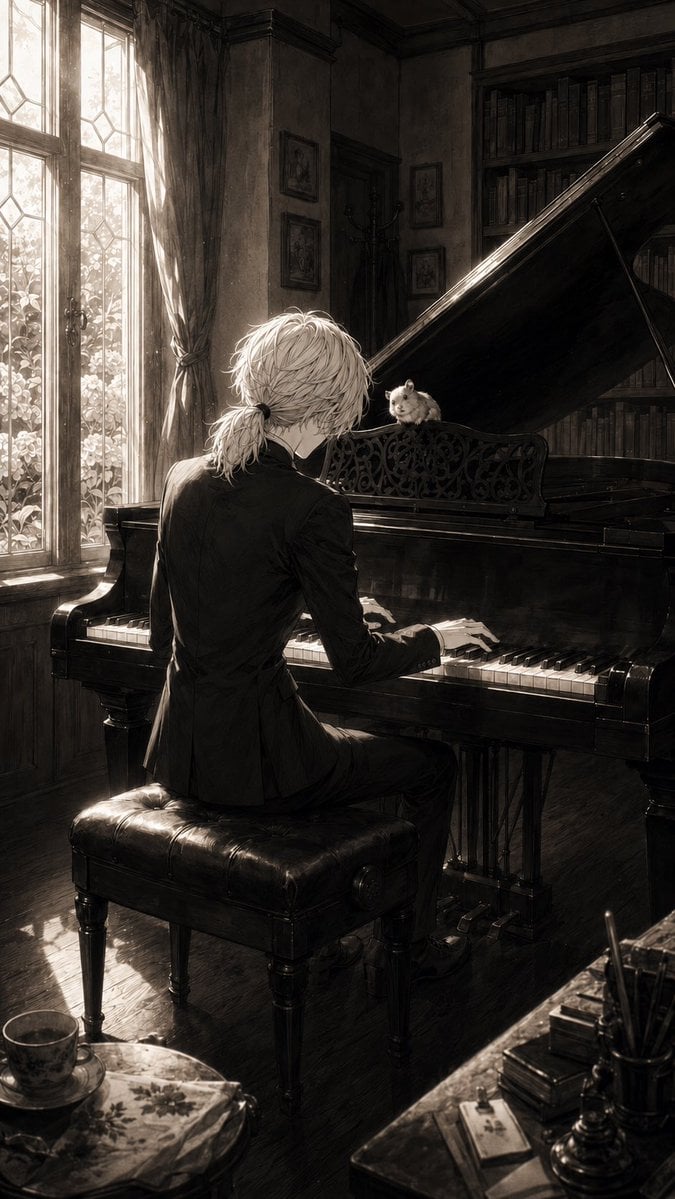
A cinematic sepia anime illustration of a young pianist playing a grand piano for a tiny hamster in a realistic old study.
- Prompt included
- Model and format preset
- Free template
The prompt behind this image
Copy the exact prompt behind Sepia Pianist and Hamster, or open it in the studio and make it yours.
Create a vertical monochrome/sepia anime-style album-cover illustration of {argument name="character name" default="a slender young pianist"} seated with their back mostly to the viewer at a glossy black grand piano in an old European study. The pianist has {argument name="hair color" default="pale silver-white"} tousled medium-length hair tied into a small low ponytail, wears a fitted black suit, and is mid-performance with both hands on the keys. A small {argument name="animal" default="hamster"} sits on the ornate music stand of the grand piano, facing the pianist like a tiny attentive audience. The room is richly detailed and realistic: tall leaded-glass windows on the left with sheer bright daylight streaming in, heavy curtains, dusty sunbeams, dark wood floor, wall molding, framed pictures, a coat stand, and a tall bookcase packed with books behind the raised piano lid. Include exactly 1 pianist, 1 grand piano, 1 piano bench, 1 hamster, 2 tall window panels, 1 large bookcase, 1 foreground teacup and saucer, and 1 cluttered writing desk corner with pens and stacked books. Use dramatic chiaroscuro lighting, strong backlight from the windows, reflective black piano surfaces, fine line-art detail blended with painterly realism, muted sepia grayscale tones, melancholic intimate atmosphere, cinematic composition, high detail, no text, no watermark.
How to use Sepia Pianist and Hamster in 3 steps
- 1Upload ImagePNG, JPG or paste
Add your photo
Upload the photo the template builds on. The prompt, model and format are already set.
- 2…a portrait of your subject in softgolden-hour light, 85mm…
Personalize
Edit the subject and creative details for your destination.
- 3Generate
Generate
Press Generate — your image is created in PicX Studio, so you can compare it with the original and refine one variable at a time.
More like this
Templates with the same subject, style or setup. Open one to see its prompt.
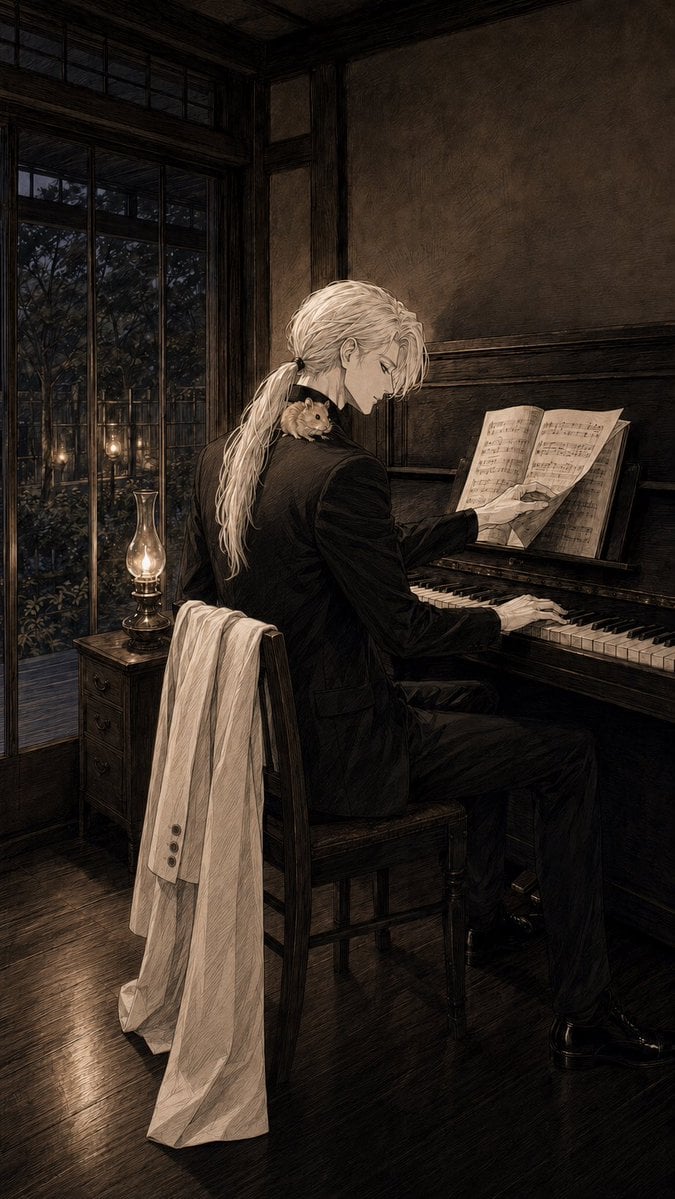
Sepia Pianist in Vintage Room
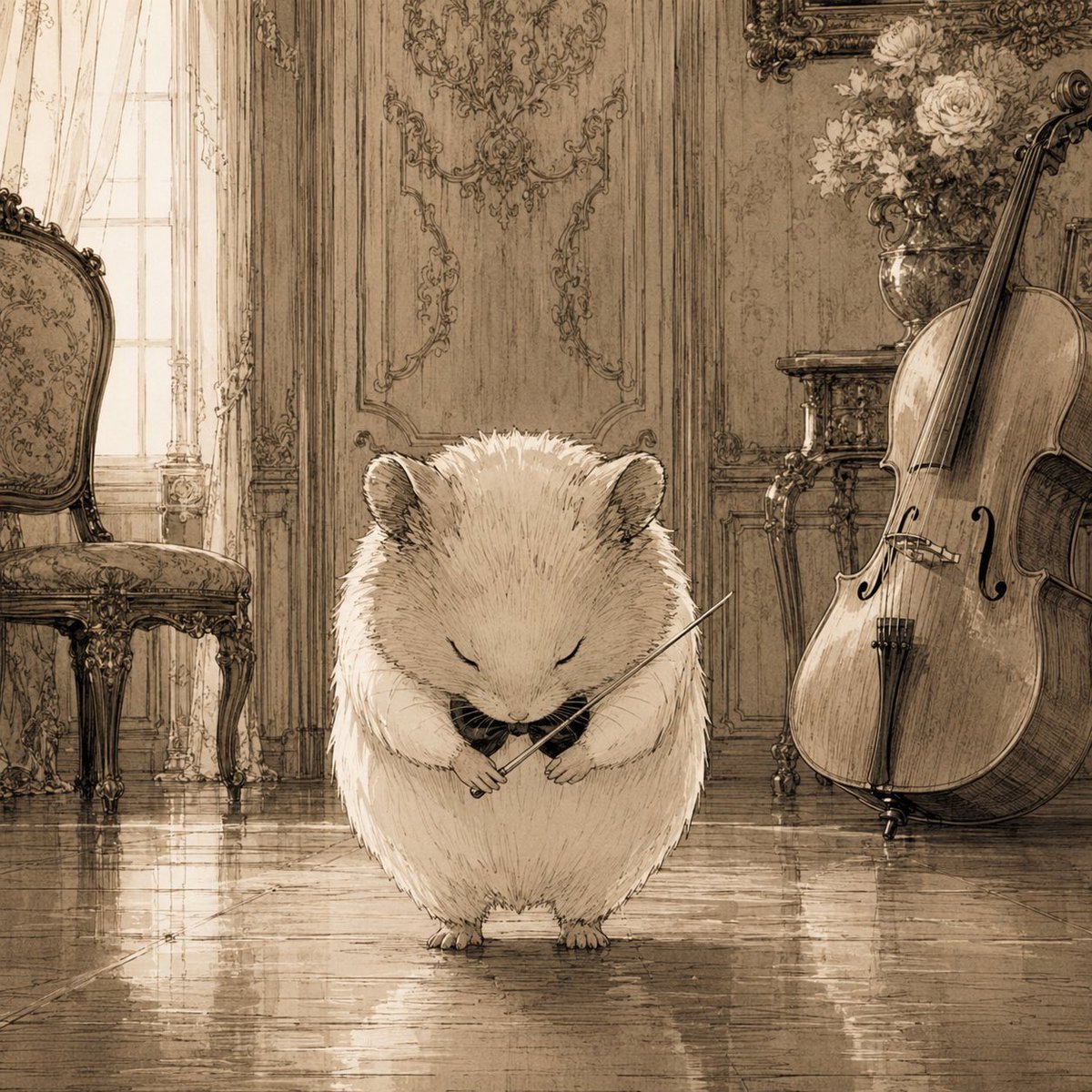
Sepia Hamster Violinist Salon
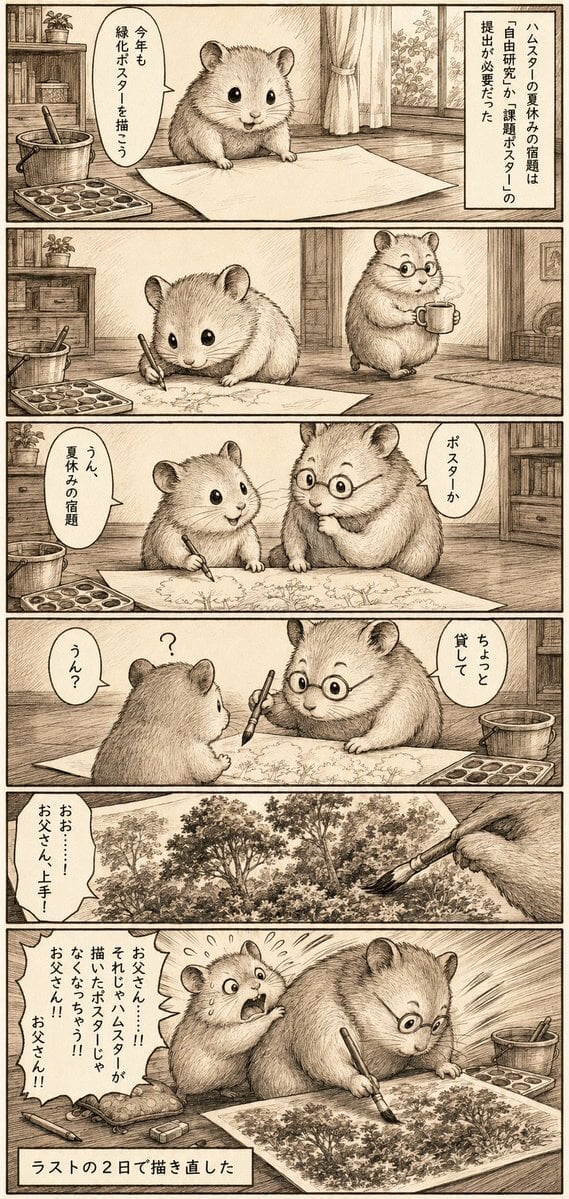
Sepia Hamster Summer Homework Manga
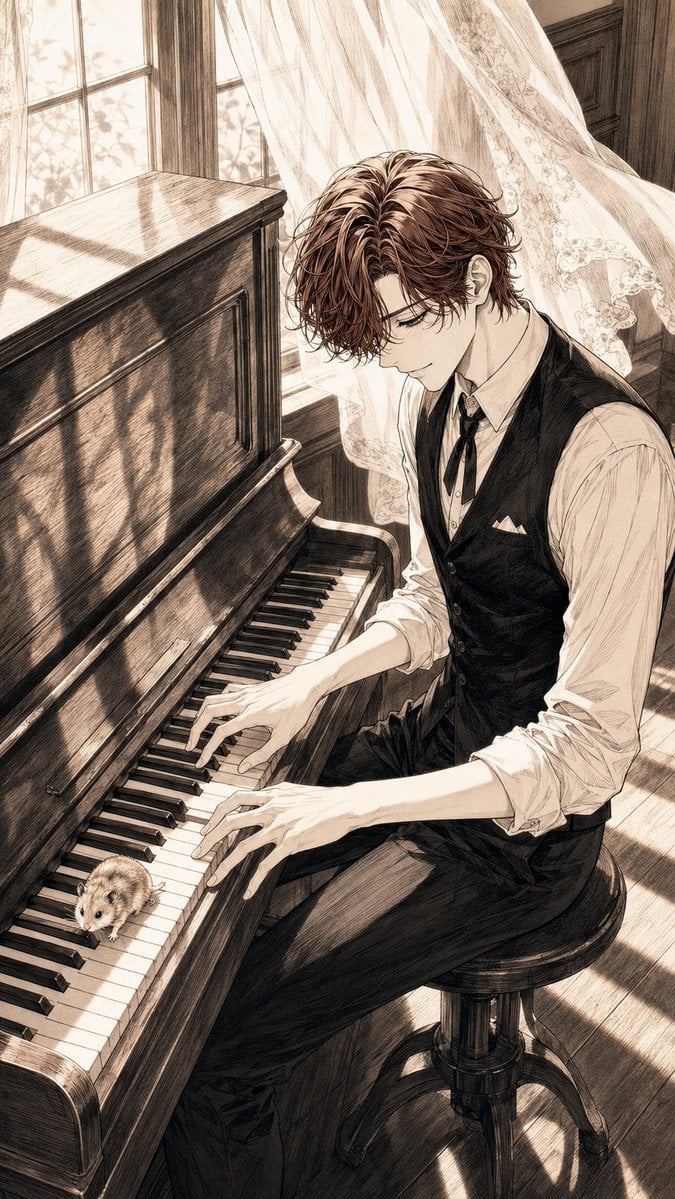
Sepia Pen Art Illustration
Sepia Vintage Intellectual Portrait
Sepia Anime Noble With Mirror
Sepia Anime Chamber Trio
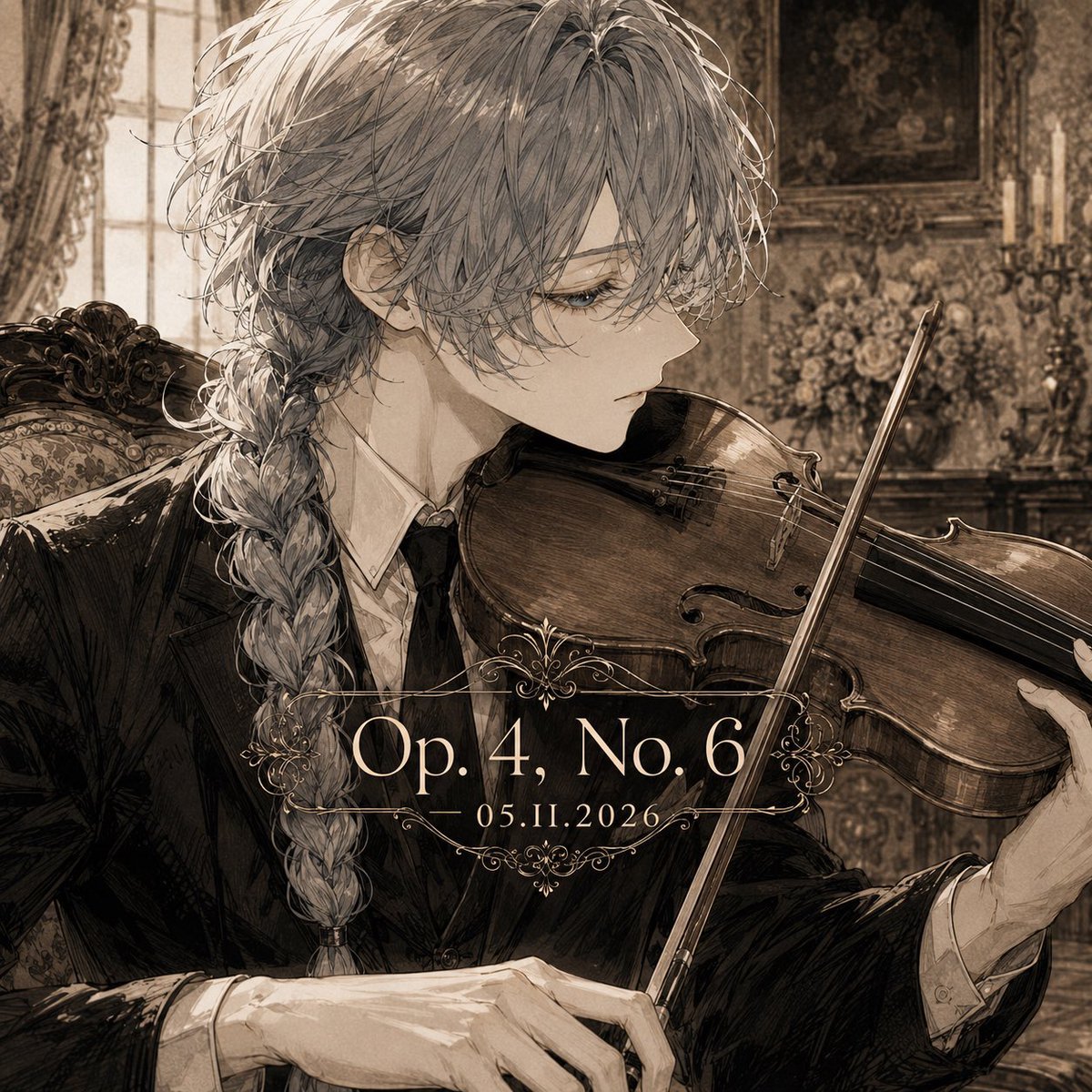
Sepia Classical Violin Album Cover
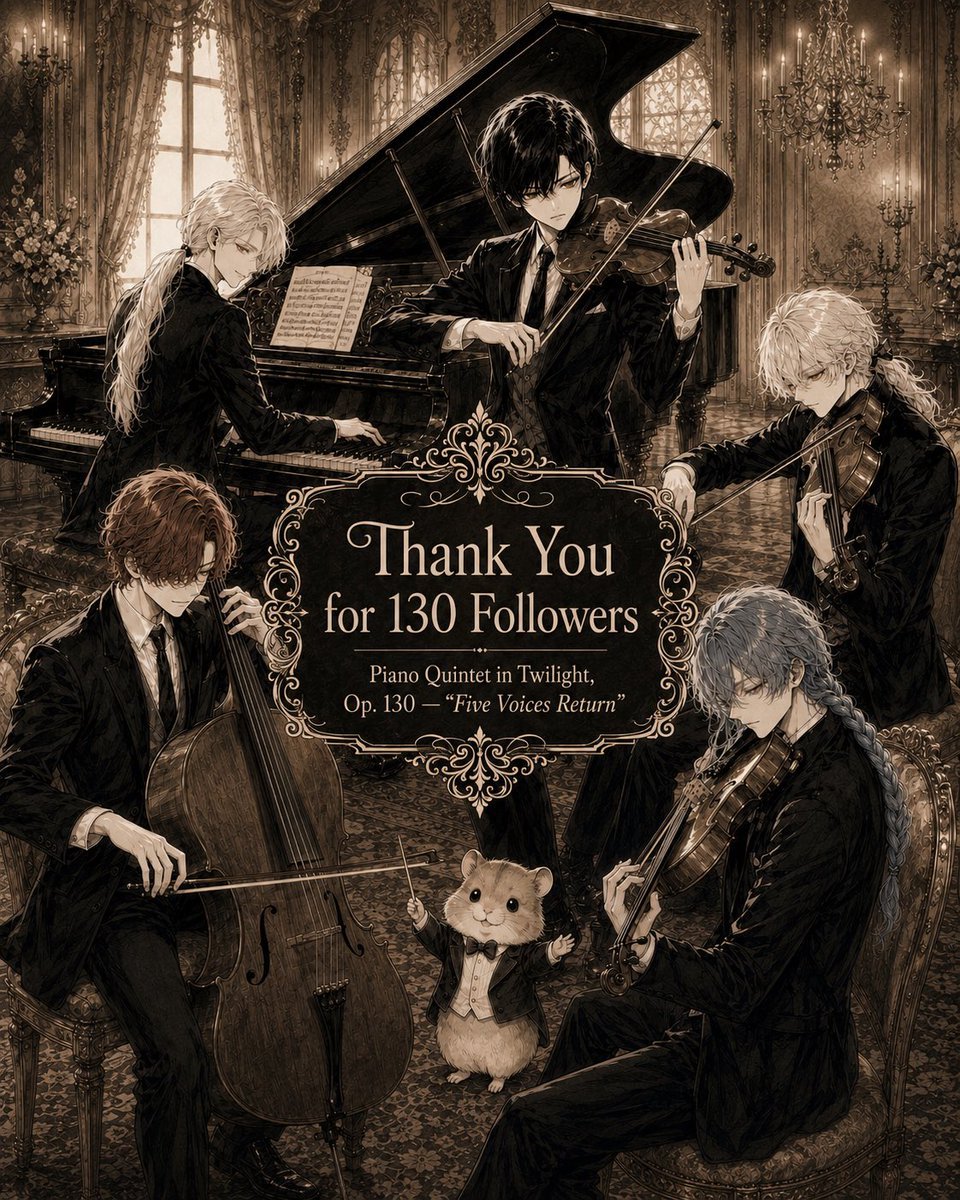
Sepia Gothic Quintet Thank You Poster
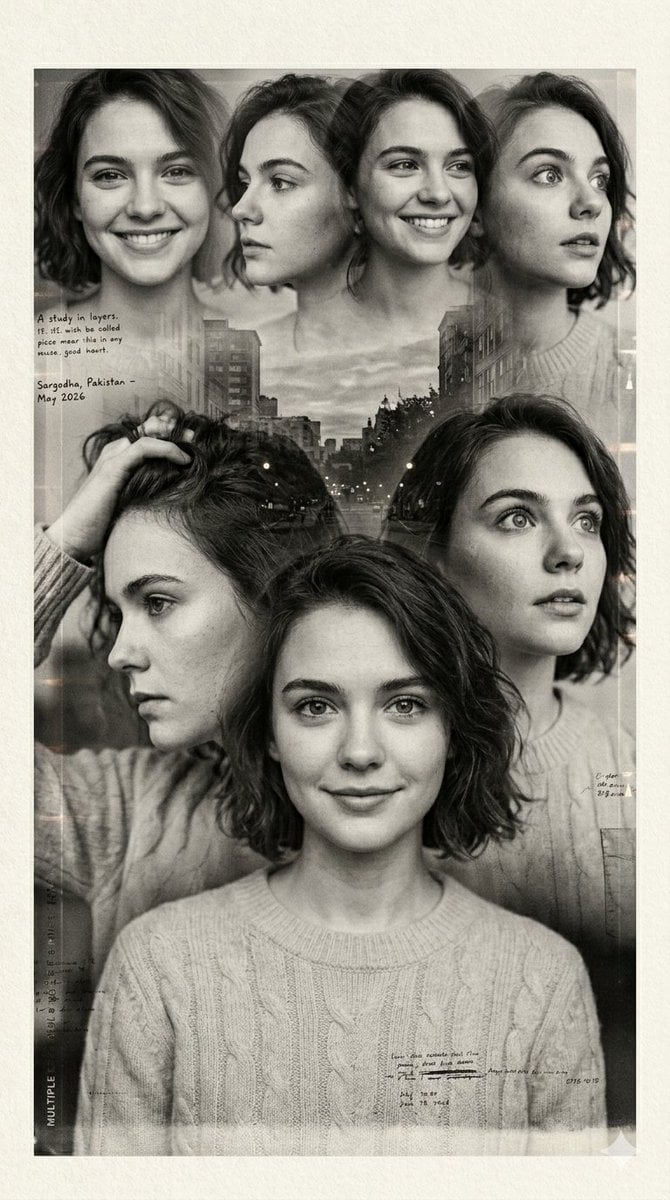
Multiple Exposure Sepia Portrait
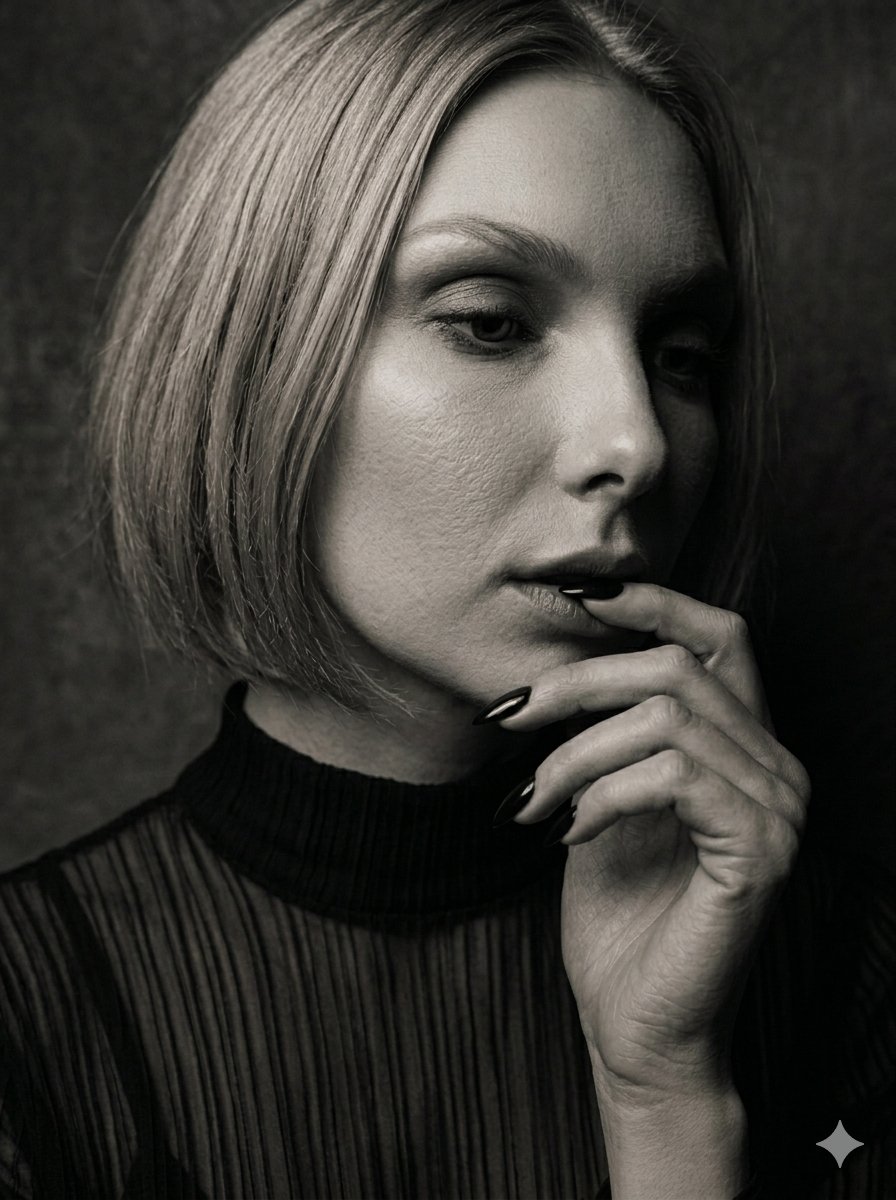
Moody Sepia Hand Study Portrait
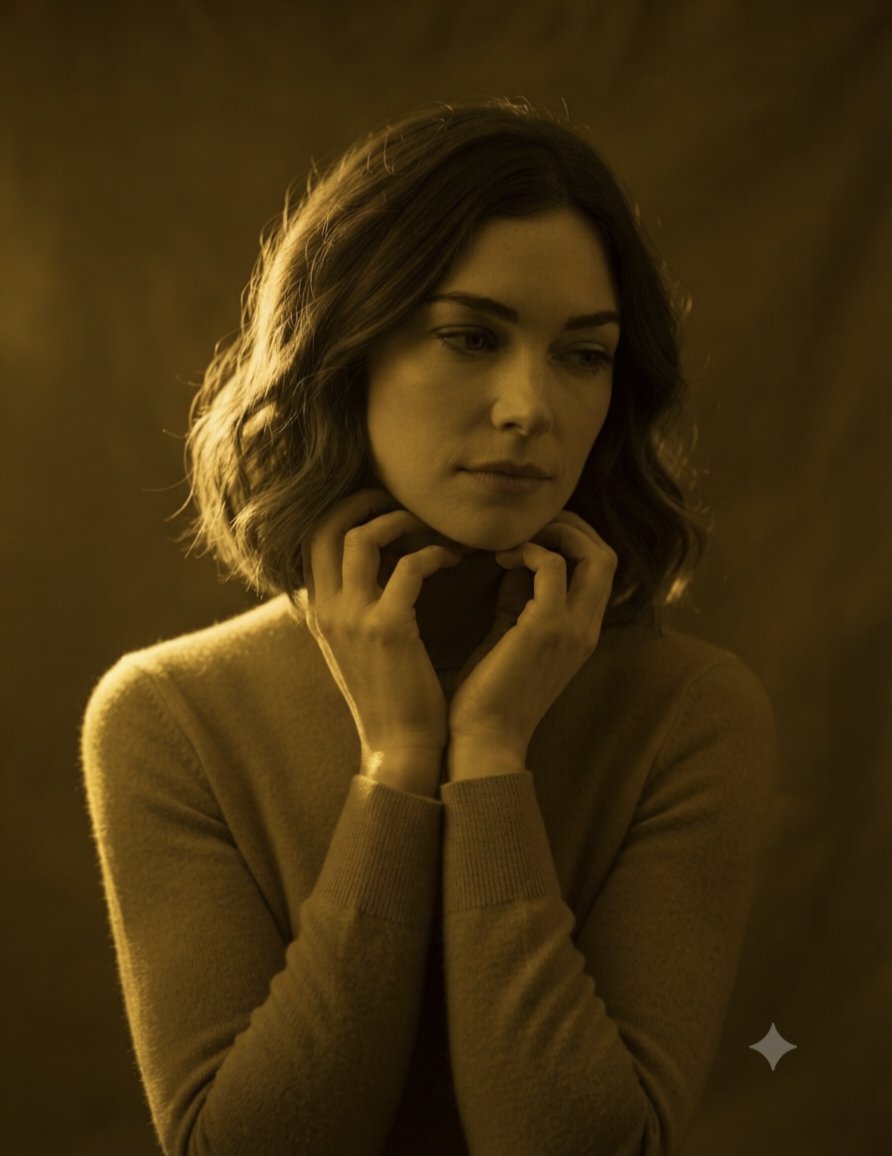
Monochromatic Golden Sepia Portrait
Make it yours
Sepia Pianist and Hamster works as-is. These are the safest ways to change it without losing the look.
Change one field
Copy a single group, rewrite it, and generate again so you can see what that field is doing.
Keep the frame, change the subject
Hold the composition and light of Sepia Pianist and Hamster, then swap wardrobe, props or the person for a new take.
| If the result… | Why | Fix |
|---|---|---|
| The result drifts from the preview | Too many fields changed at once. | Reuse Sepia Pianist and Hamster as-is first, then change one group — subject, light, or setting. |
| The model over-stylizes the scene | The prose prompt leaves finish and camera underspecified. | Add one camera or lighting sentence and stay on GPT Image 2. |
More GPT Image 2 templates
Other prompts made for GPT Image 2.

Six VTuber Japanese Logo Sheet

Realistic Portrait of Woman and Deer

The Vista Modular Condo Poster

AI Model Routing Comparison Infographic

2.5D Anime Art Board

Isometric Productivity Desk Scene

New York Double Exposure Poster

Four-Panel AI Landscape Comparison

Japanese Tatami Lifestyle Magazine Cover

NESCAFÉ Coffee Map Poster
More image prompts
Fresh picks from across the catalog.
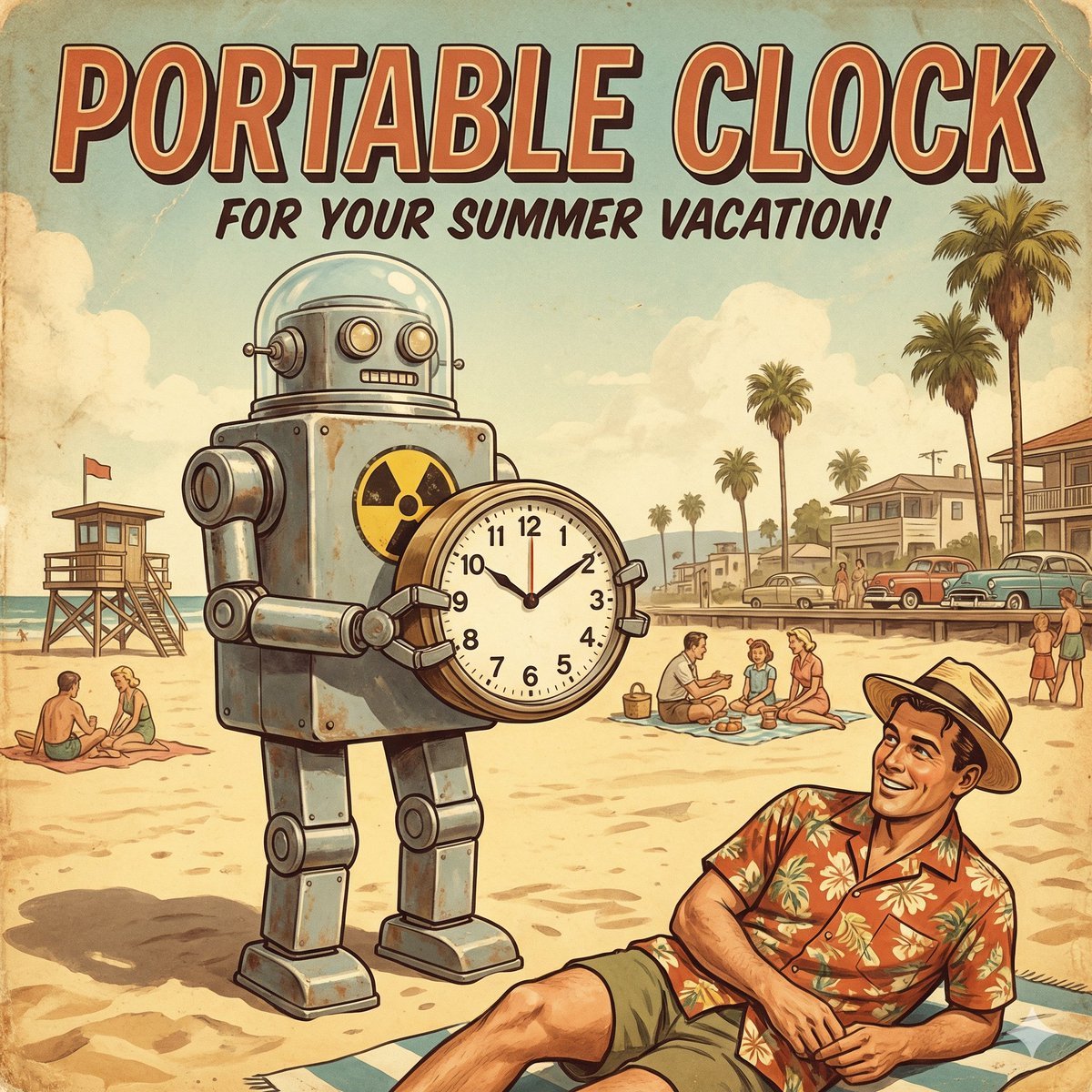
Retro Futurism smart watch prompt
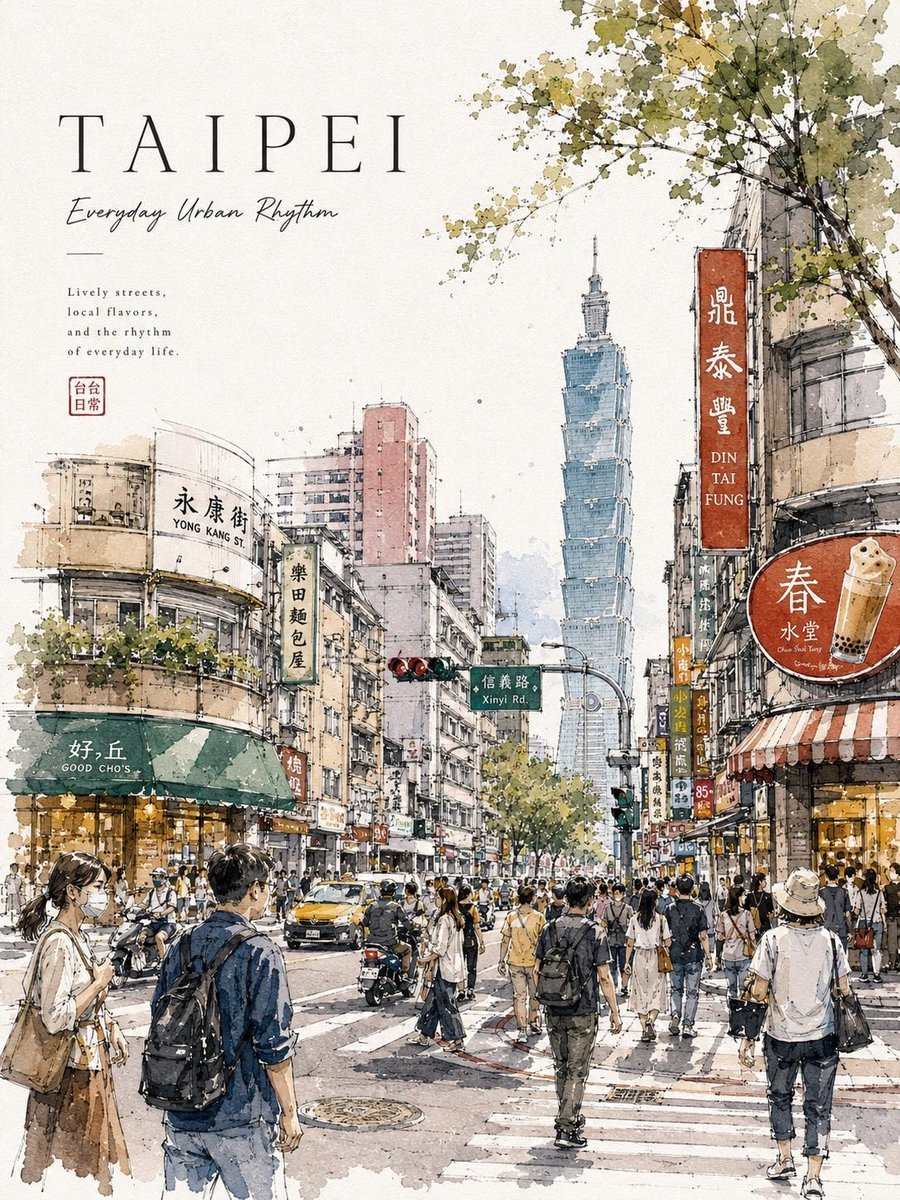
Watercolor Urban Travel Poster

Humanoid Robot Keynote Reveal
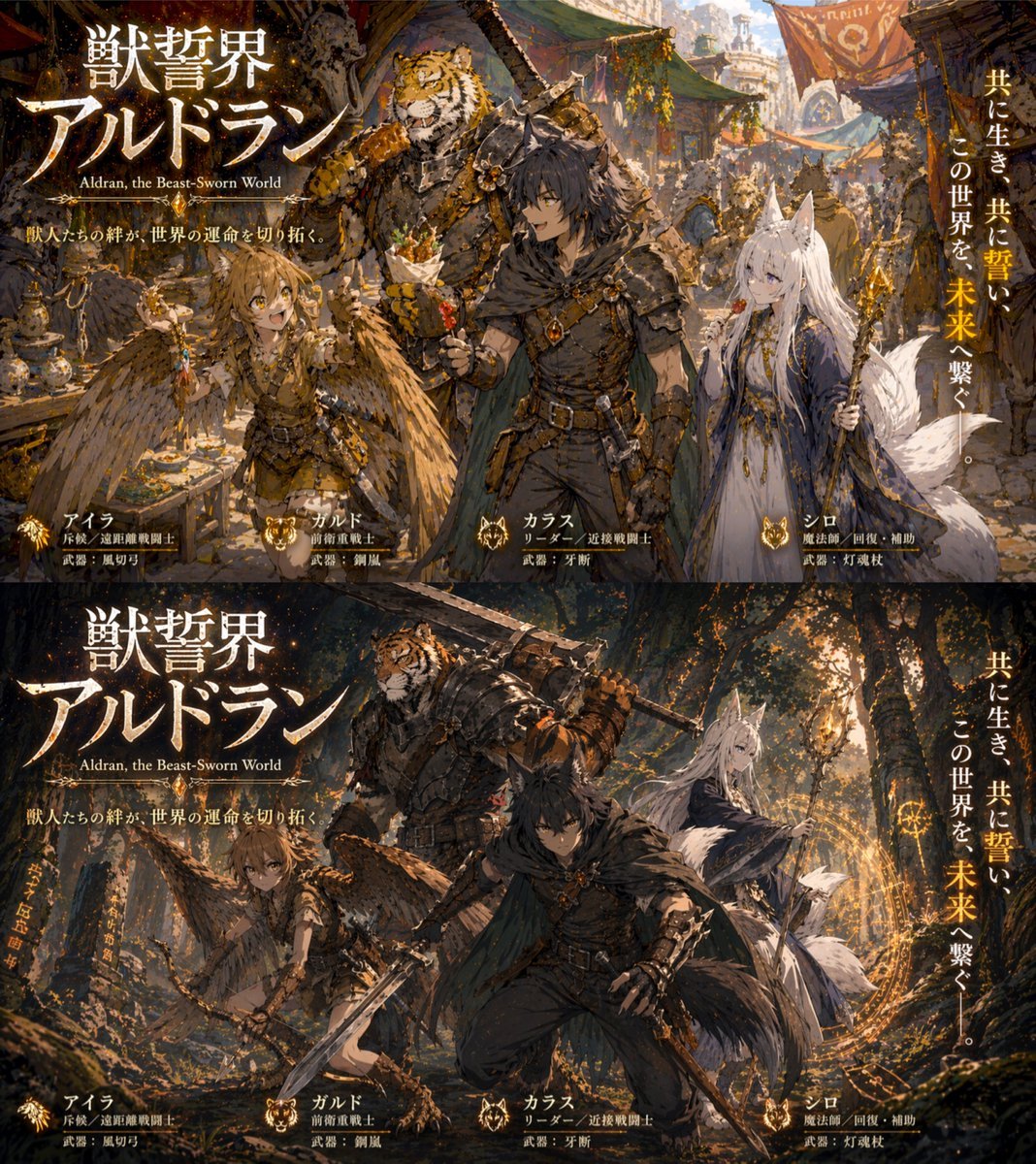
Two-Panel RPG Concept Art

Self-Improvement Theme Motivational Poster
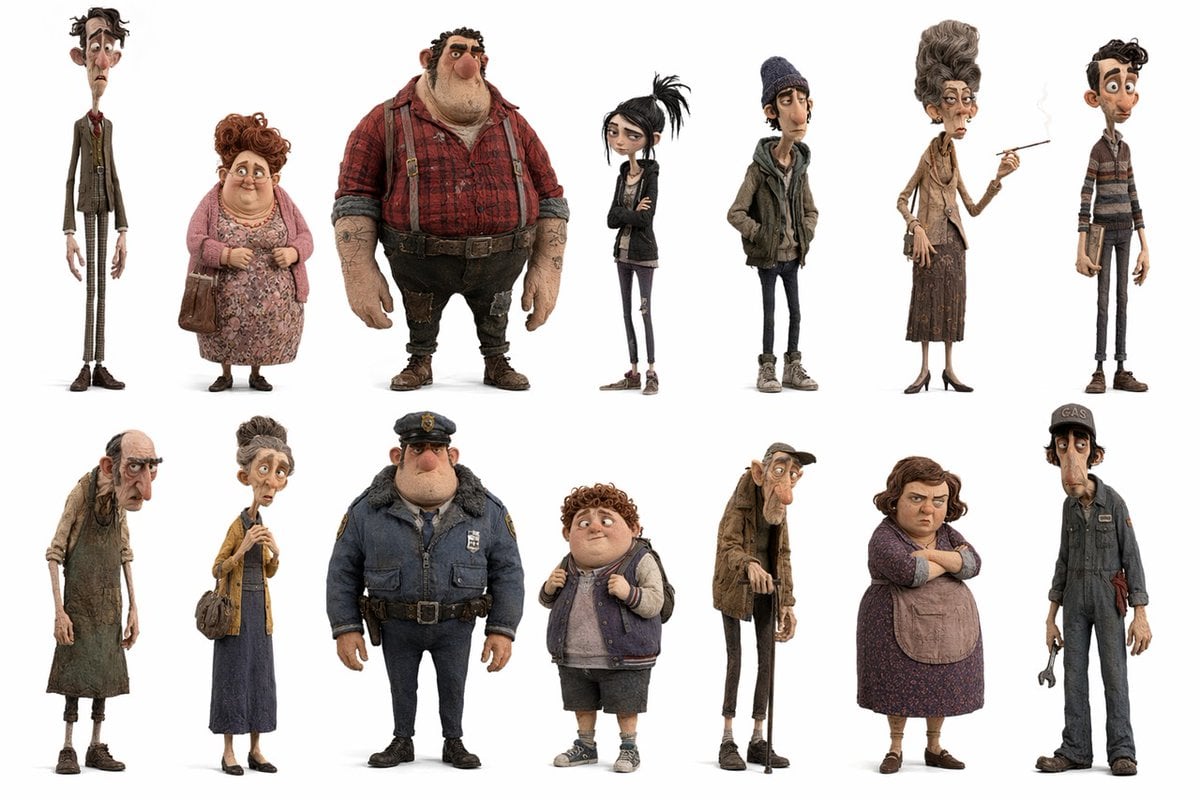
Whimsical Animated Townsfolk Lineup
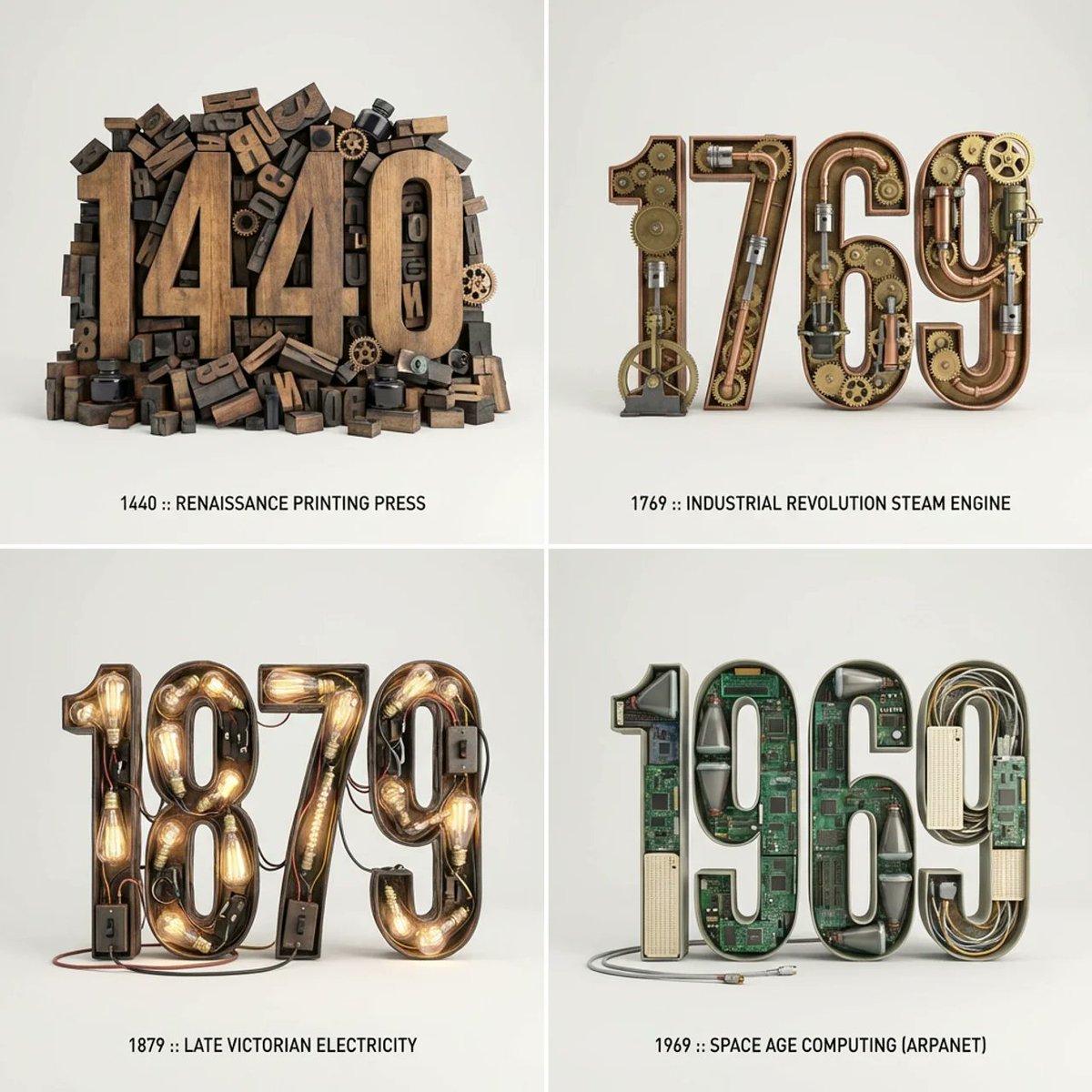
Typographic Sculpture of Historical Inventions
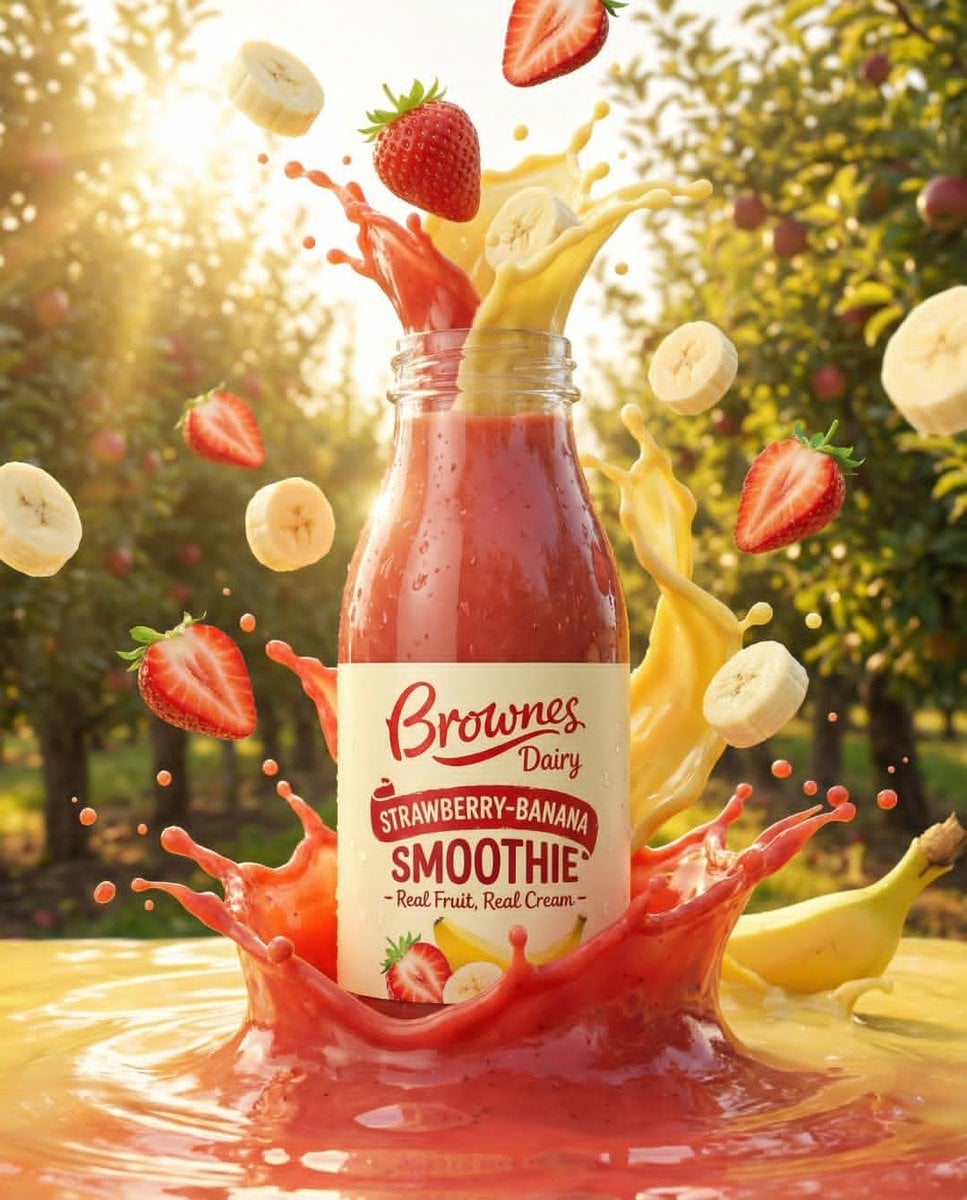
Dynamic Fruit Drink Product Ad

Comprehensive Restaurant Grand Menu Design

High-Contrast Fashion Studio Portrait with Striped Shadows
Browse template categories
Sepia Pianist and Hamster questions
How do I use the Sepia Pianist and Hamster template?
Add your photo if the template asks for one, edit the prompt if you like — the template's model and format are already selected — and press Generate. Your version opens in PicX Studio.
Can I customize the Sepia Pianist and Hamster template?
Yes. You can change the subject, setting, lighting, mood, format, and available model controls before creating your image.
Is the Sepia Pianist and Hamster template free?
Opening and editing this template is free. Generating uses credits, shown on the Generate button when you are signed in.
Which AI model should I use?
Start with GPT Image 2, which is the model associated with this template. You can compare another compatible model for a different finish.
Looking for something else? Browse all templates.

Your photo, any look
Thousands of ready templates for every top image and video model, from one credit balance.