
Sepia Hamster Violinist Salon
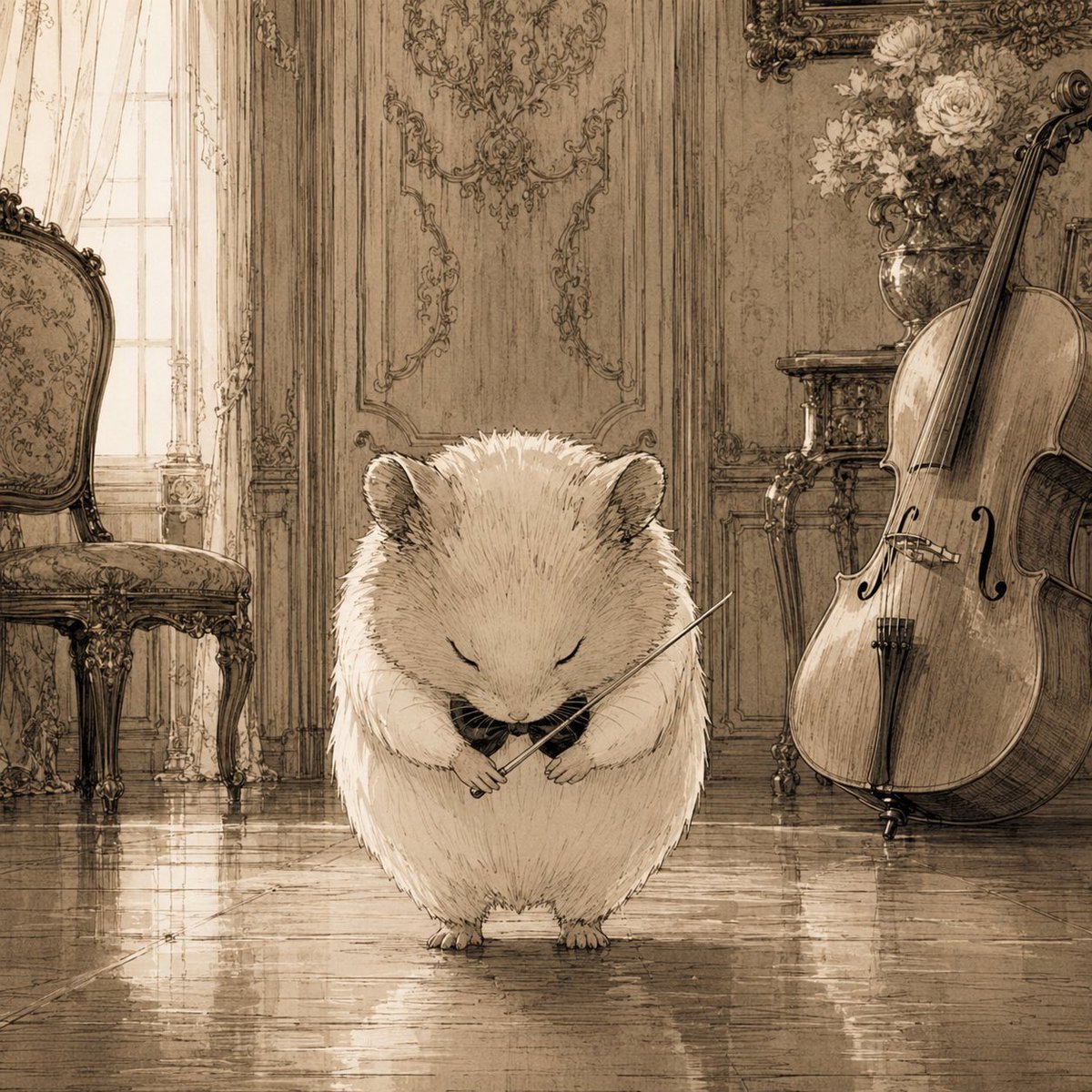
A warm antique-style illustration of a fluffy hamster musician in an ornate classical salon, ideal for whimsical storybook or music-themed artwork.
- Prompt included
- Model and format preset
- Free template
The prompt behind this image
Copy the exact prompt behind Sepia Hamster Violinist Salon, or open it in the studio and make it yours.
Create a square sepia-toned storybook illustration of {argument name="main character" default="a fluffy cream-colored hamster"} standing in the center of an elegant old European music salon, eyes gently closed and head bowed as if finishing a performance. The hamster is round, soft, and very detailed with fine ink hatching, tiny paws, small ears, and a calm solemn expression, holding a delicate violin bow across its chest with a tiny dark violin or instrument tucked near its paws. The setting is a richly decorated classical room with polished reflective wooden floors, tall paneled walls covered in ornate rococo carvings, a bright window with sheer curtains on the left, and antique furniture. Include exactly 3 prominent background objects: an ornate upholstered chair on the left, a large cello leaning upright on the right, and a vase of pale flowers on a small carved table behind the cello. Use warm monochrome beige, brown, and cream tones, like an antique pencil-and-ink wash drawing with soft backlighting, subtle floor reflections, intricate linework, nostalgic atmosphere, and no visible text or modern objects.
How to use Sepia Hamster Violinist Salon in 3 steps
- 1Upload ImagePNG, JPG or paste
Add your photo
Upload the photo the template builds on. The prompt, model and format are already set.
- 2…a portrait of your subject in softgolden-hour light, 85mm…
Personalize
Edit the subject and creative details for your destination.
- 3Generate
Generate
Press Generate — your image is created in PicX Studio, so you can compare it with the original and refine one variable at a time.
More like this
Templates with the same subject, style or setup. Open one to see its prompt.
Sepia Pianist and Hamster
Sepia Hamster Summer Homework Manga

1980s Retro Salon Portrait
Sepia Pen Art Illustration
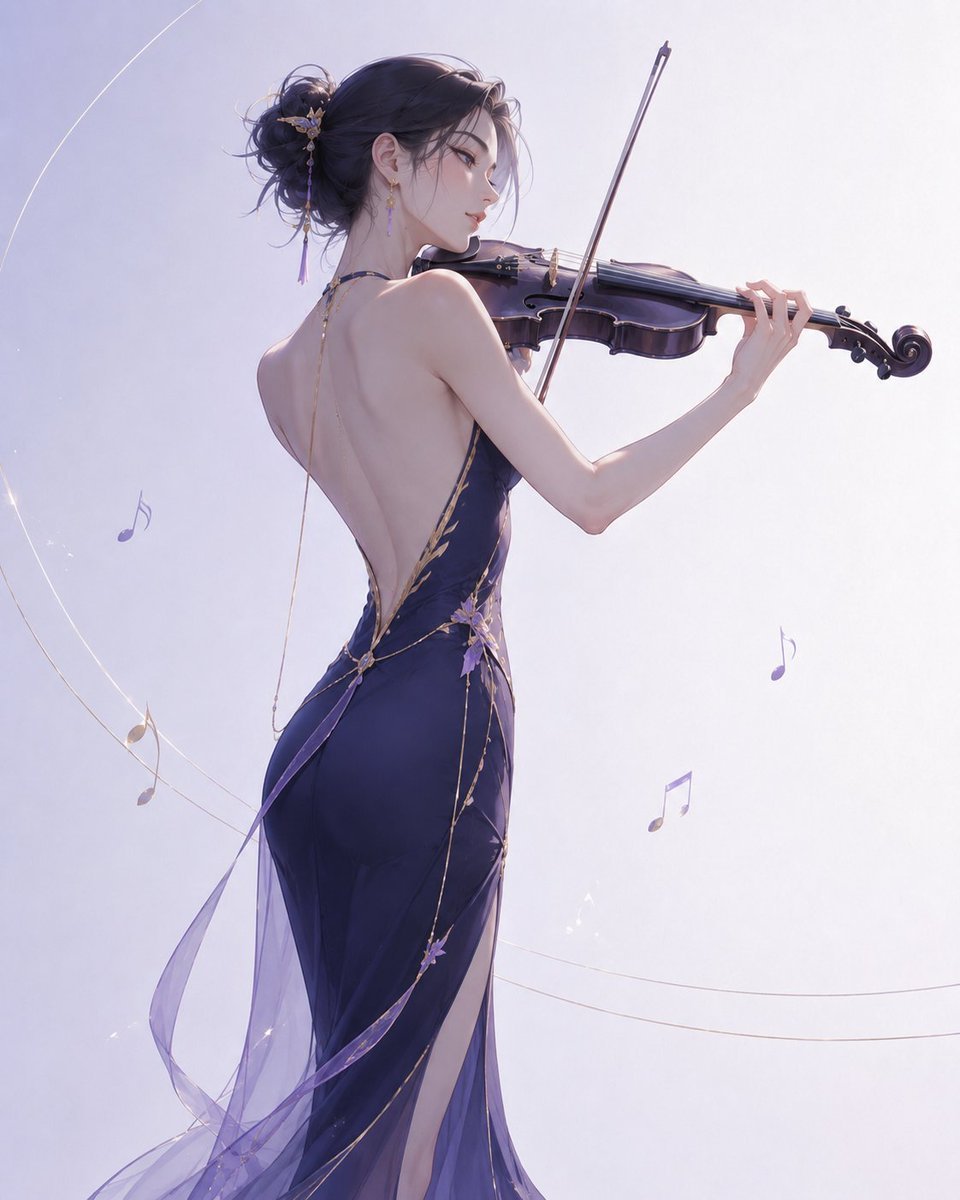
Elegant Violinist Minimalist Illustration
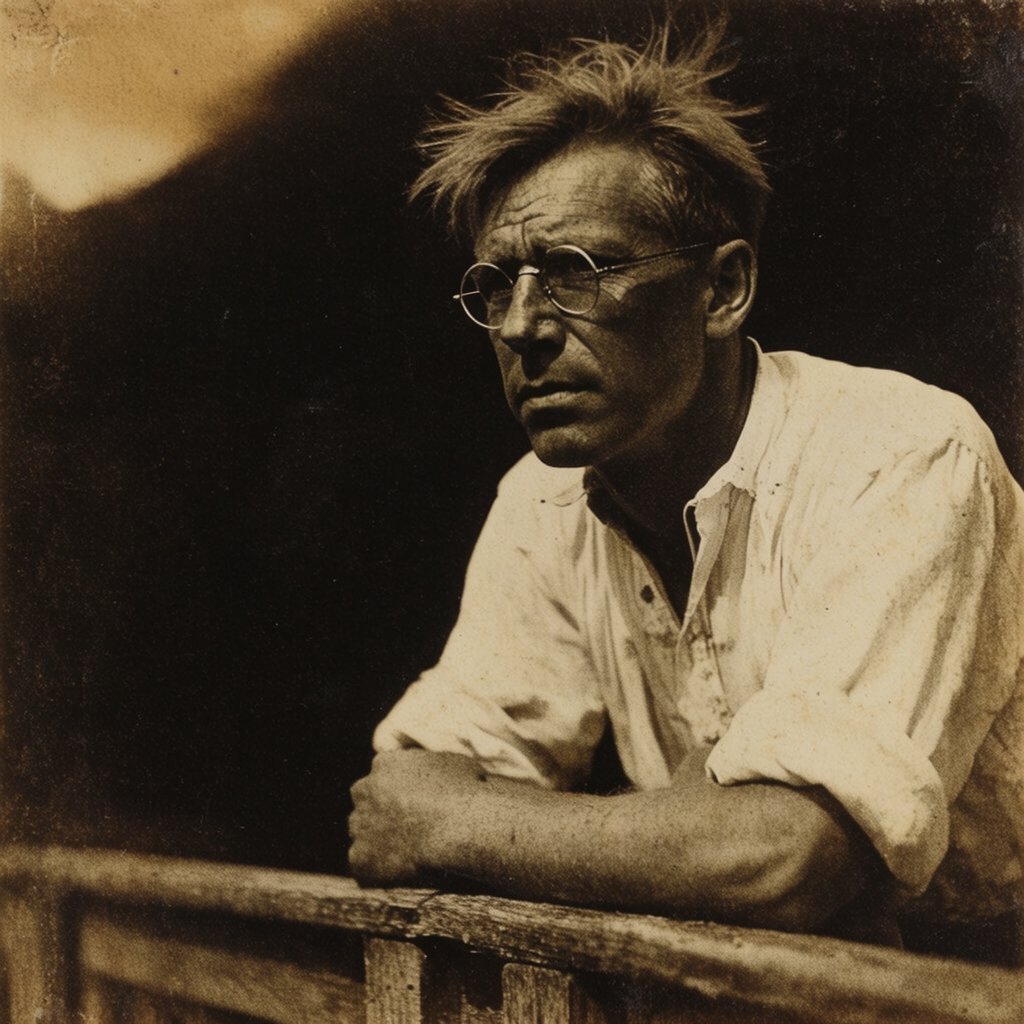
Sepia Vintage Intellectual Portrait
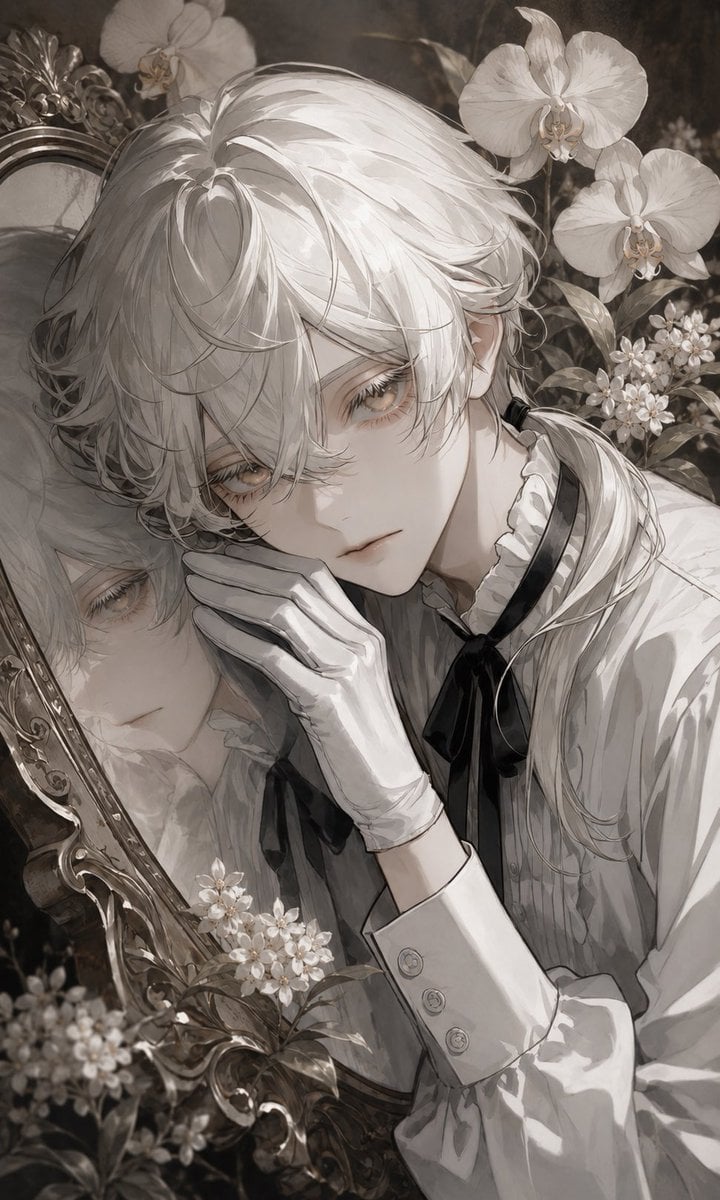
Sepia Anime Noble With Mirror
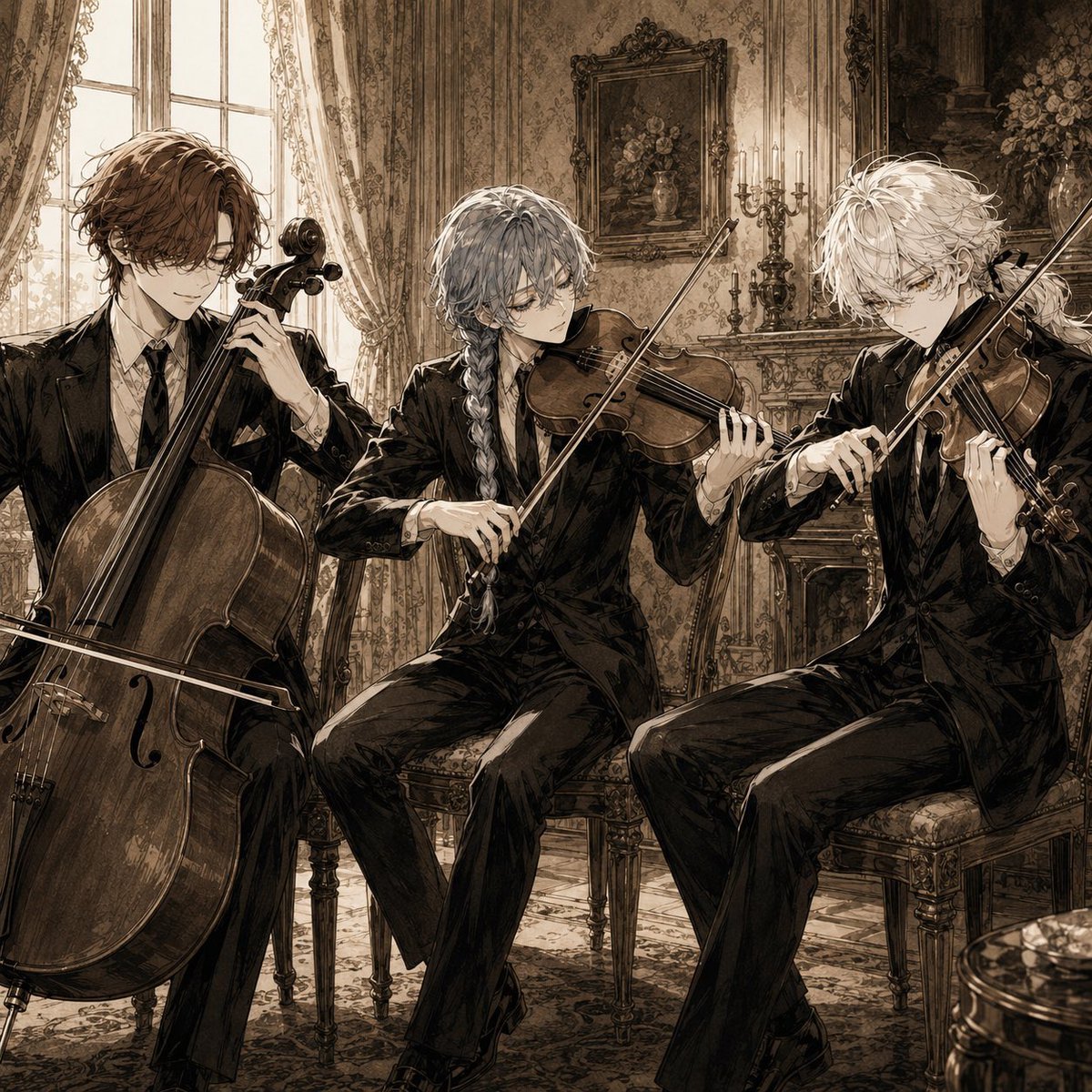
Sepia Anime Chamber Trio
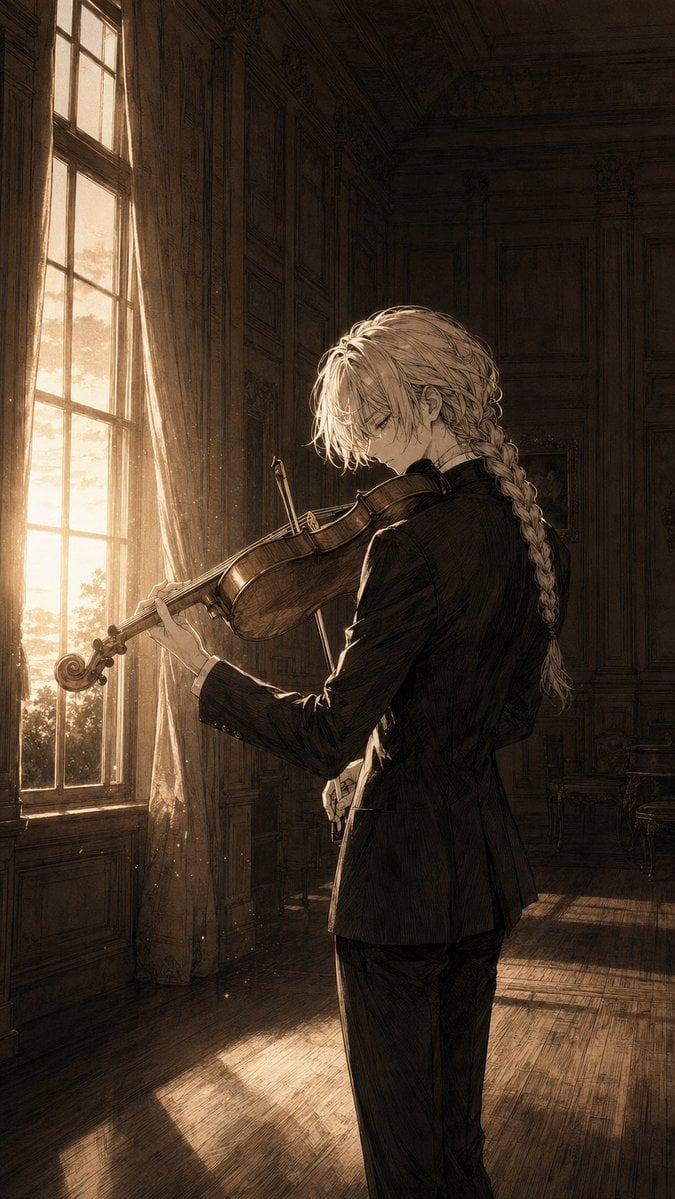
Melancholic Anime Violinist at Sunset
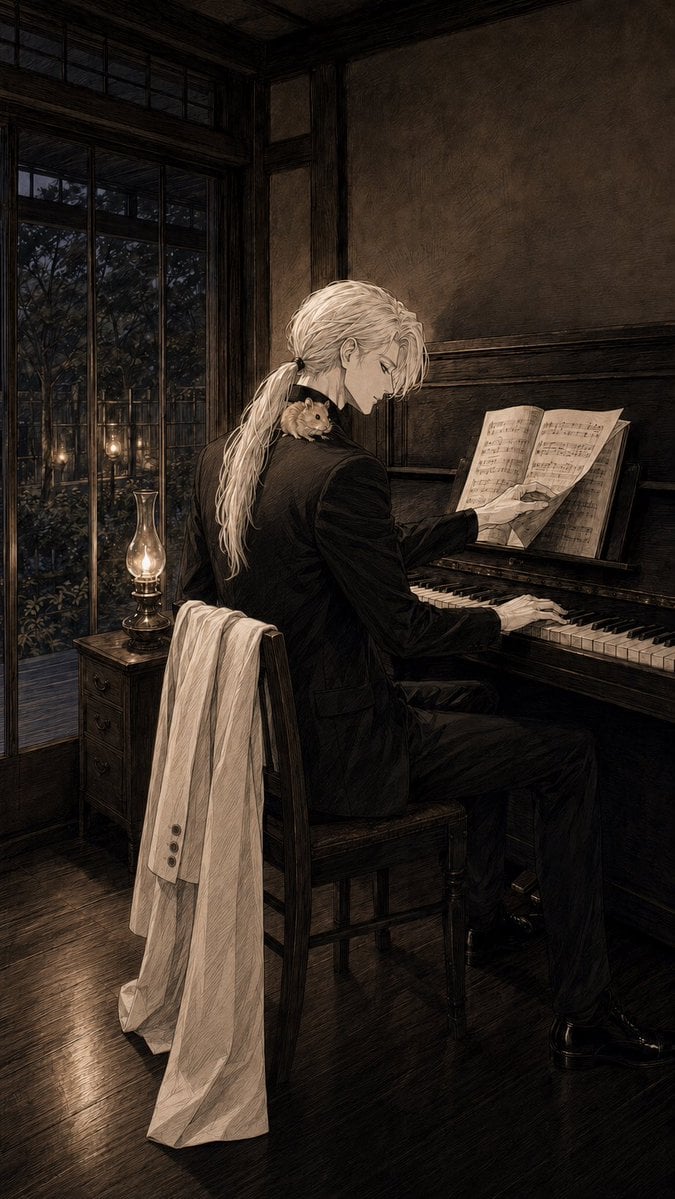
Sepia Pianist in Vintage Room
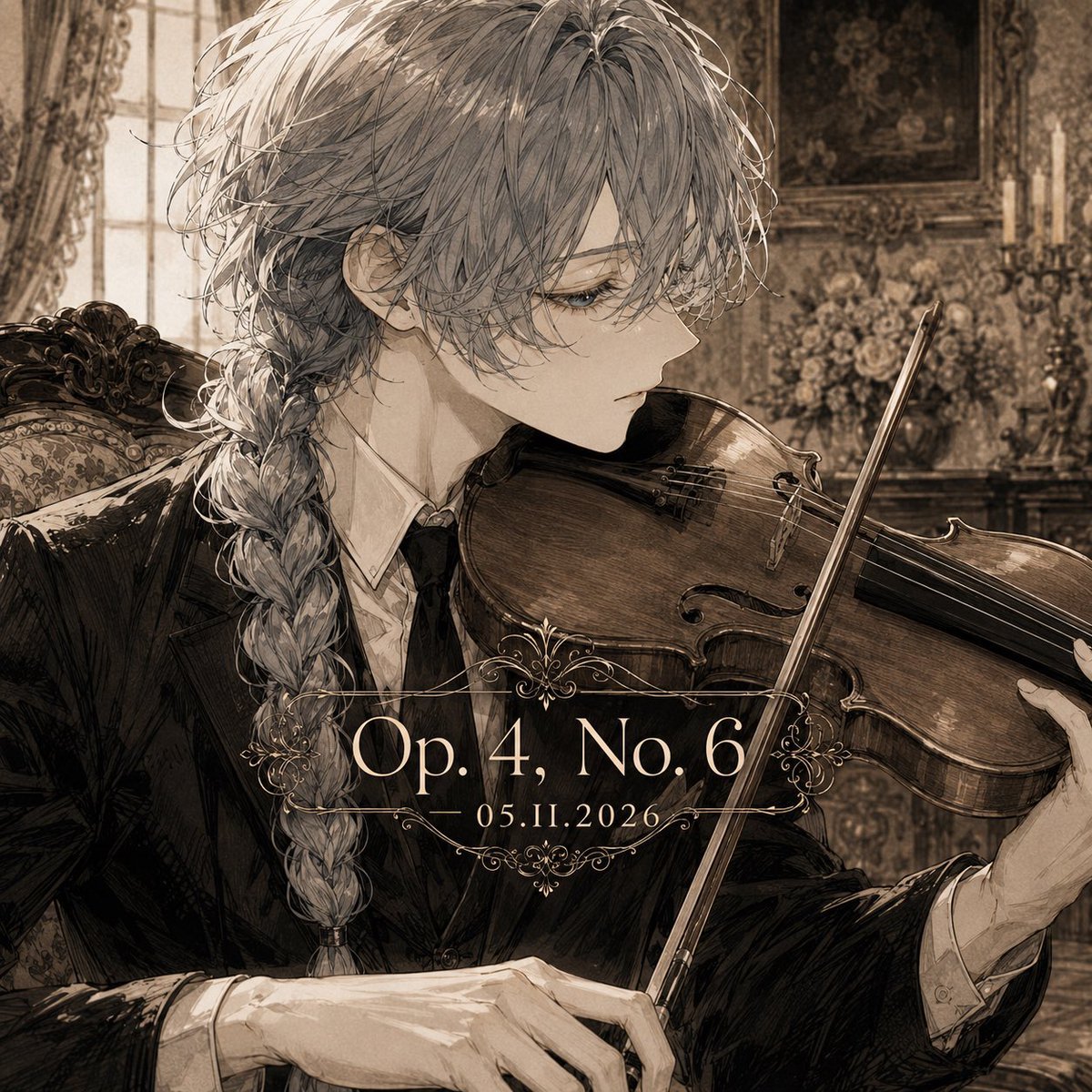
Sepia Classical Violin Album Cover

Sepia Gothic Quintet Thank You Poster
Make it yours
Sepia Hamster Violinist Salon works as-is. These are the safest ways to change it without losing the look.
Change one field
Copy a single group, rewrite it, and generate again so you can see what that field is doing.
Keep the frame, change the subject
Hold the composition and light of Sepia Hamster Violinist Salon, then swap wardrobe, props or the person for a new take.
| If the result… | Why | Fix |
|---|---|---|
| The result drifts from the preview | Too many fields changed at once. | Reuse Sepia Hamster Violinist Salon as-is first, then change one group — subject, light, or setting. |
| The model over-stylizes the scene | The prose prompt leaves finish and camera underspecified. | Add one camera or lighting sentence and stay on GPT Image 2. |
More GPT Image 2 templates
Other prompts made for GPT Image 2.

Six VTuber Japanese Logo Sheet

Realistic Portrait of Woman and Deer

The Vista Modular Condo Poster

AI Model Routing Comparison Infographic

2.5D Anime Art Board

Isometric Productivity Desk Scene

New York Double Exposure Poster

Four-Panel AI Landscape Comparison

Japanese Tatami Lifestyle Magazine Cover

NESCAFÉ Coffee Map Poster
More image prompts
Fresh picks from across the catalog.
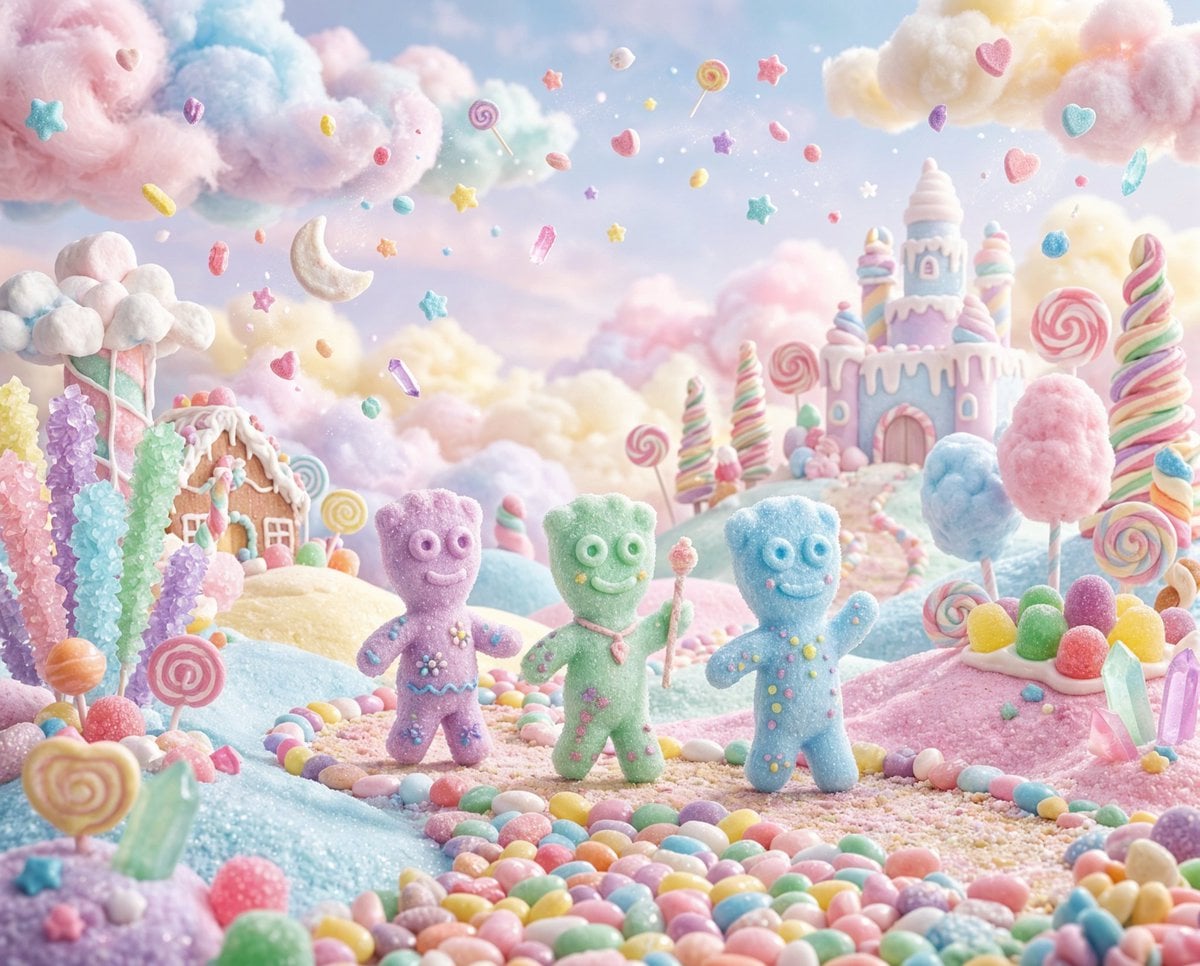
Pastel Painted Sour Patch Kids in Whimsical Candyland

Stormy Rooftop Zombie Siege

Hyper-Realistic Mixed Reality Fanta Bottle Interface
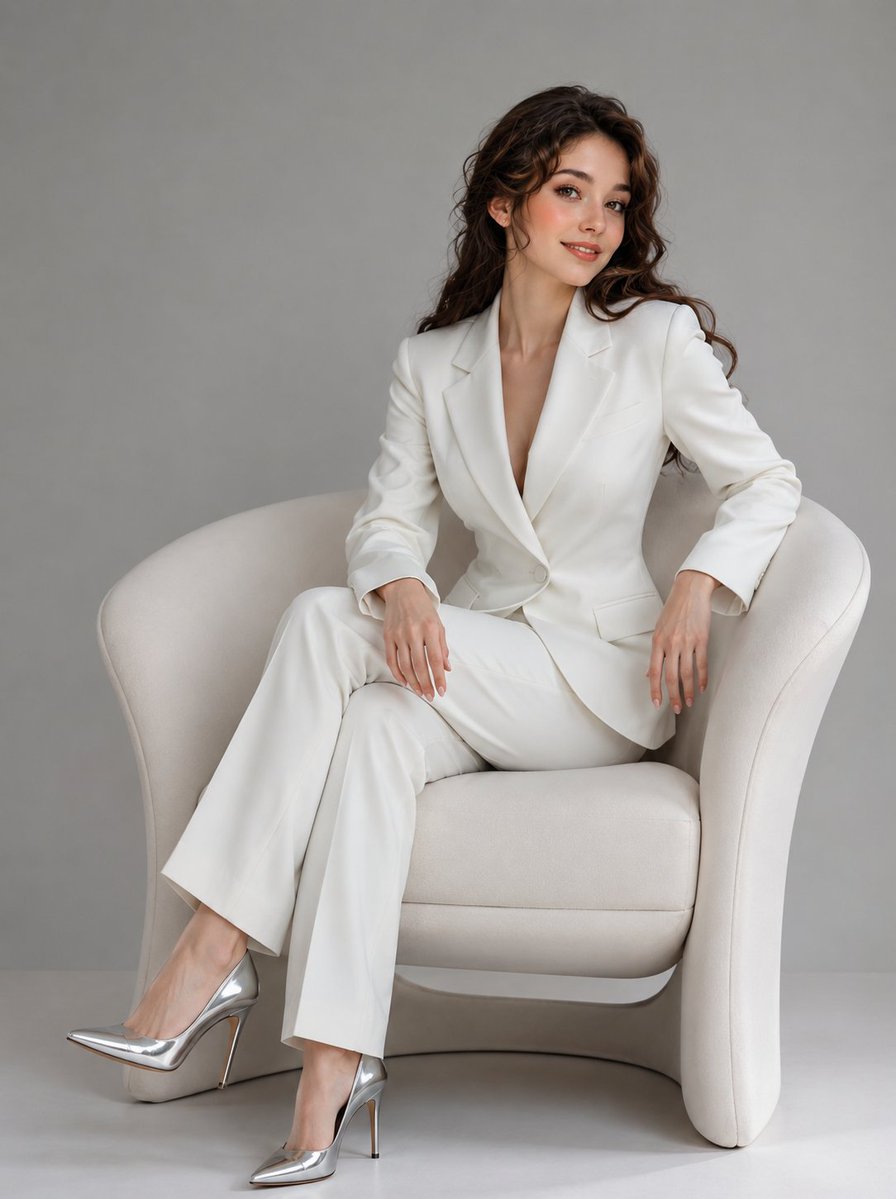
Korean Beauty Fashion Editorial
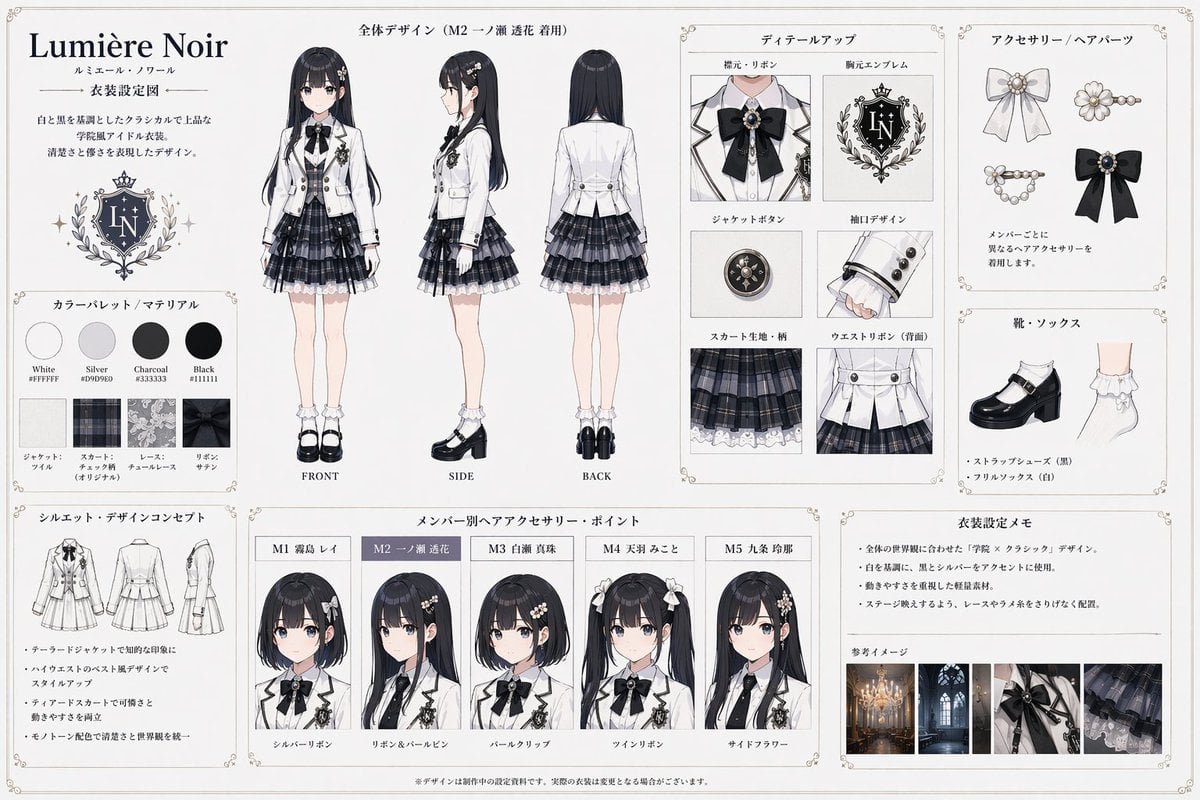
Idol Costume Design Sheet
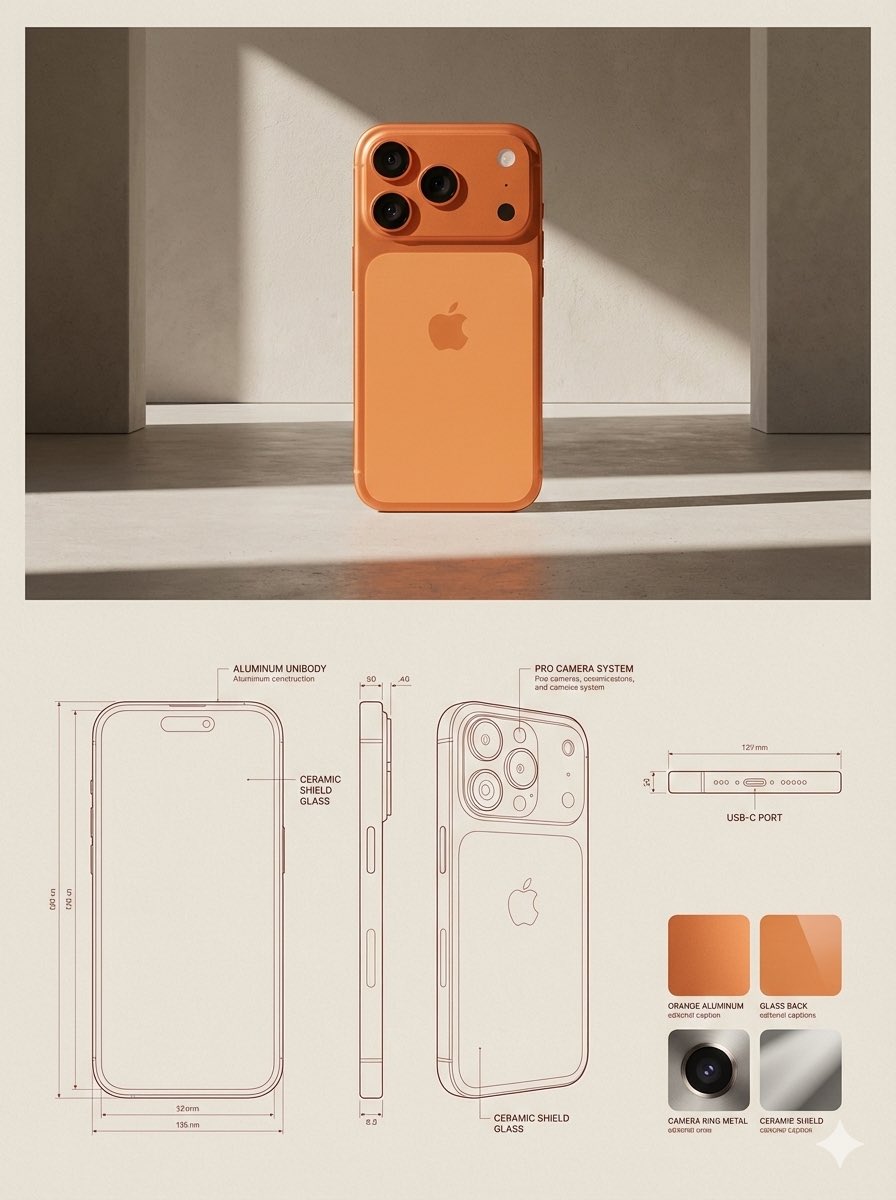
JSON Prompt for Architectural Product Design Catalog Layout
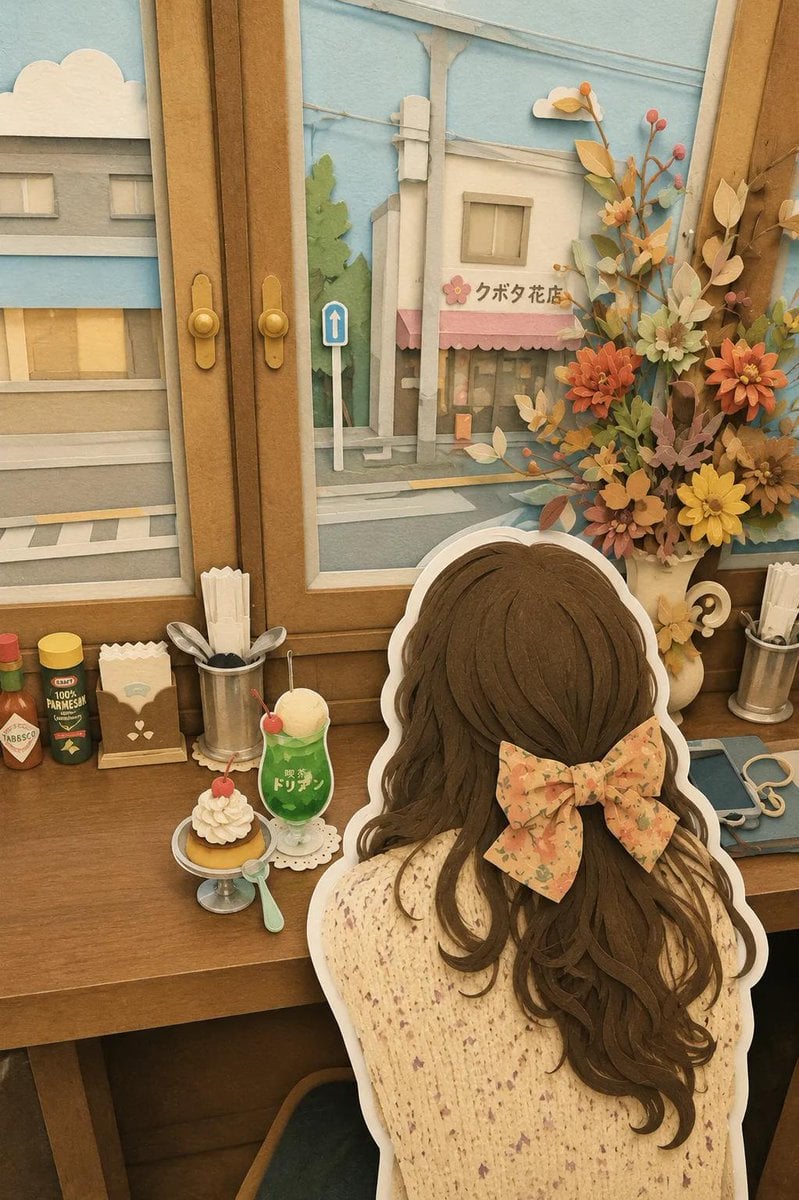
Japanese Paper-Cut Diorama Scene
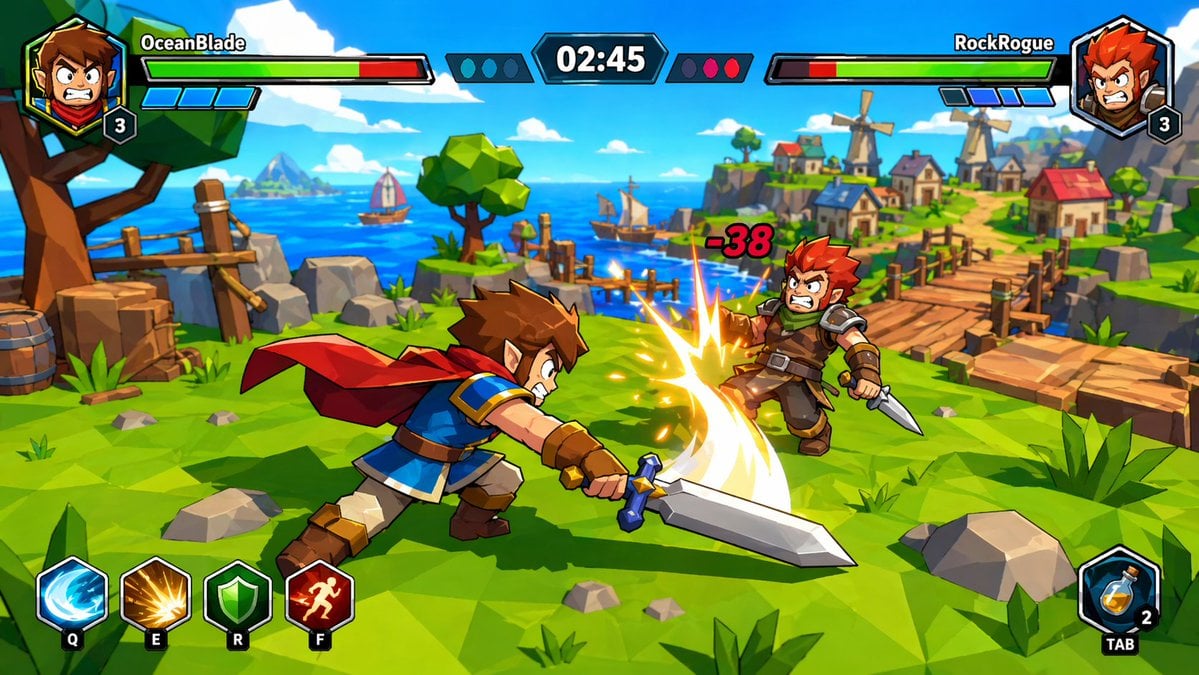
Zelda-Style Game UI Screenshot
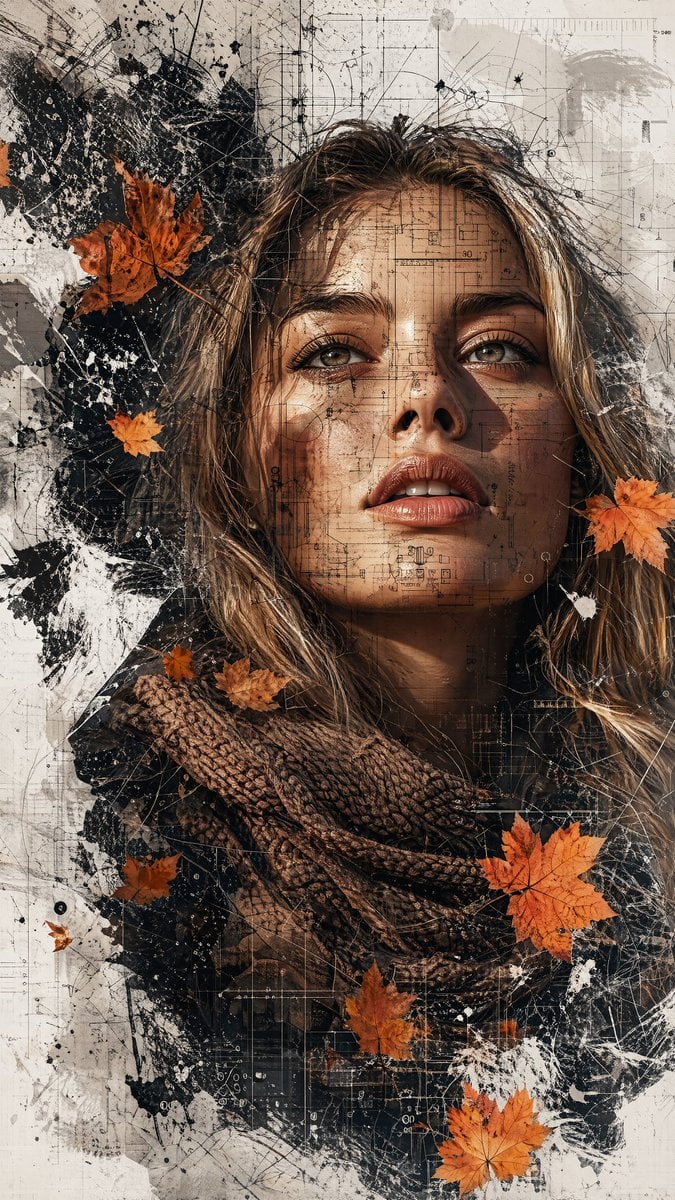
Multimedia Collage Fashion Portrait

Celestial Goddess Archer
Browse template categories
Sepia Hamster Violinist Salon questions
How do I use the Sepia Hamster Violinist Salon template?
Add your photo if the template asks for one, edit the prompt if you like — the template's model and format are already selected — and press Generate. Your version opens in PicX Studio.
Can I customize the Sepia Hamster Violinist Salon template?
Yes. You can change the subject, setting, lighting, mood, format, and available model controls before creating your image.
Is the Sepia Hamster Violinist Salon template free?
Opening and editing this template is free. Generating uses credits, shown on the Generate button when you are signed in.
Which AI model should I use?
Start with GPT Image 2, which is the model associated with this template. You can compare another compatible model for a different finish.
Looking for something else? Browse all templates.

Your photo, any look
Thousands of ready templates for every top image and video model, from one credit balance.