
Idol Costume Design Sheet
Generates a highly detailed anime-style costume reference sheet with multiple views, material details, and character variants.
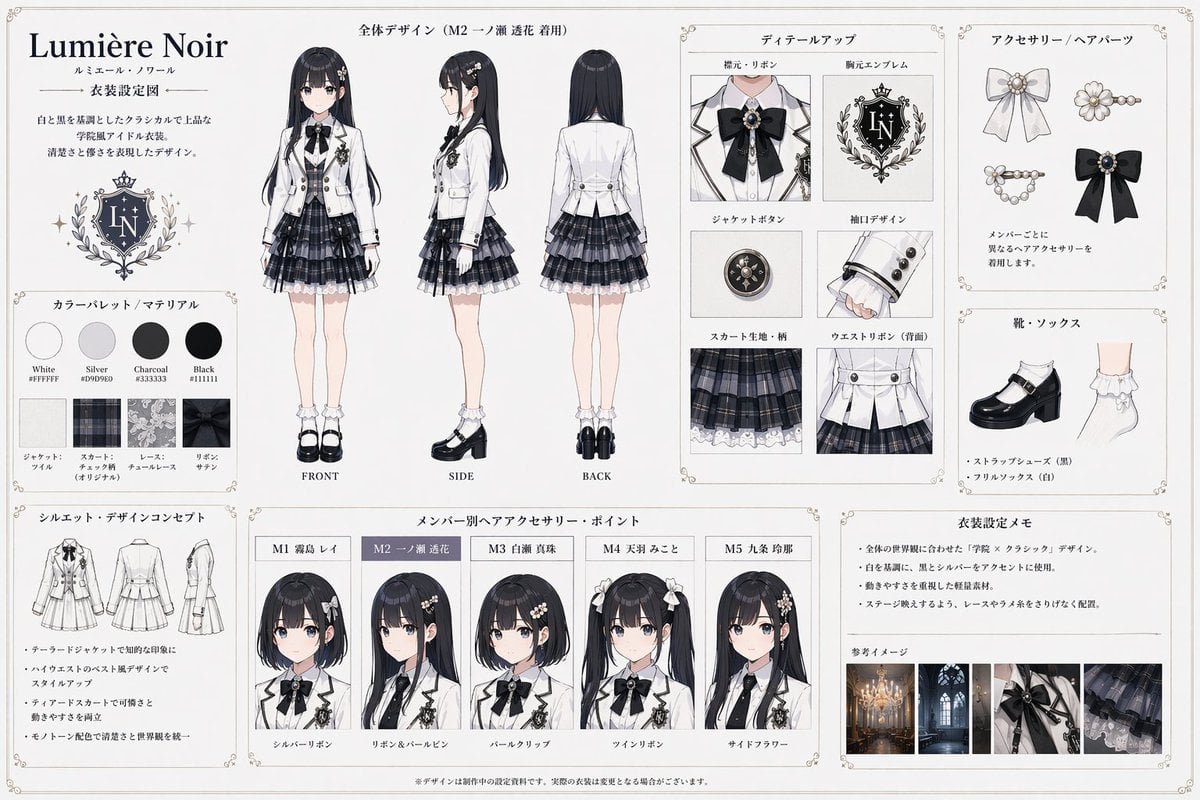
- Prompt included
- Model and format preset
- Free template
The prompt behind this image
Copy the exact prompt behind Idol Costume Design Sheet, or open it in the studio and make it yours.
- Type
- anime costume design reference sheet
- Document Info › Title
- {argument name="document title" default="Lumière Noir"}
- Document Info › Subtitle
- {argument name="document subtitle" default="衣装設定図"}
- Document Info › Theme
- {argument name="costume description" default="black and white classical school idol uniform"}
- Layout › Sections › 0 › Title
- 全体デザイン
- Layout › Sections › 0 › Position
- top-center
- Layout › Sections › 0 › Count
- 3
- Layout › Sections › 0 › Labels
- FRONT, SIDE, BACK
- Layout › Sections › 0 › Description
- Full-body anime girl ({argument name="character model name" default="M2 一ノ瀬 透花"}) modeling the outfit
- Layout › Sections › 1 › Title
- カラーパレット / マテリアル
- Layout › Sections › 1 › Position
- mid-left
- Layout › Sections › 1 › Count
- 8
- Layout › Sections › 1 › Labels
- White, Silver, Charcoal, Black, Jacket, Skirt, Lace, Ribbon
- Layout › Sections › 1 › Description
- 4 circular color swatches ({argument name="color palette" default="White, Silver, Charcoal, Black"}) and 4 square fabric texture swatches
- Layout › Sections › 2 › Title
- シルエット・デザインコンセプト
- Layout › Sections › 2 › Position
- bottom-left
- Layout › Sections › 2 › Count
- 3
- Layout › Sections › 2 › Description
- Line-art silhouette sketches of the outfit from front, side, and back
- Layout › Sections › 3 › Title
- ディテールアップ
- Layout › Sections › 3 › Position
- top-inner-right
- Layout › Sections › 3 › Count
- 6
- Layout › Sections › 3 › Labels
- 襟元・リボン, 胸元エンブレム, ジャケットボタン, 袖口デザイン, スカート生地・柄, ウエストリボン(背面)
- Layout › Sections › 3 › Description
- Close-up detail panels of the costume parts
- Layout › Sections › 4 › Title
- アクセサリー / ヘアパーツ
Raw JSON
{"type":"anime costume design reference sheet","document_info":{"title":"{argument name=\"document title\" default=\"Lumière Noir\"}","subtitle":"{argument name=\"document subtitle\" default=\"衣装設定図\"}","theme":"{argument name=\"costume description\" default=\"black and white classical school idol uniform\"}"},"layout":{"sections":[{"title":"全体デザイン","position":"top-center","count":3,"labels":["FRONT","SIDE","BACK"],"description":"Full-body anime girl ({argument name=\"character model name\" default=\"M2 一ノ瀬 透花\"}) modeling the outfit"},{"title":"カラーパレット / マテリアル","position":"mid-left","count":8,"labels":["White","Silver","Charcoal","Black","Jacket","Skirt","Lace","Ribbon"],"description":"4 circular color swatches ({argument name=\"color palette\" default=\"White, Silver, Charcoal, Black\"}) and 4 square fabric texture swatches"},{"title":"シルエット・デザインコンセプト","position":"bottom-left","count":3,"description":"Line-art silhouette sketches of the outfit from front, side, and back"},{"title":"ディテールアップ","position":"top-inner-right","count":6,"labels":["襟元・リボン","胸元エンブレム","ジャケットボタン","袖口デザイン","スカート生地・柄","ウエストリボン(背面)"],"description":"Close-up detail panels of the costume parts"},{"title":"アクセサリー / ヘアパーツ","position":"top-outer-right","count":4,"description":"Illustrations of 4 different hair accessories"},{"title":"靴・ソックス","position":"mid-outer-right","count":2,"description":"Illustrations of black strap shoes and white frill socks"},{"title":"メンバー別ヘアアクセサリー・ポイント","position":"bottom-center","count":5,"labels":["M1 霧島 レイ","M2 一ノ瀬 透花","M3 白瀬 真珠","M4 天羽 みこと","M5 九条 玲那"],"description":"Bust portraits of 5 different anime girls showing unique hairstyles and accessories"},{"title":"衣装設定メモ & 参考イメージ","position":"bottom-right","count":4,"description":"Text memo and 4 small photographic reference images of gothic architecture and fabric details"}]}}How to use Idol Costume Design Sheet in 3 steps
- 1Upload ImagePNG, JPG or paste
Add your photo
Upload the photo the template builds on. The prompt, model and format are already set.
- 2…a portrait of your subject in softgolden-hour light, 85mm…
Personalize
Edit the subject and creative details for your destination.
- 3Generate
Generate
Press Generate — your image is created in PicX Studio, so you can compare it with the original and refine one variable at a time.
More like this
Templates with the same subject, style or setup. Open one to see its prompt.

Character Archive — Blueprint Concept Sheet
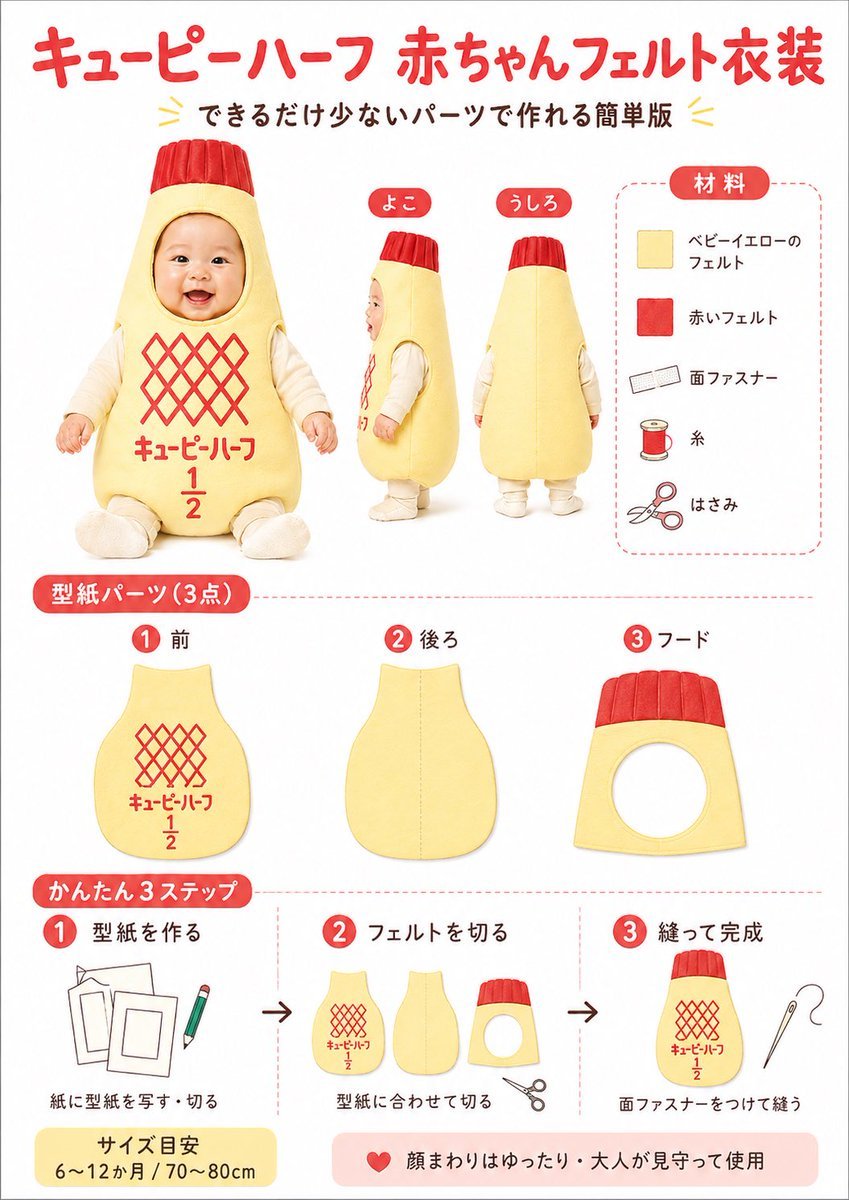
Japanese Baby Felt Costume DIY Sheet
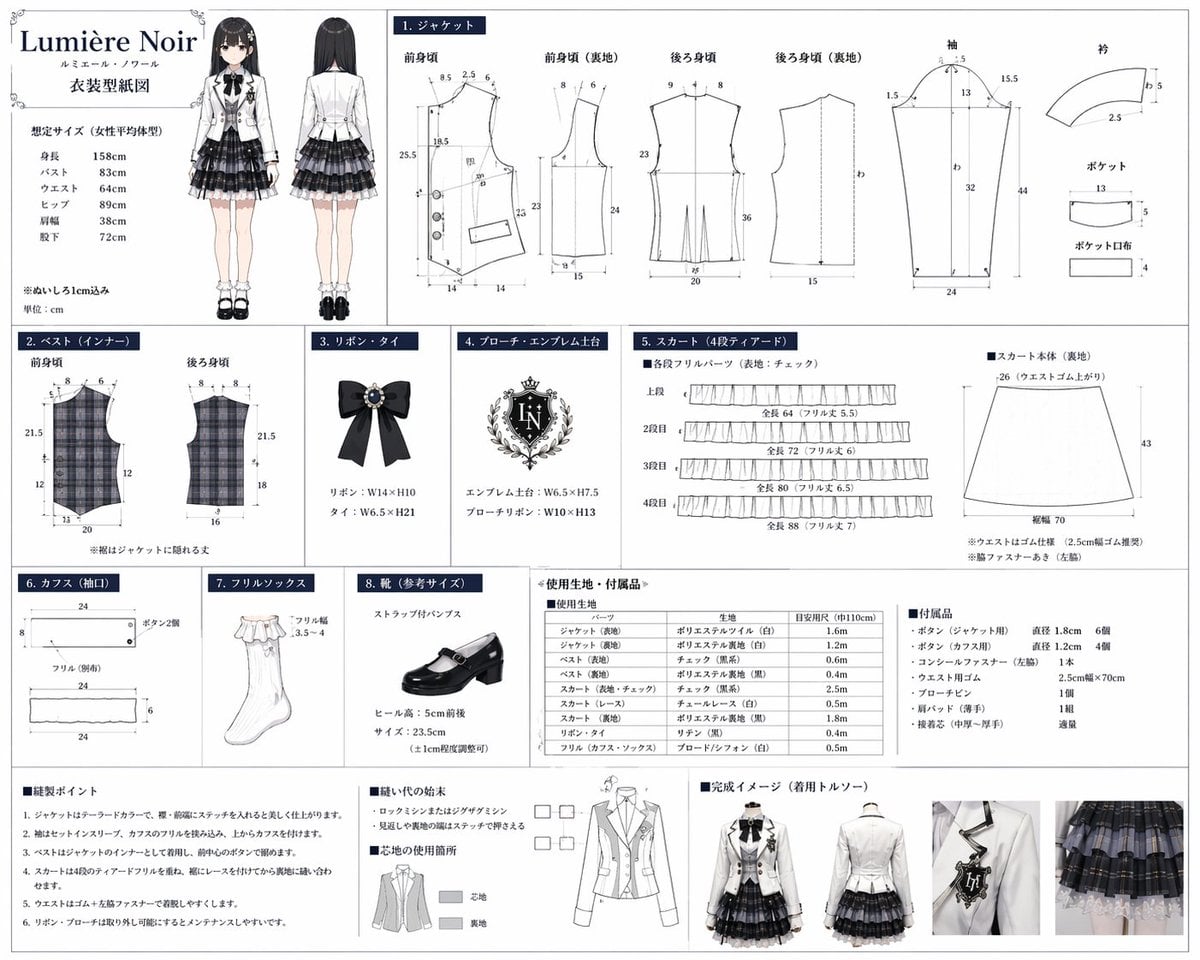
Anime Costume Sewing Pattern Sheet

Dancer Character - Four View Reference Sheet

Movement Sheet - Dance Reference (Seedance 2.0)

Japanese Film Reflection Idol
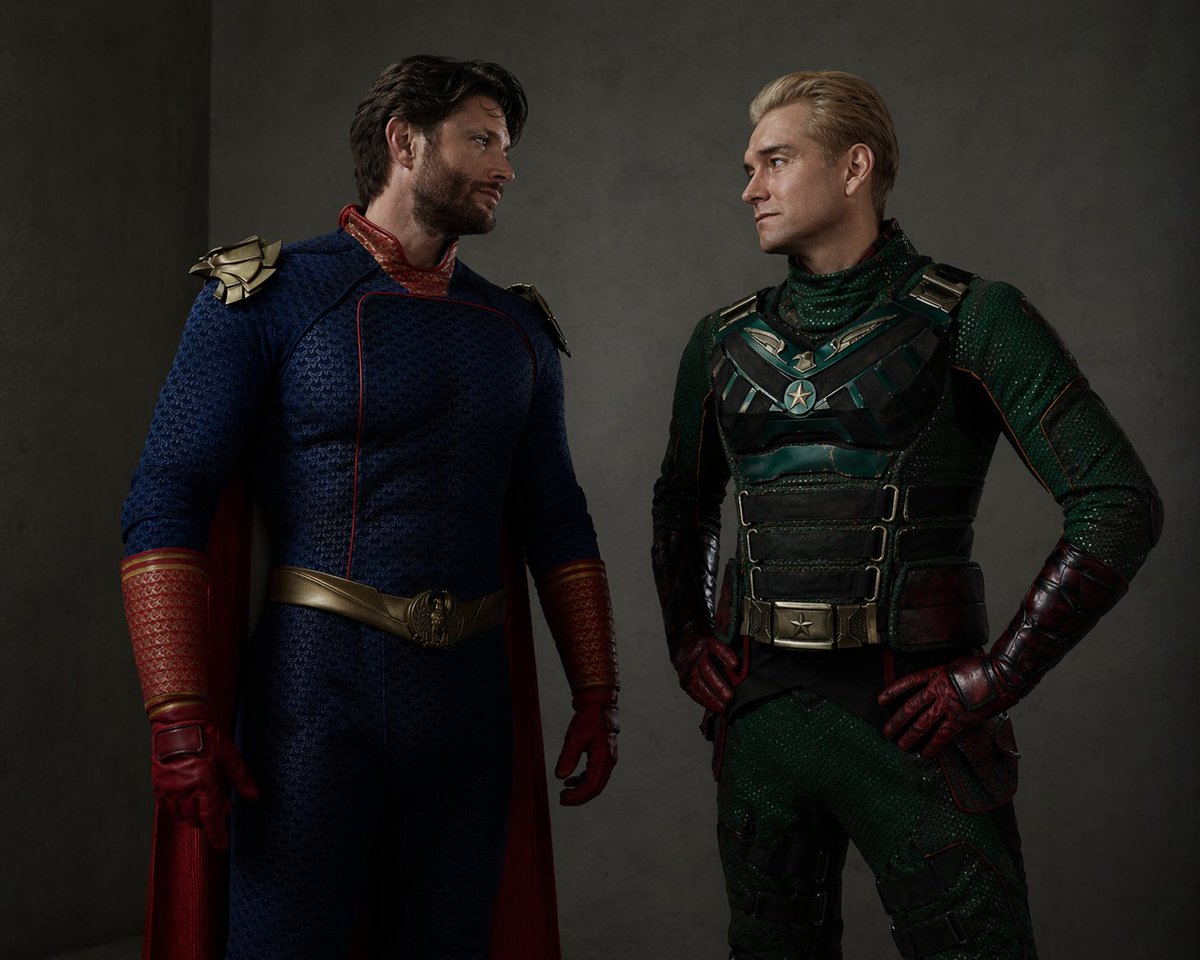
Superhero Costume Swap Portrait
Idol Stage Performance Portrait

Six VTuber Japanese Logo Sheet
Reference-Based Costume Transfer
Luxury Fashion Costume Concept Illustration
Overhead Spider-Man Costume Portrait
Make it yours
Idol Costume Design Sheet works as-is. These are the safest ways to change it without losing the look.
Change one field
Copy a single group, rewrite it, and generate again so you can see what that field is doing.
Keep the frame, change the subject
Hold the composition and light of Idol Costume Design Sheet, then swap wardrobe, props or the person for a new take.
| If the result… | Why | Fix |
|---|---|---|
| The result drifts from the preview | Too many fields changed at once. | Reuse Idol Costume Design Sheet as-is first, then change one group — subject, light, or setting. |
| GPT Image 2 ignores part of the JSON | Some models flatten or skip nested keys. | Keep the same values and paste them as a short paragraph instead. |
More GPT Image 2 templates
Other prompts made for GPT Image 2.

Realistic Portrait of Woman and Deer

The Vista Modular Condo Poster

AI Model Routing Comparison Infographic

2.5D Anime Art Board

Isometric Productivity Desk Scene

New York Double Exposure Poster

Four-Panel AI Landscape Comparison

Japanese Tatami Lifestyle Magazine Cover

NESCAFÉ Coffee Map Poster

Brutalist Cogito Chinese Typography Poster
More image prompts
Fresh picks from across the catalog.
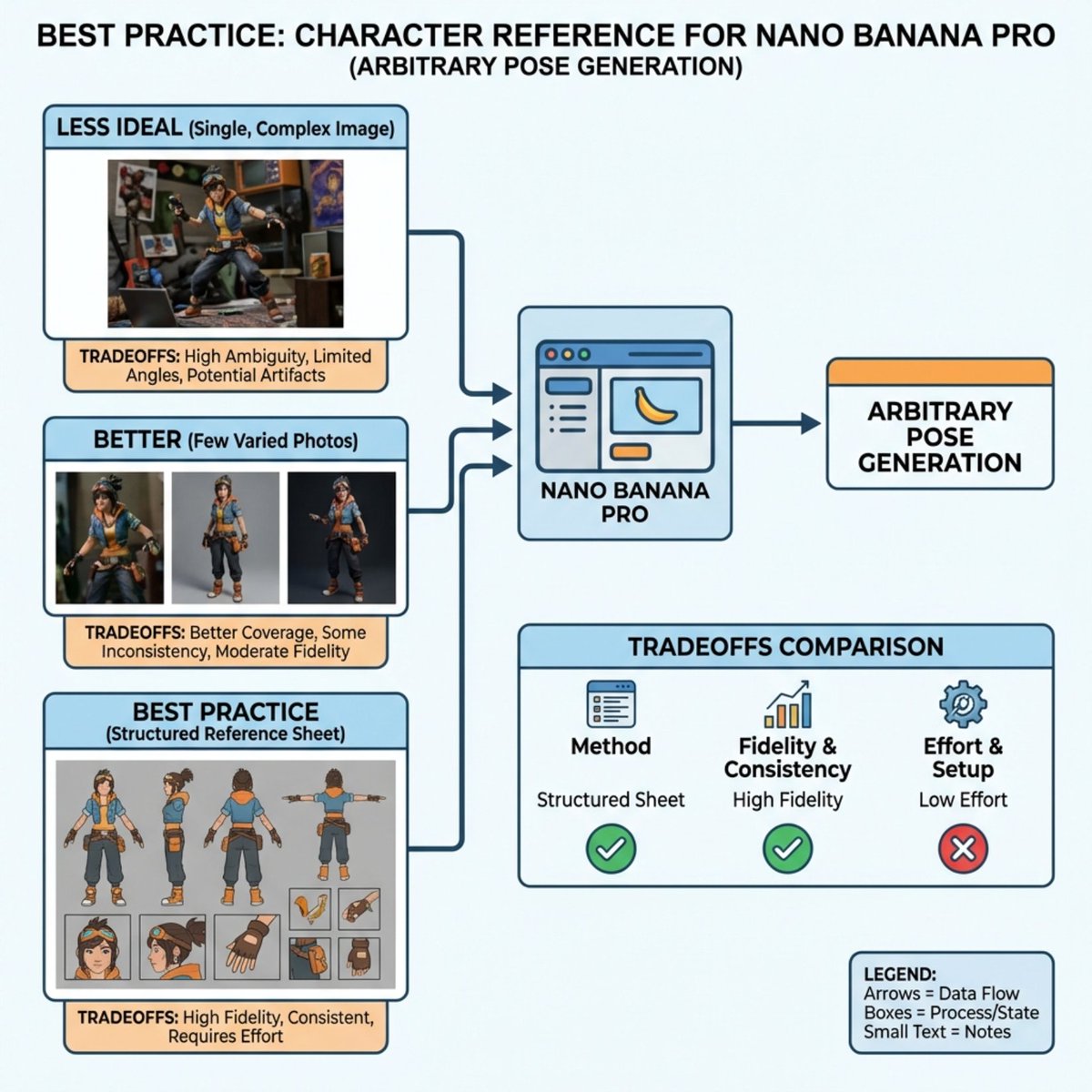
Nano Banana Pro Explains Itself
12‑image Instagram feed character aesthetic prompt
X Iamrealsnow Cinematic Motion Blur Photography Editorial
Photo Restoration to DSLR Quality
Hand-drawn mixed-media illustration prompt for Gemini Nano Banana Pro
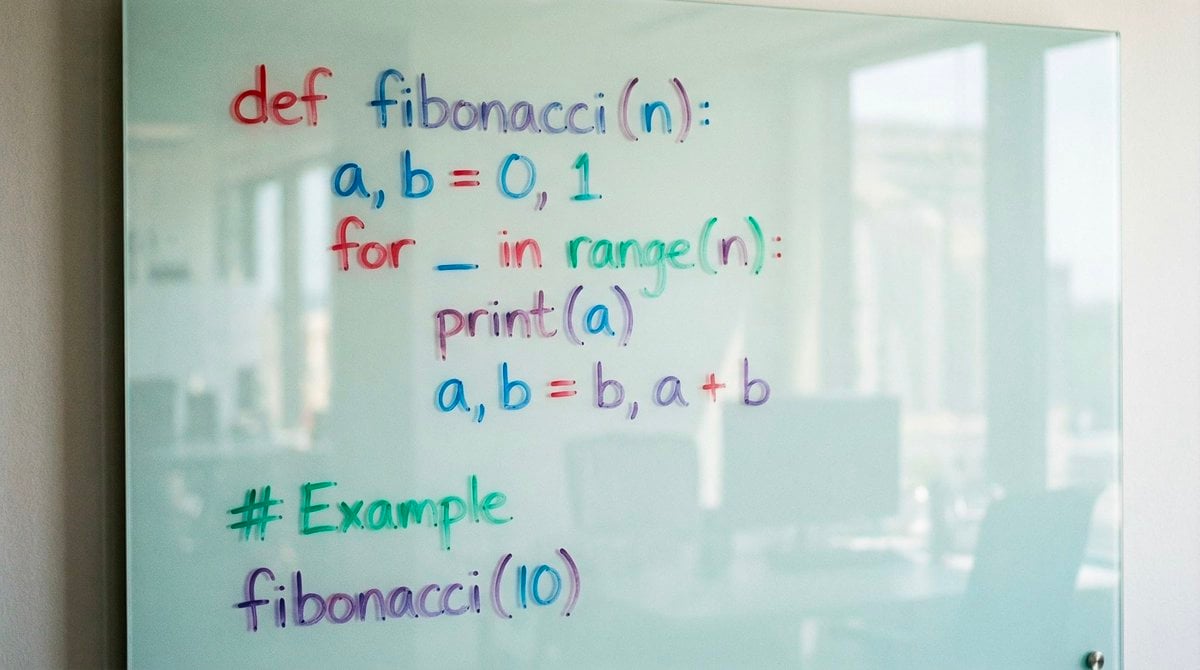
Python Fibonacci code on glass whiteboard
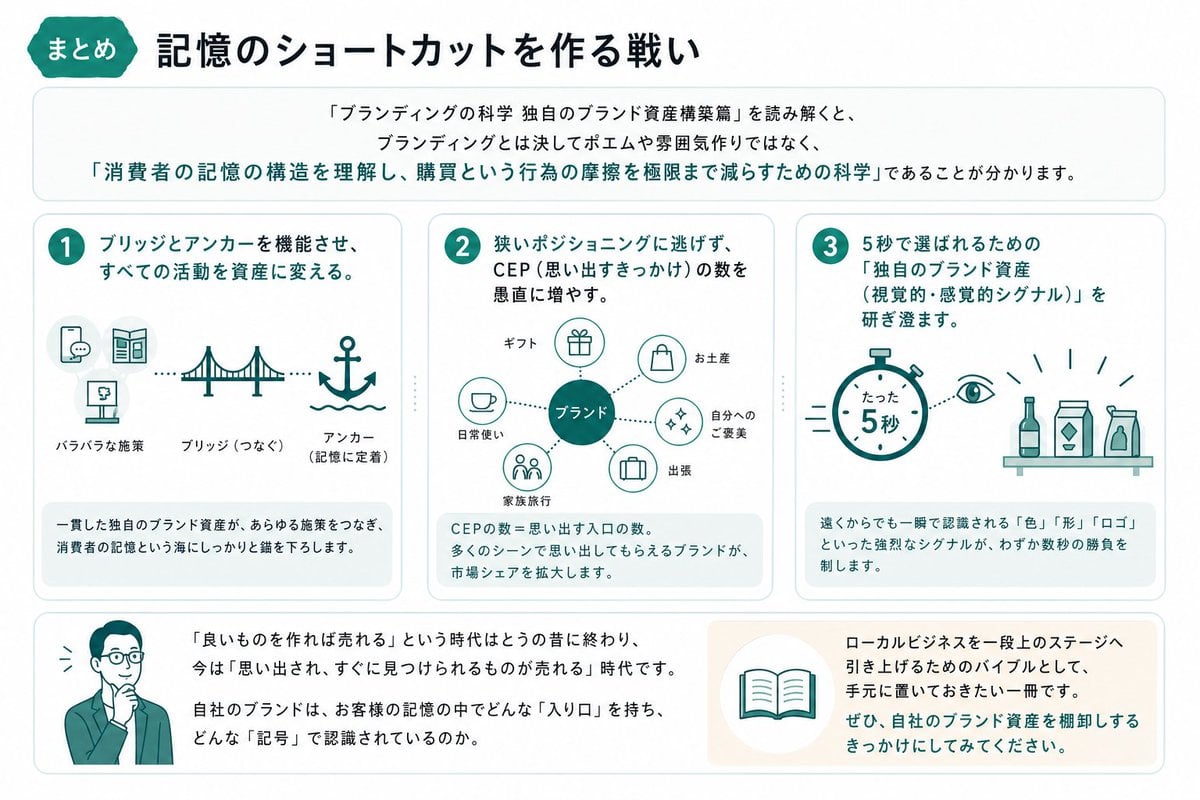
Japanese Branding Strategy Infographic

Cinematic Energy Drink Ad

3D Perspective Text Effect Prompt
Disney-Pixar Style 3D Portrait of Man in Neon Sweater (Full)
Browse template categories
Idol Costume Design Sheet questions
How do I use the Idol Costume Design Sheet template?
Add your photo if the template asks for one, edit the prompt if you like — the template's model and format are already selected — and press Generate. Your version opens in PicX Studio.
Can I customize the Idol Costume Design Sheet template?
Yes. You can change the subject, setting, lighting, mood, format, and available model controls before creating your image.
Is the Idol Costume Design Sheet template free?
Opening and editing this template is free. Generating uses credits, shown on the Generate button when you are signed in.
Which AI model should I use?
Start with GPT Image 2, which is the model associated with this template. You can compare another compatible model for a different finish.
Looking for something else? Browse all templates.

Your photo, any look
Thousands of ready templates for every top image and video model, from one credit balance.