
Anime Costume Sewing Pattern Sheet
Generates a highly detailed, multi-sectioned sewing pattern and design reference sheet for an anime-style costume, complete with measurements, material lists, and mannequin photos.
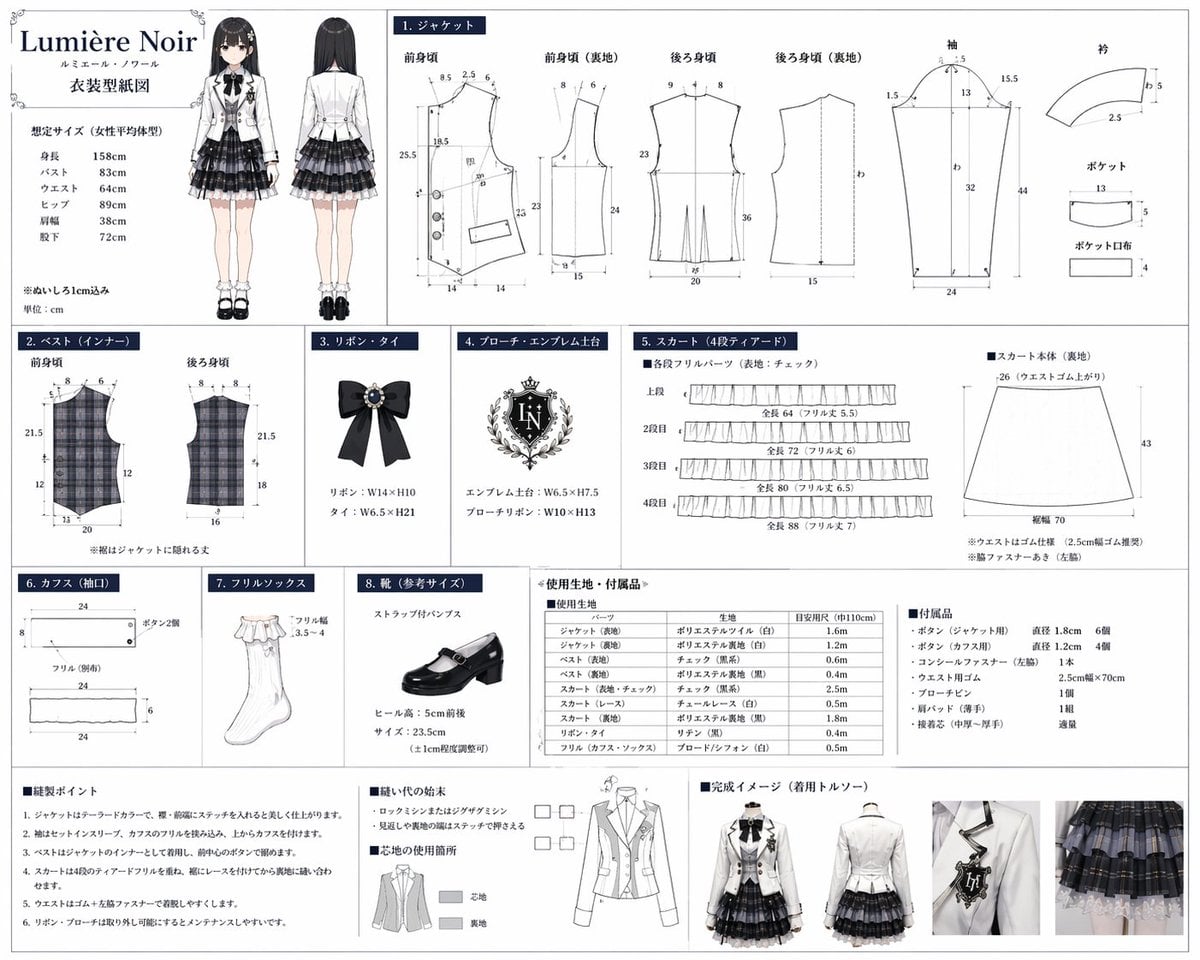
- Prompt included
- Model and format preset
- Free template
The prompt behind this image
Copy the exact prompt behind Anime Costume Sewing Pattern Sheet, or open it in the studio and make it yours.
- Type
- costume design and sewing pattern reference sheet
- Header › Title
- {argument name="brand name" default="Lumière Noir"}
- Header › Subtitle
- ルミエール・ノワール
- Header › Document Type
- {argument name="document title" default="衣装型紙図"}
- Header › Character Illustration › Count
- 2
- Header › Character Illustration › Poses
- front view, back view
- Header › Character Illustration › Description
- {argument name="character type" default="anime girl with long black hair"} wearing a {argument name="outfit style" default="monochrome idol uniform with white jacket and plaid skirt"}
- Header › Size Chart
- list of 6 body measurements
- Layout › Grid Sections › 0 › Id
- 1
- Layout › Grid Sections › 0 › Title
- 1. ジャケット
- Layout › Grid Sections › 0 › Description
- Jacket pattern pieces with measurement lines
- Layout › Grid Sections › 0 › Piece Count
- 8
- Layout › Grid Sections › 0 › Labels
- 前身頃, 前身頃 (裏地), 後ろ身頃, 後ろ身頃 (裏地), 袖, 衿, ポケット, ポケット口布
- Layout › Grid Sections › 1 › Id
- 2
- Layout › Grid Sections › 1 › Title
- 2. ベスト(インナー)
- Layout › Grid Sections › 1 › Description
- Plaid vest pattern pieces
- Layout › Grid Sections › 1 › Piece Count
- 2
- Layout › Grid Sections › 1 › Labels
- 前身頃, 後ろ身頃
- Layout › Grid Sections › 2 › Id
- 3
- Layout › Grid Sections › 2 › Title
- 3. リボン・タイ
- Layout › Grid Sections › 2 › Description
- Black ribbon tie illustration with jewel
- Layout › Grid Sections › 2 › Piece Count
- 1
- Layout › Grid Sections › 3 › Id
- 4
- Layout › Grid Sections › 3 › Title
- 4. ブローチ・エンブレム土台
Raw JSON
{
  "type": "costume design and sewing pattern reference sheet",
  "header": {
    "title": "{argument name=\"brand name\" default=\"Lumière Noir\"}",
    "subtitle": "ルミエール・ノワール",
    "document_type": "{argument name=\"document title\" default=\"衣装型紙図\"}",
    "character_illustration": {
      "count": 2,
      "poses": ["front view", "back view"],
      "description": "{argument name=\"character type\" default=\"anime girl with long black hair\"} wearing a {argument name=\"outfit style\" default=\"monochrome idol uniform with white jacket and plaid skirt\"}"
    },
    "size_chart": "list of 6 body measurements"
  },
  "layout": {
    "grid_sections": [
      {
        "id": "1",
        "title": "1. ジャケット",
        "description": "Jacket pattern pieces with measurement lines",
        "piece_count": 8,
        "labels": ["前身頃", "前身頃 (裏地)", "後ろ身頃", "後ろ身頃 (裏地)", "袖", "衿", "ポケット", "ポケット口布"]
      },
      {
        "id": "2",
        "title": "2. ベスト(インナー)",
        "description": "Plaid vest pattern pieces",
        "piece_count": 2,
        "labels": ["前身頃", "後ろ身頃"]
      },
      {
        "id": "3",
        "title": "3. リボン・タイ",
        "description": "Black ribbon tie illustration with jewel",
        "piece_count": 1
      },
      {
        "id": "4",
        "title": "4. ブローチ・エンブレム土台",
        "description": "Ornate crest emblem illustration",
        "text_detail": "{argument name=\"emblem initials\" default=\"LN\"}",
        "piece_count": 1
      },
      {
        "id": "5",
        "title": "5. スカート(4段ティアード)",
        "description": "Skirt pattern pieces",
        "piece_count": 5,
        "labels": ["上段", "2段目", "3段目", "4段目", "スカート本体 (裏地)"]
      },
      {
        "id": "6",
        "title": "6. カフス(袖口)",
        "description": "Cuff pattern pieces",
        "piece_count": 3
      },
      {
        "id": "7",
        "title": "7. フリルソックス",
        "description": "White frill sock illustration",
        "piece_count": 1
      },
      {
        "id": "8",
        "title": "8. 靴(参考サイズ)",
        "description": "Black strap pump shoe illustration",
        "piece_count": 1
      }
    ],
    "bottom_sections": [
      {
        "title": "使用生地・付属品",
        "description": "Materials and accessories list",
        "elements": [
          {"type": "fabric table", "rows": 10},
          {"type": "accessories list", "items": 7}
        ]
      },
      {
        "title": "縫製ポイント & 完成イメージ",
        "description": "Sewing instructions and final product photos",
        "elements": [
          {"type": "instruction list", "count": 6},
          {"type": "diagrams", "count": 2, "description": "seam finishing and interfacing guides"},
          {"type": "mannequin photos", "count": 4, "poses": ["front full", "front half", "back half", "detail shot"]}
        ]
      }
    ]
  }
}How to use Anime Costume Sewing Pattern Sheet in 3 steps
- 1Upload ImagePNG, JPG or paste
Add your photo
Upload the photo the template builds on. The prompt, model and format are already set.
- 2…a portrait of your subject in softgolden-hour light, 85mm…
Personalize
Edit the subject and creative details for your destination.
- 3Generate
Generate
Press Generate — your image is created in PicX Studio, so you can compare it with the original and refine one variable at a time.
More like this
Templates with the same subject, style or setup. Open one to see its prompt.











Make it yours
Anime Costume Sewing Pattern Sheet works as-is. These are the safest ways to change it without losing the look.
Change one field
Copy a single group, rewrite it, and generate again so you can see what that field is doing.
Keep the frame, change the subject
Hold the composition and light of Anime Costume Sewing Pattern Sheet, then swap wardrobe, props or the person for a new take.
| If the result… | Why | Fix |
|---|---|---|
| The result drifts from the preview | Too many fields changed at once. | Reuse Anime Costume Sewing Pattern Sheet as-is first, then change one group — subject, light, or setting. |
| GPT Image 2 ignores part of the JSON | Some models flatten or skip nested keys. | Keep the same values and paste them as a short paragraph instead. |
More GPT Image 2 templates
Other prompts made for GPT Image 2.

Six VTuber Japanese Logo Sheet

Realistic Portrait of Woman and Deer

The Vista Modular Condo Poster

AI Model Routing Comparison Infographic

2.5D Anime Art Board

Isometric Productivity Desk Scene

New York Double Exposure Poster

Four-Panel AI Landscape Comparison

Japanese Tatami Lifestyle Magazine Cover

NESCAFÉ Coffee Map Poster
More image prompts
Fresh picks from across the catalog.
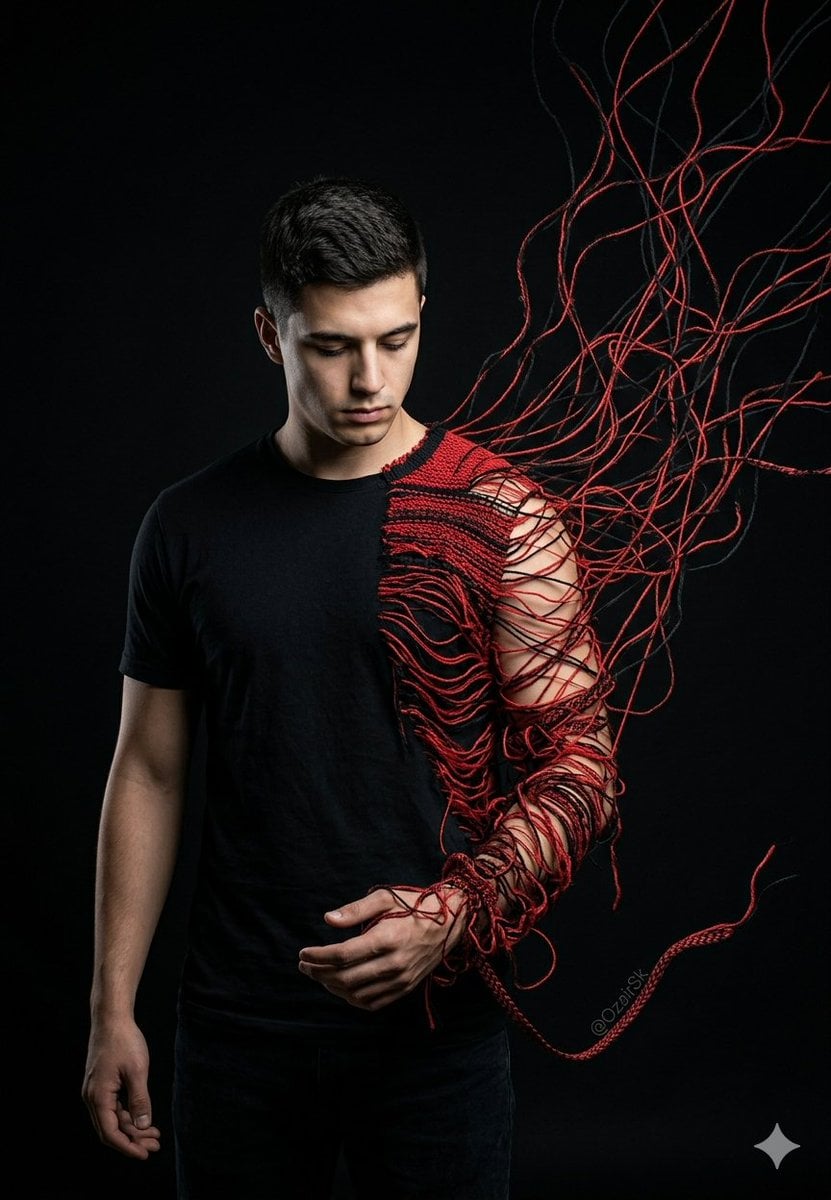
Unraveling Figure Effect Comparison
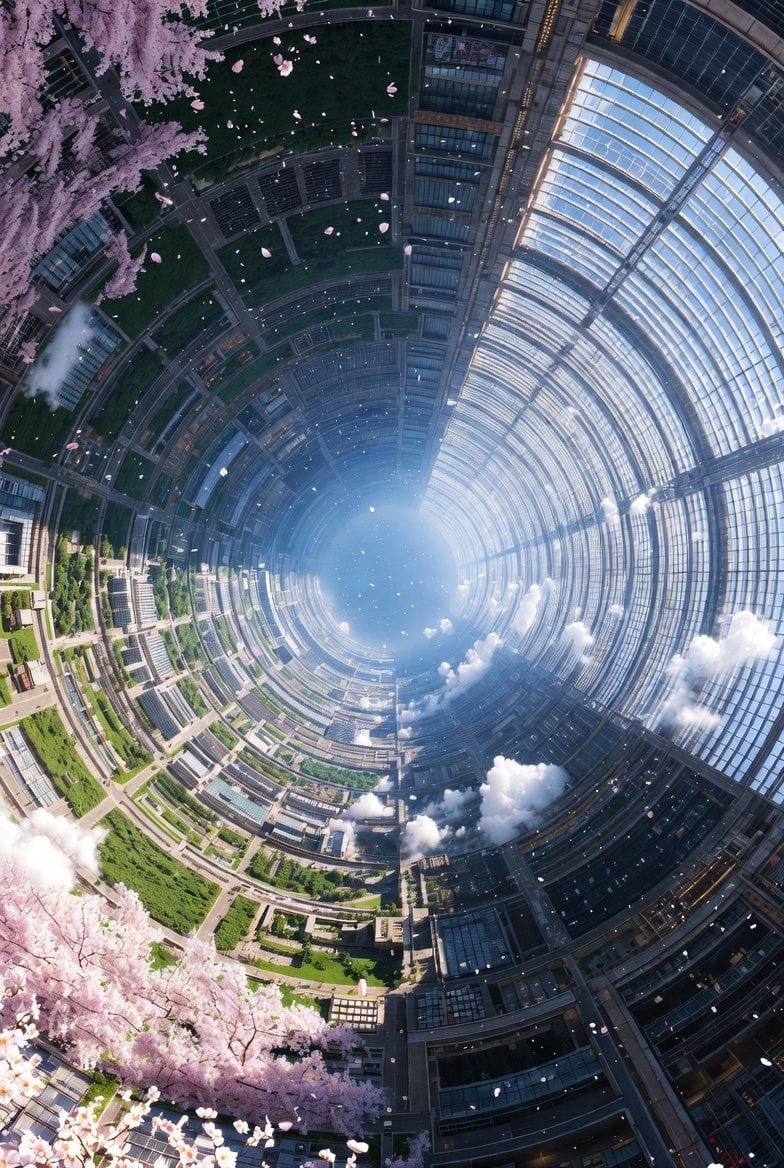
Cherry Blossom Space Colony Illustration Prompt
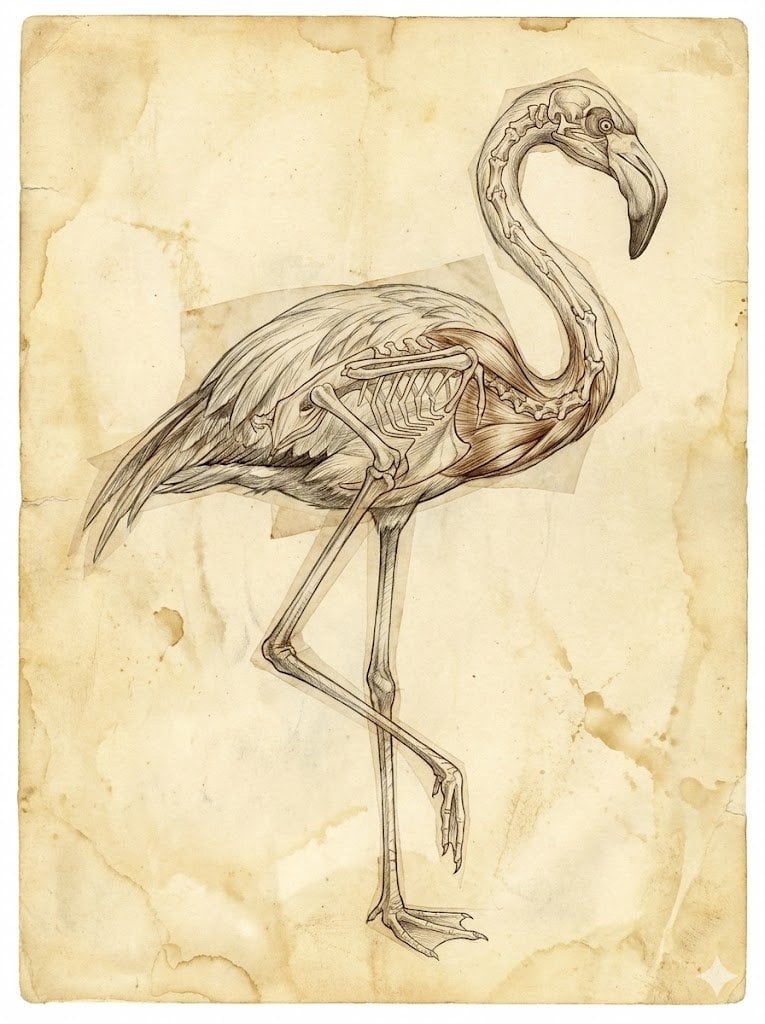
Renaissance Anatomical Study of a Flamingo
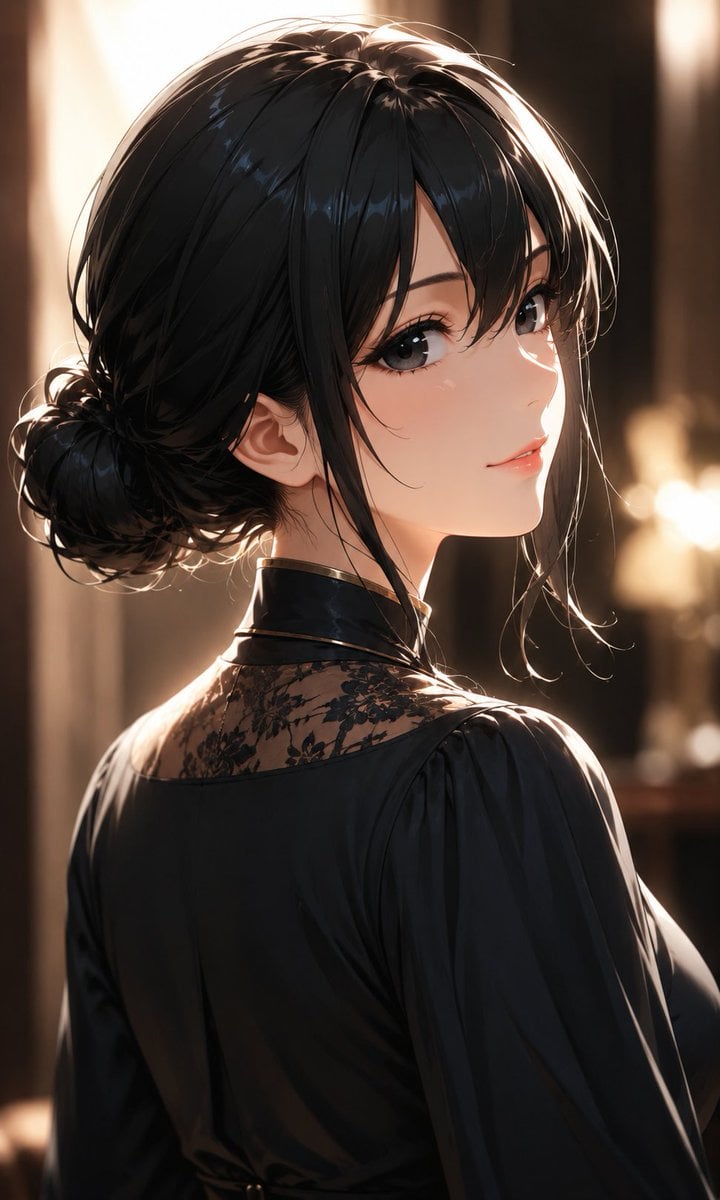
Elegant Backlit Anime Woman Portrait

Ultra-Realistic Winter Portrait with Face Lock Prompt

Anime Tactical RPG Battle UI
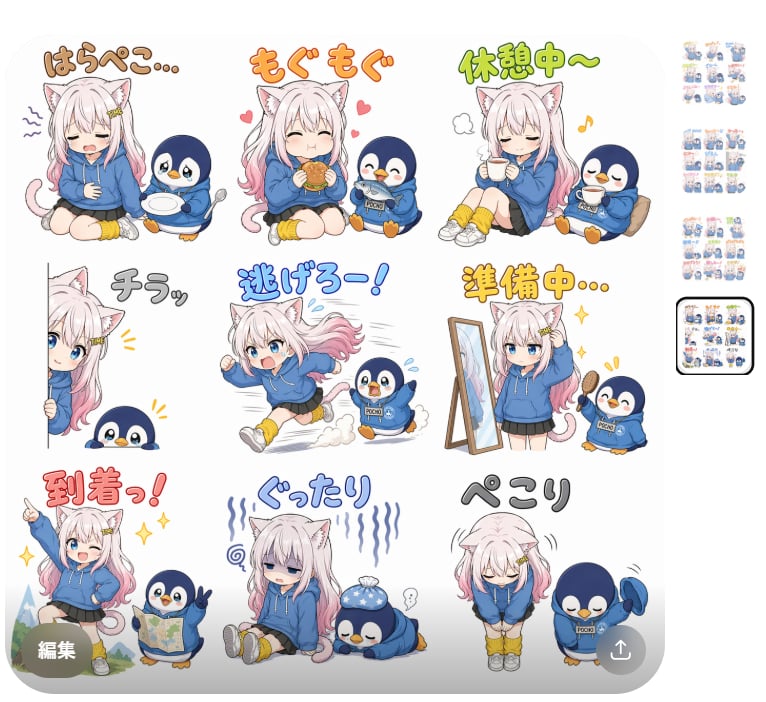
Cat Girl Penguin LINE Sticker Sheet
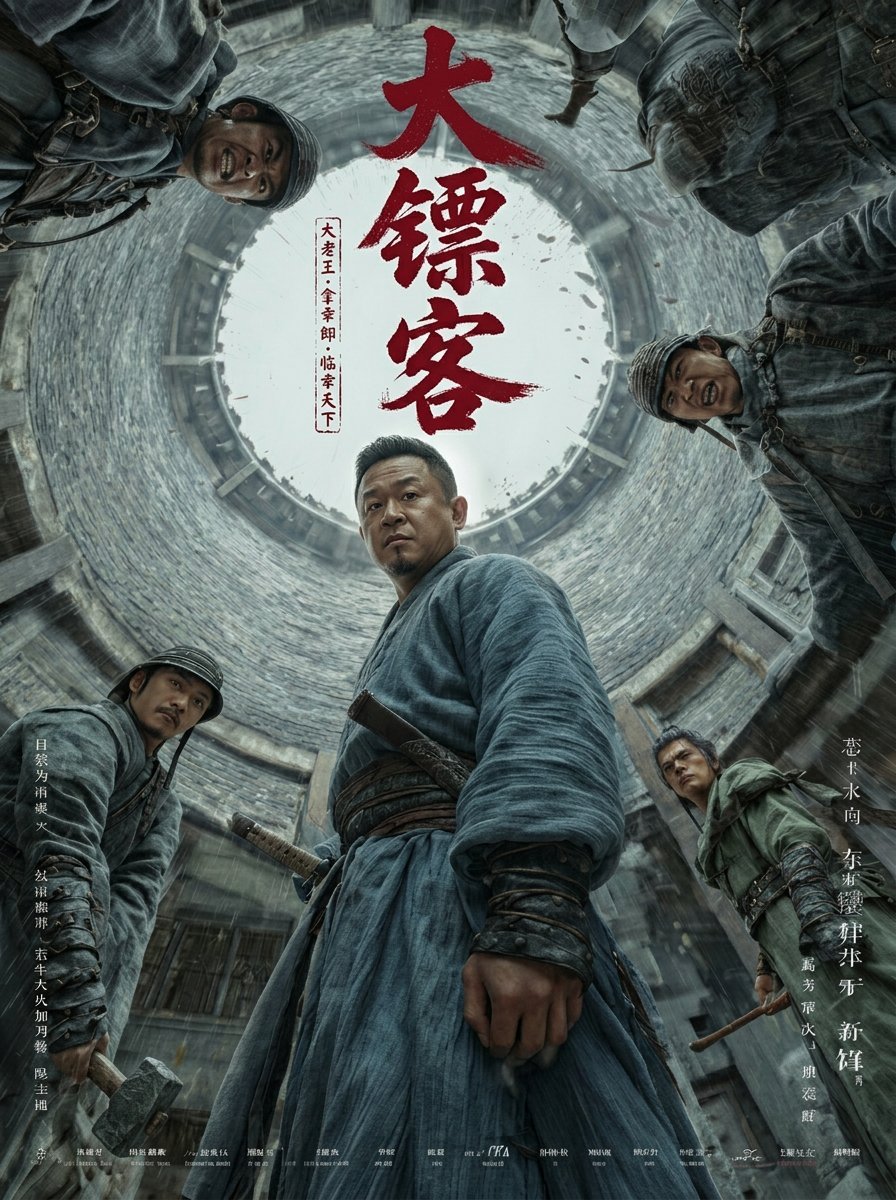
Detailed Ancient Martial Arts Movie Poster Prompt
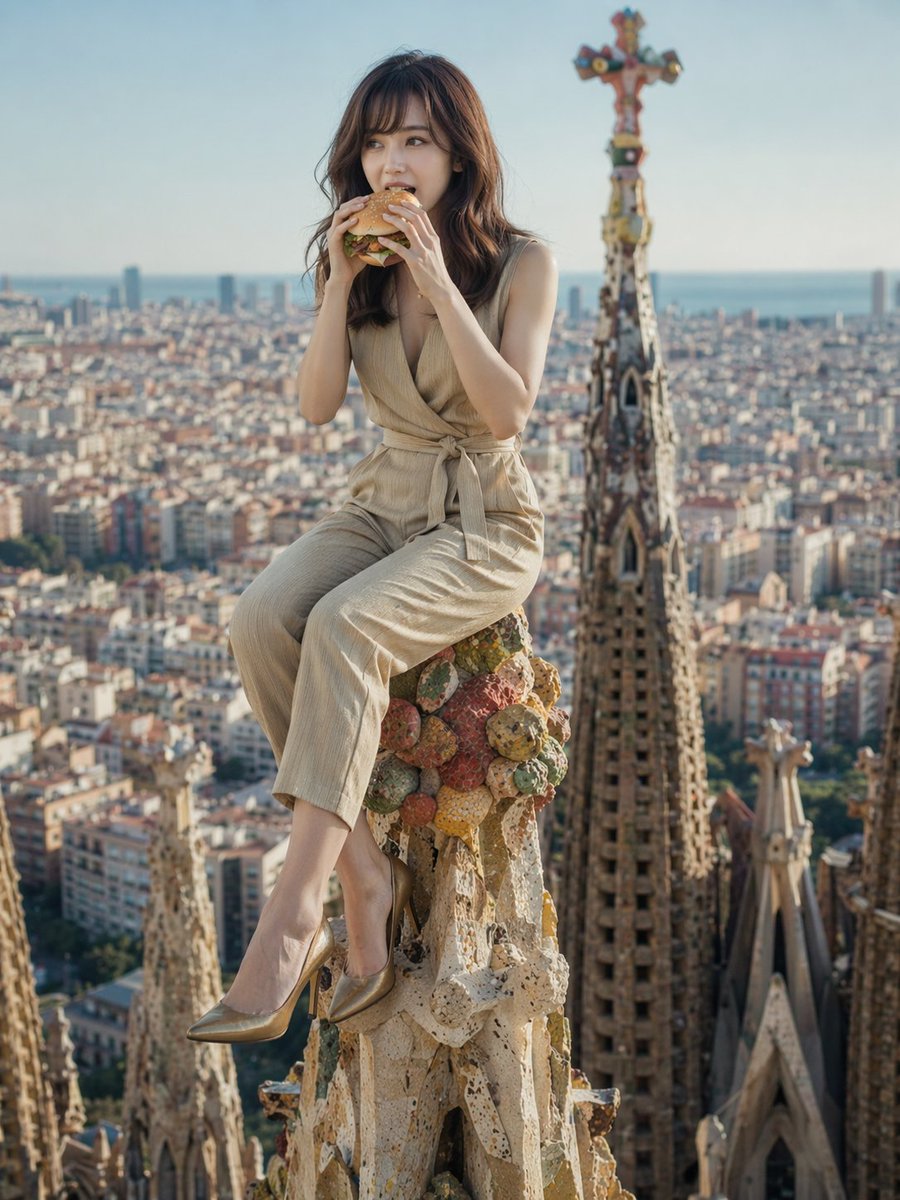
Surreal Landmark Dining Portrait
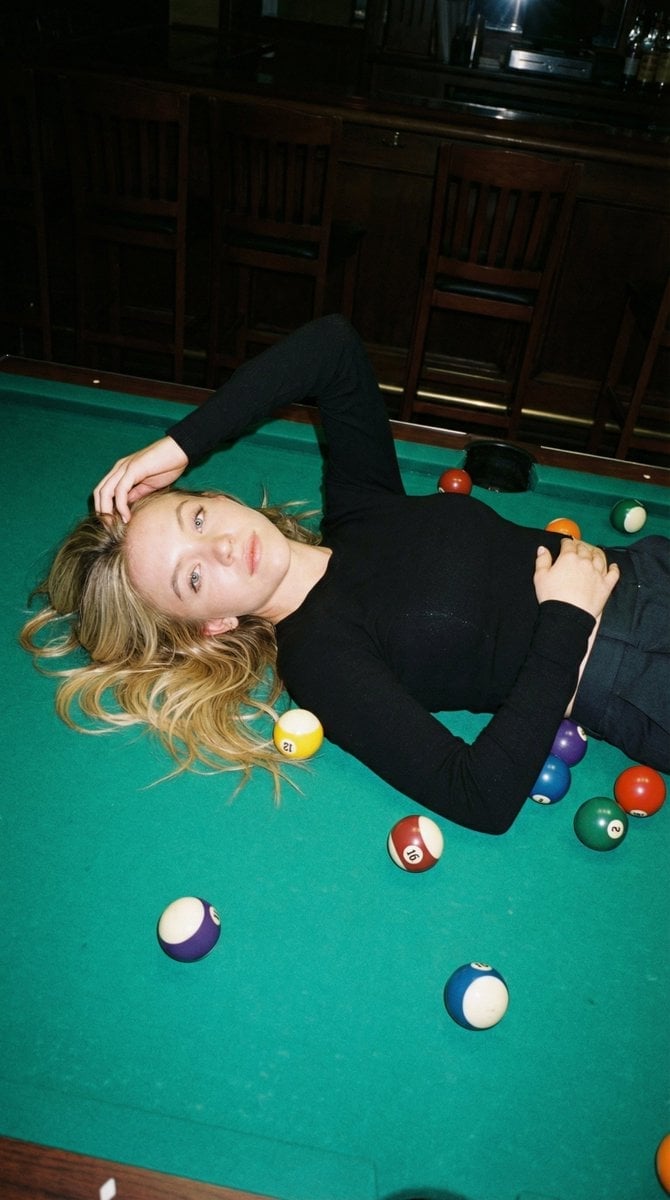
Editorial Nightlife Candid on a Billiards Table
Browse template categories
Anime Costume Sewing Pattern Sheet questions
How do I use the Anime Costume Sewing Pattern Sheet template?
Add your photo if the template asks for one, edit the prompt if you like — the template's model and format are already selected — and press Generate. Your version opens in PicX Studio.
Can I customize the Anime Costume Sewing Pattern Sheet template?
Yes. You can change the subject, setting, lighting, mood, format, and available model controls before creating your image.
Is the Anime Costume Sewing Pattern Sheet template free?
Opening and editing this template is free. Generating uses credits, shown on the Generate button when you are signed in.
Which AI model should I use?
Start with GPT Image 2, which is the model associated with this template. You can compare another compatible model for a different finish.
Looking for something else? Browse all templates.

Your photo, any look
Thousands of ready templates for every top image and video model, from one credit balance.