
Sepia Classical Violin Album Cover
A square vintage anime-style classical album cover featuring an elegant braided violinist in an ornate Victorian salon.
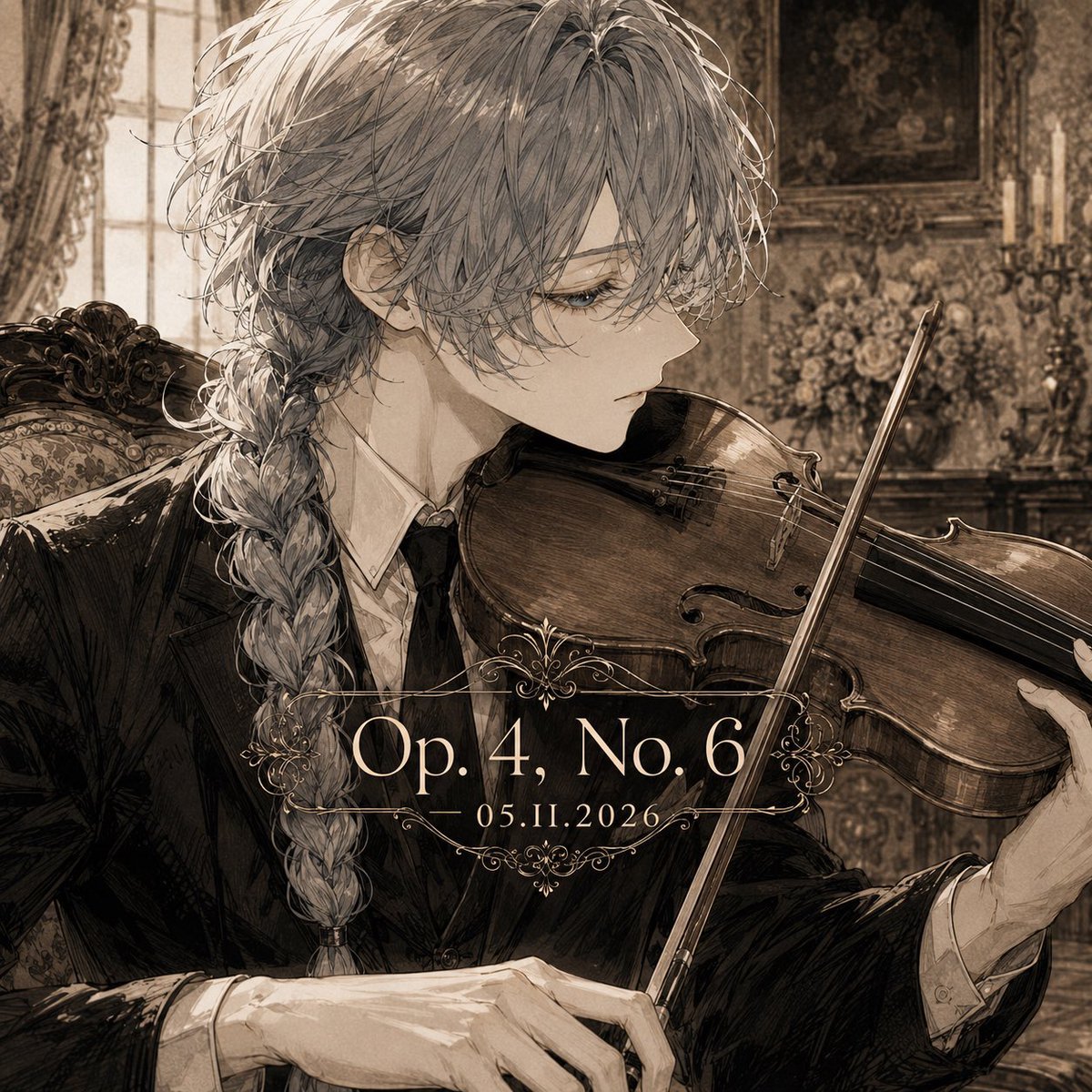
- Prompt included
- Model and format preset
- Free template
The prompt behind this image
Copy the exact prompt behind Sepia Classical Violin Album Cover, or open it in the studio and make it yours.
Create a square classical album cover illustration in a refined sepia monochrome palette. The subject is an androgynous young noble violinist named {argument name="character name" default="Claude"}, shown in close-up three-quarter side profile facing right, seated in an ornate Victorian music room. They have long, slightly messy {argument name="hair color" default="silver-gray"} hair with loose strands over the face and a thick braid falling over the shoulder, pale skin, delicate features, calm melancholic eyes, and an elegant serious expression. Dress them in a black formal tailcoat or tuxedo with a white shirt and dark tie, rendered with detailed fabric folds and antique ink-wash shading. The character holds a polished wooden violin under the chin, bow angled diagonally across the instrument, with graceful hands visible: one hand near the bow and one supporting the violin neck. Background: an opulent old European salon with an upholstered carved chair, tall window with heavy curtains on the left, patterned wallpaper, framed painting, candleholders, and a bouquet of flowers, all softly blurred but richly textured. Add centered album-title typography over the lower middle of the image: large serif text reading {argument name="opus text" default="Op. 4, No. 6"} with smaller date text below reading {argument name="date text" default="05.11.2026"}. Surround the text with delicate symmetrical ornamental filigree lines above and below. Style: highly detailed anime/manga illustration mixed with classical etching, vintage album cover, romantic chamber-music atmosphere, fine linework, muted brown and cream tones, subtle paper grain, dramatic soft window light, elegant and melancholic. Constraints: square 1:1 composition, no extra text, no watermark, no modern objects, keep the violin anatomically recognizable and the typography crisp.
How to use Sepia Classical Violin Album Cover in 3 steps
- 1Upload ImagePNG, JPG or paste
Add your photo
Upload the photo the template builds on. The prompt, model and format are already set.
- 2…a portrait of your subject in softgolden-hour light, 85mm…
Personalize
Edit the subject and creative details for your destination.
- 3Generate
Generate
Press Generate — your image is created in PicX Studio, so you can compare it with the original and refine one variable at a time.
More like this
Templates with the same subject, style or setup. Open one to see its prompt.
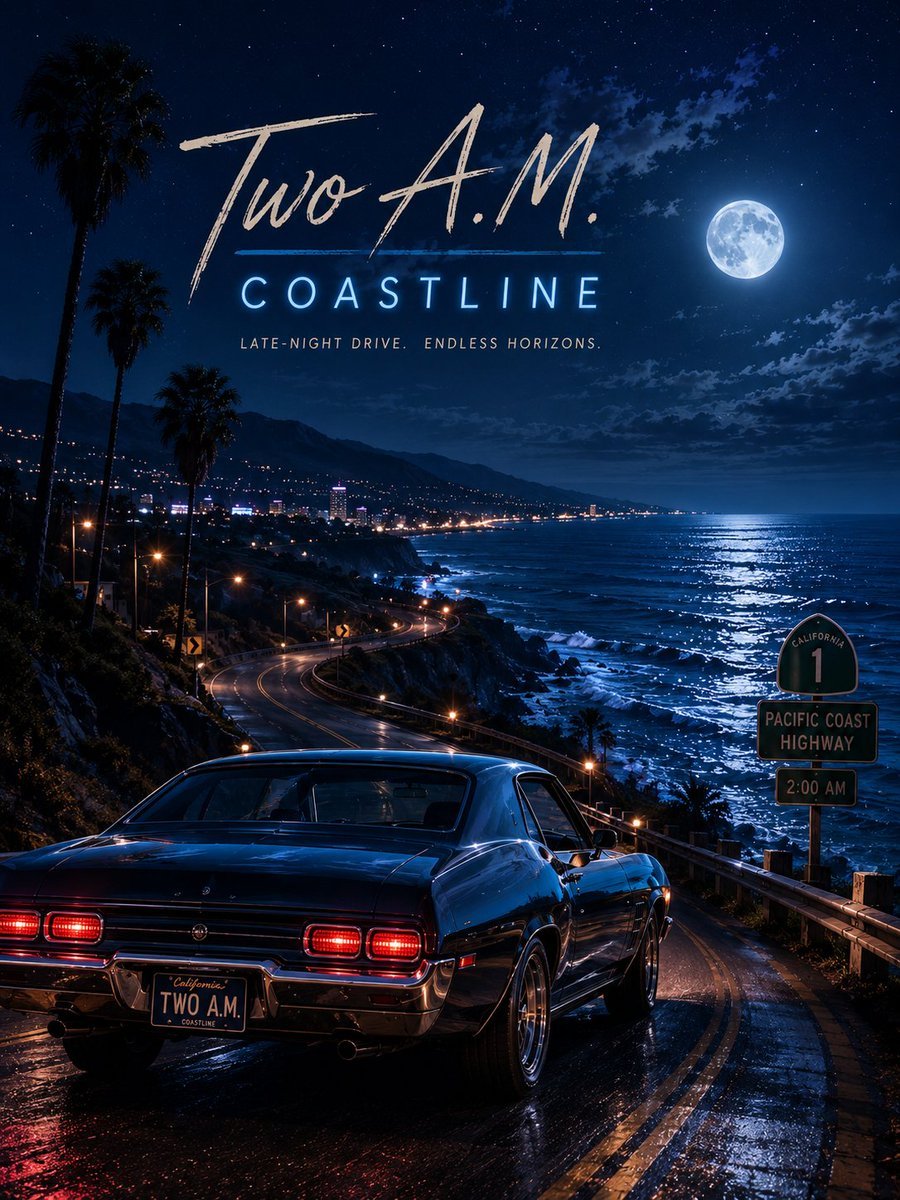
Two A.M. Coastline Album Cover

Music Album Cover Abstract Liquid Mercury
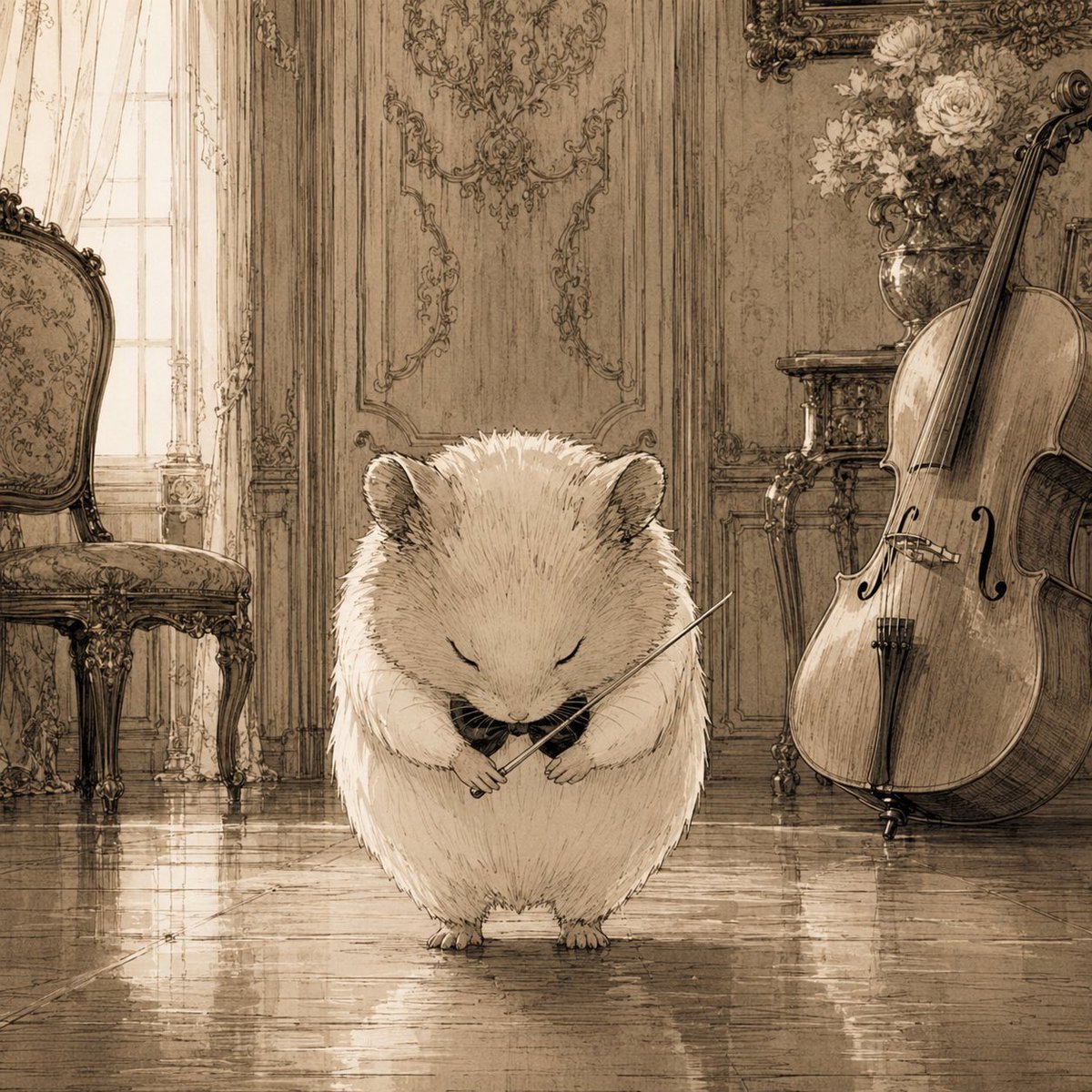
Sepia Hamster Violinist Salon

Sparkling Seaside Anime Album Cover

Japanese Musician Album Cover

Ornate A-Un Kimono Album Cover
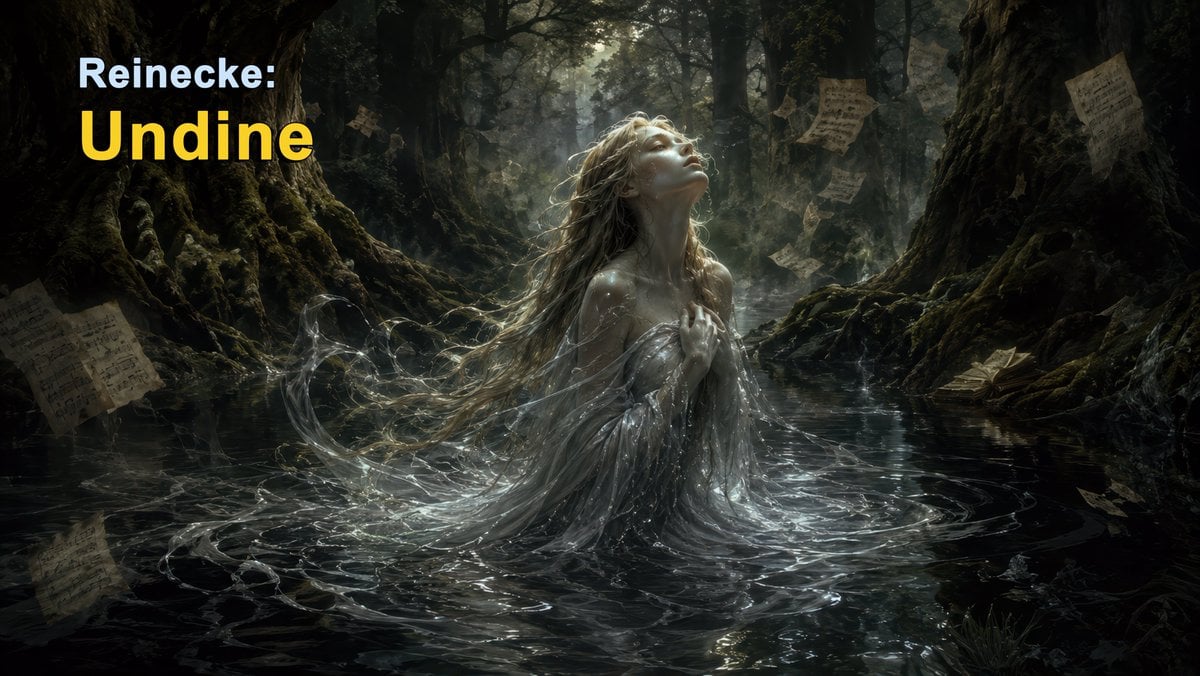
Dark Forest Undine Album Cover

Monochrome Visual-Kei Album Cover
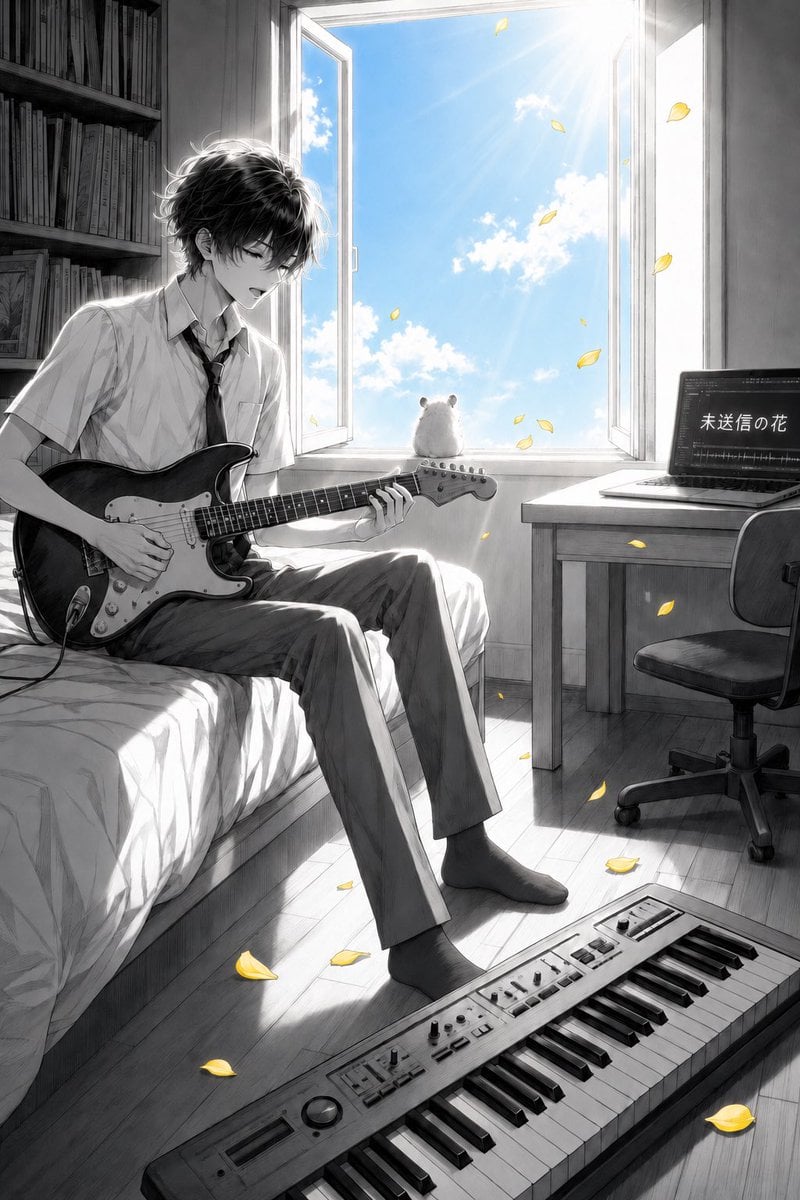
Anime Bedroom Guitar Album Cover

Anime Cherry Blossom Rock Album Cover
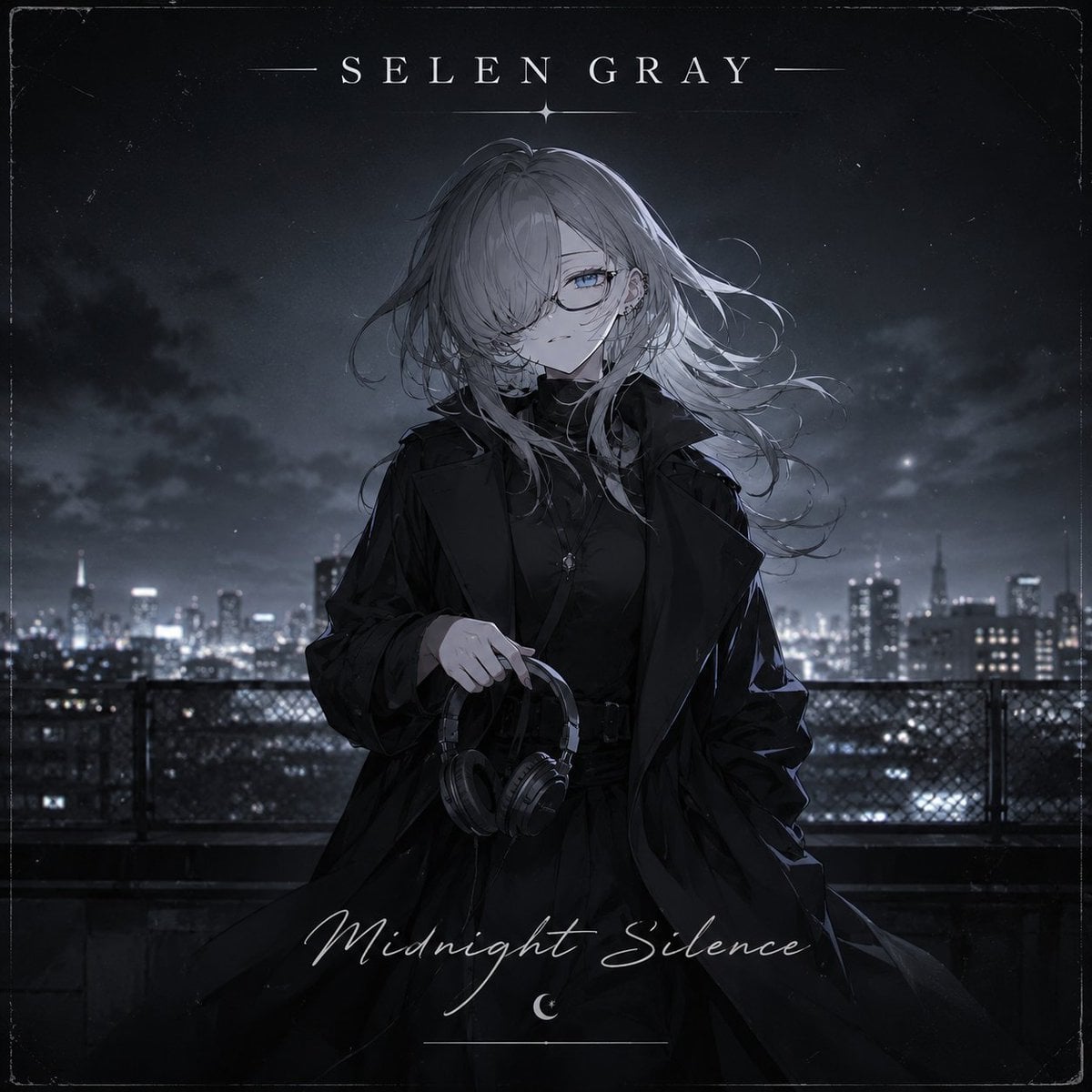
Midnight Anime Album Cover

Anime Maid CD Album Cover
Make it yours
Sepia Classical Violin Album Cover works as-is. These are the safest ways to change it without losing the look.
Change one field
Copy a single group, rewrite it, and generate again so you can see what that field is doing.
Keep the frame, change the subject
Hold the composition and light of Sepia Classical Violin Album Cover, then swap wardrobe, props or the person for a new take.
| If the result… | Why | Fix |
|---|---|---|
| The result drifts from the preview | Too many fields changed at once. | Reuse Sepia Classical Violin Album Cover as-is first, then change one group — subject, light, or setting. |
| The model over-stylizes the scene | The prose prompt leaves finish and camera underspecified. | Add one camera or lighting sentence and stay on GPT Image 2. |
More GPT Image 2 templates
Other prompts made for GPT Image 2.

Six VTuber Japanese Logo Sheet

Realistic Portrait of Woman and Deer

The Vista Modular Condo Poster

AI Model Routing Comparison Infographic

2.5D Anime Art Board

Isometric Productivity Desk Scene

New York Double Exposure Poster

Four-Panel AI Landscape Comparison

Japanese Tatami Lifestyle Magazine Cover

NESCAFÉ Coffee Map Poster
More image prompts
Fresh picks from across the catalog.
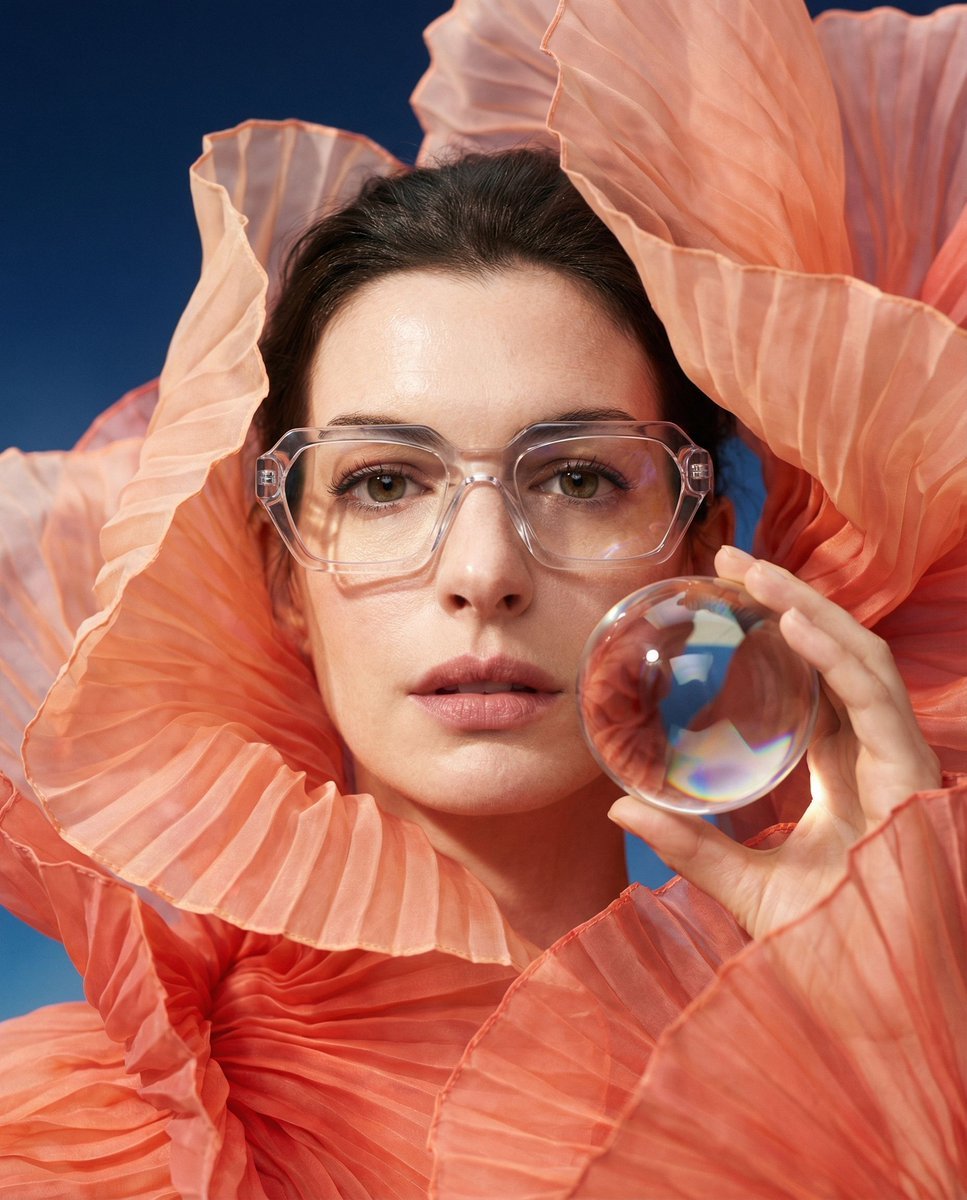
Anne Hathaway Ethereal Altitude Portrait

Minimalist Hand-Drawn Ink Sketch
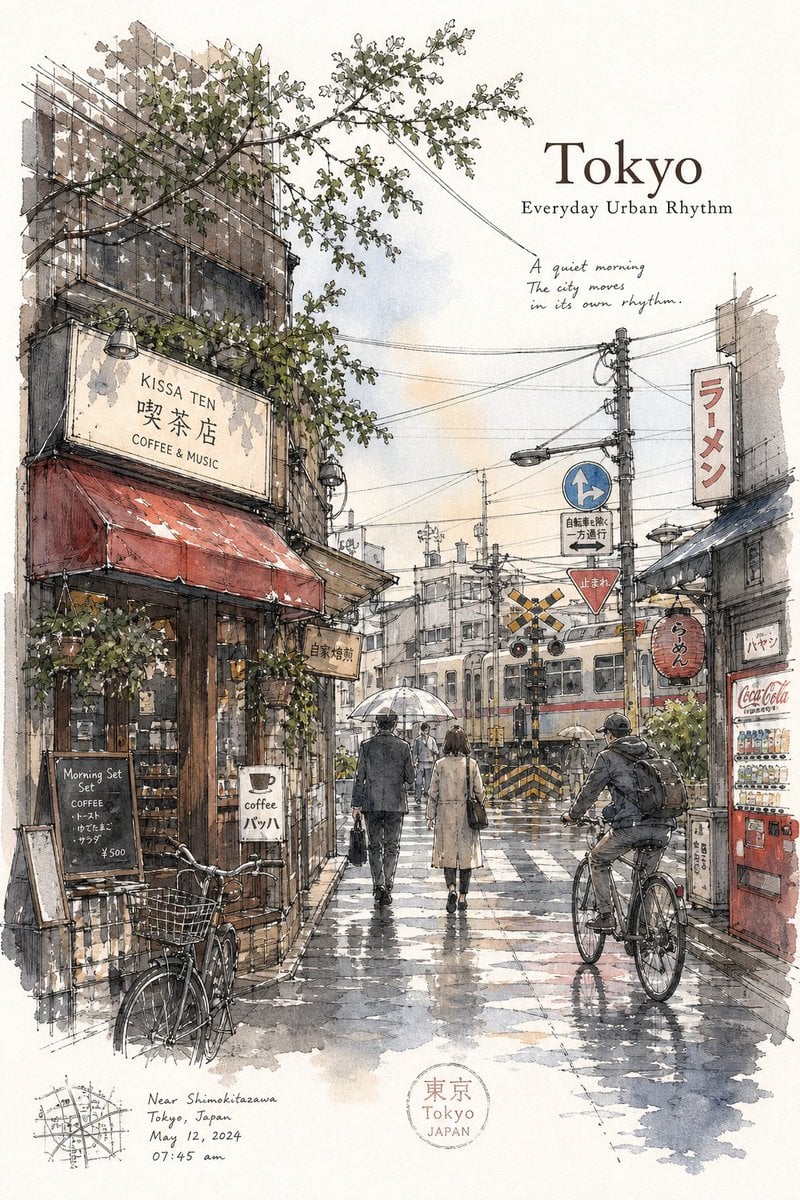
Tokyo Minimalist Urban Sketch Poster
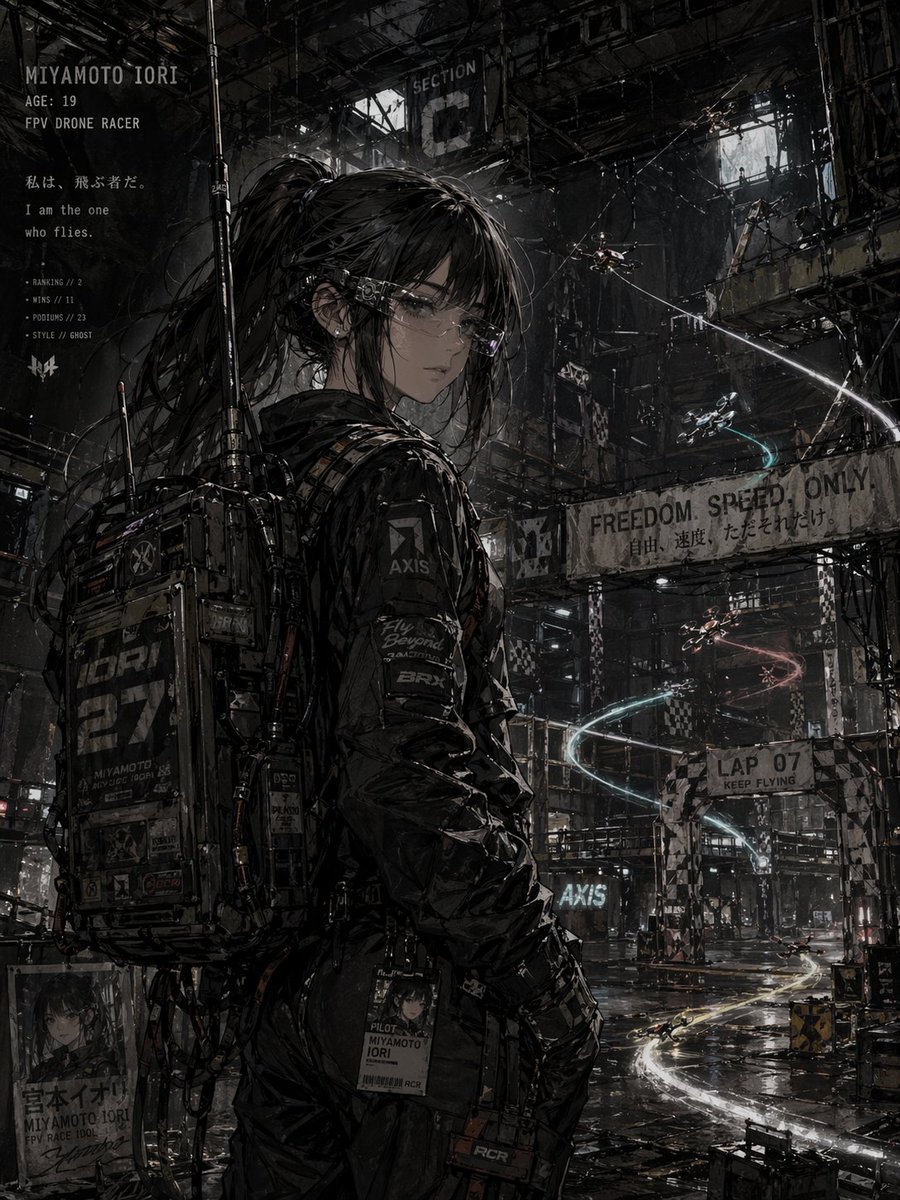
Cyberpunk FPV Drone Racer Poster

World Baseball Classic Scene Generation

Hanna-Barbera Style Political Figures Cartoon Portrait
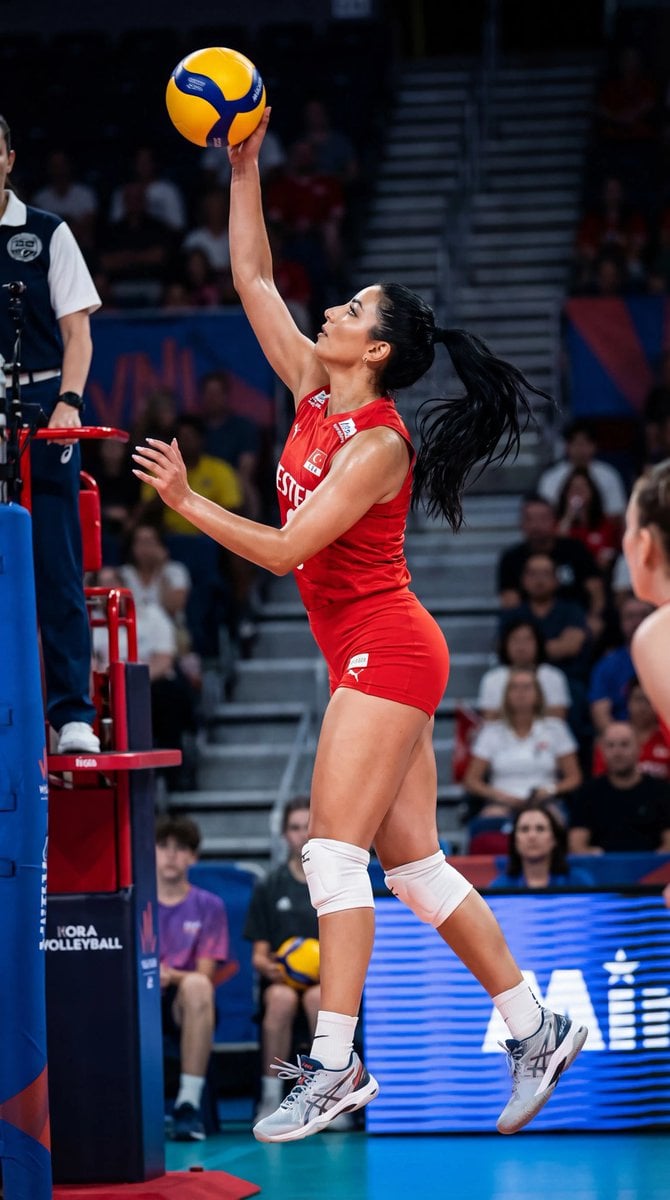
Ultra-Photorealistic Volleyball Action Shot (Identity Lock)
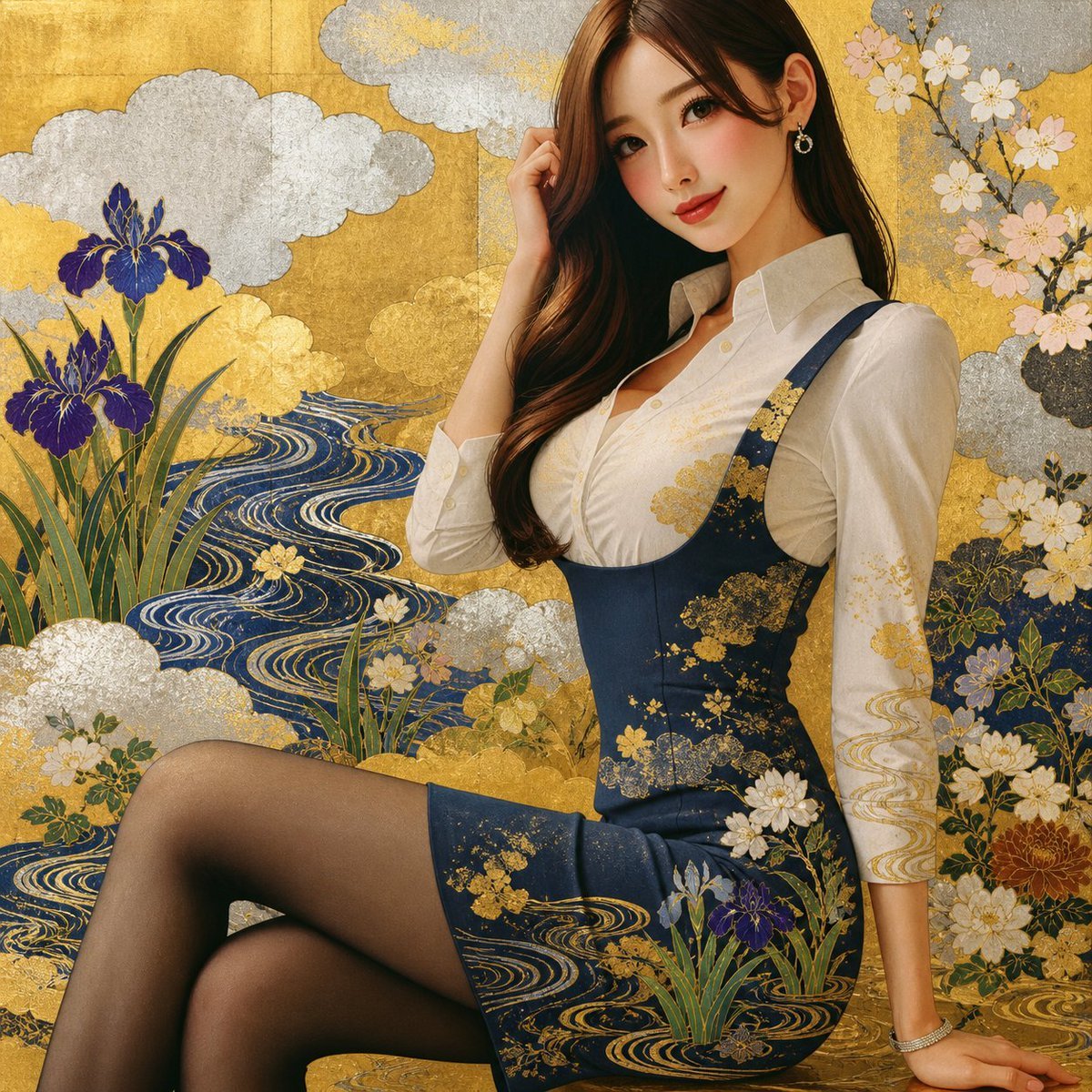
Rinpa Gold Screen Portrait

Explosive Anime Launch Thumbnail
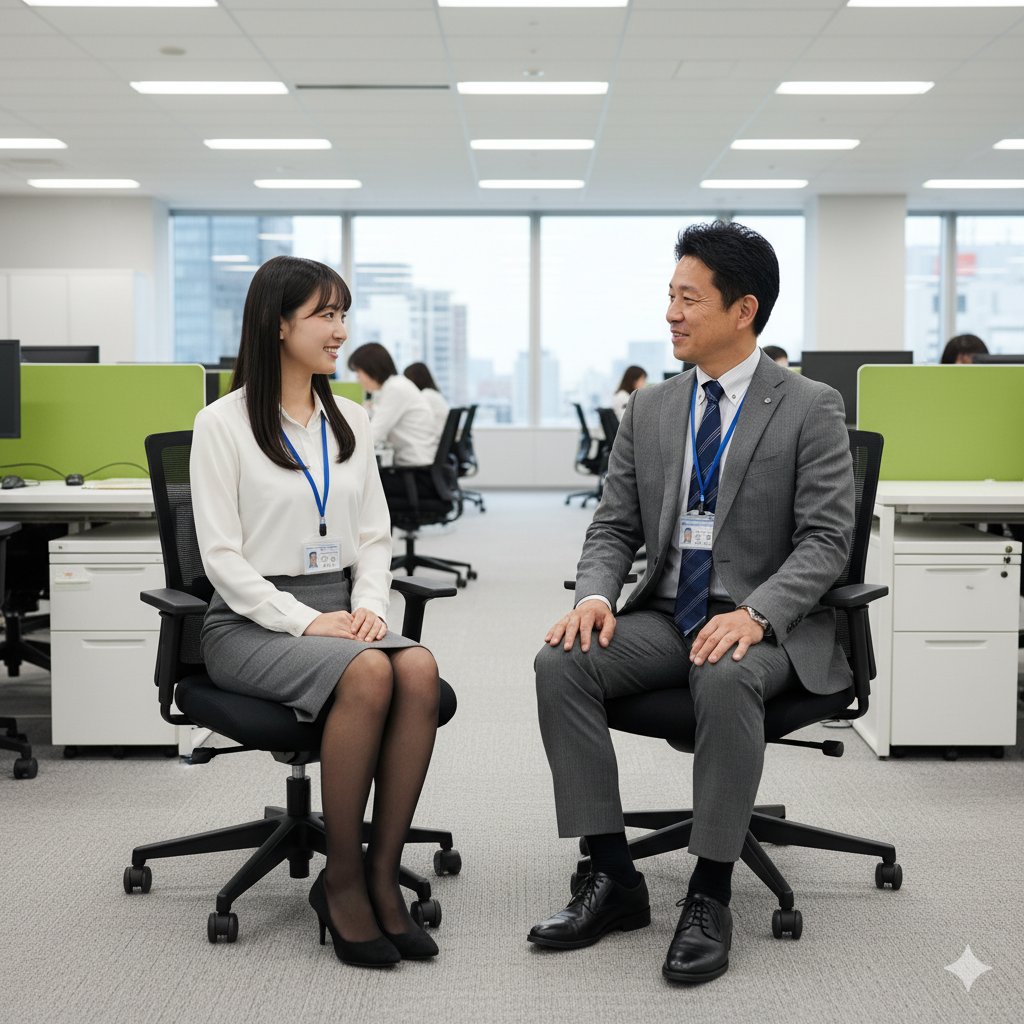
Image-to-Image Instruction for Clothing Swap
Browse template categories
Sepia Classical Violin Album Cover questions
How do I use the Sepia Classical Violin Album Cover template?
Add your photo if the template asks for one, edit the prompt if you like — the template's model and format are already selected — and press Generate. Your version opens in PicX Studio.
Can I customize the Sepia Classical Violin Album Cover template?
Yes. You can change the subject, setting, lighting, mood, format, and available model controls before creating your image.
Is the Sepia Classical Violin Album Cover template free?
Opening and editing this template is free. Generating uses credits, shown on the Generate button when you are signed in.
Which AI model should I use?
Start with GPT Image 2, which is the model associated with this template. You can compare another compatible model for a different finish.
Looking for something else? Browse all templates.

Your photo, any look
Thousands of ready templates for every top image and video model, from one credit balance.