
Explosive Anime Launch Thumbnail
A bold anime-style Japanese promotional thumbnail for launch announcements, online course ads, or AI business marketing visuals.

- Prompt included
- Model and format preset
- Free template
The prompt behind this image
Copy the exact prompt behind Explosive Anime Launch Thumbnail, or open it in the studio and make it yours.
Create a flashy Japanese YouTube thumbnail in a high-impact anime promotional style with explosive lighting, dense spark effects, and dramatic contrast. The composition is a single unified scene with a dark black-and-neon-green background, gold glitter bursts, and a subtle city skyline silhouette along the bottom edge. On the right side, show a cute chibi anime boy from the waist up with messy dark brown to black hair accented by vivid neon green streaks and a small red accent near one side, huge bright green eyes, an open excited smile, and an energetic pose pointing directly toward the viewer with one hand while the other fist is raised. He wears a black hoodie layered under a green jacket with glossy highlights. On the left side, place 1 glowing green hourglass with swirling green energy inside. Fill the image with intense starbursts, lens flares, golden particles, and speed-line energy for a viral thumbnail look. Add 5 bold Japanese text elements in oversized display typography: a red ribbon banner across the upper left reading {argument name="top banner text" default="4月28日スタート"} in thick yellow letters with white edging; the main central headline in massive metallic gold kanji reading {argument name="main headline" default="ついに解禁"} with heavy black shadow and bright gold texture; a large white-and-green subheadline across the lower left reading {argument name="subheadline" default="AI副業で人生変わる"}; 1 green rounded badge near the lower center-right reading {argument name="bonus badge text" default="無料10大特典"} in bold white and yellow text; and 1 black slanted banner in the lower right reading {argument name="corner banner text" default="近日公開"} with smaller white English text beneath it saying COMING SOON. Make everything feel urgent, celebratory, and attention-grabbing, like a high-CTR launch announcement thumbnail, with thick outlines, glowing edges, metallic text, and layered depth.
How to use Explosive Anime Launch Thumbnail in 3 steps
- 1Upload ImagePNG, JPG or paste
Add your photo
Upload the photo the template builds on. The prompt, model and format are already set.
- 2…a portrait of your subject in softgolden-hour light, 85mm…
Personalize
Edit the subject and creative details for your destination.
- 3Generate
Generate
Press Generate — your image is created in PicX Studio, so you can compare it with the original and refine one variable at a time.
More like this
Templates with the same subject, style or setup. Open one to see its prompt.












Make it yours
Explosive Anime Launch Thumbnail works as-is. These are the safest ways to change it without losing the look.
Change one field
Copy a single group, rewrite it, and generate again so you can see what that field is doing.
Keep the frame, change the subject
Hold the composition and light of Explosive Anime Launch Thumbnail, then swap wardrobe, props or the person for a new take.
| If the result… | Why | Fix |
|---|---|---|
| The result drifts from the preview | Too many fields changed at once. | Reuse Explosive Anime Launch Thumbnail as-is first, then change one group — subject, light, or setting. |
| The model over-stylizes the scene | The prose prompt leaves finish and camera underspecified. | Add one camera or lighting sentence and stay on GPT Image 2. |
More GPT Image 2 templates
Other prompts made for GPT Image 2.

Six VTuber Japanese Logo Sheet

Realistic Portrait of Woman and Deer

The Vista Modular Condo Poster

AI Model Routing Comparison Infographic

2.5D Anime Art Board

Isometric Productivity Desk Scene

New York Double Exposure Poster

Four-Panel AI Landscape Comparison

Japanese Tatami Lifestyle Magazine Cover

NESCAFÉ Coffee Map Poster
More image prompts
Fresh picks from across the catalog.

Beauty Landing Page Hero Section
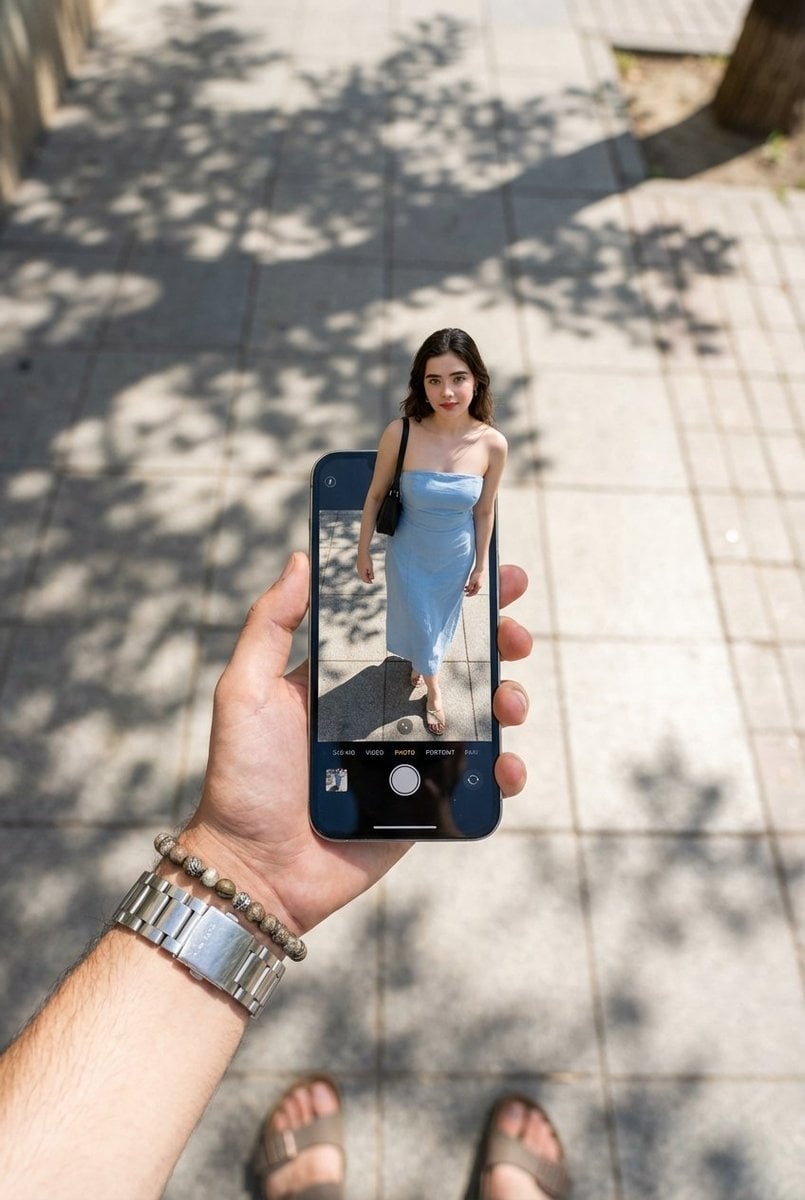
Surreal Forced Perspective Miniature Woman
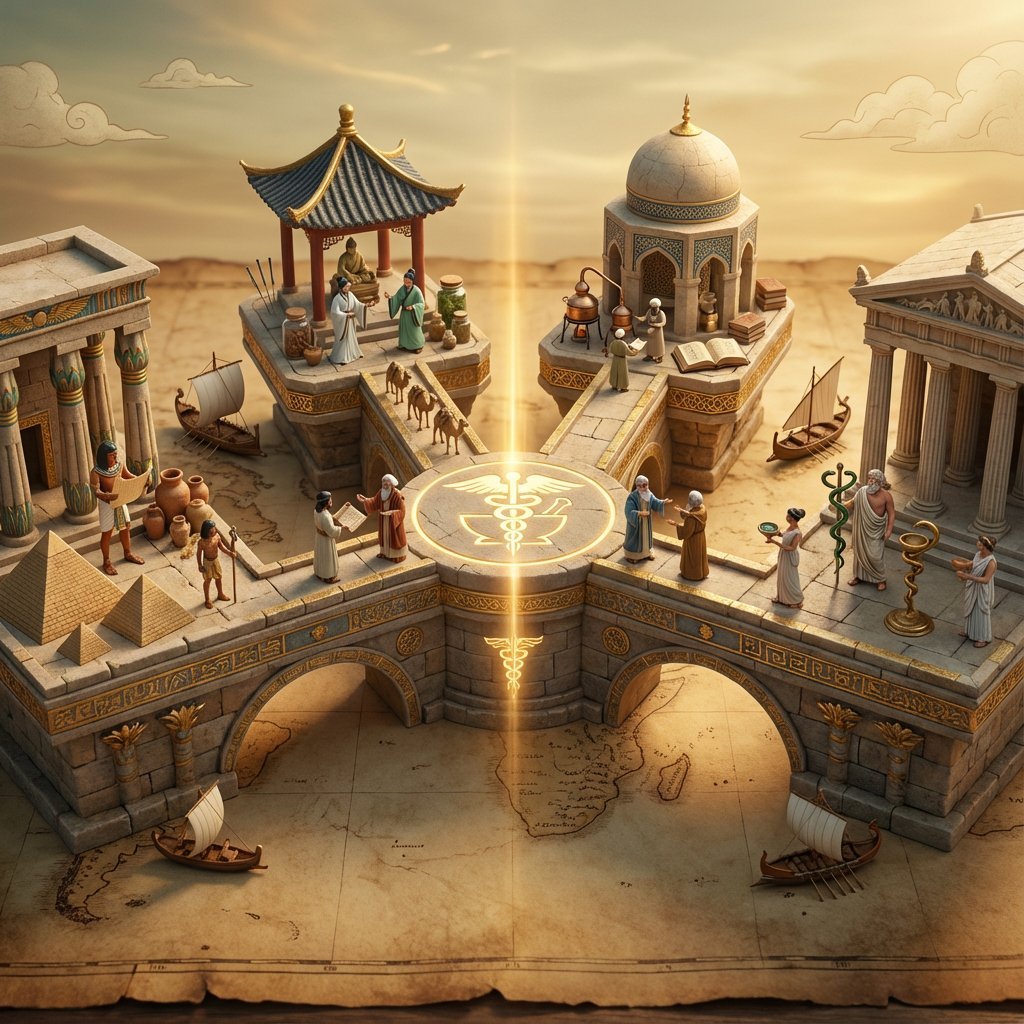
Ancient Civilizations Innovation Bridge Image Generation Prompt
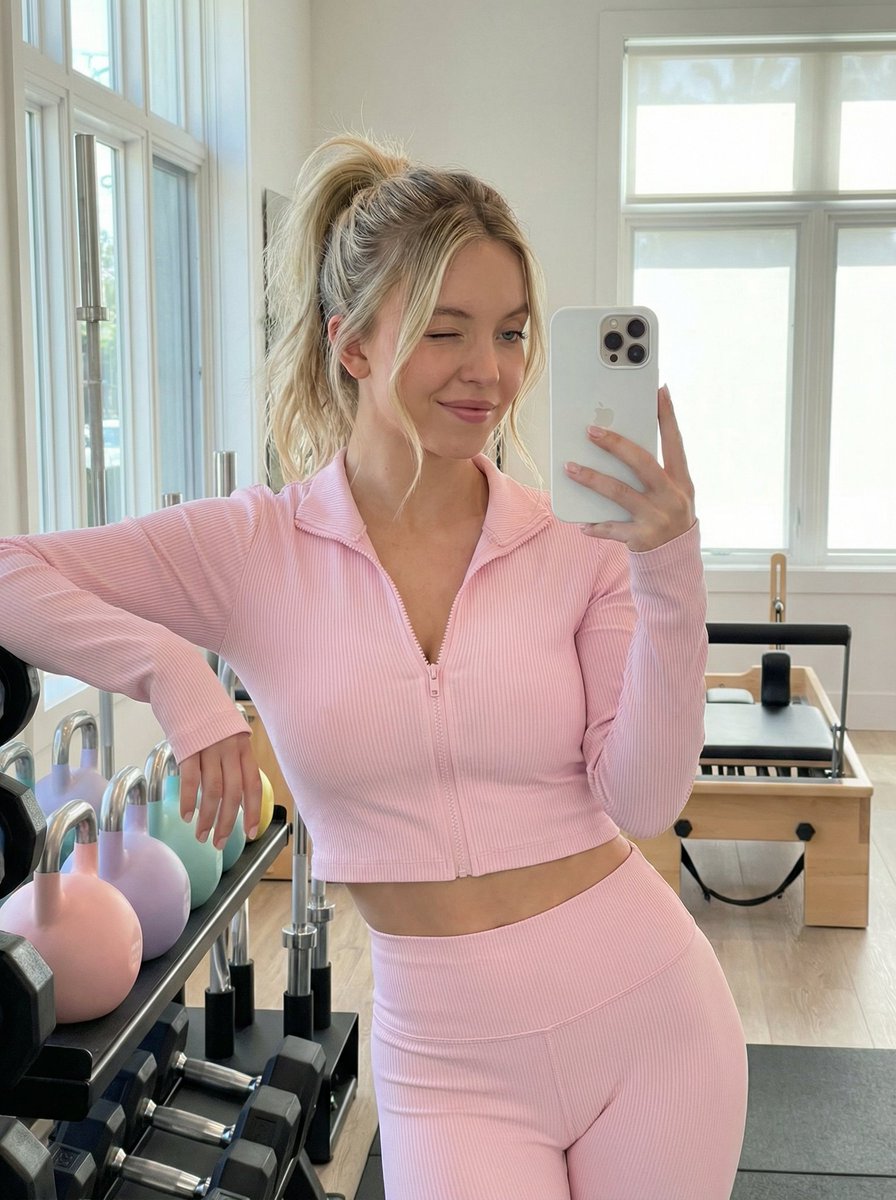
Gym Mirror Selfie Prompt
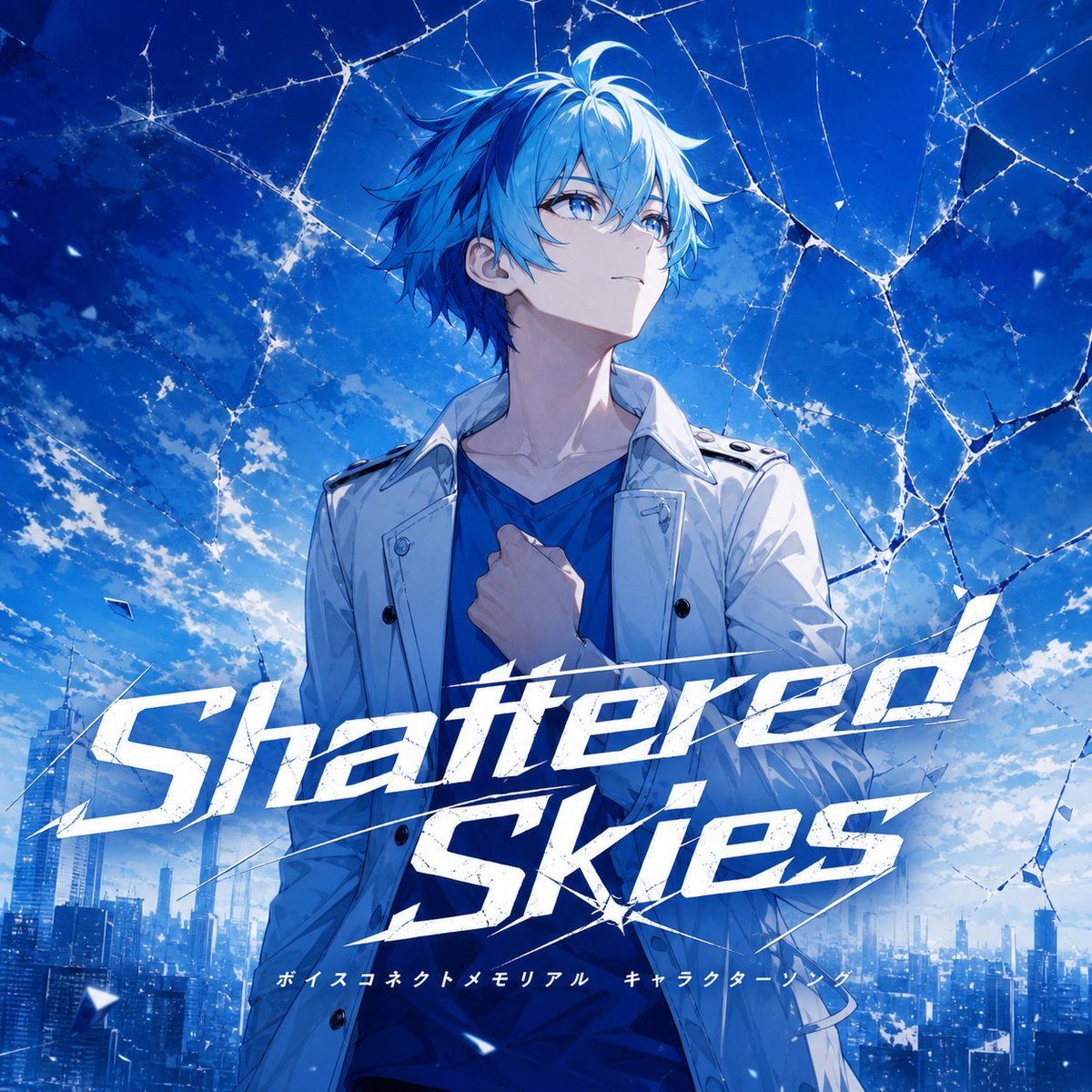
Fictional Music CD Jacket
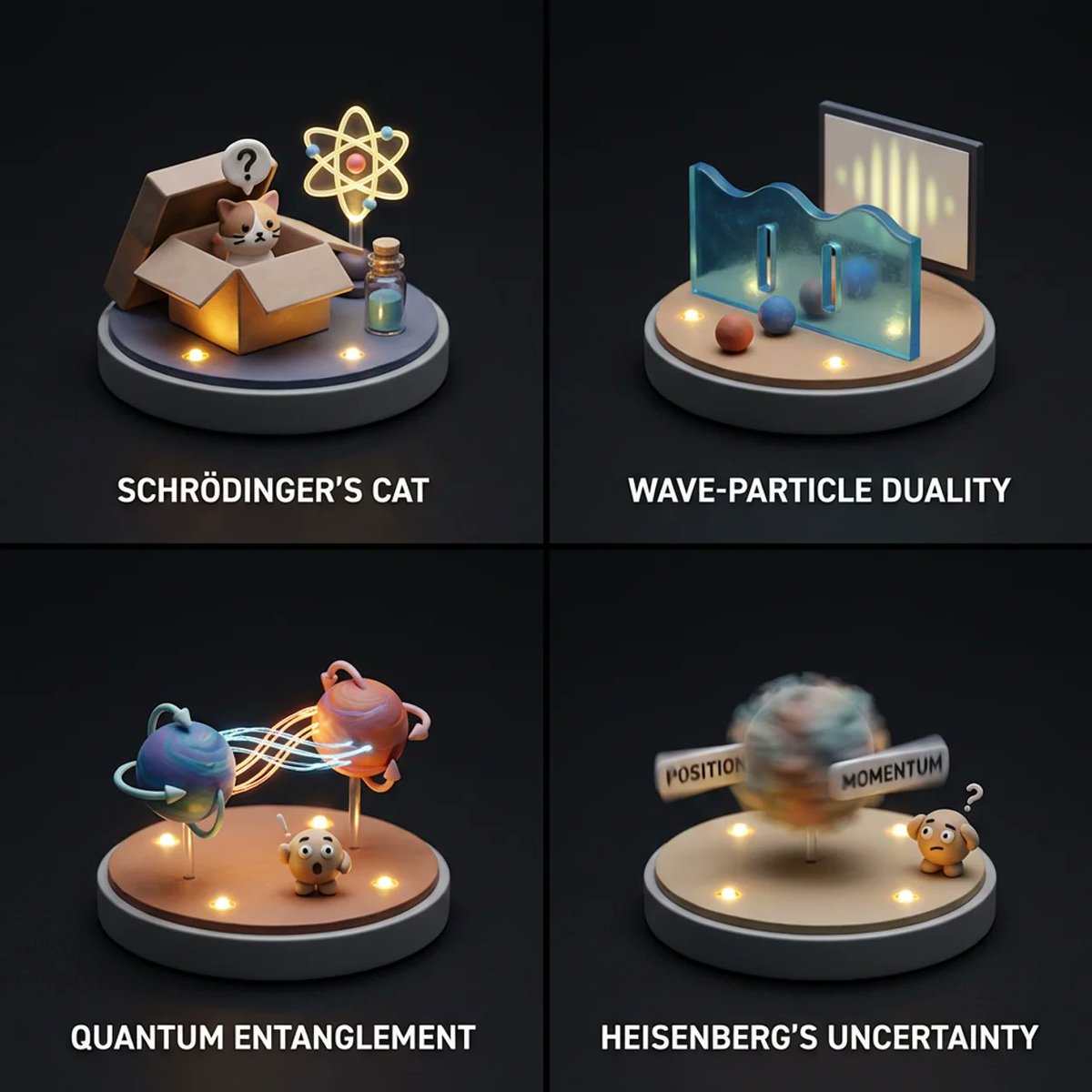
Visualizing Quantum Mechanics with Diorama Style
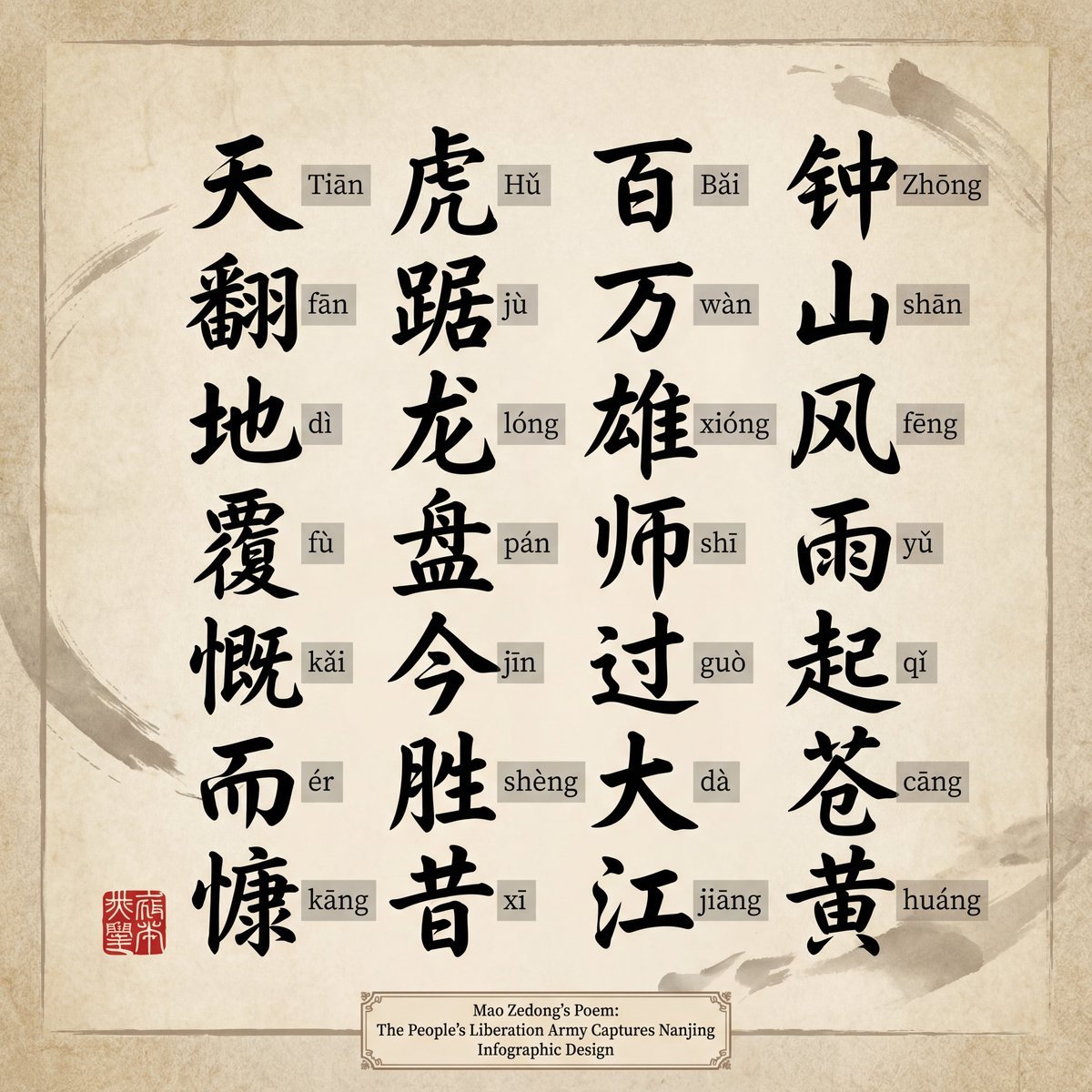
Upscaling to 4K Prompt for Clear Chinese Text
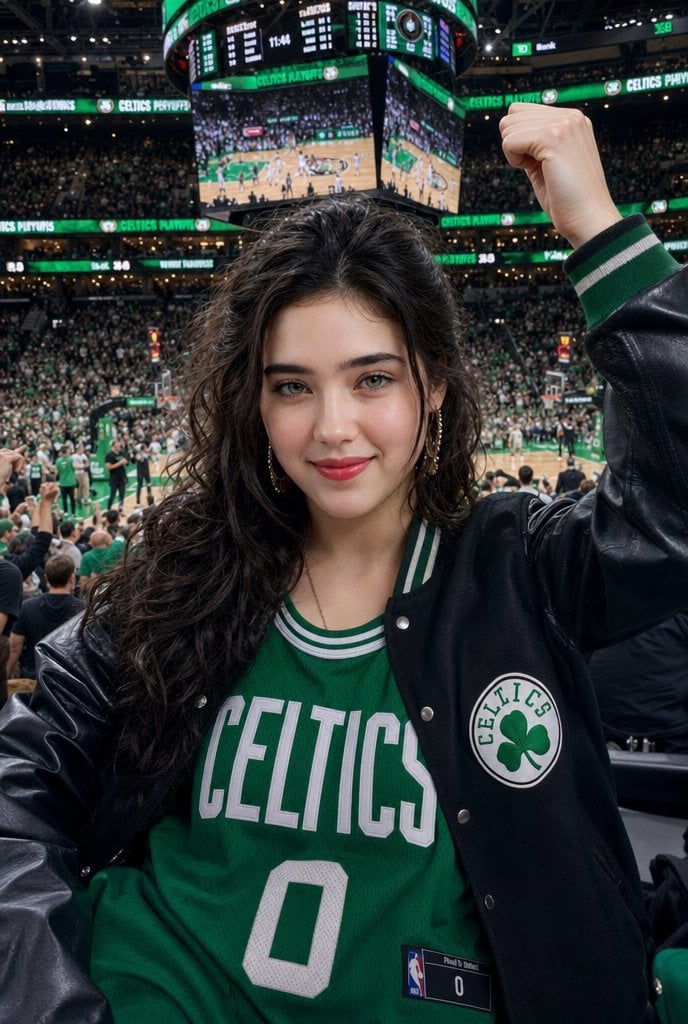
Celtics Fan Cheering in NBA Arena
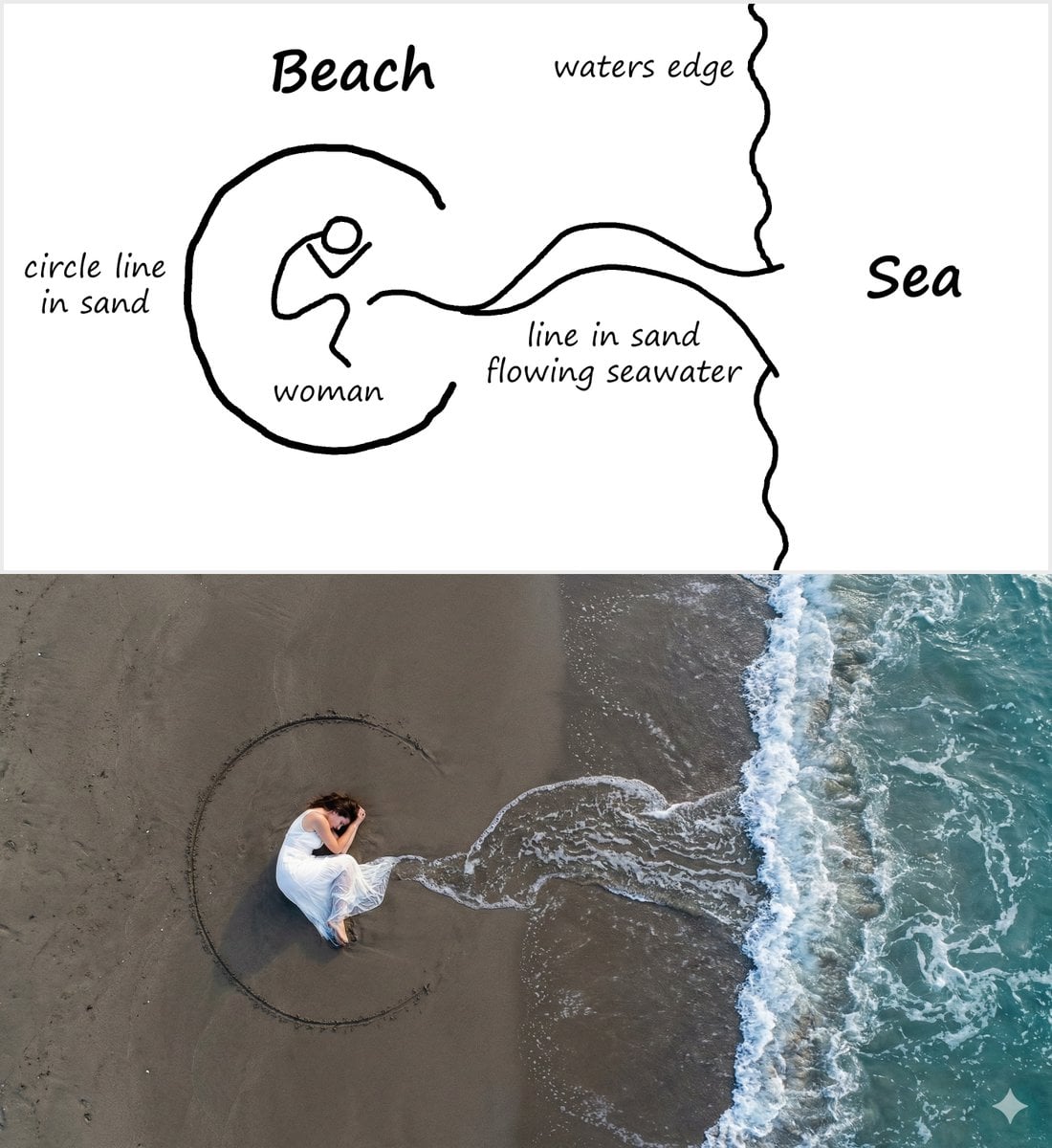
Editorial Portrait with Dramatic Lighting

3D printed Corinthian netrunner helmet
Browse template categories
Explosive Anime Launch Thumbnail questions
How do I use the Explosive Anime Launch Thumbnail template?
Add your photo if the template asks for one, edit the prompt if you like — the template's model and format are already selected — and press Generate. Your version opens in PicX Studio.
Can I customize the Explosive Anime Launch Thumbnail template?
Yes. You can change the subject, setting, lighting, mood, format, and available model controls before creating your image.
Is the Explosive Anime Launch Thumbnail template free?
Opening and editing this template is free. Generating uses credits, shown on the Generate button when you are signed in.
Which AI model should I use?
Start with GPT Image 2, which is the model associated with this template. You can compare another compatible model for a different finish.
Looking for something else? Browse all templates.

Your photo, any look
Thousands of ready templates for every top image and video model, from one credit balance.