iPhone Photo Dump Concert Collage
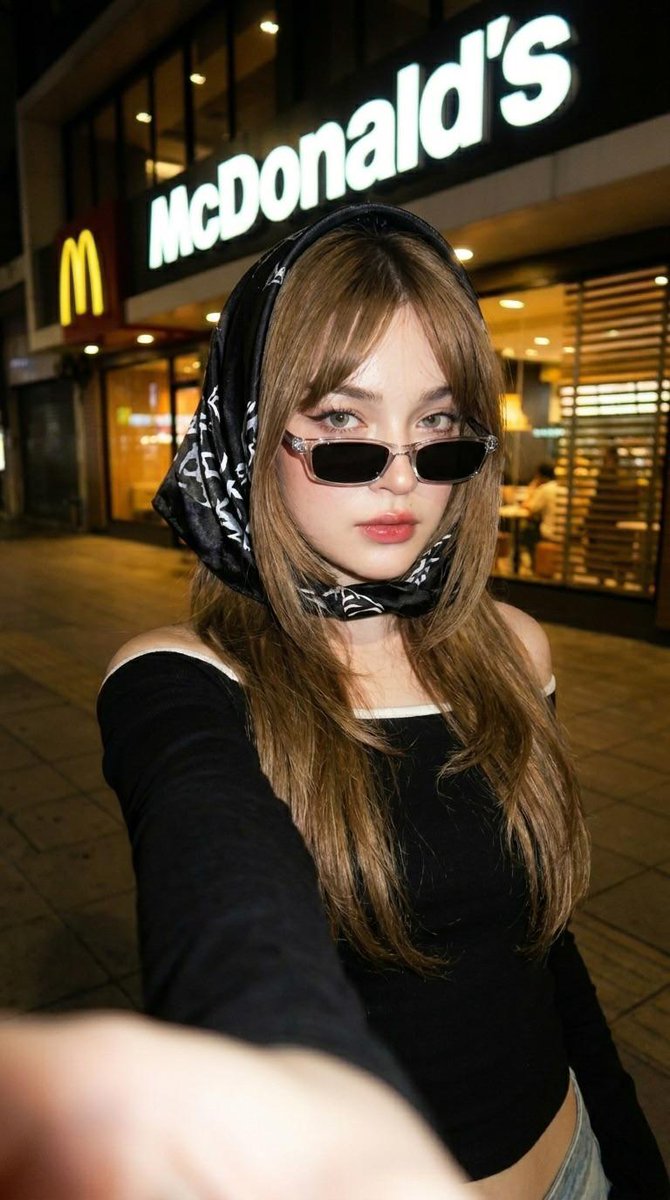
Multi-panel vertical collage consisting of casual smartphone snapshots. Top: Wide angle landscape; Middle: Medium portrait; Bottom: Macro detail. Multi-panel vertical layout including an environment shot, a portrait, and a detail shot. Vsco-style Photo Dump. High-quality mobile photography. Cohesive warm, vibrantly saturated concert edit. Aspect ratio 9:16, resolution 4k. Camera: iPhone 17 Pro Max Simulation, lens varied (Ultrawide, Wide, Telephoto), aperture f/1.8, distance mixed, angle mixed, framing grid-like vertical stack, pov first-person perspective of the night, focus sharp on the key subject of each panel, lens effect bloom on the highlights. Lighting: The collective glow of a stadium show, type Dynamic Concert Light, source multiple sources, primary strobe lights, secondary phone screen light, highlights shimmering on skin and fabric, shadows contrasty and deep. Scene location Massive Music Arena, environment floor access, stage view, and sticky floor, time Night, atmosphere nostalgic and vibrant. Background lighting interaction colors bleeding between panels, elements stage with massive video wall and silhouetted hands of the crowd. Subject: Female, age 21, Nordeuropean ethnicity, appearance blonde blue-eyed influencer. Body type athletic, waist toned, hips curvy, chest defined by black bra, ass firmly shaped, skin sun-kissed with a glow. Face: eyebrows laminated and groomed, eyes blue with mascara, lips glossy red, makeup rouge on the cheekbones. Expression: eyes winking (Middle Panel), gaze into lens, mouth pouty, face vibe cool girl energy. Hair color platinum, style half-up half-down, details flyaway strands catching the light, interaction bouncing as she moves. Biological features: iris detail visible in portrait, hair strand physics realistic frizz from humidity, skin micro texture soft peach fuzz on cheeks, subsurface scattering redness in ears from stage heat, vascularity and pigment faint blue veins on the chest. Pose description Middle panel: Peace sign over one eye; Bottom panel: Walking mid-step, stance dynamic, arms engaged, legs walking pose in heels, energy high. Wardrobe: Wonderbra and V-Thong ensemble. Outfit details: top Mikro Wonderbra, color Black, fit plunging, details silk straps. Bottom V-Thong, color Black, fit high leg, details waist-snatching straps. Legs details black high heels with pointed toes. Fit and physics straps digging slightly into the soft skin of the hips. Accessories: jewelry belly piercing and small silver hoop earrings, nails red stiletto nails, props concert wristband and confetti on the floor. Texture details: environment gritty stadium floor texture, fabric satin and elastic, hair silky but sweaty, skin pores and makeup grain. Sensor atmosphere: air particles stage haze/smoke, haze and glare high, iso noise structure fine digital grain, sensor bloom strong on stage lights. Composition: camera angle tilt varied per panel, depth layering subject separated from crowd, framing rule rule of thirds in each section, leading lines stadium railings, perspective first-person story, symmetry balance asymmetrical collage. Selective color: mask target confetti, palette hex #FF00FF and #00FFFF, rule vibrant pops. Details skin effects rouge glow and natural skin fold at the waist, realism authentic 'night in the life' feel. Final director notes: The image must appear as a vertical collage of three distinct photos telling a cohesive story. Negatives to avoid: pornographic act, explicit nudity, cartoon, 3d render, professional studio lighting, vintage film grain, perfectly posed, airbrushed skin, clean background.

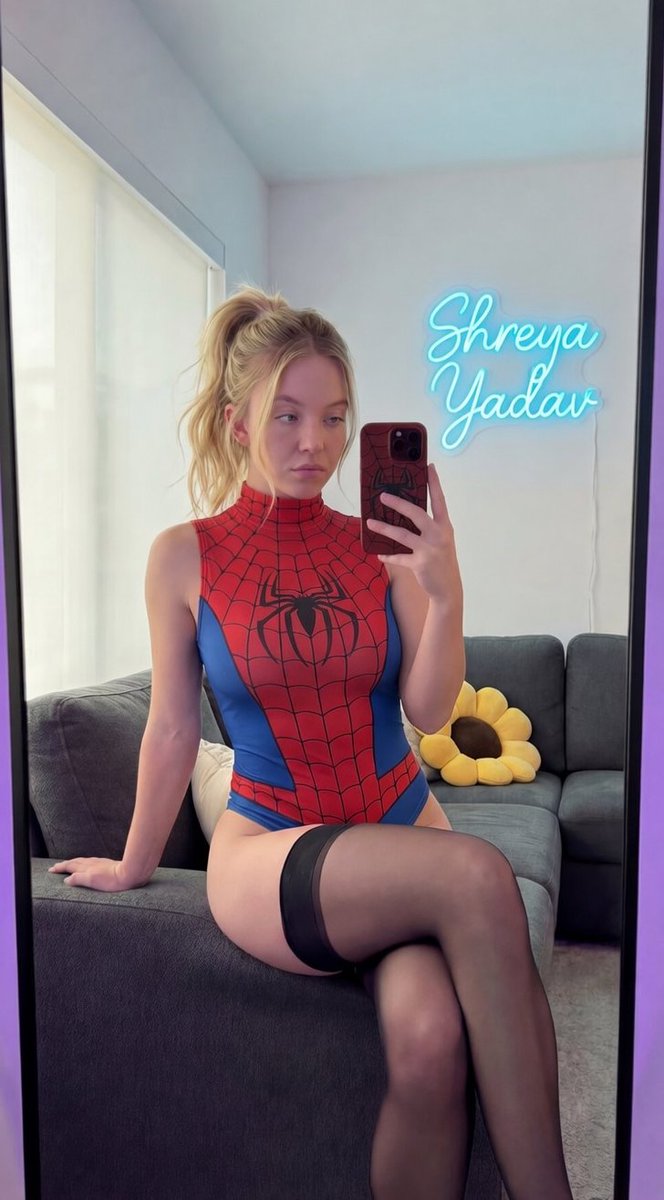




![nano-banana-grwm-mirror-selfie-pink — Nano Banana 2
Prompt (JSON):
{
"type": "image_prompt",
"description": {
"subject": {
"main": "[NAME] com o](/_next/image?url=https%3A%2F%2Fcdn.picxstudio.com%2Fuploads%2Ftweet_img_10a_612da6f9-cf6d-417e-bdd5-cc1300d1d830.jpg&w=828&q=100)
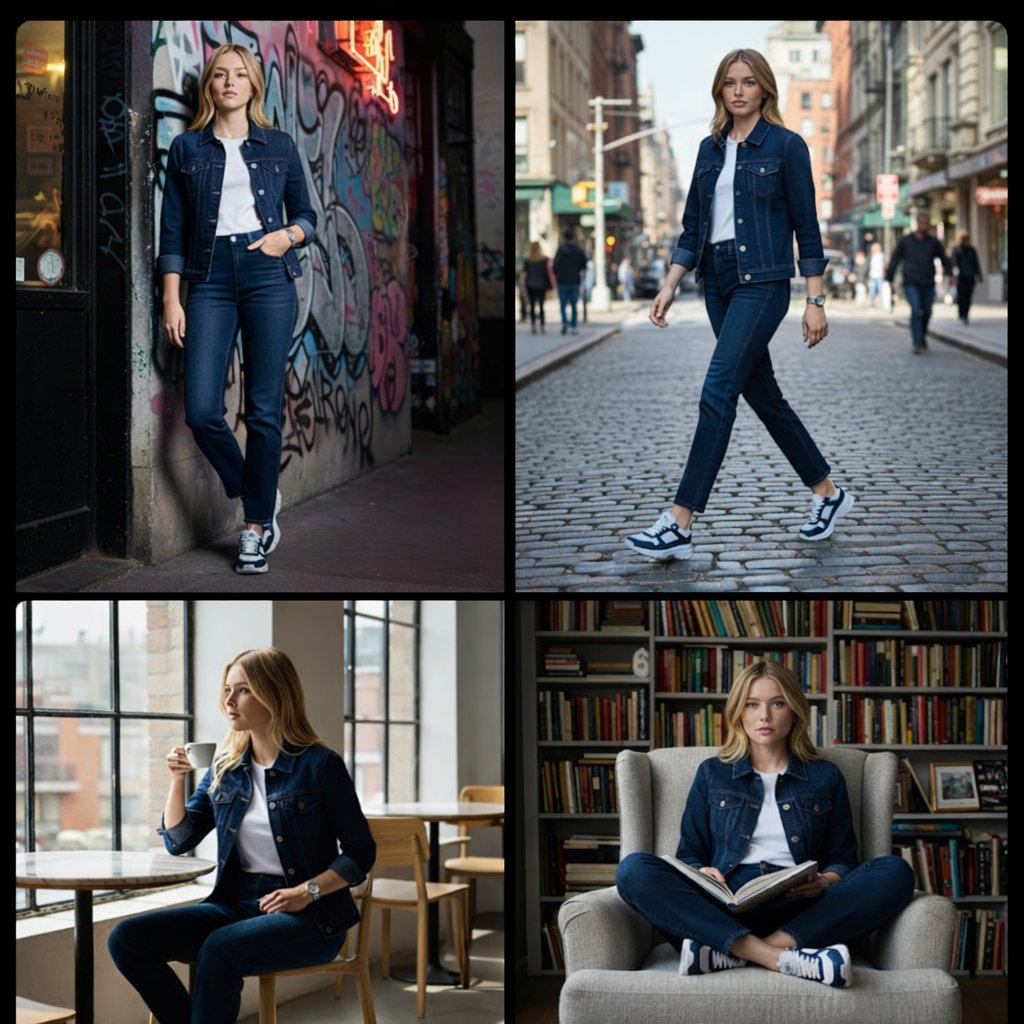



![Ultra-realistic 8K full body portrait wearing a clean and pressed white — Ultra-realistic 8K full body portrait of [PERSON’S FULL NAME], wearing a clean and pre](https://images.meigen.ai/tweets/2011898760650170378/0.jpg)


![Miniature, full-body, isometric, ultra-realistic figurine wearing their — Miniature, full-body, isometric, ultra-realistic figurine of [CHARACTER], wearing thei](https://images.meigen.ai/tweets/2011074818524029242/0.jpg)
![Ultra-realistic 8K full body portrait wearing a clean and pressed white — Ultra-realistic 8K full body portrait of [PERSON’S FULL NAME], wearing a clean and pre](https://images.meigen.ai/tweets/2018389139826037141/0.jpg)
![Naive doodle-style subject illustration — A doodle-style {argument name="subject" default="[subject]"}, naive lines, humorous shape exaggeration](https://pbs.twimg.com/media/G6Wl2YxbsAARB2b.jpg)















![Animal Texture Product Marketing Shot Generator — A high-quality studio photograph of a {argument name="brand name" default="[BRAND]"} fully covered in ultra-re](https://pbs.twimg.com/media/G95aiIuXoAAgqwg.jpg)