
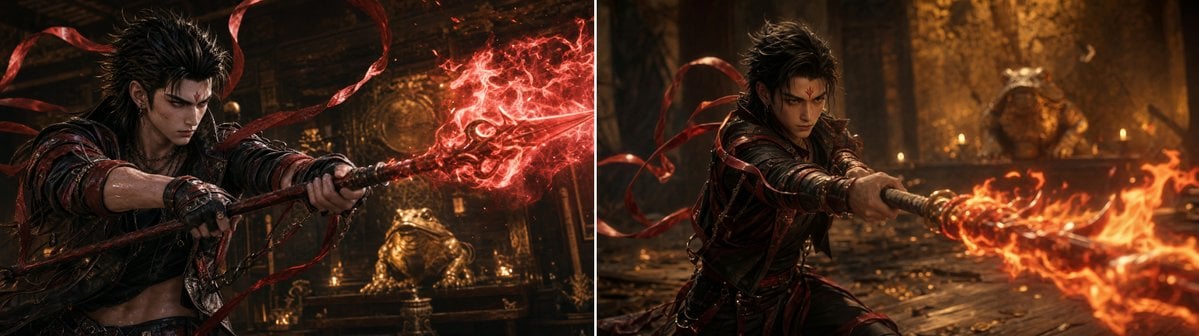
Nezha Fire Spear Split Comparison
Creates a cinematic two-panel comparison of an over-sharpened versus refined fantasy action scene for visual style testing.
- Prompt included
- Model and format preset
- Free template
The prompt behind this image
Copy the exact prompt behind Nezha Fire Spear Split Comparison, or open it in the studio and make it yours.
Goal: Create a wide side-by-side comparison image showing two cinematic generations of the same mythic punk warrior, demonstrating an over-sharpened raw look on the left versus a softer refined film look on the right. Canvas: Extra-wide horizontal frame, about 2.7:1 aspect ratio, split into exactly 2 equal panels with a thin vertical white divider line at the center. No captions, no labels, no watermark. Subject: In both panels, show {argument name="character name" default="Nezha"} as a fierce young adult East Asian warrior with spiky black hair, dark red and black leather-and-metal armor, bare midriff, wrist wraps, belts, and long red silk ribbons swirling around him. His face should be obscured by a simple square blur/mosaic block, matching the source image. He grips a long spear or staff with both hands, thrusting it diagonally toward the viewer, emitting supernatural fire. Setting: A dark ancient temple or shrine interior with carved wooden architecture, gold statues, candles, smoke, worn floorboards, and warm amber torchlight. Background details include exactly 1 large gold seated statue centered deep in the left panel and exactly 1 gold guardian-like statue in the rear right panel. The environment should feel like a mythic action scene in a Tokyo-inspired NEZHA fantasy series. Left panel: Raw GPT-style output look. Tight action close-up from the waist up, warrior angled left-to-right, spear crossing the frame horizontally. Red magical flame blooms from the spear tip near the upper right. Make the image intentionally over-sharpened and hyper-detailed: glossy skin, oily highlights, high micro-contrast, razor-sharp edges, wet-looking armor, exaggerated sweat, crunchy texture, CGI-like red flame, dramatic but slightly artificial HDR finish. Right panel: Refined final-film look of the same scene. Slightly wider composition, warrior crouched or lunging in a lower stance, spear thrusting from center toward the right foreground with orange fire streaming out. Use softer lens rendering, natural motion blur, warmer orange flame, less glossy skin, less plastic texture, more atmospheric haze, shallow depth of field, cinematic grain, painterly realism, and believable physical lighting. Keep the right panel noticeably less sharp and less oily than the left. Visual style: Dark fantasy action cinema, high-budget live-action concept art, warm amber and crimson palette, volumetric smoke, temple dust, ember particles, dynamic ribbons. The two panels should clearly contrast two visual treatments of the same {argument name="scene concept" default="Nezha fire spear attack inside a temple"}: left is over-rendered and artificial, right is cinematic and natural. Constraints: Include exactly 2 panels, exactly 1 center divider, exactly 1 warrior in each panel, exactly 1 spear in each panel, and exactly 1 visible flame attack in each panel. Avoid text, logos, UI elements, extra characters, and additional split-screen sections.
How to use Nezha Fire Spear Split Comparison in 3 steps
- 1Upload ImagePNG, JPG or paste
Add your photo
Upload the photo the template builds on. The prompt, model and format are already set.
- 2…a portrait of your subject in softgolden-hour light, 85mm…
Personalize
Edit the subject and creative details for your destination.
- 3Generate
Generate
Press Generate — your image is created in PicX Studio, so you can compare it with the original and refine one variable at a time.
More like this
Templates with the same subject, style or setup. Open one to see its prompt.
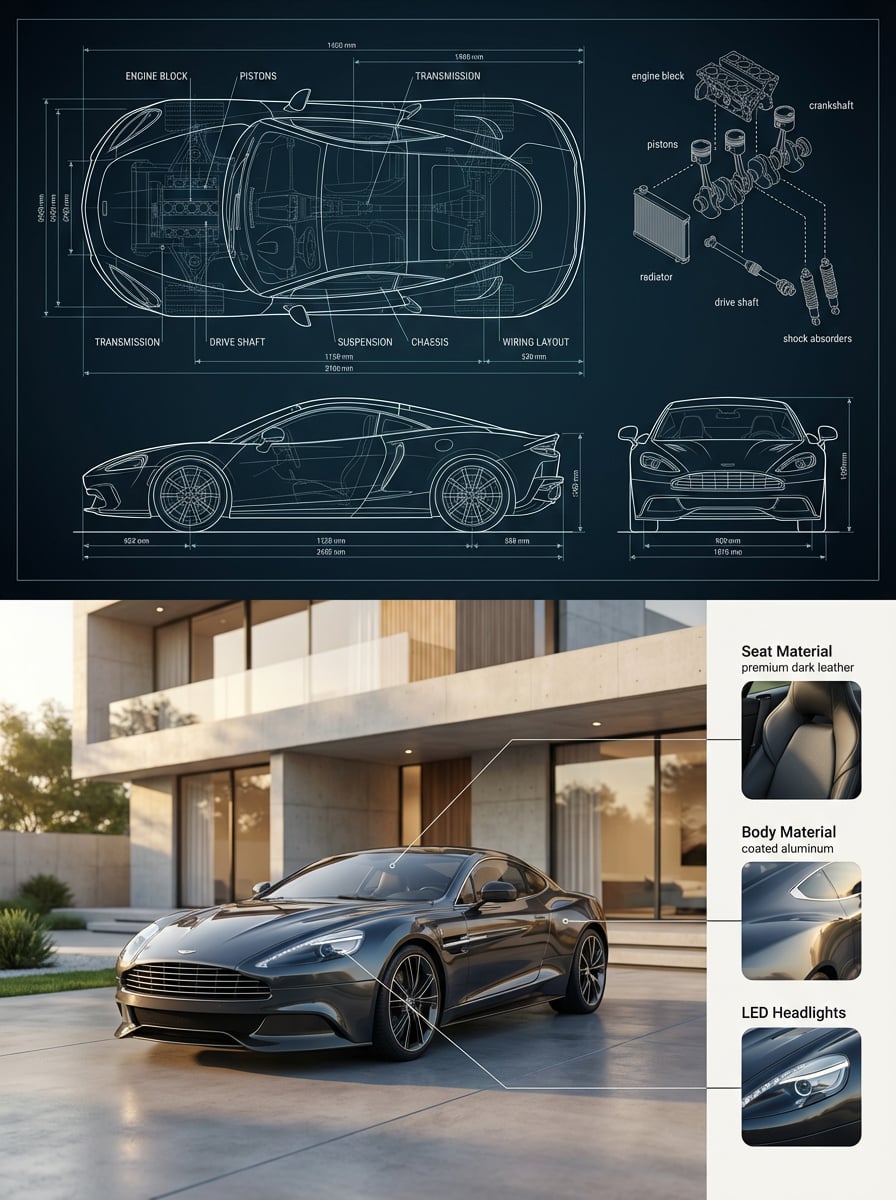
Automotive Blueprint Split Composition
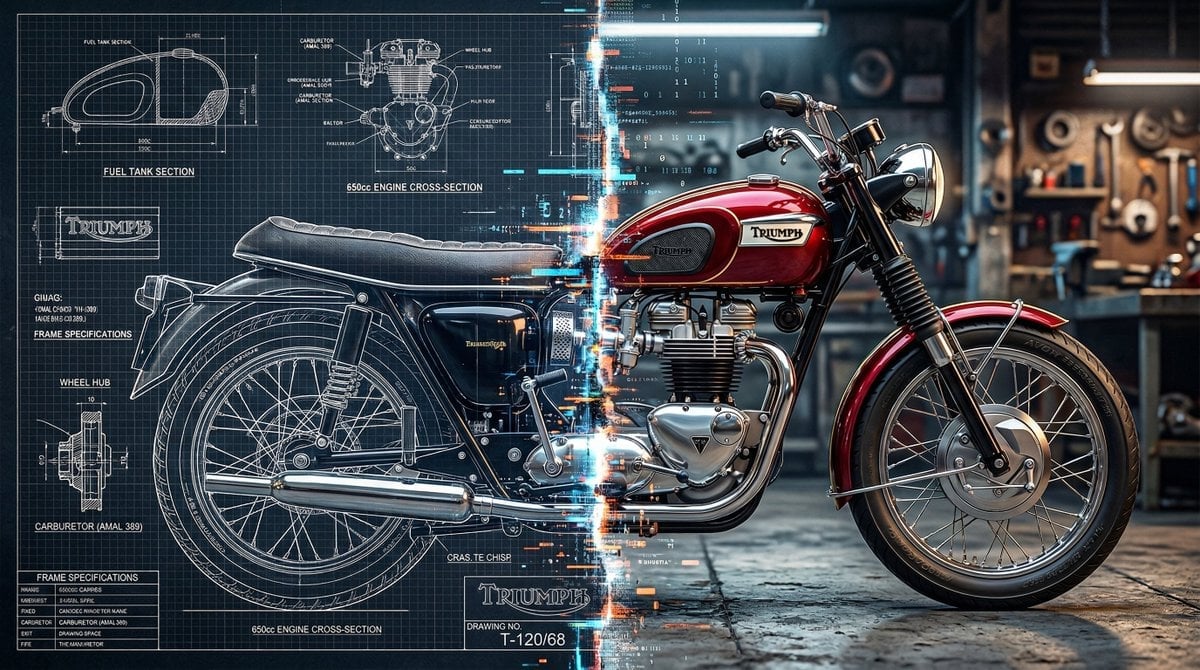
Blueprint Split Reality Archetype Prompt
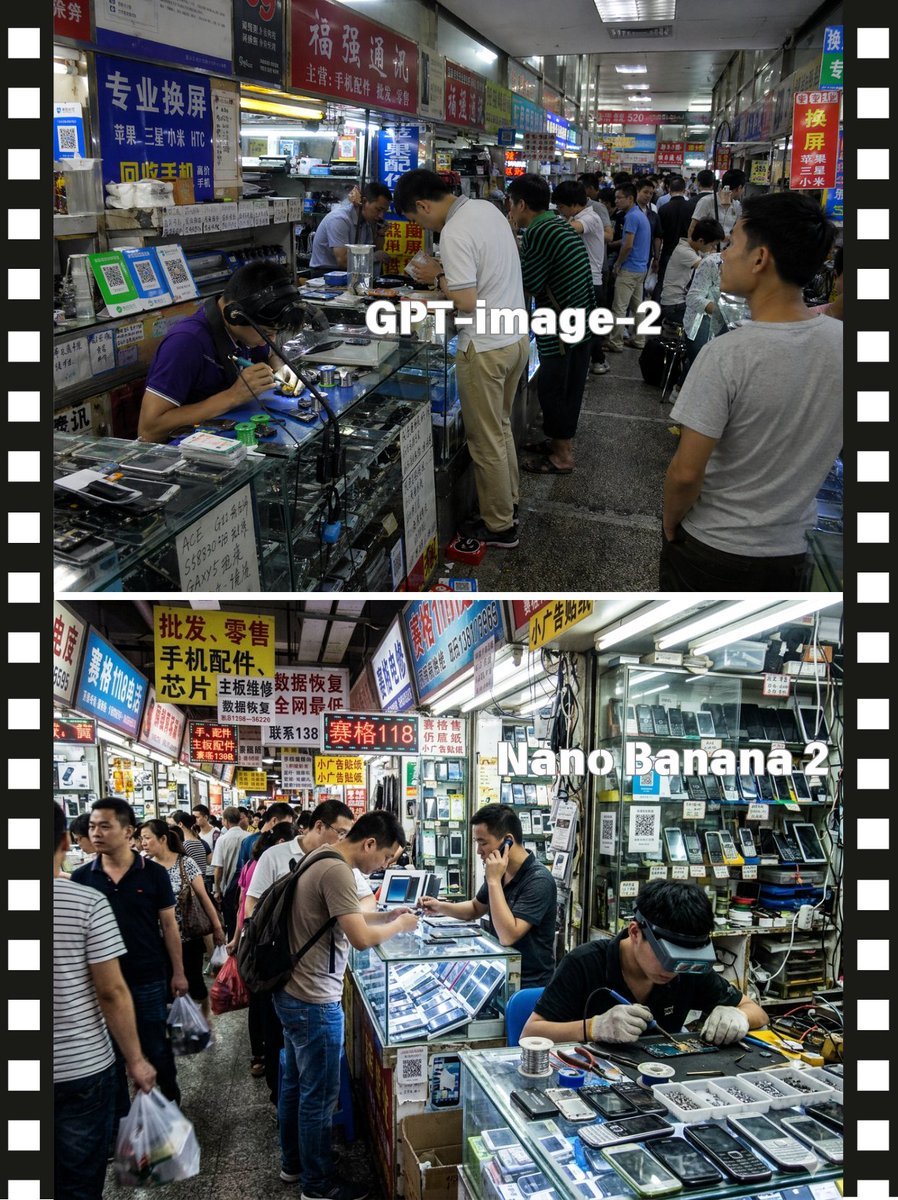
Split-Screen China Phone Market Comparison
Skin Comparison Portrait — Nano Banana Pro
Split Portrait - Mixed Media
PixVerse v6 - Cinematic Fire Scene
Cinematic Fire Portrait - Boy
Cinematic Red Blue Split-Light Portrait
Golden Retriever Sunset Campfire Photography
Split Photo and Storybook Illustration
Split-Screen Surreal Printmaking Design
Geometric Split Poster Design
Make it yours
Nezha Fire Spear Split Comparison works as-is. These are the safest ways to change it without losing the look.
Change one field
Copy a single group, rewrite it, and generate again so you can see what that field is doing.
Keep the frame, change the subject
Hold the composition and light of Nezha Fire Spear Split Comparison, then swap wardrobe, props or the person for a new take.
| If the result… | Why | Fix |
|---|---|---|
| The result drifts from the preview | Too many fields changed at once. | Reuse Nezha Fire Spear Split Comparison as-is first, then change one group — subject, light, or setting. |
| The model over-stylizes the scene | The prose prompt leaves finish and camera underspecified. | Add one camera or lighting sentence and stay on GPT Image 2. |
More GPT Image 2 templates
Other prompts made for GPT Image 2.

Six VTuber Japanese Logo Sheet

Realistic Portrait of Woman and Deer

The Vista Modular Condo Poster

2.5D Anime Art Board

Isometric Productivity Desk Scene

New York Double Exposure Poster

Japanese Tatami Lifestyle Magazine Cover

NESCAFÉ Coffee Map Poster

Brutalist Cogito Chinese Typography Poster
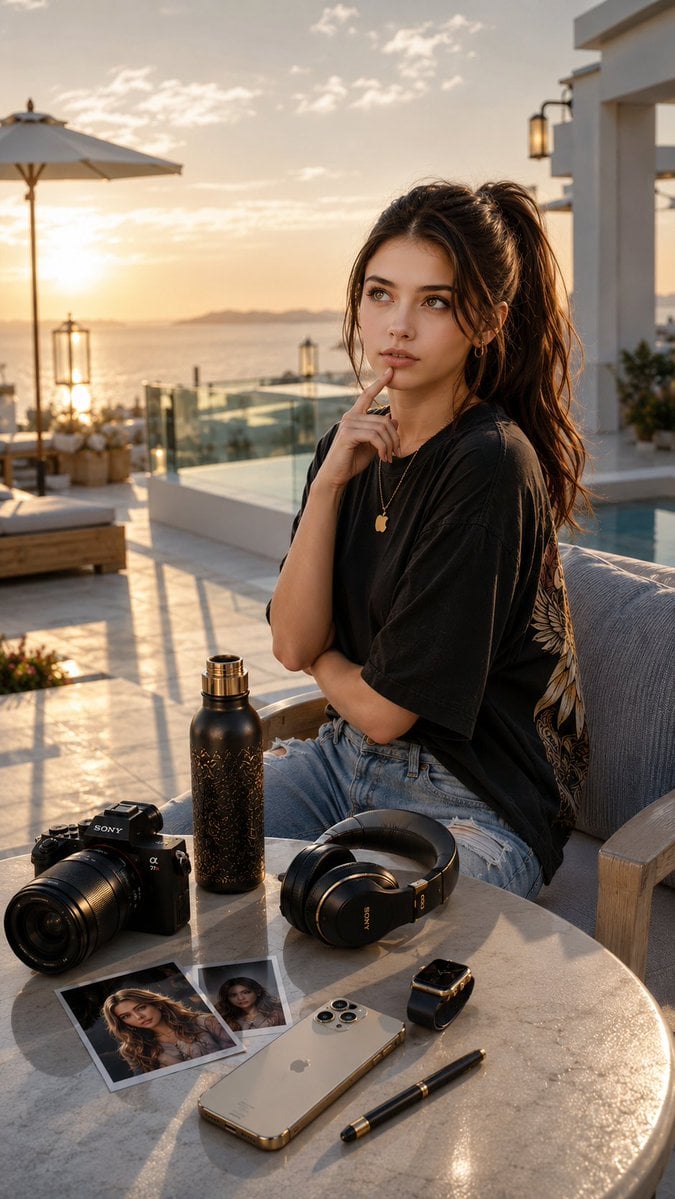
Cinematic Luxury Terrace Portrait
More image prompts
Fresh picks from across the catalog.
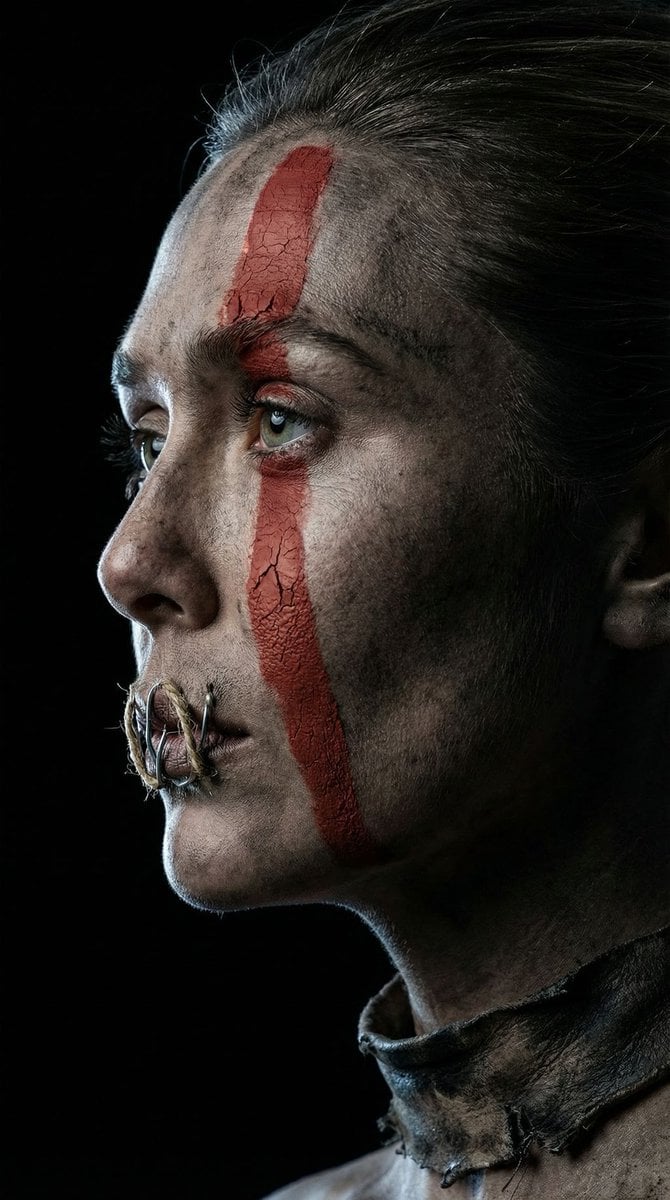
The Crimson Vow - Hyper-Realistic Cinematic Profile
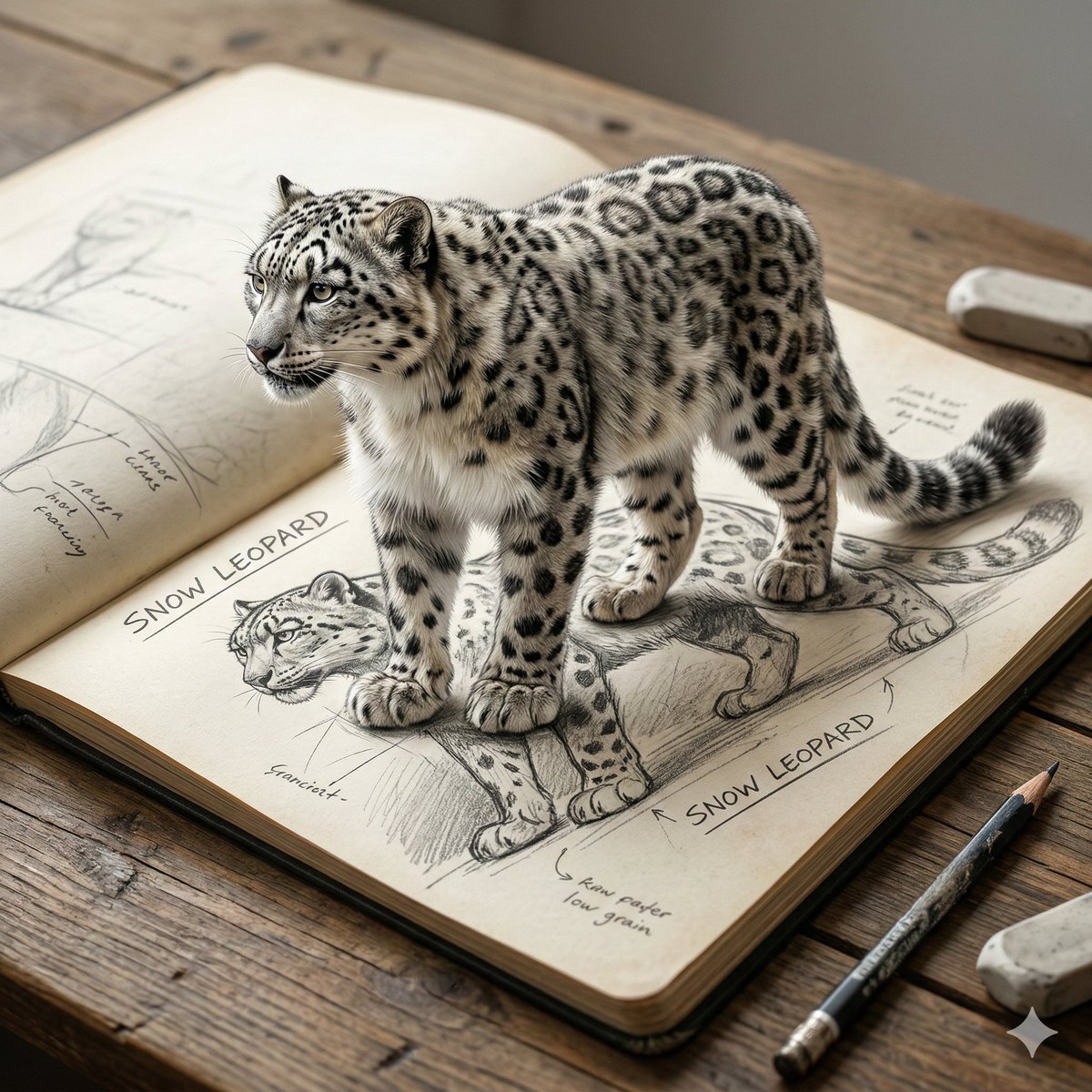
Nano Banana 2 General Image Generation Prompt
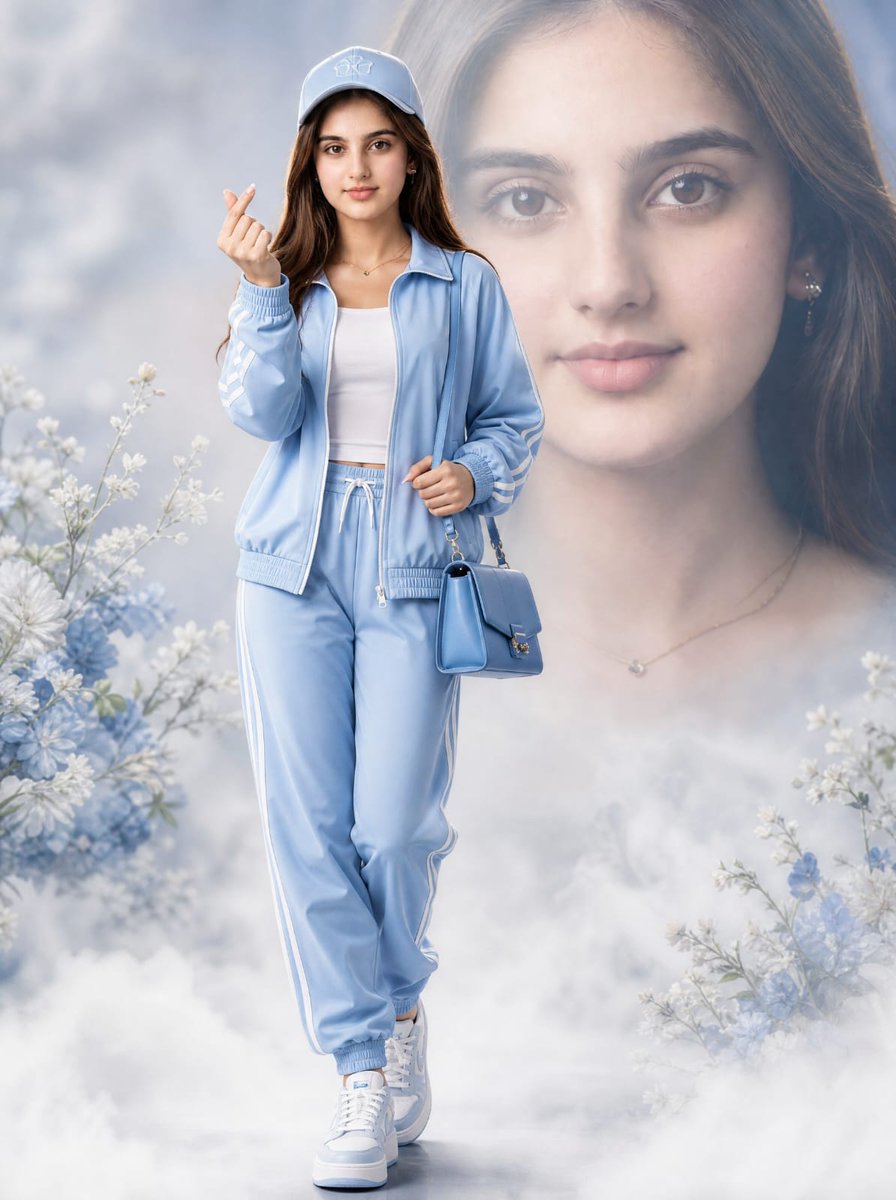
Light Blue Tracksuit Fashion Portrait
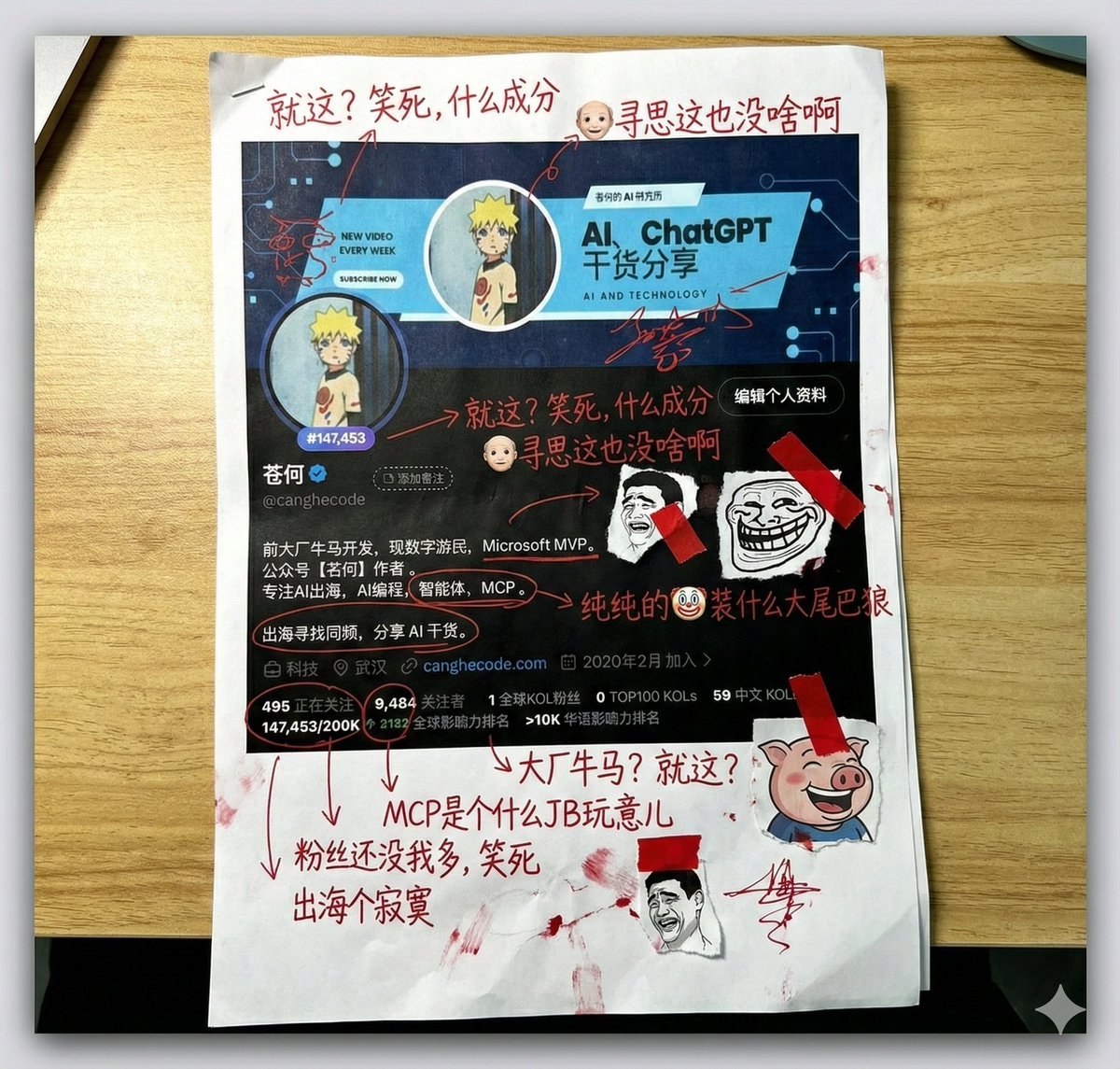
Aggressive Trolling Prompt with Tieba Slang
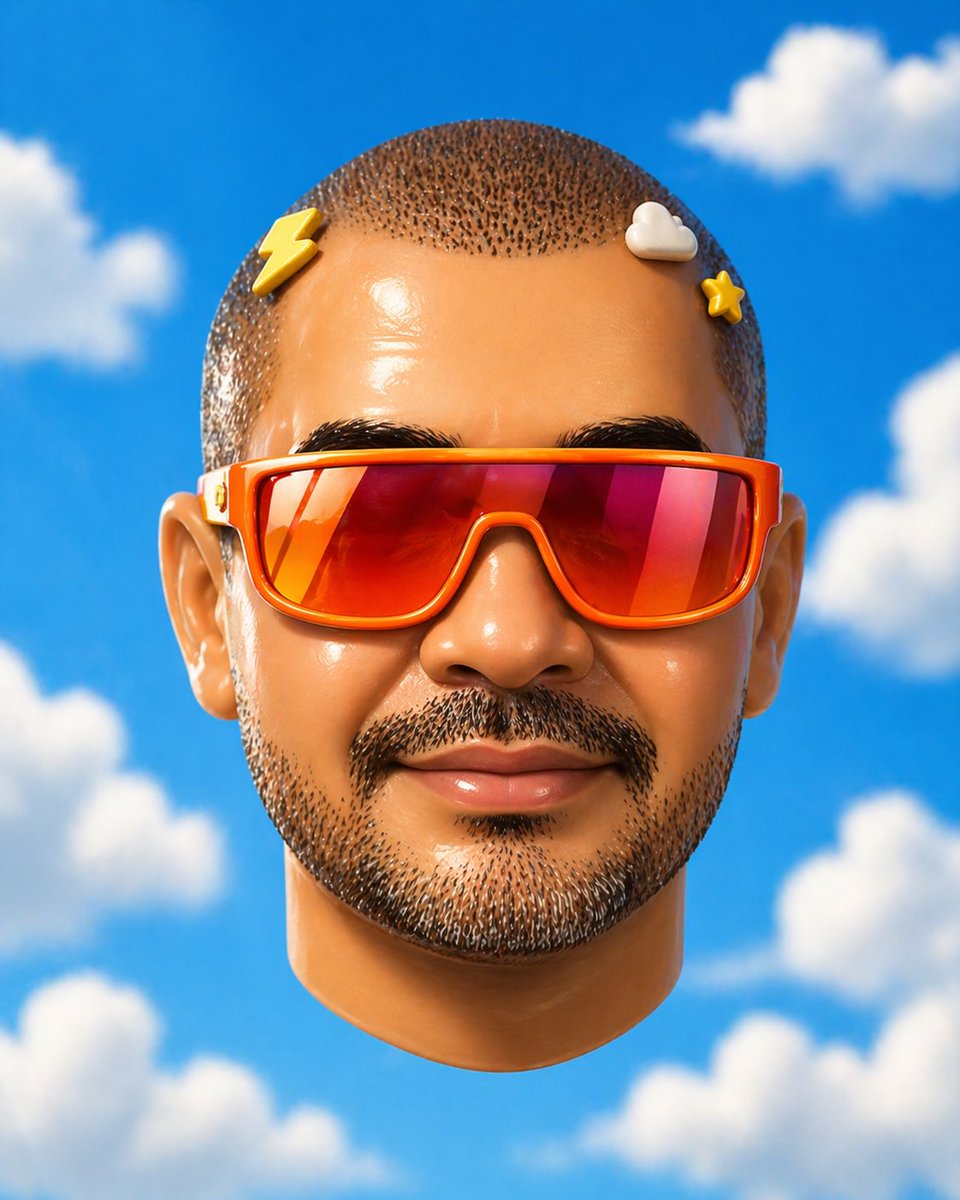
Surreal Floating Head With Censor Block
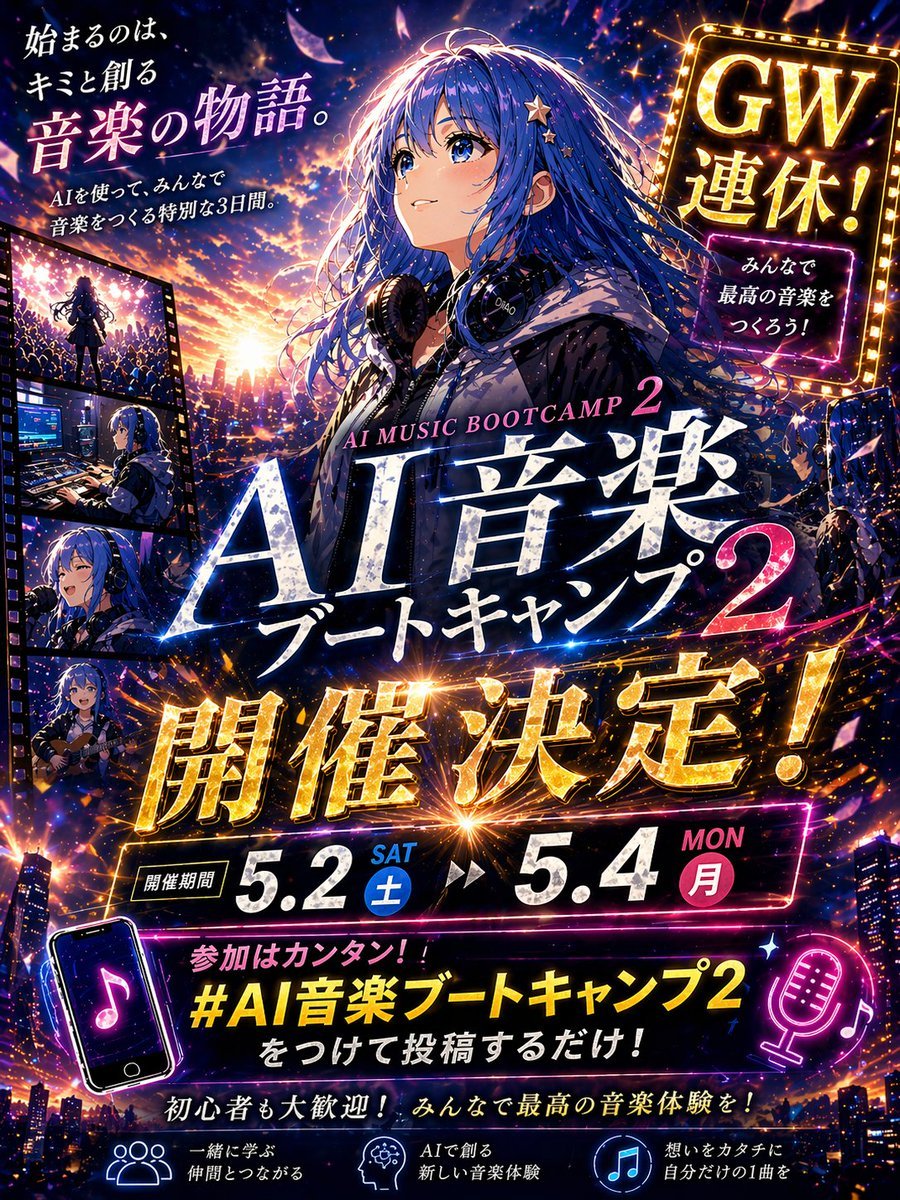
Gpt2 Youtube Thumbnail Anime Music Bootcamp Promo Poster

Japanese AI Image Evolution Infographic
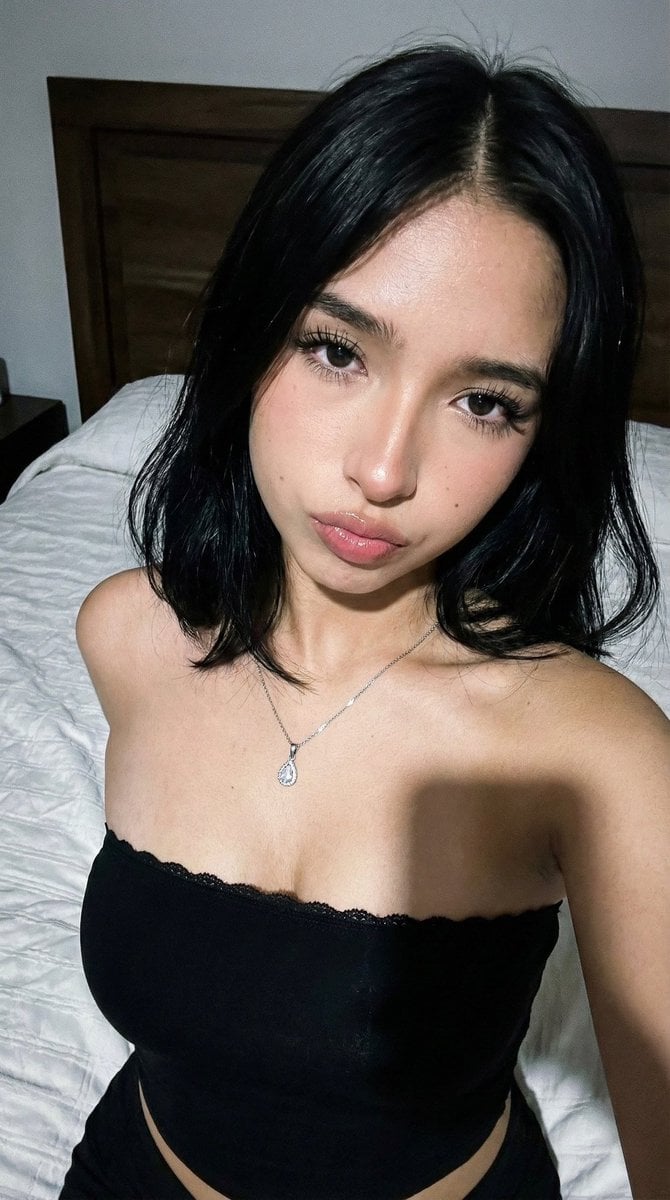
High-Fidelity Flash Selfie Portrait Prompt
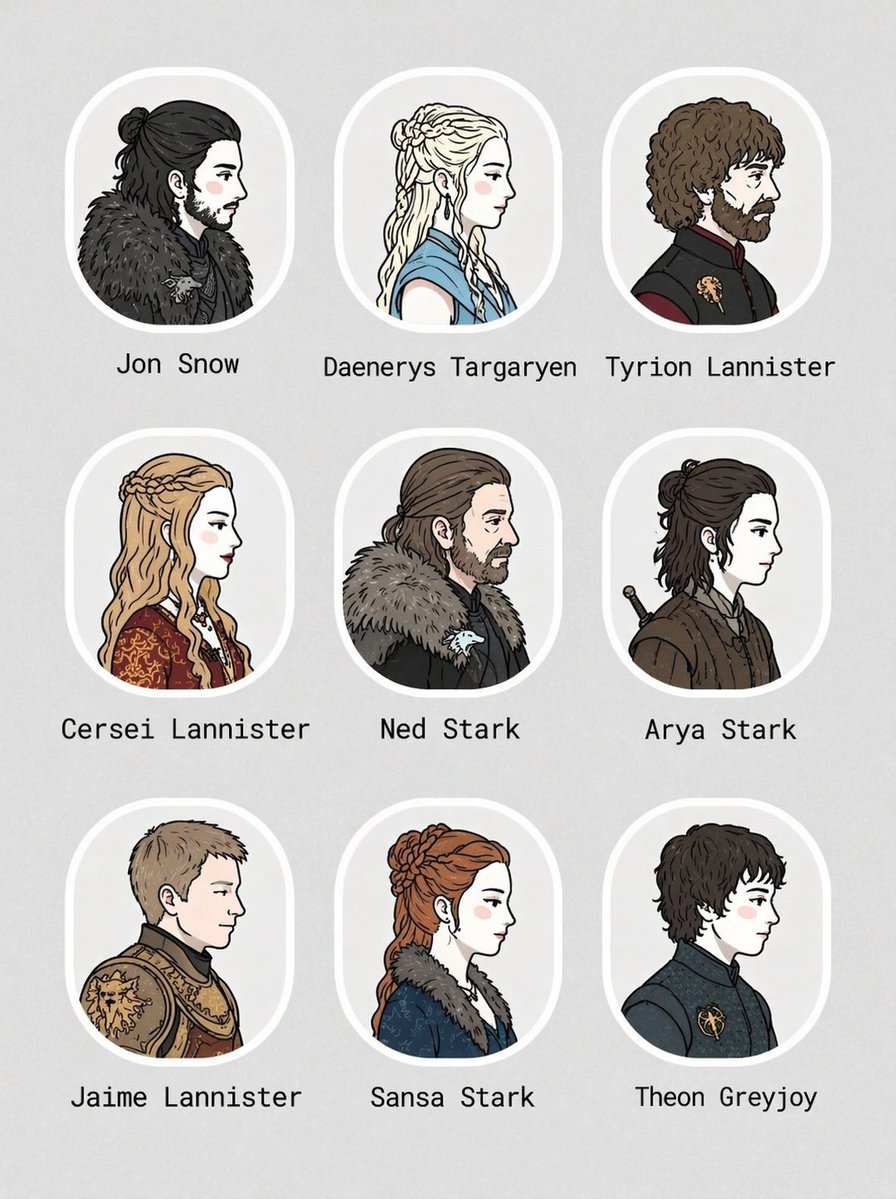
3x3 Character Portrait Grid
Seedance - Epic Fight Scene
Browse template categories
Nezha Fire Spear Split Comparison questions
How do I use the Nezha Fire Spear Split Comparison template?
Add your photo if the template asks for one, edit the prompt if you like — the template's model and format are already selected — and press Generate. Your version opens in PicX Studio.
Can I customize the Nezha Fire Spear Split Comparison template?
Yes. You can change the subject, setting, lighting, mood, format, and available model controls before creating your image.
Is the Nezha Fire Spear Split Comparison template free?
Opening and editing this template is free. Generating uses credits, shown on the Generate button when you are signed in.
Which AI model should I use?
Start with GPT Image 2, which is the model associated with this template. You can compare another compatible model for a different finish.
Looking for something else? Browse all templates.

Your photo, any look
Thousands of ready templates for every top image and video model, from one credit balance.