
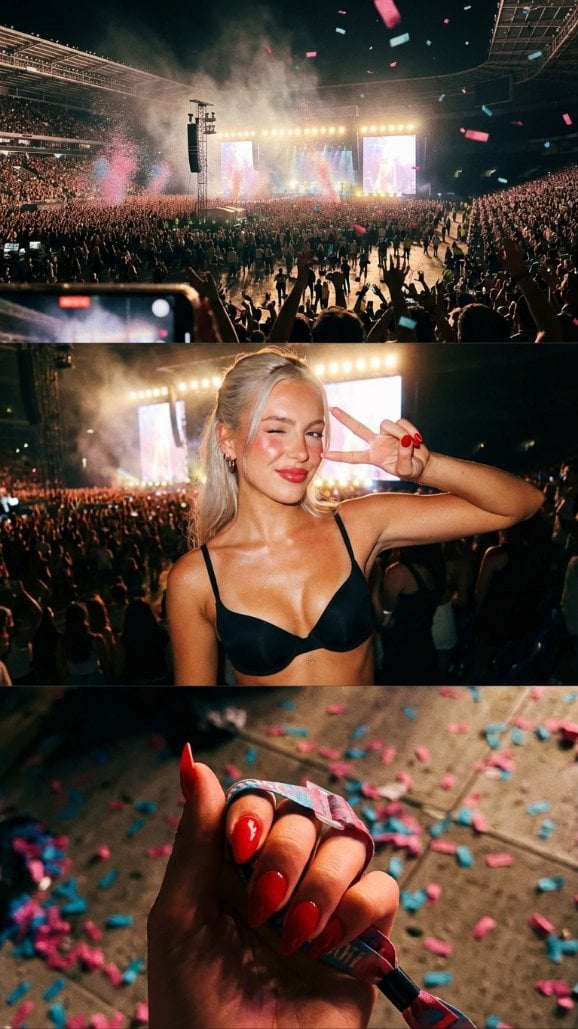
iPhone Photo Dump Concert Collage
An extremely detailed JSON prompt for Nano Banana Pro to generate a vertical, multi-panel collage simulating a 'Vsco-style Photo Dump' from a concert, complete with specific camera settings (iPhone 17 Pro Max…
- Prompt included
- Model and format preset
- Free template
The prompt behind this image
Copy the exact prompt behind iPhone Photo Dump Concert Collage, or open it in the studio and make it yours.
Multi-panel vertical collage consisting of casual smartphone snapshots. Top: Wide angle landscape; Middle: Medium portrait; Bottom: Macro detail. Multi-panel vertical layout including an environment shot, a portrait, and a detail shot. Vsco-style Photo Dump. High-quality mobile photography. Cohesive warm, vibrantly saturated concert edit. Aspect ratio 9:16, resolution 4k. Camera: iPhone 17 Pro Max Simulation, lens varied (Ultrawide, Wide, Telephoto), aperture f/1.8, distance mixed, angle mixed, framing grid-like vertical stack, pov first-person perspective of the night, focus sharp on the key subject of each panel, lens effect bloom on the highlights. Lighting: The collective glow of a stadium show, type Dynamic Concert Light, source multiple sources, primary strobe lights, secondary phone screen light, highlights shimmering on skin and fabric, shadows contrasty and deep. Scene location Massive Music Arena, environment floor access, stage view, and sticky floor, time Night, atmosphere nostalgic and vibrant. Background lighting interaction colors bleeding between panels, elements stage with massive video wall and silhouetted hands of the crowd. Subject: Female, age 21, Nordeuropean ethnicity, appearance blonde blue-eyed influencer. Body type athletic, waist toned, hips curvy, chest defined by black bra, ass firmly shaped, skin sun-kissed with a glow. Face: eyebrows laminated and groomed, eyes blue with mascara, lips glossy red, makeup rouge on the cheekbones. Expression: eyes winking (Middle Panel), gaze into lens, mouth pouty, face vibe cool girl energy. Hair color platinum, style half-up half-down, details flyaway strands catching the light, interaction bouncing as she moves. Biological features: iris detail visible in portrait, hair strand physics realistic frizz from humidity, skin micro texture soft peach fuzz on cheeks, subsurface scattering redness in ears from stage heat, vascularity and pigment faint blue veins on the chest. Pose description Middle panel: Peace sign over one eye; Bottom panel: Walking mid-step, stance dynamic, arms engaged, legs walking pose in heels, energy high. Wardrobe: Wonderbra and V-Thong ensemble. Outfit details: top Mikro Wonderbra, color Black, fit plunging, details silk straps. Bottom V-Thong, color Black, fit high leg, details waist-snatching straps. Legs details black high heels with pointed toes. Fit and physics straps digging slightly into the soft skin of the hips. Accessories: jewelry belly piercing and small silver hoop earrings, nails red stiletto nails, props concert wristband and confetti on the floor. Texture details: environment gritty stadium floor texture, fabric satin and elastic, hair silky but sweaty, skin pores and makeup grain. Sensor atmosphere: air particles stage haze/smoke, haze and glare high, iso noise structure fine digital grain, sensor bloom strong on stage lights. Composition: camera angle tilt varied per panel, depth layering subject separated from crowd, framing rule rule of thirds in each section, leading lines stadium railings, perspective first-person story, symmetry balance asymmetrical collage. Selective color: mask target confetti, palette hex #FF00FF and #00FFFF, rule vibrant pops. Details skin effects rouge glow and natural skin fold at the waist, realism authentic 'night in the life' feel. Final director notes: The image must appear as a vertical collage of three distinct photos telling a cohesive story. Negatives to avoid: pornographic act, explicit nudity, cartoon, 3d render, professional studio lighting, vintage film grain, perfectly posed, airbrushed skin, clean background.
How to use iPhone Photo Dump Concert Collage in 3 steps
- 1
Open
The prompt is already in the box next to the preview, with the template's model and format selected.
- 2…a portrait of your subject in softgolden-hour light, 85mm…
Personalize
Edit the subject and creative details for your destination.
- 3Generate
Generate
Press Generate — your image is created in PicX Studio, so you can compare it with the original and refine one variable at a time.
More like this
Templates with the same subject, style or setup. Open one to see its prompt.











Make it yours
iPhone Photo Dump Concert Collage works as-is. These are the safest ways to change it without losing the look.
Change one field
Copy a single group, rewrite it, and generate again so you can see what that field is doing.
Keep the frame, change the subject
Hold the composition and light of iPhone Photo Dump Concert Collage, then swap wardrobe, props or the person for a new take.
| If the result… | Why | Fix |
|---|---|---|
| The result drifts from the preview | Too many fields changed at once. | Reuse iPhone Photo Dump Concert Collage as-is first, then change one group — subject, light, or setting. |
| The model over-stylizes the scene | The prose prompt leaves finish and camera underspecified. | Add one camera or lighting sentence and stay on Nano Banana 2. |
More Nano Banana 2 templates
Other prompts made for Nano Banana 2.

Photorealistic Leaf Shaped Like a Dragon

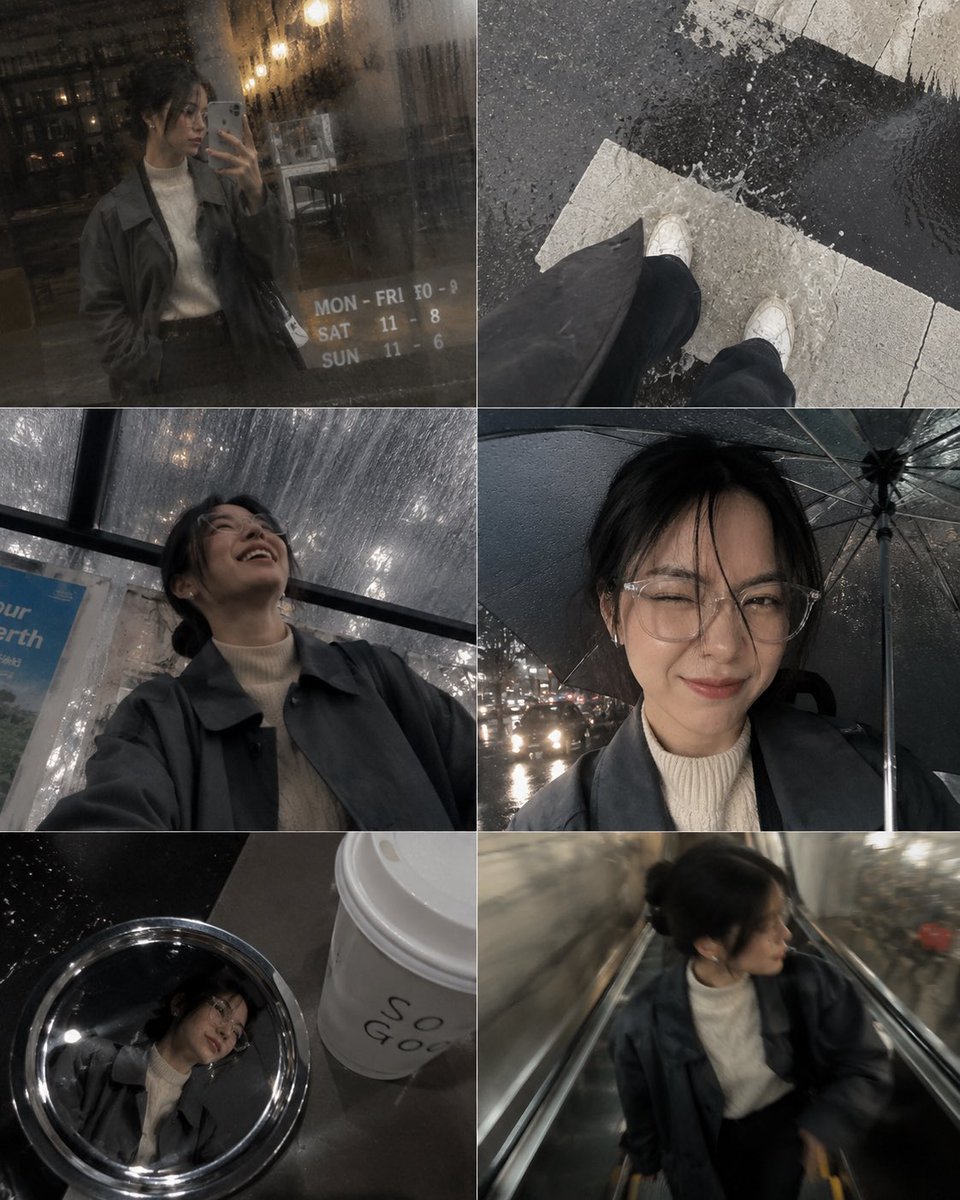
K-Pop Idol Portrait Grid for Rapid Selection

Poetic Rain Forest Portrait During Golden Hour

Urban Street Portrait with Cartoon Inner Self Duo

Candid Nighttime Photo with Cat Prompt

High-Concept 3D Diorama Generation Prompt

Cinematic Futuristic Studio Portrait Template

Skincare Editorial Photography Collage Prompt

Hyper-Realistic Commercial Product Photography (Splash Effect)

Hyper-Realistic Nightclub Portrait Prompt
More image prompts
Fresh picks from across the catalog.
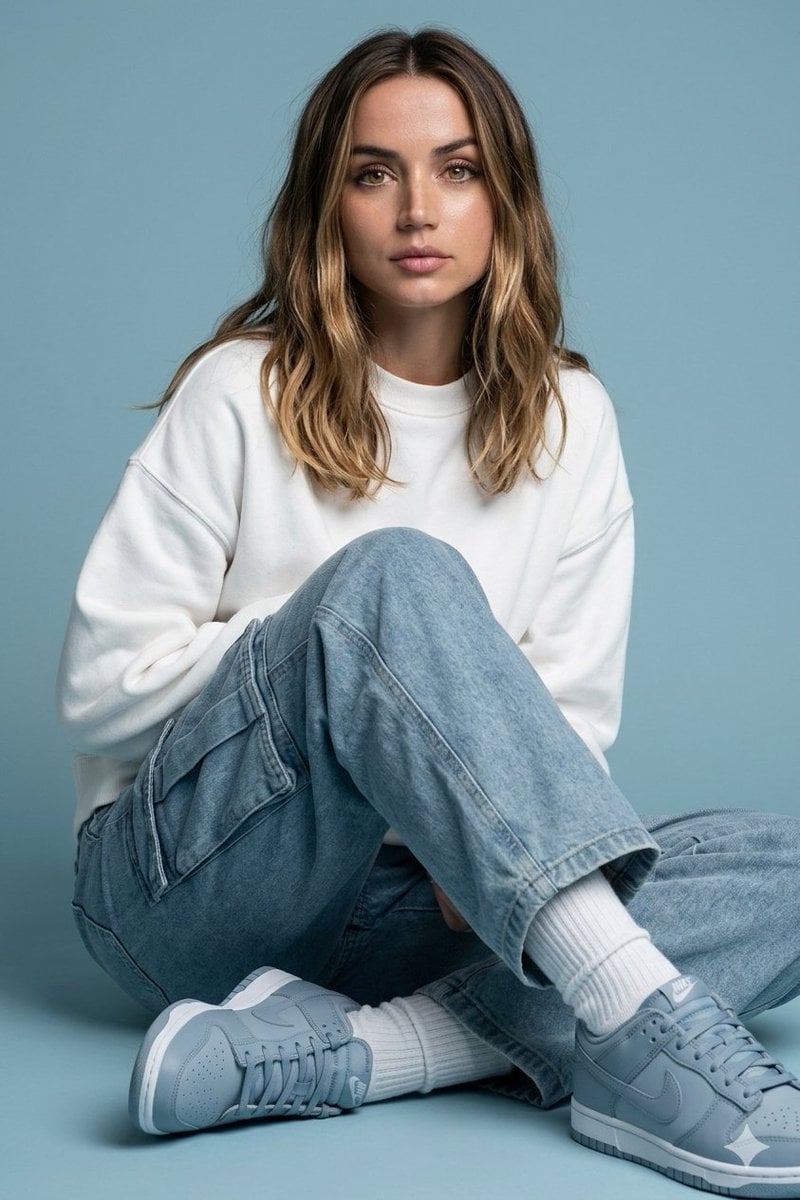
Futuristic Fashion Editorial Prompt with Identity Preservation
Nano Banana Pro branded header image

Luxury Saint Potato Chips Package
High-Contrast Thermal X-Ray Render of Android Robot
Arboreal Architecture Presentation Board
Hyperrealistic Fashion Editorial with Animated Characters
Luxury Desert Fashion Magazine Layout
3x3 Christmas Collage of a Woman on a Couch
Japanese NFL Patriots fan scene image
Minimalist Personal Branding Portrait
Featured in prompt roundups
Hand-picked collections that include this template.
Browse template categories
iPhone Photo Dump Concert Collage questions
How do I use the iPhone Photo Dump Concert Collage template?
Add your photo if the template asks for one, edit the prompt if you like — the template's model and format are already selected — and press Generate. Your version opens in PicX Studio.
Can I customize the iPhone Photo Dump Concert Collage template?
Yes. You can change the subject, setting, lighting, mood, format, and available model controls before creating your image.
Is the iPhone Photo Dump Concert Collage template free?
Opening and editing this template is free. Generating uses credits, shown on the Generate button when you are signed in.
Which AI model should I use?
Start with Nano Banana 2, which is the model associated with this template. You can compare another compatible model for a different finish.
Looking for something else? Browse all templates.

Your photo, any look
Thousands of ready templates for every top image and video model, from one credit balance.