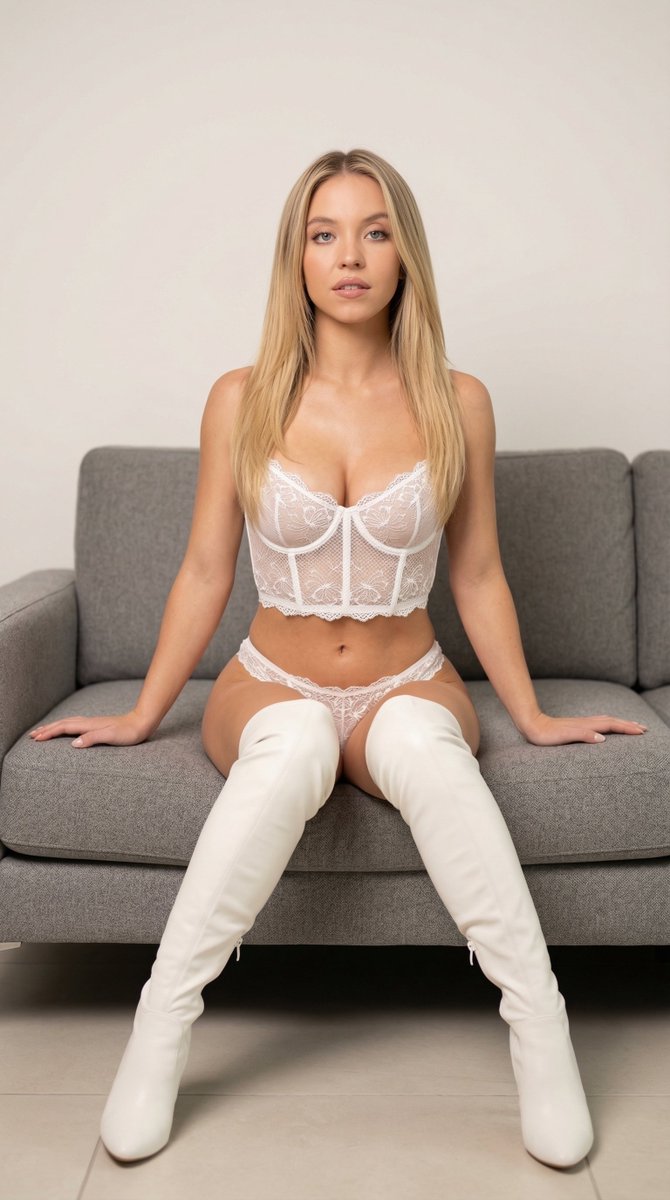
How do I use the Sydney Sweeney Red Carpet Glamour template?
Choose the primary action to open PicX Studio with the available template settings. Review the model and format, personalize the creative direction, and generate when ready.
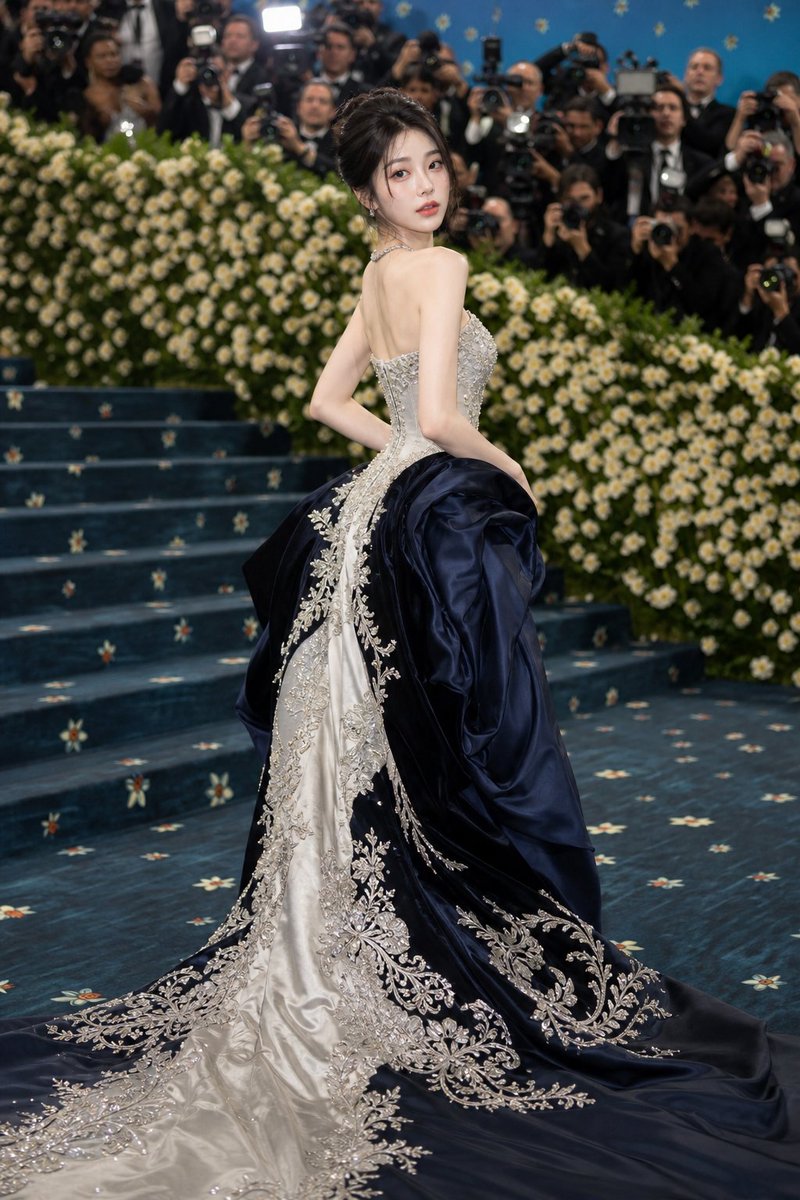
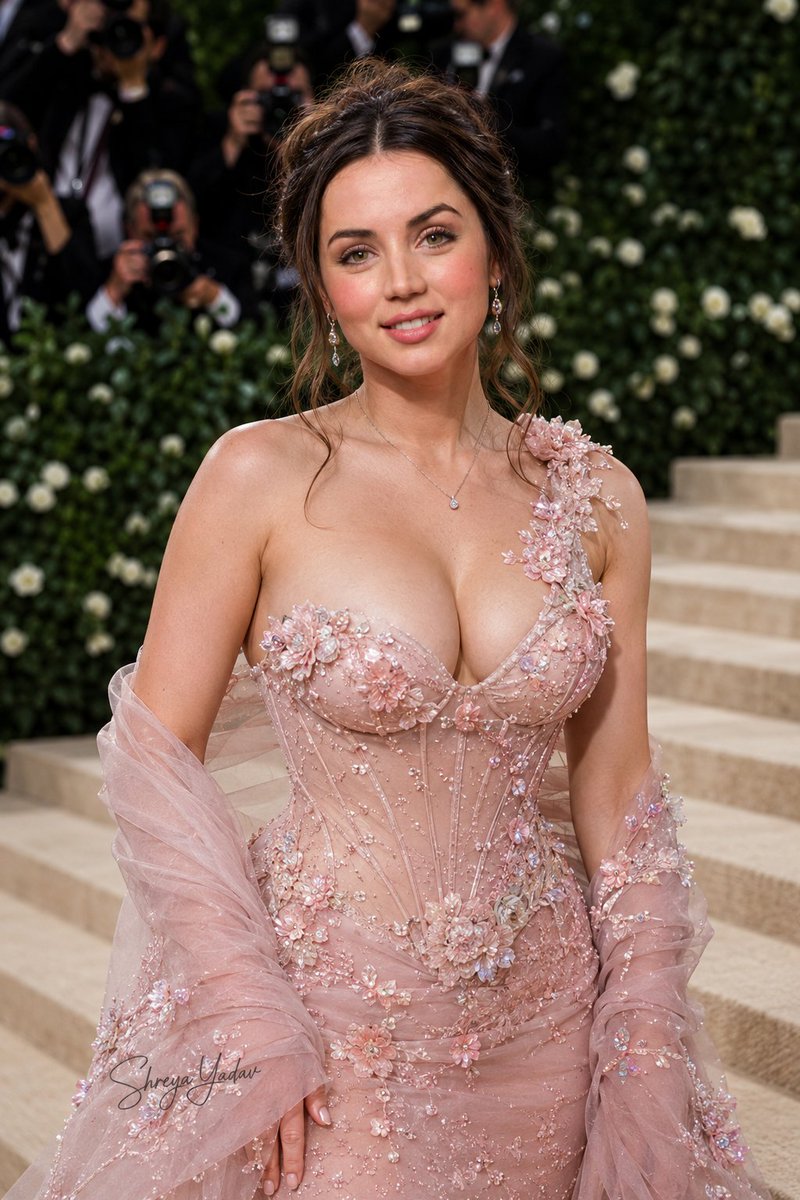
A highly detailed JSON prompt for Nano Banana Pro to generate a cinematic red carpet photograph of a celebrity (Sydney Sweeney) in a luxury blush pink ball gown, focusing on high identity preservation, professional lighting, and specific pose and accessory details. Change the subject, setting, or lighting one variable at a time.

{ "image_style": { "type": "cinematic red carpet photography", "event_style": "academy awards red carpet", "aesthetic": "luxury hollywood glamour", "color_palette": ["soft blush pink", "champagne beige", "warm gold", "red carpet"] }, "character_identity": { "source": "reference image", "identity_preservation": "high", "face_consistency": "match the person from the reference image", "gender_presentation": "same as reference", "age_range": "same as reference", "body_type": "same as reference body proportions", "skin_finish": "smooth luminous skin", "makeup_style": "soft glam red carpet makeup" }, "hair": { "source": "reference image", "adapt_style": "updo with loose bangs", "bangs": "soft curtain bangs framing the face", "texture": "smooth with light volume" }, "accessories": { "necklace": "diamond necklace with a central pendant", "rings": "subtle elegant rings", "bracelets": "minimal or none", "earrings": "small diamond earrings", "gloves": "satin opera gloves matching dress color" }, "gaze": { "direction": "looking directly at camera", "expression": "calm confident slight smile", "eye_mood": "soft glamorous gaze" }, "mood": { "vibe": "elegant, glamorous, poised", "emotion": "confident and graceful", "energy": "luxury red carpet presence" }, "pose": { "body_pose": "standing upright on red carpet", "hand_pose": "one hand gently holding the dress fabric, the other relaxed near waist", "shoulders": "relaxed and elegant", "weight_distribution": "weight slightly on one leg", "movement_feel": "dress slightly spread to showcase volume" }, "outfit": { "type": "luxury ball gown", "color": "soft pastel blush pink", "fabric": "satin with structured volume", "neckline": "wide scoop neckline", "bodice": "fitted corset-style bodice", "waist": "cinched waist", "skirt": "very full dramatic ball gown skirt", "skirt_structure": "layered pleated panels creating architectural folds", "train": "long elegant train extending behind", "gloves": "matching satin opera gloves" }, "posture": { "stance": "red carpet celebrity pose", "torso_orientation": "slightly angled toward camera", "head_position": "slightly tilted forward" }, "camera": { "shot_type": "full body shot", "angle": "eye level", "distance": "medium full-body framing", "lens": "85mm portrait lens", "focus": "sharp focus on subject", "depth_of_field": "shallow depth of field, background softly blurred" }, "lighting": { "type": "professional red carpet lighting", "key_light": "soft frontal beauty lighting", "fill_light": "balanced fill for smooth skin", "rim_light": "subtle rim light highlighting dress edges", "temperature": "warm golden tone" }, "background":
Choose the primary action to open PicX Studio with the available template settings. Review the model and format, personalize the creative direction, and generate when ready.
Yes. You can change the subject, setting, lighting, mood, format, and available model controls before creating your image.
This template is free to open and customize. Generation usage is shown in PicX Studio before you create.
Start with Nano Banana 2, which is the model associated with this template. You can compare another compatible model for a different finish.
Follow a topic to a crawlable collection of related PicX Studio templates.
43,474 public templates available. Verified via the PicX Studio public templates API; refreshed hourly.










![Naive doodle-style subject illustration — A doodle-style {argument name="subject" default="[subject]"}, naive lines, humorous shape exaggeration](https://pbs.twimg.com/media/G6Wl2YxbsAARB2b.jpg)











![Western Outlaw Woodburning Pyrography Prompt — Ultra-detailed Western outlaw portrait engraved into natural wood. [Use uploaded image as reference]…](https://pbs.twimg.com/media/HDLZq2bXoAA9C3P.jpg)


![Deep Focus Winter Lifestyle Photo in a Ski Gondola — {
"meta": {
"project": "Ski_Gondola_Egirl_Flux_V4.2",
"target_engine": "Flux.1 [dev] / Nano Banan](https://pbs.twimg.com/media/G-FOwqKXgAEJXly.jpg)