
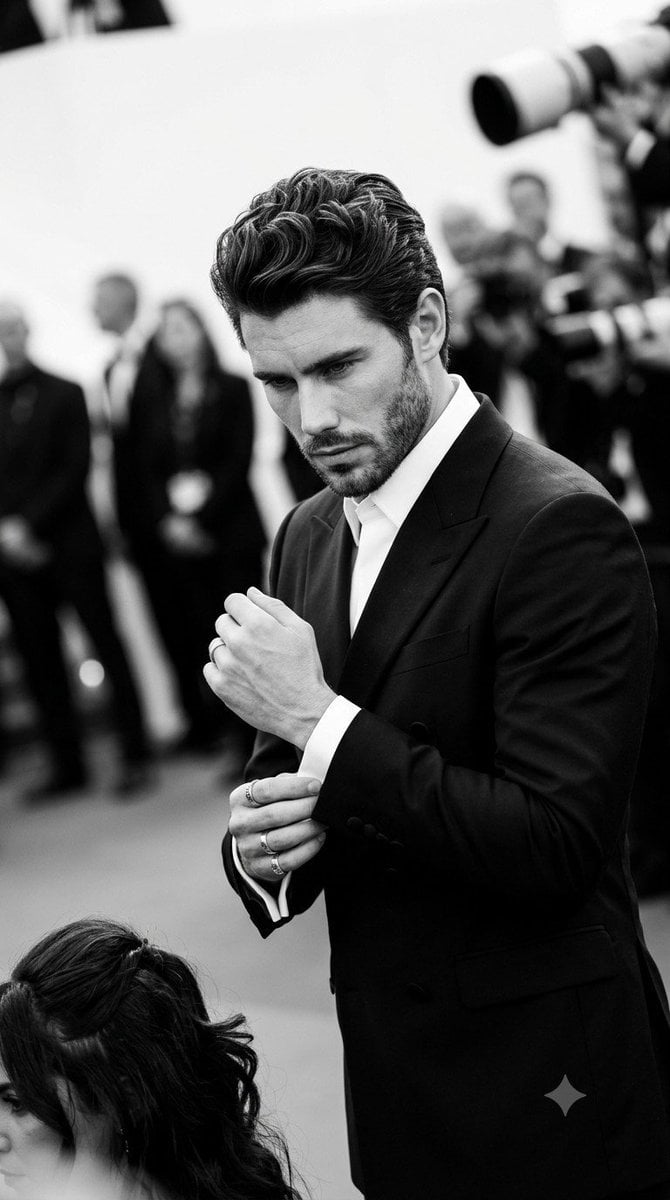
Monochromatic Red Carpet Tuxedo Portrait
A sophisticated monochromatic prompt for a red carpet event, emphasizing high-contrast lighting and facial feature retention.
- Prompt included
- Model and format preset
- Free template
The prompt behind this image
Copy the exact prompt behind Monochromatic Red Carpet Tuxedo Portrait, or open it in the studio and make it yours.
A {argument name="subject" default="man"} stands centrally composed in a medium shot, his body angled in a 45 degree turn with level shoulders and a balanced weight distribution, dressed sharply in a {argument name="outfit" default="black double breasted tuxedo over a crisp white shirt and collar"}. His hair is styled in a {argument name="hairstyle" default="pompadour with three inches of top volume"}, tight faded sides, and visible texture from strong hold product, complete with minor natural flyaways. His expression is candid and serious, featuring a closed neutral mouth, furrowed eyebrows, and an intense downward gaze. Caught mid motion in a tense gesture, his left hand extends forward with an exposed wrist and slightly curled fingers adorned with two rings, while his right hand firmly pinches the left shirt cuff with his thumb and index finger to adjust the sleeve. In the blurred foreground at the bottom left, the top of a woman's styled dark pulled back hair is visible, leading into a layered red carpet event setting with shallow spatial depth. Behind the man, a solid light gray carpet grounds the scene, while the deeply out of focus background reveals patchy dark gray silhouettes of a bustling crowd, worn telephoto camera lenses clustered in the top right, and the obscured legs of a bystander in the mid right. A dramatic, high contrast monochromatic black and white color palette infuses the scene with tense glamour. Highly directional hard light from multiple top front sources casts bright, preserved highlights across the man's forehead, nose bridge, and the knuckles of his adjusting hands, while casting harsh, short, deep black shadows with sharply defined edges beneath his chin, along his jawline, and deep within the folds of his tuxedo, balanced by a neutral ambient fill. Captured with straight on perspective digital photography utilizing a fast shutter speed, an open f/2.8 aperture, and ISO 400 to achieve tack sharp focus on the subject amidst minimal digital noise. The realistic, paparazzi influenced editorial style is enhanced in post processing through stark black and white conversion, crushed blacks, and high clarity, culminating in a sophisticated image framed in a 9:16 aspect ratio.
How to use Monochromatic Red Carpet Tuxedo Portrait in 3 steps
- 1Upload ImagePNG, JPG or paste
Add your photo
Upload the photo the template builds on. The prompt, model and format are already set.
- 2…a portrait of your subject in softgolden-hour light, 85mm…
Personalize
Edit the subject and creative details for your destination.
- 3Generate
Generate
Press Generate — your image is created in PicX Studio, so you can compare it with the original and refine one variable at a time.
More like this
Templates with the same subject, style or setup. Open one to see its prompt.
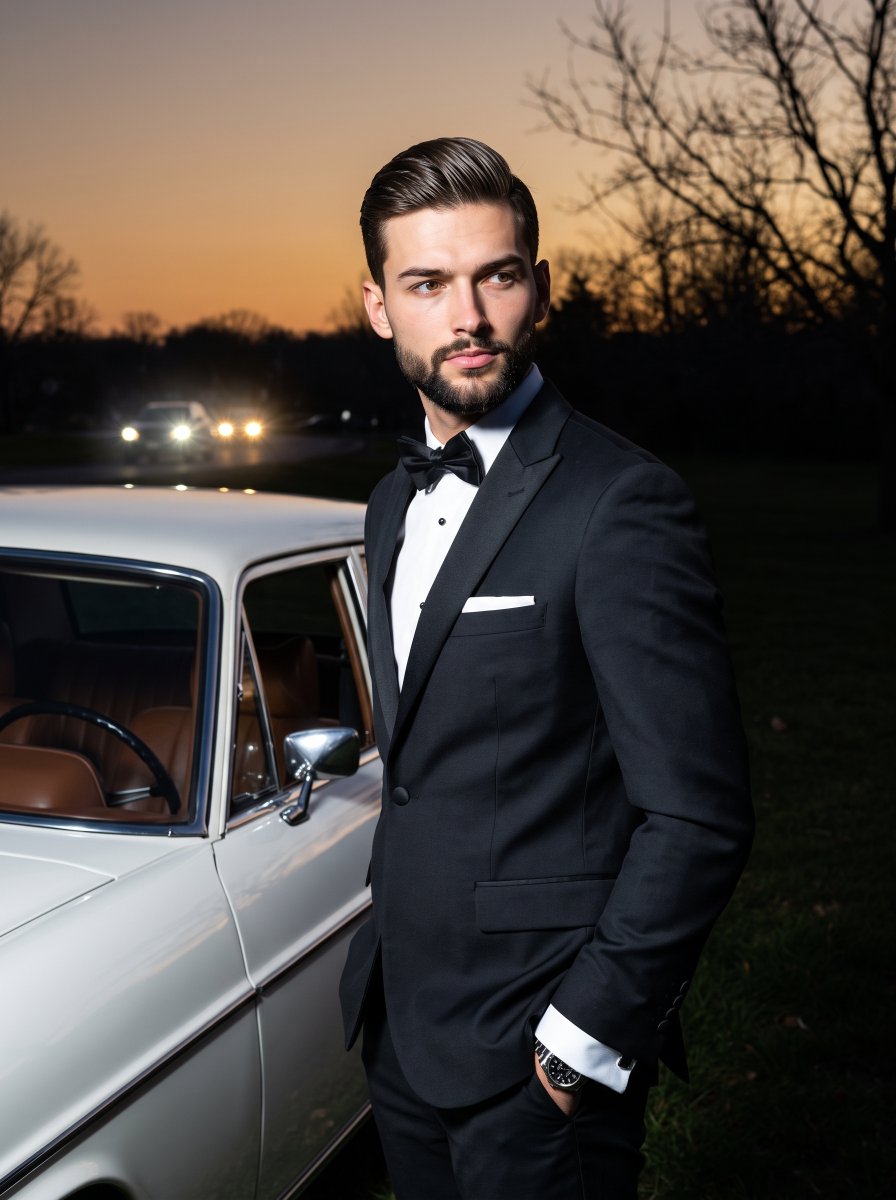
Old-Money Tuxedo Night Portrait

Nano Banana Pro Photoreal Playful Couple
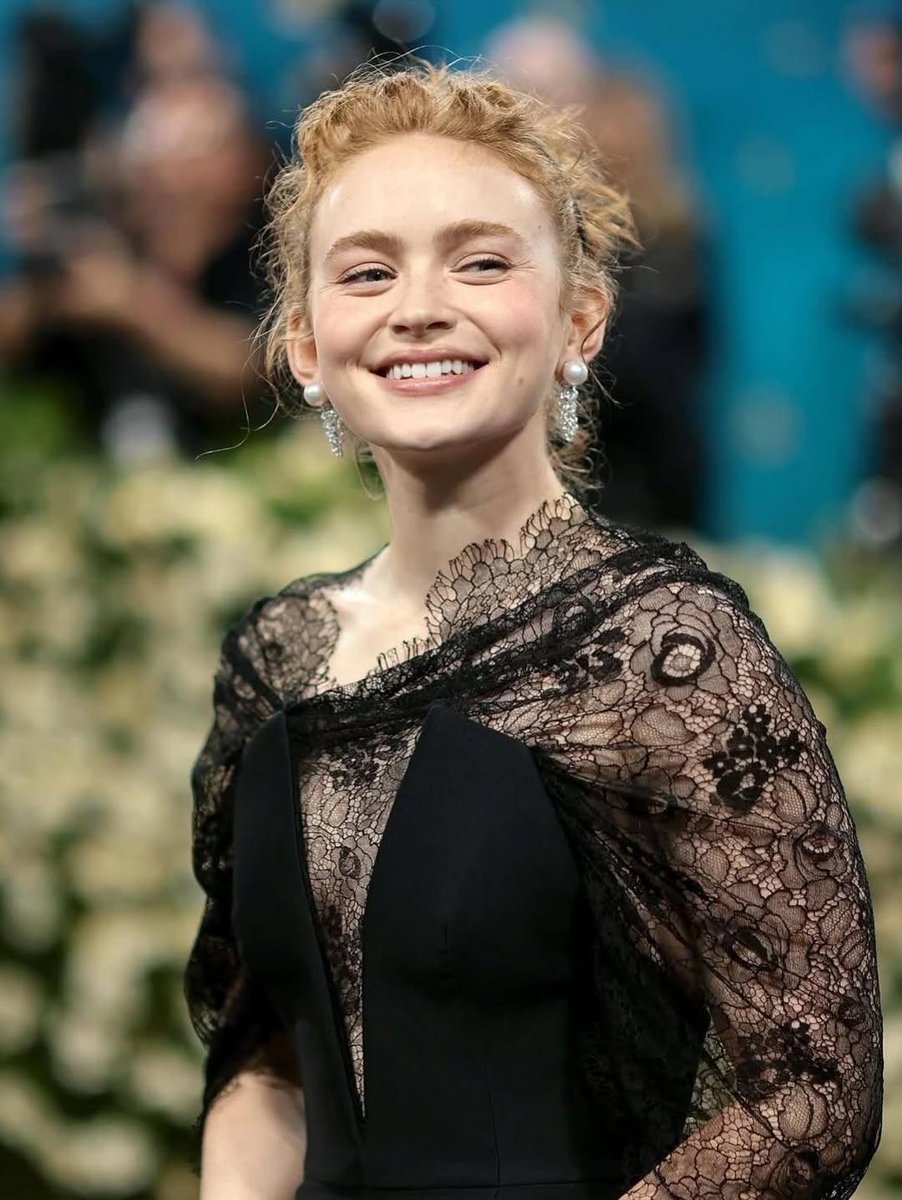
Elegant Red Carpet Portrait of a Blonde Woman

Found Photograph: Us, 1970

80s Couple Studio Portrait

80s Bollywood Star

80s Golden Hour Cinema

Me in 1985

1985 Studio Portrait

Creative Character in Pink Office

Avant-Garde Asian Fashion Model
Make it yours
Monochromatic Red Carpet Tuxedo Portrait works as-is. These are the safest ways to change it without losing the look.
Change one field
Copy a single group, rewrite it, and generate again so you can see what that field is doing.
Keep the frame, change the subject
Hold the composition and light of Monochromatic Red Carpet Tuxedo Portrait, then swap wardrobe, props or the person for a new take.
| If the result… | Why | Fix |
|---|---|---|
| The result drifts from the preview | Too many fields changed at once. | Reuse Monochromatic Red Carpet Tuxedo Portrait as-is first, then change one group — subject, light, or setting. |
| The model over-stylizes the scene | The prose prompt leaves finish and camera underspecified. | Add one camera or lighting sentence and stay on Gemini 3 Pro Image Preview. |
More Gemini 3 Pro Image Preview templates
Other prompts made for Gemini 3 Pro Image Preview.

Underwater Macro Face Portrait

Water-level Bridge Modification

Noir Punk Street Portrait

High Contrast Cinematic Face Portrait

Monochrome Studio Portrait with Colored Lens

Ultra-Realistic Yacht Sunset Portrait

Mushroom Still Life Composition

Whimsical Anthropomorphic Friendly Insect

Cinematic Urban Night Billboard Portrait

Pop Art Summer Fruit Fashion Illustration
More image prompts
Fresh picks from across the catalog.

Anime Movie Poster for a Paramecium Character

Subject-to-Enamel Pin Conversion
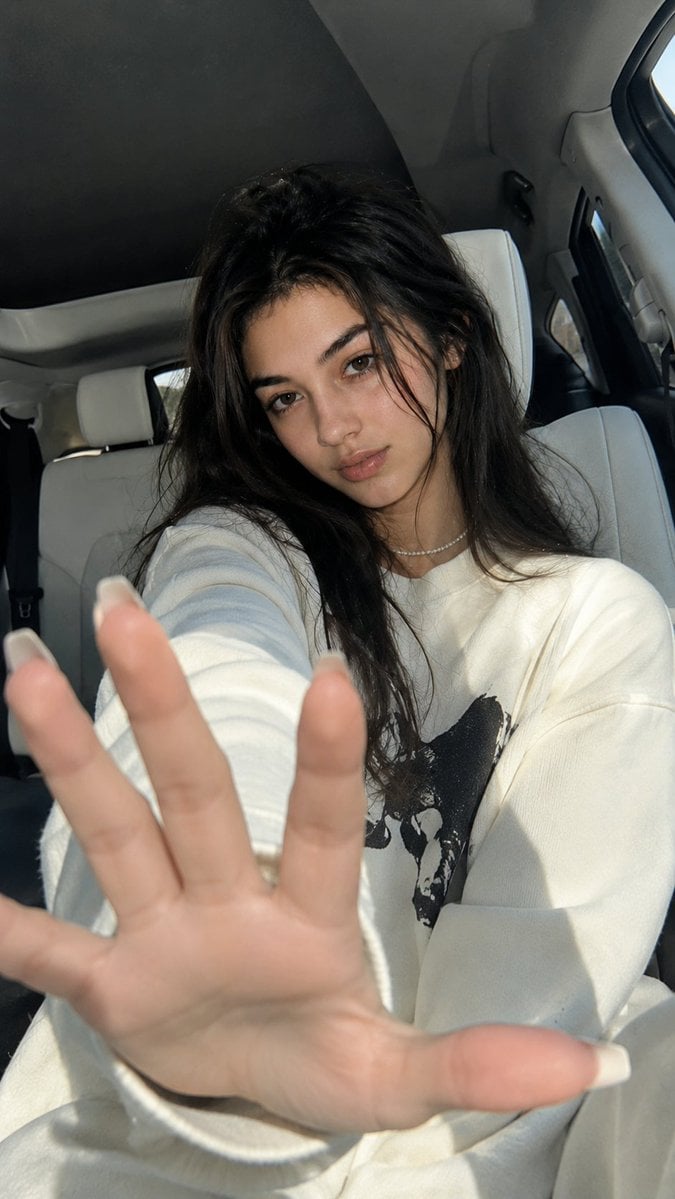
Korean Luxury Car Portrait
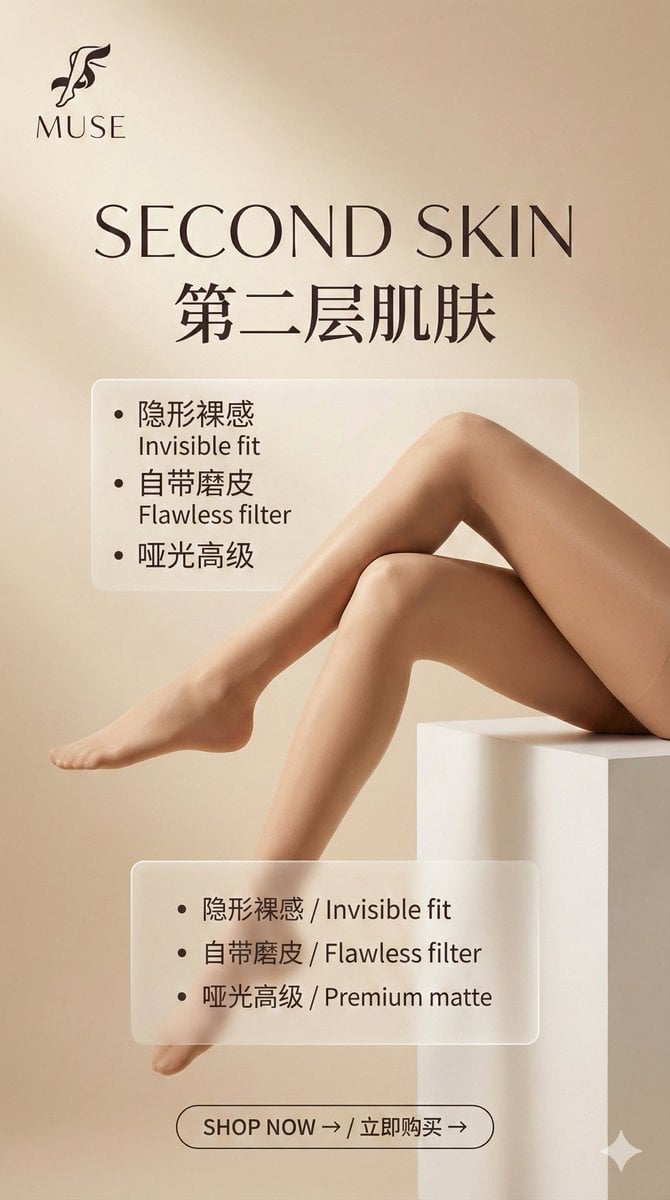
Multi-Step Prompt Generation Workflow for Product Posters
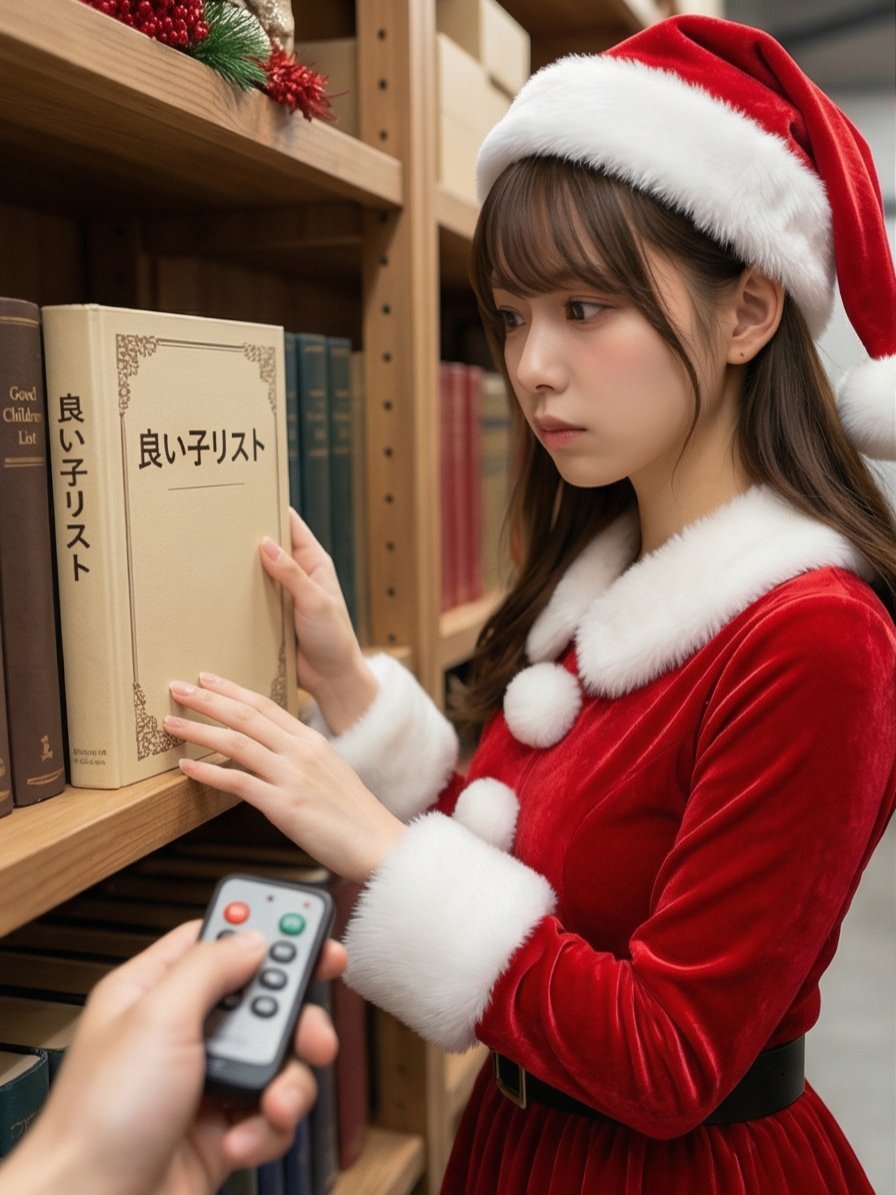
Santa's Switch Prank Multi-Angle Grid

YouTube 2030 Interface
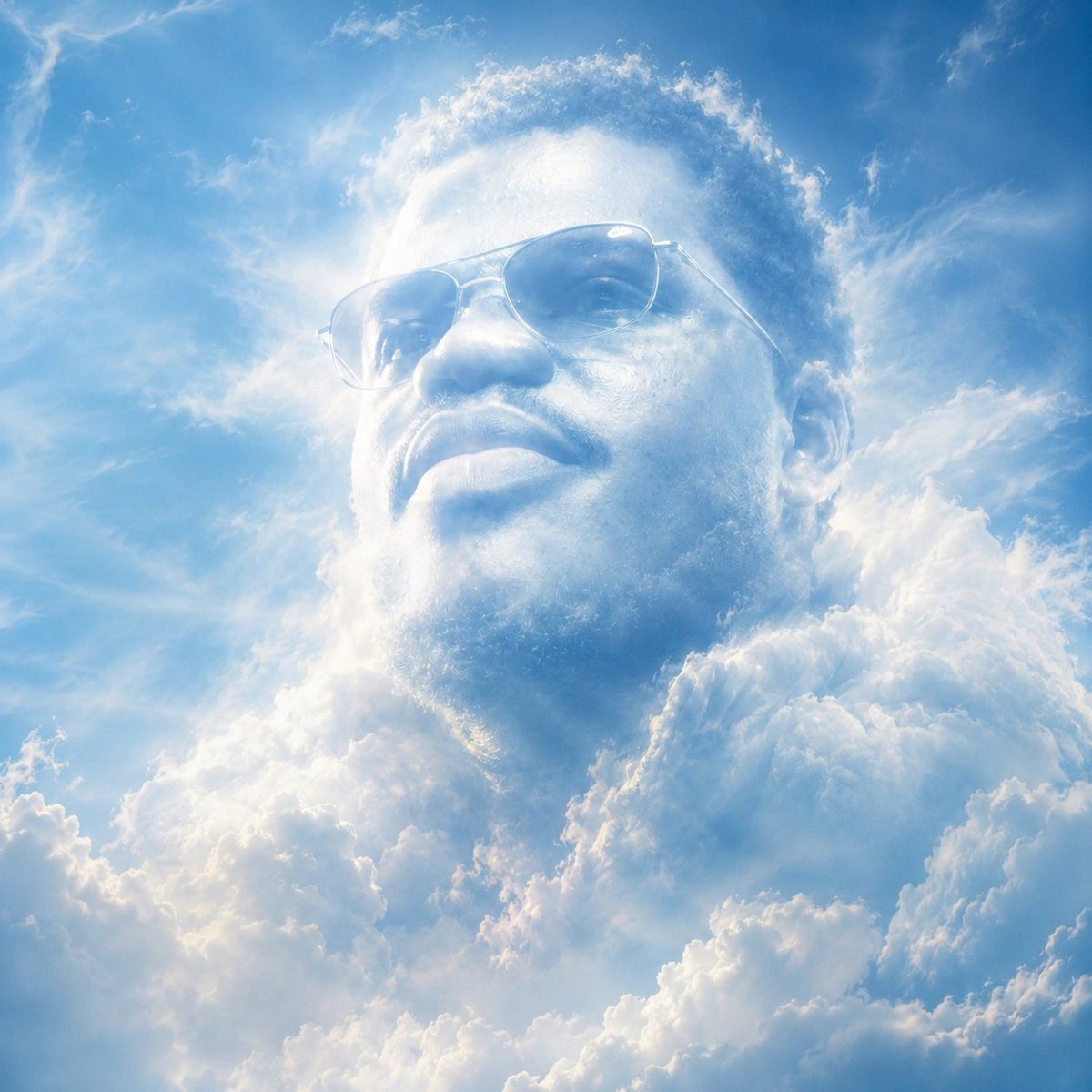
Atmospheric Cloud Transformation
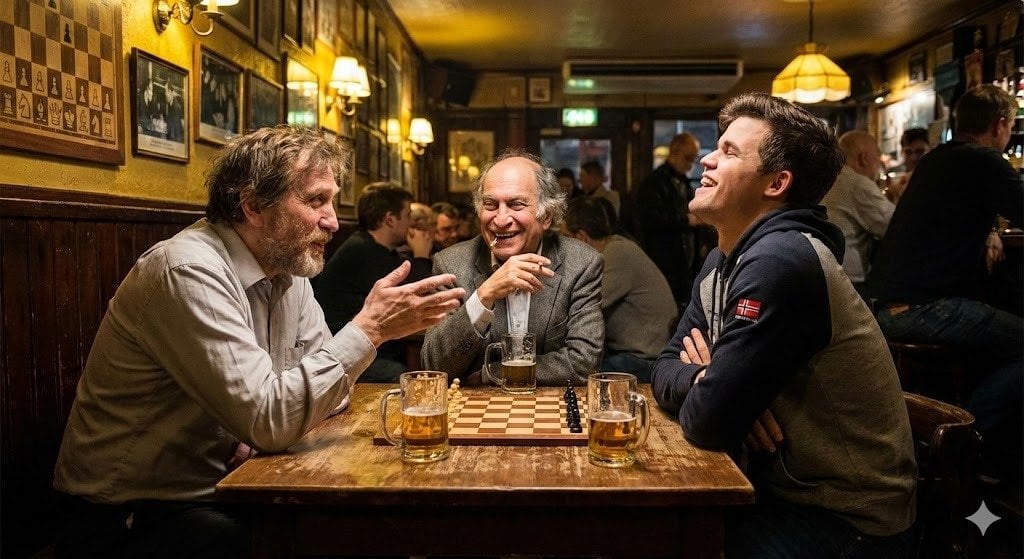
Chess legends hanging out in a bar
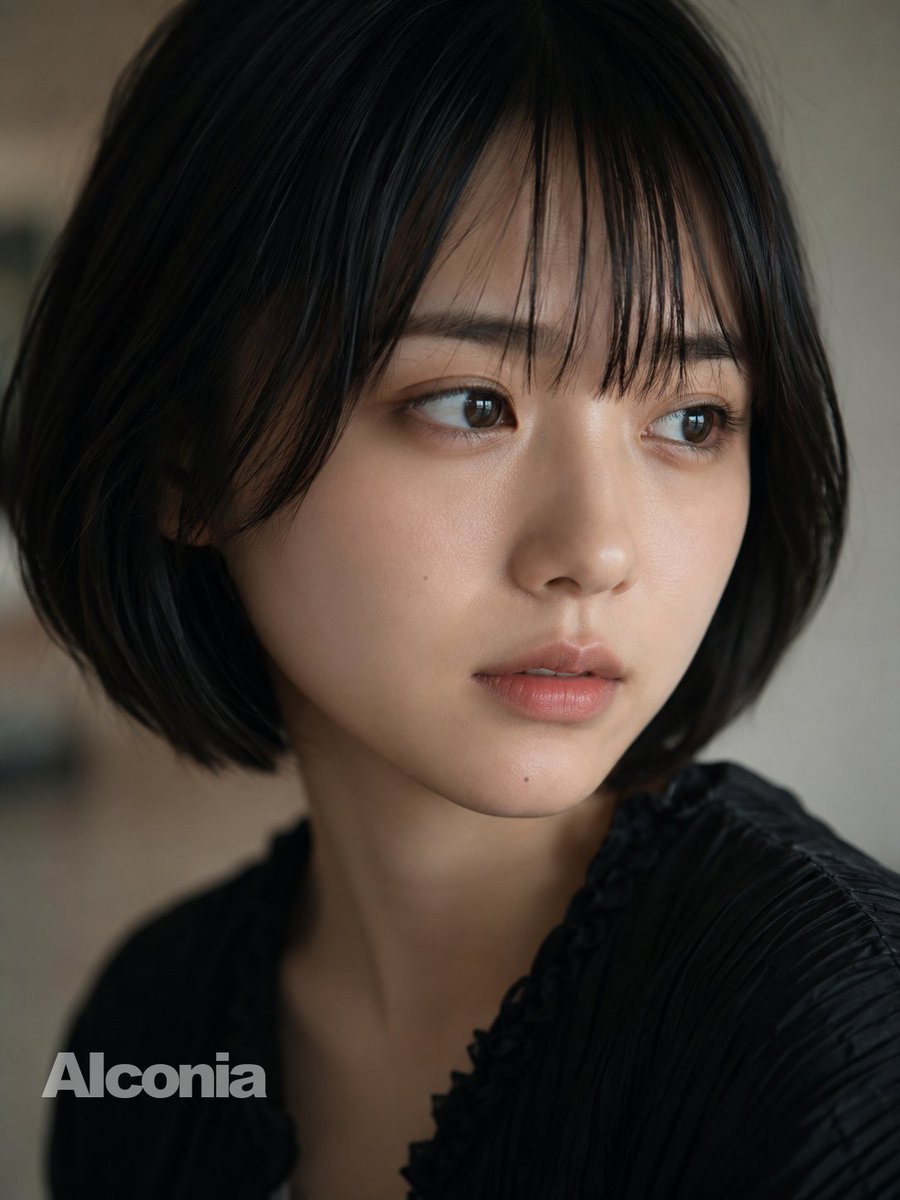
Censored Cinematic Bob Portrait
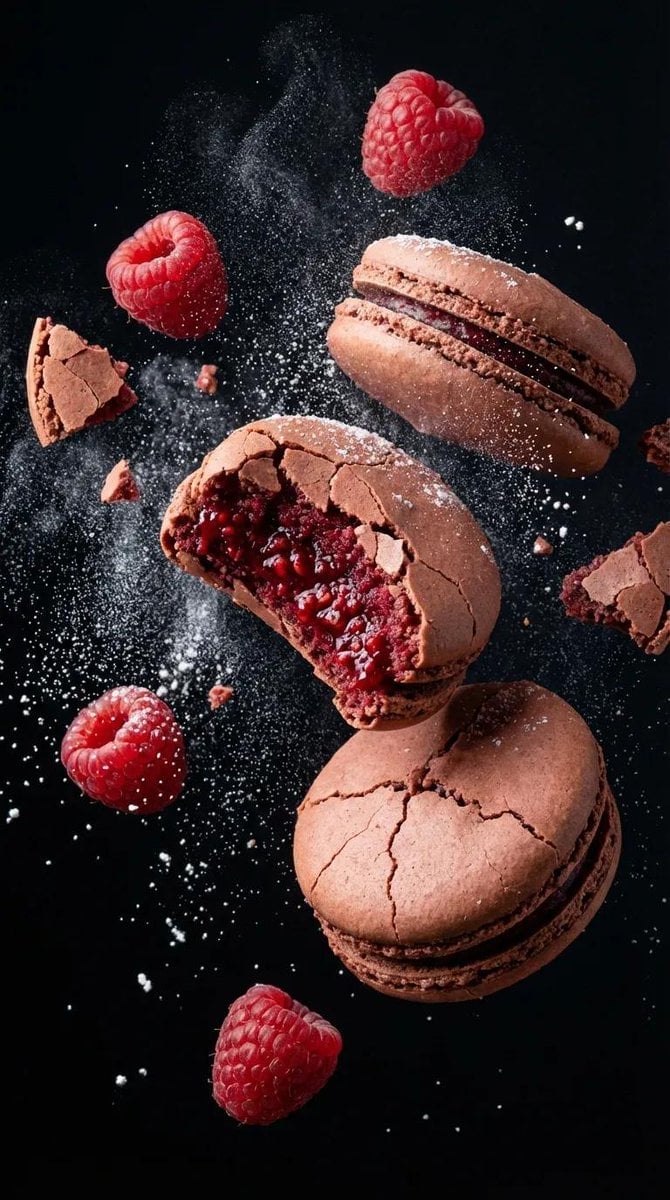
Luxury Floating Macarons Ad
Browse template categories
Monochromatic Red Carpet Tuxedo Portrait questions
How do I use the Monochromatic Red Carpet Tuxedo Portrait template?
Add your photo if the template asks for one, edit the prompt if you like — the template's model and format are already selected — and press Generate. Your version opens in PicX Studio.
Can I customize the Monochromatic Red Carpet Tuxedo Portrait template?
Yes. You can change the subject, setting, lighting, mood, format, and available model controls before creating your image.
Is the Monochromatic Red Carpet Tuxedo Portrait template free?
Opening and editing this template is free. Generating uses credits, shown on the Generate button when you are signed in.
Which AI model should I use?
Start with Gemini 3 Pro Image Preview, which is the model associated with this template. You can compare another compatible model for a different finish.
Looking for something else? Browse all templates.

Your photo, any look
Thousands of ready templates for every top image and video model, from one credit balance.