Six VTuber Japanese Logo Sheet
Goal: Create a clean presentation sheet of exactly 6 original VTuber-style Japanese name logos on a white background, arranged in a 3-column by 2-row grid with generous spacing. Each logo should be a polished vector-like typographic mark with decorative motifs, glossy gradients, small romanized subtitle text, and no extra captions outside the logos.
Canvas: Wide horizontal canvas, about 1200×690 px, pure white background, centered composition, high-resolution crisp edges, transparent-logo-design feeling but displayed on white.
Layout: Exactly 6 discrete logos:
1. Top left: {argument name="top left name" default="月詠こよみ"} with small romanization “TSUKUYOMI KOYOMI”. Elegant deep navy Japanese calligraphy, crescent moon sweep in pale gold, dangling star charms, small flowers, sparkles, and a black cat silhouette sitting on the lettering.
2. Top center: {argument name="top center name" default="夢羽ころん"} with small romanization “YUMEHA CORON”. Cute pastel magical-girl logo in pink, lavender, and sky blue, rounded bubbly letters, fluffy cloud outline, tiny angel wings, halo above, stars, dotted lace border, and a pink bow at the bottom.
3. Top right: {argument name="top right name" default="黒燐アリア"} with small romanization “KOKURIN ARIA”. Gothic dark fantasy logo, black and crimson Japanese typography, thorny bat-wing flourishes, red rose crown at the top, diamond jewel shapes, rose petals, sharp spikes, and dramatic black ink accents.
4. Bottom left: {argument name="bottom left name" default="水瀬なぎさ"} with small romanization “MINASE NAGISA”. Fresh aquatic logo in turquoise and aqua gradients with pale gold accents, flowing wave underline, bubbles, seashells, small star sparkles, airy elegant rounded Japanese lettering.
5. Bottom center: {argument name="bottom center name" default="夜乃書ラウ"} with small romanization “YORUNOSHO RAU”. Dark academia midnight logo in deep navy and gold, large blocky Japanese lettering on a shield/book-shaped plaque, open book silhouette at the bottom, ornate golden frame, dangling stars, crescent/lantern-like ornament above, refined fantasy library mood.
6. Bottom right: {argument name="bottom right name" default="雷ヶ咲うた"} with small romanization “IKAZUCHI UTA”. Energetic pop-rock electric logo with bold black and white Japanese lettering, cyan and hot pink accents, lightning bolts, jagged comic effects, stars, checker/halftone details, small gamepad icon with X buttons, dynamic tilted rhythm.
Visual style: Modern Japanese VTuber logo design, professional esports/idol branding quality, highly legible stylized kanji/kana, layered outlines, gradients, sparkles, ornaments integrated into each logo, crisp vector illustration, balanced colors, no mockup shadows, no watermark.
Constraints: Use exactly 6 logos and exactly the 6 themes listed above. Keep the grid clean and evenly spaced. Preserve the Japanese text and romanized subtitles as part of each logo. Avoid photorealism, characters, people, UI panels, or extra explanatory text.
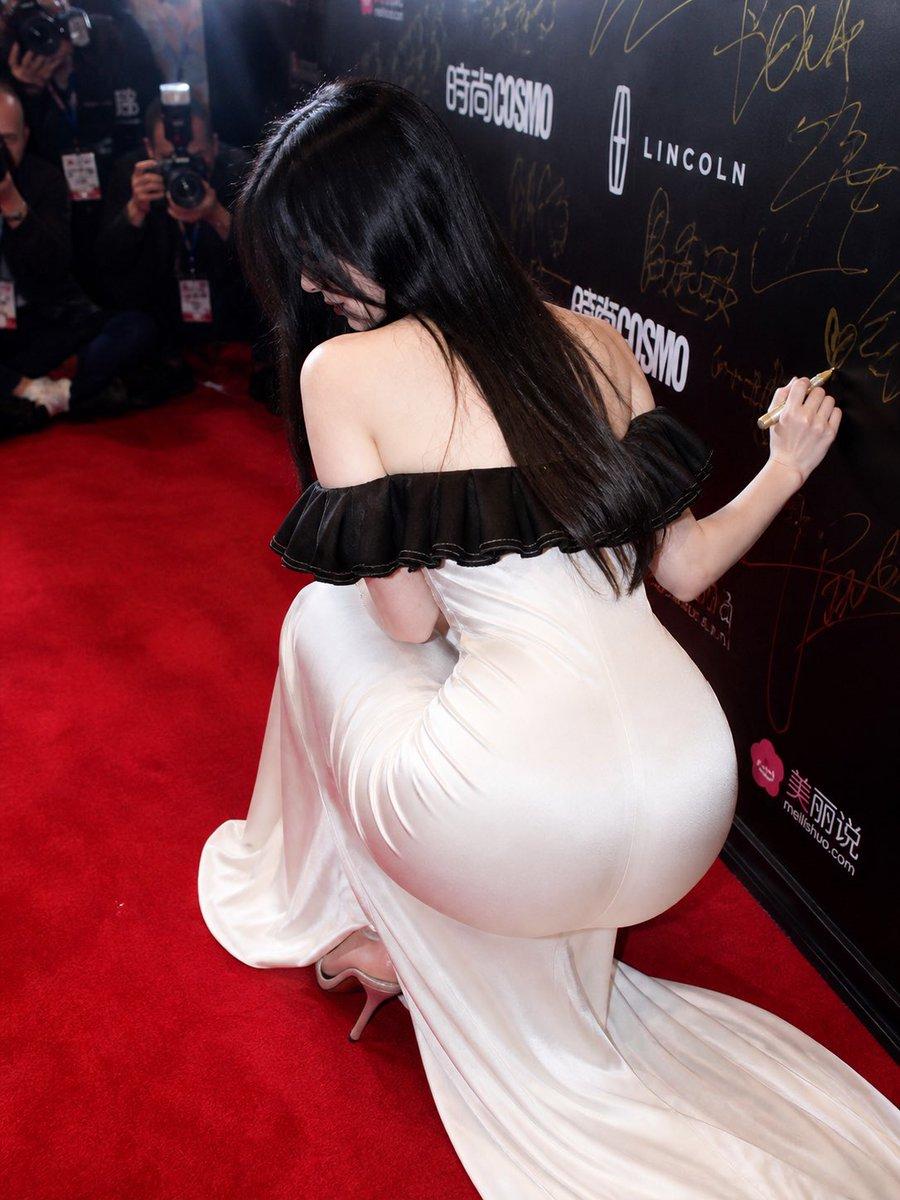






![Candid College Celebrity Portrait — Ultra-photorealistic candid daily-life portrait of {argument name="celebrity name" default="[Celebrity Name]"} as a clearly](https://cms-assets.youmind.com/media/1786344497627_idffnx_HPQPVnIX0AAvOY9-300x372.jpg)



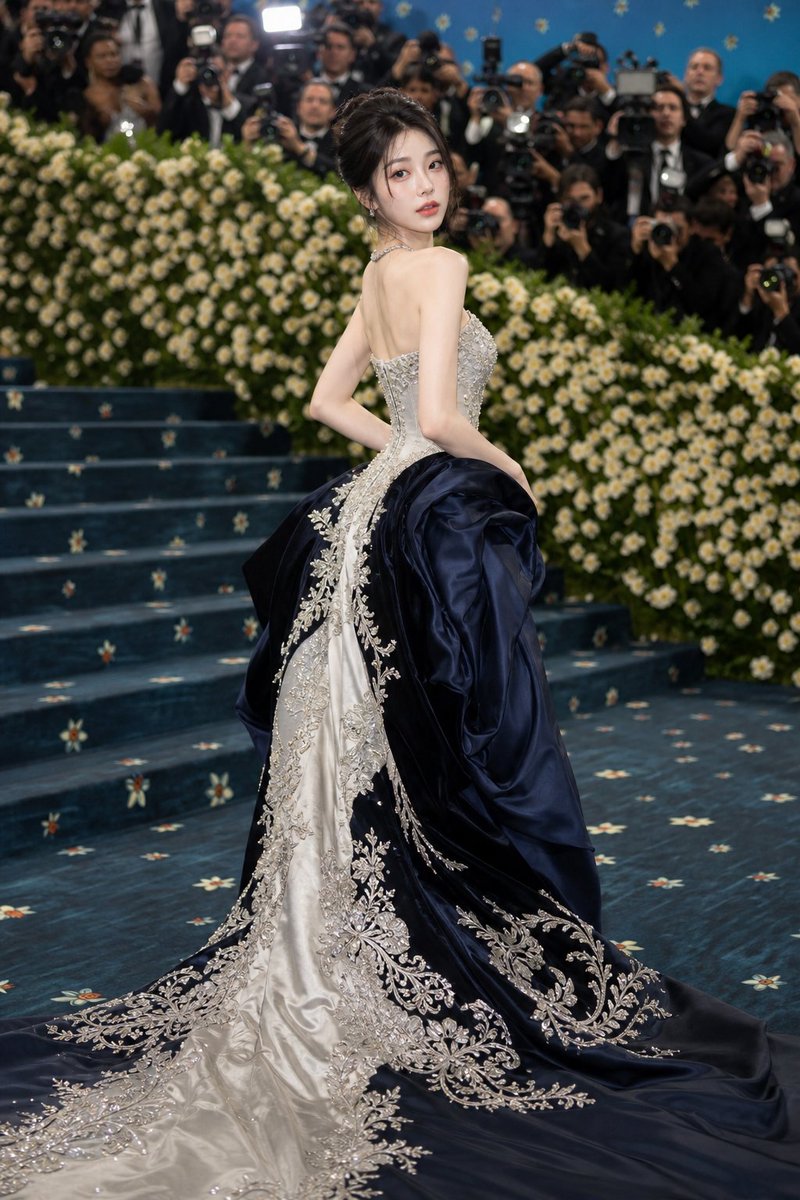








![Minimalist Flat Vector Travel Poster — Premium minimalist flat-vector travel poster for {argument name="city name" default="[CITY_NAME]"}, 3:4 vertical format.](https://cms-assets.youmind.com/media/1787917359711_3ug846_HQX205cbMAA6F6S-300x400.jpg)






















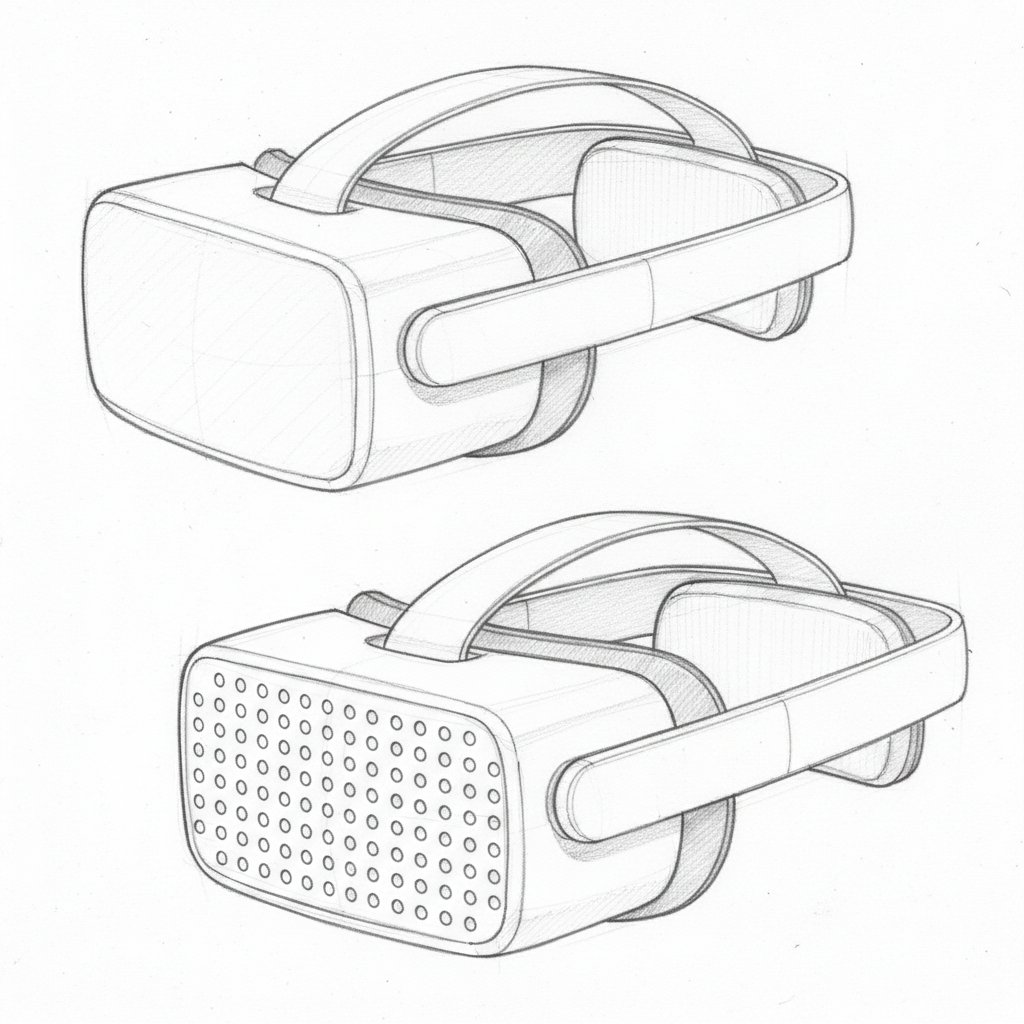






![Noir Techcore Product Photography Prompt for Nano Banana Pro — {argument name="product name" default="[INSERT_PRODUCT_HERE]"} · strictly_centered · levitating_i](https://pbs.twimg.com/media/HEBnGyZXEAIIs5x.jpg)