How do I use the Wild West Sci-Fi Time Travel Scene Prompt template?
Choose the primary action to open PicX Studio with the available template settings. Review the model and format, personalize the creative direction, and generate when ready.
A highly specific, cinematic prompt comparing Nano Banana Pro and Nano Banana 2. Change the subject, setting, or lighting one variable at a time.

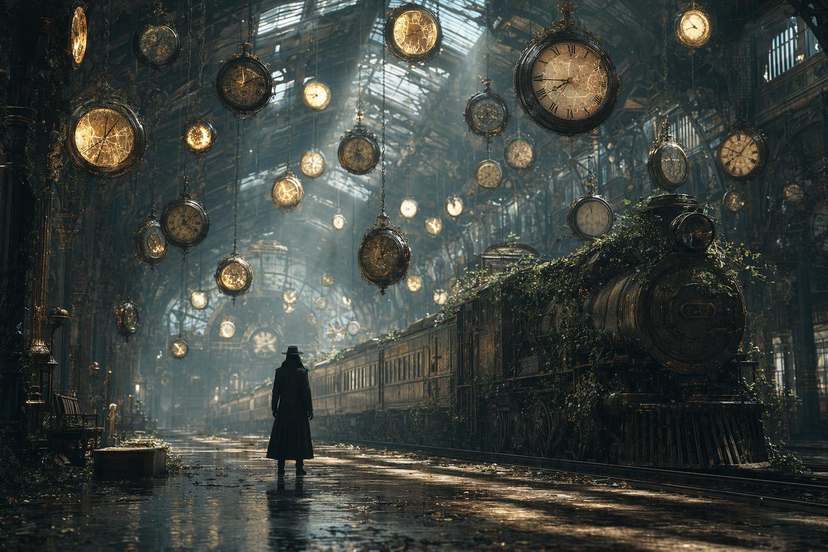
low angle wide shot at 45-degree side view of an astronaut walking down a desolate street at night, the time period is 1852, the astronaut is from 2027 and works for space x. The street is dirt and the air is hazy with light fog, there are two horses by a water trough in front of a hotel on the left of frame, there is a sign on the hotel that says Hilton, and on the right in the background a small building with a sign that says jail is just beginning to burn on fire, flames from inside the windows and licking up out of the roof, none of the other buildings in the small town street are on fire. on the right in the foreground slightly out of focus is a tesla with rocket boosters strapped to the back of it and standing near it is a beautiful woman in a mid 1800's dress is lighting a stick of dynamite, she has a devious smirk on her face. this scene is shot on a 35mm film camera with kodak film that has a daylight hue and has been graded with a muted color pallet
Choose the primary action to open PicX Studio with the available template settings. Review the model and format, personalize the creative direction, and generate when ready.
Yes. You can change the subject, setting, lighting, mood, format, and available model controls before creating your image.
This template is free to open and customize. Generation usage is shown in PicX Studio before you create.
Start with Nano Banana 2, which is the model associated with this template. You can compare another compatible model for a different finish.
© 2026 PicX Studio. All rights reserved.

Follow a topic to a crawlable collection of related PicX Studio templates.
43,474 public templates available. Verified via the PicX Studio public templates API; refreshed hourly.
Prompt stories that include this template.
![Japan Travel Brochure Poster — Create a vertical vintage travel-brochure infographic poster titled “[COUNTRY/DESTINATION]: [TAGLINE]”, using a warm parchment-pa](/_next/image?url=https%3A%2F%2Fcdn.picxstudio.com%2Fuploads%2Fp0_982bf820-bb34-4c43-8a6d-42d799d7282b.jpg&w=828&q=100)

![Miniature Travel Diorama Postcard — concept: A charming miniature 3D travel diorama inspired by [DESTINATION], designed as an elegant ha…](/_next/image?url=https%3A%2F%2Fcdn.picxstudio.com%2Fuploads%2Fimg_0_b80c9f3e-4b84-4274-aa58-1e173a5f99cc.jpg&w=828&q=100)

![gpt2-time-magazine-cover — GPT Image 2 on @itsPolloAI
Prompt:
Create an ultra-realistic magazine cover inspired by TIME.
A confident young woman named [Name] i](/_next/image?url=https%3A%2F%2Fcdn.picxstudio.com%2Fuploads%2Ftweet_img_12a_2f8fbeb5-c832-48b2-9217-074a5017f0e0.jpg&w=828&q=100)

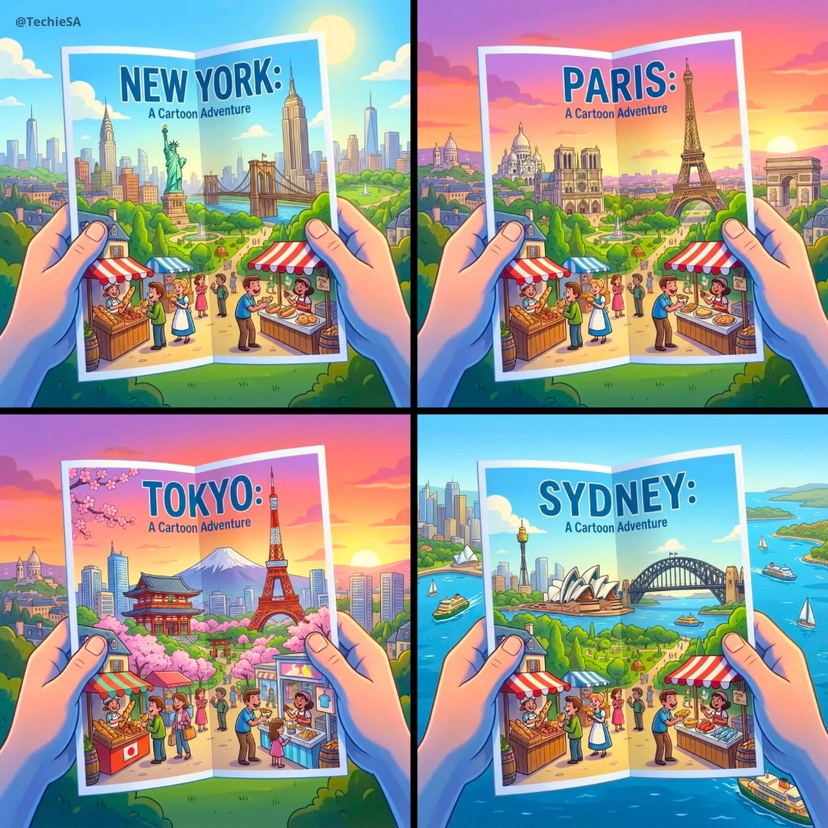
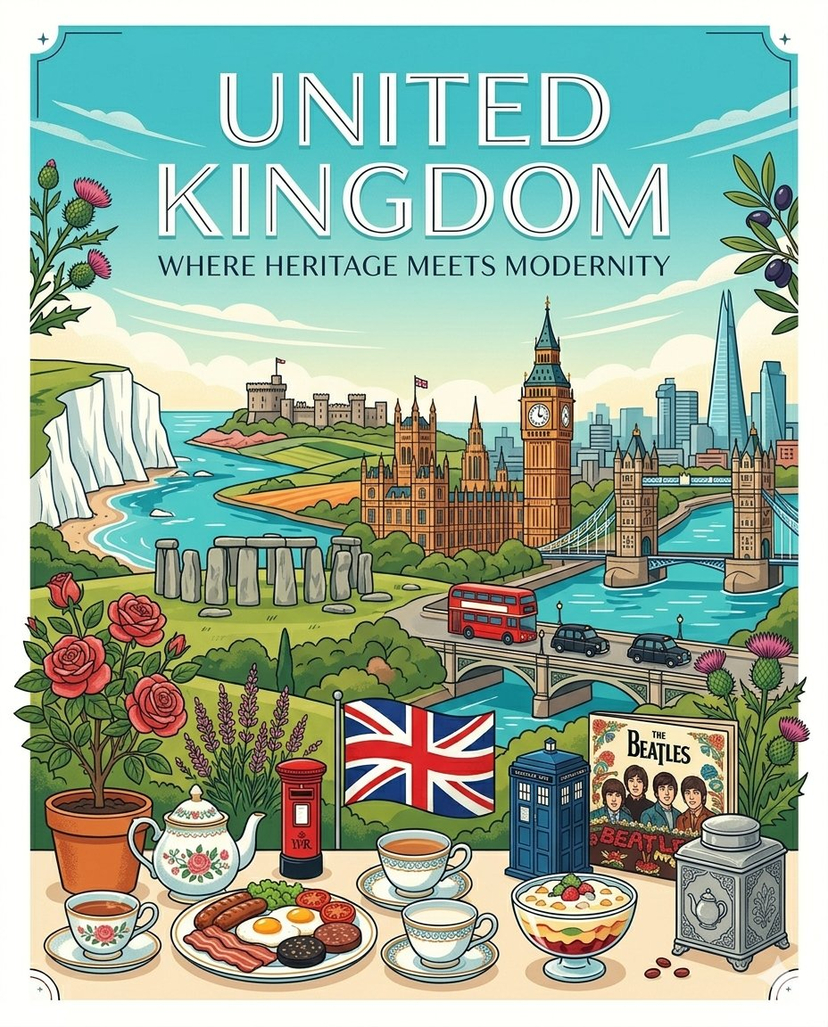
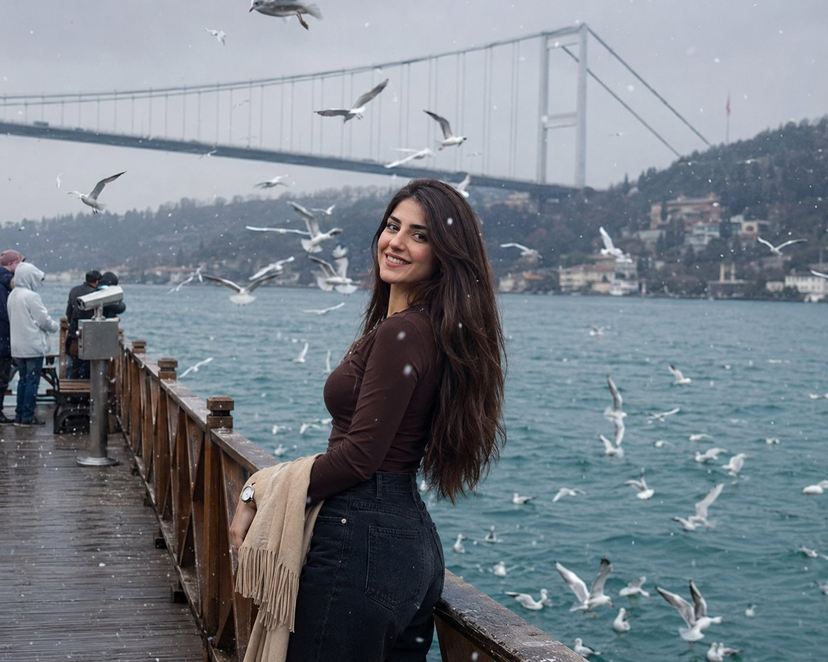
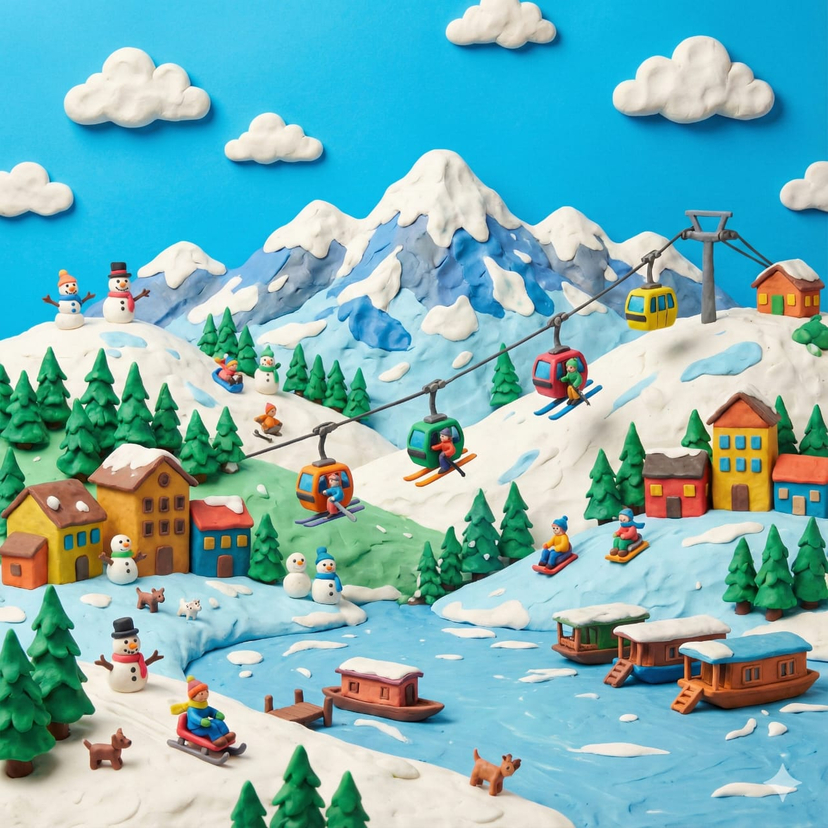

![travel-poster-graphic-collage — Create a stylized travel poster / graphic collage for [country]. The main subject should be a stylish international tourist visi](https://pbs.twimg.com/media/HGwXN0JbgAAY5vm?format=jpg&name=large)
![Nano Banana — One Day In [CITY] Travel Route — A hyper-realistic 3D daily travel route infographic poster generated from a single input: [CITY]=(Buraya şehir ad](/_next/image?url=https%3A%2F%2Fcdn.picxstudio.com%2Fuploads%2Fai_gezgini_travel_d9a86f2e-c1f5-41a8-a4ef-5d96a8a7a023.jpg&w=828&q=100)
![Naive doodle-style subject illustration — A doodle-style {argument name="subject" default="[subject]"}, naive lines, humorous shape exaggeration](https://pbs.twimg.com/media/G6Wl2YxbsAARB2b.jpg)