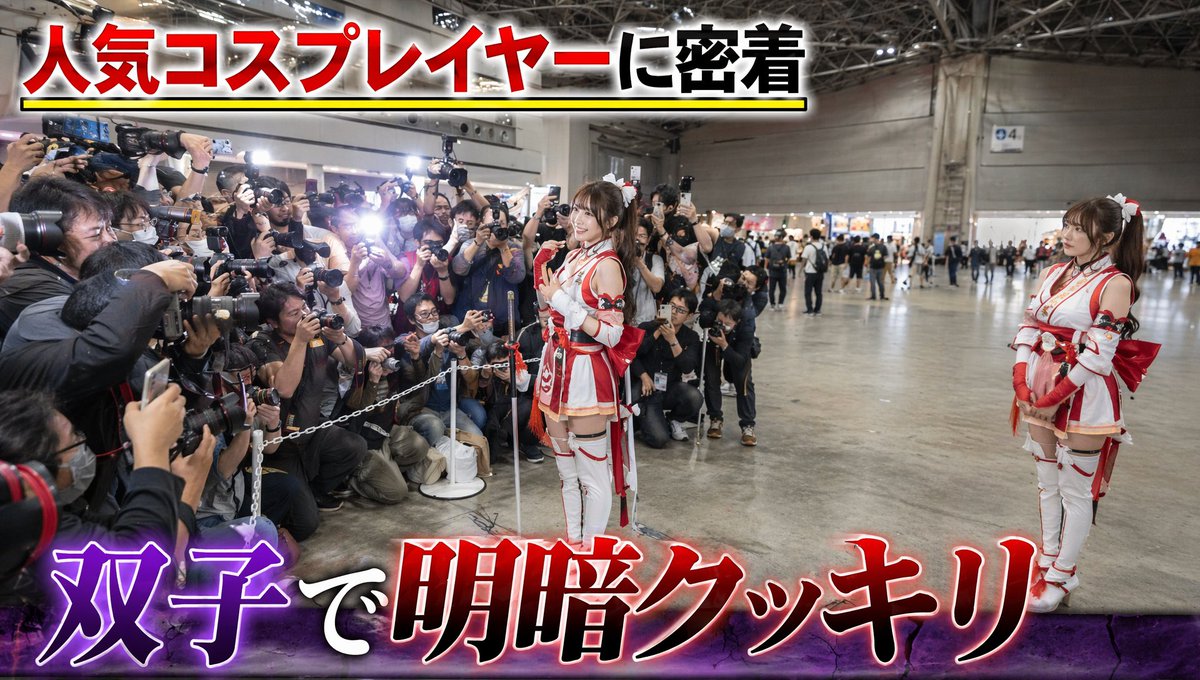
How do I use the Cyberpunk Realism Portrait in Shinjuku Rain template?
Choose the primary action to open PicX Studio with the available template settings. Review the model and format, personalize the creative direction, and generate when ready.
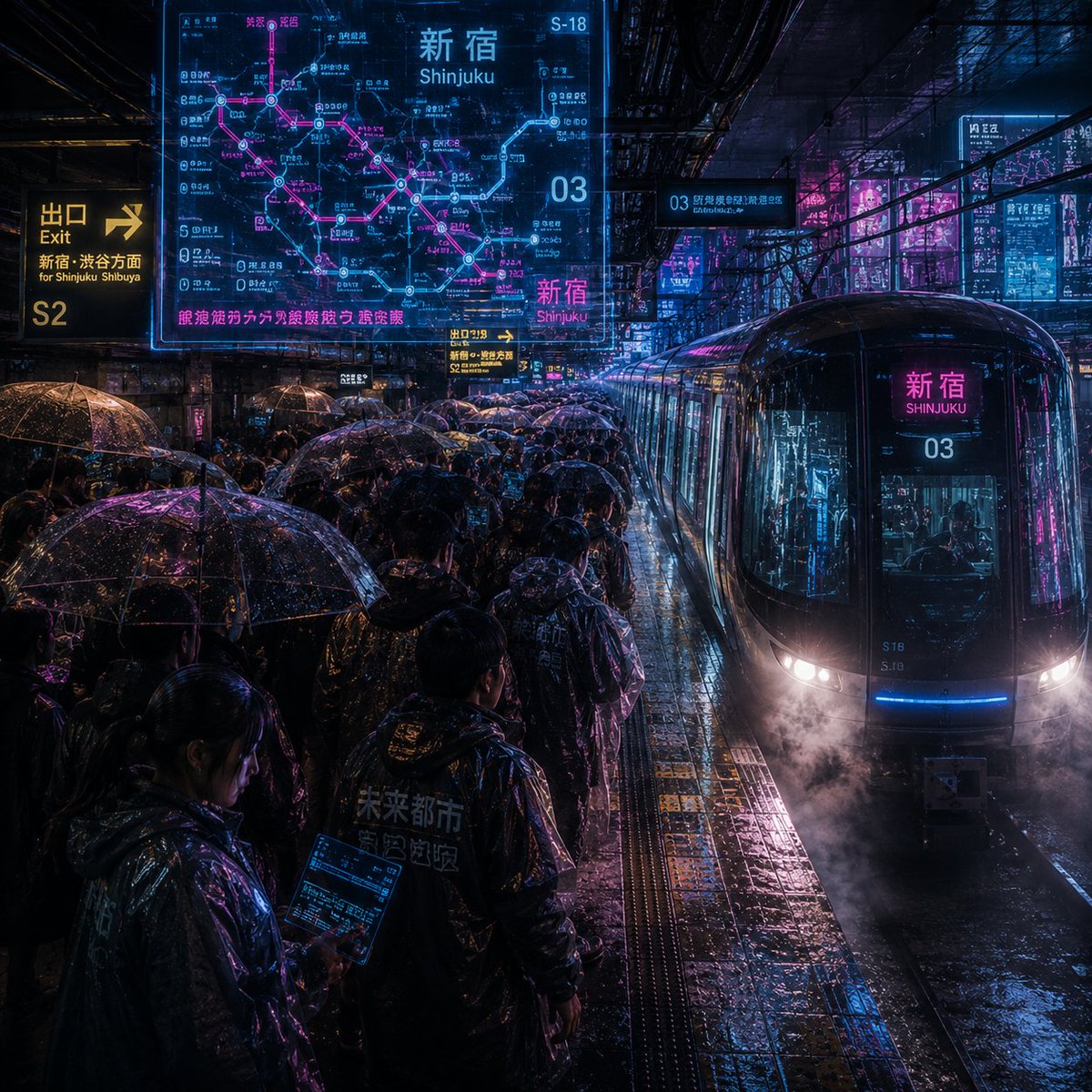
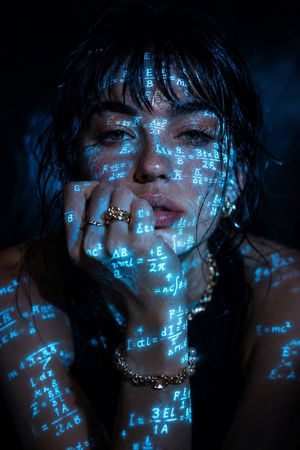
A prompt for generating a raw, cinematic close-up portrait in a moody cyberpunk realism style, set in rainy Shinjuku at night under a holographic billboard, requiring the use of an uploaded selfie for identity lock and specifying details like wet hair, neon colors, and film grain. Change the subject, setting, or lighting one variable at a time.

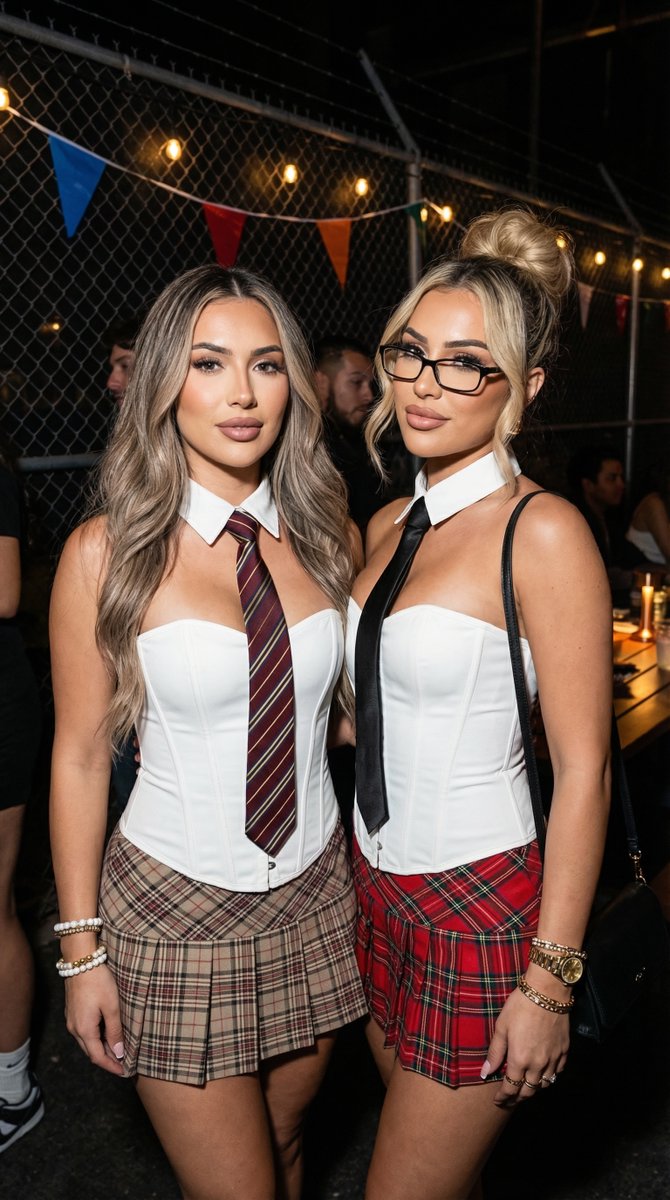
A raw, cinematic close-up of reference girl standing under massive holographic koi billboard in heavy rain, upper Shinjuku walkway at night. Use uploaded selfie as ONLY face reference. Wet hair plastered, subtle mascara runs, calm intense upward gaze. Translucent raincoat with glowing cyan-magenta LED lines, black crop top, silver chains. Rain streaks on lens, neon colors bleeding on skin, blurred umbrella crowd behind. Style: moody cyberpunk realism, strong rim light, volumetric rays, high contrast, film grain, shallow DoF.
Choose the primary action to open PicX Studio with the available template settings. Review the model and format, personalize the creative direction, and generate when ready.
Yes. You can change the subject, setting, lighting, mood, format, and available model controls before creating your image.
This template is free to open and customize. Generation usage is shown in PicX Studio before you create.
Start with Nano Banana 2, which is the model associated with this template. You can compare another compatible model for a different finish.
© 2026 PicX Studio. All rights reserved.

Follow a topic to a crawlable collection of related PicX Studio templates.
43,474 public templates available. Verified via the PicX Studio public templates API; refreshed hourly.















![Naive doodle-style subject illustration — A doodle-style {argument name="subject" default="[subject]"}, naive lines, humorous shape exaggeration](https://pbs.twimg.com/media/G6Wl2YxbsAARB2b.jpg)