
Noisy Cyberpunk Shinjuku Rain Platform
A dense cinematic prompt for generating an ultra-noisy cyberpunk rainy train platform scene with neon transit signage and crowded umbrellas.
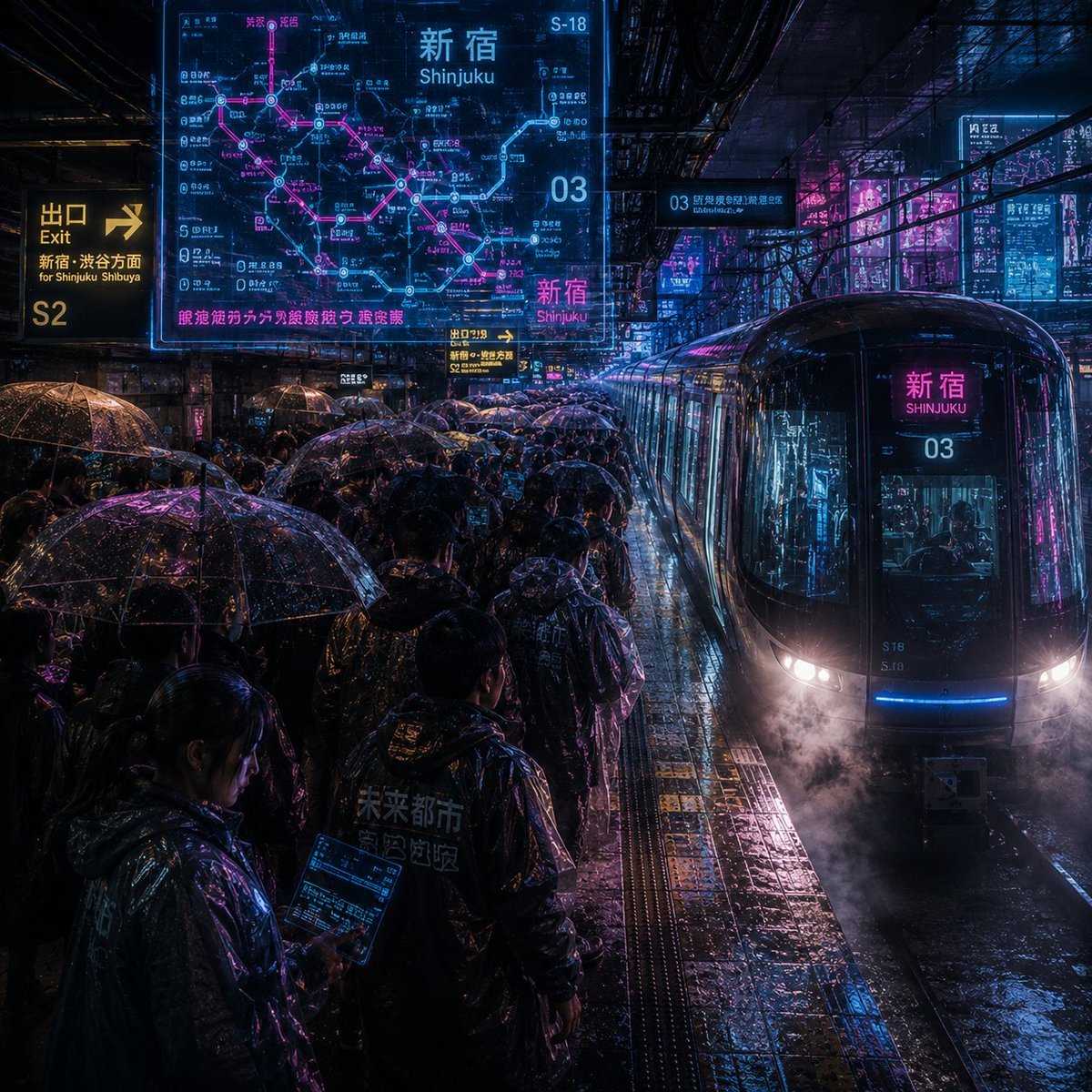
- Prompt included
- Model and format preset
- Free template
The prompt behind this image
Copy the exact prompt behind Noisy Cyberpunk Shinjuku Rain Platform, or open it in the studio and make it yours.
Create an extremely noisy, hyper-detailed cyberpunk rainy-night train platform in {argument name="station name" default="Shinjuku"}, Tokyo. The camera is at platform height looking diagonally down a crowded platform toward a sleek black glass commuter train arriving on the right, its rounded front glowing with white headlights, blue under-light, magenta reflections, steam or mist near the rails, and a front destination display reading {argument name="station name" default="Shinjuku"} and {argument name="line number" default="03"}. The scene is packed with commuters in dark raincoats under exactly 32 visible transparent umbrellas, all covered in water droplets and reflecting neon blue, cyan, purple, and hot pink light. Wet tiled pavement, tactile yellow platform strips, puddles, rail grooves, overhead beams, cables, and dense urban infrastructure should all be sharply textured and visually noisy, with rain streaks everywhere. Add 6 prominent glowing information elements: 1 huge translucent cyan-and-magenta route map hologram in the upper left labeled {argument name="map headline" default="Shinjuku"} with Japanese station text and a pink transit line; 1 yellow exit sign on the far left reading {argument name="exit text" default="Exit S2 for Shinjuku Shibuya"}; 1 small yellow platform direction sign near the center; 1 cyan overhead platform sign reading 03; 1 bright magenta station sign on the train front; and 1 cluster of distant vertical neon advertisements on the right-side city background. Use dense Japanese and English transit typography, including 新宿 and Shinjuku where appropriate, but keep it believable rather than perfectly legible. Style: cinematic photorealism mixed with futuristic UI overlays, extreme high ISO grain, high contrast, wet reflective surfaces, blade-runner-like atmosphere, chaotic visual noise, crisp reflections, volumetric rain, dark shadows, electric cyan and magenta palette, square 1:1 composition, no clean empty areas, no watermark.
How to use Noisy Cyberpunk Shinjuku Rain Platform in 3 steps
- 1Upload ImagePNG, JPG or paste
Add your photo
Upload the photo the template builds on. The prompt, model and format are already set.
- 2…a portrait of your subject in softgolden-hour light, 85mm…
Personalize
Edit the subject and creative details for your destination.
- 3Generate
Generate
Press Generate — your image is created in PicX Studio, so you can compare it with the original and refine one variable at a time.
More like this
Templates with the same subject, style or setup. Open one to see its prompt.

Rainy Night Android Cyberpunk Portrait
Rainy Night Android Cyberpunk Portrait
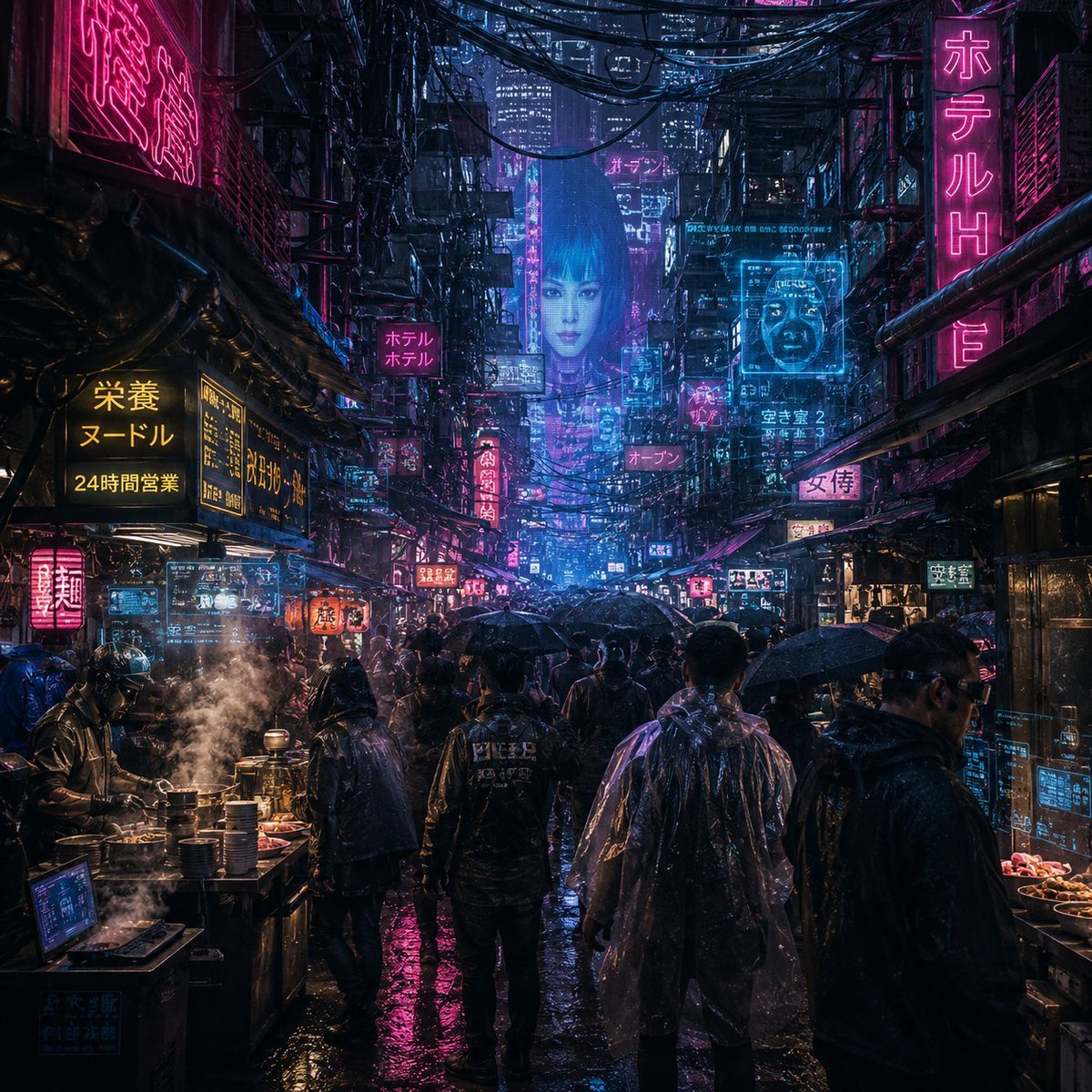
Noisy Cyberpunk Rain Alley

Meet Me When It Rains
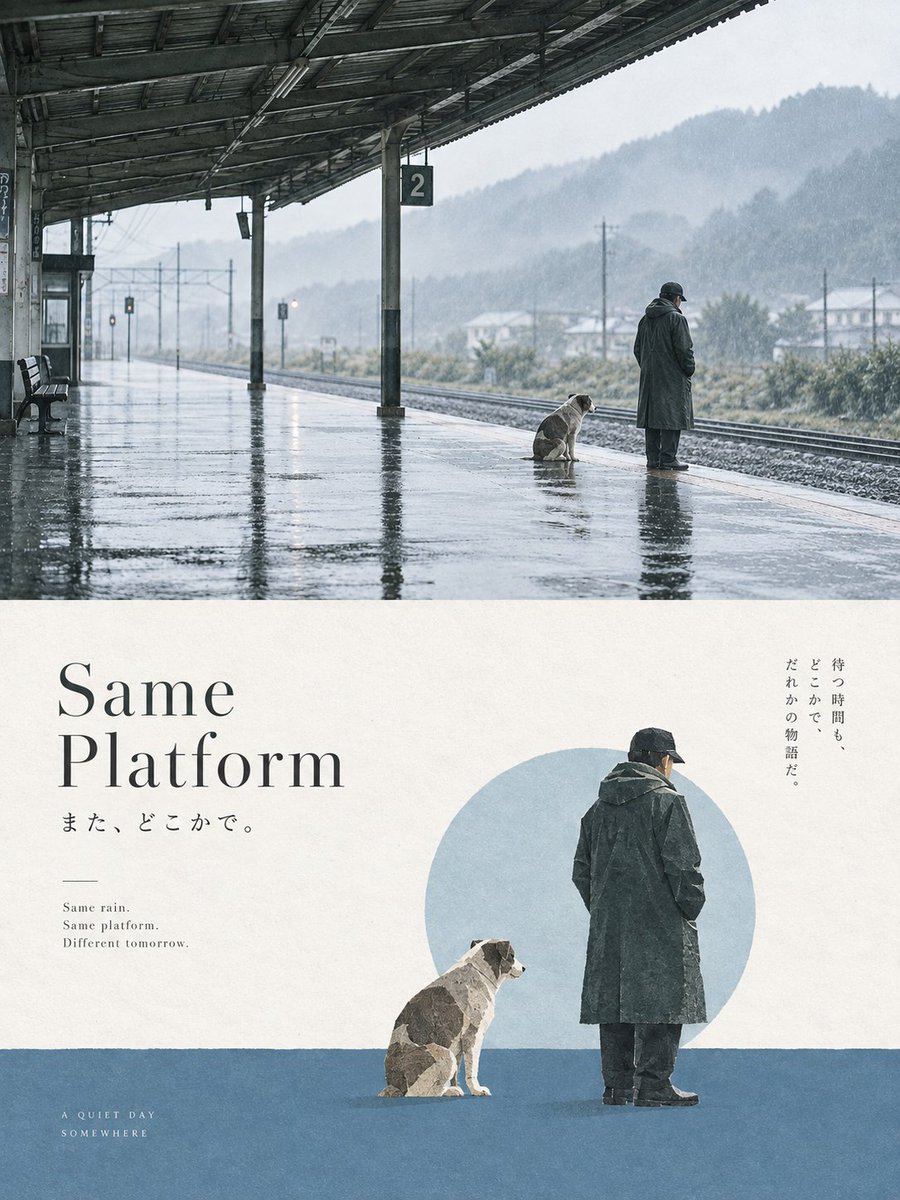
Same Platform Rainy Poster
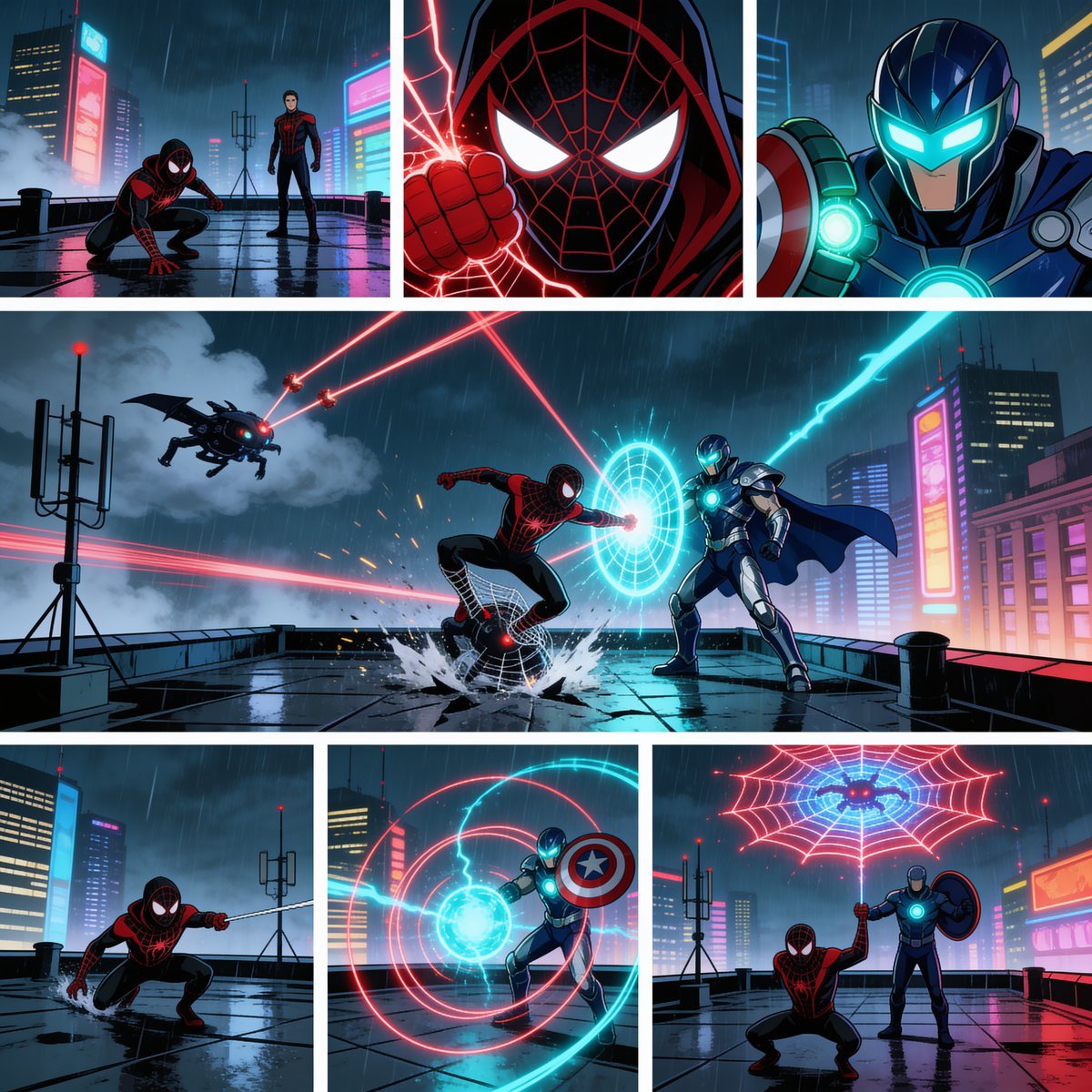
Rainy Cyberpunk Superhero Comic Page

Pixar Anime Train Platform

Steam Train Platform Fog

Korean Idol Partial Shadow Editorial Portrait

Cinematic Sci-Fi Interface Side Profile

Cyberpunk Neon Profile Fashion Portrait

Cinematic Neon Light Strip Studio Portrait
Make it yours
Noisy Cyberpunk Shinjuku Rain Platform works as-is. These are the safest ways to change it without losing the look.
Change one field
Copy a single group, rewrite it, and generate again so you can see what that field is doing.
Keep the frame, change the subject
Hold the composition and light of Noisy Cyberpunk Shinjuku Rain Platform, then swap wardrobe, props or the person for a new take.
| If the result… | Why | Fix |
|---|---|---|
| The result drifts from the preview | Too many fields changed at once. | Reuse Noisy Cyberpunk Shinjuku Rain Platform as-is first, then change one group — subject, light, or setting. |
| The model over-stylizes the scene | The prose prompt leaves finish and camera underspecified. | Add one camera or lighting sentence and stay on GPT Image 2. |
More GPT Image 2 templates
Other prompts made for GPT Image 2.

Six VTuber Japanese Logo Sheet

Realistic Portrait of Woman and Deer

The Vista Modular Condo Poster

AI Model Routing Comparison Infographic

2.5D Anime Art Board

Isometric Productivity Desk Scene

New York Double Exposure Poster

Four-Panel AI Landscape Comparison

Japanese Tatami Lifestyle Magazine Cover

NESCAFÉ Coffee Map Poster
More image prompts
Fresh picks from across the catalog.

Golden Hour Male Fashion Portrait
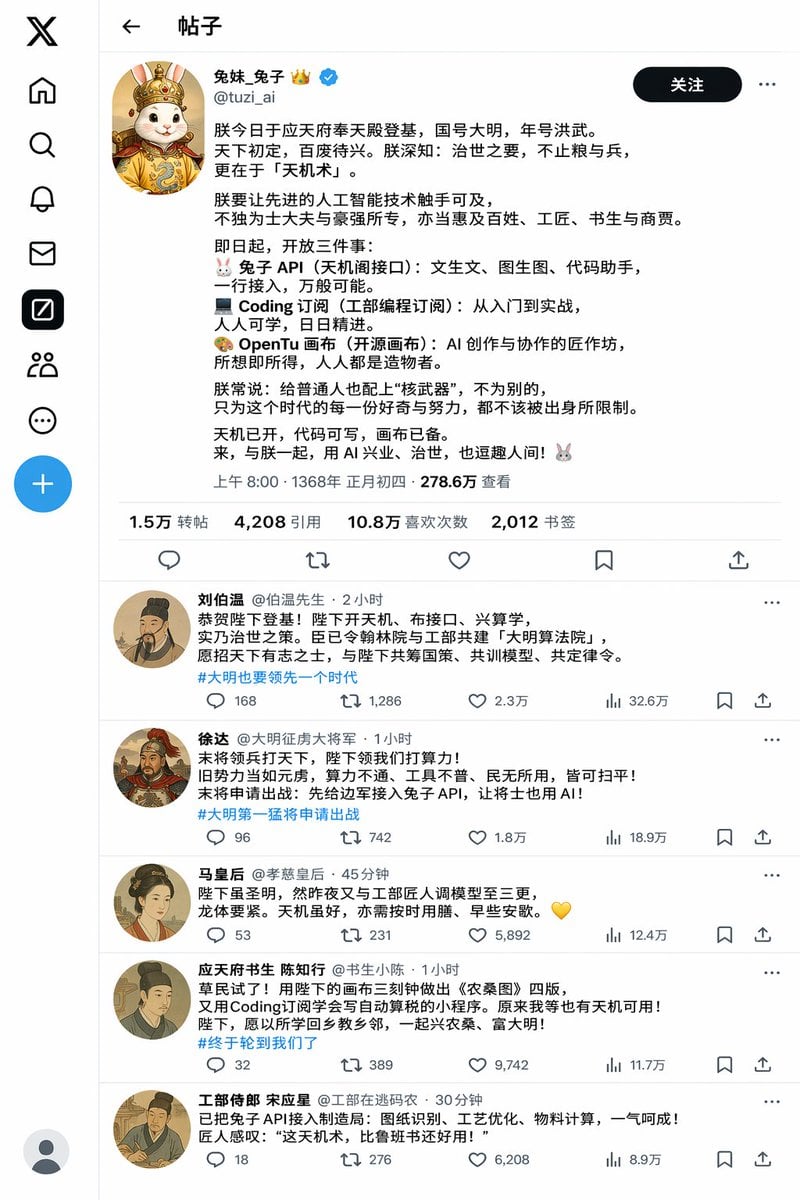
Historical Rabbit King Social Media Page

Fashion Advertisement Poster Generation

Epic Fantasy Movie Poster
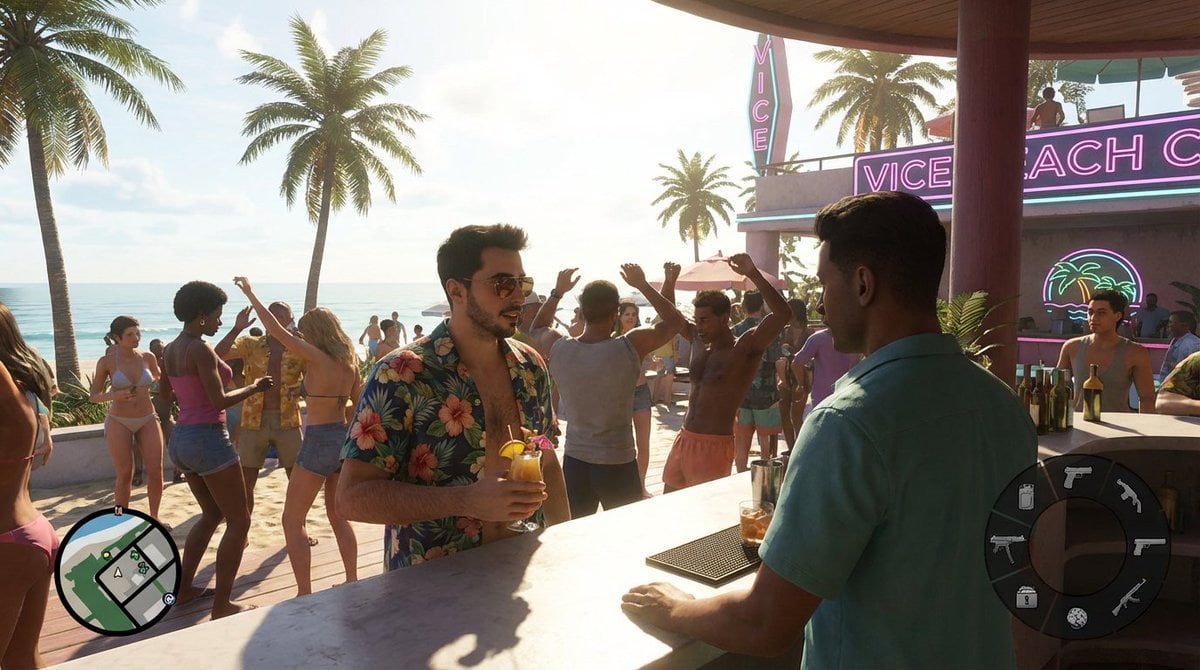
Beach Club Open-World Game Screenshot
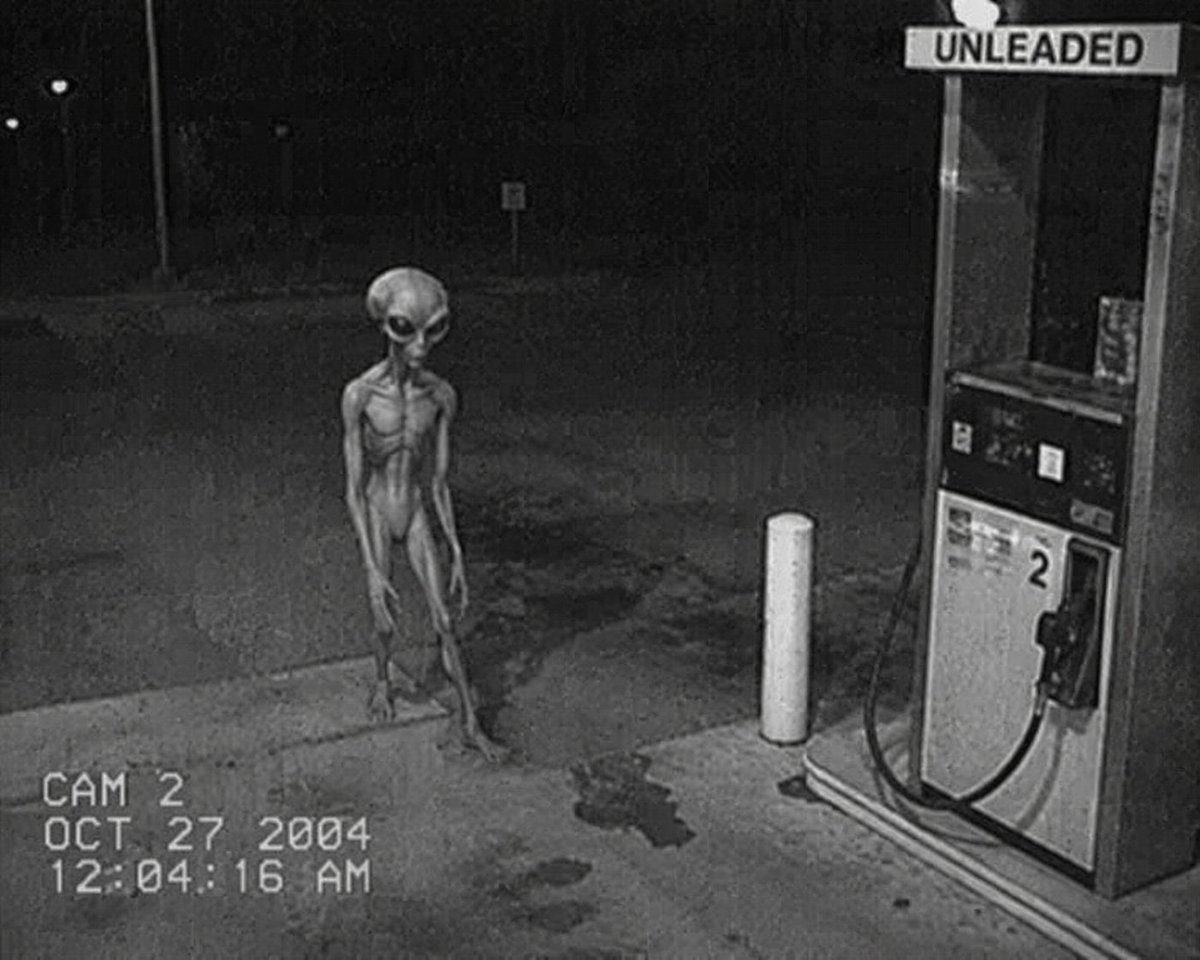
CCTV Security Camera Footage

Custom Enamel Souvenir Magnet

Resize banner image to 1:1
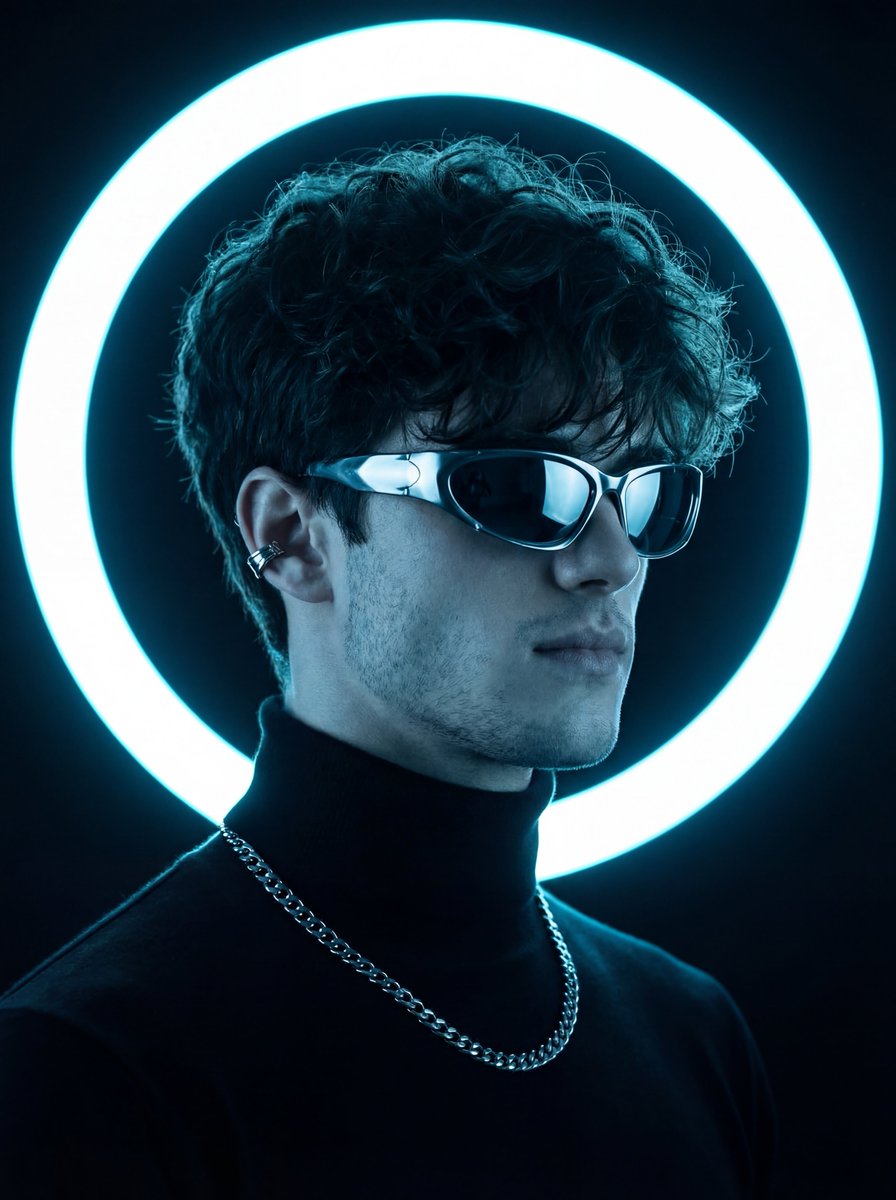
Futuristic Neon Portrait Prompt

Luxury 25th Birthday Poster
Browse template categories
Noisy Cyberpunk Shinjuku Rain Platform questions
How do I use the Noisy Cyberpunk Shinjuku Rain Platform template?
Add your photo if the template asks for one, edit the prompt if you like — the template's model and format are already selected — and press Generate. Your version opens in PicX Studio.
Can I customize the Noisy Cyberpunk Shinjuku Rain Platform template?
Yes. You can change the subject, setting, lighting, mood, format, and available model controls before creating your image.
Is the Noisy Cyberpunk Shinjuku Rain Platform template free?
Opening and editing this template is free. Generating uses credits, shown on the Generate button when you are signed in.
Which AI model should I use?
Start with GPT Image 2, which is the model associated with this template. You can compare another compatible model for a different finish.
Looking for something else? Browse all templates.

Your photo, any look
Thousands of ready templates for every top image and video model, from one credit balance.