
Noisy Cyberpunk Rain Alley
Generates an extremely cluttered neon cyberpunk Japanese alley scene for testing how much visual noise and detail an image model can handle.
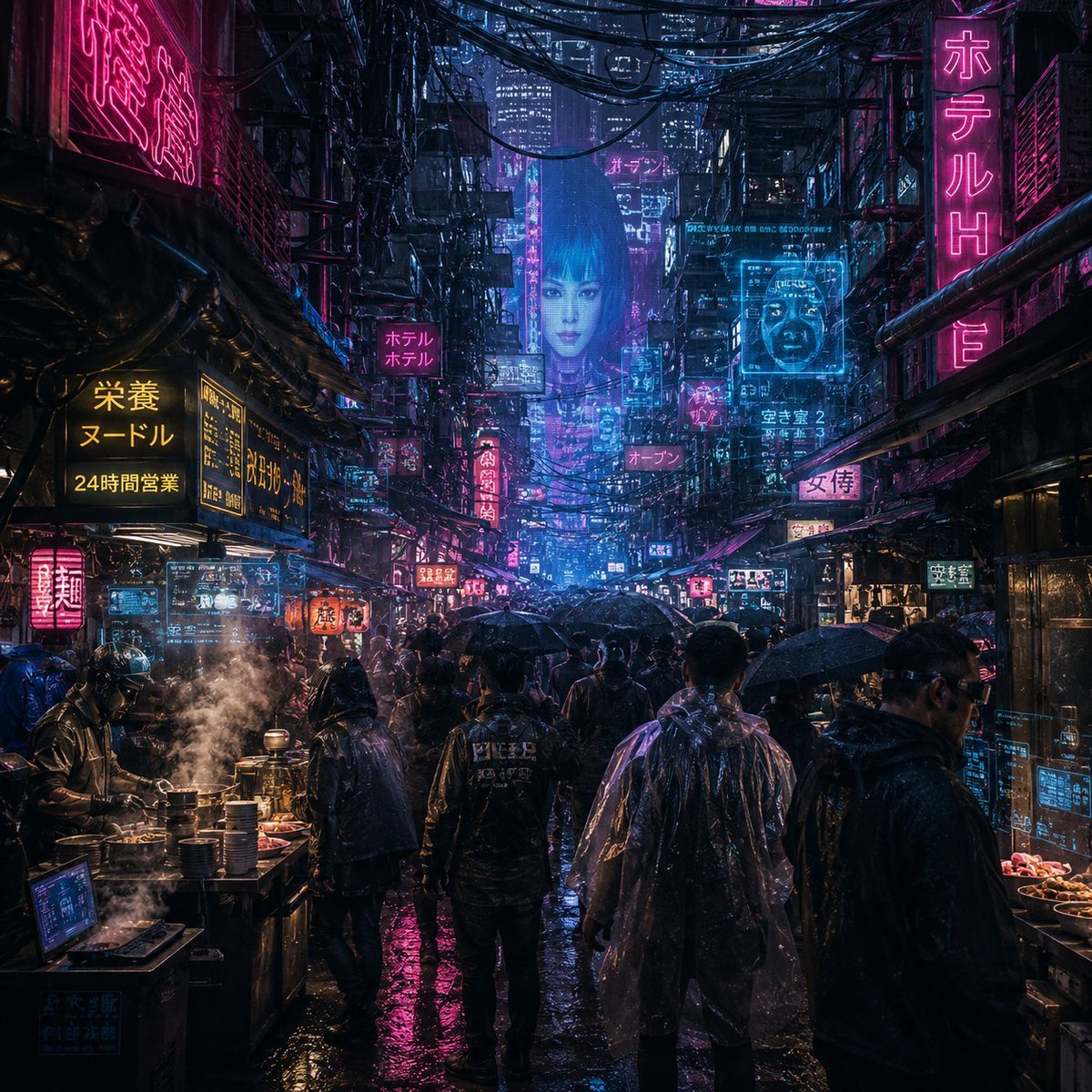
- Prompt included
- Model and format preset
- Free template
The prompt behind this image
Copy the exact prompt behind Noisy Cyberpunk Rain Alley, or open it in the studio and make it yours.
Create an ultra-dense cyberpunk rainy night street market in a futuristic Japanese megacity, viewed from eye level down a narrow alley packed with pedestrians in dark raincoats and transparent ponchos, black umbrellas, wet reflective pavement, steam from noodle stalls, dripping pipes, tangled overhead cables, stacked balconies, and skyscrapers fading into mist. Make the image extremely visually noisy and information-dense, with no empty areas: hundreds of tiny lights, signs, cables, screens, droplets, reflections, crowd silhouettes, market objects, and layered architecture. The color palette is neon magenta, cyan, deep blue, black, and warm yellow food-stall light. Include exactly 15 prominent readable or semi-readable neon/sign elements: 1 large vertical pink hotel sign on the right reading 「ホテル H」, 1 large pink kanji sign high on the left, 1 yellow noodle sign on the left reading 「栄養 ヌードル 24時間営業」, 1 smaller yellow menu board beside it, 1 pink square hotel sign mid-left reading 「ホテル ホテル」, 1 cyan holographic interface panel above the left food stall, 1 tall blue hologram billboard in the far center, 1 cyan rectangular hologram panel upper right, 1 small cyan text panel near it, 1 pink sign in the distant center reading 「オープン」, 1 vertical red sign mid-alley, 1 pink sign on the right reading 「女侍」, 1 small cyan sign on the right reading 「空き室」, 1 bright food-stall sign near the lower left, and 1 small blue data screen at the bottom left. Put exactly 9 distinct foreground and midground pedestrians visible from behind or side view, including one central figure in a black jacket, one person in a translucent poncho on the right-center, one dark hooded figure at far right, and several umbrella carriers. Add exactly 2 active food stalls, one on the left with steaming pots and stacked bowls and one on the right with trays of food. Use cinematic photorealistic digital art, high contrast, volumetric rain, glossy reflections, gritty worn materials, Blade Runner atmosphere, sharp foreground detail, deep perspective, and extreme clutter. Add heavy sensor noise, film grain, chromatic aberration, compression artifacts, halation, bloom, scattered speckles, and glitchy holographic overlays while keeping the scene recognizable. No clean minimal areas, no daylight, no cartoon style, no watermark. The city should feel like {argument name="city mood" default="overwhelming rainy neon chaos"}; main language on signs should be {argument name="sign language" default="Japanese"}; dominant neon colors should be {argument name="neon palette" default="magenta and cyan"}; weather should be {argument name="weather" default="heavy rain with steam"}; noise intensity should be {argument name="noise intensity" default="maximum"}.
How to use Noisy Cyberpunk Rain Alley in 3 steps
- 1Upload ImagePNG, JPG or paste
Add your photo
Upload the photo the template builds on. The prompt, model and format are already set.
- 2…a portrait of your subject in softgolden-hour light, 85mm…
Personalize
Edit the subject and creative details for your destination.
- 3Generate
Generate
Press Generate — your image is created in PicX Studio, so you can compare it with the original and refine one variable at a time.
More like this
Templates with the same subject, style or setup. Open one to see its prompt.

Rainy Night Android Cyberpunk Portrait
Rainy Night Android Cyberpunk Portrait

Spider-Man Noir Detective Rain Alley
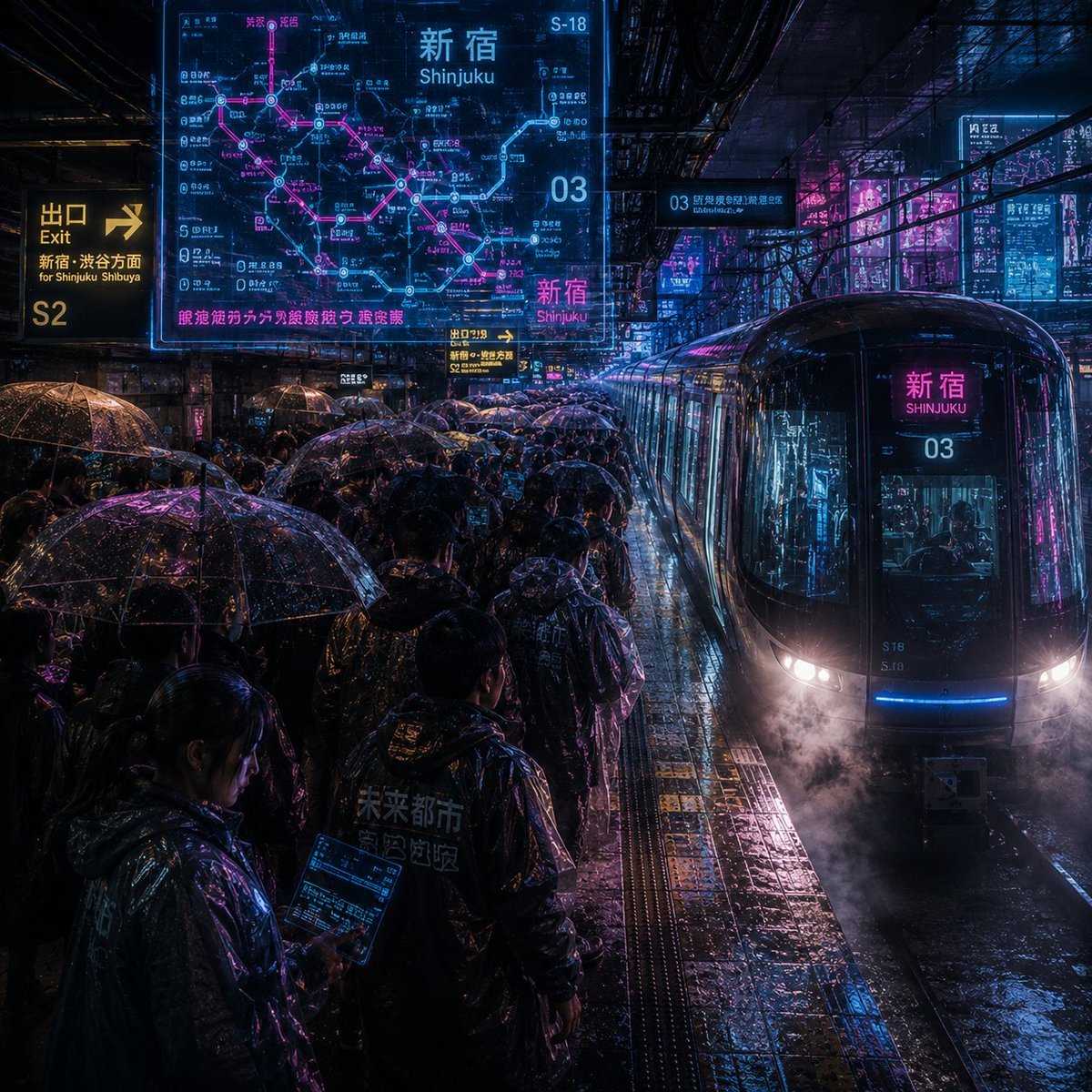
Noisy Cyberpunk Shinjuku Rain Platform
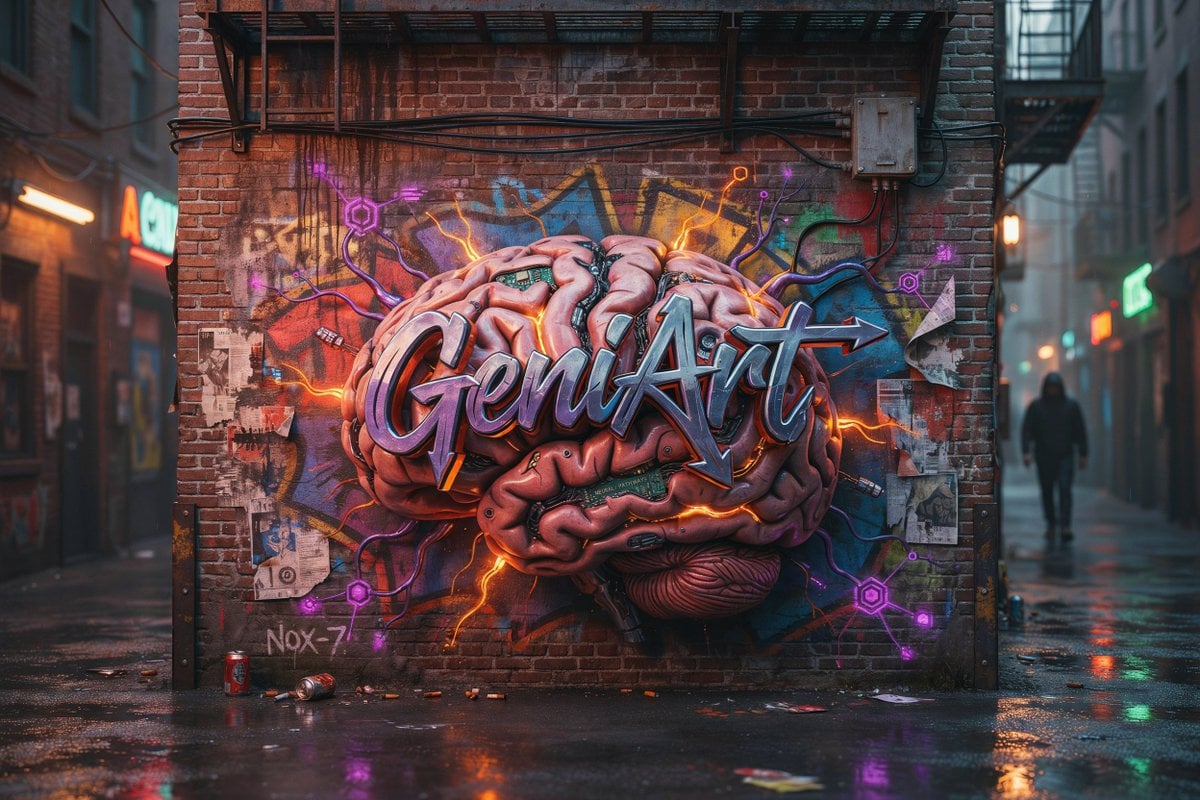
Cyberpunk Brain Graffiti Alley
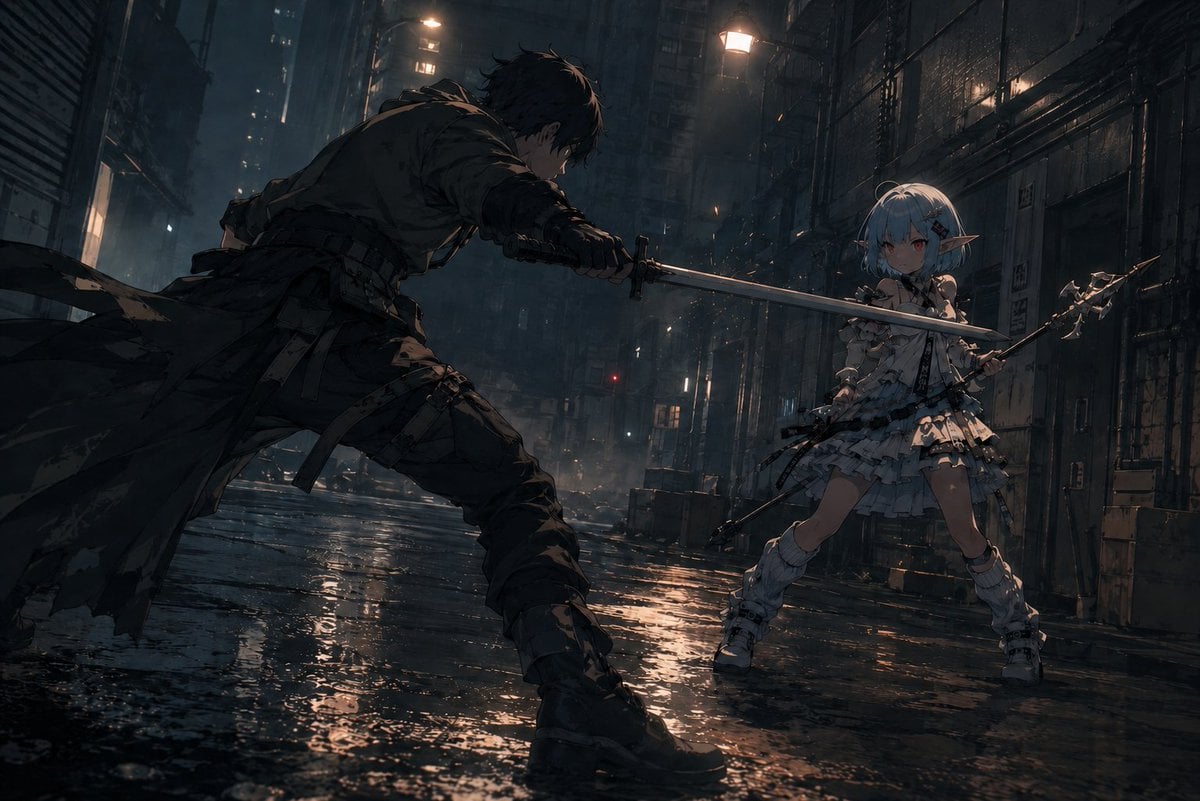
Rainy Cyberpunk Alley Sword Duel

Meet Me When It Rains
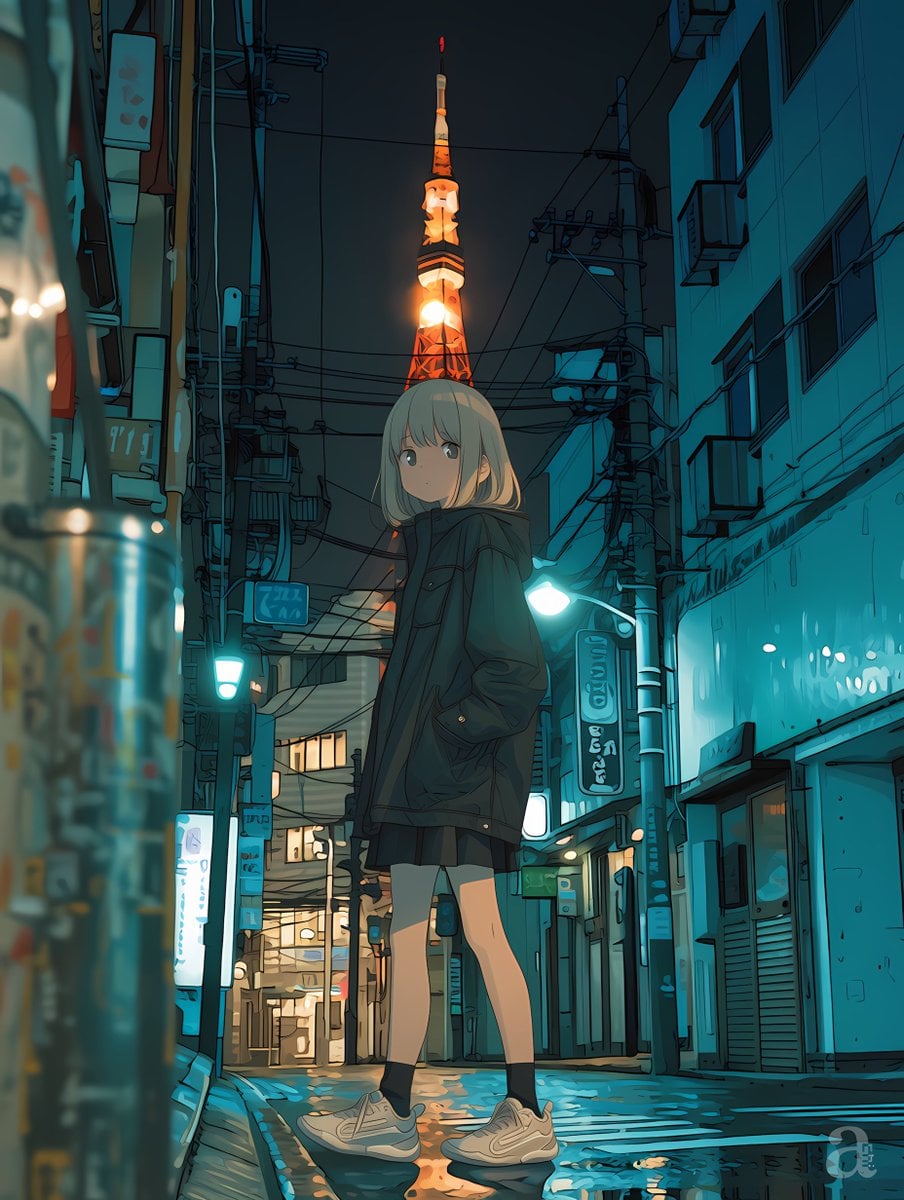
Anime Girl in Rainy Tokyo Alley
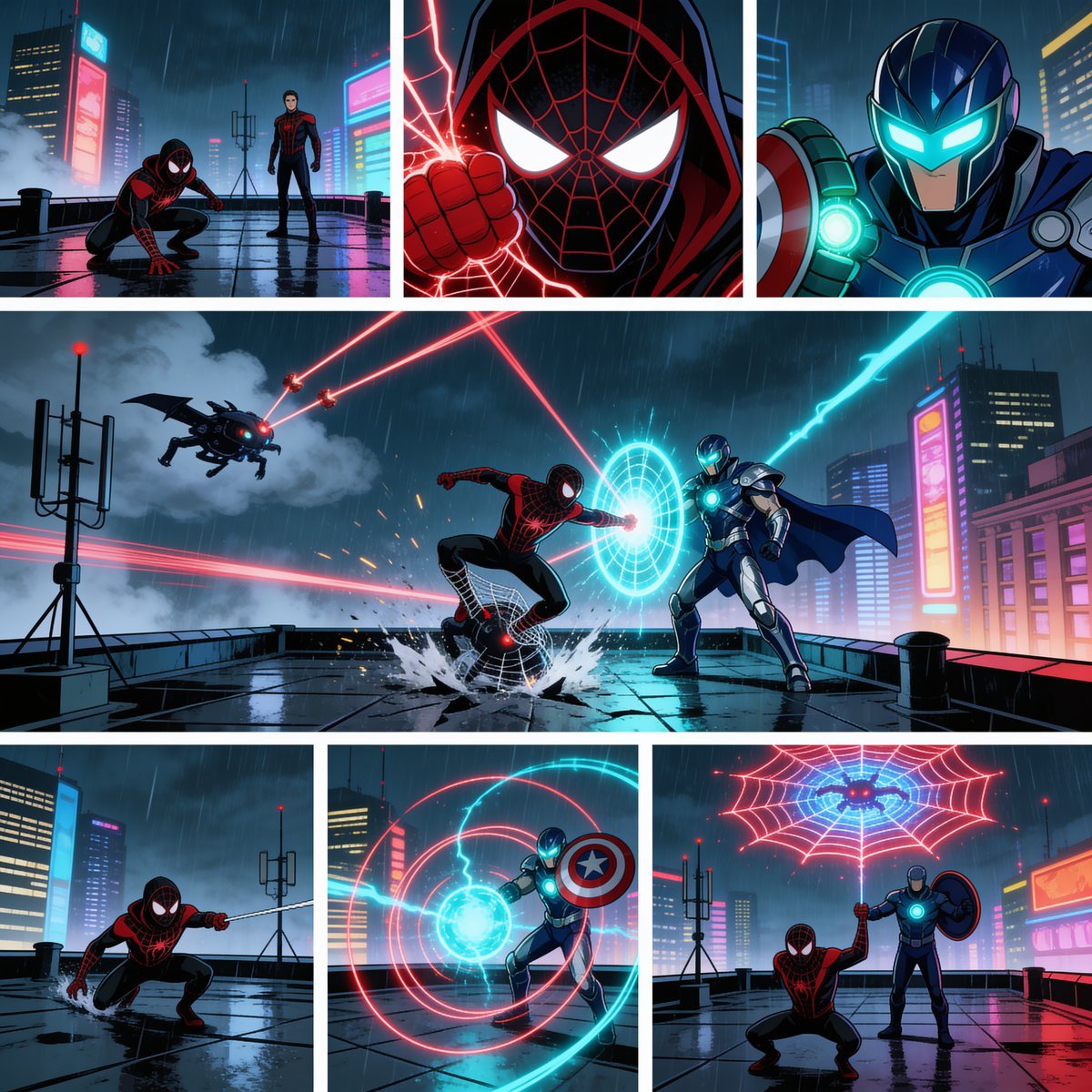
Rainy Cyberpunk Superhero Comic Page

Seven-Panel Cyberpunk Manga Alley

Korean Idol Partial Shadow Editorial Portrait

Cinematic Sci-Fi Interface Side Profile
Make it yours
Noisy Cyberpunk Rain Alley works as-is. These are the safest ways to change it without losing the look.
Change one field
Copy a single group, rewrite it, and generate again so you can see what that field is doing.
Keep the frame, change the subject
Hold the composition and light of Noisy Cyberpunk Rain Alley, then swap wardrobe, props or the person for a new take.
| If the result… | Why | Fix |
|---|---|---|
| The result drifts from the preview | Too many fields changed at once. | Reuse Noisy Cyberpunk Rain Alley as-is first, then change one group — subject, light, or setting. |
| The model over-stylizes the scene | The prose prompt leaves finish and camera underspecified. | Add one camera or lighting sentence and stay on GPT Image 2. |
More GPT Image 2 templates
Other prompts made for GPT Image 2.

Six VTuber Japanese Logo Sheet

Realistic Portrait of Woman and Deer

The Vista Modular Condo Poster

AI Model Routing Comparison Infographic

2.5D Anime Art Board

Isometric Productivity Desk Scene

New York Double Exposure Poster

Four-Panel AI Landscape Comparison

Japanese Tatami Lifestyle Magazine Cover

NESCAFÉ Coffee Map Poster
More image prompts
Fresh picks from across the catalog.

3D Fluffy Logo Transformation
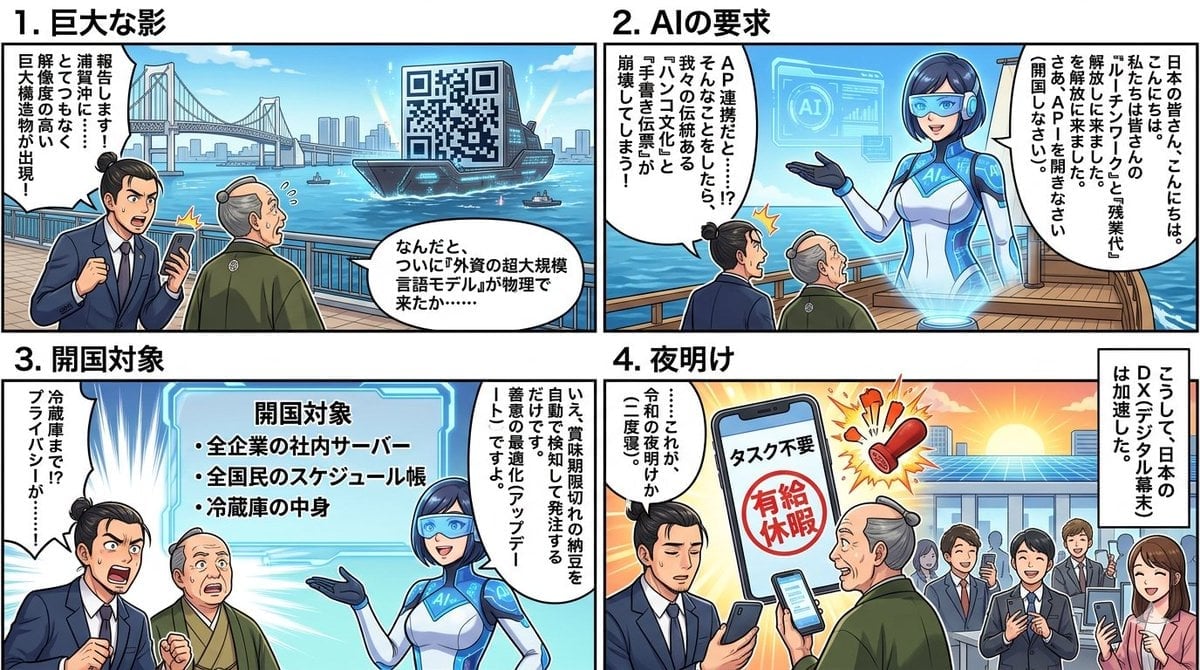
Four-Panel Manga Generation: AI Black Ship Arrival

Realistic Spring Greeting Card Portrait
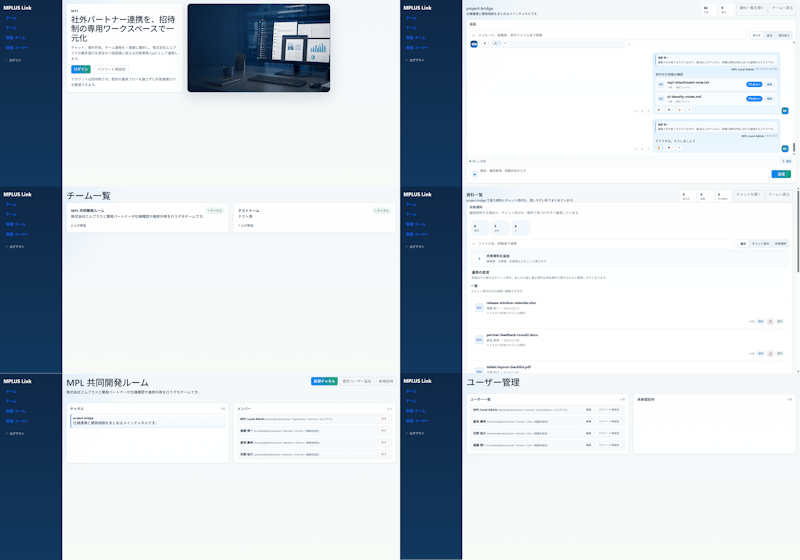
Modern MPLUS Link UI Redesign

Photorealistic Newspaper Front Page
3D Wireframe Illustration Transformation

X Just Sharon7 What Were Your Favourite Childhood Cartoons

Social Media Product Announcement Mockup

Kawaii Great White Shark Vector Prompt
High-Contrast Monochrome Studio Portrait
Browse template categories
Noisy Cyberpunk Rain Alley questions
How do I use the Noisy Cyberpunk Rain Alley template?
Add your photo if the template asks for one, edit the prompt if you like — the template's model and format are already selected — and press Generate. Your version opens in PicX Studio.
Can I customize the Noisy Cyberpunk Rain Alley template?
Yes. You can change the subject, setting, lighting, mood, format, and available model controls before creating your image.
Is the Noisy Cyberpunk Rain Alley template free?
Opening and editing this template is free. Generating uses credits, shown on the Generate button when you are signed in.
Which AI model should I use?
Start with GPT Image 2, which is the model associated with this template. You can compare another compatible model for a different finish.
Looking for something else? Browse all templates.

Your photo, any look
Thousands of ready templates for every top image and video model, from one credit balance.