
Eternal Flower Cyberpunk Portrait
Generates a serene neon anime portrait of a headphone-wearing woman beside glowing flowers in a rainy cyberpunk city.
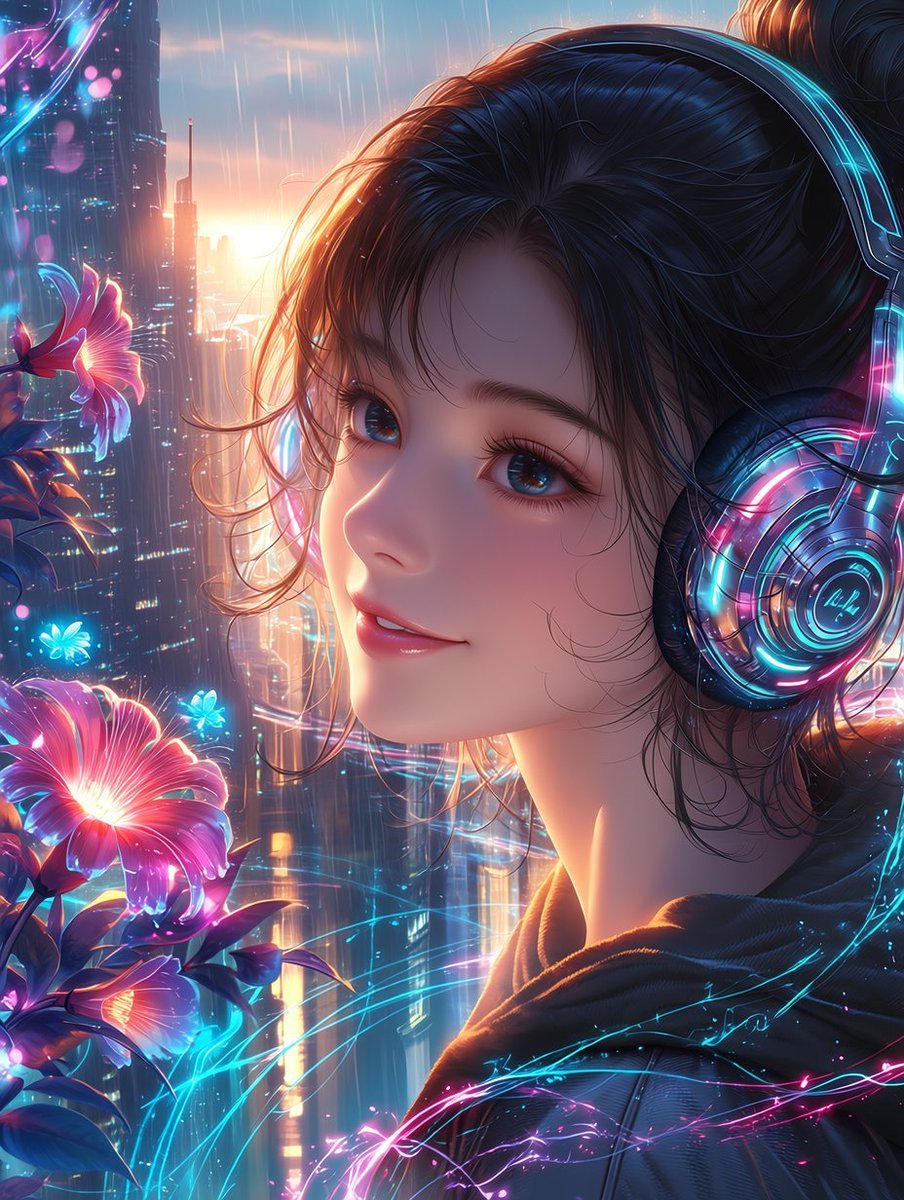
- Prompt included
- Model and format preset
- Premium template
The prompt behind this image
Copy the exact prompt behind Eternal Flower Cyberpunk Portrait, or open it in the studio and make it yours.
Create a highly polished anime-style cyberpunk portrait titled {argument name="title" default="Eternal Flower"}: a serene young woman in close-up three-quarter profile, facing left and looking gently toward the viewer with a soft peaceful smile, large glossy blue eyes, long lashes, dewy skin, and loose wisps of dark hair framing her face, her hair tied up in a casual bun. She wears oversized futuristic headphones with transparent circular ear cups, glowing cyan and magenta neon rings, tiny circuit-like details, and reflective chrome surfaces, plus a dark hoodie with subtle luminous blue-pink energy traces across the fabric. The setting is a rainy futuristic city at sunset, with towering skyscrapers, vertical light strips, blurred windows, wet atmospheric haze, and glowing rain streaks falling through warm golden backlight. On the left side, place exactly 3 prominent luminous flowers: one large pink-magenta flower near the lower left foreground, one smaller pink flower at mid-left, and one small cyan-blue glowing flower near the center-left; surround them with dark leaves and a few tiny blue light petals. Add flowing neon filaments and holographic arcs in cyan, pink, and violet weaving around the flowers, headphones, and hoodie, suggesting fragile calm within a cyberpunk world. Use a vertical portrait canvas, cinematic composition, shallow depth of field, ultra-detailed hair strands, radiant rim lighting, soft bokeh, rain sparkle, vibrant neon palette, delicate romantic mood, high-resolution digital illustration, niji/anime aesthetic. Avoid text, logos, watermarks, extra characters, distorted facial features, or additional flowers beyond the 3 prominent blossoms. Optional customization: make the main character {argument name="character gender and age" default="young woman in her early twenties"}, use {argument name="hair color" default="deep black with blue highlights"}, set the flower glow color palette to {argument name="flower glow colors" default="magenta, cyan, and violet"}, and set the background mood to {argument name="city mood" default="rainy cyberpunk sunset"}.
How to use Eternal Flower Cyberpunk Portrait in 3 steps
- 1Upload ImagePNG, JPG or paste
Add your photo
Upload the photo the template builds on. The prompt, model and format are already set.
- 2…a portrait of your subject in softgolden-hour light, 85mm…
Personalize
Edit the subject and creative details for your destination.
- 3Generate
Generate
Press Generate — your image is created in PicX Studio, so you can compare it with the original and refine one variable at a time.
More like this
Templates with the same subject, style or setup. Open one to see its prompt.

Found Photograph: Us, 1970

80s Couple Studio Portrait

80s Bollywood Star

80s Golden Hour Cinema

Me in 1985

1985 Studio Portrait

Hyper-Realistic Minecraft POV Portrait

Flower Petal Sunglasses Couture Portrait
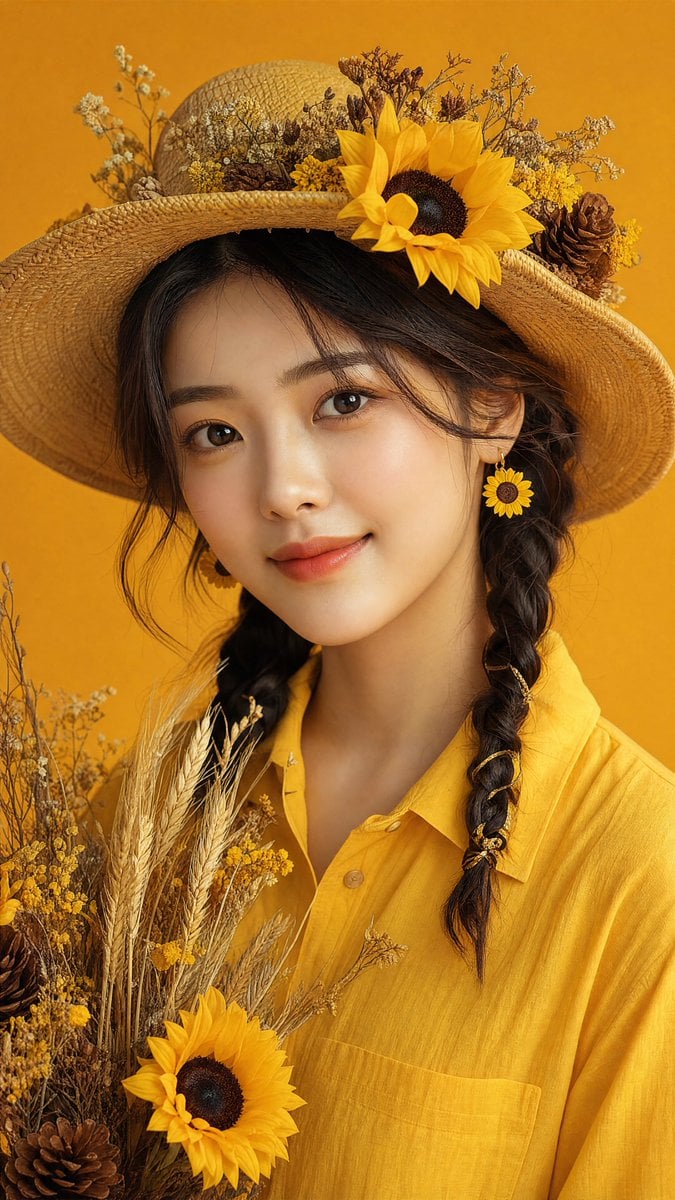
Sunflower Straw Hat Portrait
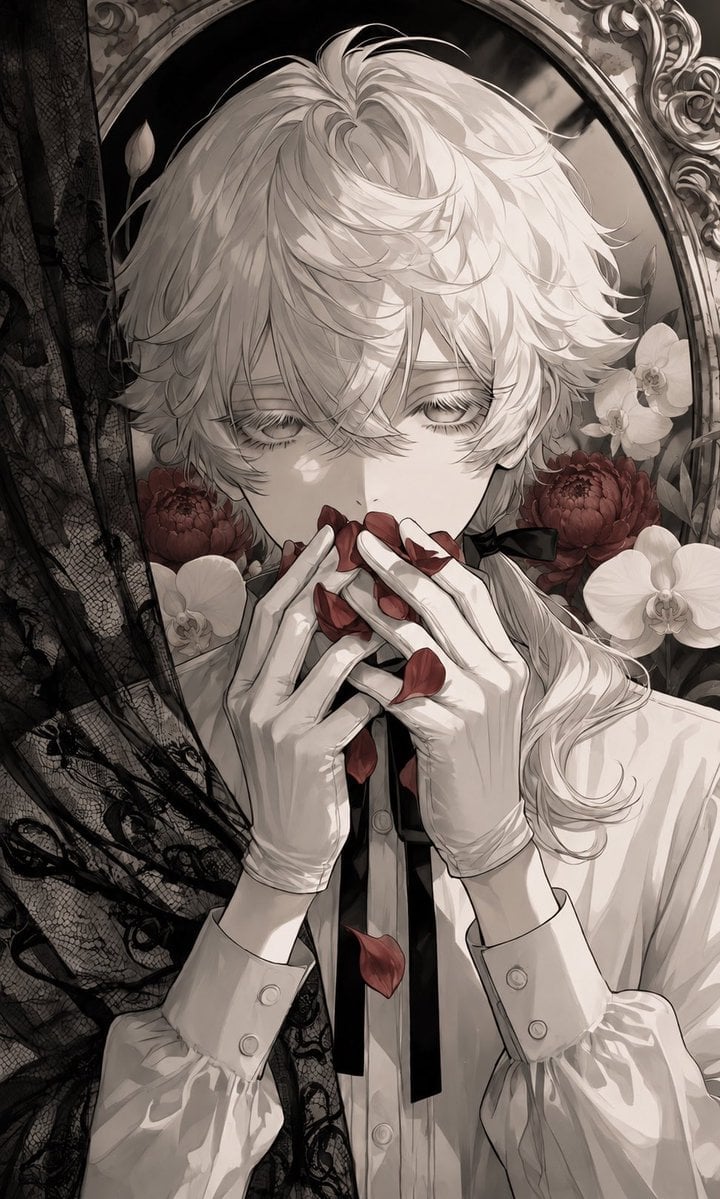
Gothic Flower Petal Portrait

Sunflower Field Frame Portrait
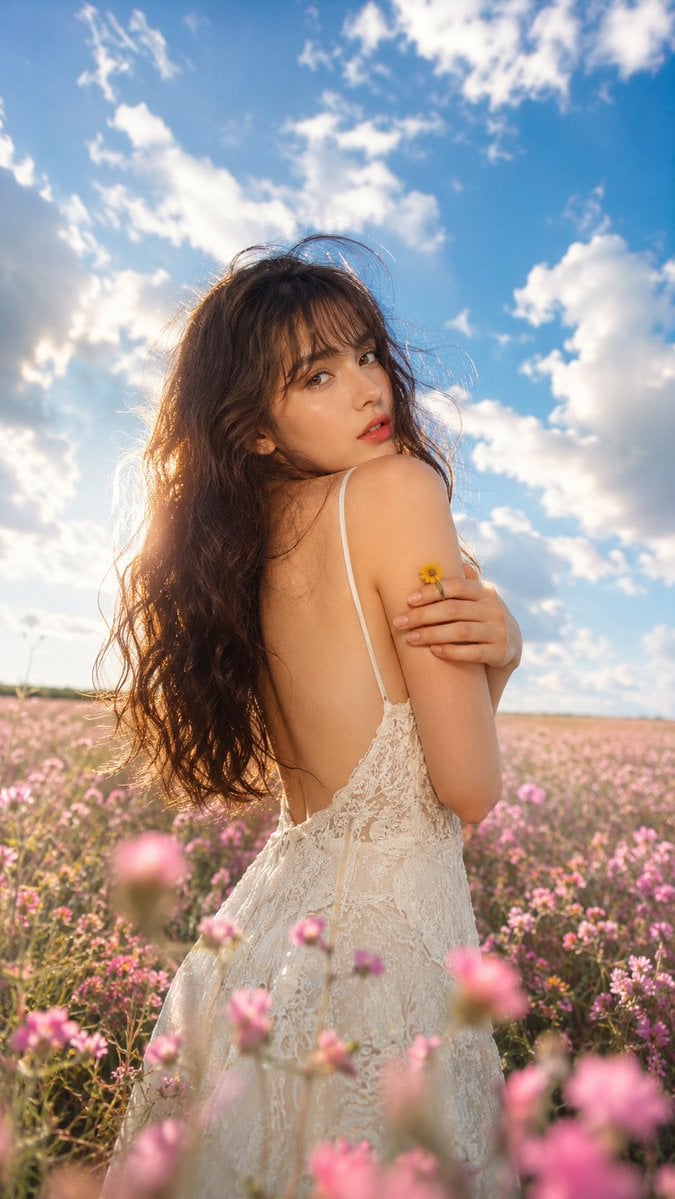
Ethereal Fairycore Flower Meadow Portrait
Make it yours
Eternal Flower Cyberpunk Portrait works as-is. These are the safest ways to change it without losing the look.
Change one field
Copy a single group, rewrite it, and generate again so you can see what that field is doing.
Keep the frame, change the subject
Hold the composition and light of Eternal Flower Cyberpunk Portrait, then swap wardrobe, props or the person for a new take.
| If the result… | Why | Fix |
|---|---|---|
| The result drifts from the preview | Too many fields changed at once. | Reuse Eternal Flower Cyberpunk Portrait as-is first, then change one group — subject, light, or setting. |
| The model over-stylizes the scene | The prose prompt leaves finish and camera underspecified. | Add one camera or lighting sentence and stay on GPT Image 2. |
More GPT Image 2 templates
Other prompts made for GPT Image 2.

Six VTuber Japanese Logo Sheet

Realistic Portrait of Woman and Deer

The Vista Modular Condo Poster

AI Model Routing Comparison Infographic

2.5D Anime Art Board

Isometric Productivity Desk Scene

New York Double Exposure Poster

Four-Panel AI Landscape Comparison

Japanese Tatami Lifestyle Magazine Cover

NESCAFÉ Coffee Map Poster
More image prompts
Fresh picks from across the catalog.

Futuristic Muscle Car Infographic
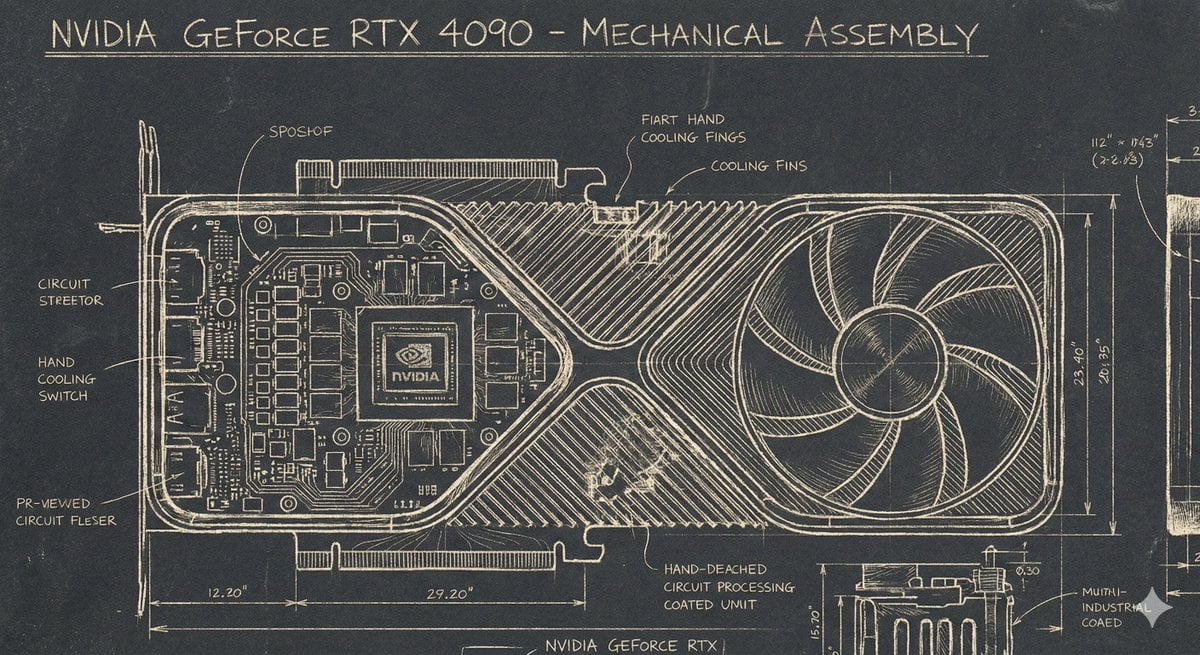
Sgraffito Mechanical Blueprint of NVIDIA 4090 GPU
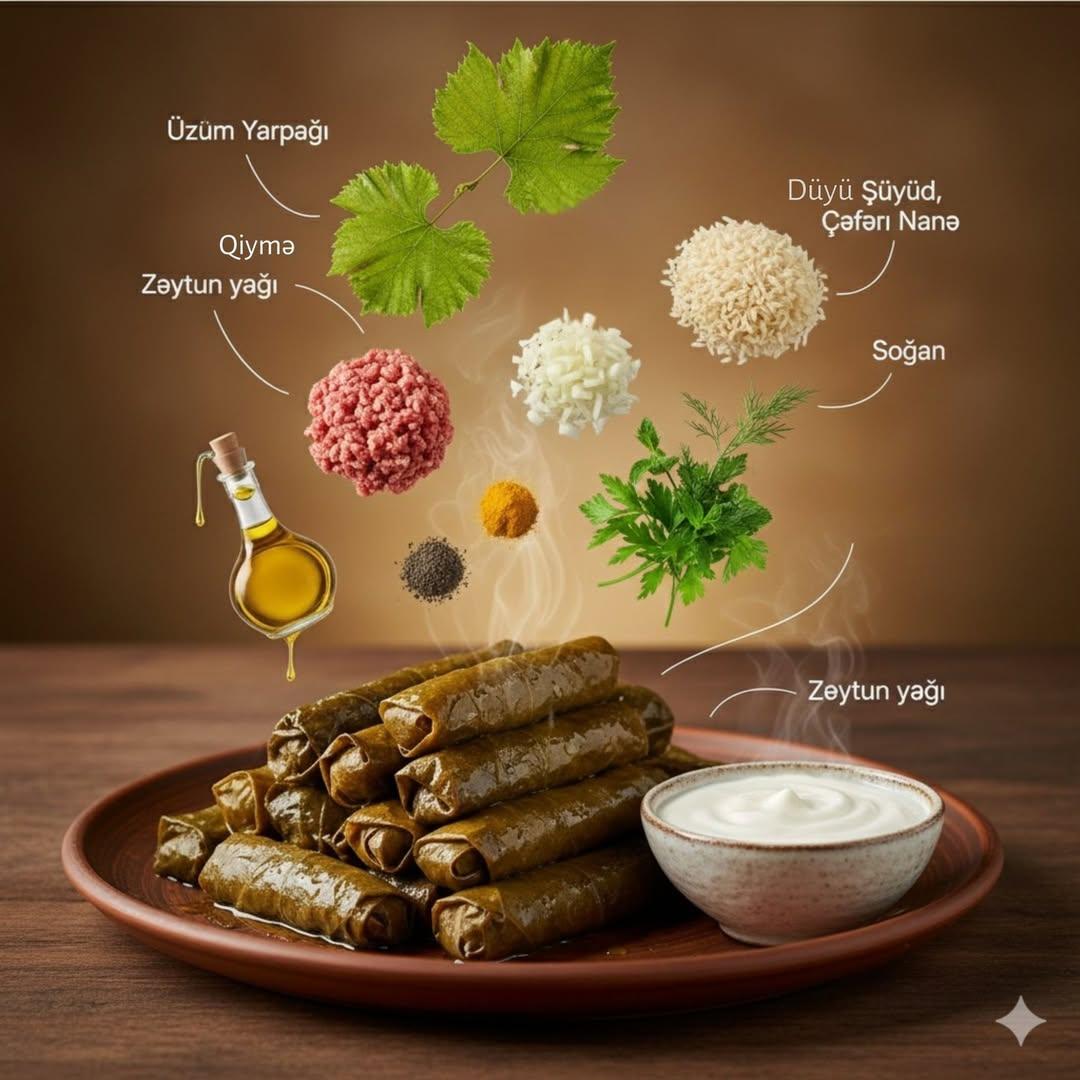
Ultra Realistic Cinematic Food Photograp
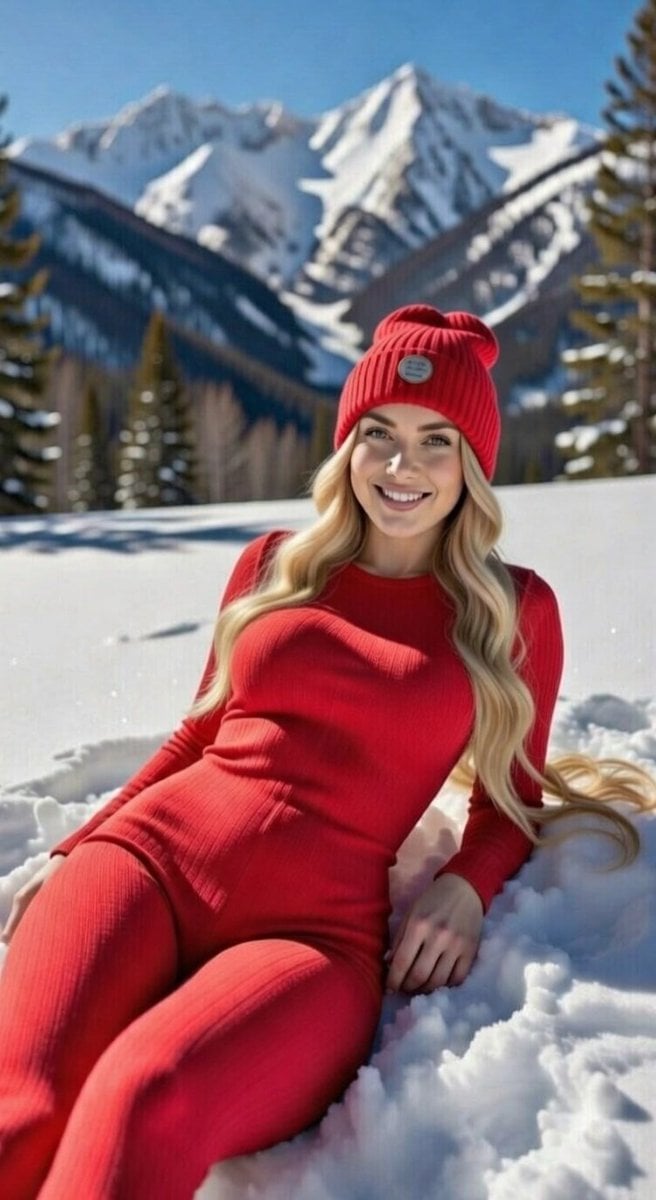
Blonde Woman in Red Bodysuit in Snow

K-pop Dance Tutorial Poster Generator
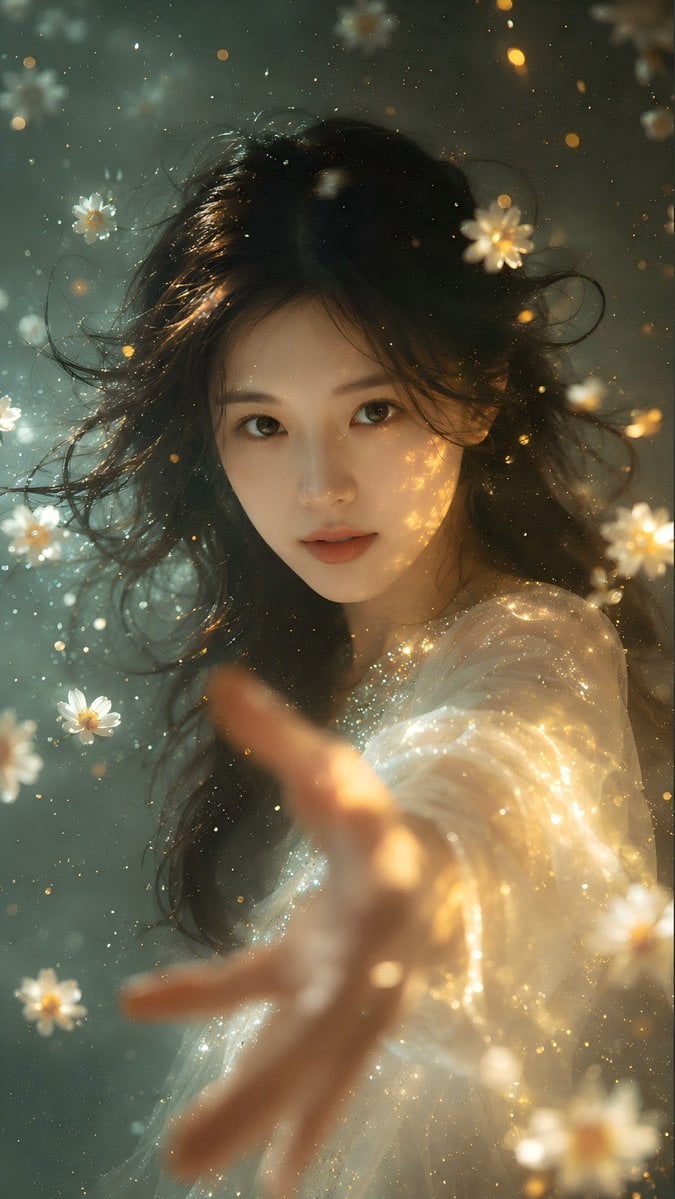
Identity Preserving Portrait Generation
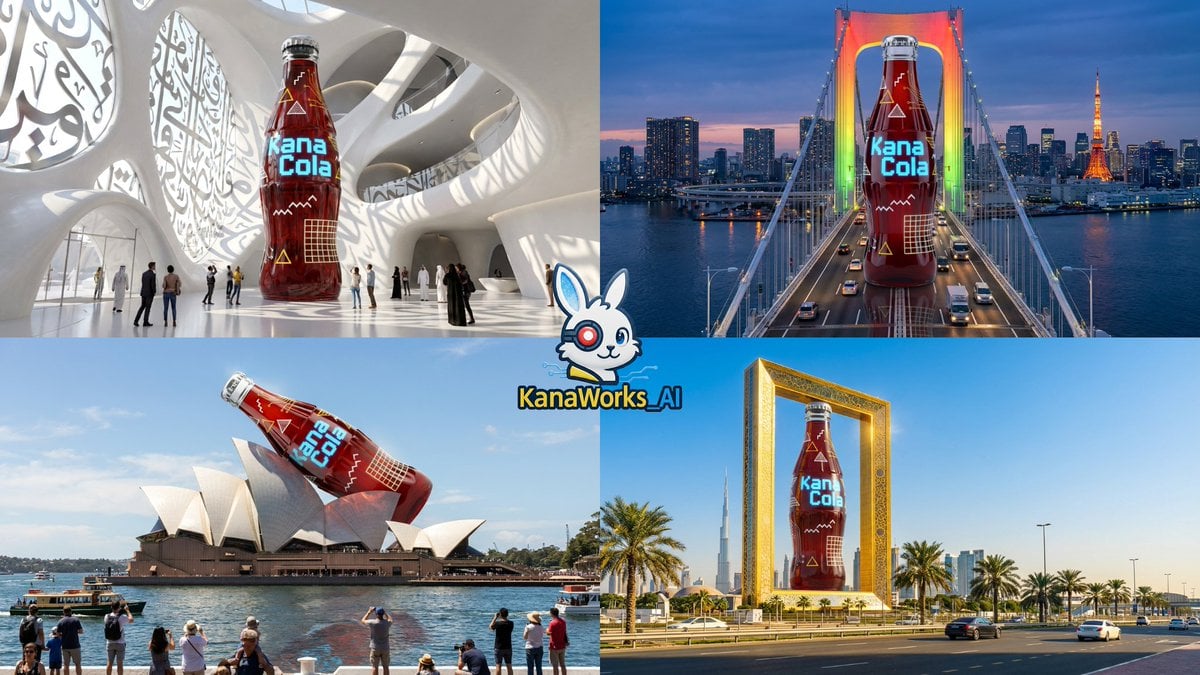
Nano Banana Pro: Giant Product Image Generation Prompt
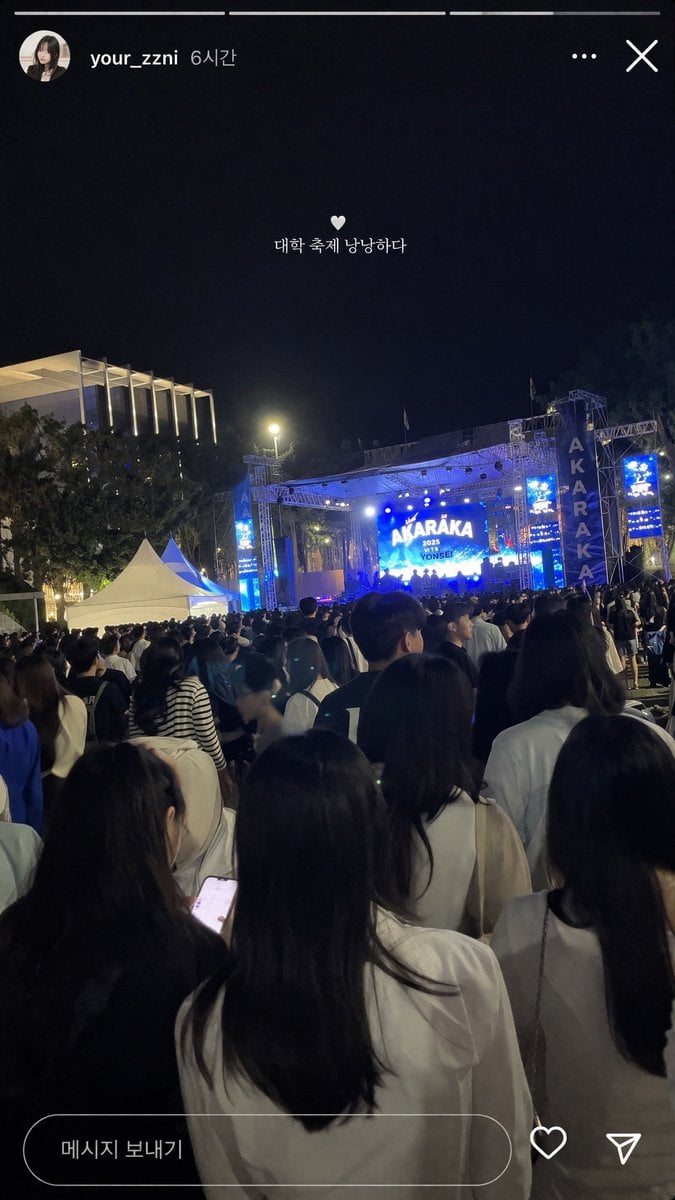
Social Media Concert Story Mockup
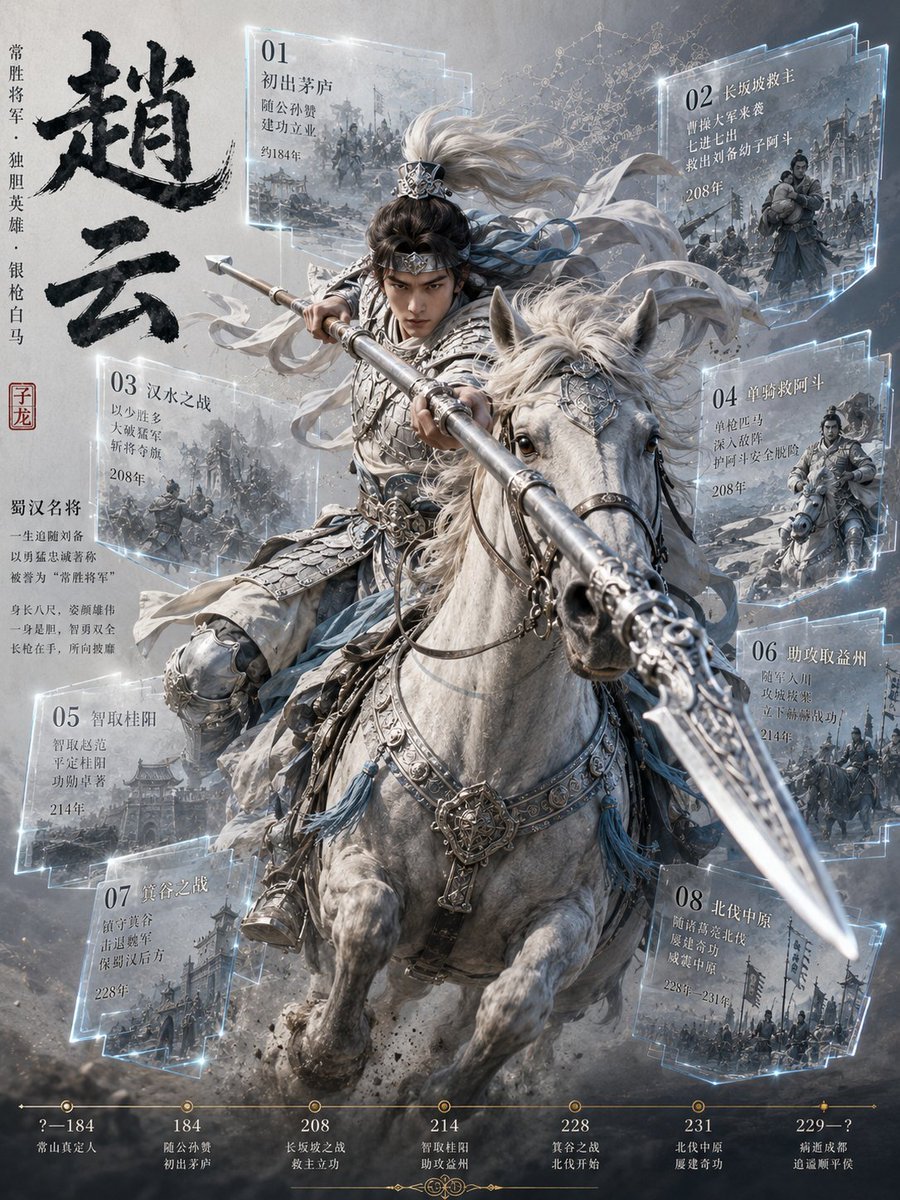
Zhao Yun Cavalry Infographic Poster
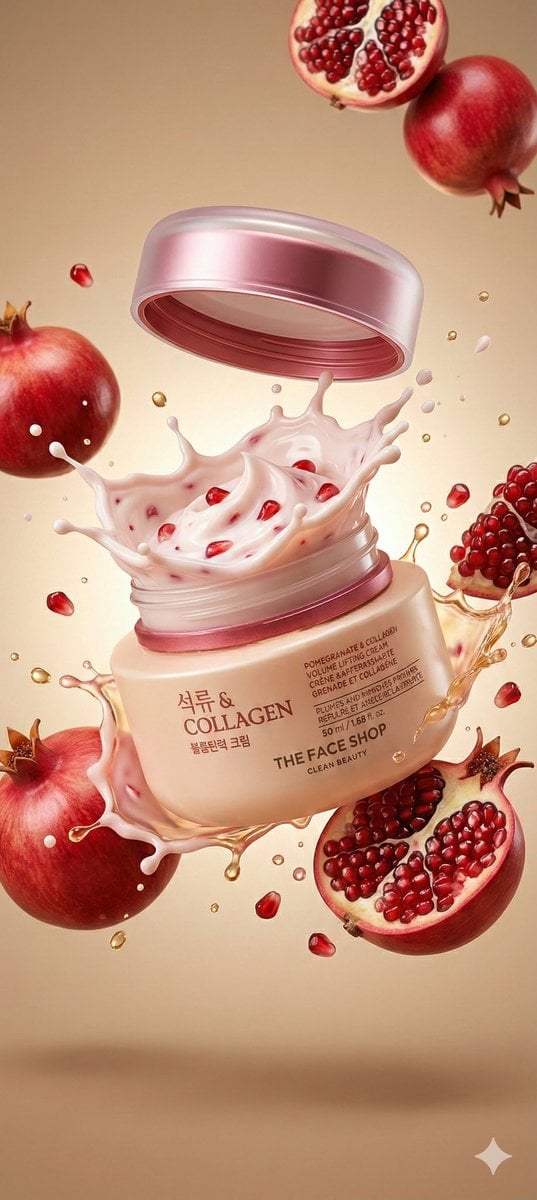
Cosmetic Jar Explosion Product Photography Prompt
Browse template categories
Eternal Flower Cyberpunk Portrait questions
How do I use the Eternal Flower Cyberpunk Portrait template?
Add your photo if the template asks for one, edit the prompt if you like — the template's model and format are already selected — and press Generate. Your version opens in PicX Studio.
Can I customize the Eternal Flower Cyberpunk Portrait template?
Yes. You can change the subject, setting, lighting, mood, format, and available model controls before creating your image.
Is the Eternal Flower Cyberpunk Portrait template free?
Opening and editing this template is free. Generating uses credits, shown on the Generate button when you are signed in.
Which AI model should I use?
Start with GPT Image 2, which is the model associated with this template. You can compare another compatible model for a different finish.
Looking for something else? Browse all templates.

Your photo, any look
Thousands of ready templates for every top image and video model, from one credit balance.