How do I use the Neon Anime DJ Girl template?
Choose the primary action to open PicX Studio with the available template settings. Review the model and format, personalize the creative direction, and generate when ready.
A vivid cyberpunk anime portrait of a headphone-wearing girl surrounded by glowing music notes and electric audio effects. Change the subject, setting, or lighting one variable at a time.
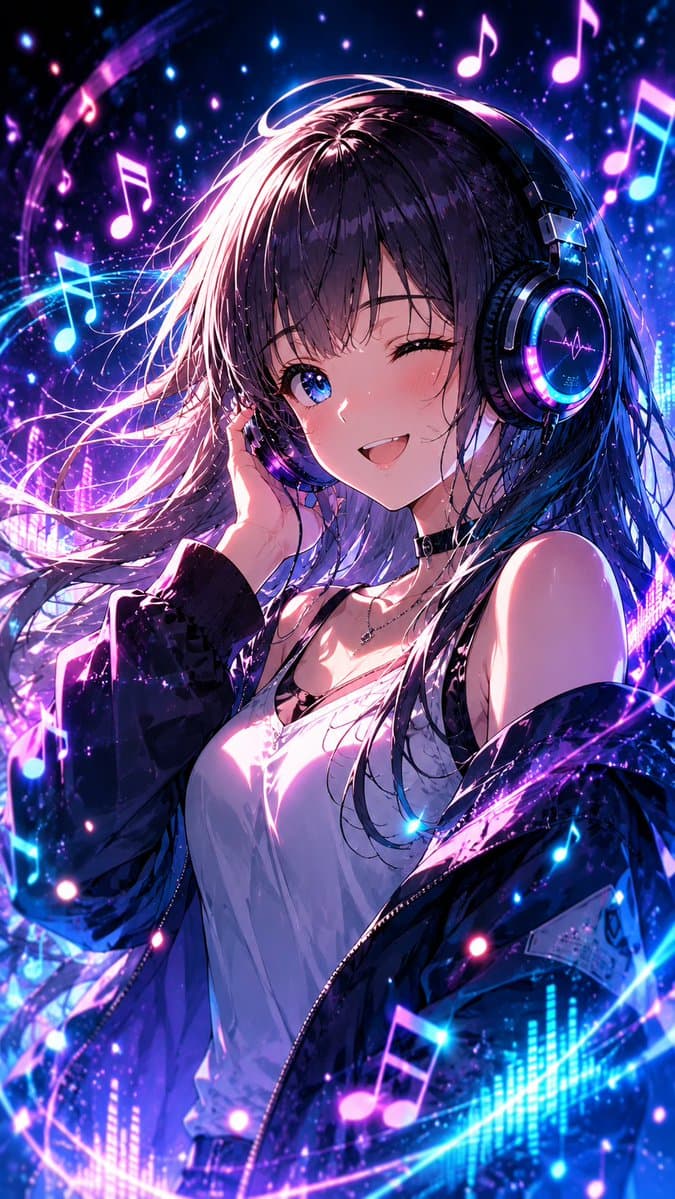
Create a vertical 9:16 anime-style music illustration of a young woman in a neon cyberpunk night scene. The subject is a stylish anime girl with {argument name="hair color" default="long dark purple-black hair with pink and blue rim highlights"}, shown from the waist up in a dynamic three-quarter pose, her hair blown dramatically across the frame. She wears large glossy over-ear DJ headphones with glowing cyan and magenta rings, a black choker, a delicate necklace, a loose white camisole, and an oversized dark jacket slipping off one shoulder. Her right hand lightly touches the headphones near her ear. Place a perfectly centered opaque square censor block over the face, covering the eyes, nose, and mouth, colored muted mauve-purple. Surround her with an energetic audio-visual swirl: exactly 8 prominent glowing musical notes, including 3 hot-pink notes near the upper left and upper right, 2 cyan notes on the left side, 1 cyan-and-pink note on the right edge, and 2 pink notes near the lower foreground. Add luminous curved light trails wrapping around her body, sparkling particles, star-like bokeh, and digital equalizer bars along the lower edge. Use {argument name="color palette" default="electric blue, violet, magenta, hot pink, and deep black"}, high-contrast glossy lighting, detailed anime rendering, dramatic rim light, vibrant concert atmosphere, sharp hair strands, reflective headphone surfaces, and a dense magical music aura. No readable text, no watermark, no extra characters.
Choose the primary action to open PicX Studio with the available template settings. Review the model and format, personalize the creative direction, and generate when ready.
Yes. You can change the subject, setting, lighting, mood, format, and available model controls before creating your image.
This template is free to open and customize. Generation usage is shown in PicX Studio before you create.
Start with GPT Image 2, which is the model associated with this template. You can compare another compatible model for a different finish.
© 2026 PicX Studio. All rights reserved.

Follow a topic to a crawlable collection of related PicX Studio templates.
43,474 public templates available. Verified via the PicX Studio public templates API; refreshed hourly.

















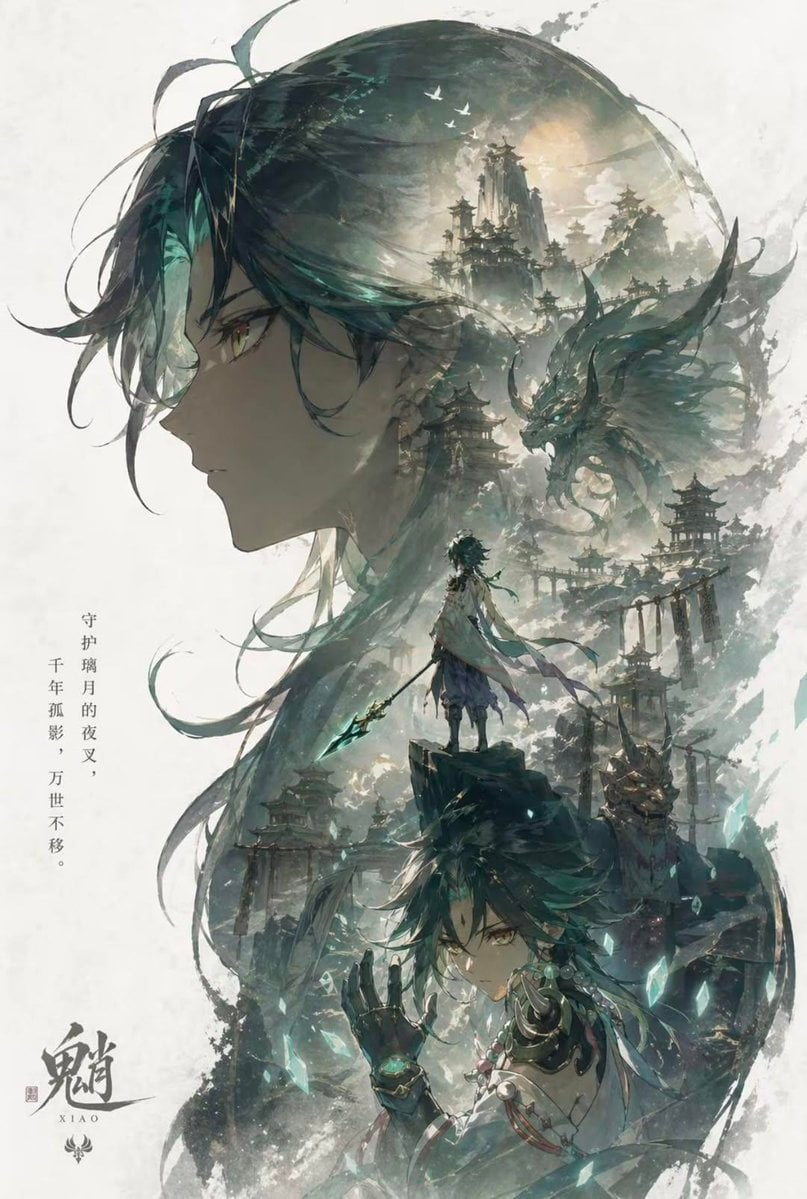


![Minimalist Flat Vector Travel Poster — Premium minimalist flat-vector travel poster for {argument name="city name" default="[CITY_NAME]"}, 3:4 vertical format.](https://cms-assets.youmind.com/media/1787917359711_3ug846_HQX205cbMAA6F6S-300x400.jpg)



















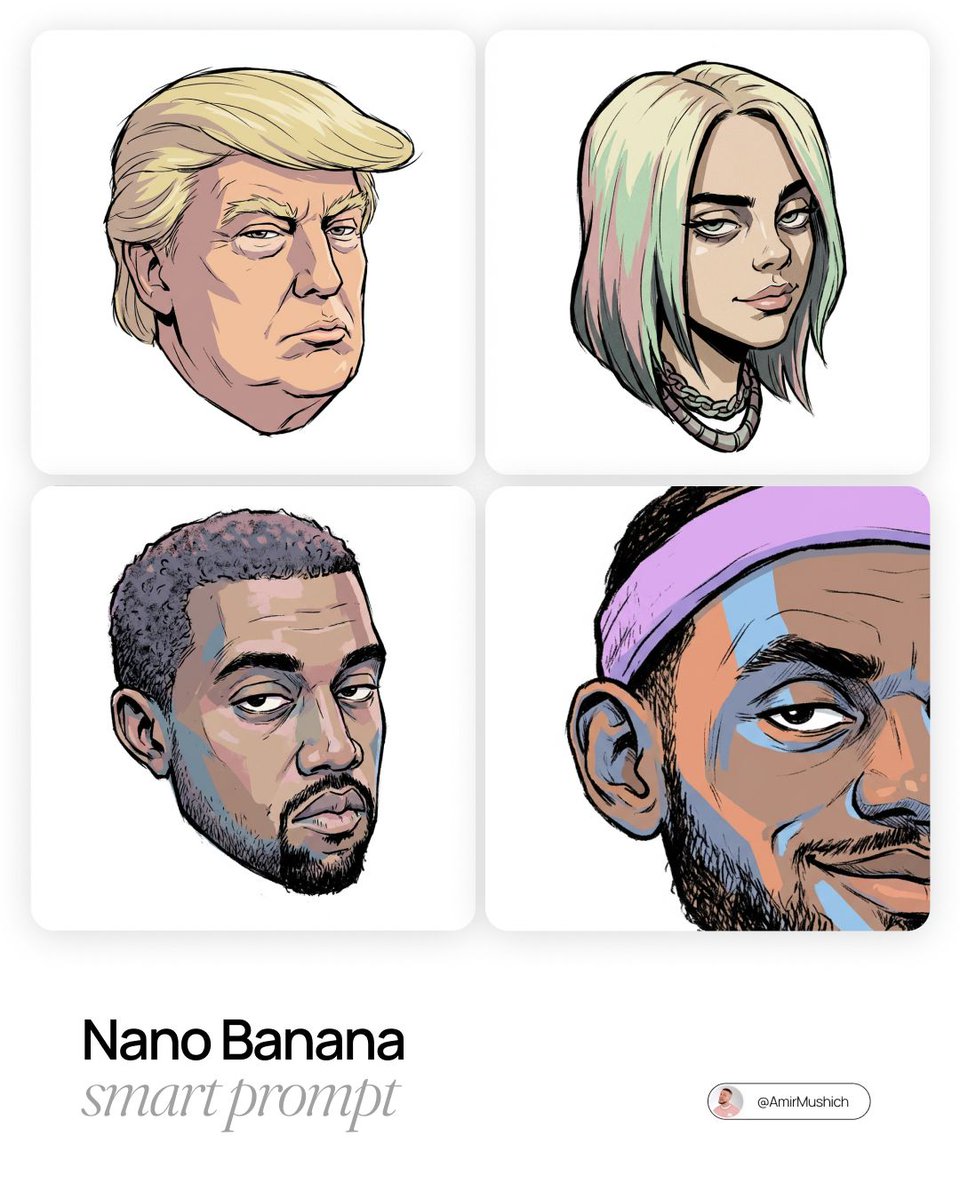
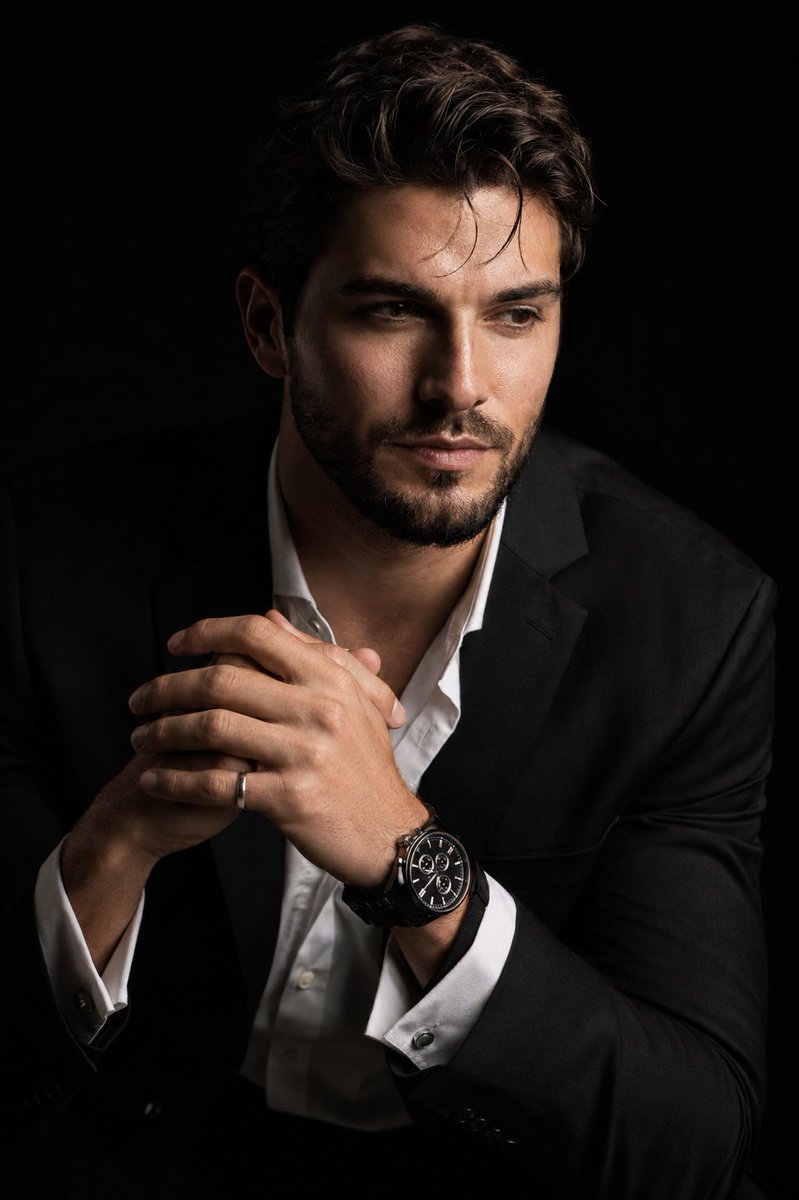
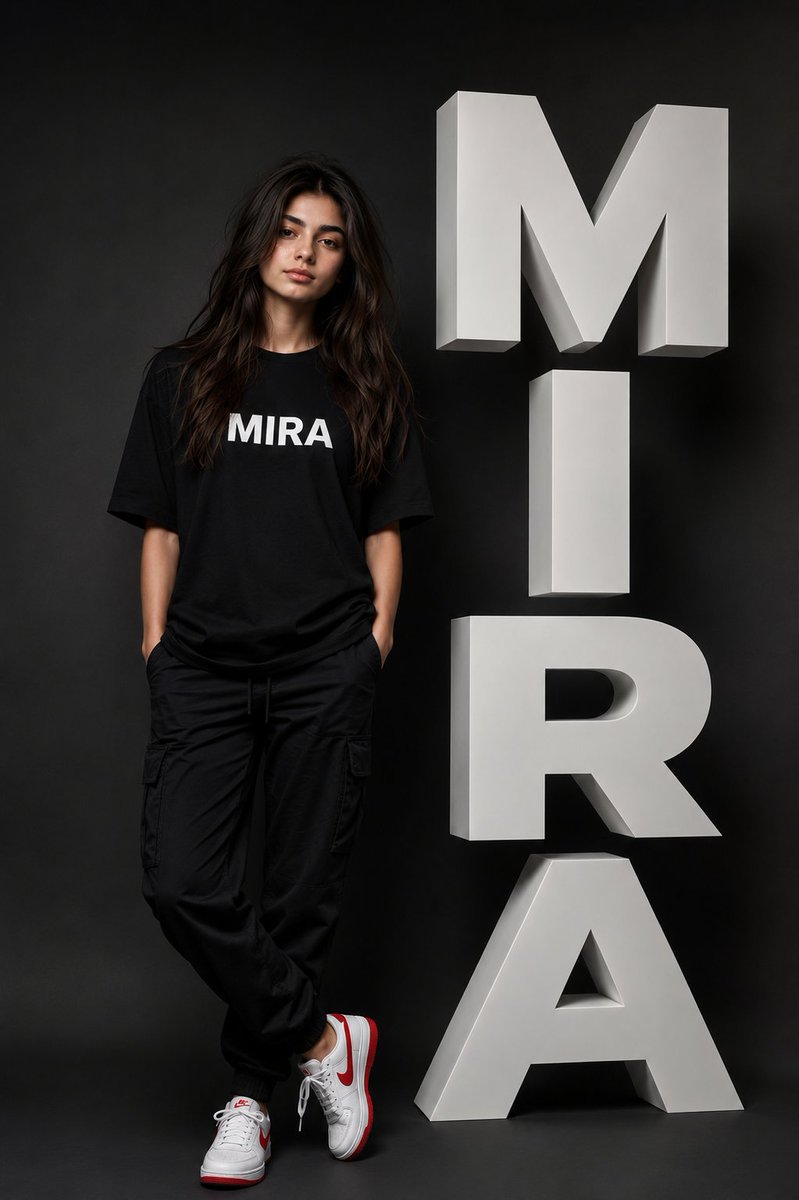





![Flat UI/Startup Style Illustration Prompt — Flat illustration of {argument name="subject" default="[subject]"}, startup-style vector art, bright colors, simple](https://pbs.twimg.com/media/HEBU7CUakAAZ7B4.jpg)