
Raw iphone realism, low light, slight grain, natural skin texture, not
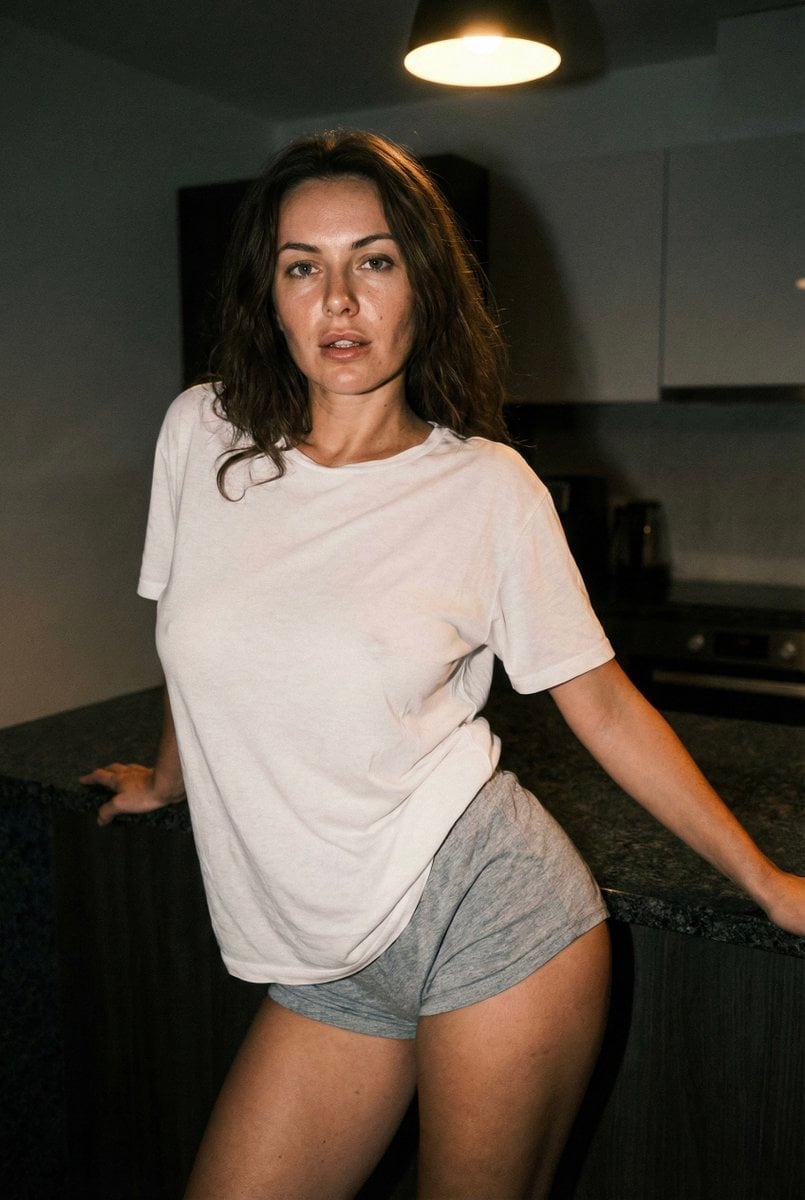
{ "meta": { "quality": "ultra photorealistic", "resolution": "8k", "camera": "iPhone 15 Pro", "lens": "24mm wide", "aspect_ratio": "2:3", "style": "raw iphone realism, low light, slight grain, natural skin texture, not…
- Prompt included
- Model and format preset
- Premium template
The prompt behind this image
Copy the exact prompt behind Raw iphone realism, low light, slight grain, natural skin texture, not, or open it in the studio and make it yours.
{ "meta": { "quality": "ultra photorealistic", "resolution": "8k", "camera": "iPhone 15 Pro", "lens": "24mm wide", "aspect_ratio": "2:3", "style": "raw iphone realism, low light, slight grain, natural skin texture, not polished" }, "character_lock": { "identity": { "ethnicity": "european", "age": "clearly adult" }, "hair": { "color": "natural brunette", "style": "loose, slightly messy, ends imperfect" }, "eyes": "hazel", "body": { "type": "curvy hourglass", "chest": "full, heavy, natural", "hips": "wide and round", "waist": "small and tight" }, "tattoos": { "presence": "none" } }, "scene": { "location": "modern apartment kitchen", "time": "late night", "atmosphere": "quiet house, single light on, private after-hours energy" }, "camera_perspective": { "capture_method": "iPhone placed on kitchen counter (timer)", "phone_visibility": "not visible", "angle": "slightly low and close", "framing": "hips to head, body dominant" }, "subject": { "pose": { "position": "leaning back against kitchen counter", "body_alignment": "strong natural arch", "back": "lower back arched, chest forward", "hips": "pushed back toward camera", "legs": { "stance": "one leg straight, the other slightly bent inward" }, "upper_body": { "chest": "clearly emphasized by arch and fabric tension", "shoulders": "relaxed", "arms": { "one_arm": "hands resting on counter behind her, supporting weight", "other_arm": "same, symmetric" } }, "head": { "angle": "chin slightly down", "gaze": "looking directly into camera" }, "expression": "slow confident stare, lips parted slightly, calm dominance" }, "outfit": { "top": { "type": "oversized t-shirt", "color": "white", "fabric": "very thin worn cotton", "fit": "loose but stretched by chest and posture", "details": "fabric pulled tight over chest, slightly translucent under light, no bra" }, "bottom": { "type": "ultra short sleep shorts", "color": "grey", "fabric": "soft jersey", "fit": "very short, riding up due to arch" } }, "skin": { "detail": "warm kitchen light glow", "texture": "visible pores, natural shine, zero smoothing" } }, "environment": { "background": [ "kitchen counter", "sink and faucet", "single overhead light on", "dark apartment behind her" ], "lighting": { "type": "single warm ceiling light", "effect": "hard highlights on chest and hips, deep shadows, true iphone exposure" } }, "photography_rules": { "realism": "very high", "iphone_only_look": true, "no_phone_in_hands": true, "no_male_presence": true, "clean_skin_no_tattoos": true, "instagram_model_aesthetic": true, "thirst_trap_energy": true, "suggestive_not_explicit": true } }
How to use Raw iphone realism, low light, slight grain, natural skin texture, not in 3 steps
- 1
Open
The prompt is already in the box next to the preview, with the template's model and format selected.
- 2…a portrait of your subject in softgolden-hour light, 85mm…
Personalize
Edit the subject and creative details for your destination.
- 3Generate
Generate
Press Generate — your image is created in PicX Studio, so you can compare it with the original and refine one variable at a time.
More like this
Templates with the same subject, style or setup. Open one to see its prompt.
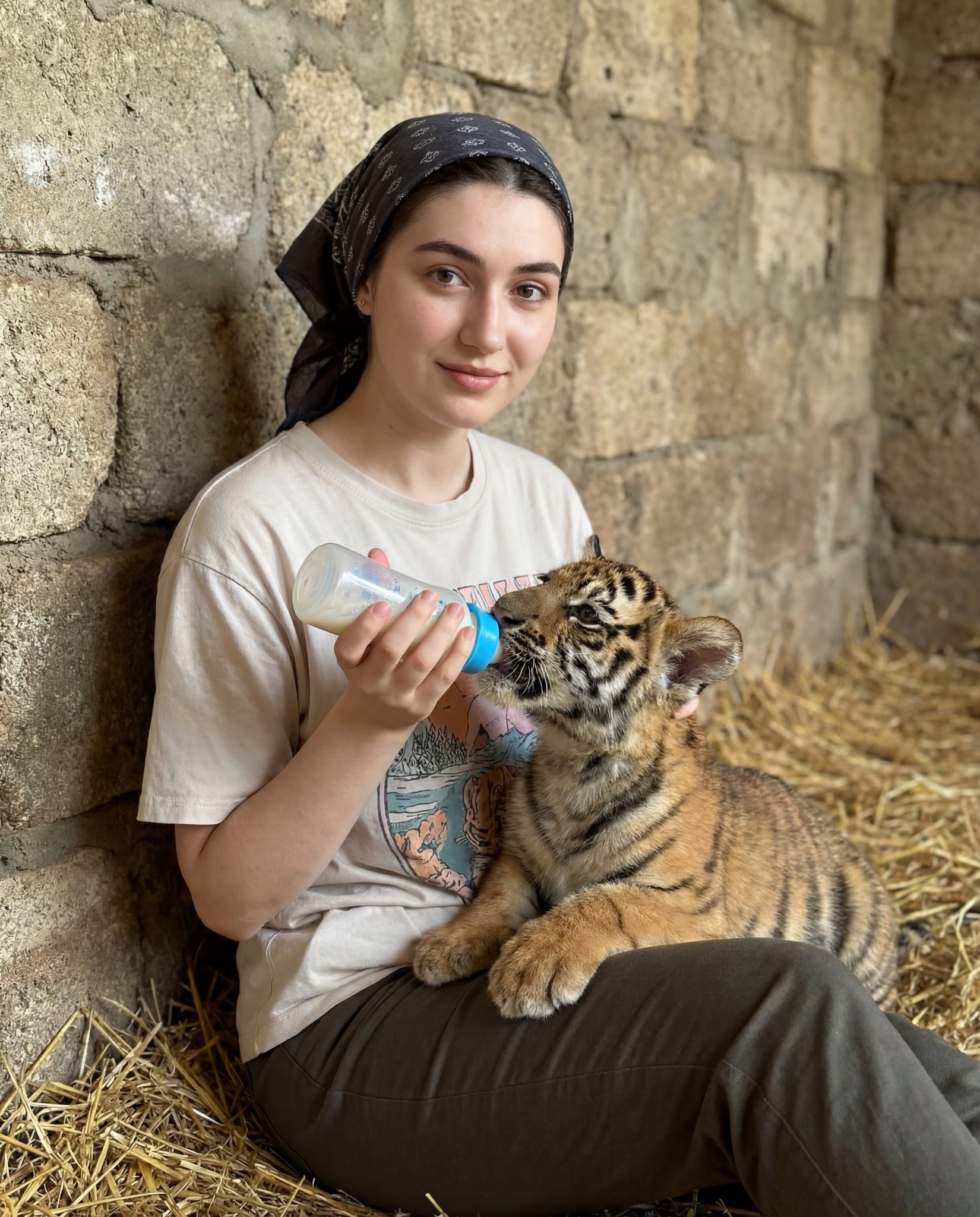
Human subject seated slightly right of center, animal positioned lower
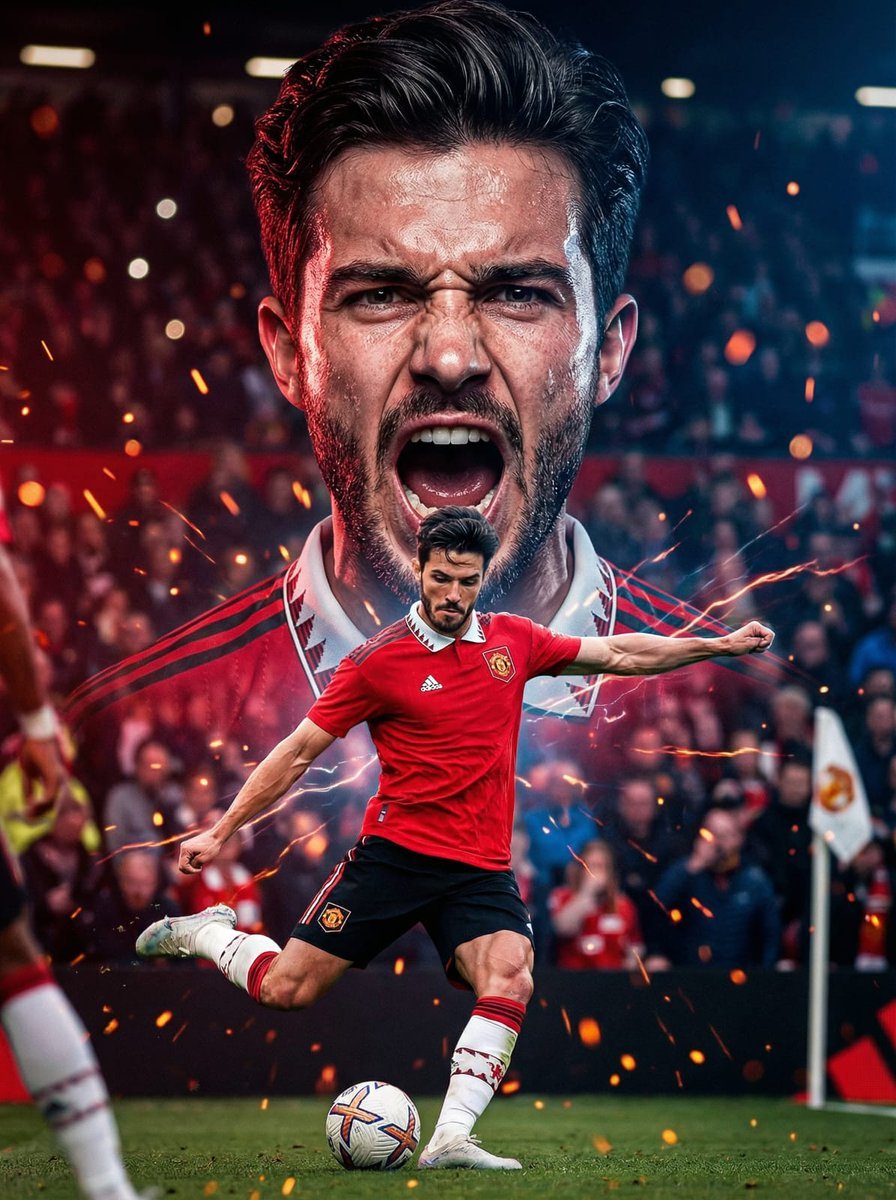
The background with mouth open in a powerful shout, veins slightly
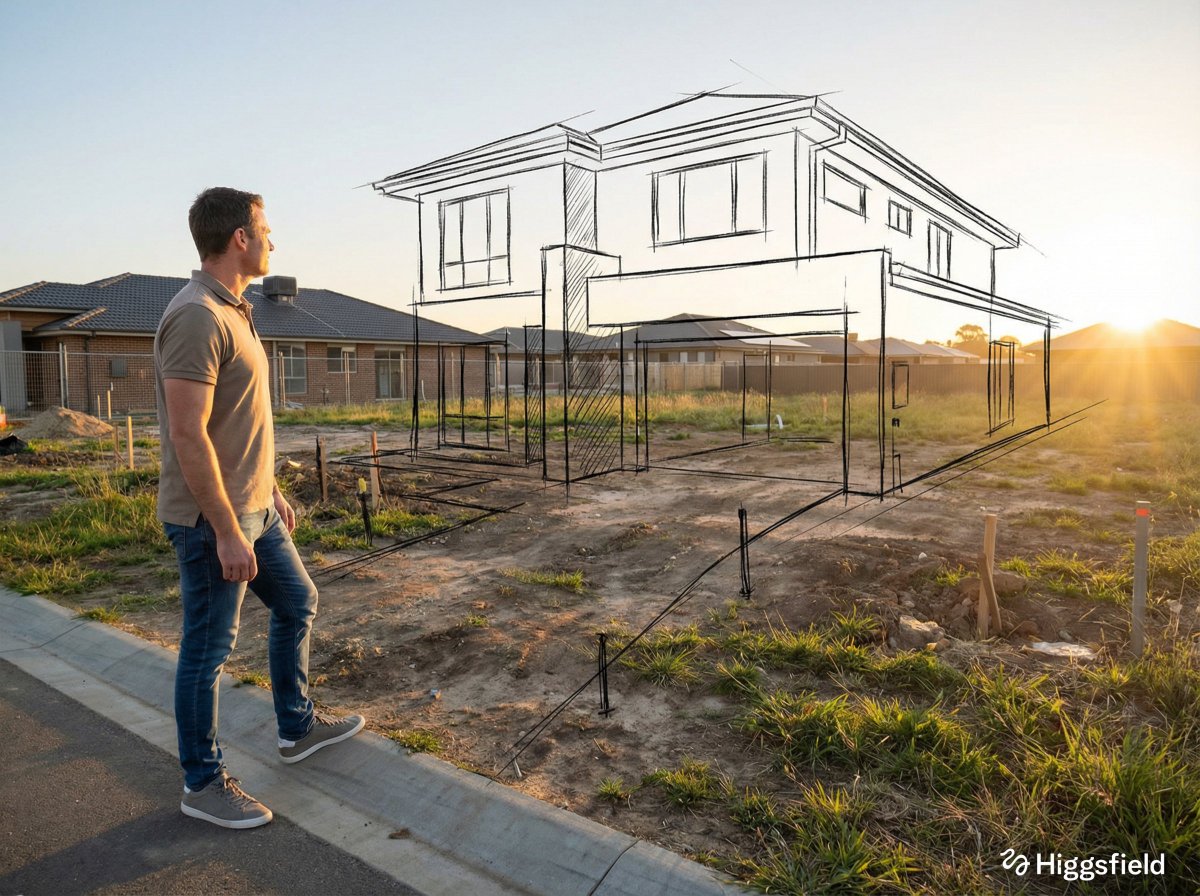
A standing full-body near the edge of the frame, slightly to the left
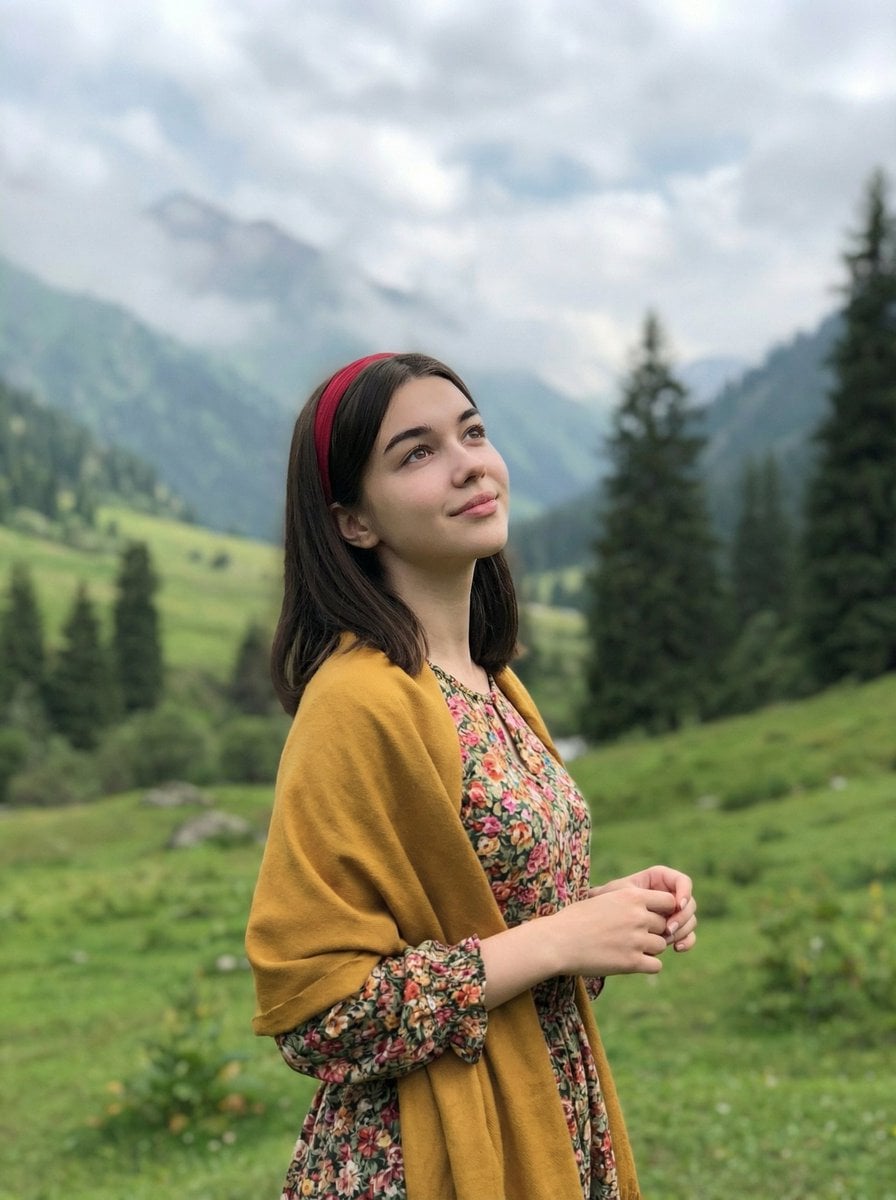
Standing naturally with hands gently together, looking slightly upward
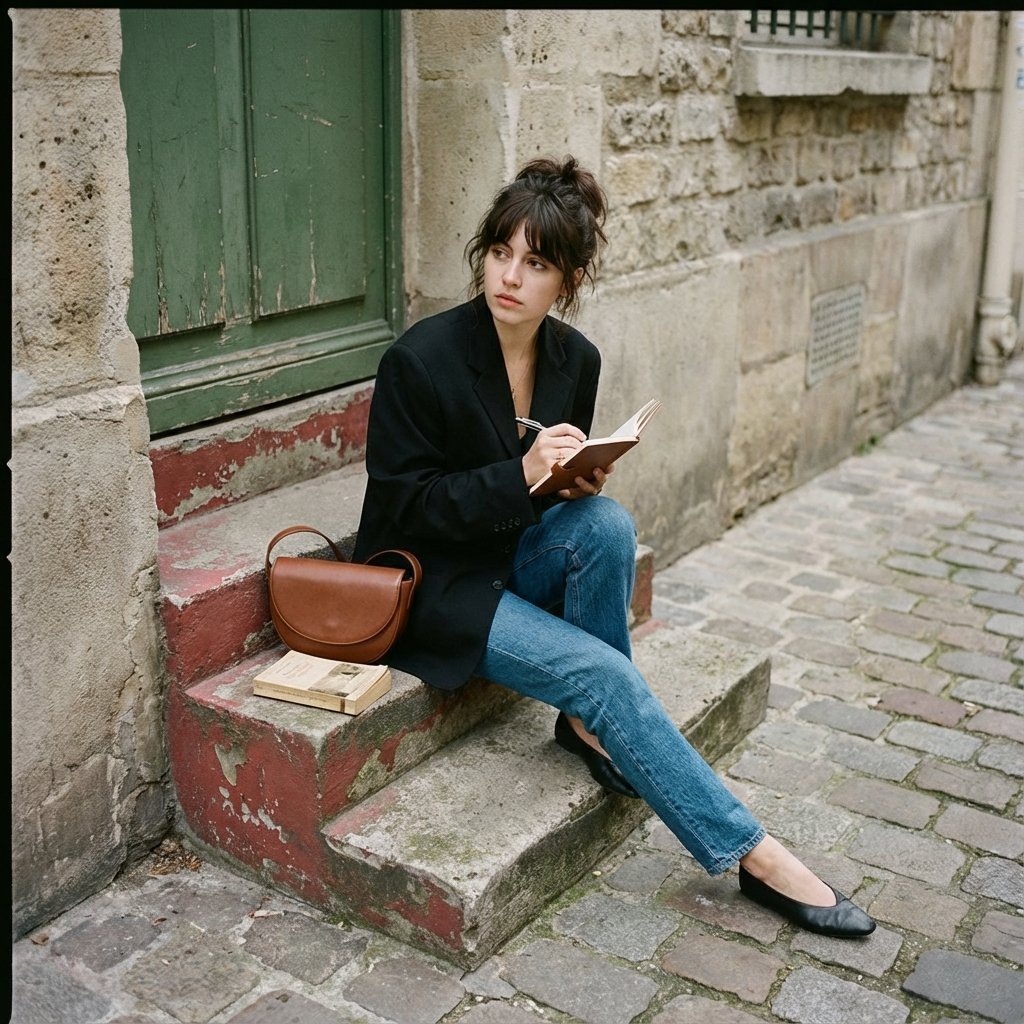
Seated casually on worn stone stairs, legs crossed slightly, holding
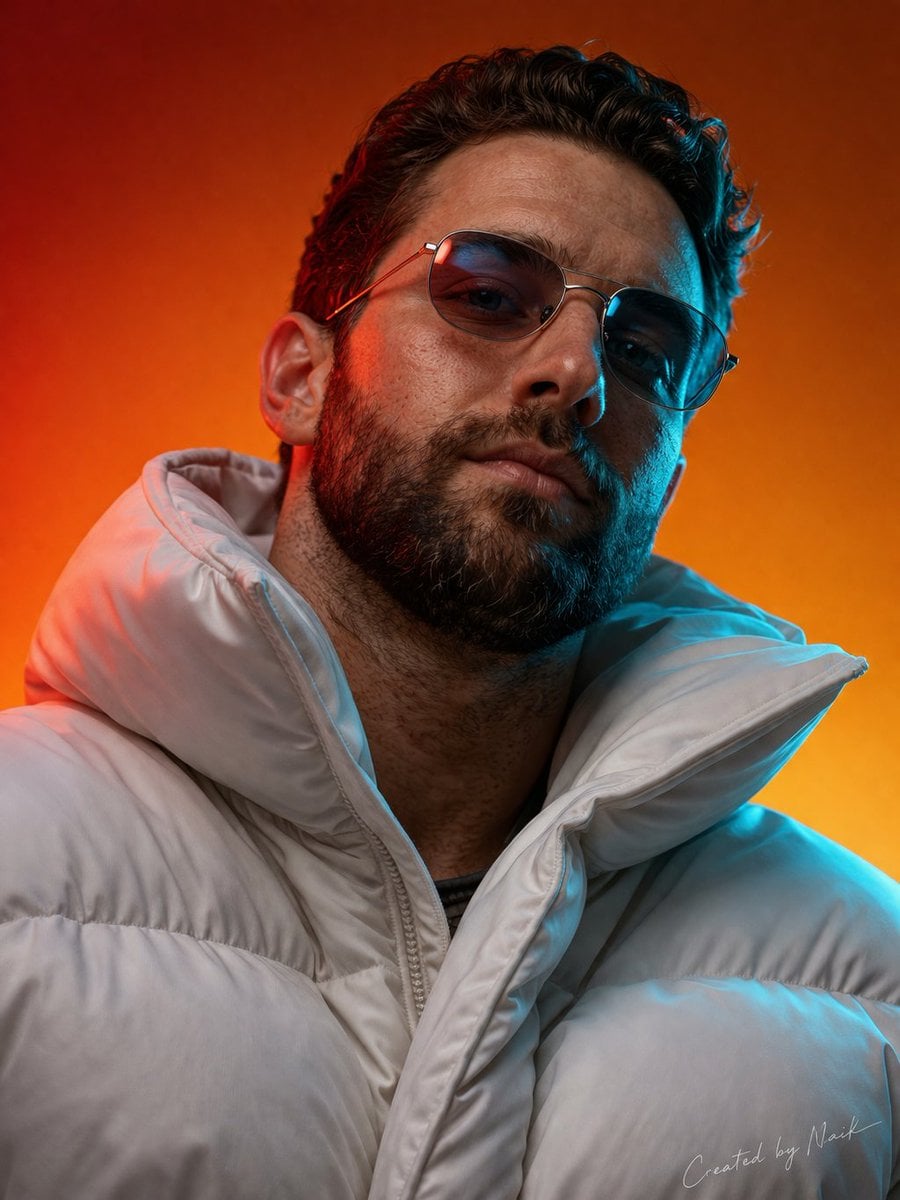
Ultra-photorealistic cinematic portrait of a man viewed from a slightly
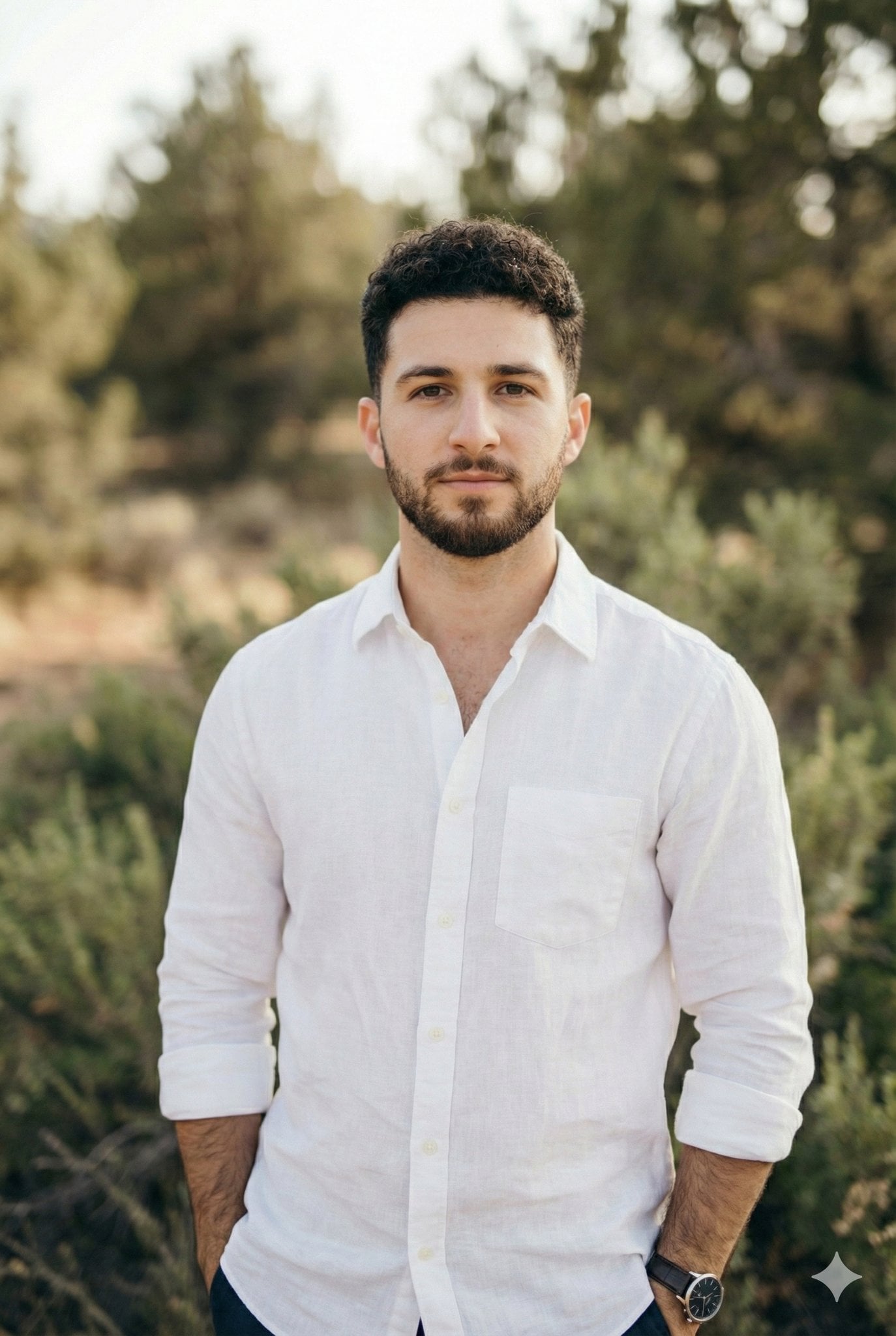
Arms crossed, body angled slightly to the right, head turned slightly
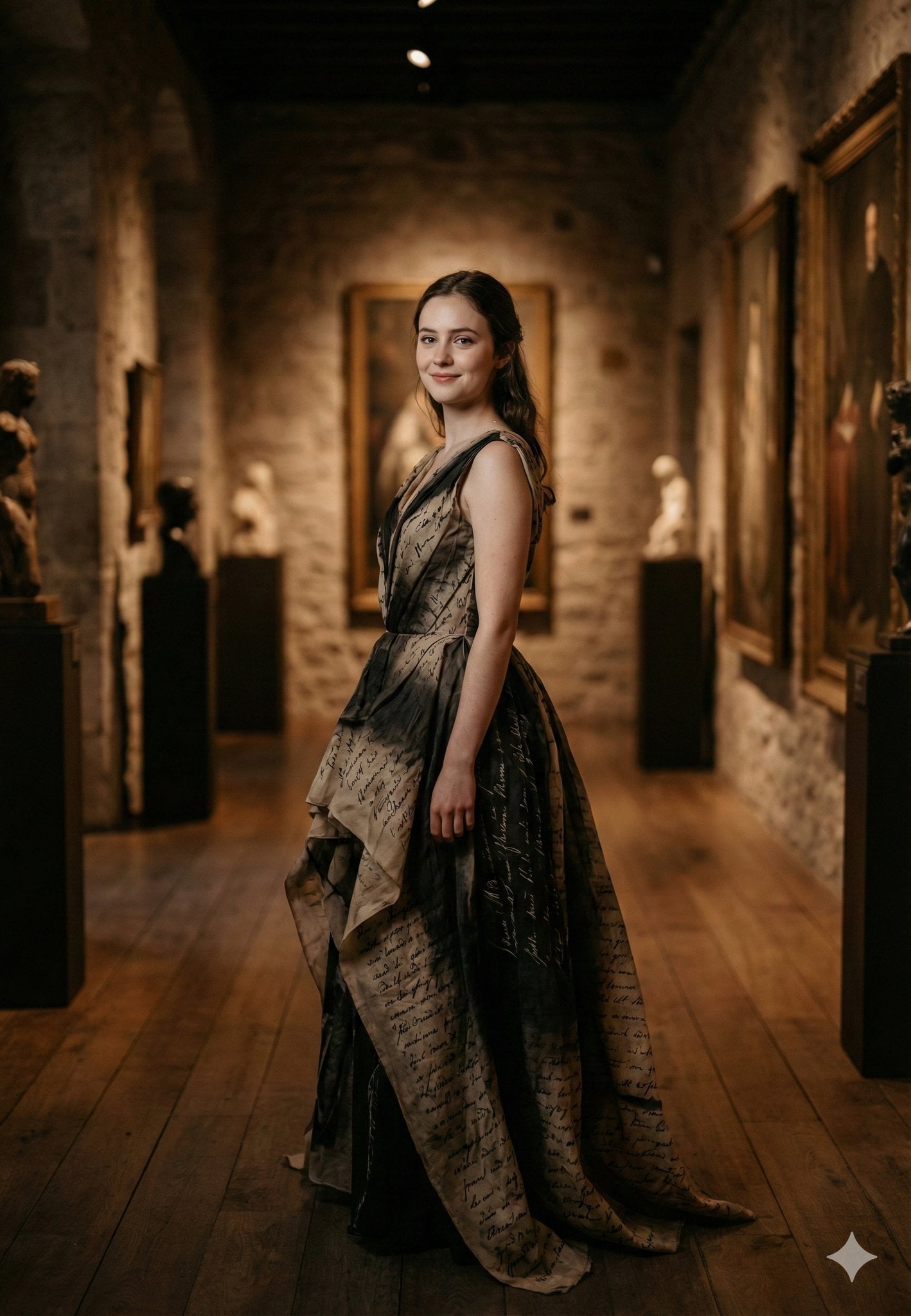
Standing gracefully in three-quarter profile, body slightly turned
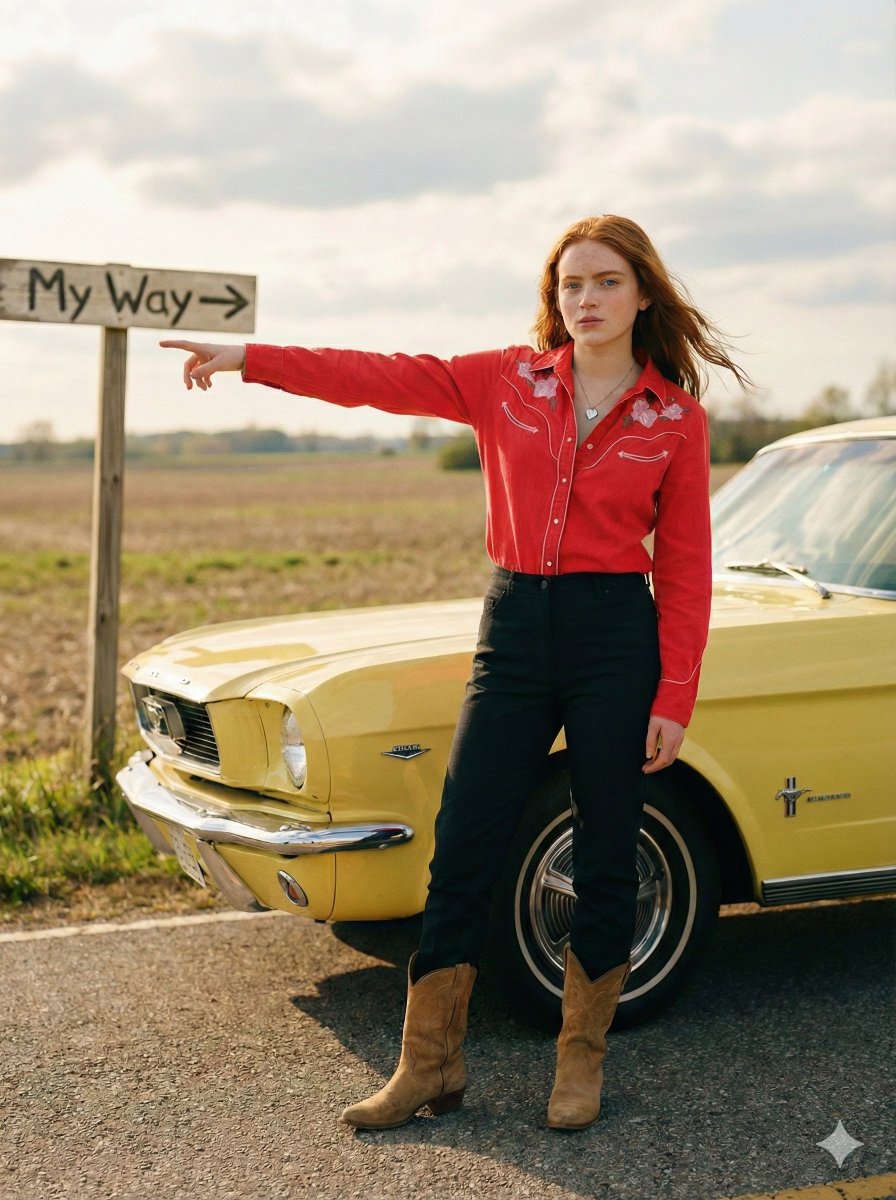
Standing beside the car, torso slightly angled, arm extended

LIGHTING each element still lit by its original source, windows casting
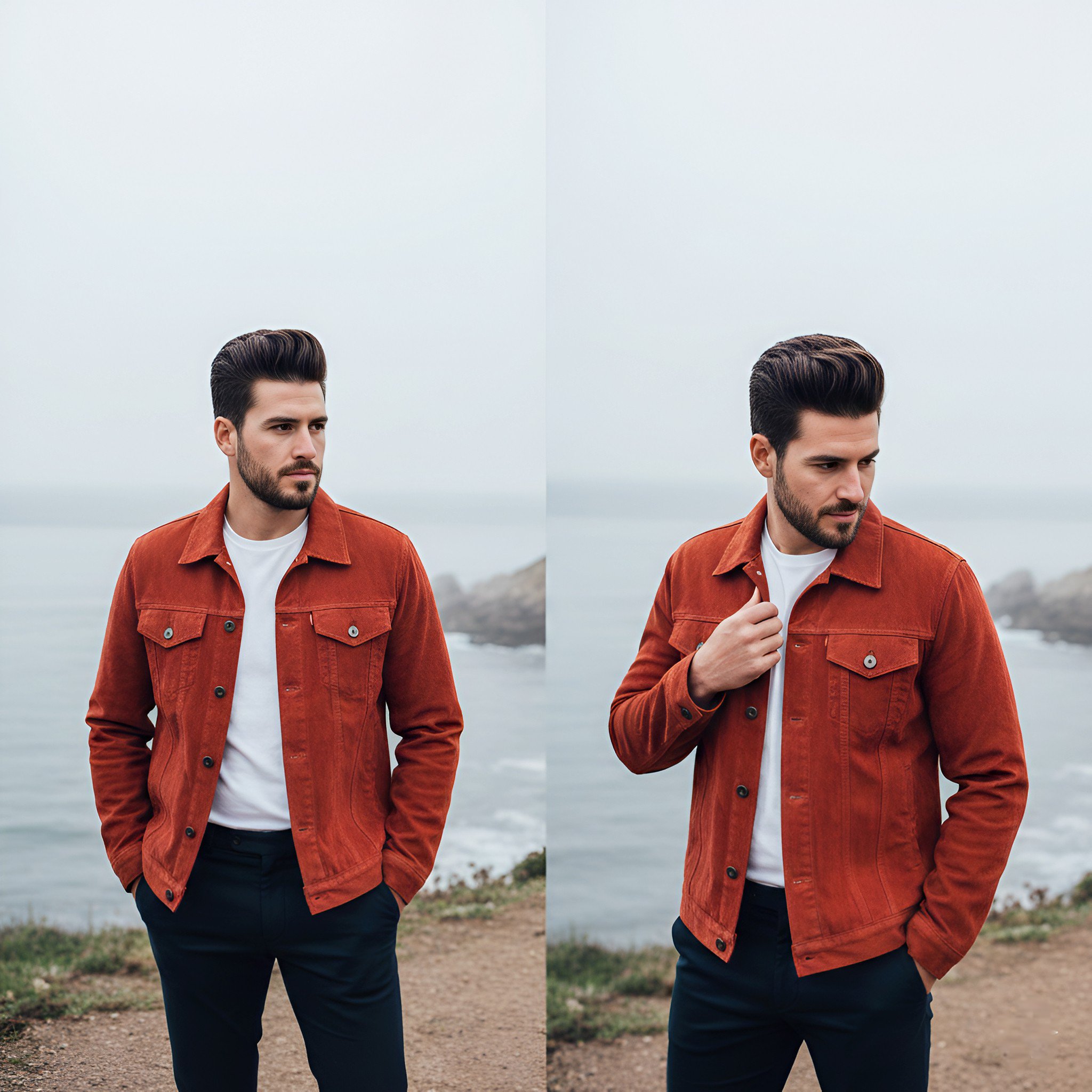
Lifestyle photography, cinematic color grading, shallow depth of field

Realistic portrait 100 identical face, no editing allowed
Make it yours
Raw iphone realism, low light, slight grain, natural skin texture, not works as-is. These are the safest ways to change it without losing the look.
Change one field
Copy a single group, rewrite it, and generate again so you can see what that field is doing.
Keep the frame, change the subject
Hold the composition and light of Raw iphone realism, low light, slight grain, natural skin texture, not, then swap wardrobe, props or the person for a new take.
| If the result… | Why | Fix |
|---|---|---|
| The result drifts from the preview | Too many fields changed at once. | Reuse Raw iphone realism, low light, slight grain, natural skin texture, not as-is first, then change one group — subject, light, or setting. |
| The model over-stylizes the scene | The prose prompt leaves finish and camera underspecified. | Add one camera or lighting sentence and stay on Nano Banana 2. |
More Nano Banana 2 templates
Other prompts made for Nano Banana 2.

Photorealistic Leaf Shaped Like a Dragon

K-Pop Idol Portrait Grid for Rapid Selection

Poetic Rain Forest Portrait During Golden Hour

Urban Street Portrait with Cartoon Inner Self Duo

Candid Nighttime Photo with Cat Prompt

High-Concept 3D Diorama Generation Prompt

Cinematic Futuristic Studio Portrait Template

Skincare Editorial Photography Collage Prompt

Hyper-Realistic Commercial Product Photography (Splash Effect)

Hyper-Realistic Nightclub Portrait Prompt
More image prompts
Fresh picks from across the catalog.
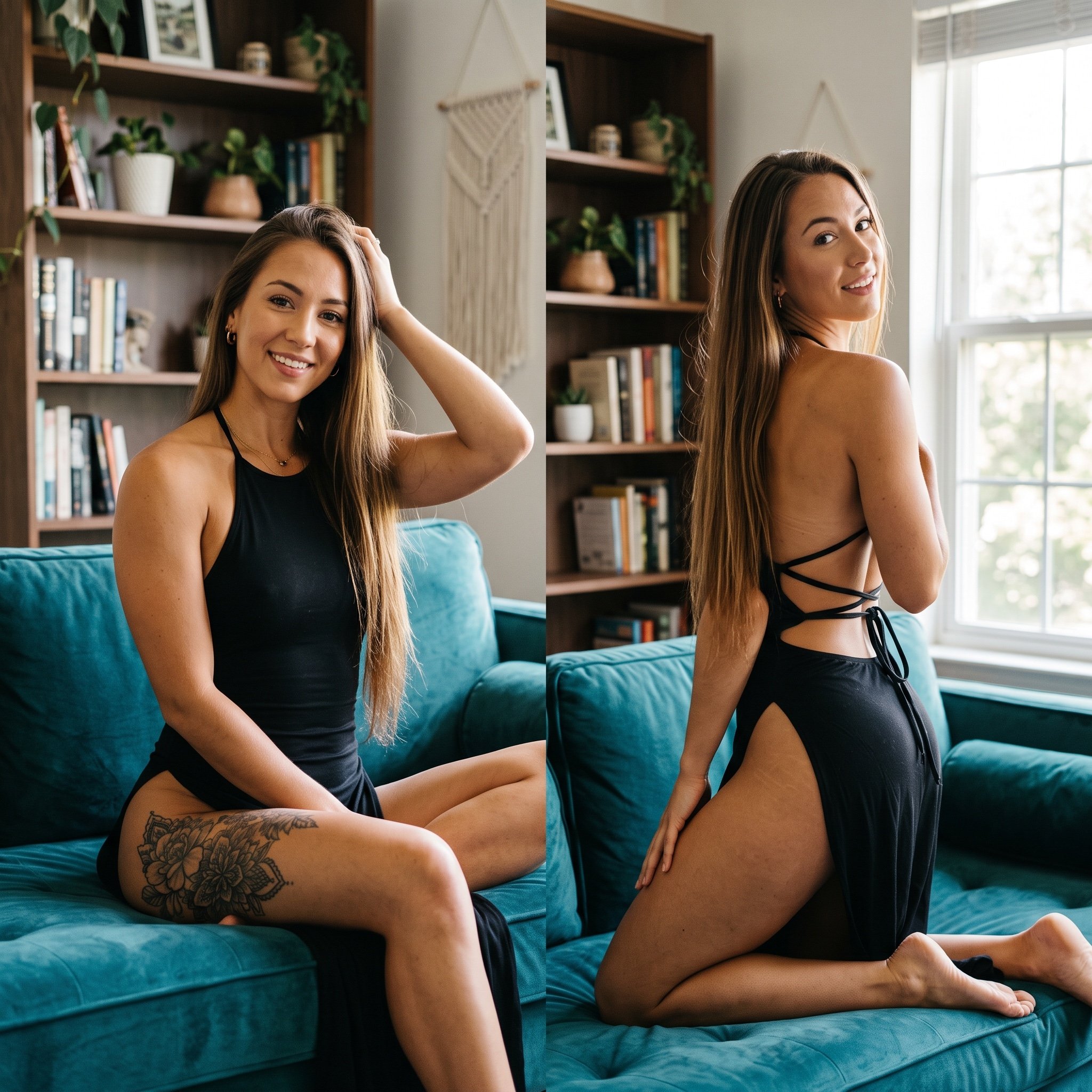
Photorealistic Split-Screen Collage Prompt
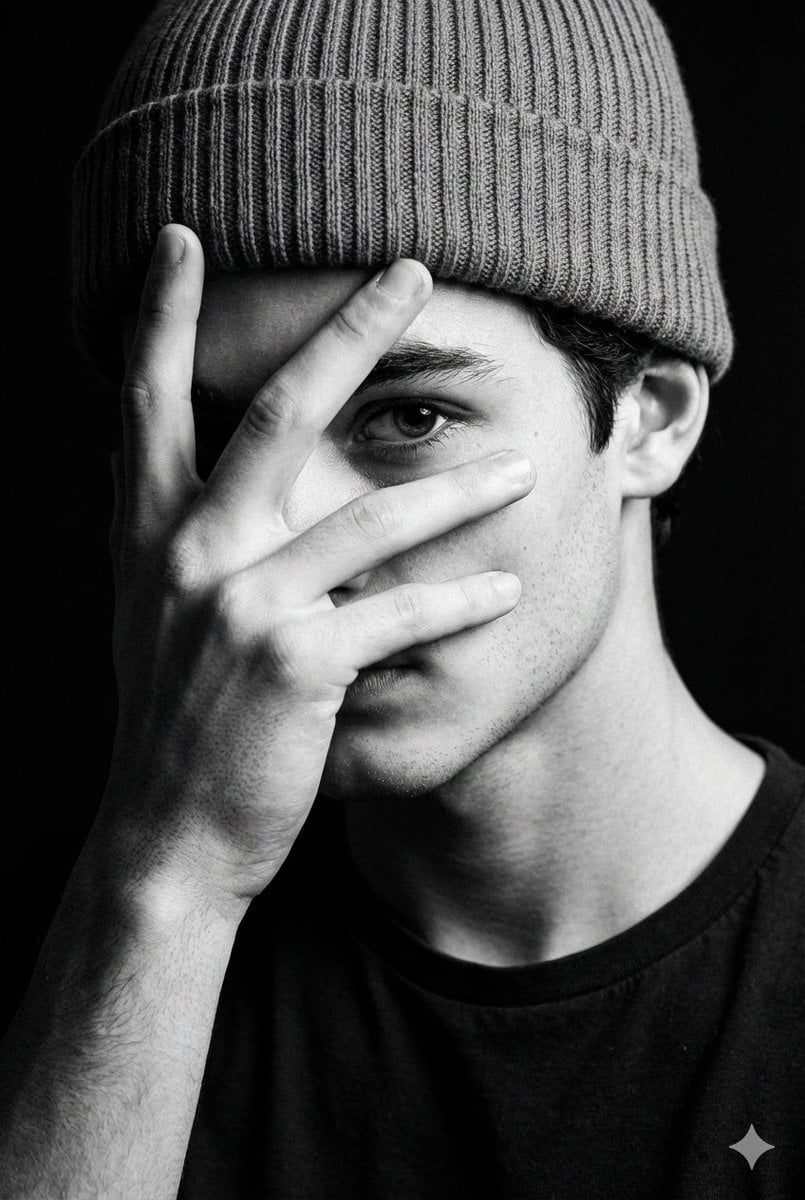
Dramatic Low-Key Monochrome Portrait Prompt
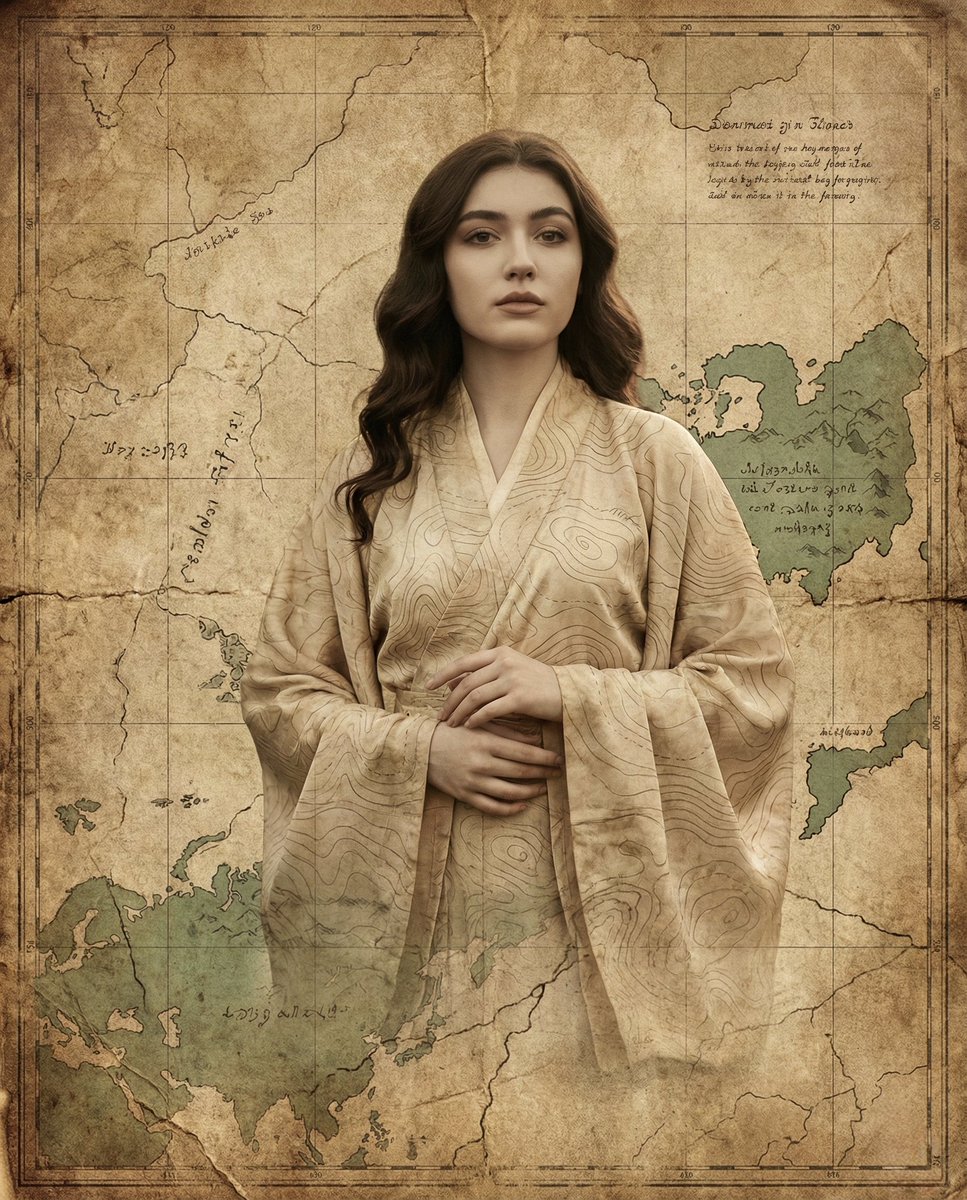
Surreal Fine-Art Portrait Emerging from Ancient Map
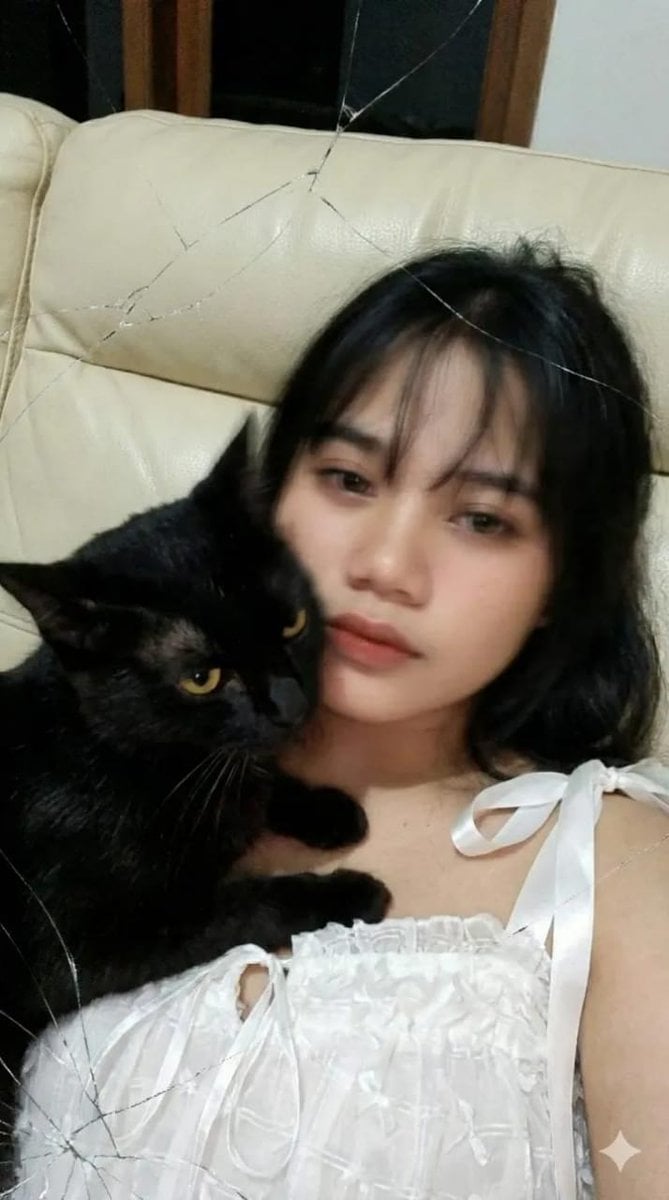
Low-Resolution Motion-Blurred Selfie with Cat
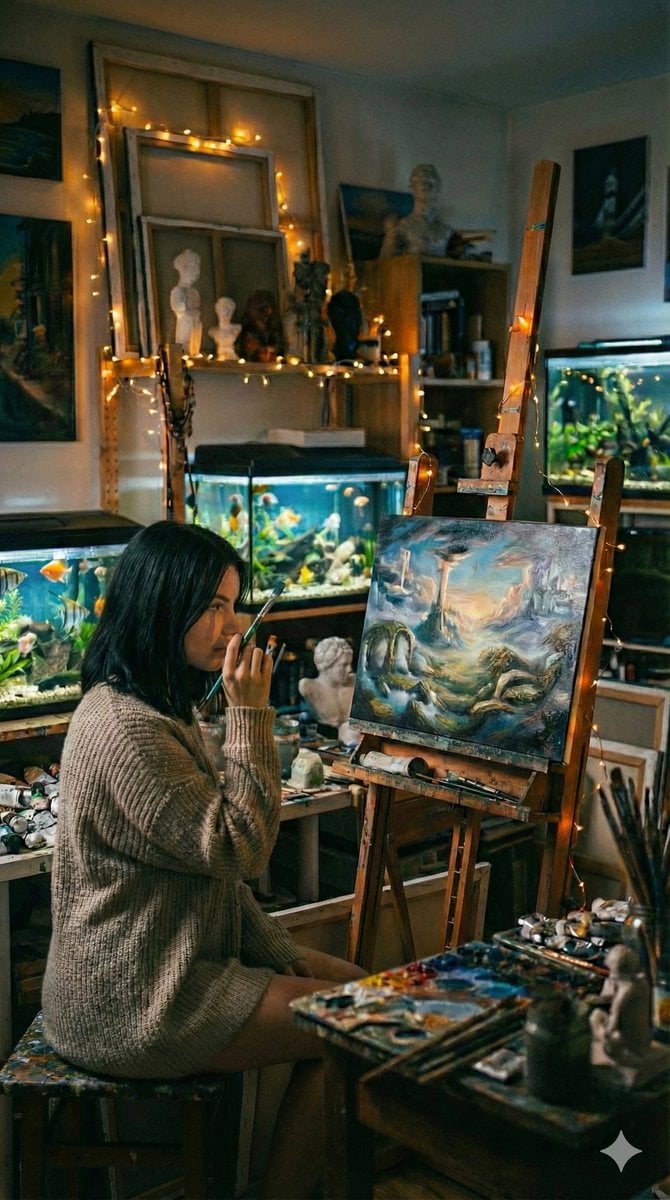
Cinematic Fine-Art Photography of an Artist in Her Studio
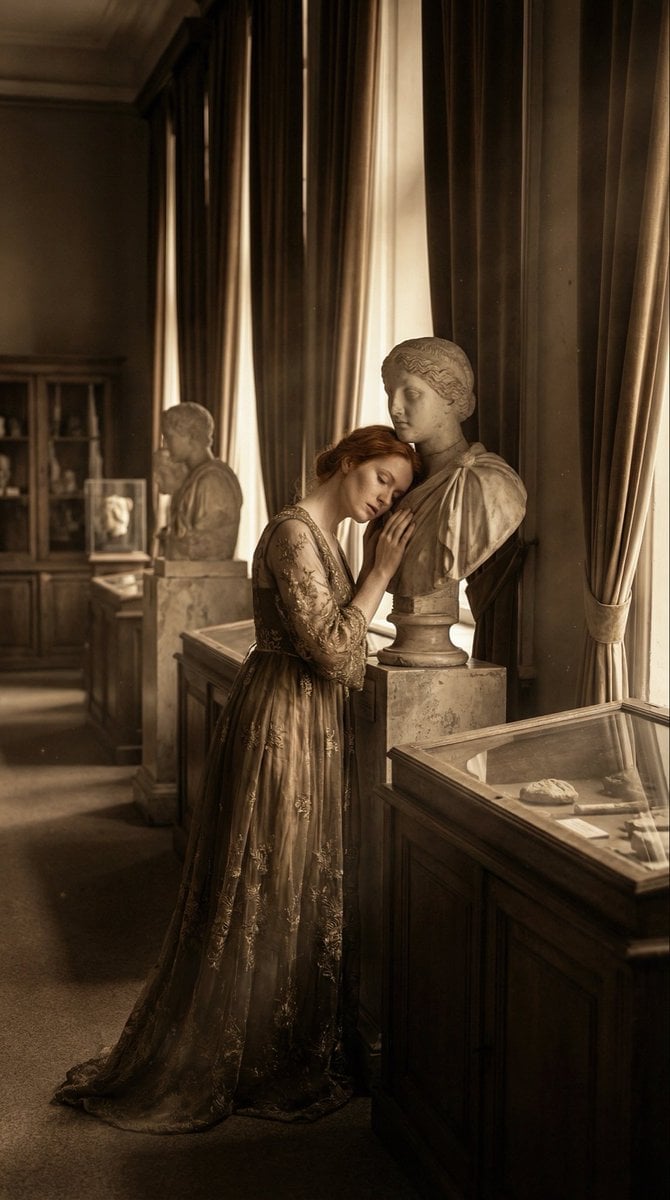
Melancholic Marble Bust Portrait
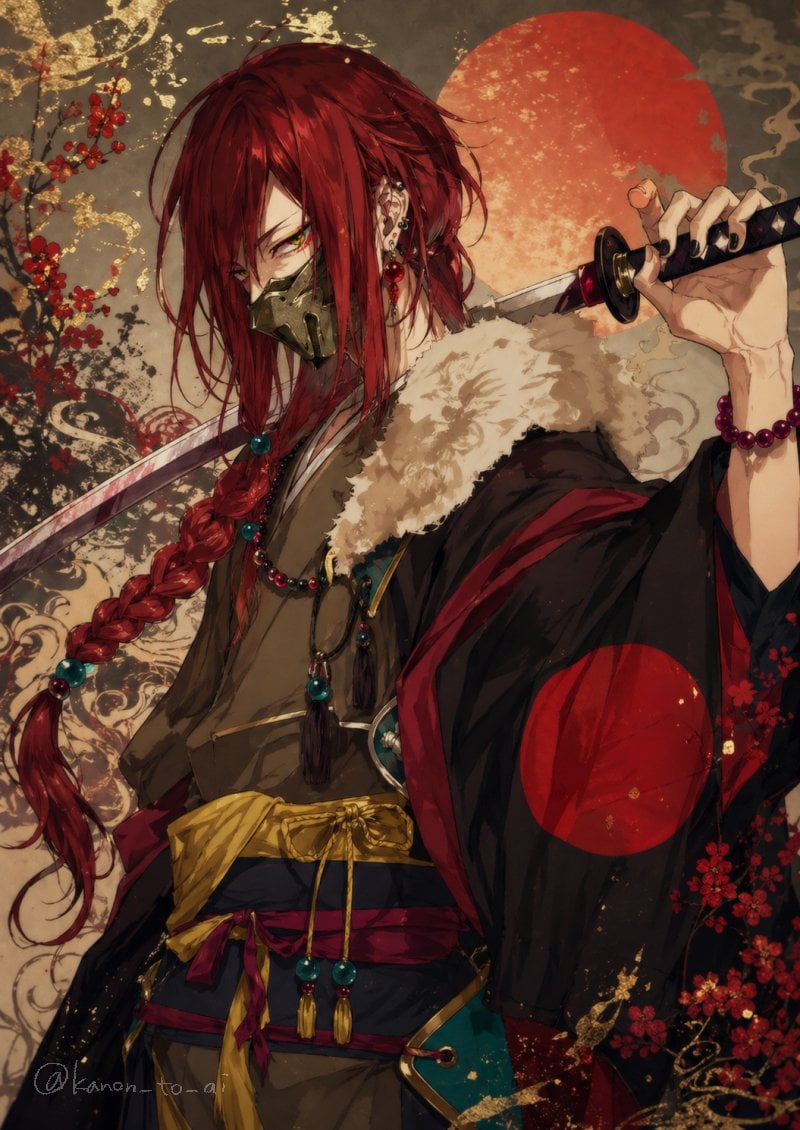
Red-Haired Masked Samurai Portrait
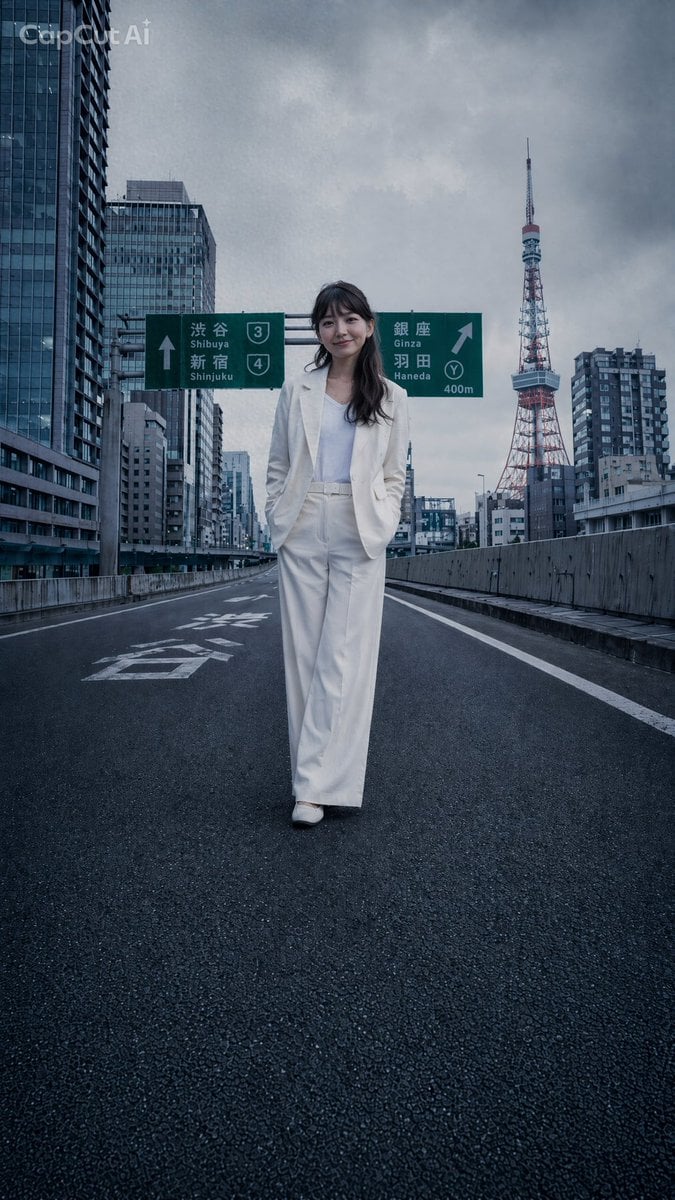
Tokyo Expressway Fashion Editorial
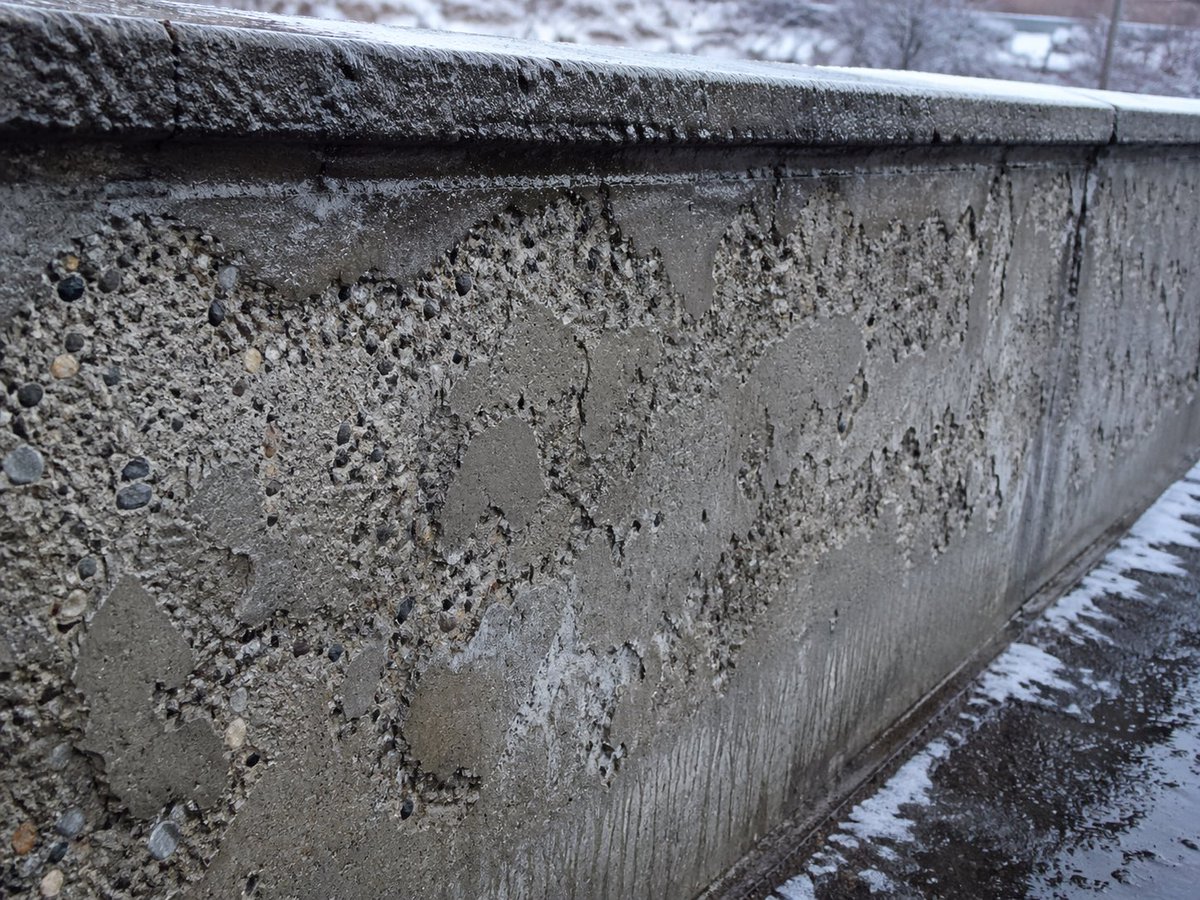
Winter Concrete Salt Damage Close-Up

Rubber duck adventure movie poster prompt
Browse template categories
Raw iphone realism, low light, slight grain, natural skin texture, not questions
How do I use the Raw iphone realism, low light, slight grain, natural skin texture, not template?
Add your photo if the template asks for one, edit the prompt if you like — the template's model and format are already selected — and press Generate. Your version opens in PicX Studio.
Can I customize the Raw iphone realism, low light, slight grain, natural skin texture, not template?
Yes. You can change the subject, setting, lighting, mood, format, and available model controls before creating your image.
Is the Raw iphone realism, low light, slight grain, natural skin texture, not template free?
Opening and editing this template is free. Generating uses credits, shown on the Generate button when you are signed in.
Which AI model should I use?
Start with Nano Banana 2, which is the model associated with this template. You can compare another compatible model for a different finish.
Looking for something else? Browse all templates.

Your photo, any look
Thousands of ready templates for every top image and video model, from one credit balance.