
Dramatic Low-Key Monochrome Portrait Prompt
A prompt for generating a dramatic, high-contrast black and white portrait in a low-key studio setting, emphasizing chiaroscuro lighting.
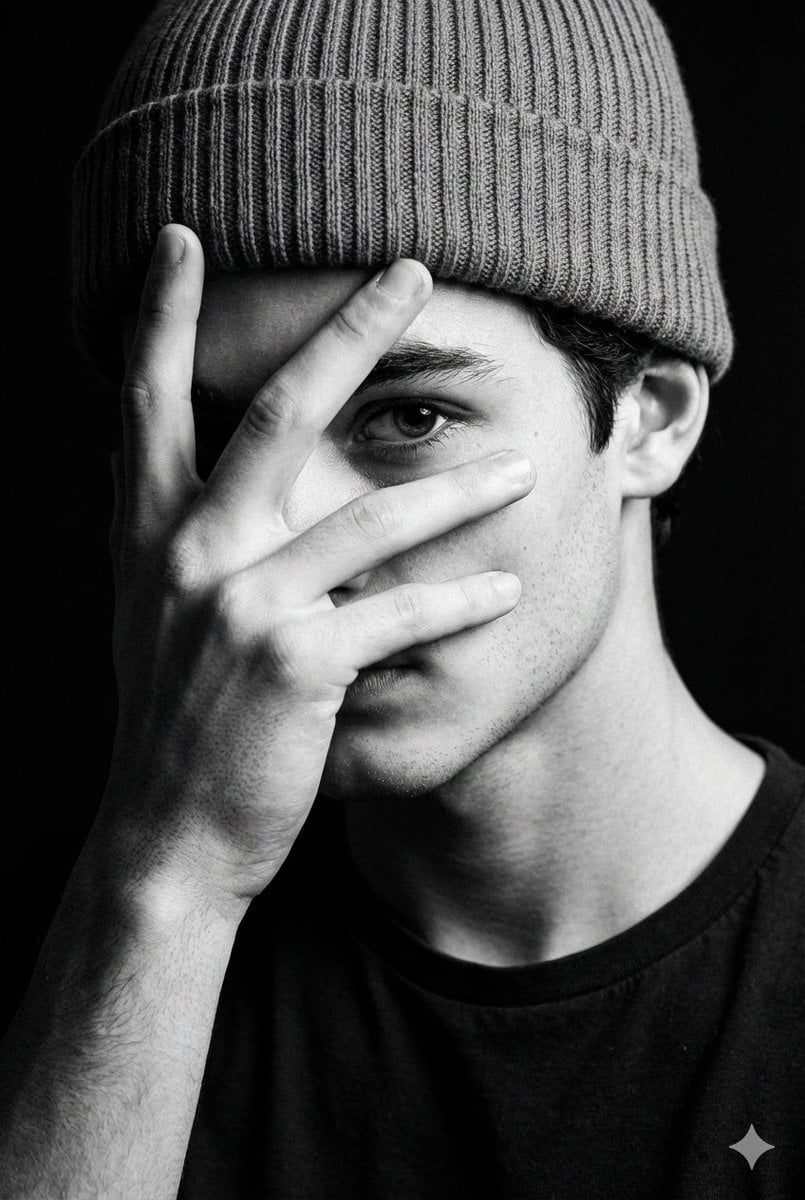
- Prompt included
- Model and format preset
- Free template
The prompt behind this image
Copy the exact prompt behind Dramatic Low-Key Monochrome Portrait Prompt, or open it in the studio and make it yours.
Portrait Of A Person From Input Photo In A Dramatic Low-key Studio Setting, Framed Vertically In A Tight Close-up From Upper Chest To Just Above The Beanie, Background Falling Into Pure Matte Black (#000000) The Subject Faces Camera, But Turns Slightly So Only One Eve Is Visible, Raising One Hand To Partially Cover The Face With Spread Fingers, The Visible Eye Staring Intensely Through The Gap While The Rest Of The Face Disappears Into Shadow; Expression Serious And Enigmatic Style Them In A Ribbed Knit Beanie And Simple Dark T-shirt For Subtle Detail Light The Scene With A Single Hard, Focused Key Light From High Camera-right, Cool-neutral (-5200k But Rendered In Monochrome), Carving Sharp Highlights Along The Lit Side Of The Beanie, Fingers, Eye Cheekbone, And Rim Of The Ear, While The Opposite Side Of The Face And Background Fall Into Deep Shadow For Extreme Contrast And Strong Chiaroscuro Shoot With An {argument name="lens focal length" default="85mm"} Lens At Around {argument name="aperture" default="F/2"}, Keeping The Eye And Top Of The Hand Crisply In Focus While The Rest Gently Softens, Emphasizing Skin Texture, Fabric Grain Of The Beanie, And Fine Stubble With A Delicate Film-grain Overlay Convert To Rich Black-and-white With Deep Blacks And Luminous Midtones For A Moody, Fashion-editorial, Almost Noir Atmosphere Editorial Modern, High-detail, Cinematic Composition, Ultra-realistic Textures, Professional Fashion Photography Style
How to use Dramatic Low-Key Monochrome Portrait Prompt in 3 steps
- 1Upload ImagePNG, JPG or paste
Add your photo
Upload the photo the template builds on. The prompt, model and format are already set.
- 2…a portrait of your subject in softgolden-hour light, 85mm…
Personalize
Edit the subject and creative details for your destination.
- 3Generate
Generate
Press Generate — your image is created in PicX Studio, so you can compare it with the original and refine one variable at a time.
More like this
Templates with the same subject, style or setup. Open one to see its prompt.
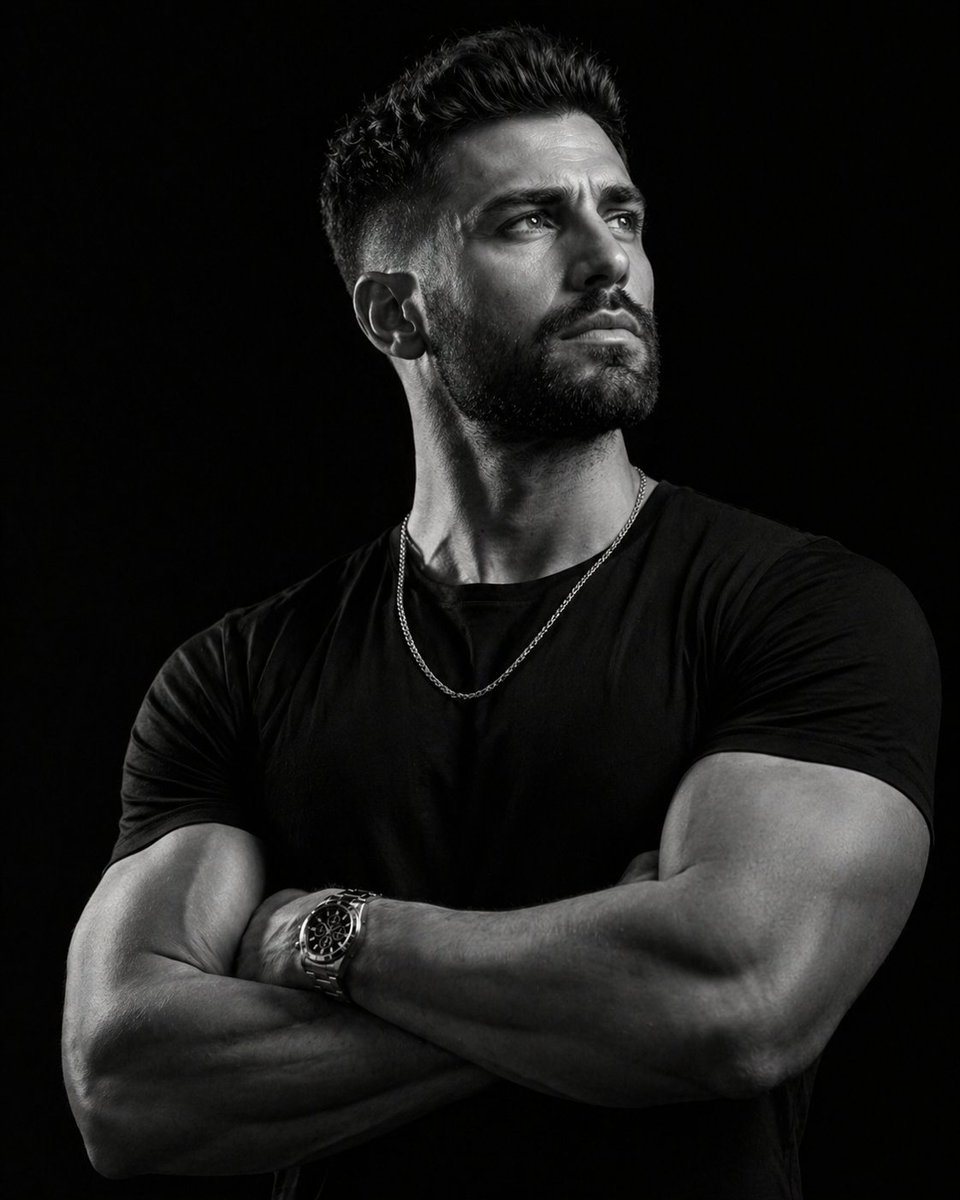
Low-key monochrome editorial portrait

Comparing Realism Keywords in Midjourney
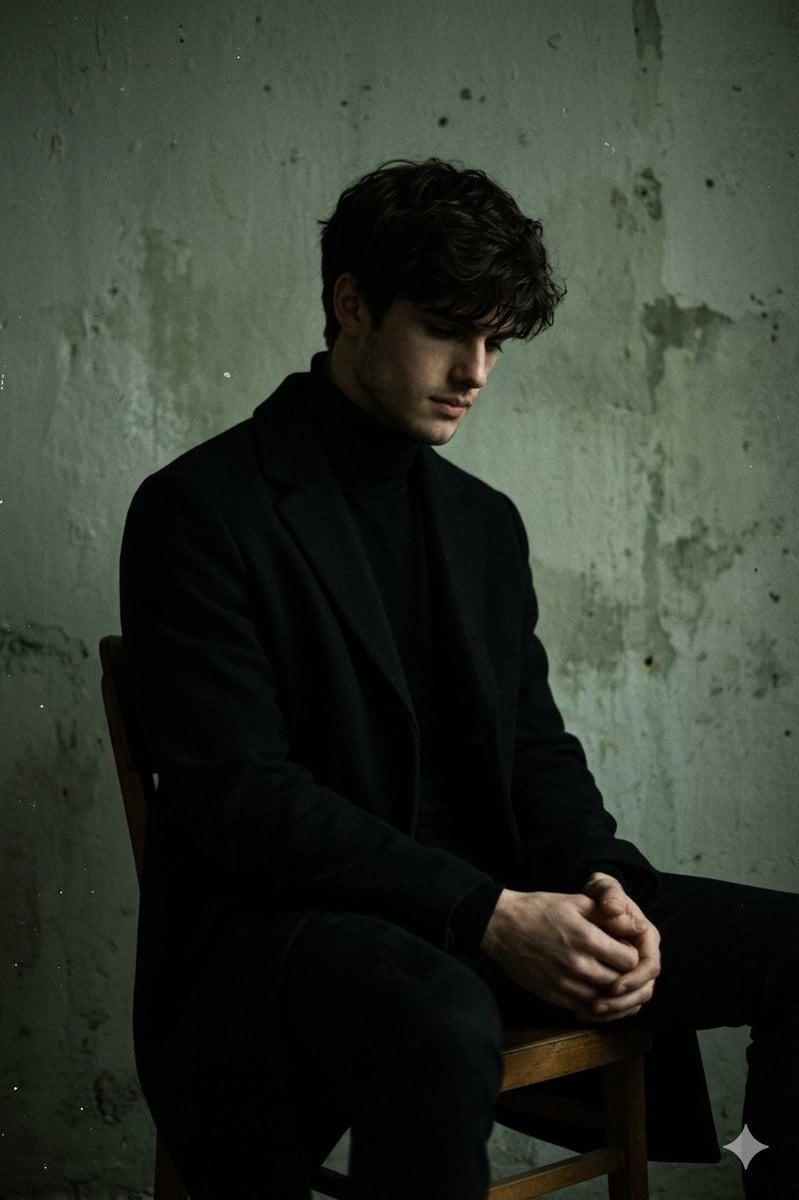
Moody Low-Key Male Portrait
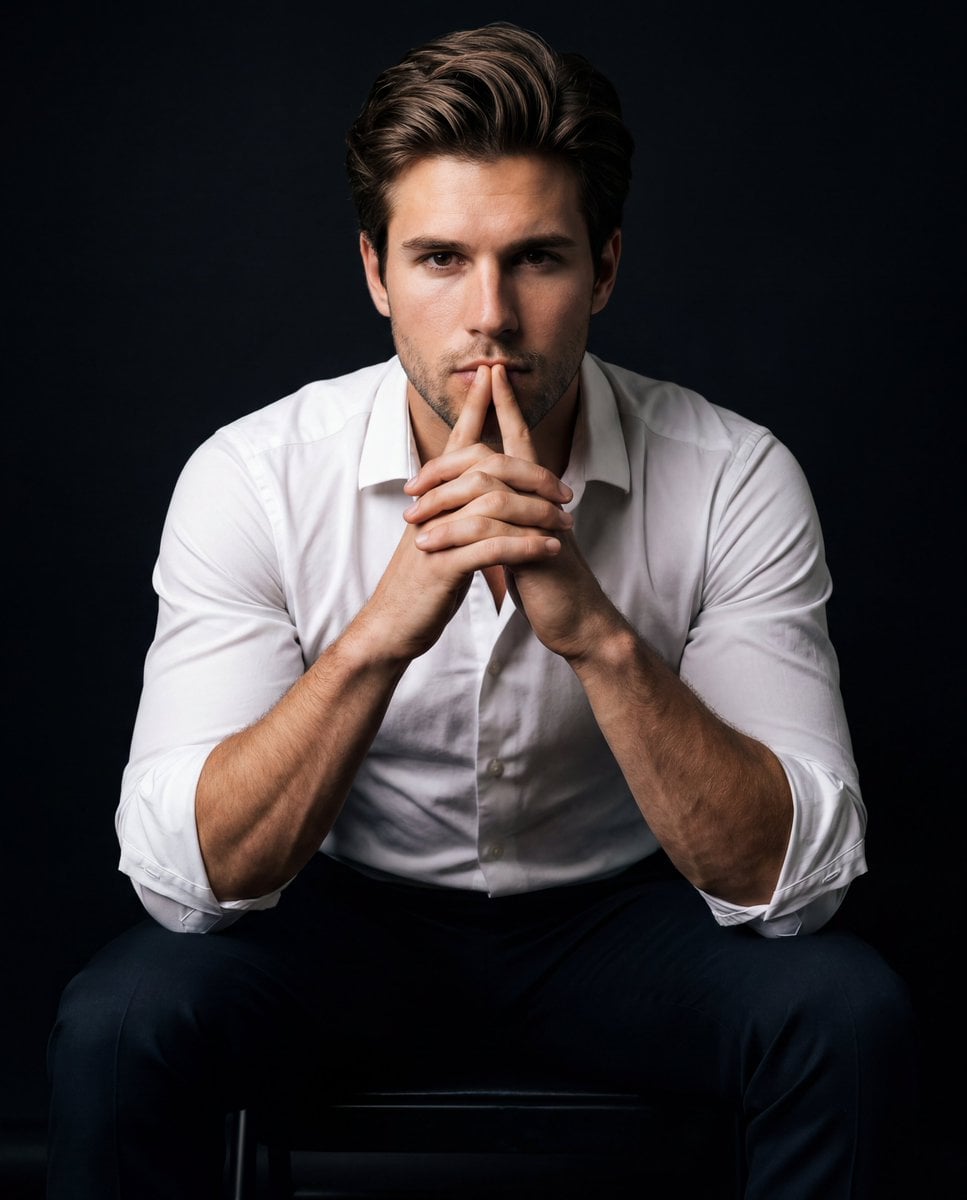
Intense Low-Key Studio Portrait
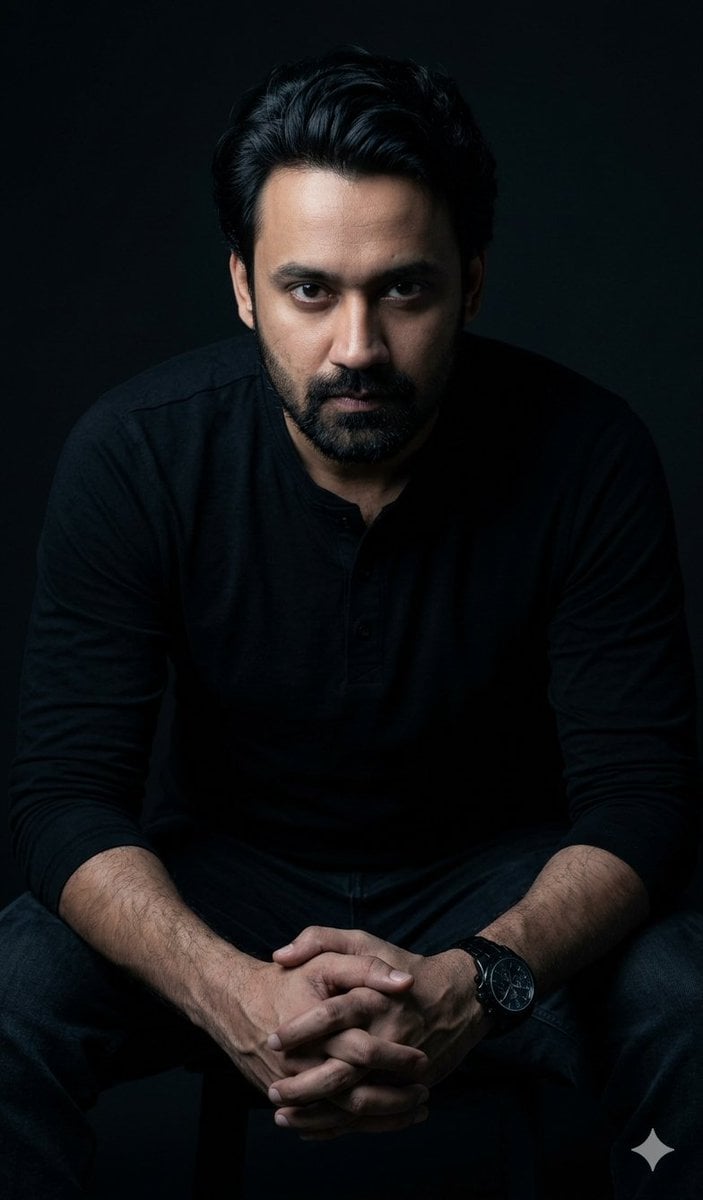
Powerful Studio Portrait with Low-Key Lighting
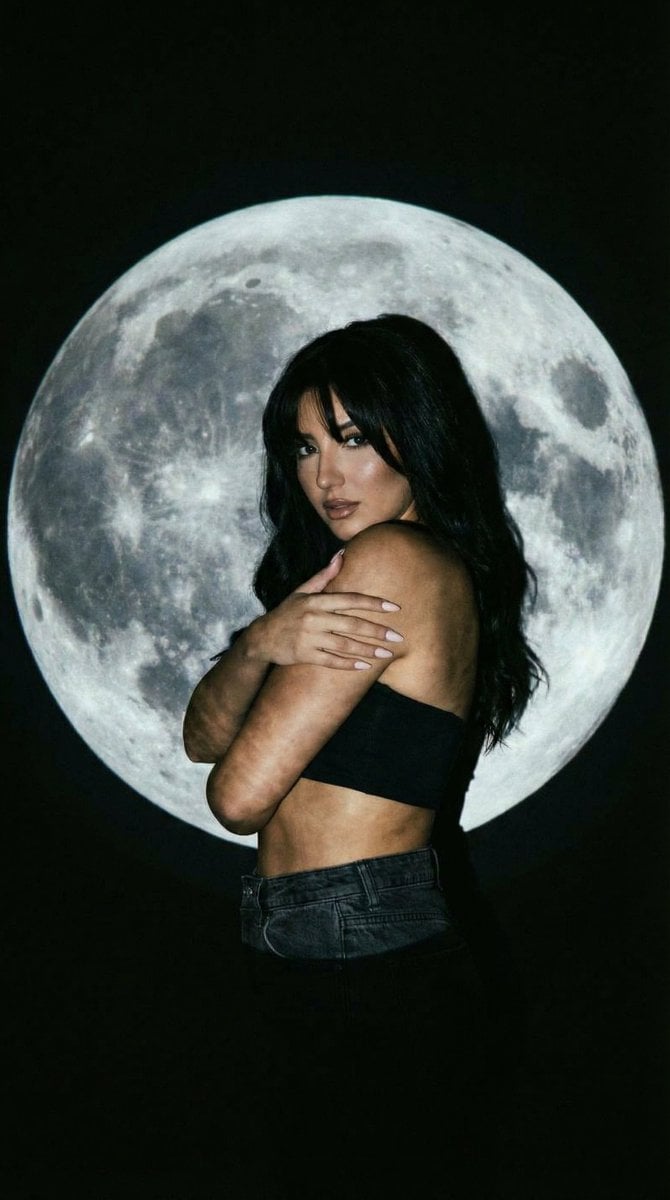
Low-Key Portrait with Moon Projection Silhouette
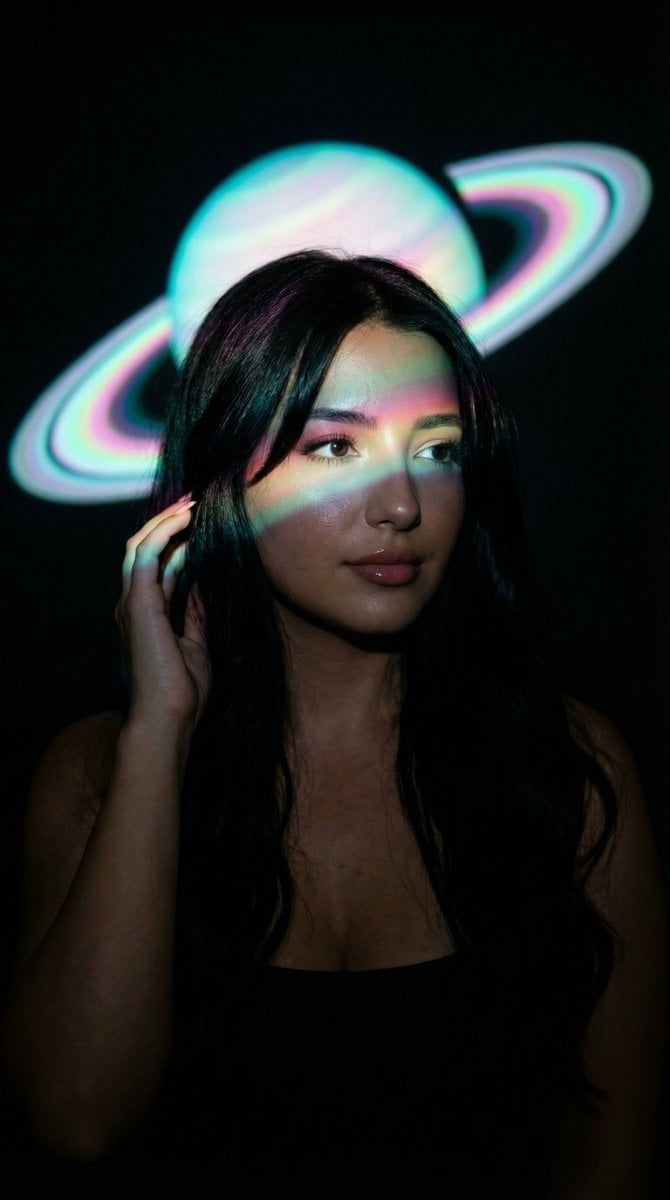
Low-Key Saturn Projection Portrait
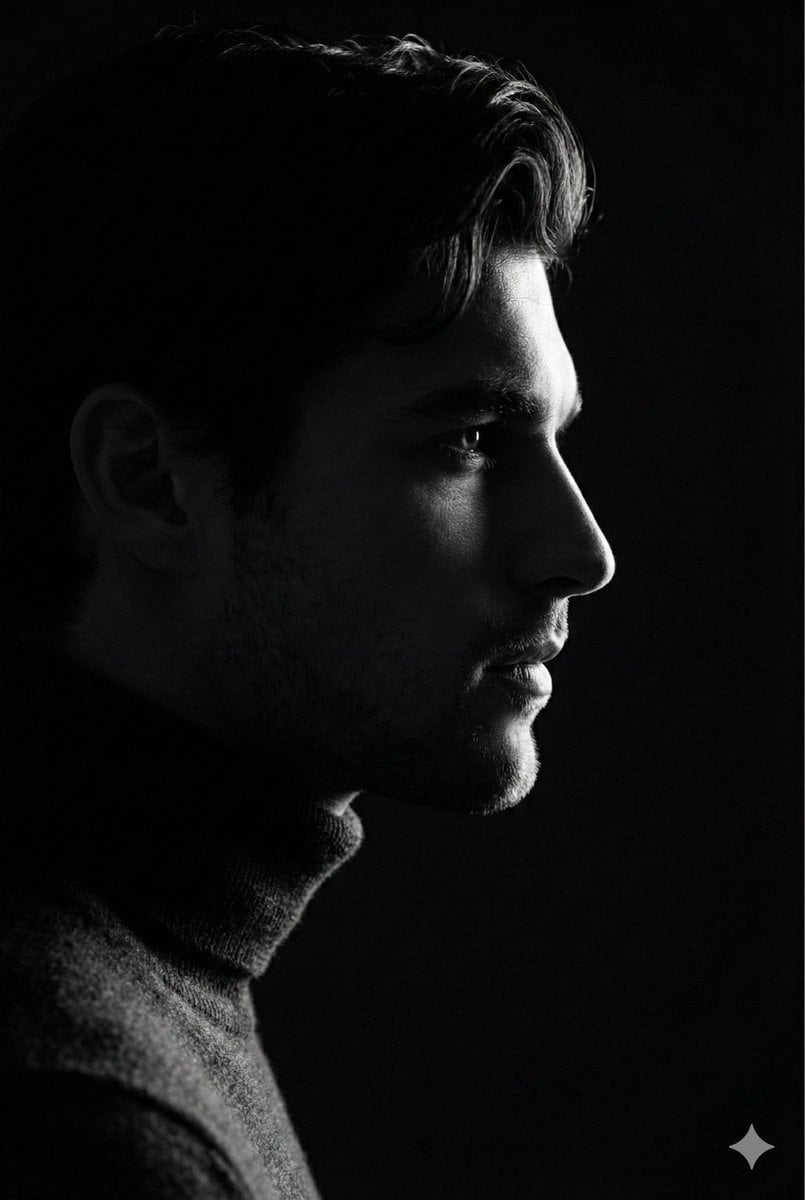
Low-Key Profile Portrait with Single Rim Light

Found Photograph: Us, 1970

80s Couple Studio Portrait

80s Bollywood Star

80s Golden Hour Cinema
Make it yours
Dramatic Low-Key Monochrome Portrait Prompt works as-is. These are the safest ways to change it without losing the look.
Change one field
Copy a single group, rewrite it, and generate again so you can see what that field is doing.
Keep the frame, change the subject
Hold the composition and light of Dramatic Low-Key Monochrome Portrait Prompt, then swap wardrobe, props or the person for a new take.
| If the result… | Why | Fix |
|---|---|---|
| The result drifts from the preview | Too many fields changed at once. | Reuse Dramatic Low-Key Monochrome Portrait Prompt as-is first, then change one group — subject, light, or setting. |
| The model over-stylizes the scene | The prose prompt leaves finish and camera underspecified. | Add one camera or lighting sentence and stay on Nano Banana 2. |
More Nano Banana 2 templates
Other prompts made for Nano Banana 2.

Photorealistic Leaf Shaped Like a Dragon

K-Pop Idol Portrait Grid for Rapid Selection

Poetic Rain Forest Portrait During Golden Hour

Urban Street Portrait with Cartoon Inner Self Duo

Candid Nighttime Photo with Cat Prompt

High-Concept 3D Diorama Generation Prompt

Cinematic Futuristic Studio Portrait Template

Skincare Editorial Photography Collage Prompt

Hyper-Realistic Commercial Product Photography (Splash Effect)

Hyper-Realistic Nightclub Portrait Prompt
More image prompts
Fresh picks from across the catalog.
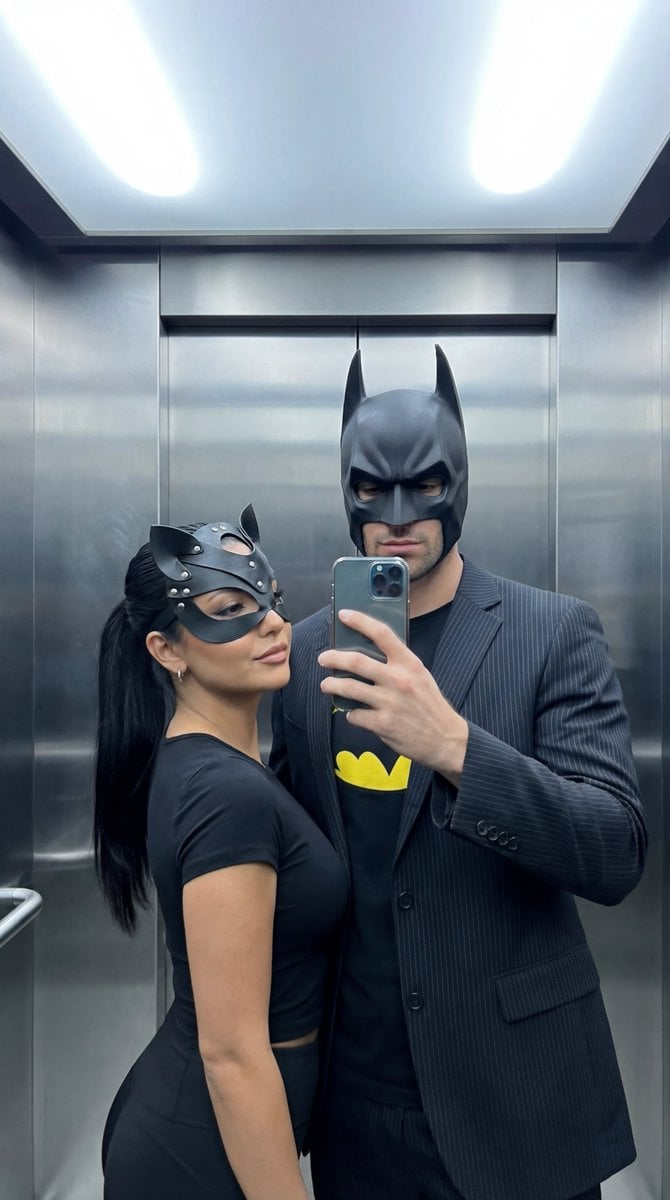
Cinematic Mirror Selfie: Batman and Catwoman Cosplay
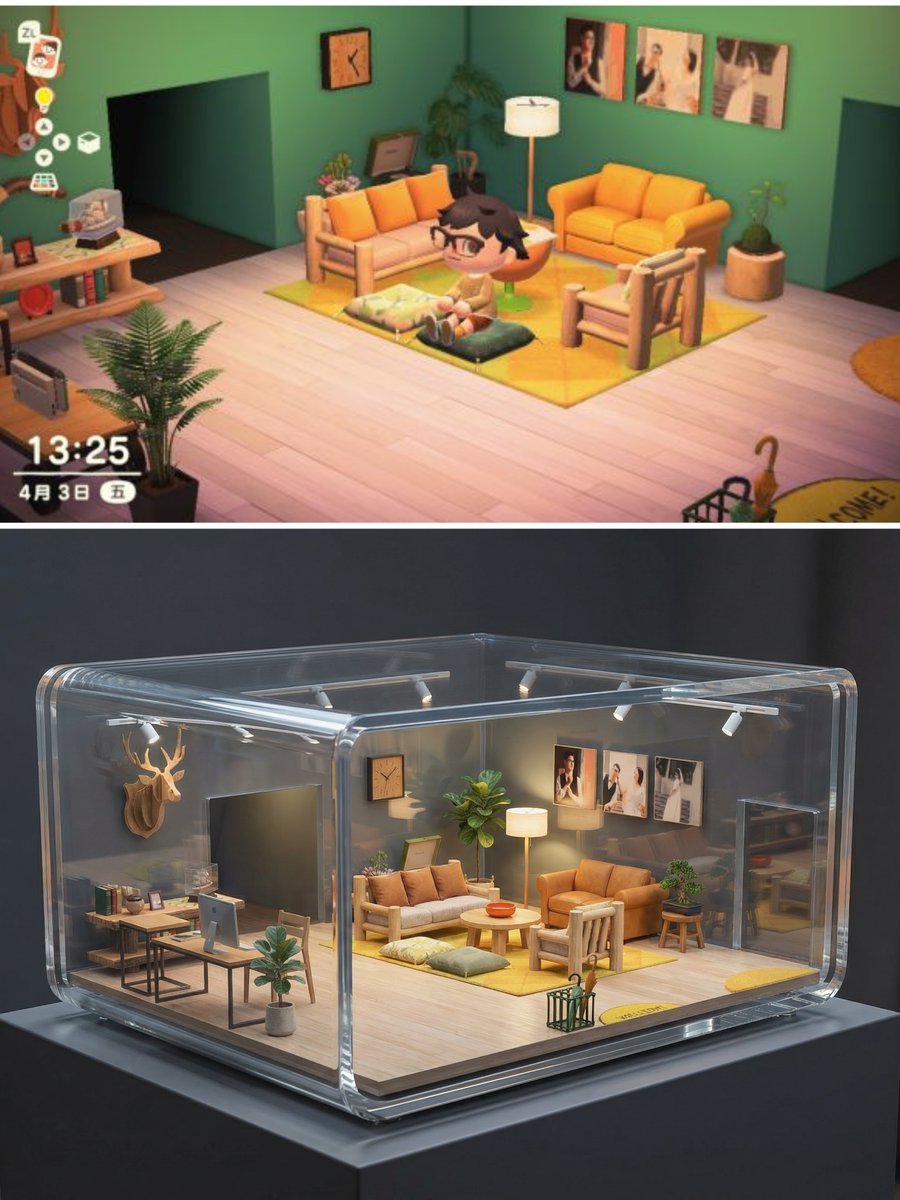
Realistic Interior to Transparent Miniature Diorama Prompt
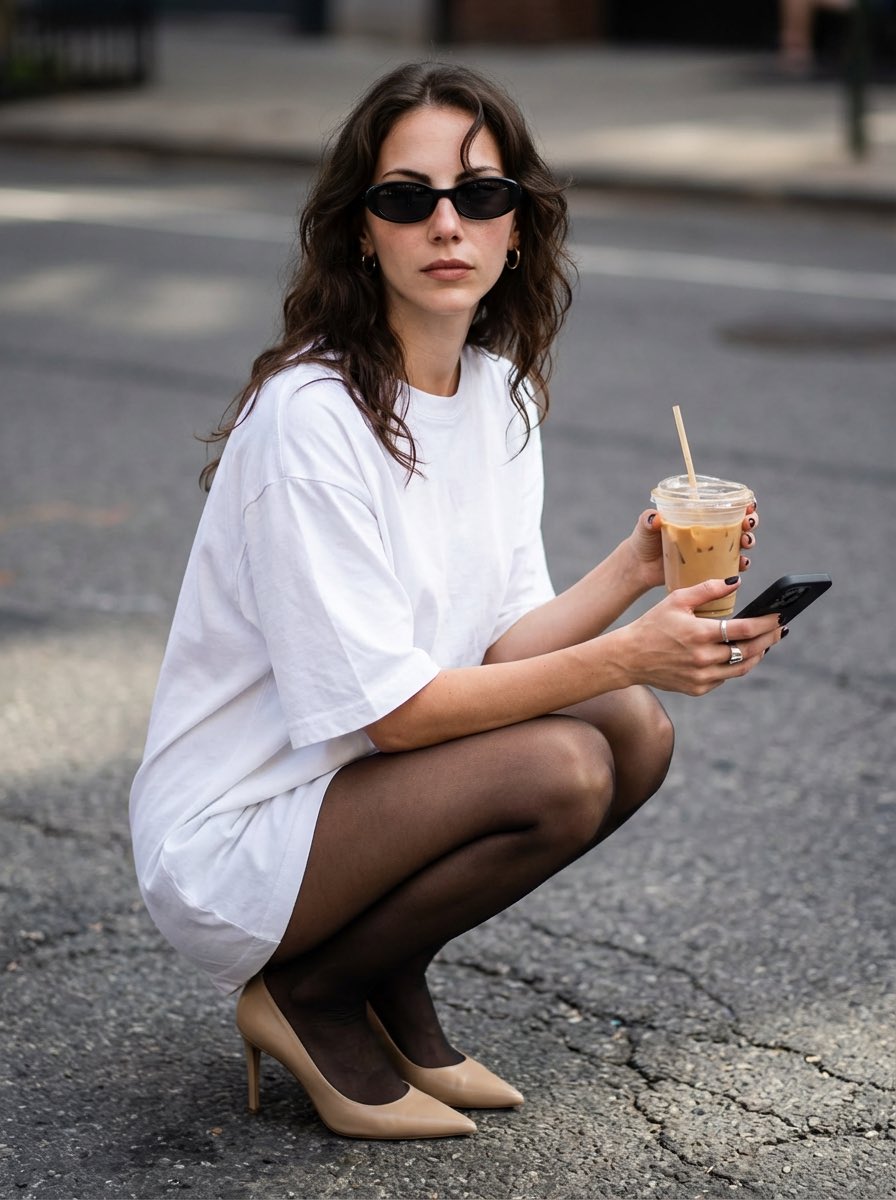
Street Style Portrait with Identity Lock and Specific Pose
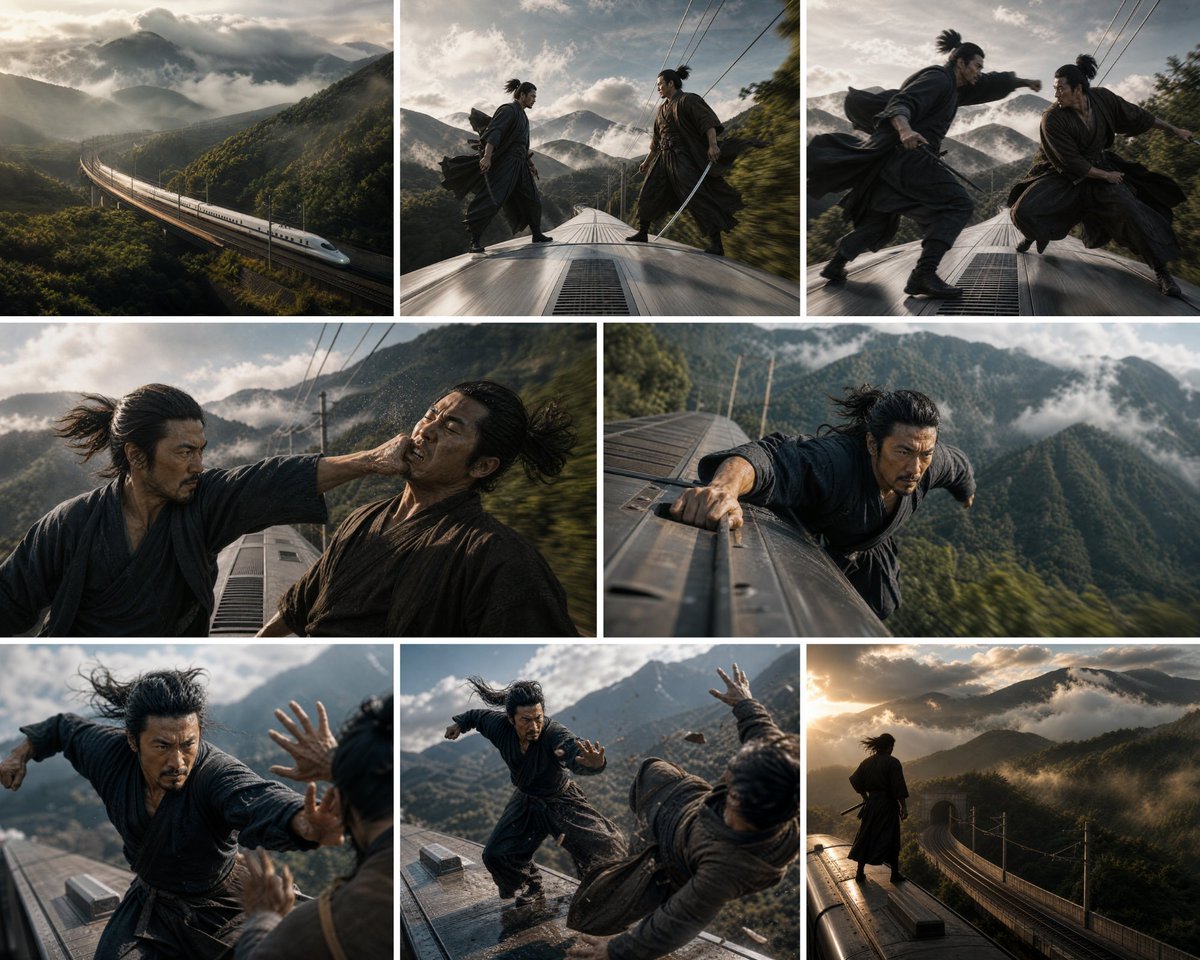
Bullet Train Rooftop Fight Storyboard
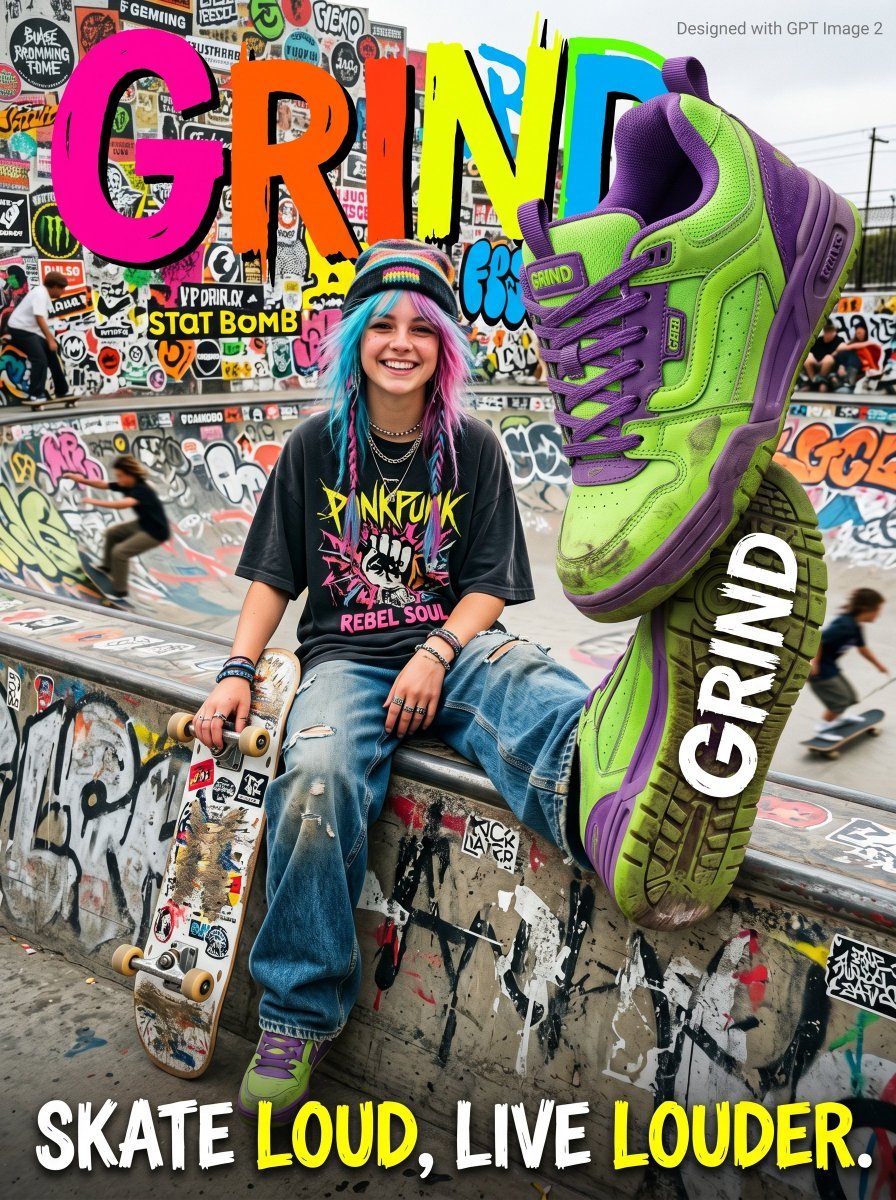
Gen Z Skateboarding Advertisement Poster
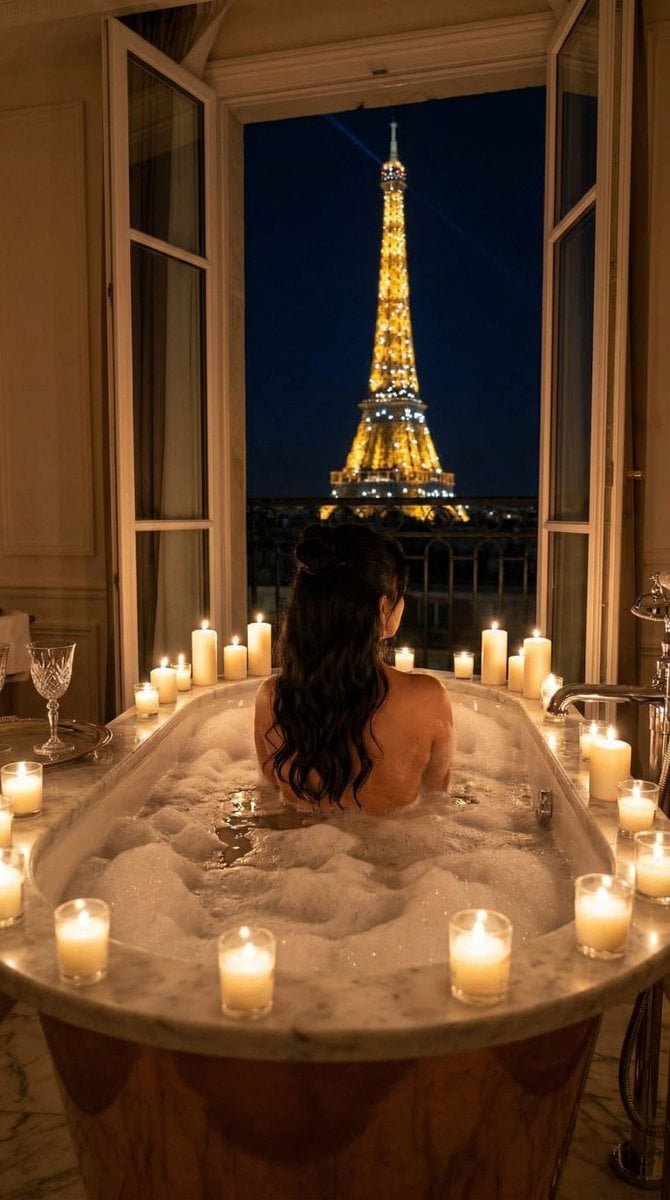
Nano Banana - Paris Balcony Night Eiffel
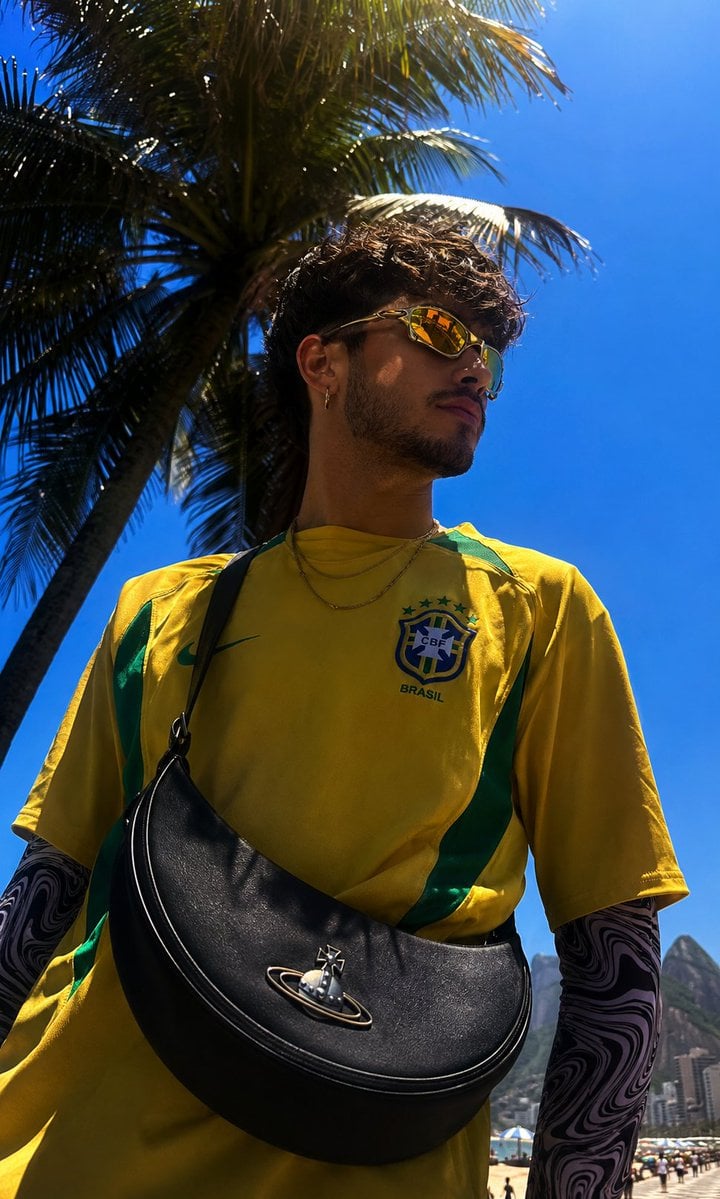
Copacabana Beach Fashion Photography
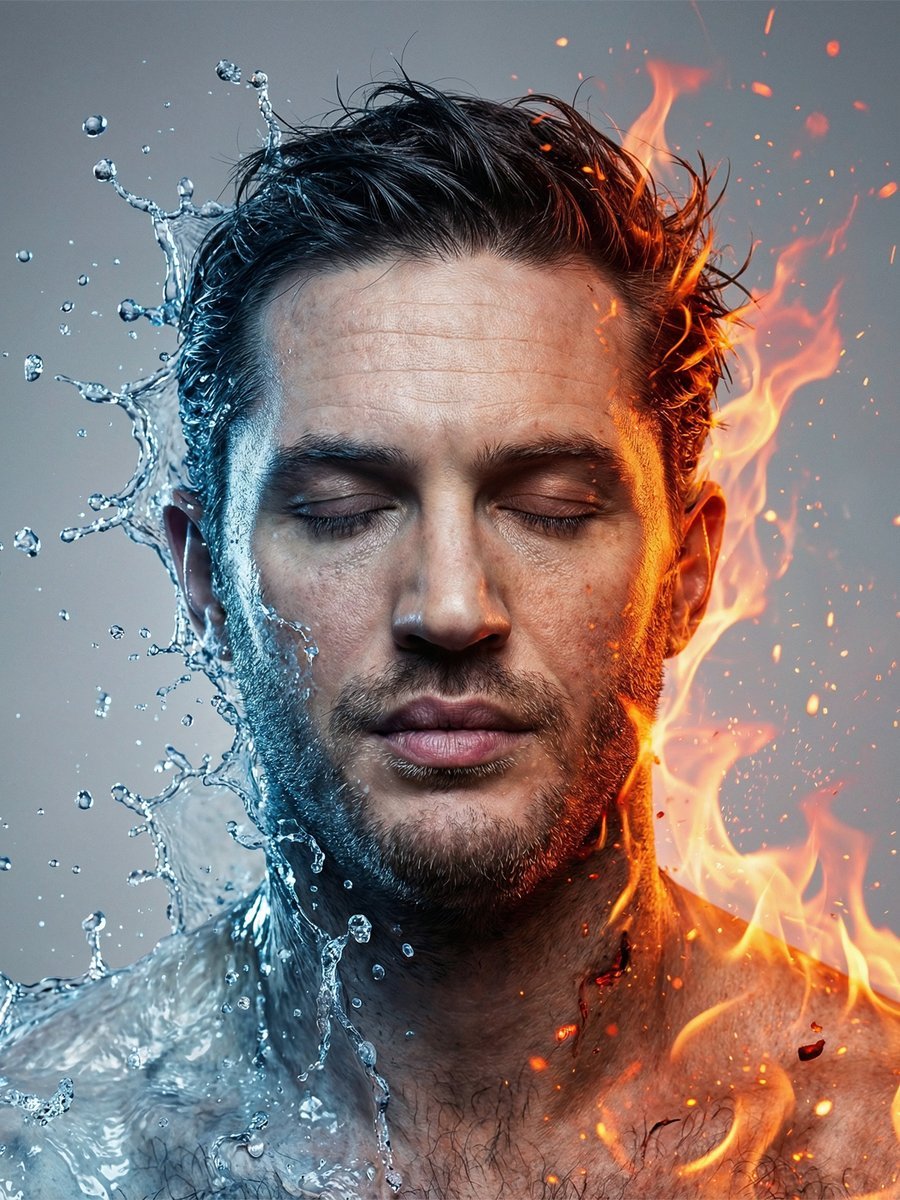
Conceptual Fire and Water Portrait
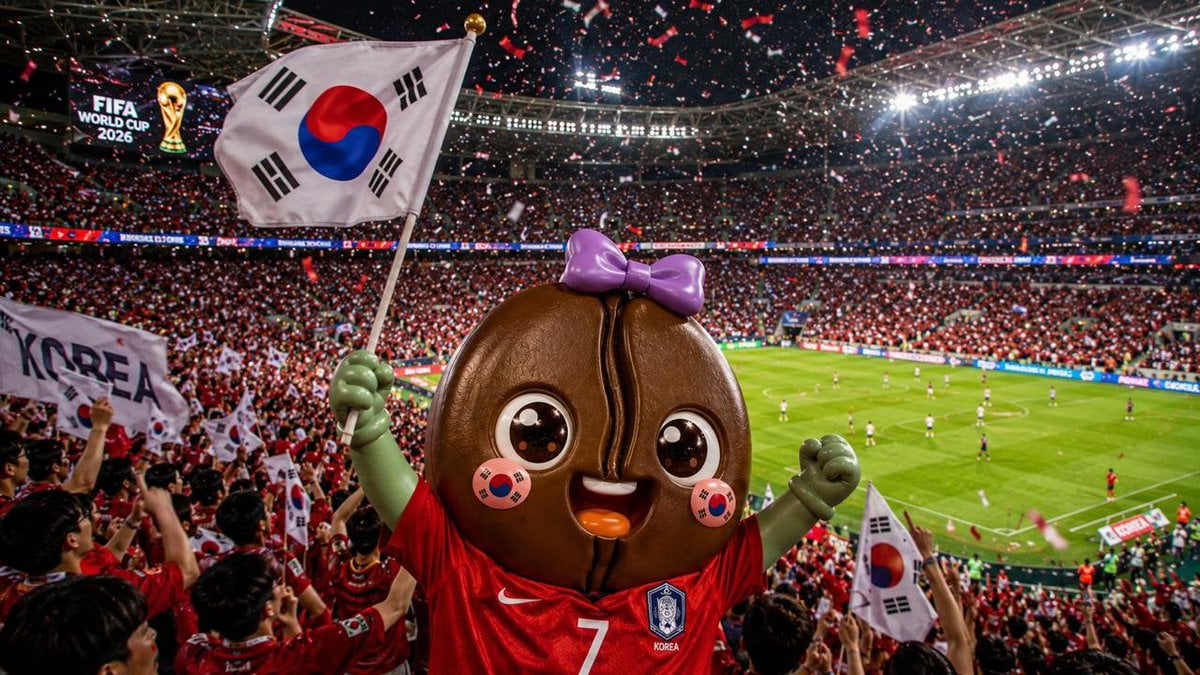
2026 World Cup Fan Photo Generator
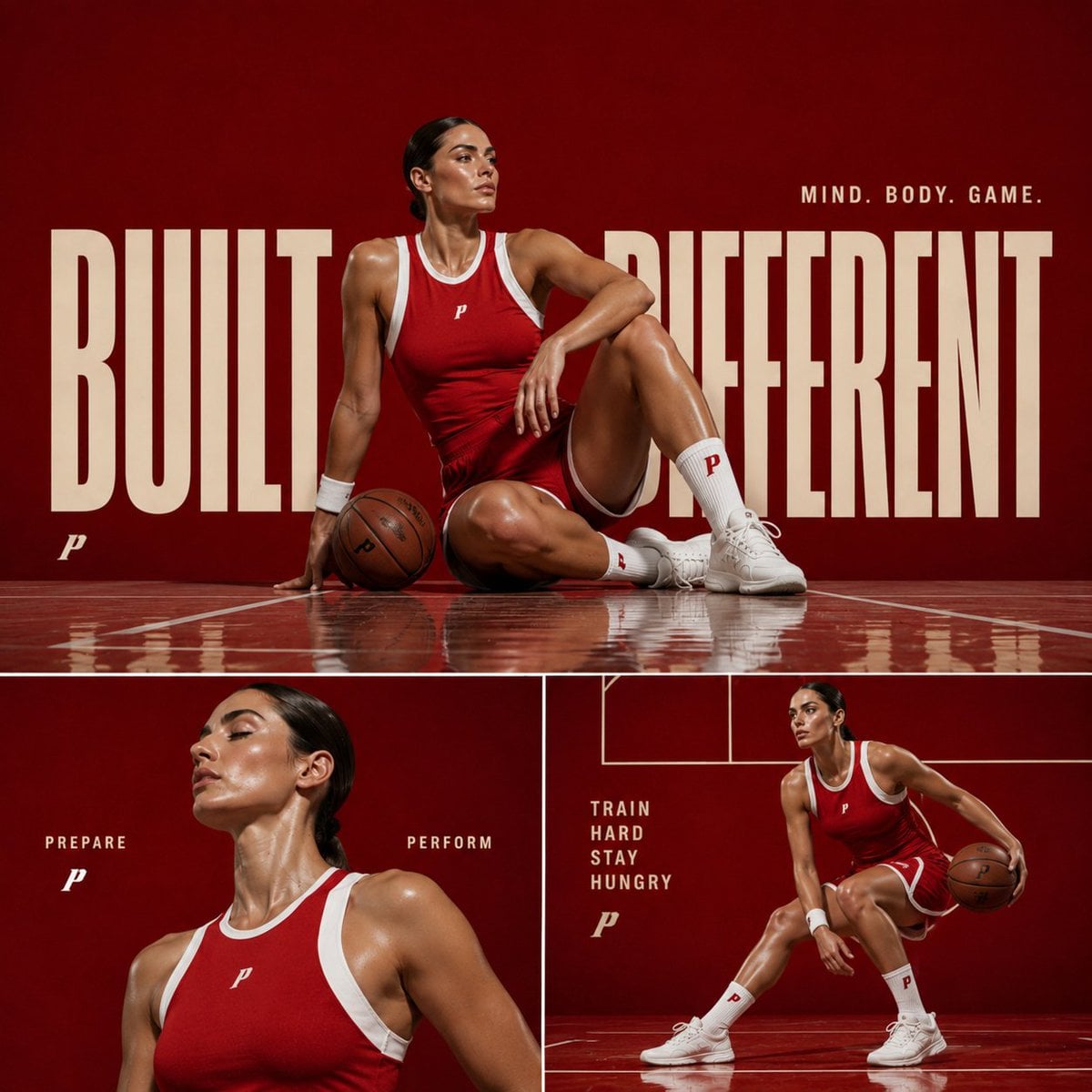
Premium Sports Editorial Collage
Browse template categories
Dramatic Low-Key Monochrome Portrait Prompt questions
How do I use the Dramatic Low-Key Monochrome Portrait Prompt template?
Add your photo if the template asks for one, edit the prompt if you like — the template's model and format are already selected — and press Generate. Your version opens in PicX Studio.
Can I customize the Dramatic Low-Key Monochrome Portrait Prompt template?
Yes. You can change the subject, setting, lighting, mood, format, and available model controls before creating your image.
Is the Dramatic Low-Key Monochrome Portrait Prompt template free?
Opening and editing this template is free. Generating uses credits, shown on the Generate button when you are signed in.
Which AI model should I use?
Start with Nano Banana 2, which is the model associated with this template. You can compare another compatible model for a different finish.
Looking for something else? Browse all templates.

Your photo, any look
Thousands of ready templates for every top image and video model, from one credit balance.