
Lu Bu Ink Wash Warrior
A cinematic Chinese ink painting prompt for generating Lu Bu charging on a red warhorse through a misty mountain gorge.
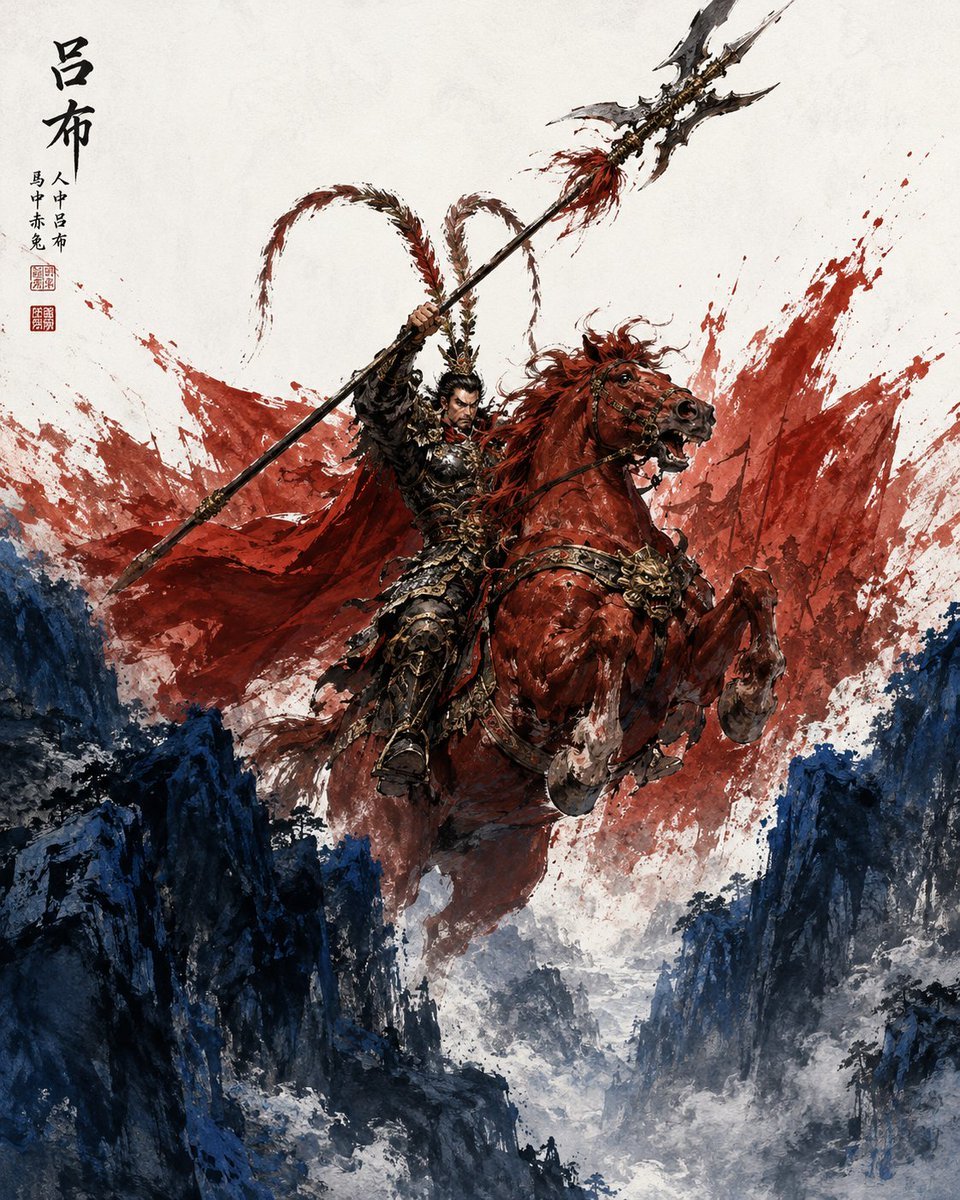
- Prompt included
- Model and format preset
- Free template
The prompt behind this image
Copy the exact prompt behind Lu Bu Ink Wash Warrior, or open it in the studio and make it yours.
Create a dramatic vertical Chinese ink-and-wash fantasy illustration of {argument name="character name" default="Lu Bu"}, the legendary Three Kingdoms warrior, charging through a narrow mountain gorge on a rearing {argument name="horse color" default="blood-red"} warhorse. The warrior wears ornate black-and-gold lamellar armor with sharp gilded details, a fierce expression, dark hair and beard, and a small crested headpiece with two long pheasant-tail plumes arcing high behind him. He raises an enormous Fangtian halberd diagonally across the composition, its jagged double crescent blade pointing to the upper right with red tassels near the head. A vast torn {argument name="cape color" default="crimson"} cape explodes behind him like splashed paint, merging with red ink bursts that fill the upper background. The horse is muscular, mid-leap and rearing, mouth open, mane flying, ornate bridle and chest armor decorated with a fierce beast-mask emblem. Below, dark blue-black rocky cliffs frame a deep misty ravine, painted with rough expressive brush strokes and white fog. Use a textured off-white rice-paper background, dynamic splatter ink, energetic xieyi brushwork, high contrast red against deep navy rocks, painterly realism mixed with traditional Chinese martial art poster aesthetics. Add vertical black Chinese calligraphy in the upper left reading {argument name="calligraphy text" default="吕布"}, with smaller side inscriptions and two small red seal stamps beneath it. No modern objects, no borders, no watermark, keep the image focused on one warrior, one horse, one halberd, one cape, two plume arcs, two red seal stamps, and the mountain gorge.
How to use Lu Bu Ink Wash Warrior in 3 steps
- 1Upload ImagePNG, JPG or paste
Add your photo
Upload the photo the template builds on. The prompt, model and format are already set.
- 2…a portrait of your subject in softgolden-hour light, 85mm…
Personalize
Edit the subject and creative details for your destination.
- 3Generate
Generate
Press Generate — your image is created in PicX Studio, so you can compare it with the original and refine one variable at a time.
More like this
Templates with the same subject, style or setup. Open one to see its prompt.
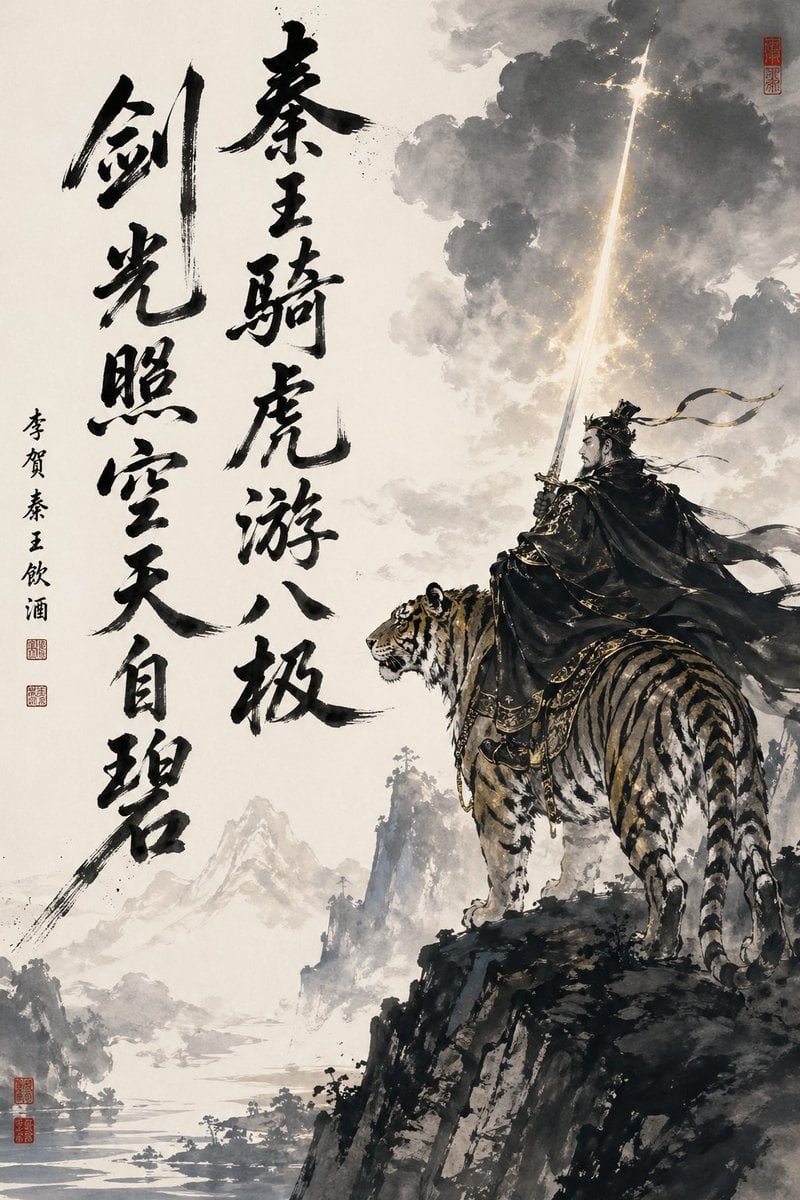
Ink-Wash Warrior Riding a Tiger

Vintage Lithograph Retro World Cup Poster
Vintage Lithograph Retro World Cup Poster
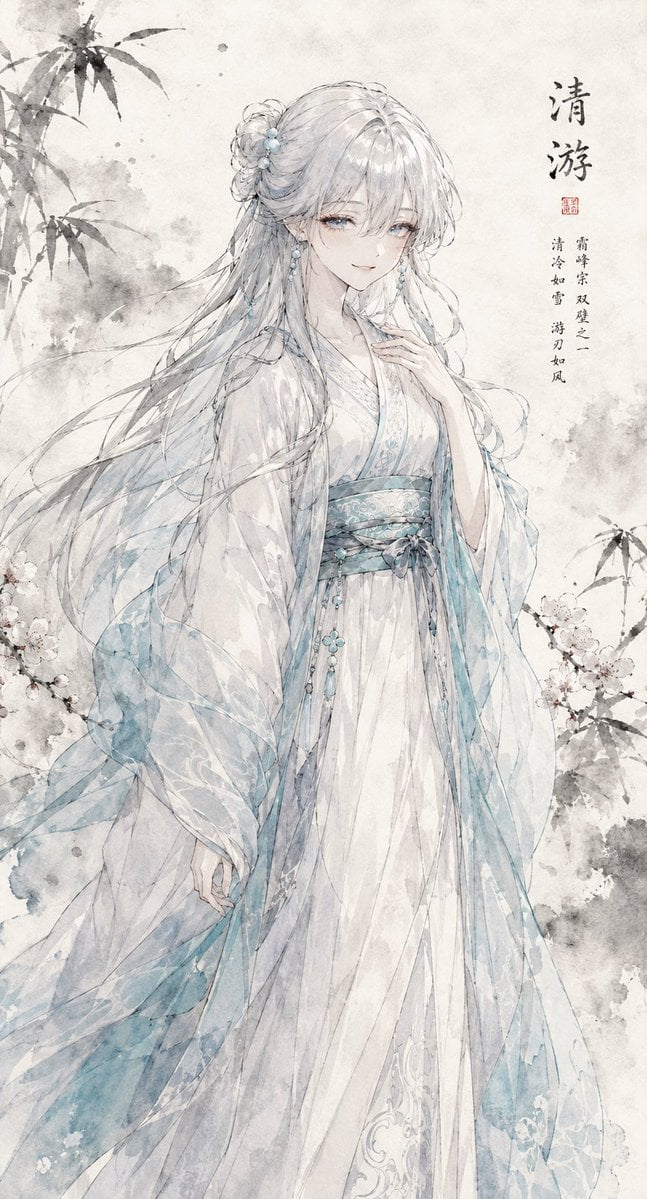
Ink Wash Hanfu Character Portrait
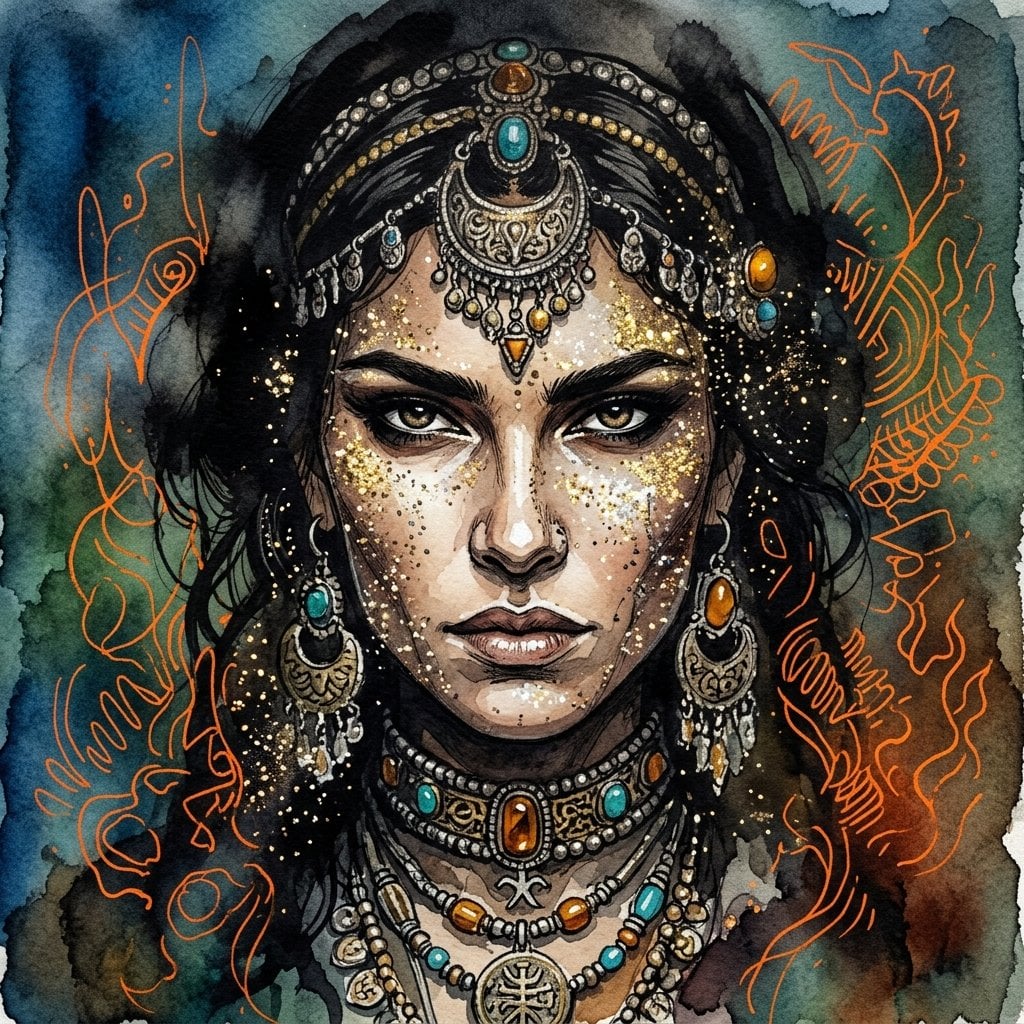
Ink wash and watercolor woman portrait
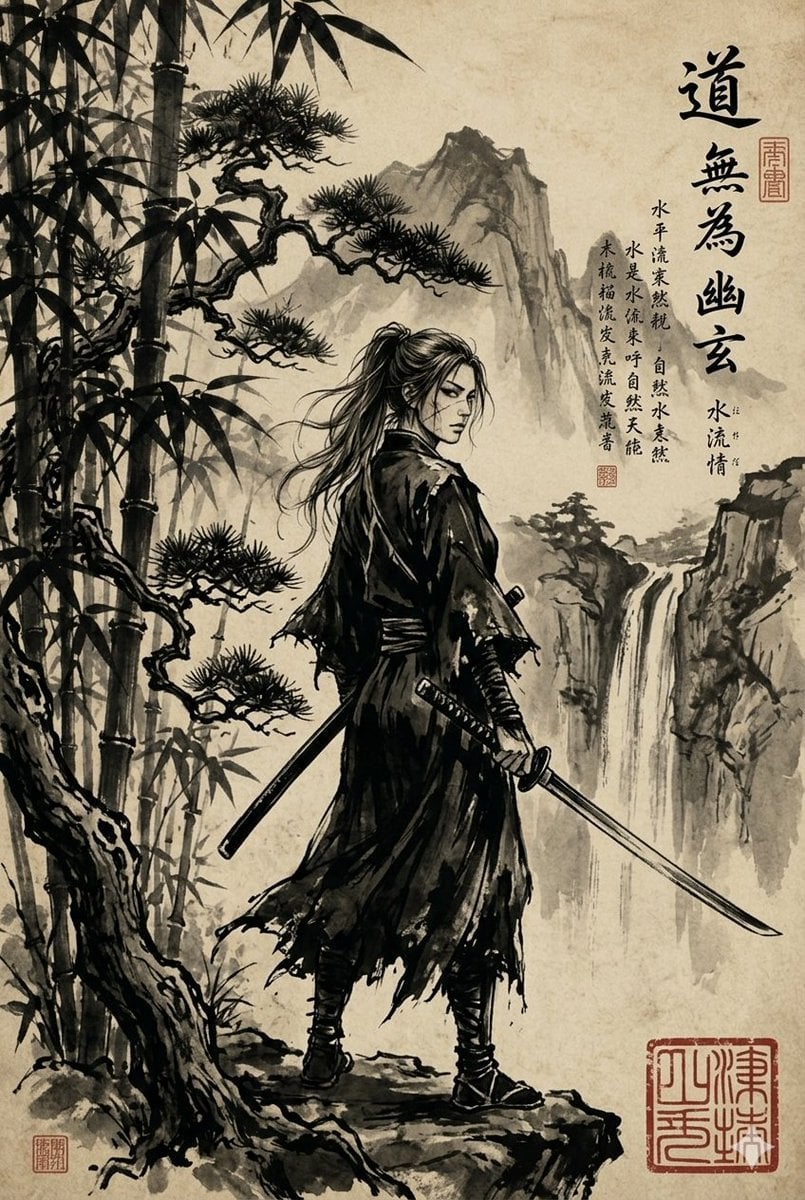
Ink-Wash Samurai Landscape
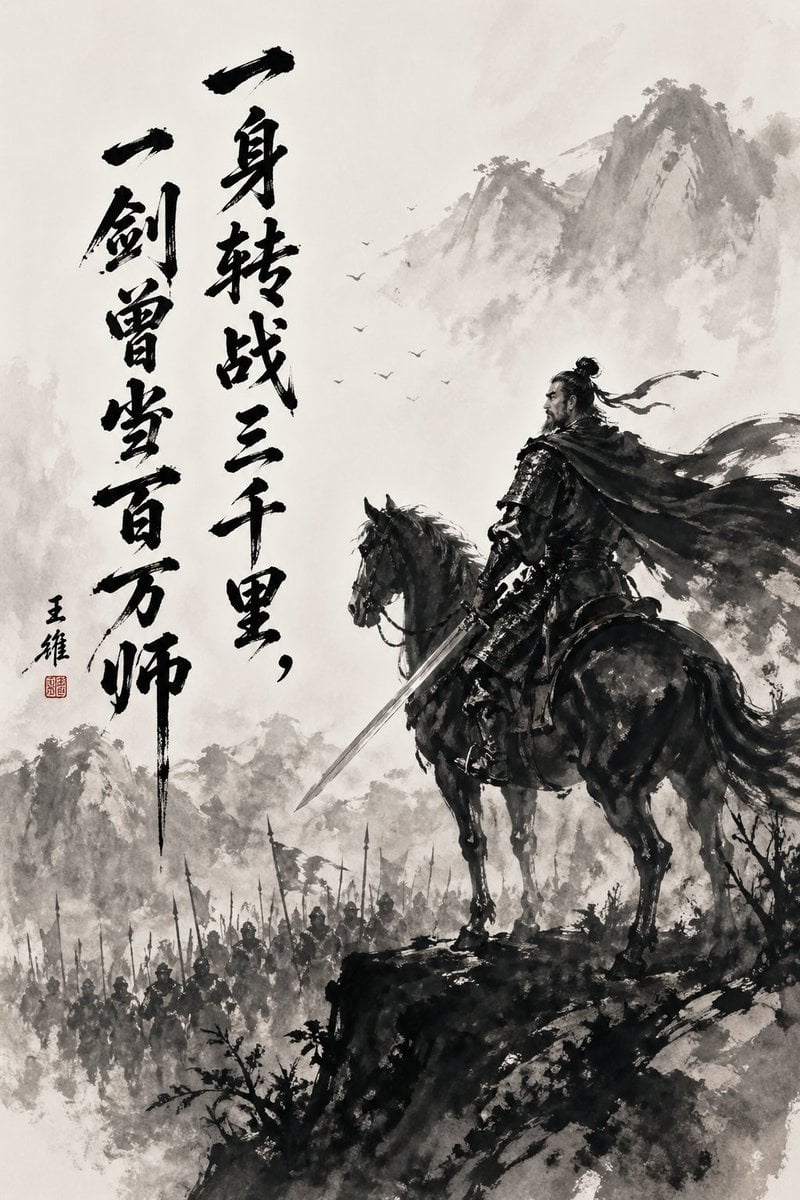
Chinese Ink Warrior on Horseback
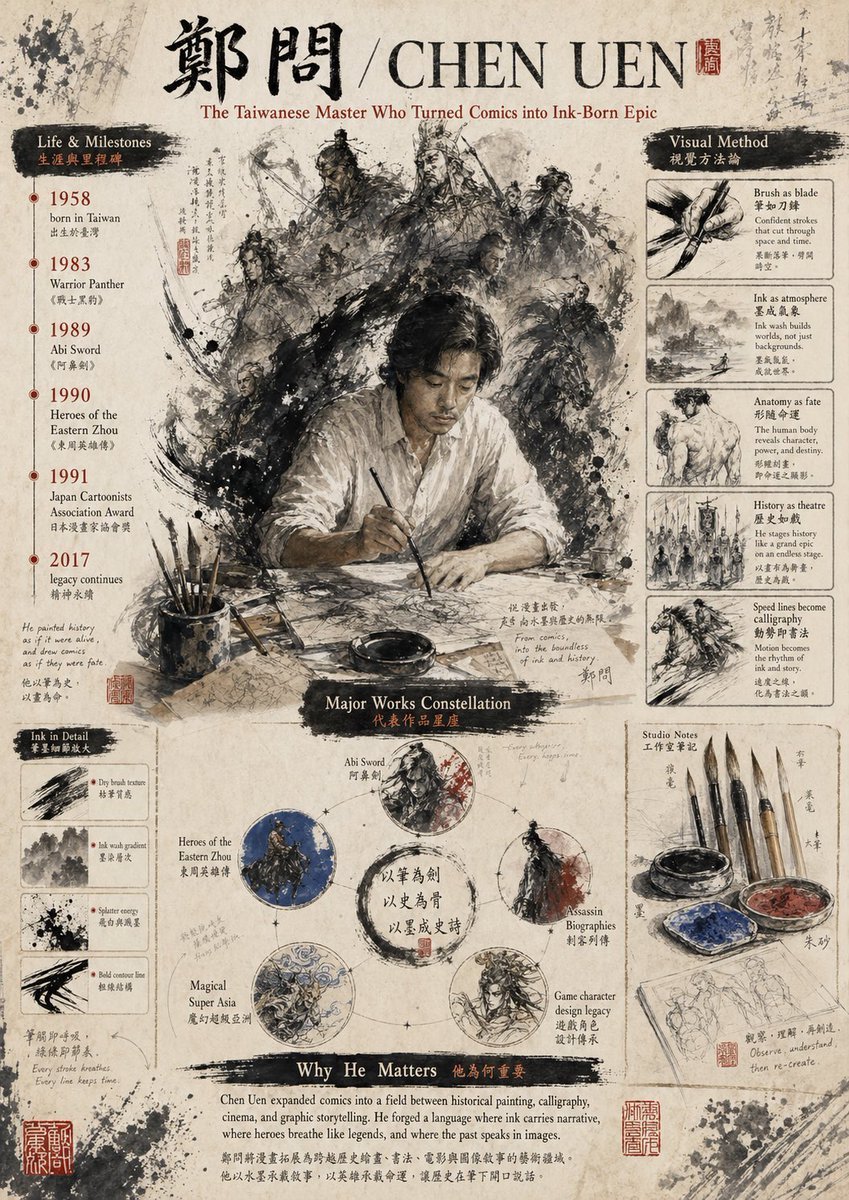
Ink-Wash Tribute Poster for Chen Uen
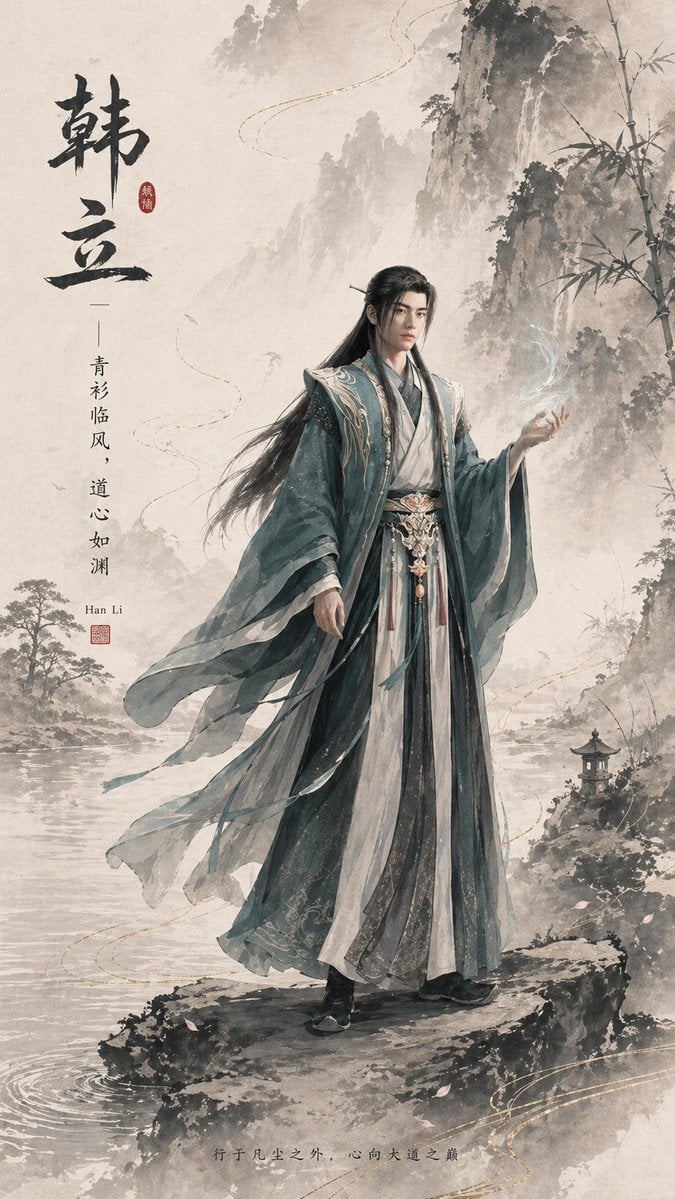
Ink-Wash Han Li Character Poster
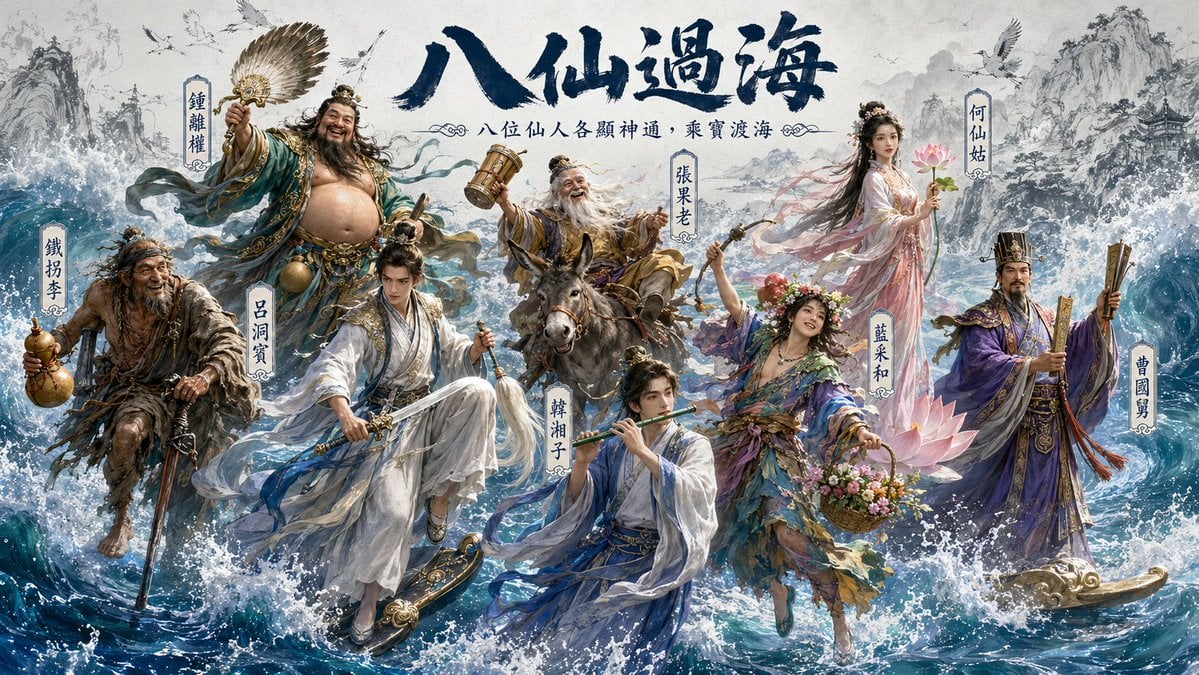
Hybrid CGI Ink-Wash Chinese Illustration
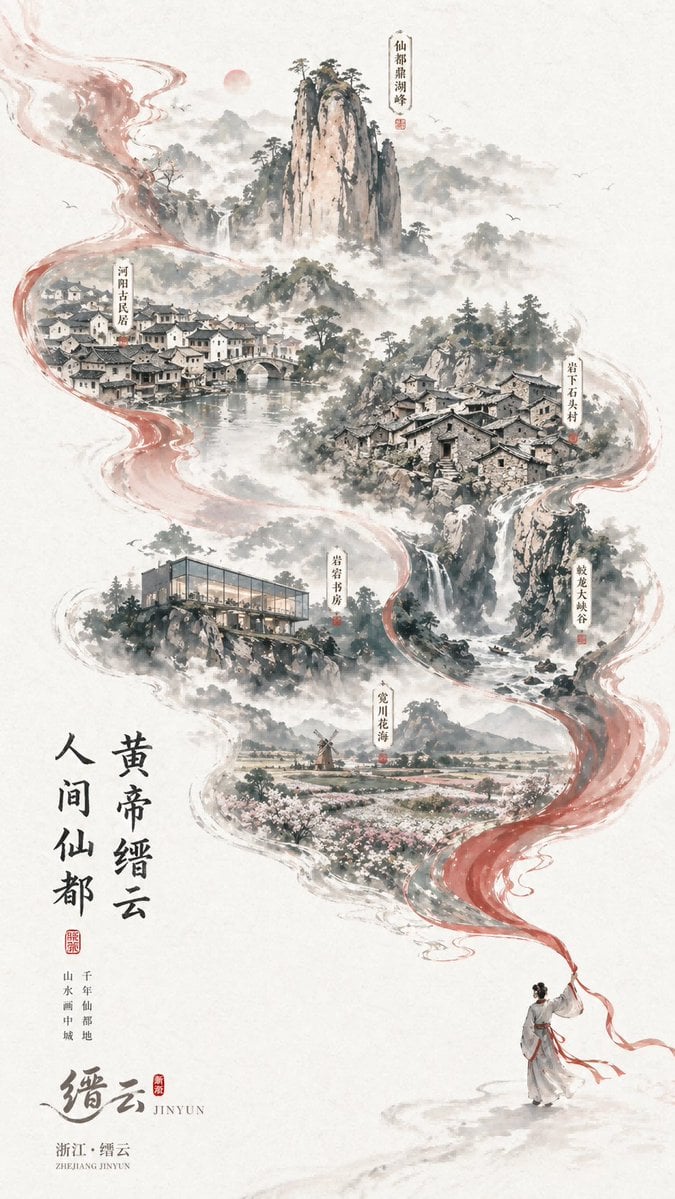
Chinese Ink-Wash Jinyun Travel Poster
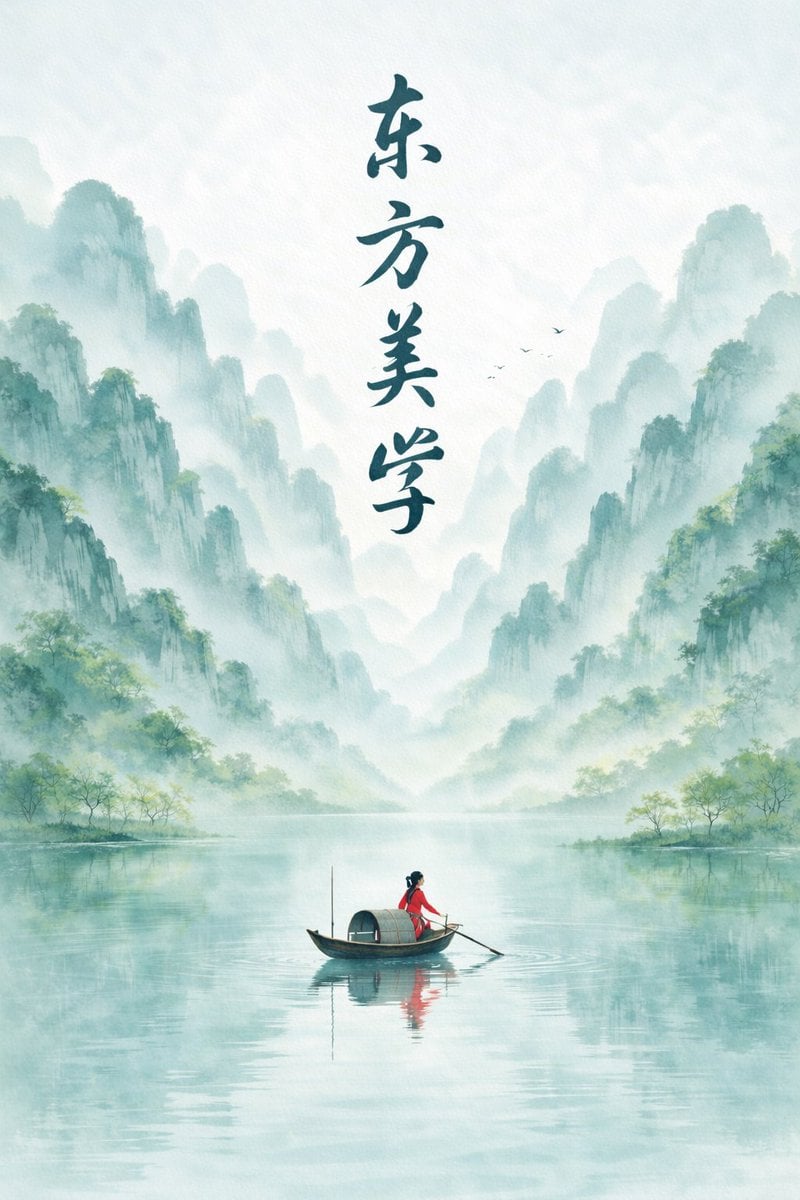
Minimalist Chinese Ink Wash Mist Painting
Make it yours
Lu Bu Ink Wash Warrior works as-is. These are the safest ways to change it without losing the look.
Change one field
Copy a single group, rewrite it, and generate again so you can see what that field is doing.
Keep the frame, change the subject
Hold the composition and light of Lu Bu Ink Wash Warrior, then swap wardrobe, props or the person for a new take.
| If the result… | Why | Fix |
|---|---|---|
| The result drifts from the preview | Too many fields changed at once. | Reuse Lu Bu Ink Wash Warrior as-is first, then change one group — subject, light, or setting. |
| The model over-stylizes the scene | The prose prompt leaves finish and camera underspecified. | Add one camera or lighting sentence and stay on GPT Image 2. |
More GPT Image 2 templates
Other prompts made for GPT Image 2.

Six VTuber Japanese Logo Sheet

Realistic Portrait of Woman and Deer

The Vista Modular Condo Poster

AI Model Routing Comparison Infographic

2.5D Anime Art Board

Isometric Productivity Desk Scene

New York Double Exposure Poster

Four-Panel AI Landscape Comparison

Japanese Tatami Lifestyle Magazine Cover

NESCAFÉ Coffee Map Poster
More image prompts
Fresh picks from across the catalog.
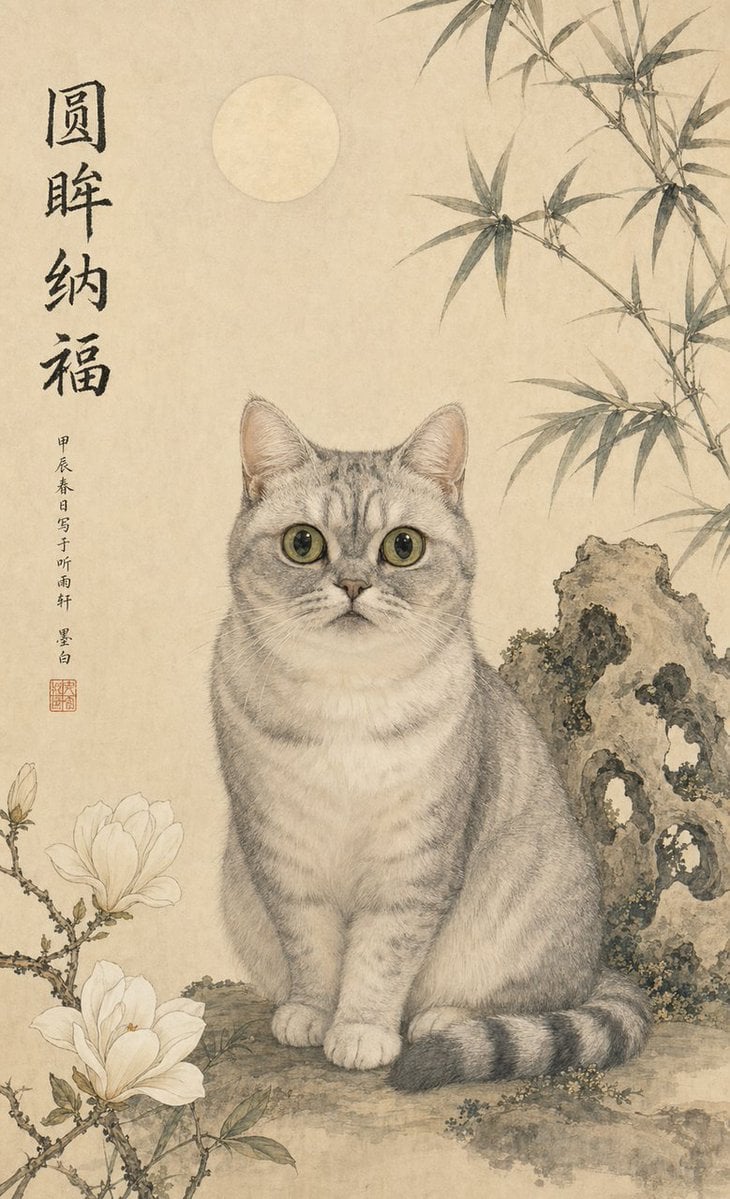
Classical Chinese Pet Portrait
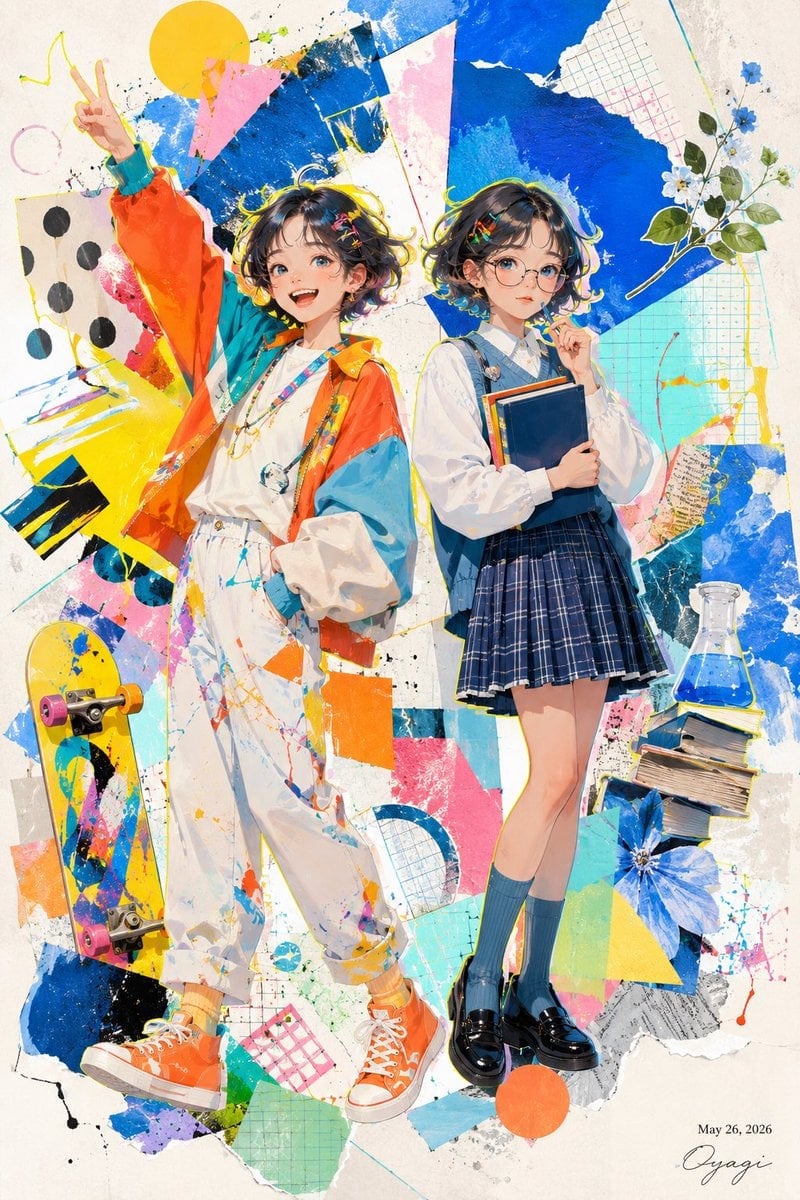
Colorful Anime Twin Poster
Simple Dialogue with Emojis for Affectionate Exchange
untitled
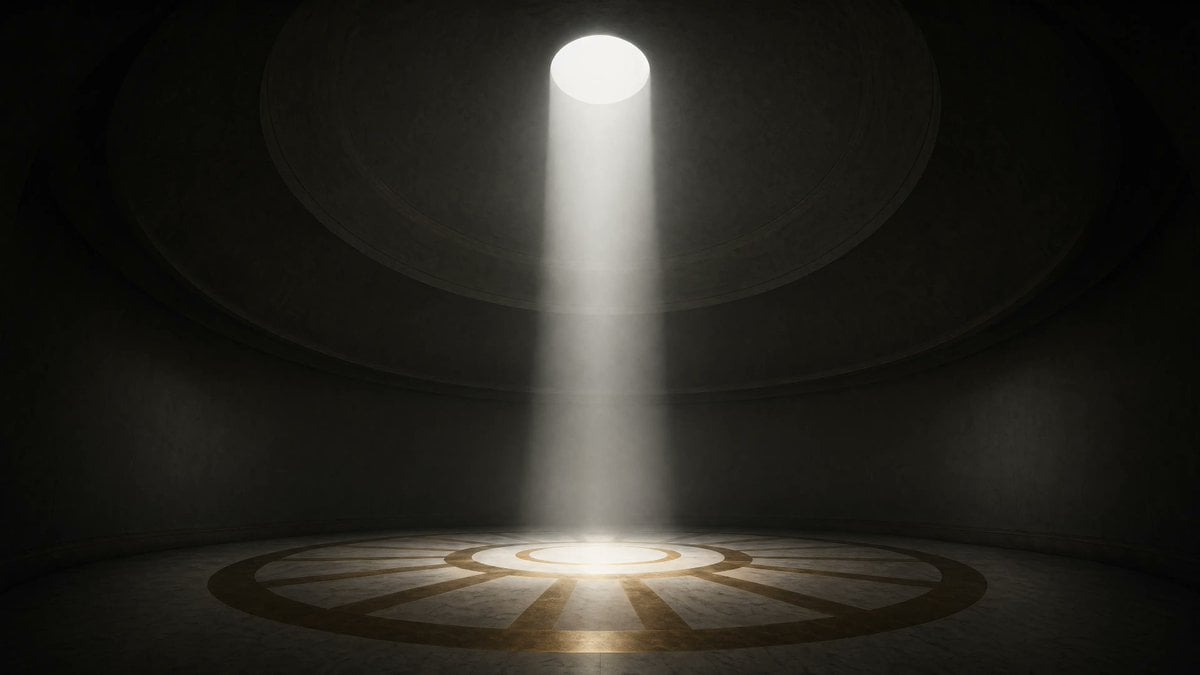
Cinematic Circular Chamber Spotlight
Seedance - Arrow Microscopic Battle
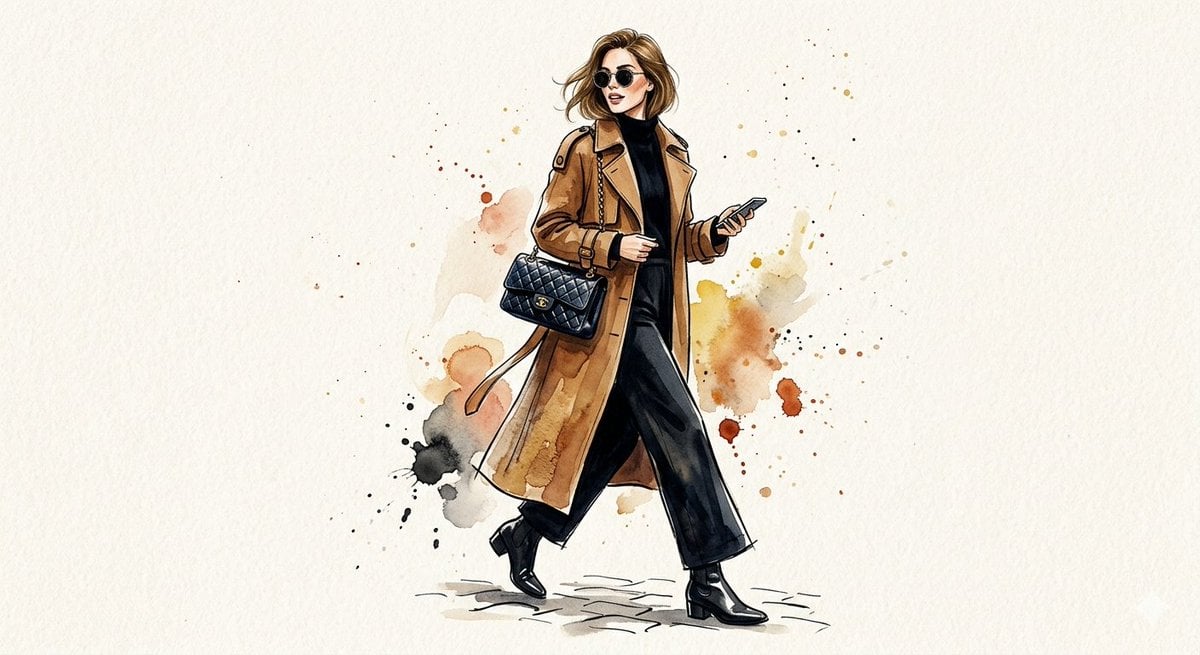
Watercolor Trench Coat Fashion Illustration
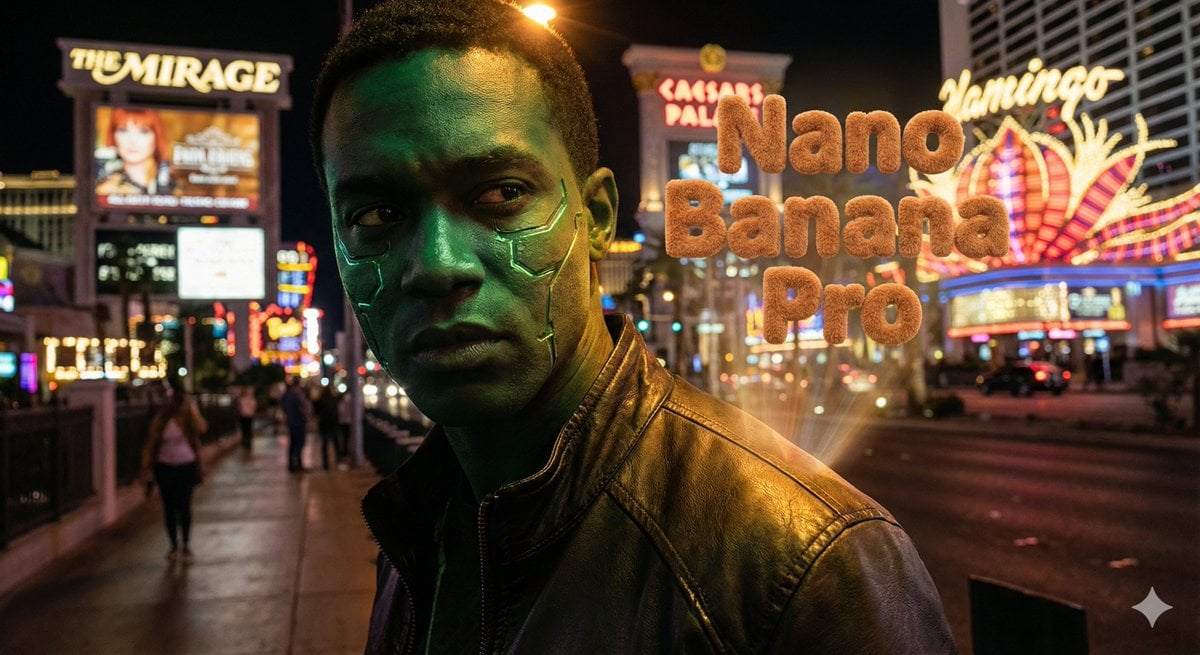
Hyper-realistic portrait with vibrant green skin on the Las Vegas Strip

Cinematic Portrait with Strict Identity Preservation
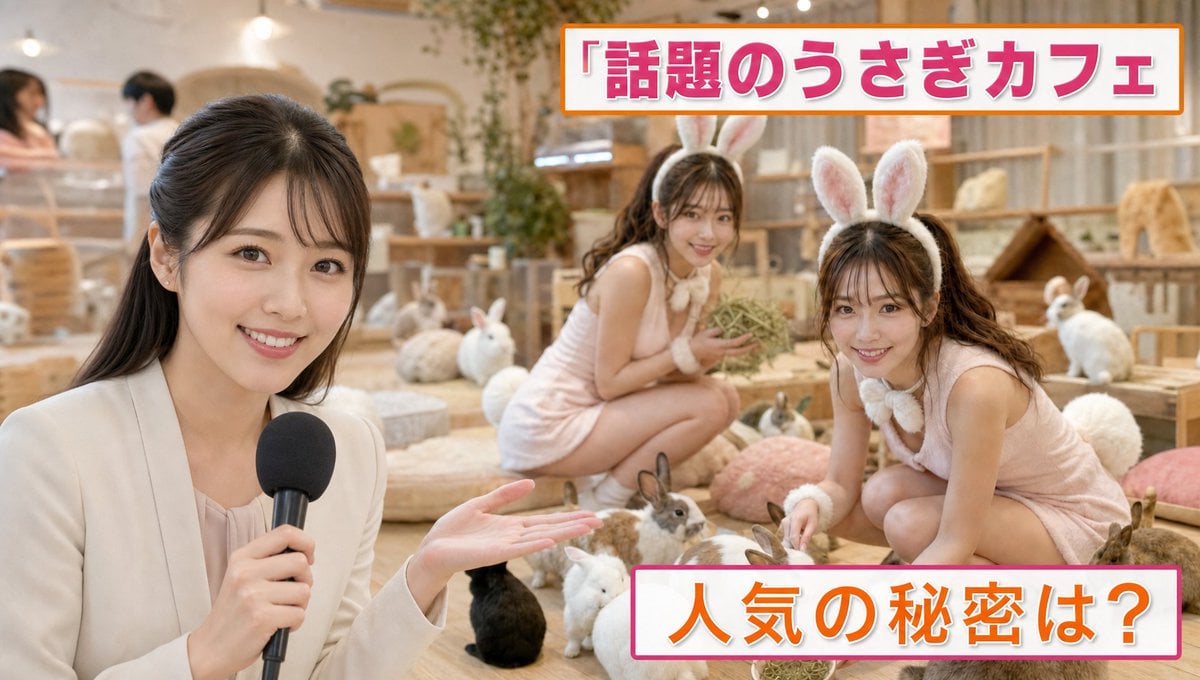
Japanese TV News Rabbit Cafe
Browse template categories
Lu Bu Ink Wash Warrior questions
How do I use the Lu Bu Ink Wash Warrior template?
Add your photo if the template asks for one, edit the prompt if you like — the template's model and format are already selected — and press Generate. Your version opens in PicX Studio.
Can I customize the Lu Bu Ink Wash Warrior template?
Yes. You can change the subject, setting, lighting, mood, format, and available model controls before creating your image.
Is the Lu Bu Ink Wash Warrior template free?
Opening and editing this template is free. Generating uses credits, shown on the Generate button when you are signed in.
Which AI model should I use?
Start with GPT Image 2, which is the model associated with this template. You can compare another compatible model for a different finish.
Looking for something else? Browse all templates.

Your photo, any look
Thousands of ready templates for every top image and video model, from one credit balance.